
Electronic Dictionary Instructions Open MS Power Point Save
- Slides: 13
Electronic Dictionary Instructions • Open MS Power. Point • Save your presentation to your 0365 Account in your class folder as: – Ch. ? Electronic Dictionary • Create your Electronic Dictionary – Next, create a Title Slide that states • Electronic Dictionary, Class Name & Your Name – Create a List of Words Slide – Create a slide for each vocabulary word • Define each word • Use each word in a sentence • Add an image that fits the vocabulary word. – Create a Resources Slide • When done save all of your changes. • Send the completed document in an email message to tellsworth@fillmorecsd. org as an attachment. – Subject line: IB - Ch. 1 Electronic Dictionary 1
Ch. 1 Electronic Dictionary Marketing Your Name 2
List of Ch. 1 Words • • • Bricks & mortar Dot. com E-commerce Economic utility Exchange • • Law of demand Law of supply Marketing concept 3
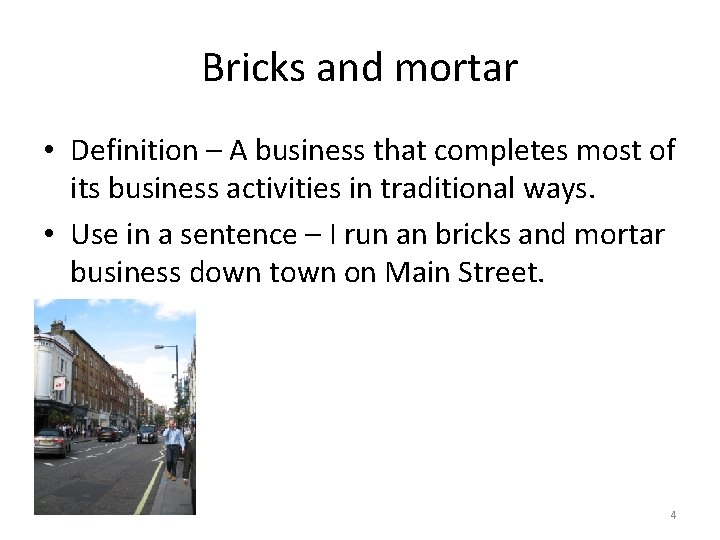
Bricks and mortar • Definition – A business that completes most of its business activities in traditional ways. • Use in a sentence – I run an bricks and mortar business down town on Main Street. 4
Dot. com • Definition – • Use in a sentence – • Add an image - 5
E-commerce • Definition – • Use in a sentence – • Add an image - 6
Economic utility • Definition – • Use in a sentence – • Add an image - 7
exchange • Definition – • Use in a sentence – • Add an image - 8
Law of demand • Definition – • Use in a sentence – • Add an image - 9
Law of supply • Definition – • Use in a sentence – • Add an image - 10
marketing • Definition – • Use in a sentence – • Add an image - 11
Marketing concept • Definition – • Use in a sentence – • Add an image - 12
Resources • Introduction to Marketing • MS Power Point Online Images • Google Images 13