
Electronic Accessibility What You Need to Know David
Electronic Accessibility: What You Need to Know David Engebretson Carly Gerard Web Communication Technologies
Accessible Design • Everyone benefits • Western is dedicated to inclusion and diversity – Mission statement • Legal support
Relevant Laws and Policies • Sections 504/508 of the Rehabilitation Act – Equal access through accommodation and/or accessible programs • Americans with Disabilities Act (ADA) – Prohibits discrimination based on disability • Federal/state agencies, transportation, facilities, employment • Washington State Policy 188 – OCIO policy regarding accessible EIT in higher education
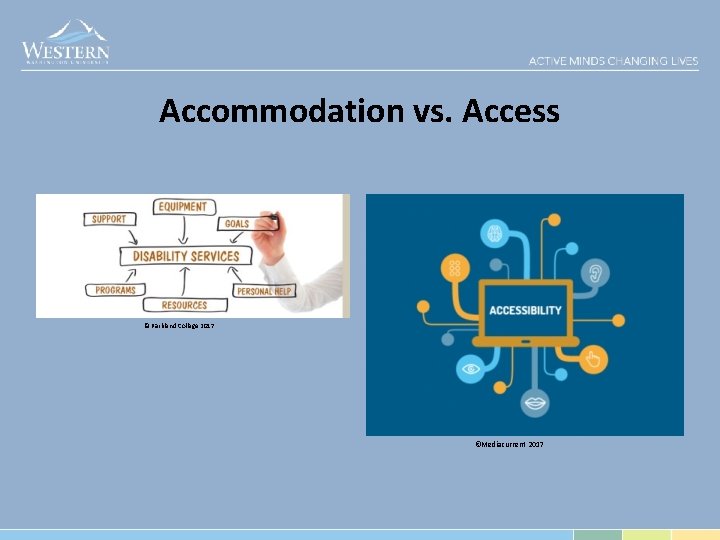
Accommodation vs. Access © Parkland College 2017 ©Mediacurrent 2017
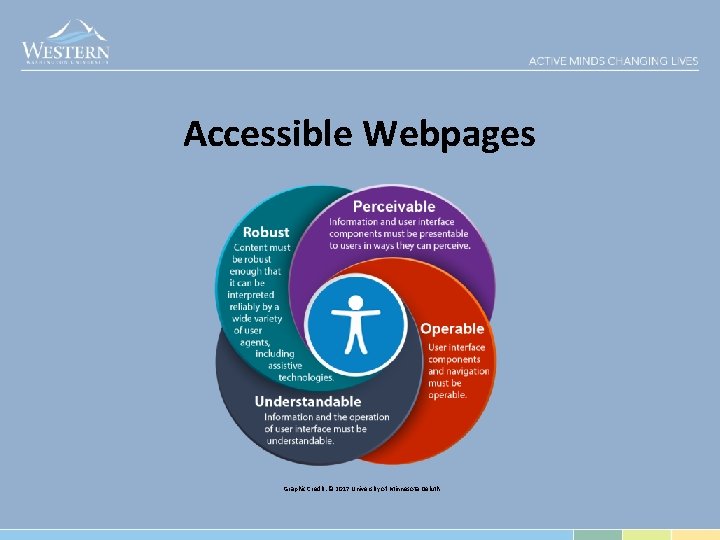
Accessible Webpages Graphic Credit: © 2017 University of Minnesota Deluth

Accessible HTML • Use proper heading structure <h 1>Title of Content</h 1> <h 2>Section Title</h 2> <h 3>Subsection Title</h 3> <h 2>Section Title</h 2> • Provide alt text for meaningful graphics <img src=“. . /img_example. png” alt=“short succinct alt text describing image”>
Accessibility HTML (continued) • Create lists and format Ordered List: <ol></ol> Unordered List: <ul></ul> List items: <li></li> • Add meaningful hyperlink text to URLs – https: //support. office. com/en-us/article/What-s-new-inaccessibility-for-Word-69 aed 572 -336 e-4722 -a 97 e 23393 cc 481 b 2? ui=en-US&rs=en-US&ad=US… – or Office Support: What’s New in Accessibility for Word?
Accessible Documents Office (Word, Power. Point, Excel), PDF, Canvas
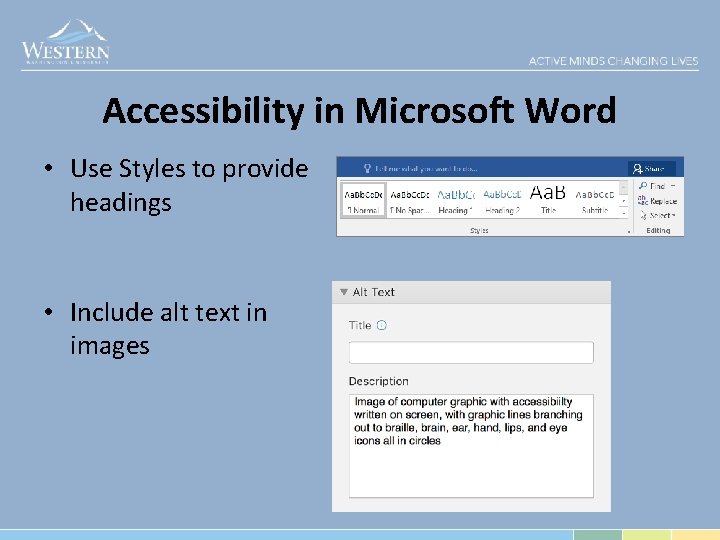
Accessibility in Microsoft Word • Use Styles to provide headings • Include alt text in images
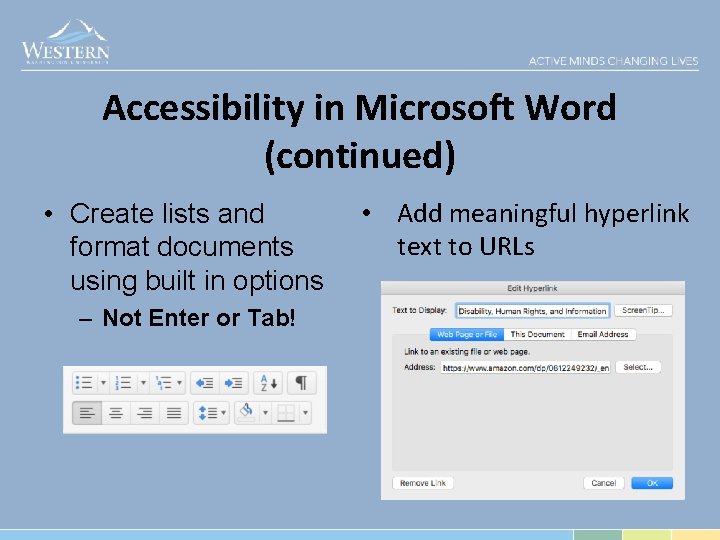
Accessibility in Microsoft Word (continued) • Create lists and format documents using built in options – Not Enter or Tab! • Add meaningful hyperlink text to URLs
Accessible Media Video, Power. Point Recordings, Podcasts
Accessibility in You. Tube • Add and edit captions – Not automated captions! • Transcript Dialog – Example: Benefits, Western Human Resources • Captioning Services – 3 Play. Media • Audio Descriptions – You. Describe
Tips for Improving Accessibility • Get into practice of using accessibility checkers, when possible – Wave from Web. AIM (Chrome/Firefox) – Site. Improve extension (Chrome) • Work together to improve accessibility – Explain what you have learned to coworkers
Tips for Improving Accessibility (continued) • Find quality captioned material, when possible • Focus on improving in one area at first, gradually adding more techniques – Small improvements can make a big difference
Contact Us! David Engebretson, Digital Technologies Accessibility Coordinator Carly Gerard, Web Accessibility Developer Phone: x 7755 David. Engebretson 2@ wwu. edu Phone: x 3944 Carly. Gerard@wwu. ed u
Summary • Accessibility provides equal access, increases productivity, and saves resources (time and energy) for everyone • Federal and State law mandates accessibility, Western does what is necessary to be inclusive of our diverse population of life long learners. • Creating accessible materials is the right thing to do to support our mission at Western.
- Slides: 16