
ELEC 4601 Microprocessor Systems Lab 5 Tutorial Introduction
ELEC 4601 Microprocessor Systems Lab 5 Tutorial Introduction to PIC Board
No more MASM n Lab 5 ¡ Introduction to MPLAB IDE n n Create a new project Compile a project Transfer the program to the board This lab will have 3 parts. They will involve polling timers and setting up interrupts.

PIC Board
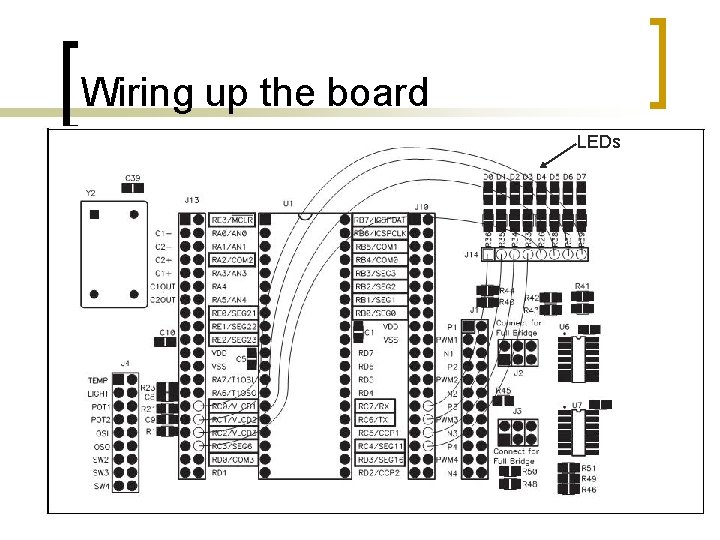
Wiring up the board LEDs
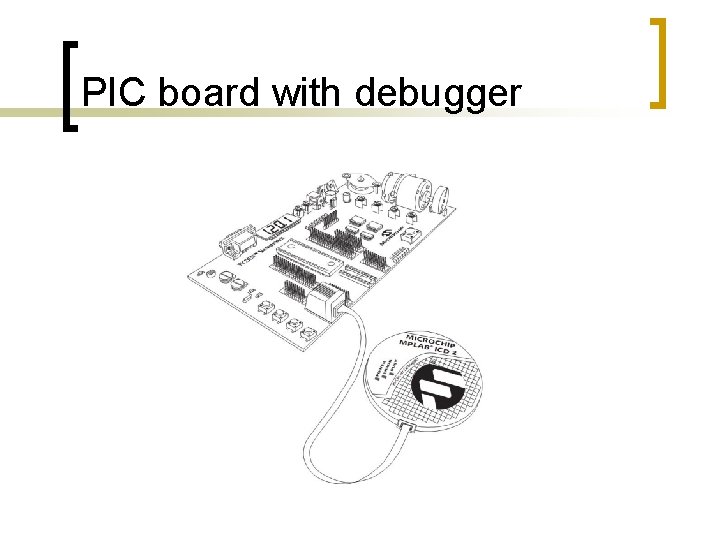
PIC board with debugger
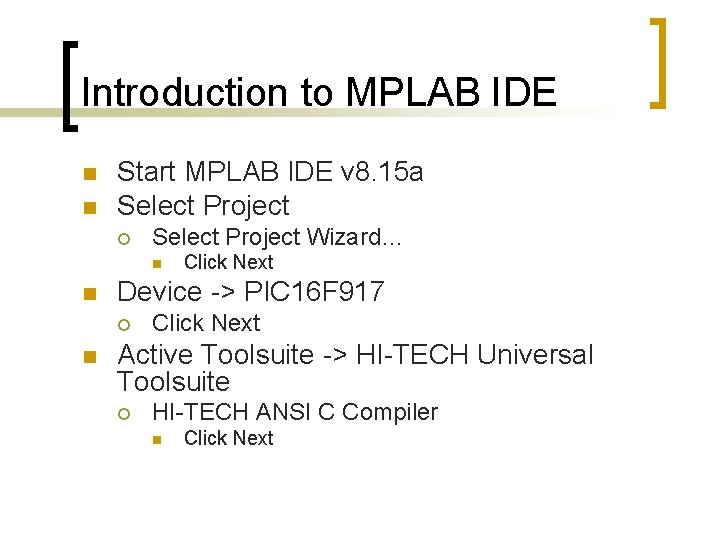
Introduction to MPLAB IDE n n Start MPLAB IDE v 8. 15 a Select Project ¡ Select Project Wizard… n n Device -> PIC 16 F 917 ¡ n Click Next Active Toolsuite -> HI-TECH Universal Toolsuite ¡ HI-TECH ANSI C Compiler n Click Next
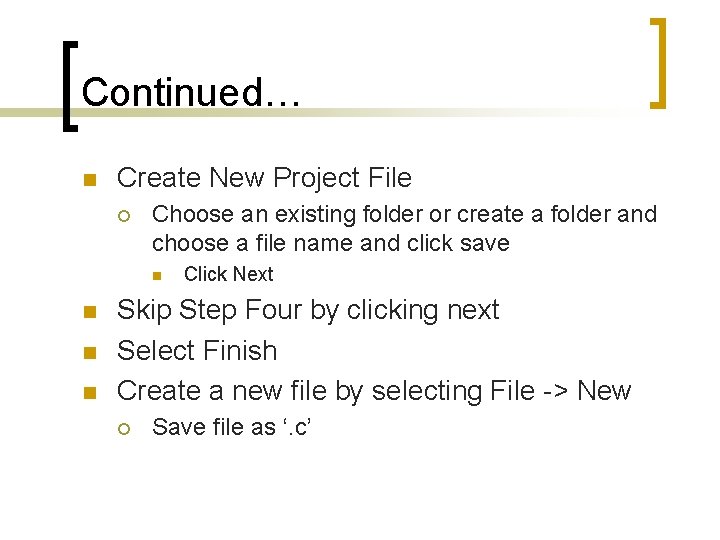
Continued… n Create New Project File ¡ Choose an existing folder or create a folder and choose a file name and click save n n Click Next Skip Step Four by clicking next Select Finish Create a new file by selecting File -> New ¡ Save file as ‘. c’
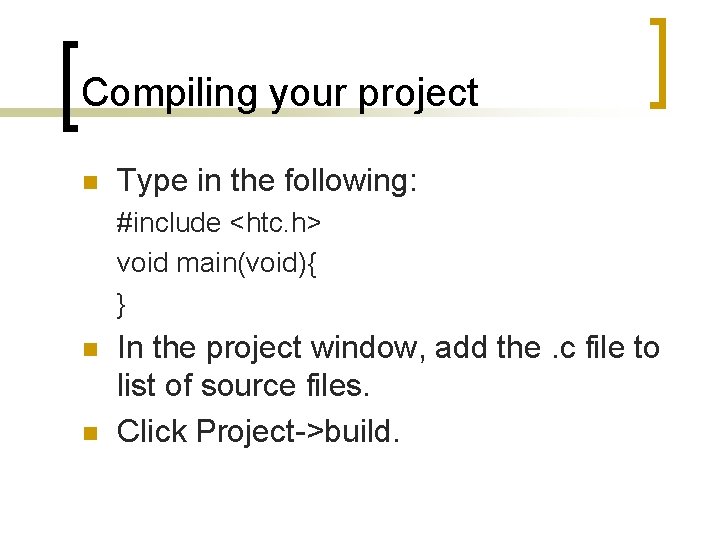
Compiling your project n Type in the following: #include <htc. h> void main(void){ } n n In the project window, add the. c file to list of source files. Click Project->build.
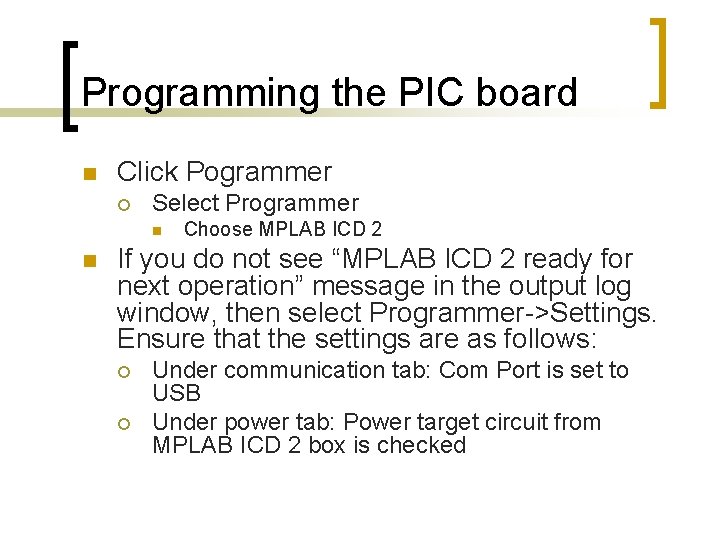
Programming the PIC board n Click Pogrammer ¡ Select Programmer n n Choose MPLAB ICD 2 If you do not see “MPLAB ICD 2 ready for next operation” message in the output log window, then select Programmer->Settings. Ensure that the settings are as follows: ¡ ¡ Under communication tab: Com Port is set to USB Under power tab: Power target circuit from MPLAB ICD 2 box is checked

Continued… n Select Program ¡ Click Program
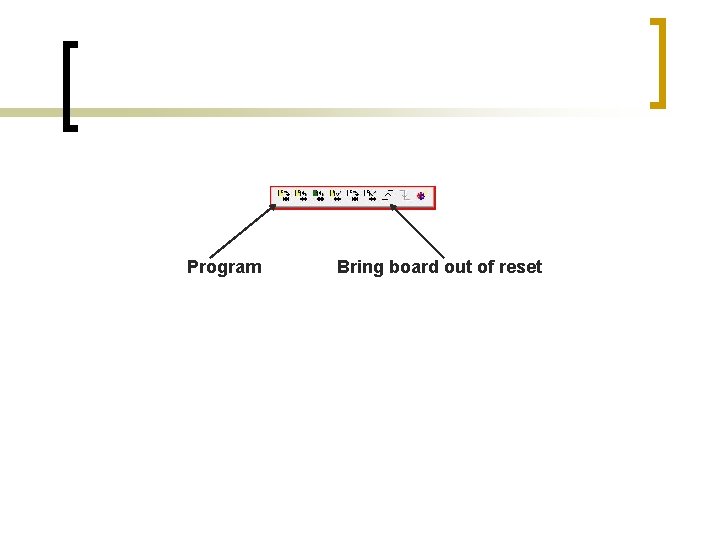
Program Bring board out of reset
Register Access n n n Table 2 -1 to Table 2 -4 outline the register map for PIC processor. They can be accessed by simply assigning them a value. The following statement will clear Timer 0 TMR 0 = 0 x 00;
- Slides: 12