
EIT Author Gay Robertson 2021 Why use different

© EIT, Author Gay Robertson, 2021
Why use different applications? • Word is used to produce documents which contain text • Excel is used to produce worksheets and charts • • • based on numbers and calculations Access is used to store facts as tables or queries and produce these facts as reports Publisher is used to produce newsletters etc Front. Page is used for Web pages Power. Point is used to produce electronic presentations Corel. Draw is used to produce graphic art work MYOB is used to store accounting data for an organisation
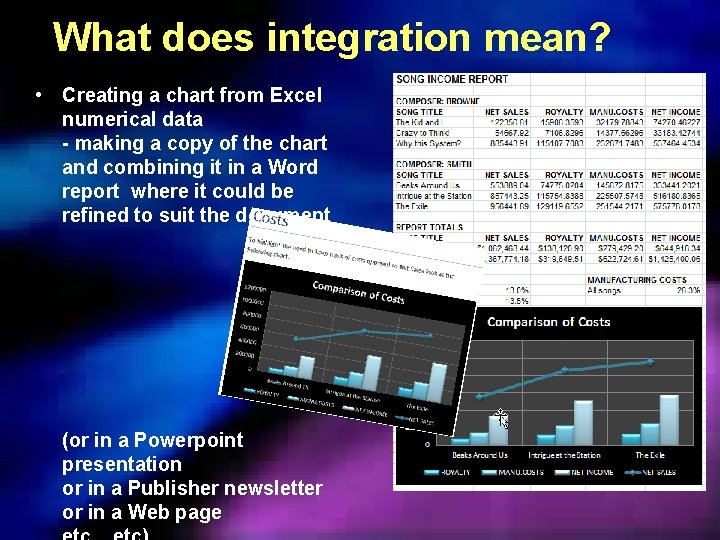
What does integration mean? • Creating a chart from Excel numerical data - making a copy of the chart and combining it in a Word report where it could be refined to suit the document (or in a Powerpoint presentation or in a Publisher newsletter or in a Web page
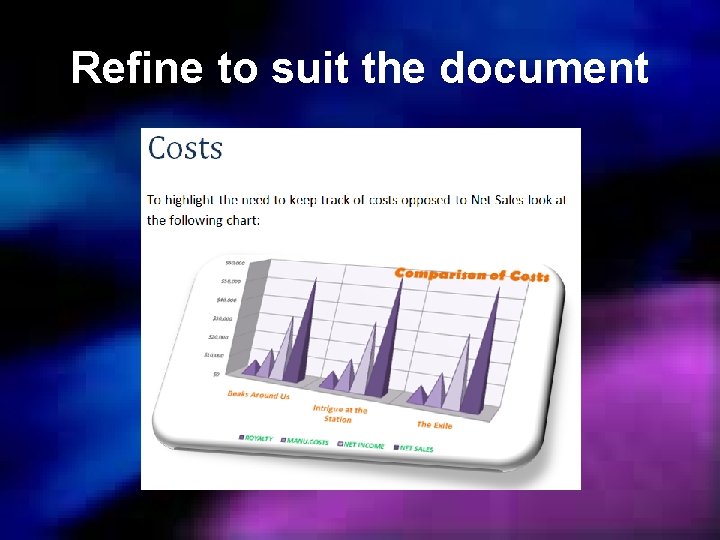
Refine to suit the document
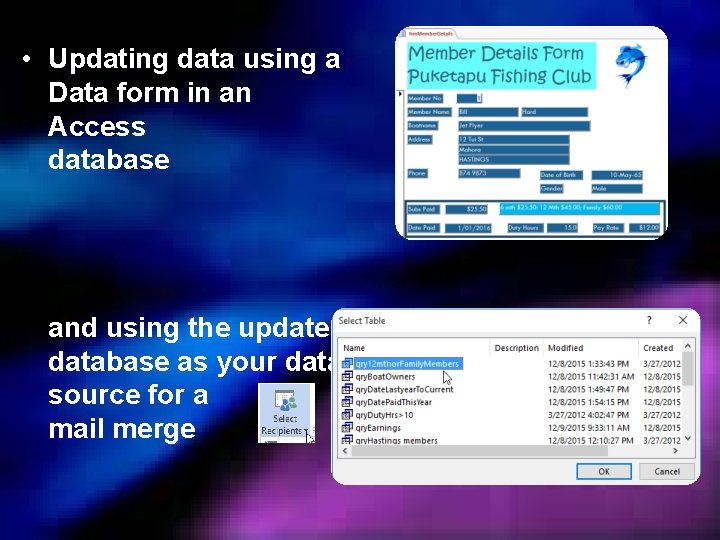
• Updating data using a Data form in an Access database and using the updated database as your data source for a mail merge
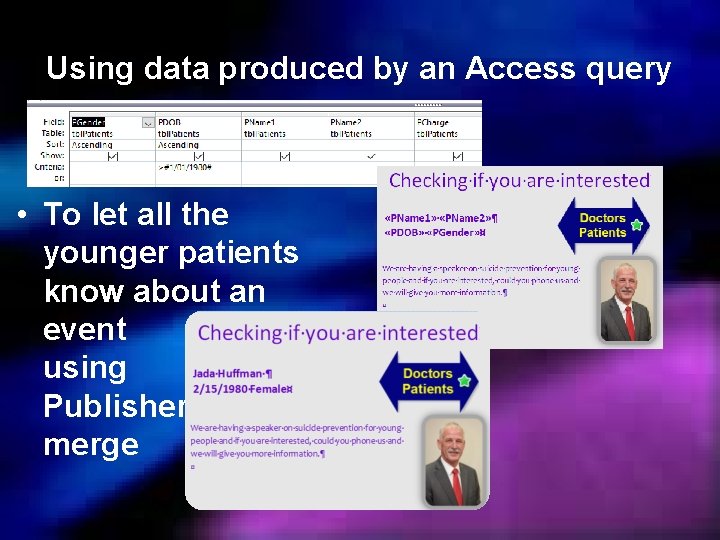
Using data produced by an Access query • To let all the younger patients know about an event using Publisher merge
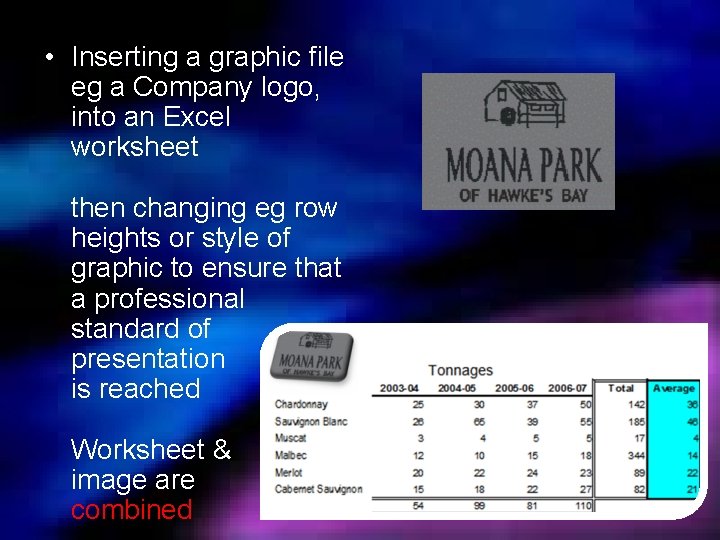
• Inserting a graphic file eg a Company logo, into an Excel worksheet then changing eg row heights or style of graphic to ensure that a professional standard of presentation is reached Worksheet & image are combined
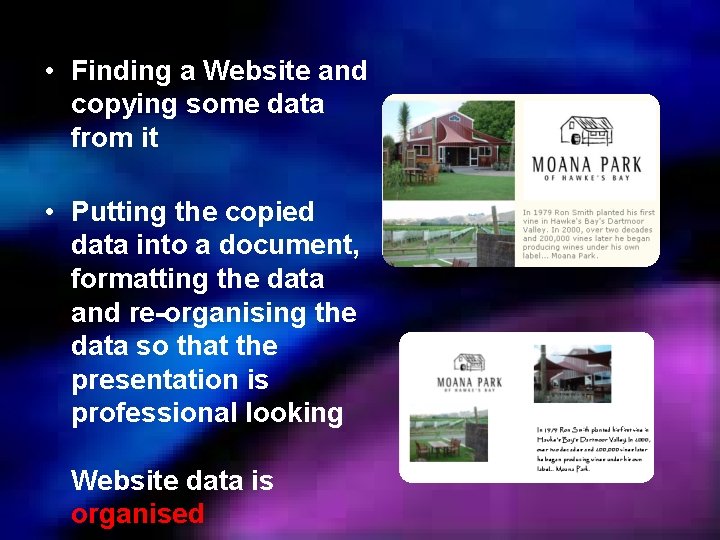
• Finding a Website and copying some data from it • Putting the copied data into a document, formatting the data and re-organising the data so that the presentation is professional looking Website data is organised
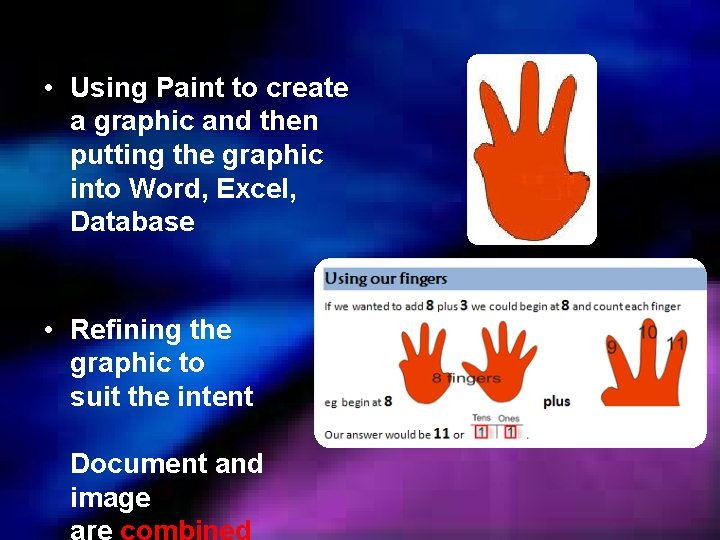
• Using Paint to create a graphic and then putting the graphic into Word, Excel, Database • Refining the graphic to suit the intent Document and image
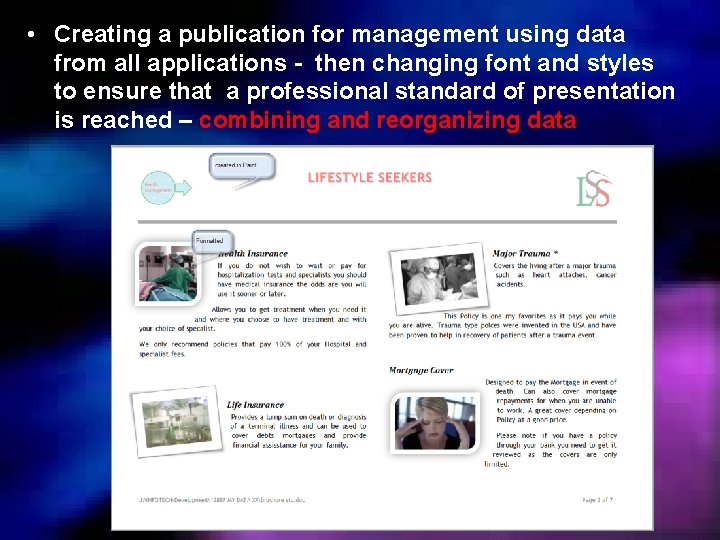
• Creating a publication for management using data from all applications - then changing font and styles to ensure that a professional standard of presentation is reached – combining and reorganizing data
• Integration is the combining or sharing of data created in different applications without the need to re-enter it • It is the combining or sharing of parts into a whole eg combining a Graphic created in Paint, a Word document, an Excel spreadsheet and data from an Access database • If it exists, then it can be integrated, combined, reorganized to meet specified requirements
• There is always a ‘source’ document which contains the original information • There is also a ‘target’ or ‘destination’ document which will display the data from the ‘source’ document with some editing eg changed, re-organised, reformatted, revised
• Generally the word processed document will be the ‘target’ document or ‘destination’ document and the ‘source’ documents will be the image or spreadsheet or database
Linking copied data • Note: if linking a chart you must use Paste Special, NOT the Paste options • A link is formed between the source document (eg Excel, Access) and the target document (eg Word) • The link will allow you to edit the source document from within the target document BUT if you want the editing saved, remember to save the changes in the SOURCE document • The link will allow you to edit the source document directly and when you open the target document, you will be asked if you want to update the links
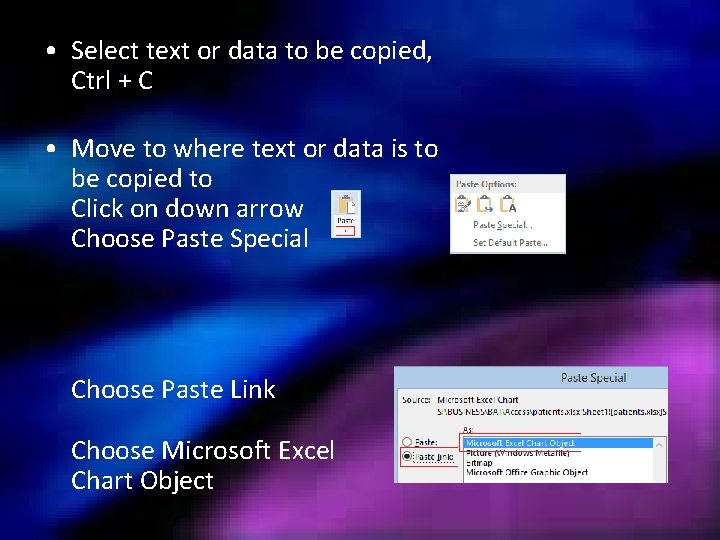
• Select text or data to be copied, Ctrl + C • Move to where text or data is to be copied to Click on down arrow Choose Paste Special Choose Paste Link Choose Microsoft Excel Chart Object
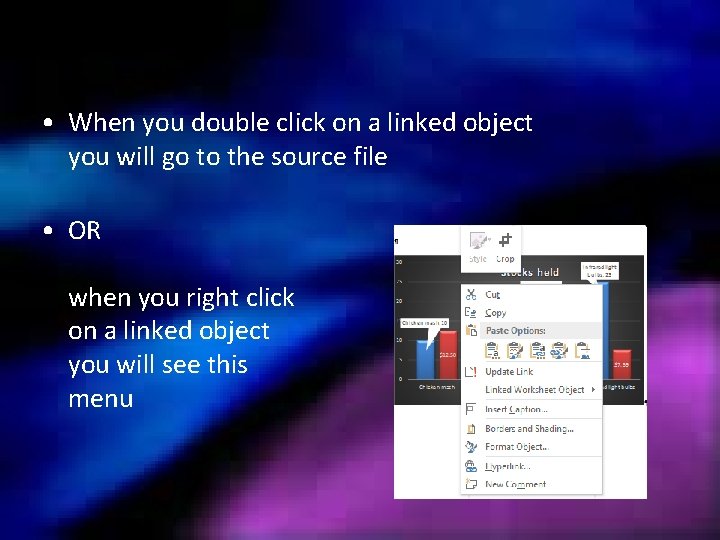
• When you double click on a linked object you will go to the source file • OR when you right click on a linked object you will see this menu
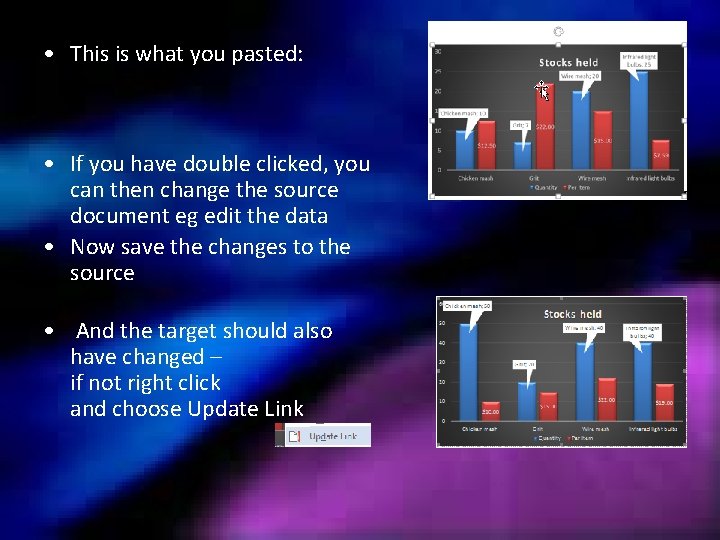
• This is what you pasted: • If you have double clicked, you can then change the source document eg edit the data • Now save the changes to the source • And the target should also have changed – if not right click and choose Update Link

Okay, let’s go use the workbook You could also look at this video Simon Sez IT on importing data to Access 2016 Run time 15 mins https: //www. youtube. com/embed/Dwl 7 AXz. Hsq. U
- Slides: 18