
Efficient Storage Management Tools in R 2 Georgi


- Slides: 36
Efficient Storage Management Tools in R 2 Georgi Matev Program Manager Microsoft Corporation georgim@microsoft. com
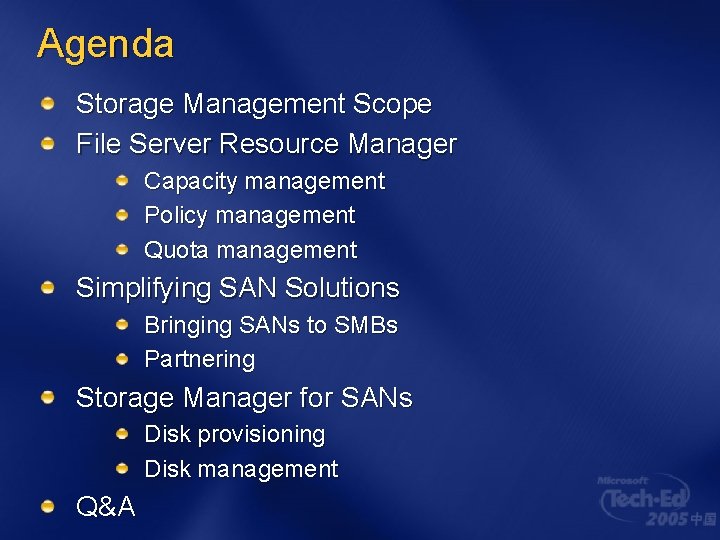
Agenda Storage Management Scope File Server Resource Manager Capacity management Policy management Quota management Simplifying SAN Solutions Bringing SANs to SMBs Partnering Storage Manager for SANs Disk provisioning Disk management Q&A
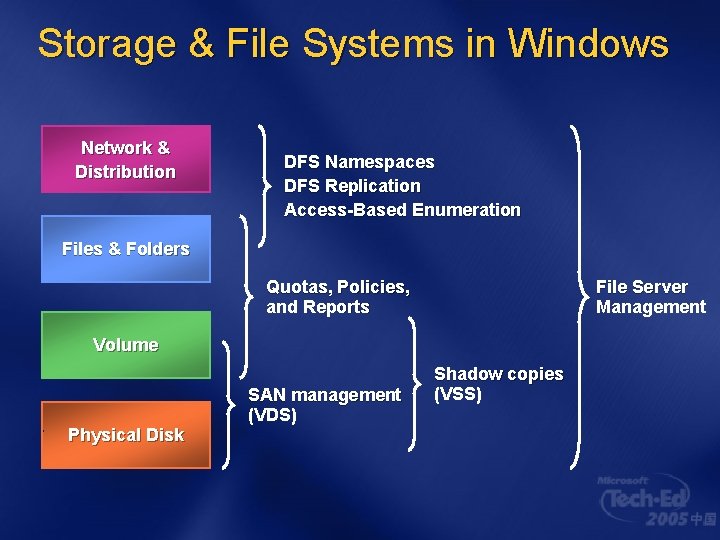
Storage & File Systems in Windows Network & Distribution DFS Namespaces DFS Replication Access-Based Enumeration Files & Folders Quotas, Policies, and Reports File Server Management Volume Physical Disk SAN management (VDS) Shadow copies (VSS)
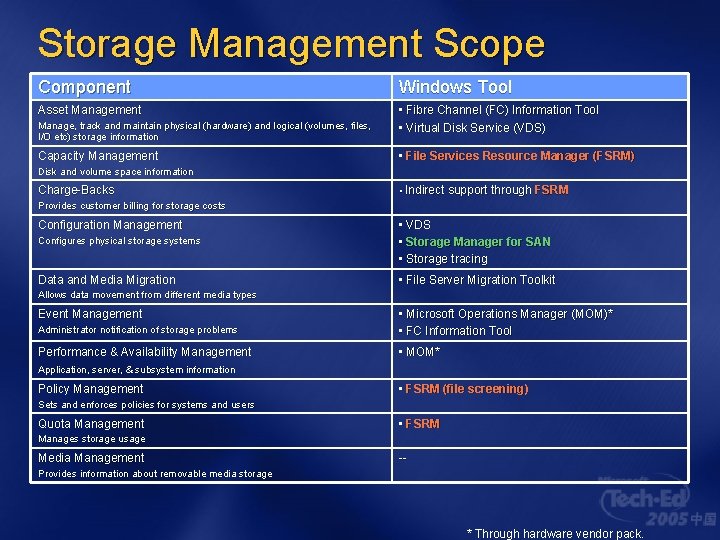
Storage Management Scope Component Windows Tool Asset Management • Fibre Channel (FC) Information Tool • Virtual Disk Service (VDS) Manage, track and maintain physical (hardware) and logical (volumes, files, I/O etc) storage information Capacity Management • File Services Resource Manager (FSRM) Disk and volume space information Charge-Backs • Indirect support through FSRM Provides customer billing for storage costs Configuration Management Configures physical storage systems • VDS • Storage Manager for SAN • Storage tracing Data and Media Migration • File Server Migration Toolkit Allows data movement from different media types Event Management Administrator notification of storage problems • Microsoft Operations Manager (MOM)* • FC Information Tool Performance & Availability Management • MOM* Application, server, & subsystem information Policy Management • FSRM (file screening) Sets and enforces policies for systems and users Quota Management • FSRM Manages storage usage Media Management -- Provides information about removable media storage * Through hardware vendor pack.
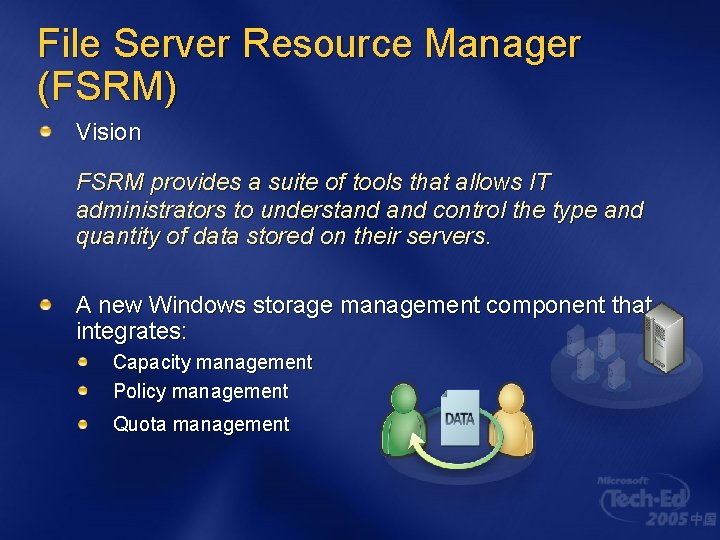
File Server Resource Manager (FSRM) Vision FSRM provides a suite of tools that allows IT administrators to understand control the type and quantity of data stored on their servers. A new Windows storage management component that integrates: Capacity management Policy management Quota management
FSRM: Capacity Management Administrator Challenges Determining existing storage capacity usage across the organization Determining whether usage effectively supports organizational goals Defining and implementing storage policies Adjusting the policies as capacity needs grow and as organization needs change
FSRM: Capacity Management User Scenarios and Benefits Identify where storage capacity is used inefficiently Identify mechanisms to prevent future capacity misuse Monitor usage patterns and utilization levels
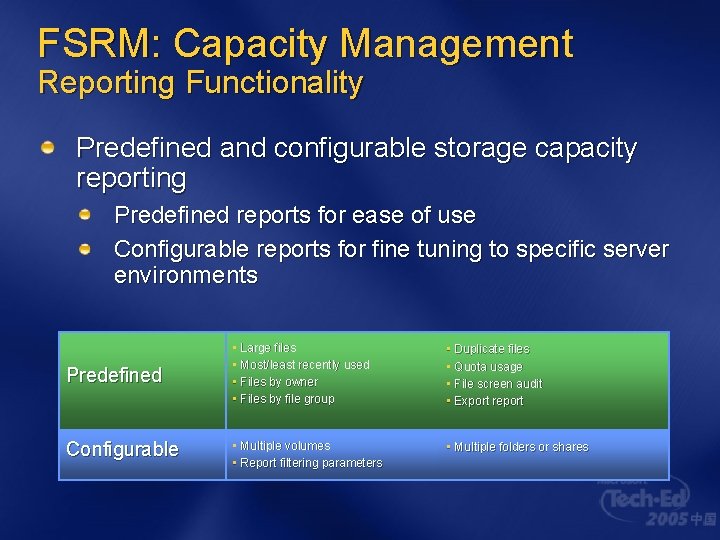
FSRM: Capacity Management Reporting Functionality Predefined and configurable storage capacity reporting Predefined reports for ease of use Configurable reports for fine tuning to specific server environments Predefined • Large files • Most/least recently used • Files by owner • Files by file group • Duplicate files • Quota usage • File screen audit • Export report Configurable • Multiple volumes • Report filtering parameters • Multiple folders or shares
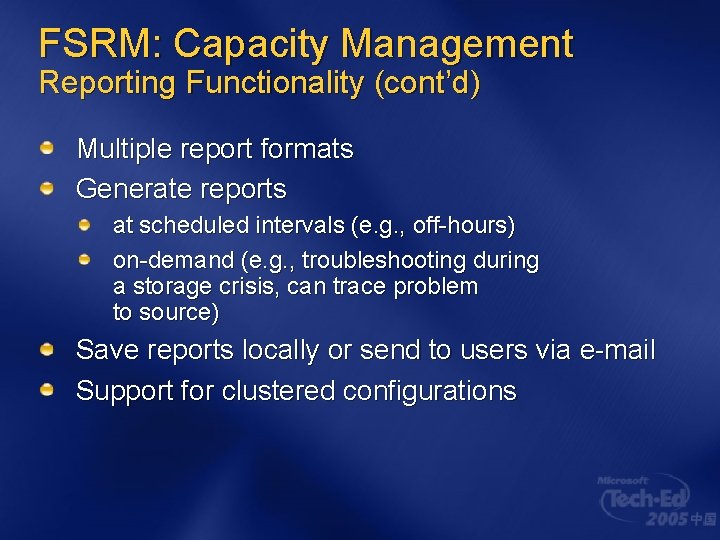
FSRM: Capacity Management Reporting Functionality (cont’d) Multiple report formats Generate reports at scheduled intervals (e. g. , off-hours) on-demand (e. g. , troubleshooting during a storage crisis, can trace problem to source) Save reports locally or send to users via e-mail Support for clustered configurations
FSRM: Reporting
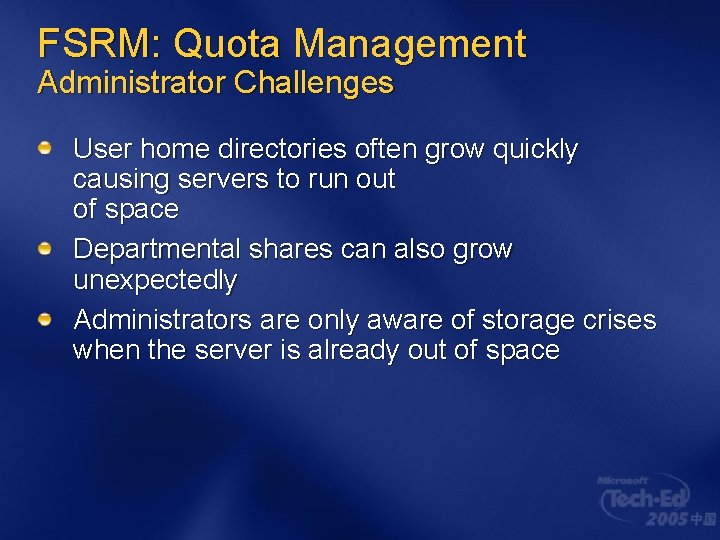
FSRM: Quota Management Administrator Challenges User home directories often grow quickly causing servers to run out of space Departmental shares can also grow unexpectedly Administrators are only aware of storage crises when the server is already out of space
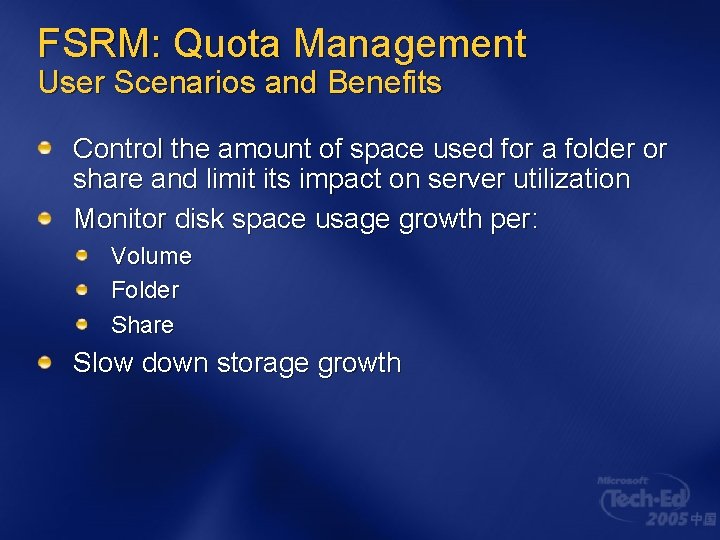
FSRM: Quota Management User Scenarios and Benefits Control the amount of space used for a folder or share and limit its impact on server utilization Monitor disk space usage growth per: Volume Folder Share Slow down storage growth
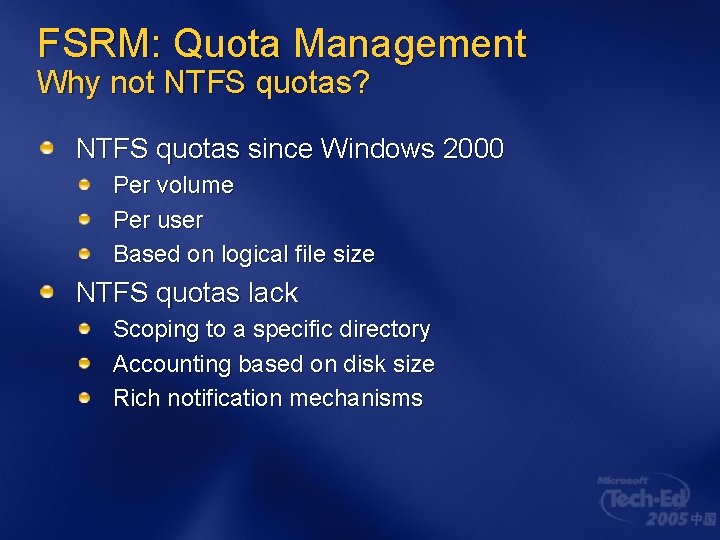
FSRM: Quota Management Why not NTFS quotas? NTFS quotas since Windows 2000 Per volume Per user Based on logical file size NTFS quotas lack Scoping to a specific directory Accounting based on disk size Rich notification mechanisms
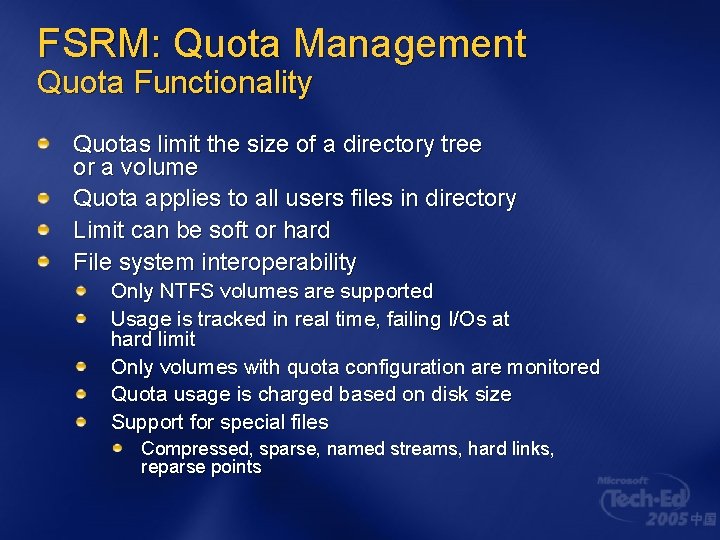
FSRM: Quota Management Quota Functionality Quotas limit the size of a directory tree or a volume Quota applies to all users files in directory Limit can be soft or hard File system interoperability Only NTFS volumes are supported Usage is tracked in real time, failing I/Os at hard limit Only volumes with quota configuration are monitored Quota usage is charged based on disk size Support for special files Compressed, sparse, named streams, hard links, reparse points
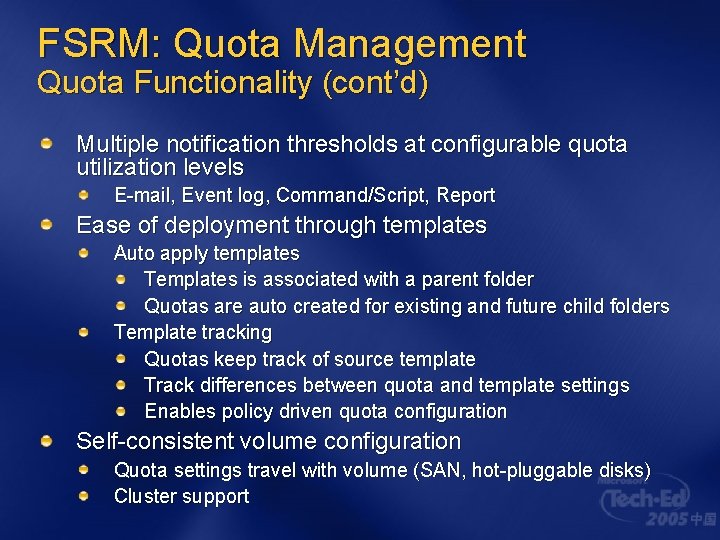
FSRM: Quota Management Quota Functionality (cont’d) Multiple notification thresholds at configurable quota utilization levels E-mail, Event log, Command/Script, Report Ease of deployment through templates Auto apply templates Templates is associated with a parent folder Quotas are auto created for existing and future child folders Template tracking Quotas keep track of source template Track differences between quota and template settings Enables policy driven quota configuration Self-consistent volume configuration Quota settings travel with volume (SAN, hot-pluggable disks) Cluster support
FSRM: Quotas
FSRM: Policy Management Administrator Challenges No easy way to control the type of data stored on file servers Unwanted content must be identified manually
FSRM: Policy Management User Scenarios and Benefits Eliminate non-business files and improve storage utilization while reducing management costs Implement policies to restrict unauthorized files in order to limit legal exposure Promote a culture of accountability
FSRM: Policy Management File Screen Functionality Applies to a folder tree or volume Screening rules: Based on file groups Apply to all user files in the folder File screening settings can be saved in template Passive and active screening supported Screening events recorded in audit log Same set of notification as quotas
FSRM: Policy Management File Screen Functionality (cont’d) File system interoperability Only NTFS volumes are supported Usage is tracked in real time Only volumes with screening configuration are monitored Screening is based on file name patterns (*. mp 3, FY 04*) Self-consistent volume configuration Cluster support
FSRM: Policy Management File screen exceptions for fine-tuning Screening configurations can be nested Semantics similar to ACL permissions (subfolders inherit policies) File screen exceptions Explicitly allow files which match a set of file groups to be stored in a folder tree Usually configured on a subfolder under a more restrictive screening policy No notifications are raised when a file matches an allowed file group
FSRM: File Screening
SMf. S: SAN Provisioning Administrator challenges Small-midsize market want SAN benefits, but: Existing tools are complex and expensive Sophisticated performance monitoring not required in the SMB market (usually only 10 -15 servers) Hardware support for tens of thousands of storage devices unnecessary Administrators have limited experience with SAN technologies Want basic functionality enabling the administrator to easily share storage among servers
Simplifying SAN Solutions Bringing SANs to SMBs Storage area networks (SANs) provide many benefits, including centralized, shared storage SAN adoption in SMBs has been low because of complexity, expense, and poor solution component interoperability
Simplifying SAN Solutions Bringing SANs to SMBs (cont’d) Microsoft is committed to helping to bring SANs to a wider range of customers through a number of approaches, including: i. SCSI SANs Enable SAN solutions by using existing IP infrastructure and knowledge base VDS Integration Partner applications are using the VDS framework for both i. SCSI and Fibre Channel simplified SAN solutions Simple SANs
Simplifying SAN Solutions i. SCSI & Fibre Channel partnering Working with i. SCSI and Fibre Channel vendors in all storage categories Building solutions that integrate with VDS, VSS, MPIO, i. SCSI, Storport Developing management applications that make deployment simple and easy
Storage Manager for SANs (SMf. S) A SAN application: Storage resource provisioning Disk configuration
SMf. S: SAN Provisioning User scenarios and benefits Offers “just the basics” SAN management functionality, including: Device discovery LUN creation Storage allocation Enables Shared storage solutions Clustering
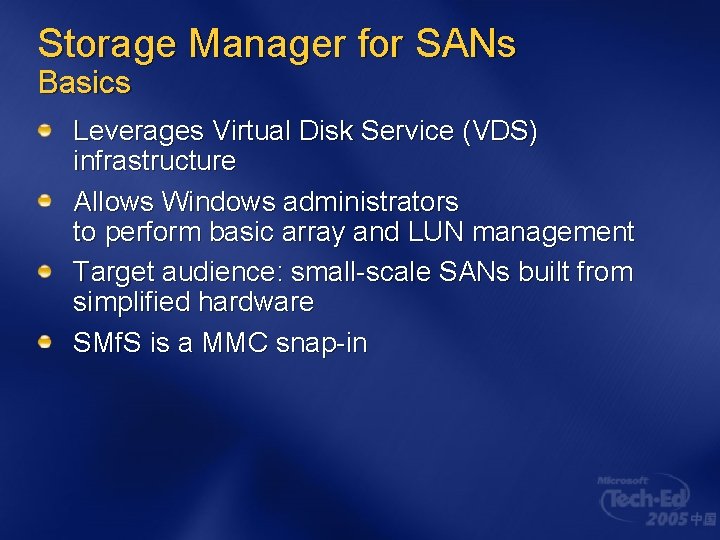
Storage Manager for SANs Basics Leverages Virtual Disk Service (VDS) infrastructure Allows Windows administrators to perform basic array and LUN management Target audience: small-scale SANs built from simplified hardware SMf. S is a MMC snap-in
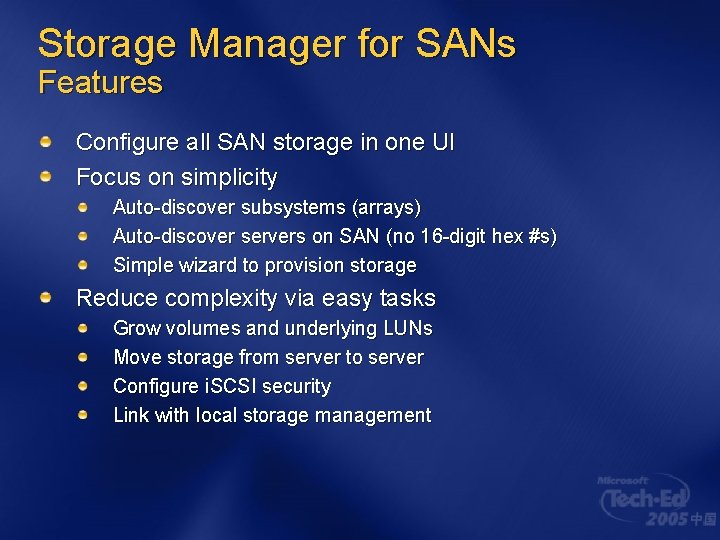
Storage Manager for SANs Features Configure all SAN storage in one UI Focus on simplicity Auto-discover subsystems (arrays) Auto-discover servers on SAN (no 16 -digit hex #s) Simple wizard to provision storage Reduce complexity via easy tasks Grow volumes and underlying LUNs Move storage from server to server Configure i. SCSI security Link with local storage management
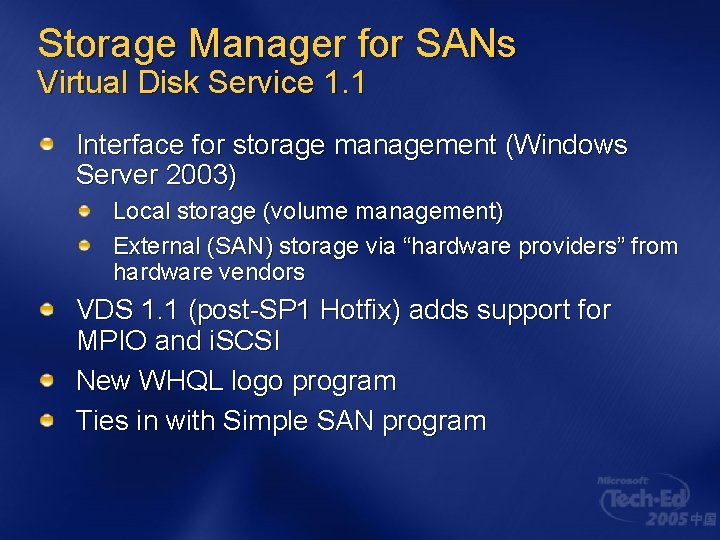
Storage Manager for SANs Virtual Disk Service 1. 1 Interface for storage management (Windows Server 2003) Local storage (volume management) External (SAN) storage via “hardware providers” from hardware vendors VDS 1. 1 (post-SP 1 Hotfix) adds support for MPIO and i. SCSI New WHQL logo program Ties in with Simple SAN program
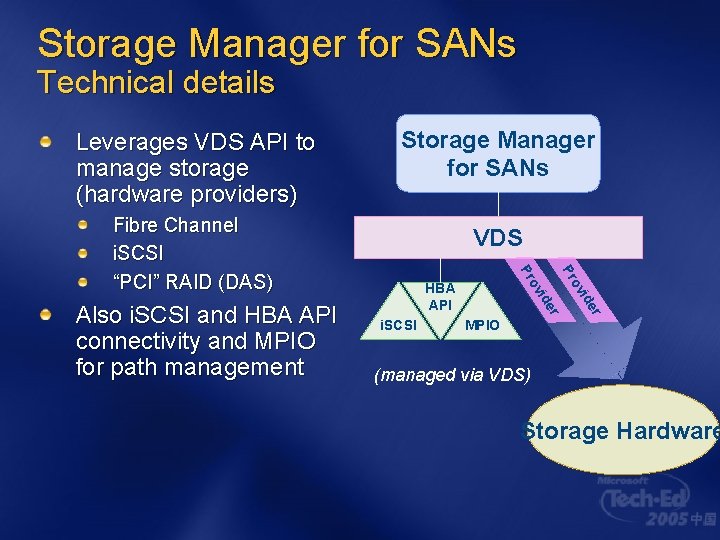
Storage Manager for SANs Technical details Leverages VDS API to manage storage (hardware providers) Storage Manager for SANs Fibre Channel i. SCSI “PCI” RAID (DAS) r ide ov r ide i. SCSI ov HBA API Pr Pr Also i. SCSI and HBA API connectivity and MPIO for path management VDS MPIO (managed via VDS) Storage Hardware
Storage Manager for SANs
Questions? Thank You © 2004 Microsoft Corporation. All rights reserved. This presentation is for informational purposes only. MICROSOFT MAKES NO WARRANTIES, EXPRESS OR IMPLIED, IN THIS SUMMARY.
Resources Windows Storage: http: //www. microsoft. com/windowsserversyst em/storage/default. mspx Windows Server 2003 R 2 Customer Preview Program: http: //www. microsoft. com/windowsserver 200 3/r 2/default. mspx Direct questions and comments to: georgim@microsoft. com