
Efficient Deployment Management of ASP NET 2 0


- Slides: 31
Efficient Deployment & Management of ASP. NET 2. 0 Applications on IIS 6. 0 Alexis Eller Program Manager Internet Information Services Microsoft Corporation
Agenda What is ASP. NET? . NET Framework Concepts Global Assembly Cache (GAC) Configuration Layout Code Access Security (CAS) Versioning Deployment & Management Running x 64 on ASP. NET 2. 0 solutions Summary / Q&A
What is ASP. NET? Part of the. NET Framework IIS 6. 0: v 2. 0, v 1. 1 in Worker Process Isolation Mode IIS 6. 0: v 1. 0 in IIS 5. 0 Compatibility Mode IIS 5. 0: only run one version at a time Builds significantly on the power of ASP. NET is “managed” code - the. NET Framework manages memory, not the application (reduces the risk of memory leaks)
. NET Framework Concepts Global Assembly Cache (GAC) “Registry” for. NET assemblies Add an assembly to the GAC: Generate a strong name, assembly: 1) name, 2) version, 3) 64 bit public key hash - sn. exe, 4) culture Add to the GAC - gacutil. exe, . NET Configuration x. x (MMC Snap-in) Viewing the contents of the GAC: gacutil /l start explorer %windir%assembly. NET Configuration x. x (MMC Snap-in) Cannot XCOPY deploy GAC’ed assemblies Security: all GAC’ed assemblies (for ASP. NET apps): Run as Full Trust Are accessible to all ASP. NET apps
Adding an assembly to the GAC
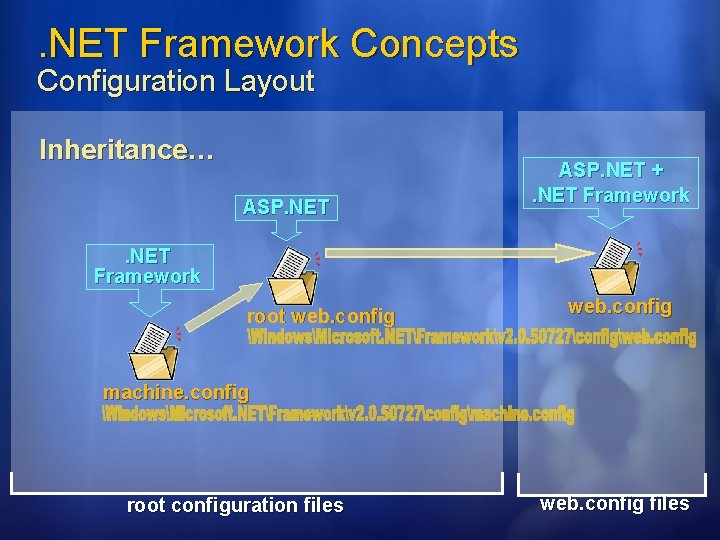
. NET Framework Concepts Configuration Layout Inheritance… ASP. NET +. NET Framework root web. config machine. config root configuration files web. config files
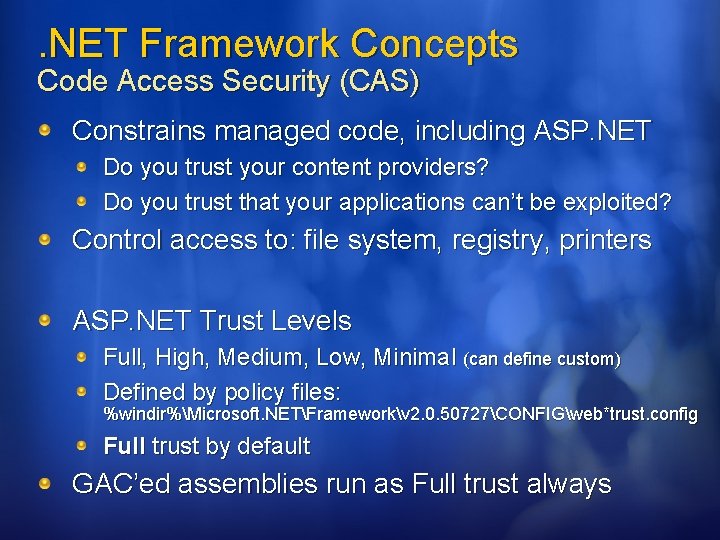
. NET Framework Concepts Code Access Security (CAS) Constrains managed code, including ASP. NET Do you trust your content providers? Do you trust that your applications can’t be exploited? Control access to: file system, registry, printers ASP. NET Trust Levels Full, High, Medium, Low, Minimal (can define custom) Defined by policy files: %windir%Microsoft. NETFrameworkv 2. 0. 50727CONFIGweb*trust. config Full trust by default GAC’ed assemblies run as Full trust always
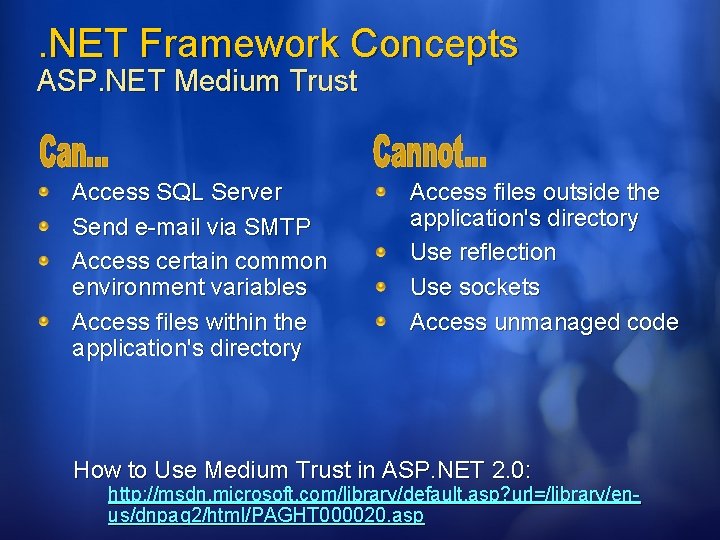
. NET Framework Concepts ASP. NET Medium Trust Access SQL Server Send e-mail via SMTP Access certain common environment variables Access files within the application's directory Access files outside the application's directory Use reflection Use sockets Access unmanaged code How to Use Medium Trust in ASP. NET 2. 0: http: //msdn. microsoft. com/library/default. asp? url=/library/enus/dnpag 2/html/PAGHT 000020. asp
Setting and customizing ASP. NET Trust Levels
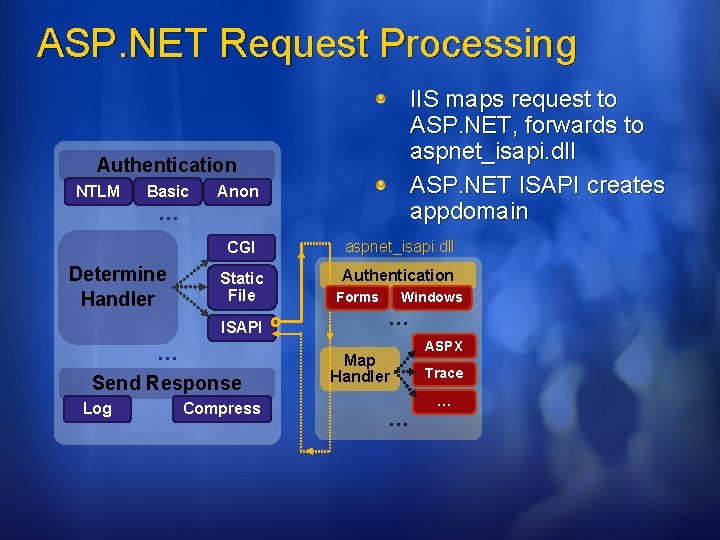
ASP. NET Request Processing IIS maps request to ASP. NET, forwards to aspnet_isapi. dll ASP. NET ISAPI creates appdomain Authentication NTLM Basic Anon … Determine Handler CGI aspnet_isapi. dll Static File Authentication ISAPI … Send Response Log Compress Forms Windows … Map Handler ASPX Trace … …
Deployment and Management Getting started. . . Manual: MMC snap-in (in IIS Manager) aspnet_regiis. exe command line tool Edit web. config files using Notepad or Visual Studio Automated: Call aspnet_regiis. exe in a batch file Program against the ASP. NET configuration API (System. Configuration)
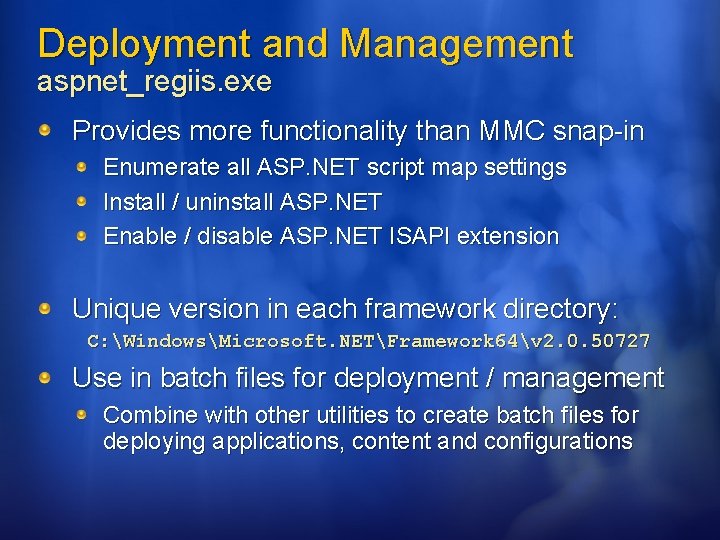
Deployment and Management aspnet_regiis. exe Provides more functionality than MMC snap-in Enumerate all ASP. NET script map settings Install / uninstall ASP. NET Enable / disable ASP. NET ISAPI extension Unique version in each framework directory: C: WindowsMicrosoft. NETFramework 64v 2. 0. 50727 Use in batch files for deployment / management Combine with other utilities to create batch files for deploying applications, content and configurations
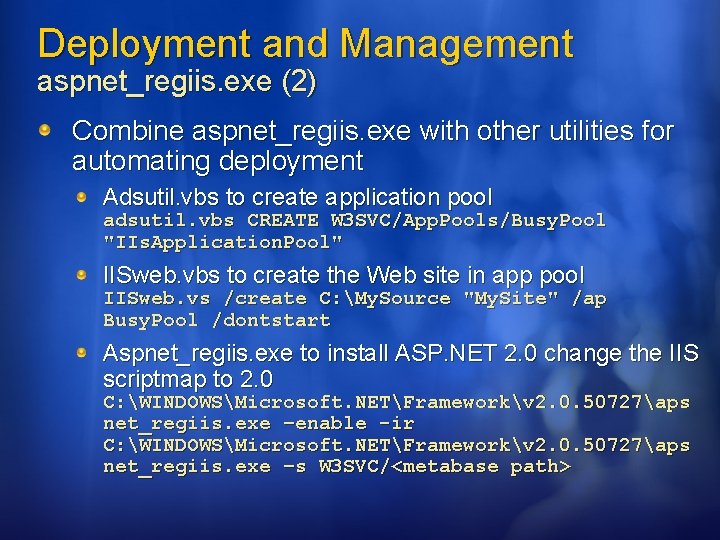
Deployment and Management aspnet_regiis. exe (2) Combine aspnet_regiis. exe with other utilities for automating deployment Adsutil. vbs to create application pool adsutil. vbs CREATE W 3 SVC/App. Pools/Busy. Pool "IIs. Application. Pool" IISweb. vbs to create the Web site in app pool IISweb. vs /create C: My. Source "My. Site" /ap Busy. Pool /dontstart Aspnet_regiis. exe to install ASP. NET 2. 0 change the IIS scriptmap to 2. 0 C: WINDOWSMicrosoft. NETFrameworkv 2. 0. 50727aps net_regiis. exe –enable -ir C: WINDOWSMicrosoft. NETFrameworkv 2. 0. 50727aps net_regiis. exe –s W 3 SVC/<metabase path>
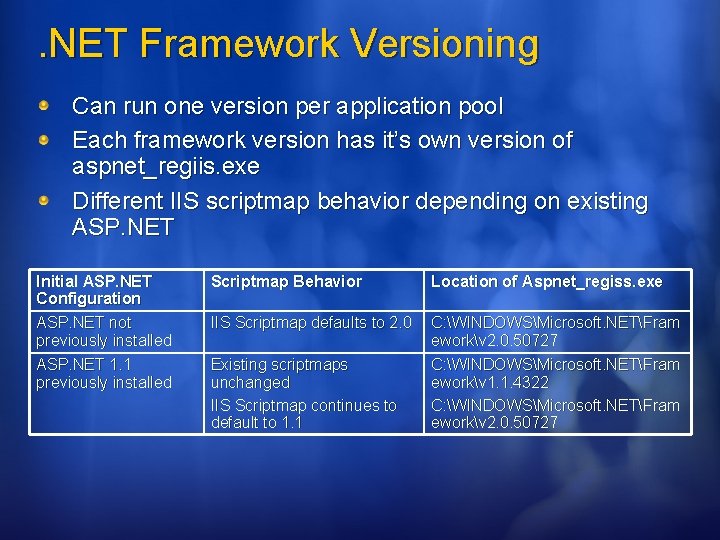
. NET Framework Versioning Can run one version per application pool Each framework version has it’s own version of aspnet_regiis. exe Different IIS scriptmap behavior depending on existing ASP. NET Initial ASP. NET Configuration ASP. NET not previously installed ASP. NET 1. 1 previously installed Scriptmap Behavior Location of Aspnet_regiss. exe IIS Scriptmap defaults to 2. 0 C: WINDOWSMicrosoft. NETFram eworkv 2. 0. 50727 C: WINDOWSMicrosoft. NETFram eworkv 1. 1. 4322 C: WINDOWSMicrosoft. NETFram eworkv 2. 0. 50727 Existing scriptmaps unchanged IIS Scriptmap continues to default to 1. 1
Running ASP. NET 1. 1 and 2. 0 Side-by-Side
Deployment and Management ASP. NET 2. 0 MMC Snap-In Overview of the ASP. NET user interface Configuration tabs Understanding the behavior of the MMC snap-in
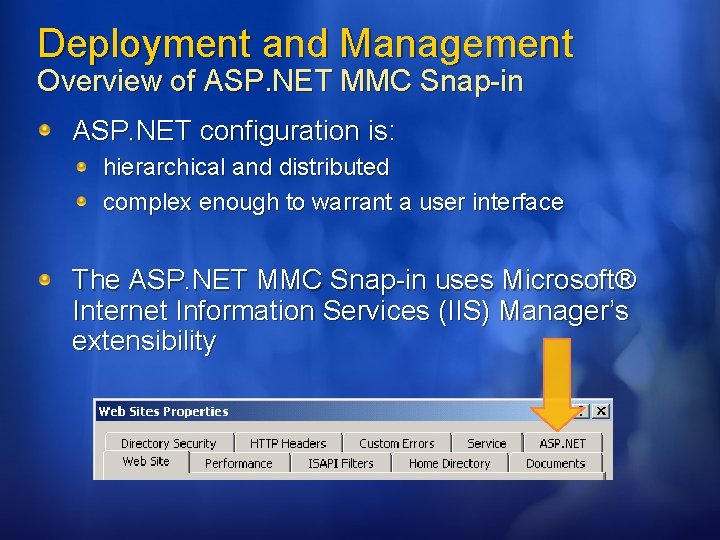
Deployment and Management Overview of ASP. NET MMC Snap-in ASP. NET configuration is: hierarchical and distributed complex enough to warrant a user interface The ASP. NET MMC Snap-in uses Microsoft® Internet Information Services (IIS) Manager’s extensibility
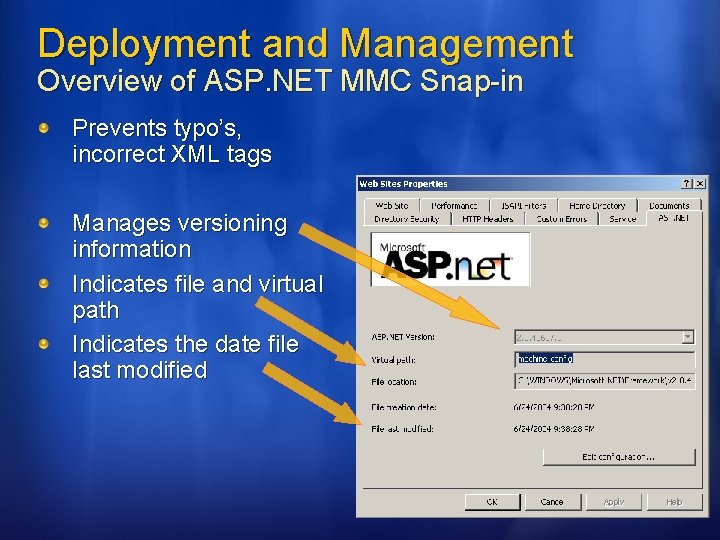
Deployment and Management Overview of ASP. NET MMC Snap-in Prevents typo’s, incorrect XML tags Manages versioning information Indicates file and virtual path Indicates the date file last modified
Deployment and Management Configuration Tabs General Connection strings, Application data Custom Errors Authorization Authentication settings Membership provider Role Manager provider and enable/disable Application Compilation, Globalization, Identity State Management Session State settings Locations User-defined settings entered as <location> tags in configuration
Deployment and Management Configuration Tab - General What can be modified? Database Connections Application Settings Which web. config file is edited? Depends on the object selected in IIS Manager. . . Server (Web Sites) Web Site Virtual Directory / Folder
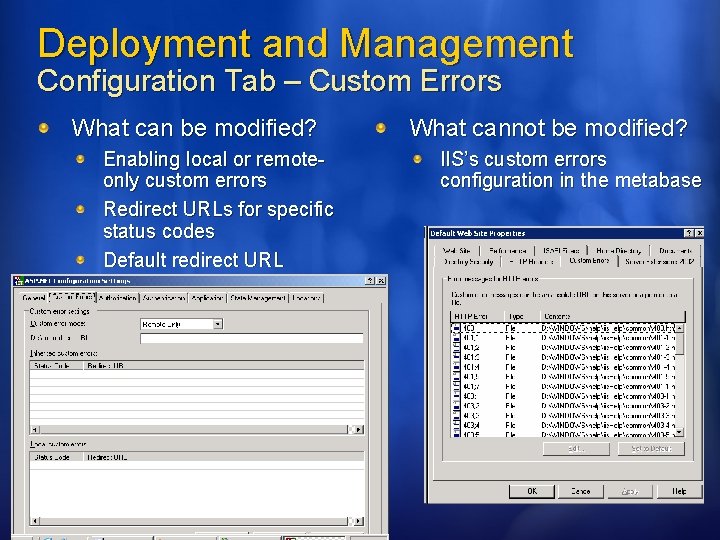
Deployment and Management Configuration Tab – Custom Errors What can be modified? Enabling local or remoteonly custom errors Redirect URLs for specific status codes Default redirect URL What cannot be modified? IIS’s custom errors configuration in the metabase
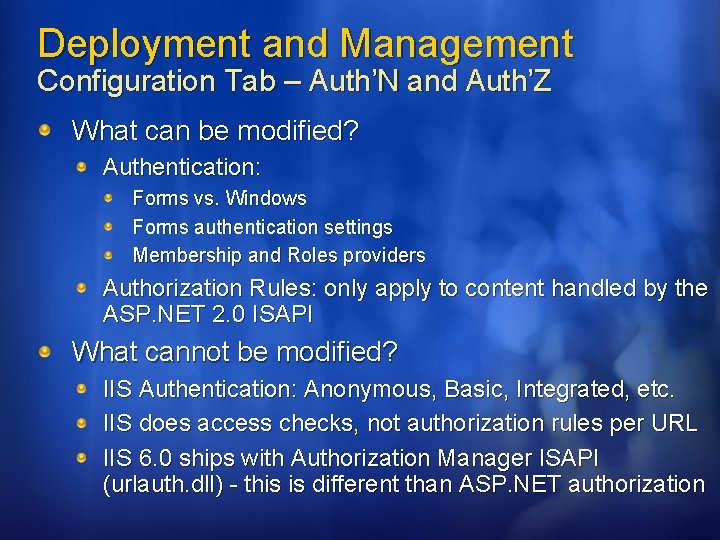
Deployment and Management Configuration Tab – Auth’N and Auth’Z What can be modified? Authentication: Forms vs. Windows Forms authentication settings Membership and Roles providers Authorization Rules: only apply to content handled by the ASP. NET 2. 0 ISAPI What cannot be modified? IIS Authentication: Anonymous, Basic, Integrated, etc. IIS does access checks, not authorization rules per URL IIS 6. 0 ships with Authorization Manager ISAPI (urlauth. dll) - this is different than ASP. NET authorization
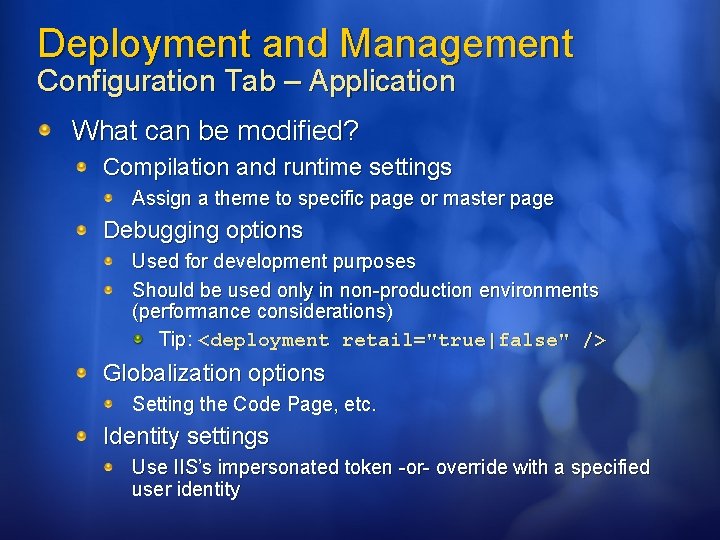
Deployment and Management Configuration Tab – Application What can be modified? Compilation and runtime settings Assign a theme to specific page or master page Debugging options Used for development purposes Should be used only in non-production environments (performance considerations) Tip: <deployment retail="true|false" /> Globalization options Setting the Code Page, etc. Identity settings Use IIS’s impersonated token -or- override with a specified user identity
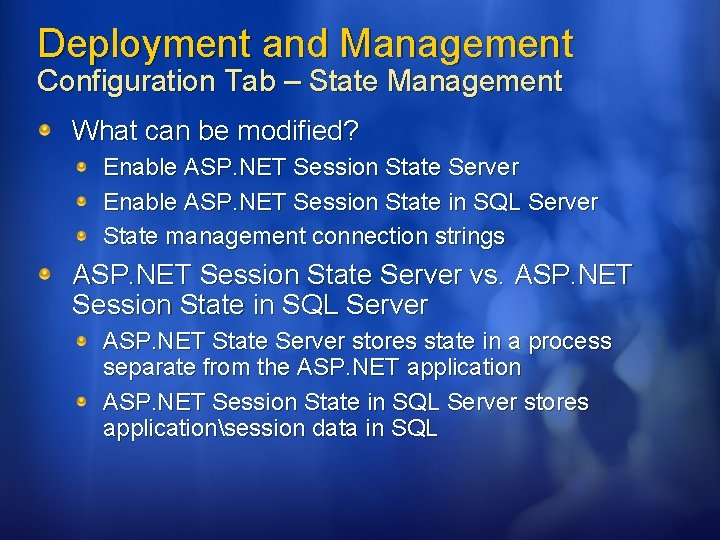
Deployment and Management Configuration Tab – State Management What can be modified? Enable ASP. NET Session State Server Enable ASP. NET Session State in SQL Server State management connection strings ASP. NET Session State Server vs. ASP. NET Session State in SQL Server ASP. NET State Server stores state in a process separate from the ASP. NET application ASP. NET Session State in SQL Server stores applicationsession data in SQL
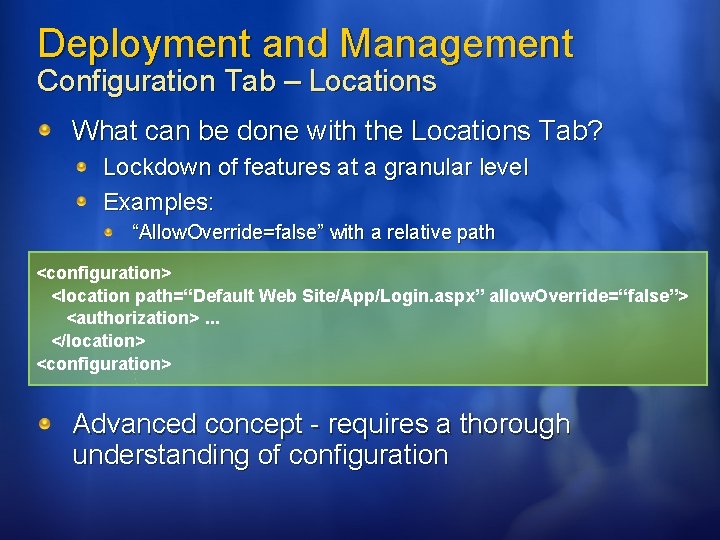
Deployment and Management Configuration Tab – Locations What can be done with the Locations Tab? Lockdown of features at a granular level Examples: “Allow. Override=false” with a relative path <configuration> <location path=“Default Web Site/App/Login. aspx” allow. Override=“false”> <authorization>. . . </location> <configuration> Advanced concept - requires a thorough understanding of configuration
Configuring Forms Auth in the ASP. NET MMC Snap-in
Deployment and Management Understanding the MMC Snap-in Behaviour Multiple configuration editors (such as administrators and developers) can cause errors in the configuration files Configuration errors in the files will cause errors in the user interface User interface cannot read invalid configuration files Updates to web. config files reload the application’s appdomain – loses in process session state, caches, etc.
Running ASP. NET 2. 0 on x 64 ASP. NET 1. 1 – Requires WOW 64 32 bit IIS worker processes on 64 bit OS Virtual memory from 2 GB to 4 GB Enable, from %systemdrive%InetpubAdmin. Scripts, run cscript. exe adsutil. vbs set W 3 SVC/App. Pools/Enable 32 Bit. App. On. Win 64 “true” ASP. NET 2. 0 – Runs native 64 bit or WOW 64 Virtual memory practically unlimited in native 64 bit MMC Snap-in not supported on x 64
Summary Global Assembly Cache (GAC) All GAC'ed assemblies run in Full trust GAC'ed assemblies cannot be xcopy deployed ASP. NET Trust Levels (CAS Permission Sets) Full trust is not secure enough, Medium is recommended Trust levels can be customized aspnet_regiis. exe: automated deployment and management ASP. NET 2. 0 MMC snap-in: provides a safe way to edit configuration writes to hierarchical and distributed web. config ASP. NET v 1. 1 and v 2. 0 run side by side on IIS 6. 0
alexise@microsoft. com
Resources ASP. NET "Whidbey" Documentation Center on MSDN http: //msdn. microsoft. com/asp. net/whidbey/default. aspx ASP. NET user interface http: //msdn. microsoft. com/asp. net/articles/ui/ ASP. NET 2. 0 Fundamentals http: //msdn. microsoft. com/asp. net/articles/fundamentals/ . NET Blog: When is Reflection. Permission needed? http: //blogs. msdn. com/shawnfa/archive/2005/03/08/389768. aspx IIS Webcast Series: iiswcast@microsoft. com http: //www. iiswebcastseries. com