
Effective use of visual aids Session objectives At
Effective use of visual aids
Session objectives: At the end of the session participants are able to: • Explain the guidelines for the use of Visual Aids. • List useful tips for preparing Visual Aids.
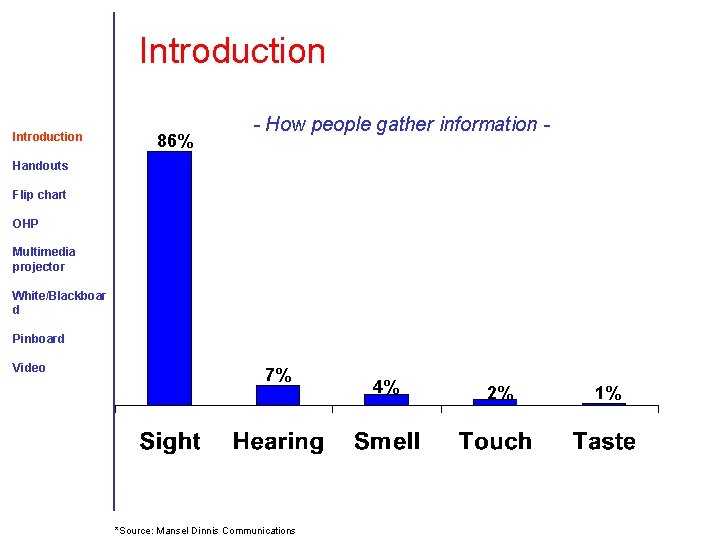
Introduction 86% - How people gather information - Handouts Flip chart OHP Multimedia projector White/Blackboar d Pinboard Video 7% *Source: Mansel Dinnis Communications 4% 2% 1%
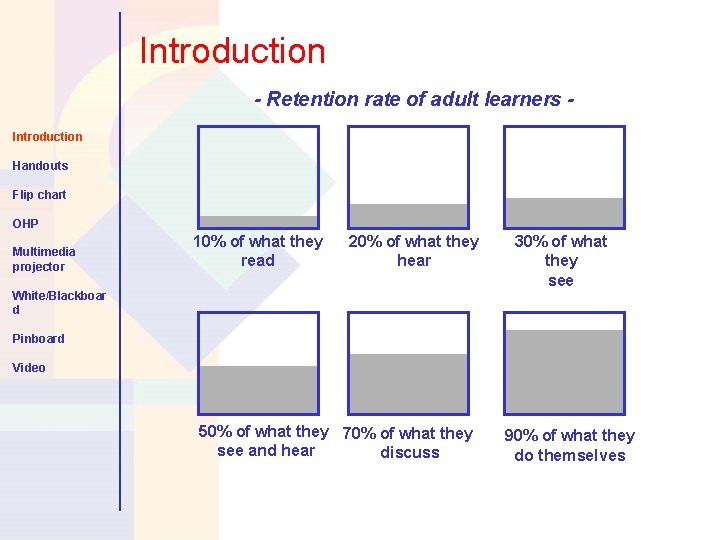
Introduction - Retention rate of adult learners Introduction Handouts Flip chart OHP Multimedia projector 10% of what they read 20% of what they hear White/Blackboar d 30% of what they see Pinboard Video 50% of what they 70% of what they see and hear discuss 90% of what they do themselves
Handouts Strengths Introduction Handouts Flip chart OHP Weaknesses Multimedia projector White/Blackboar d Pinboard Video When to use
Handouts Do’s Introduction Handouts Flip chart OHP Multimedia projector White/Blackboar d Pinboard Video Don’ts
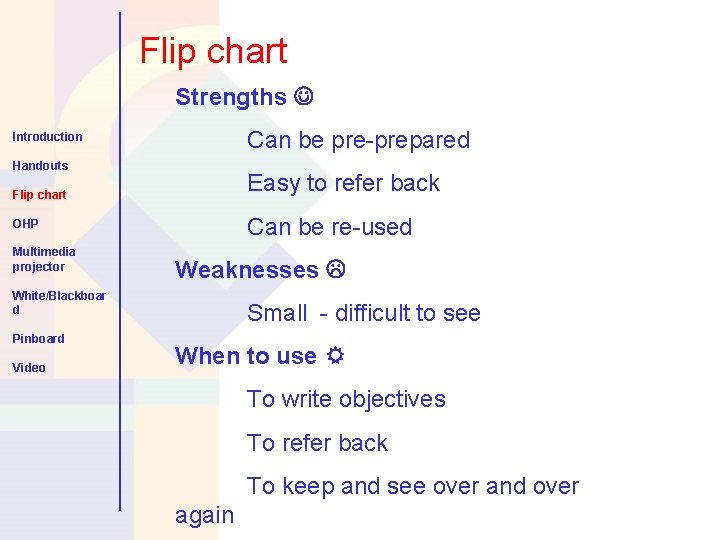
Flip chart Strengths Can be pre-prepared Introduction Handouts Easy to refer back Flip chart Can be re-used OHP Multimedia projector Weaknesses White/Blackboar d Pinboard Video Small - difficult to see When to use To write objectives To refer back To keep and see over and over again
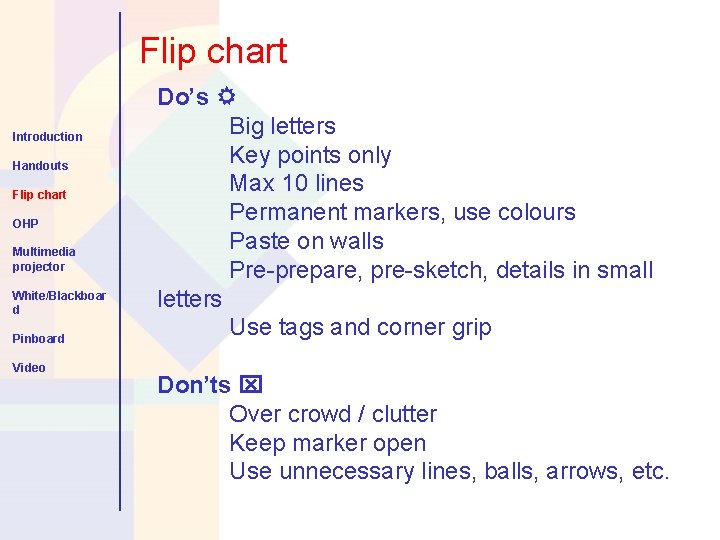
Flip chart Introduction Handouts Flip chart OHP Multimedia projector White/Blackboar d Pinboard Video Do’s Big letters Key points only Max 10 lines Permanent markers, use colours Paste on walls Pre-prepare, pre-sketch, details in small letters Use tags and corner grip Don’ts Over crowd / clutter Keep marker open Use unnecessary lines, balls, arrows, etc.
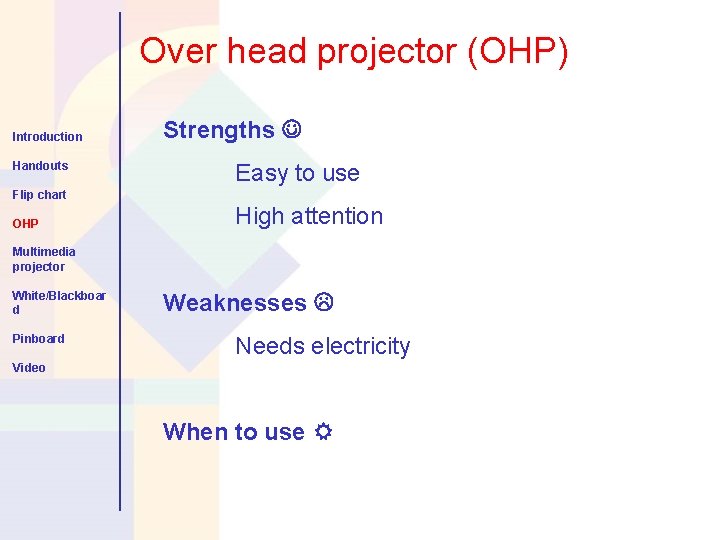
Over head projector (OHP) Introduction Handouts Strengths Easy to use Flip chart OHP High attention Multimedia projector White/Blackboar d Pinboard Weaknesses Needs electricity Video When to use
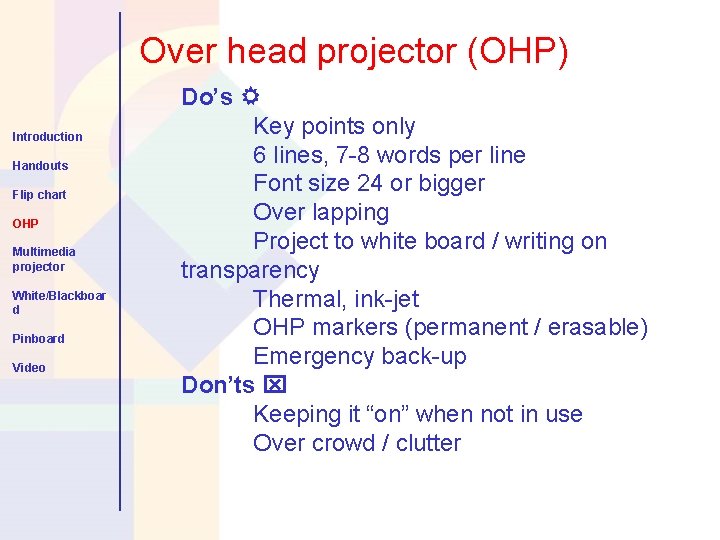
Over head projector (OHP) Introduction Handouts Flip chart OHP Multimedia projector White/Blackboar d Pinboard Video Do’s Key points only 6 lines, 7 -8 words per line Font size 24 or bigger Over lapping Project to white board / writing on transparency Thermal, ink-jet OHP markers (permanent / erasable) Emergency back-up Don’ts Keeping it “on” when not in use Over crowd / clutter
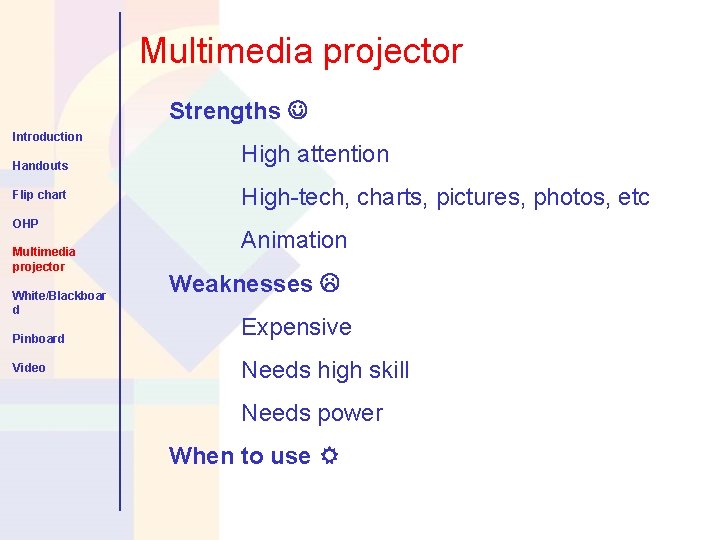
Multimedia projector Strengths Introduction Handouts Flip chart OHP Multimedia projector White/Blackboar d Pinboard Video High attention High-tech, charts, pictures, photos, etc Animation Weaknesses Expensive Needs high skill Needs power When to use
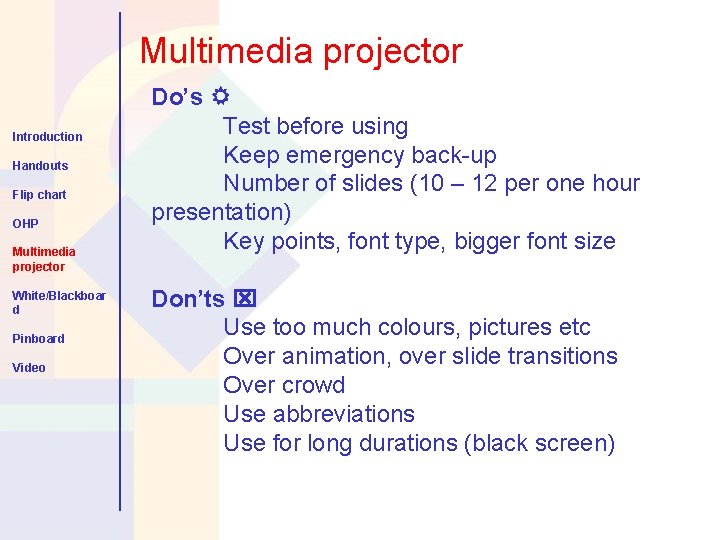
Multimedia projector Introduction Handouts Flip chart OHP Multimedia projector White/Blackboar d Pinboard Video Do’s Test before using Keep emergency back-up Number of slides (10 – 12 per one hour presentation) Key points, font type, bigger font size Don’ts Use too much colours, pictures etc Over animation, over slide transitions Over crowd Use abbreviations Use for long durations (black screen)
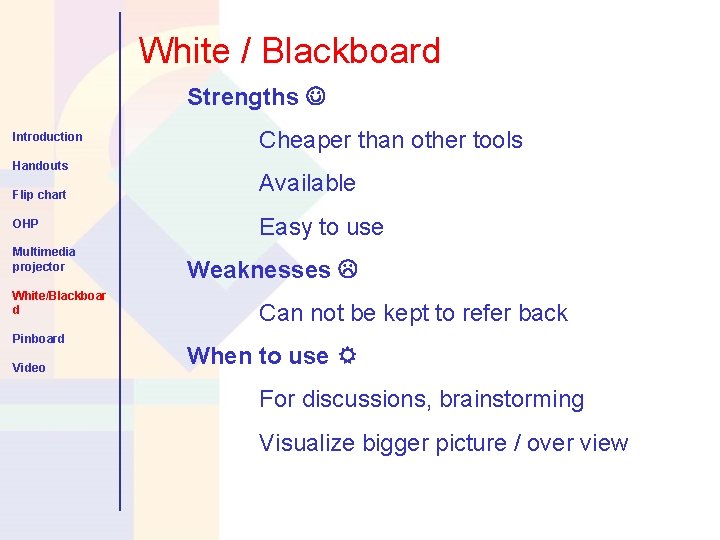
White / Blackboard Strengths Introduction Handouts Flip chart OHP Multimedia projector White/Blackboar d Pinboard Video Cheaper than other tools Available Easy to use Weaknesses Can not be kept to refer back When to use For discussions, brainstorming Visualize bigger picture / over view
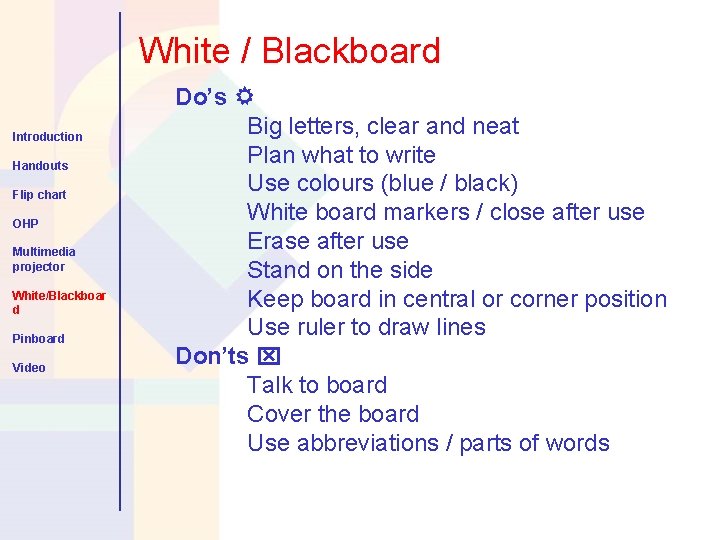
White / Blackboard Introduction Handouts Flip chart OHP Multimedia projector White/Blackboar d Pinboard Video Do’s Big letters, clear and neat Plan what to write Use colours (blue / black) White board markers / close after use Erase after use Stand on the side Keep board in central or corner position Use ruler to draw lines Don’ts Talk to board Cover the board Use abbreviations / parts of words
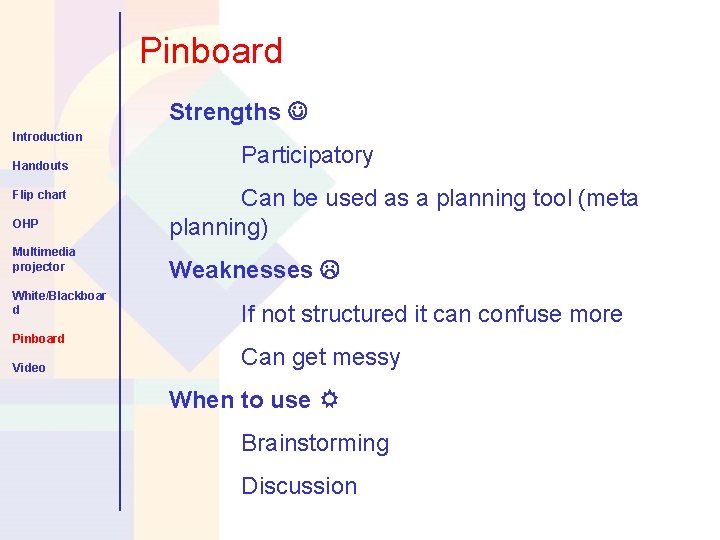
Pinboard Strengths Introduction Handouts Flip chart OHP Multimedia projector White/Blackboar d Pinboard Video Participatory Can be used as a planning tool (meta planning) Weaknesses If not structured it can confuse more Can get messy When to use Brainstorming Discussion
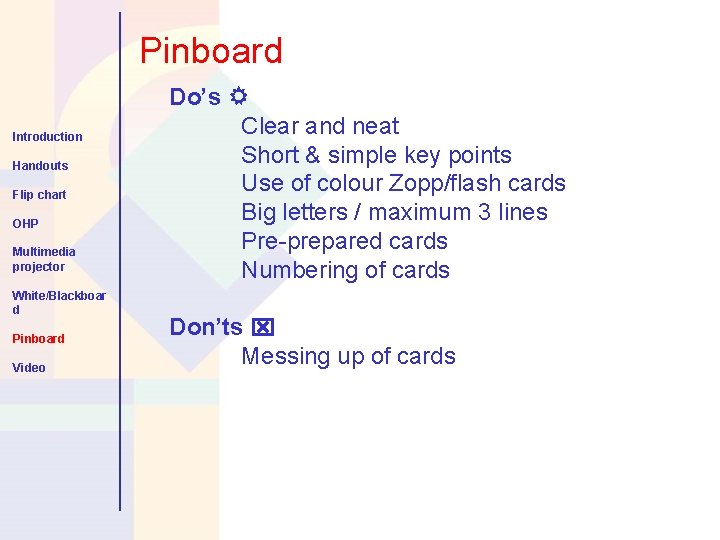
Pinboard Introduction Handouts Flip chart OHP Multimedia projector White/Blackboar d Pinboard Video Do’s Clear and neat Short & simple key points Use of colour Zopp/flash cards Big letters / maximum 3 lines Pre-prepared cards Numbering of cards Don’ts Messing up of cards
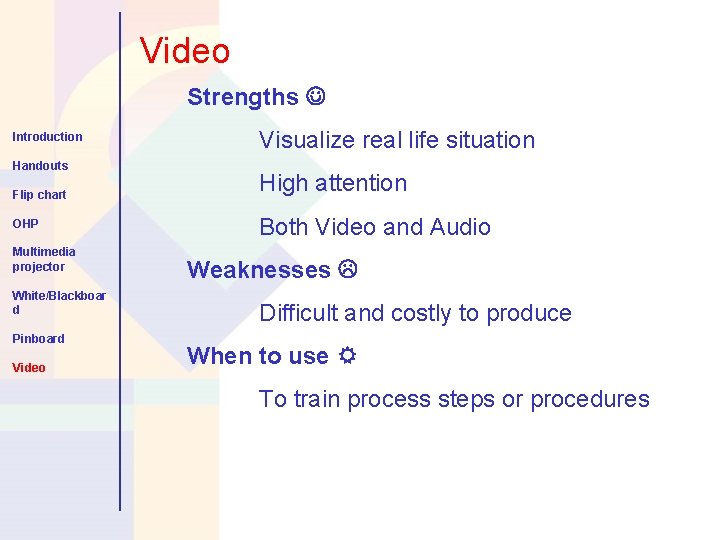
Video Strengths Introduction Handouts Flip chart OHP Multimedia projector White/Blackboar d Pinboard Video Visualize real life situation High attention Both Video and Audio Weaknesses Difficult and costly to produce When to use To train process steps or procedures
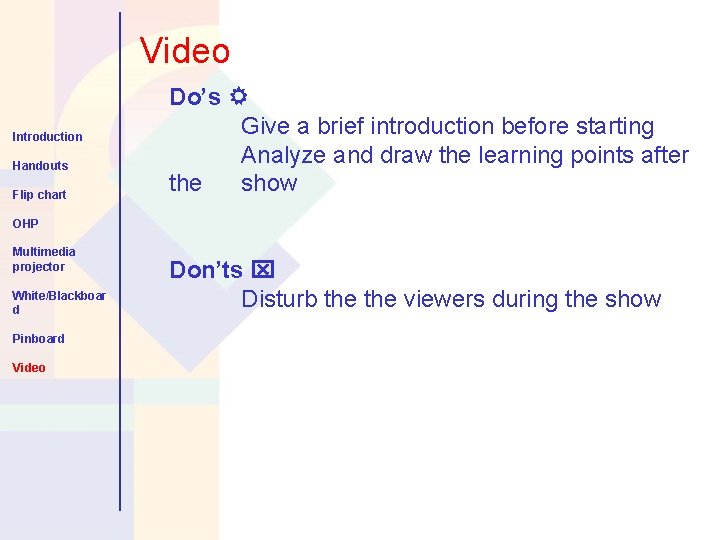
Video Introduction Handouts Flip chart Do’s Give a brief introduction before starting Analyze and draw the learning points after the show OHP Multimedia projector White/Blackboar d Pinboard Video Don’ts Disturb the viewers during the show
Session objectives: At the end of the session participants are able to: • Explain the guidelines for the use of Visual Aids. • List useful tips for preparing Visual Aids.

Thank you
- Slides: 20