
Effective Use of Technology in the English Language

- Slides: 11
Effective Use of Technology in the English Language Classroom Erasmus KA 1 Mobility –Anglolang course in Scarborough dr. Széllné Hajdú Indira
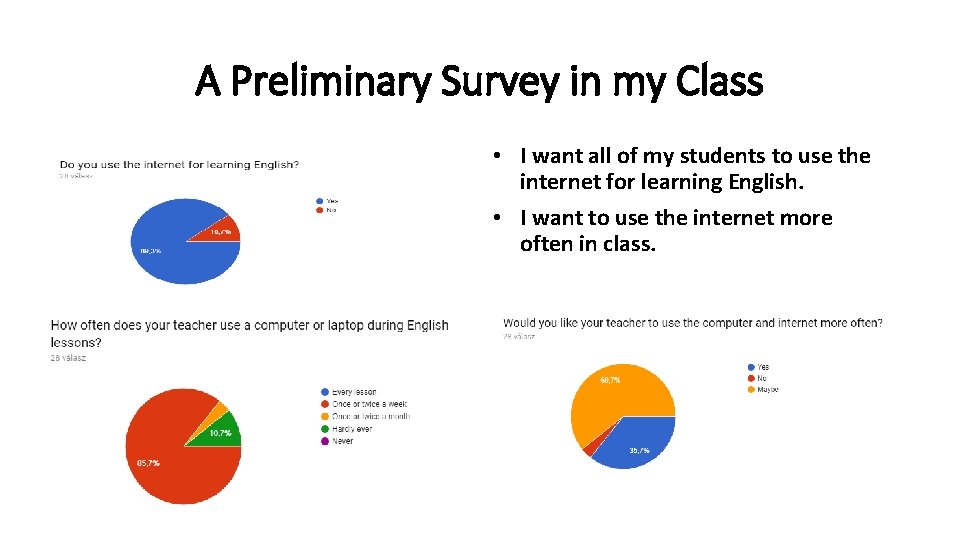
A Preliminary Survey in my Class • I want all of my students to use the internet for learning English. • I want to use the internet more often in class.
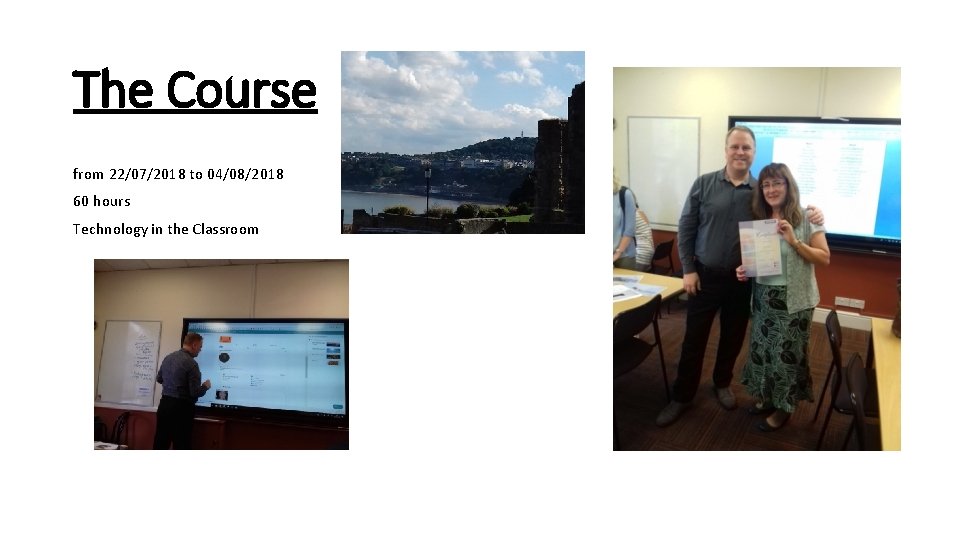
The Course from 22/07/2018 to 04/08/2018 60 hours Technology in the Classroom
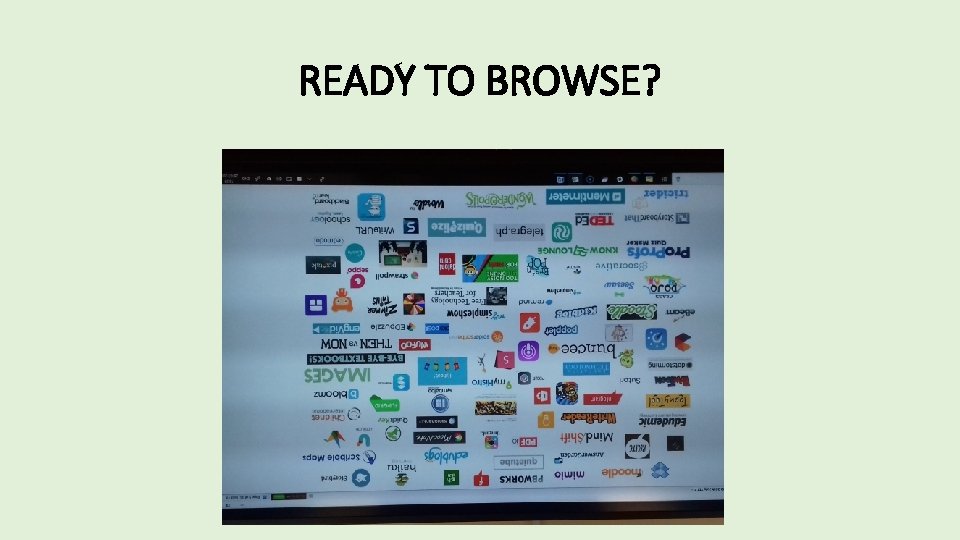
READY TO BROWSE?
Podcasts • For listening to – accent • Comprehension • Specific words • Modelling what sts should do • Introduce new vocab • Starting a discussion • Preview before reading • Writing reactions for it • For homework ( podcast bbc radio 4 – Great lives – topics series 45 Barbara Stocking on Catherine the Great - 30 min. https: //www. bbc. co. uk/programmes/b 0 b 430 zc Podomatic British Accent – shorter ones Player fm- with celebrities Player fm – K 12 Greatest Hits – The Best Ideas in Education – How some Teachers Find Time to Teach, Sleep, Live and Love) https: //player. fm/series/k-12 -greatest-hitsthe-best-ideas-in-education/how-some-teachers-find-time-to-teach-sleep-live-and-love
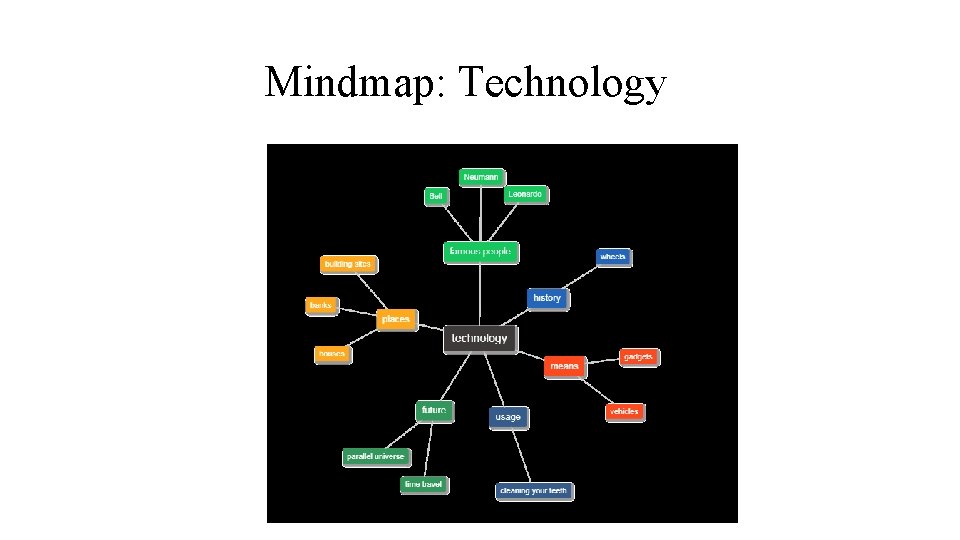
Mind maps • App. mindmapmaker. com – only with facebook account • Edrawsoft. org • Canva. com • Www. mindmup. com 1. You can create a mind map. 2. Take a photo and print it with Snipping Tool. 3. You can write the mind map on the lesson together. 4. Free, but saves only for 6 months otherwise you have to sign up and pay
Mindmap: Technology
Www. canva. com • To create Posters, pictures • to advertise • To make a grammar point • Gives the layout, templetes, free photos, grids, frames, shapes, icons, illustrations, text, colour etc. • You can upload your own images • To create mind maps
Www. classtools. net • A lot of tools eg. below and a lot more • Random name picker (you can create your own list and download it and use again) • Connect fours (a lot of already created lists, you can create yours but I don’t know how to save it) • QR treasure hunt generator (old ones and your new ones – great) • Quiz maker • and so on.
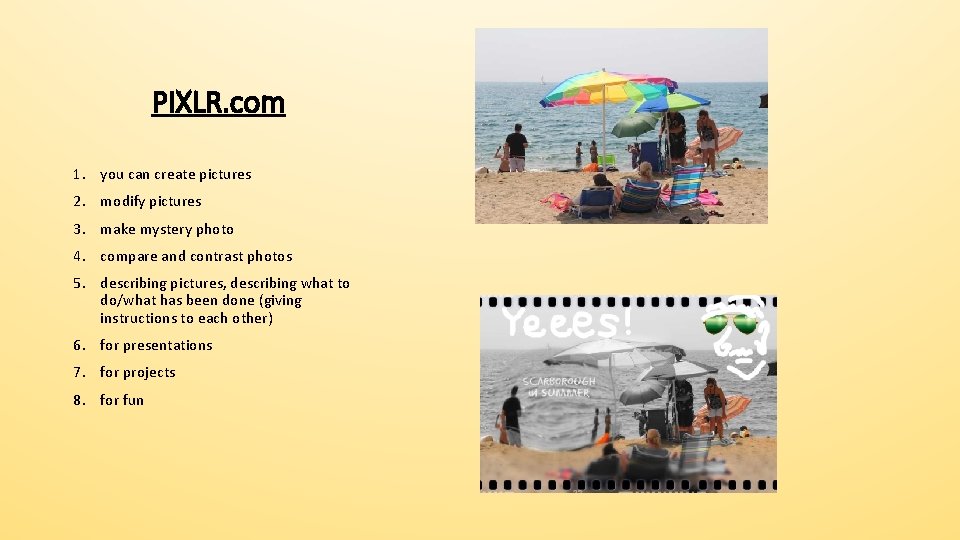
PIXLR. com 1. you can create pictures 2. modify pictures 3. make mystery photo 4. compare and contrast photos 5. describing pictures, describing what to do/what has been done (giving instructions to each other) 6. for presentations 7. for projects 8. for fun
Thank you for your attention!