
Effective techniques for teaching at a distance The

- Slides: 28
Effective techniques for teaching at a distance
The trend is to make distance education an active, dynamic learning experience.
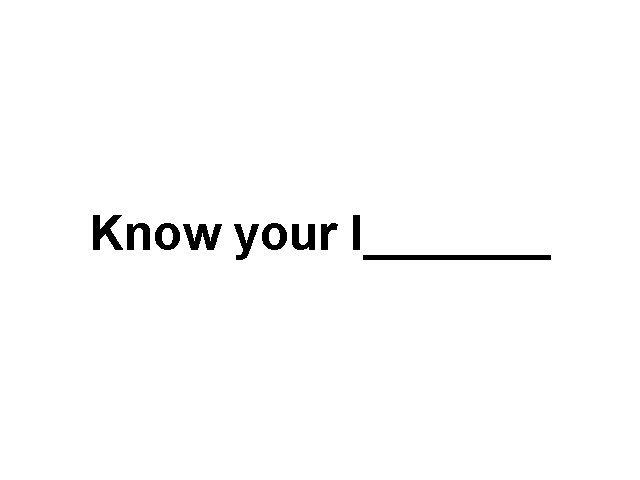
Know your l_______
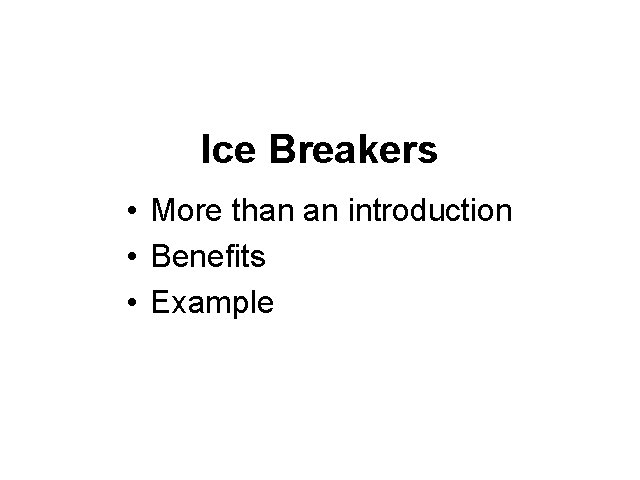
Ice Breakers • More than an introduction • Benefits • Example
Active Learning "Active _______, not passive _____, is what engages students. It should pervade the curriculum. " Johnson, Spalding, Paden & Ziffen, 1989
Active Learning "Involves students in doing things and thinking about the things they are doing" Bonwell & Elson, 1991
Distance Education • Shift from ____ to _____ • Student-centered support
Instructional Strategies • Begin each class with "What's happening" time • Develop strategies for interaction • Present overall course goals and objectives • Focus on ____ not ____
Instructional Strategies • Support instruction with printed material • Personalize instructor involvement • Be concise. Use short, cohesive statements Let the ____ do most of the "talking" • Vary pace of content delivery
Changing Your Syllabus/Lesson Plans • Clarify your objectives • Make your expectations clear – active participation – preparation • • • Revisit resources Build in interactions Tell students how they can reach you Be aware of different logistics Stress the importance of support staff
The Key Players in the Interactivity • ____ – Need for student-to-student interaction – Need training to use the system – Need to feel connected to the teacher • _____ – Need to understand the students – Need to become comfortable with technology – Need to facilitate learning • _____ – bridge between students and instructor – enhance use of instructional materials
Instructional Strategies problem centered simulation decision-making panels class discussion case studies group discussion tutorial written exercises reading instructional gaming exploration
P_______ the Lesson • • key content points time allotment learning styles instructional strategies activities visuals other support materials
Classroom Management Issues • • • Functions of a classroom Environmental design Rules & routines Discipline Keeping the students on track Facilitator
Copyright Issues If a class is being recorded, Fair Use Guidelines DO NOT apply
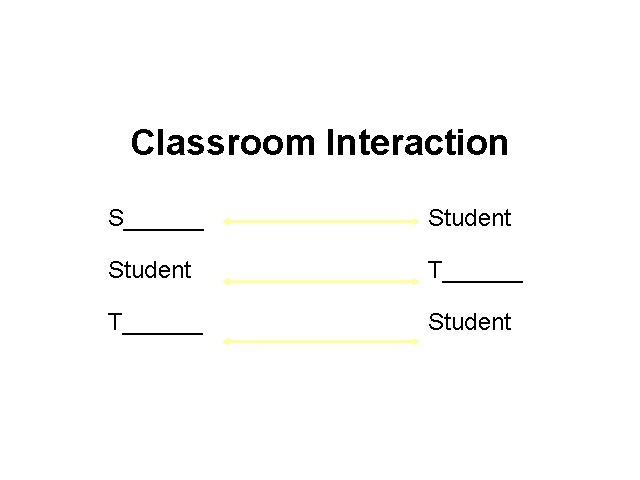
Classroom Interaction S______ Student T______ Student
Visuals in Distance Education
Why Use Visuals in Teaching • high-impact • today's audiences expect BOTH STYLE and GLITZ and a MEANINGFUL MESSAGE • learning style differences • to explain and demonstrate concepts • student interest
Technological Advantages of Visuals • • easily viewable by all students "fairly" good quality scalable fonts and graphics prepared or "just in time" capability real-time delivery ability to print "thumbnails" D. I. Y.
6 By _ Rule • • • no more than 6 lines per visual no more than _ words per line crowding=anything more each visual should make a point adherence to this rule guarantees readability
Color • Use for emphasis or organization • Contrast is important • Light background/dark fonts – black, red and dark blue fit well with light blue or green backgrounds • Dark background/dark fonts – white, yellow, light green and blue stand out on dark blue, black, maroon or brown backgrounds • Be consistent in your use of color
Technological Limitations of Visuals • • resolution differences palette changes aspect ratio differences system malfunction pilot error hardware/software availability D. I. Y.
Warning! Always check your visuals before going on the television What you see on your computer screen will not be what you see on the television monitor
FONT sizes • 36 or 48 point for titles • 24 or 36 point for body text • 18 point - No Smaller – use to label things – use for subpoints • remember-less readable • typewritten text NEVER looks good on television
A_____ Teaching for Understanding
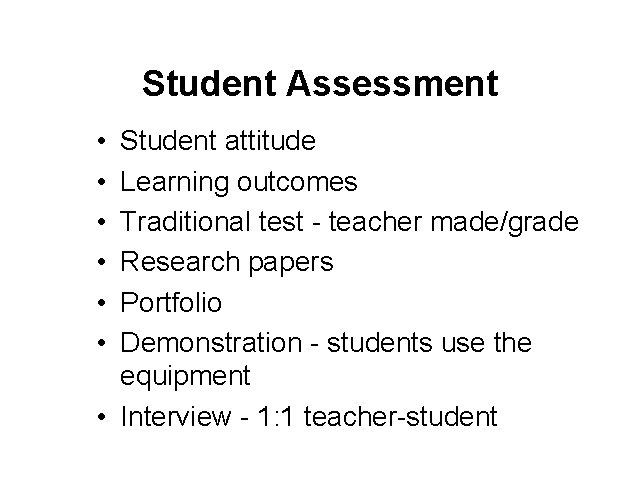
Student Assessment • • • Student attitude Learning outcomes Traditional test - teacher made/grade Research papers Portfolio Demonstration - students use the equipment • Interview - 1: 1 teacher-student
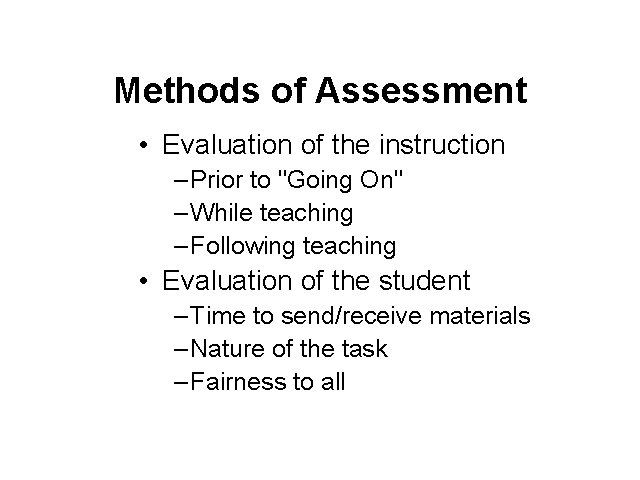
Methods of Assessment • Evaluation of the instruction – Prior to "Going On" – While teaching – Following teaching • Evaluation of the student – Time to send/receive materials – Nature of the task – Fairness to all
Ingenuity might be required to use some of these techniques at a distance, but the end result offers opportunities to broaden and invigorate the educational experience for both the learner and the instructor!