
Effective Technical Presentations Stephanie E August Ph D
- Slides: 14
Effective Technical Presentations Stephanie E. August, Ph. D. Electrical Engineering and Computer Science Department Loyola Marymount University 31 January 2005 Effective Technical Presentations Introduction 1
How to Deliver an Effective Technical Presentation • Know your subject • Know your audience • Organize your talk • Prepare • Practice 31 January 2005 Effective Technical Presentations 2
Subject Matter • Know your subject thoroughly • Make an outline • Write the presentation out from your ‘head’ knowledge • Use a logical, flowing order • Limit the talk to no more than three key ideas 31 January 2005 Effective Technical Presentations 3
Prepare the Talk for This Audience • Learn as much as you can about the audience ahead of time. • Note any special characteristics about the audience – Tailor your jokes to what you’ve learned – Map your terms to theirs • Aim below their level slightly – Vocabulary simplified (if and whenever possible) – Concepts explained simply – Use “analogies” for concepts when possible • Compliment / flatter the audience, but don’t overdo it 31 January 2005 Effective Technical Presentations 4
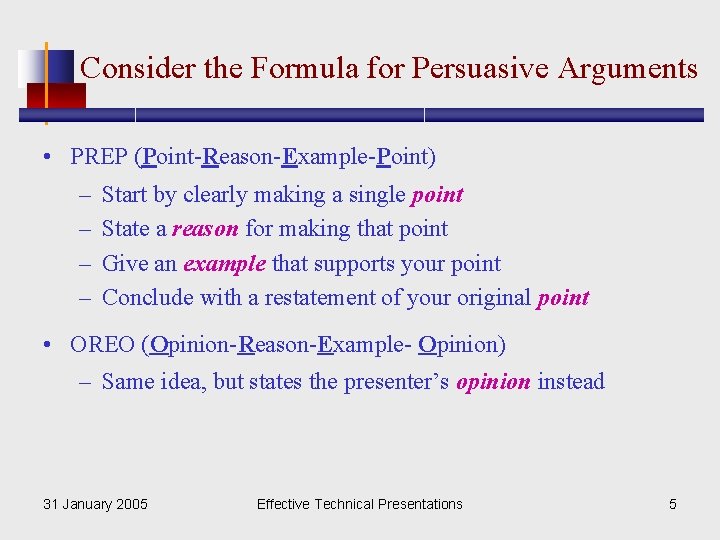
Consider the Formula for Persuasive Arguments • PREP (Point-Reason-Example-Point) – – Start by clearly making a single point State a reason for making that point Give an example that supports your point Conclude with a restatement of your original point • OREO (Opinion-Reason-Example- Opinion) – Same idea, but states the presenter’s opinion instead 31 January 2005 Effective Technical Presentations 5
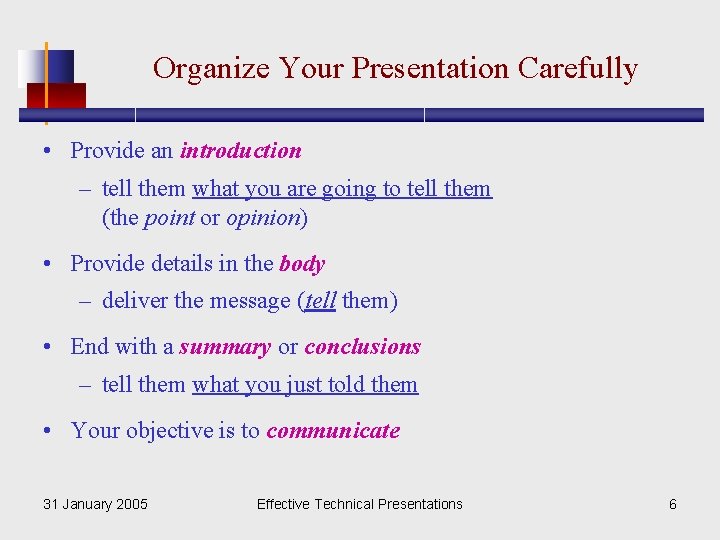
Organize Your Presentation Carefully • Provide an introduction – tell them what you are going to tell them (the point or opinion) • Provide details in the body – deliver the message (tell them) • End with a summary or conclusions – tell them what you just told them • Your objective is to communicate 31 January 2005 Effective Technical Presentations 6
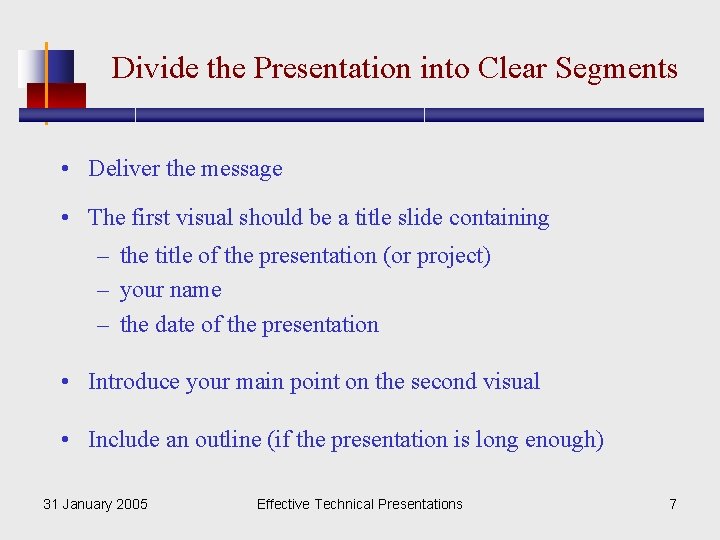
Divide the Presentation into Clear Segments • Deliver the message • The first visual should be a title slide containing – the title of the presentation (or project) – your name – the date of the presentation • Introduce your main point on the second visual • Include an outline (if the presentation is long enough) 31 January 2005 Effective Technical Presentations 7
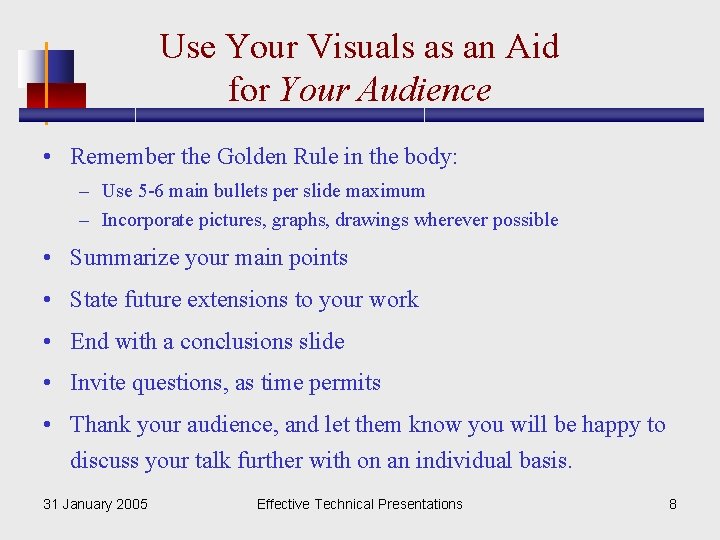
Use Your Visuals as an Aid for Your Audience • Remember the Golden Rule in the body: – Use 5 -6 main bullets per slide maximum – Incorporate pictures, graphs, drawings wherever possible • Summarize your main points • State future extensions to your work • End with a conclusions slide • Invite questions, as time permits • Thank your audience, and let them know you will be happy to discuss your talk further with on an individual basis. 31 January 2005 Effective Technical Presentations 8
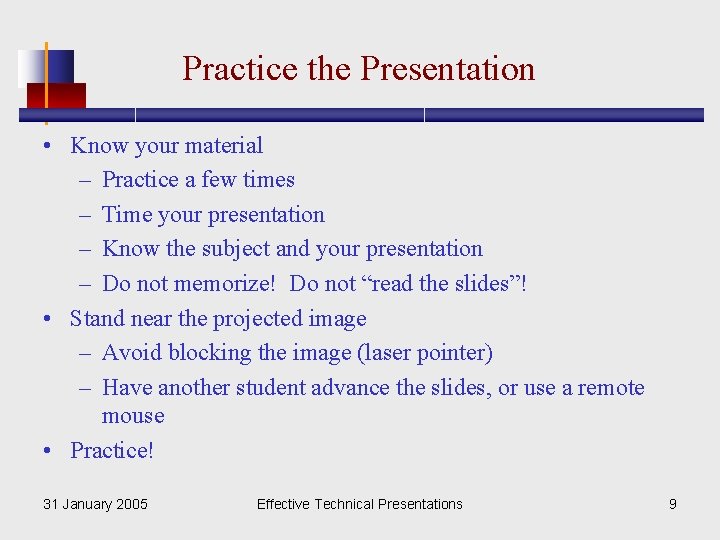
Practice the Presentation • Know your material – Practice a few times – Time your presentation – Know the subject and your presentation – Do not memorize! Do not “read the slides”! • Stand near the projected image – Avoid blocking the image (laser pointer) – Have another student advance the slides, or use a remote mouse • Practice! 31 January 2005 Effective Technical Presentations 9
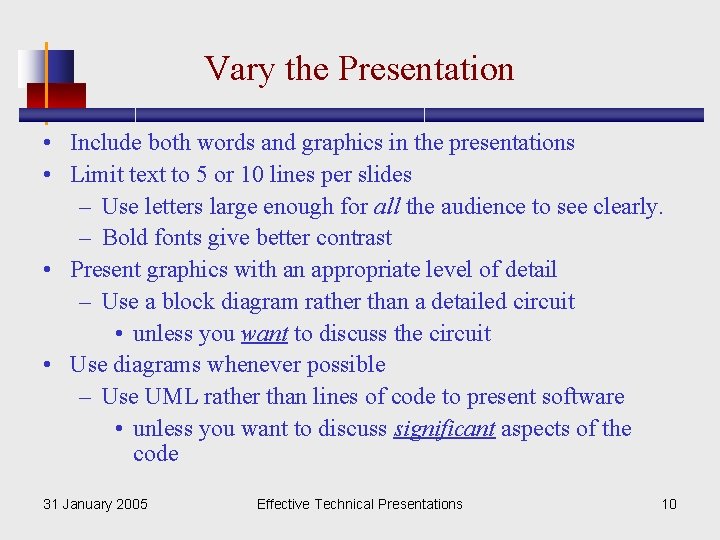
Vary the Presentation • Include both words and graphics in the presentations • Limit text to 5 or 10 lines per slides – Use letters large enough for all the audience to see clearly. – Bold fonts give better contrast • Present graphics with an appropriate level of detail – Use a block diagram rather than a detailed circuit • unless you want to discuss the circuit • Use diagrams whenever possible – Use UML rather than lines of code to present software • unless you want to discuss significant aspects of the code 31 January 2005 Effective Technical Presentations 10
Take Your time • Allow time to explain each slide – Include main points on the slides – Spend an average of 3 to 5 minutes on each slide • Remember, a picture is worth a thousand words! 31 January 2005 Effective Technical Presentations 11
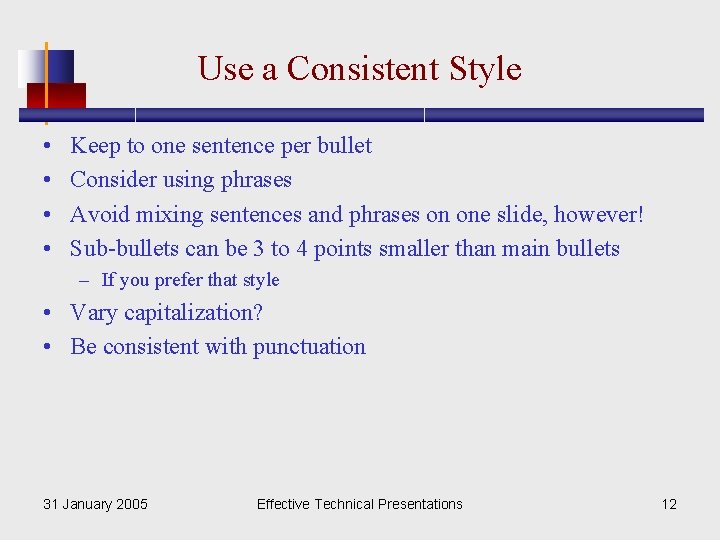
Use a Consistent Style • • Keep to one sentence per bullet Consider using phrases Avoid mixing sentences and phrases on one slide, however! Sub-bullets can be 3 to 4 points smaller than main bullets – If you prefer that style • Vary capitalization? • Be consistent with punctuation 31 January 2005 Effective Technical Presentations 12
Practice! • Practice will improve both your presentation and your visuals – Make adjustments to both as needed • Rehearse several times – in front of a mirror – in front of a friend – in front of a video camera • Stick to the established timeline – Time your talk – Forty minutes is the absolute maximum 31 January 2005 Effective Technical Presentations 13
Conclusion • Know your subject – 6 -P principle, PREP, and OREO • Know your audience • Organize your talk carefully – Divide into segments, use good visuals, ‘mix it up’, • Prepare in advance (don’t forget technical set up!) • Practice, Practice! 31 January 2005 Effective Technical Presentations 14