
Effective Note Taking and Textual Annotation An exciting
- Slides: 16
Effective Note Taking and Textual Annotation: An exciting Power. Point! You will want this pillow by the end of this presentation, because you will be so excited about taking notes by then!
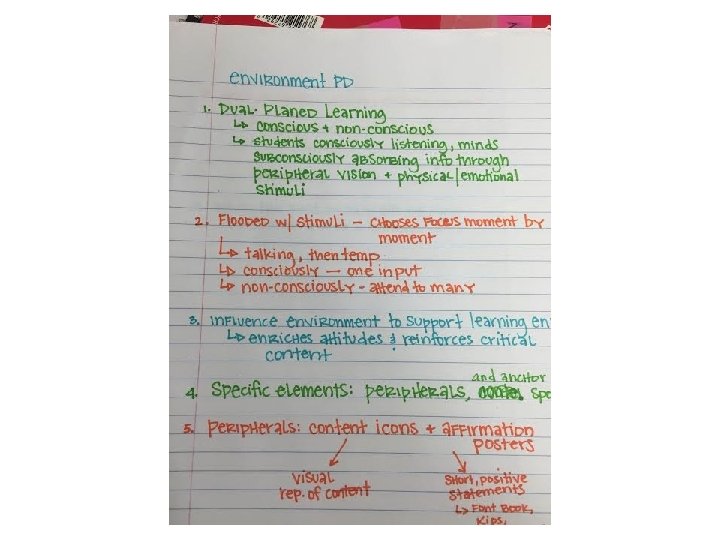
Hot Tips for Note Taking ü Don’t write down every. single. word. – Be selective ü Shorten things when you can. – Example: “Shorten things” ü Listen! Not everything worth writing down is only on the Power Point.
Hot Tips for Note Taking ü Focus on key terms, main ideas and details. – What is most important? ü Preview the chapter first. ü Use pictures and colors. ü Try different systems for different experiences.
Let’s start with… Note taking systems! We have so many options!
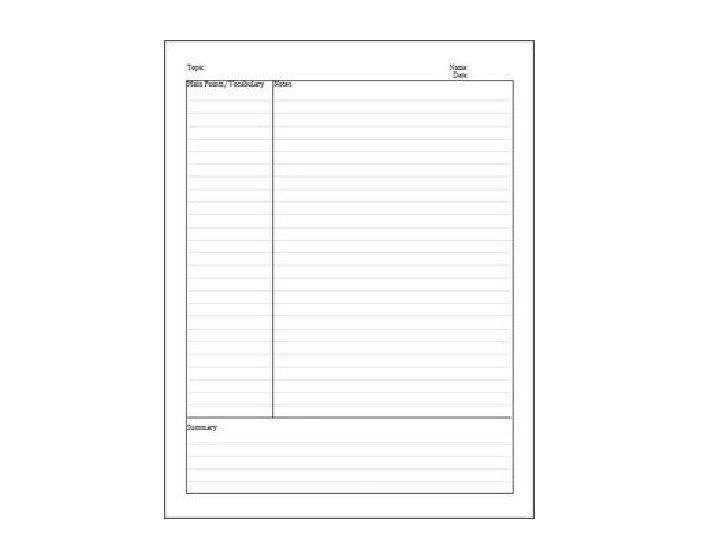
The Cornell Method • Systematic format for condensing and organizing notes without recopying. • Two columns: – Right column—notes from the text, presentation, or lecture. – Left column—cues (relevant key words to cue memories) or questions. • Summary at the bottom of the page.
The Cornell Method Advantages: • Organized and systematic for recording and reviewing. • Simple and efficient. Disadvantages: • Sassiness around it. When to use: • Lecture situations • Reading assignments.
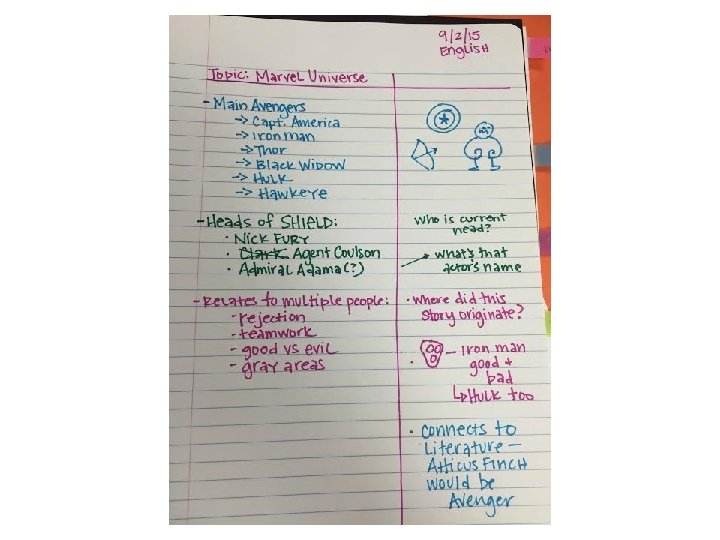
Notes TM • A cousin to Cornell Notes. • Color coded with pictures. • Two columns: – Left column—notes from text, lecture, or presentation (T= taking notes). – Right column—questions, pictures/symbols, facts in own words (M= making meaning)
Notes TM Advantages: • Organized and systematic for recording and reviewing. • Brain friendly. Disadvantages: • Similar to Cornell Notes – i. e. residual sassiness When to use: • Lecture situations • Reading assignments
The Outlining Method • Most intuitive form of note taking. • Most general information begins on the left. – More specific information and facts indented to the right. • Relationships between different parts carried out through indenting. • Use numbers, bullets, arrows, roman numerals, emojis, whatever. • Levels of importance indicated by placement on the page.
The Outlining Method Advantages: • Well-organized system (if done right) • Records content, relationships, and levels of importance. • Helpful for studying/quizzing. Disadvantages: • Requires more thought and organization. • Can be easily done incorrectly/inefficiently. When to use: • Reading assignments or presentations that include outlines/Powerpoints. • Not as helpful in lecture situations.
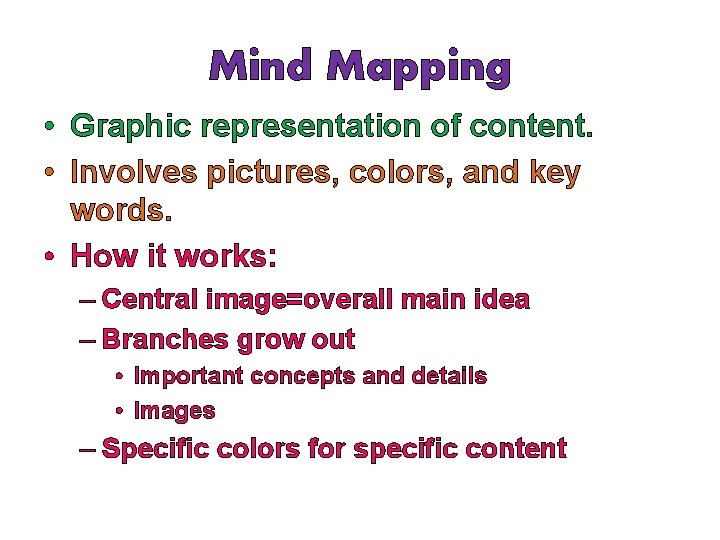
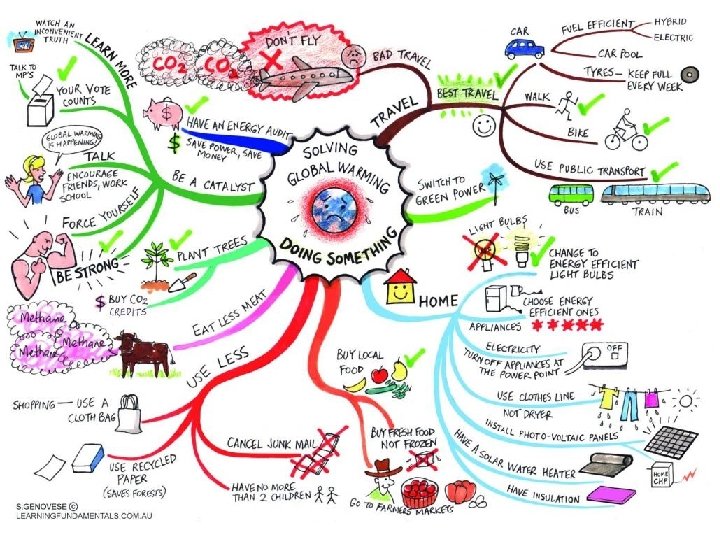
Mind Mapping • Graphic representation of content. • Involves pictures, colors, and key words. • How it works: – Central image=overall main idea – Branches grow out • Important concepts and details • Images – Specific colors for specific content
Mind Mapping Advantages: • Very brain friendly • Changing it up! • Baller for reviewing content Disadvantages: • Difficult with brand new content When to use: • Lectures/presentations with outline given • After reading any text