
Effective illustrations COM 421 Spring 2016 Ford Nuclear

- Slides: 22
Effective illustrations COM 421: Spring 2016
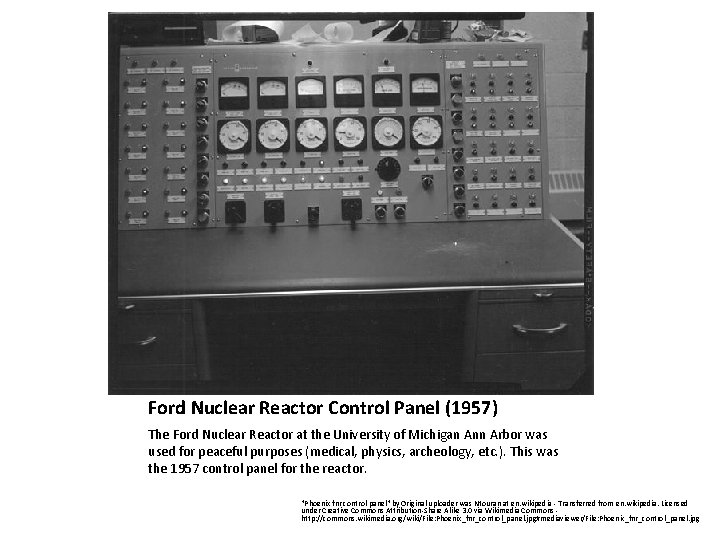
Ford Nuclear Reactor Control Panel (1957) The Ford Nuclear Reactor at the University of Michigan Ann Arbor was used for peaceful purposes (medical, physics, archeology, etc. ). This was the 1957 control panel for the reactor. "Phoenix fnr control panel" by Original uploader was Ntouran at en. wikipedia - Transferred from en. wikipedia. Licensed under Creative Commons Attribution-Share Alike 3. 0 via Wikimedia Commons http: //commons. wikimedia. org/wiki/File: Phoenix_fnr_control_panel. jpg#mediaviewer/File: Phoenix_fnr_control_panel. jpg
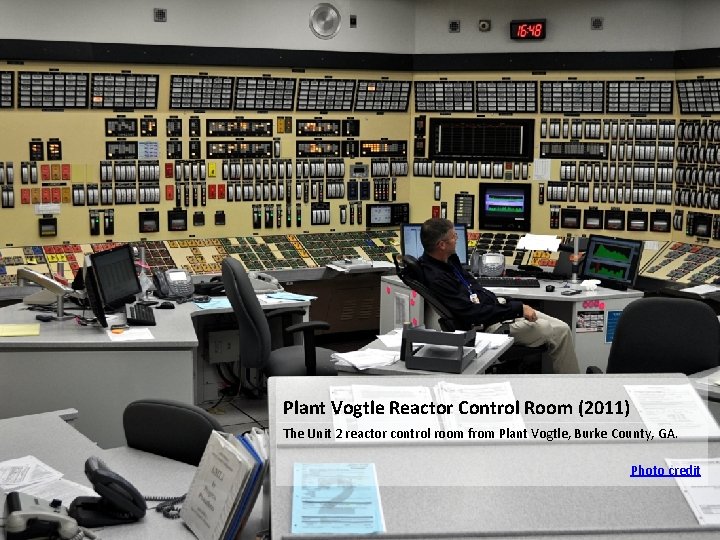
Plant Vogtle Reactor Control Room (2011) The Unit 2 reactor control room from Plant Vogtle, Burke County, GA. Photo credit
Complex system illustrations • User types – New operators – Seasoned operators • Context – Time allowed – Level of duress – Level of distraction
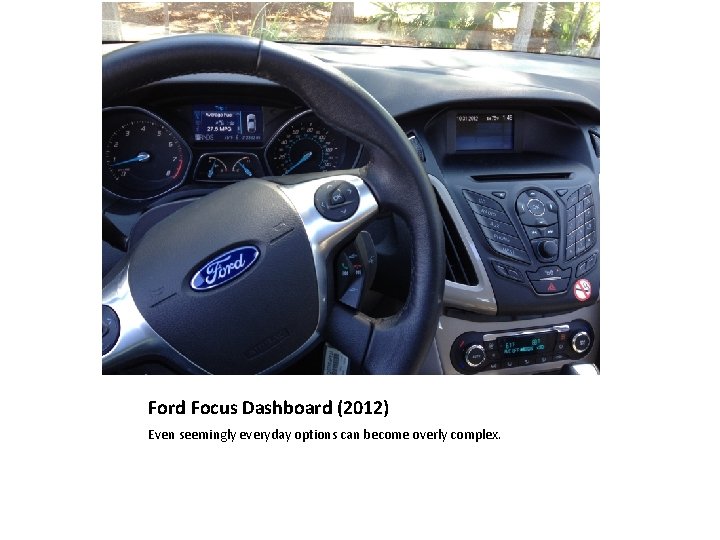
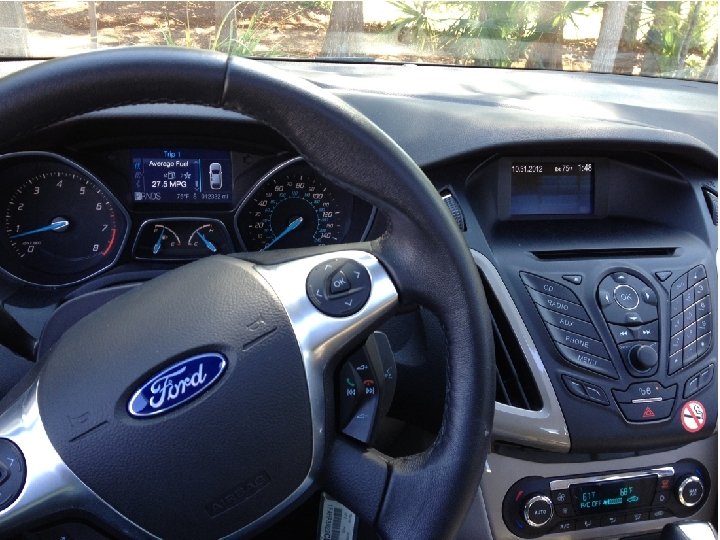
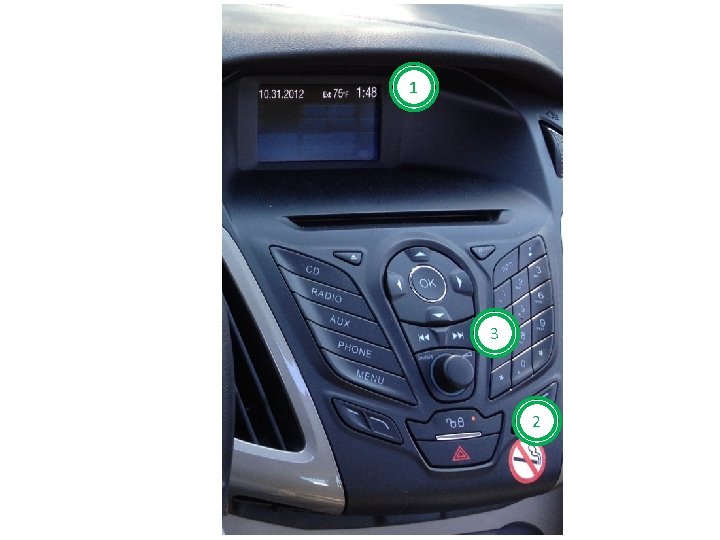
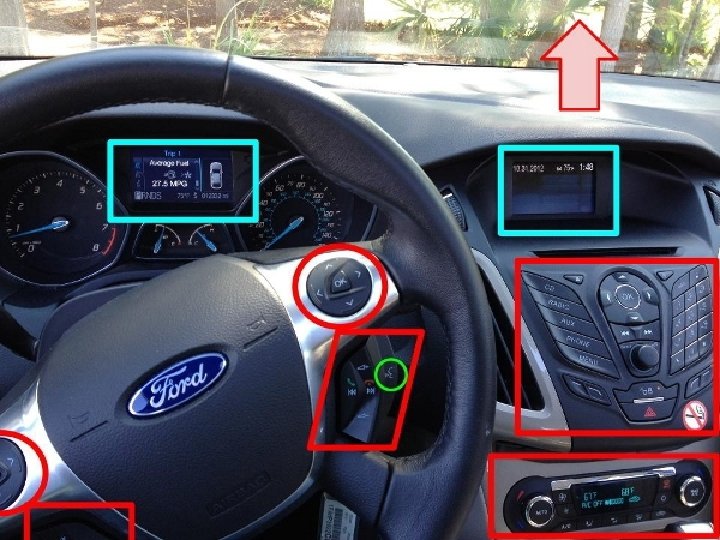
Ford Focus Dashboard (2012) Even seemingly everyday options can become overly complex.
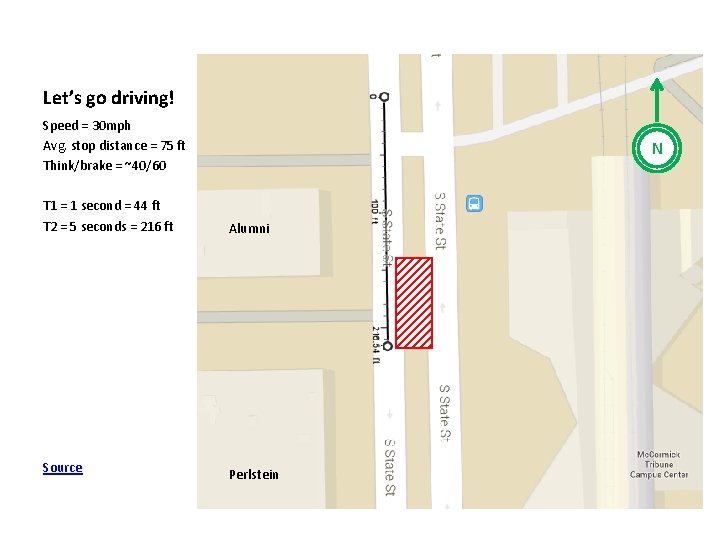
Let’s go driving! Speed = 30 mph Avg. stop distance = 75 ft Think/brake = ~40/60 N T 1 = 1 second = 44 ft T 2 = 5 seconds = 216 ft Alumni Source Perlstein
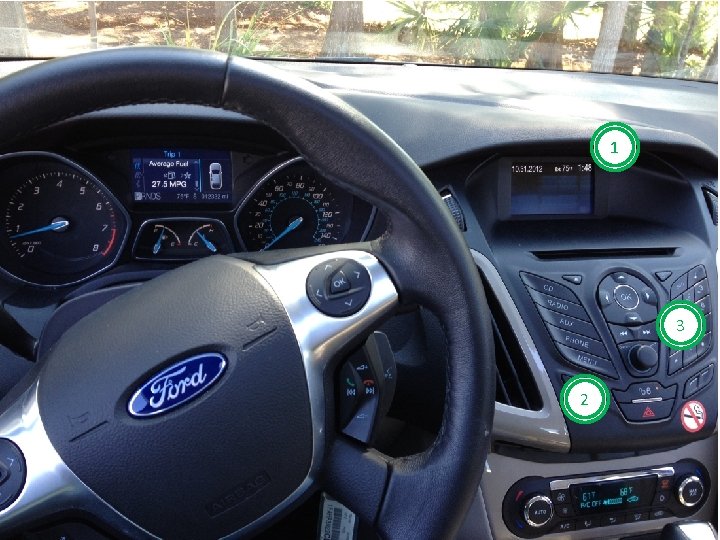
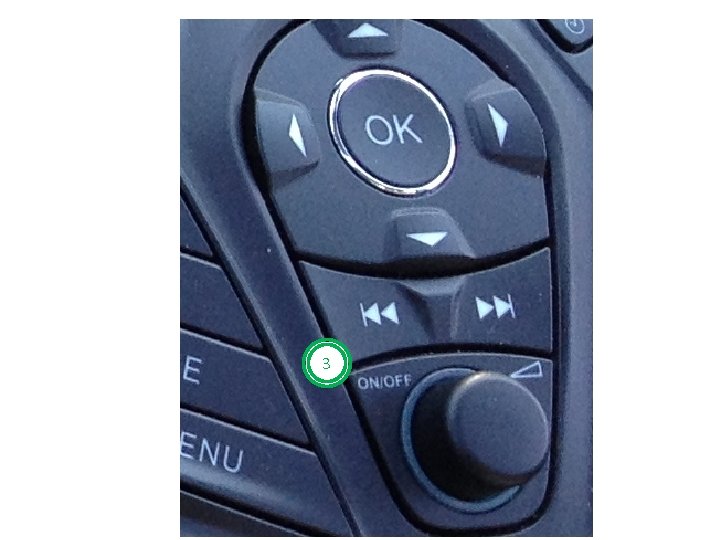
Let’s go driving! 1. What time is it in the picture? 2. How do you unlock the doors? 3. How do you turn the stereo on?
1 3 2
1 3 2
3
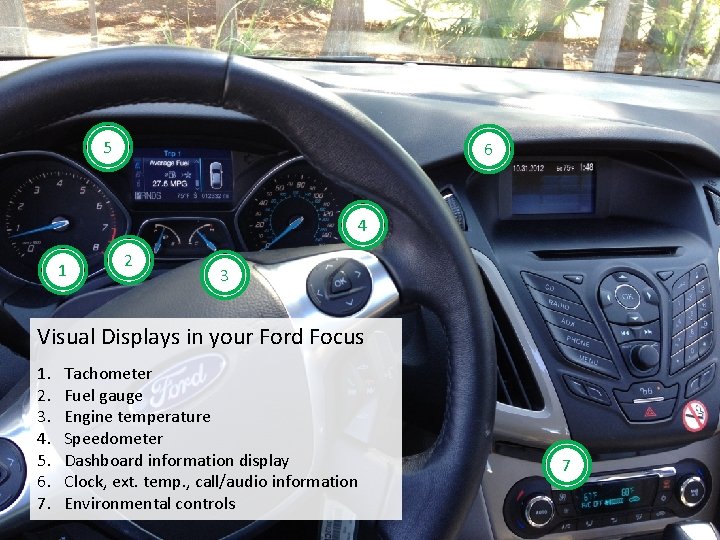
5 6 4 1 2 3 Visual Displays in your Ford Focus 1. 2. 3. 4. 5. 6. 7. Tachometer Fuel gauge Engine temperature Speedometer Dashboard information display Clock, ext. temp. , call/audio information Environmental controls 7
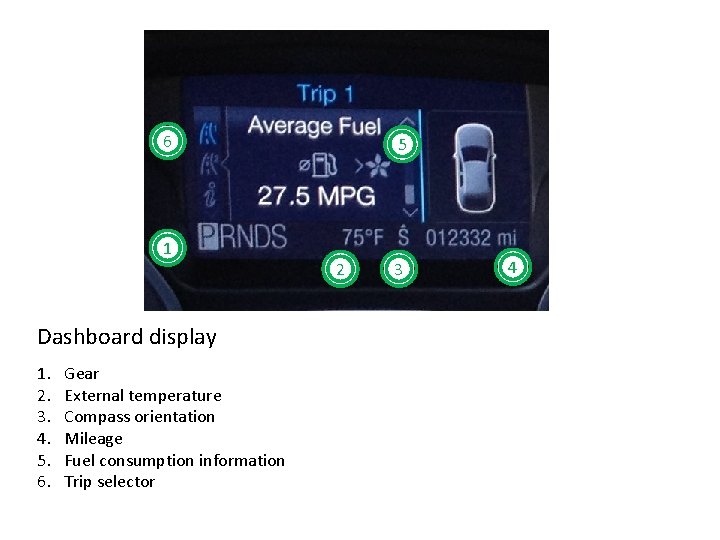
6 1 Dashboard display 1. 2. 3. 4. 5. 6. Gear External temperature Compass orientation Mileage Fuel consumption information Trip selector 5 2 3 4
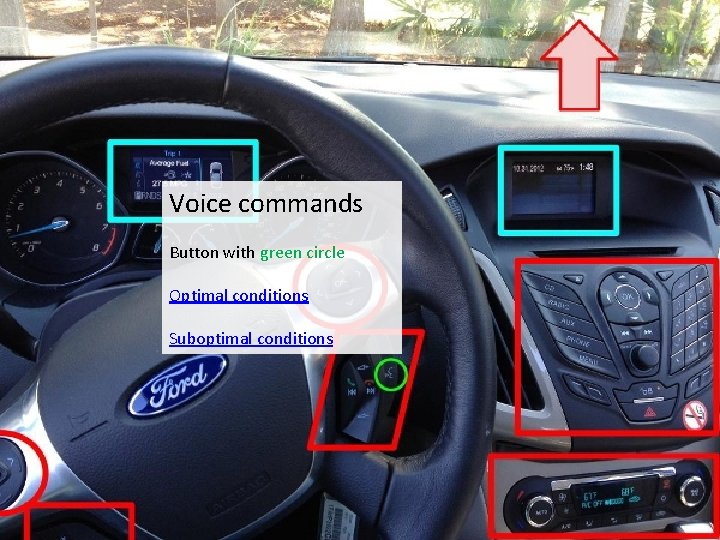
Voice commands Button with green circle Optimal conditions Suboptimal conditions
What do labeled system illustrations do for users? • Reduce cognitive performance load • Assist in forming system and interaction mental models • Help reduce initial time to target • Help reduce time it takes to scan through multiple options
UI graphics • Labels are supplemental to instructions • Especially helpful for hidden options or functionality – You typically don’t label buttons that have labels already, like “submit” – Use a label when next user action is not obvious • Different levels of signaling
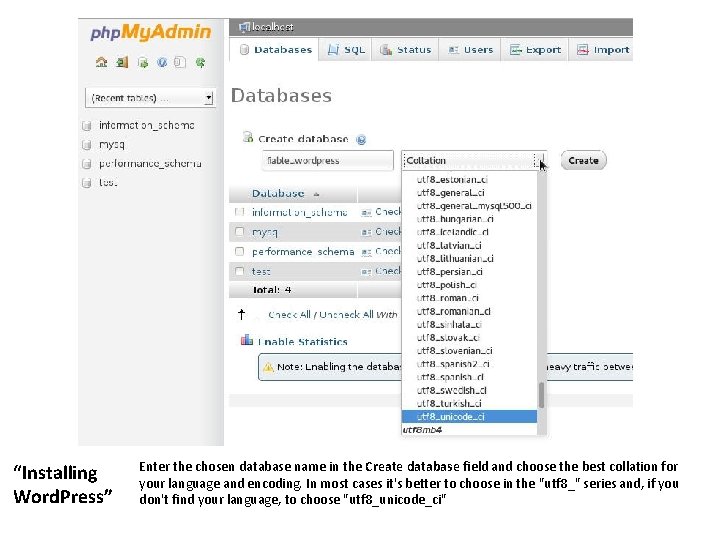
“Installing Word. Press” Enter the chosen database name in the Create database field and choose the best collation for your language and encoding. In most cases it's better to choose in the "utf 8_" series and, if you don't find your language, to choose "utf 8_unicode_ci"
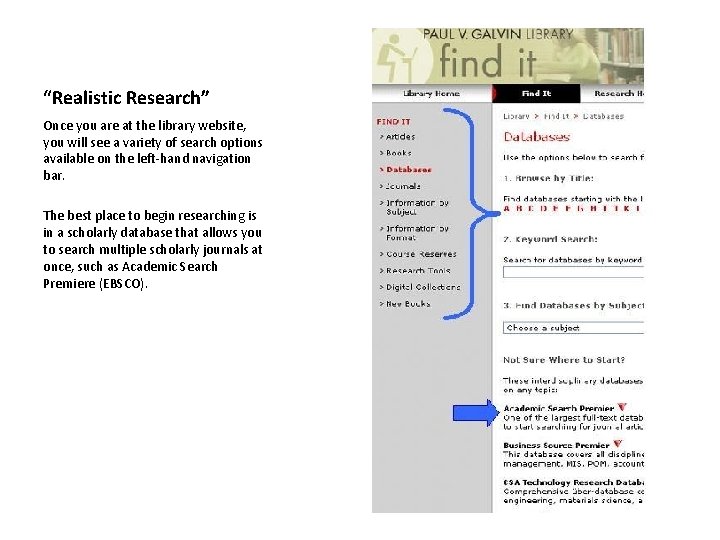
“Realistic Research” Once you are at the library website, you will see a variety of search options available on the left-hand navigation bar. The best place to begin researching is in a scholarly database that allows you to search multiple scholarly journals at once, such as Academic Search Premiere (EBSCO).
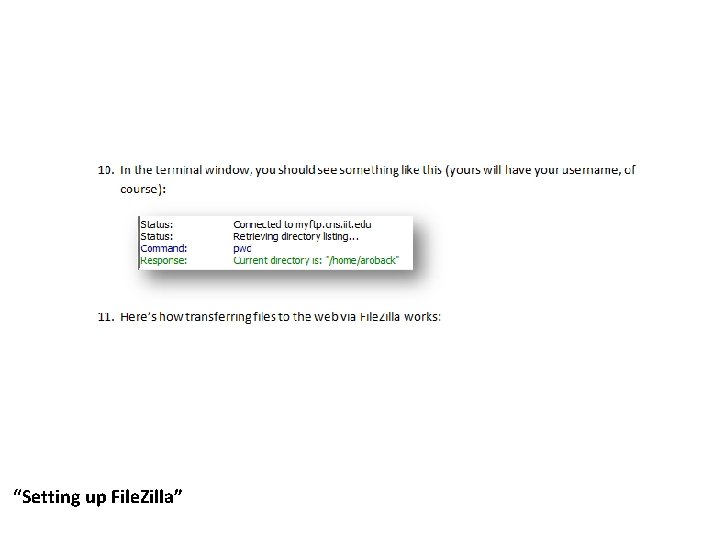
“Setting up File. Zilla”
Labeling the UI • Avoid cluttering the illustration with labels (especially if the UI is already cluttered) • If you reference a hidden object, show it in the illustration • Carefully assess what is “self-evident” and exclude that from labeling