
EEE 243 Applied Computer Programming Modules and Information
![The Right-Left Rule Examples: int *p[] //p is an array of pointers to int](https://slidetodoc.com/presentation_image_h2/7c59adb12b3db77a3eba3c6acfd01bf2/image-24.jpg "The Right-Left Rule Examples: int *p[] //p is an array of pointers to int")
![Example #include <stdio. h> int addition(int a, int b); int main(void) { int (*functions[4])(int,](https://slidetodoc.com/presentation_image_h2/7c59adb12b3db77a3eba3c6acfd01bf2/image-30.jpg "Example #include <stdio. h> int addition(int a, int b); int main(void) { int (*functions[4])(int,")
- Slides: 31
EEE 243 – Applied Computer Programming Modules and Information Hiding and Function Pointers
Outline 1. 2. 3. 4. 5. 6. 7. Modular Decomposition Information Hiding Encapsulation Interfaces Modules in C The Right-Left Rule Pointers to functions 2
Modular decomposition • So far we have seen that we can decompose a large monolithic function (such as main()) into many smaller and cohesive functions • Up to now, all of the functions that we have defined have been defined into one program file – a single compilation unit • We have also learned about function prototypes, and how to declare them within our program file. 3
Modular decomposition • Well-designed software, like any other product of engineering, should be designed with a philosophy of planning and careful implementation • Similar to an office building, a software program should have a well-designed structure – an architecture 4
Modular decomposition • It is not sufficient to decompose a large program into functions • The architecture of a large program should be expressed into separate compilation units • These separate compilation units in C are called modules • You already have used several library modules such as stdio, string, … 5
Information Hiding • The concept of information hiding originates from a seminal paper from David Parnas (1972) • Information hiding: "Each module has a secret which it hides from other modules" 6
Encapsulation • The concept of information hiding is key to the concepts of decomposition and abstraction • Hide the information that can or may change and expose a stable interface that will NOT change – This is known as encapsulation • The information is ONLY accessed through the interface, never directly – it is hidden 7
Encapsulation Why is information hiding important? • By encapsulating the information that can change in the module implementation and providing the service through a stable interface, we free the user of the module and from the need to know about the implementation • The implementation can change to improve the performance – Due to hardware/platform changes… • The coupling between modules is therefore reduced. – The program is more maintainable 8
What do we hide? There are three types of information hiding modules: • Behaviour-Hiding: Hides items such as screen formats, print formats, user menus, communication of data, change in state etc… • Design Decision-Hiding: Hides the kind of data structures and algorithms you use • Machine-Hiding: Hides platform specific interfacing – Ex: 3 pi. h – hides the 3 Pi-specific functions and some types 9
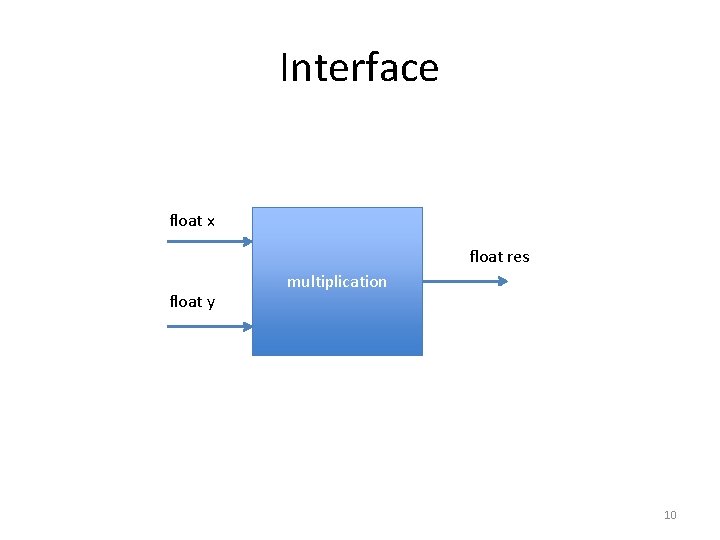
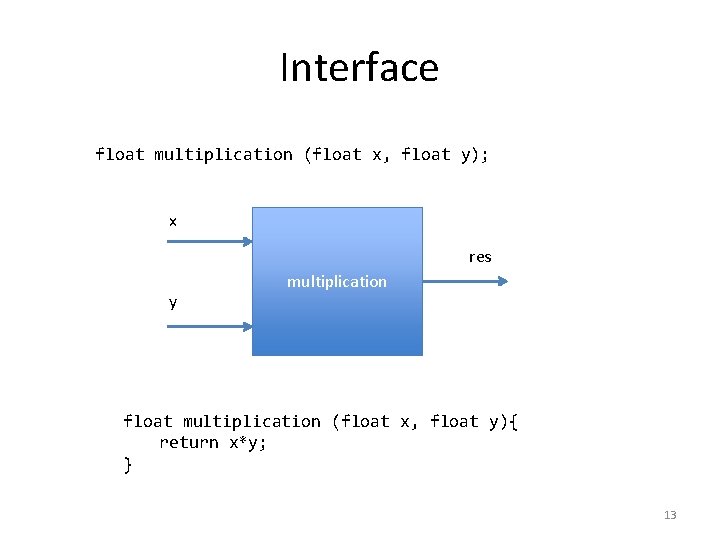
Interface float x float res float y multiplication 10
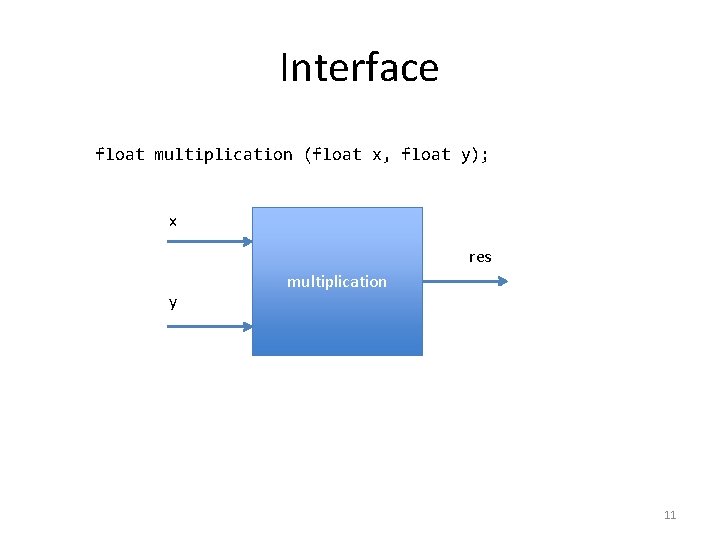
Interface float multiplication (float x, float y); x res y multiplication 11
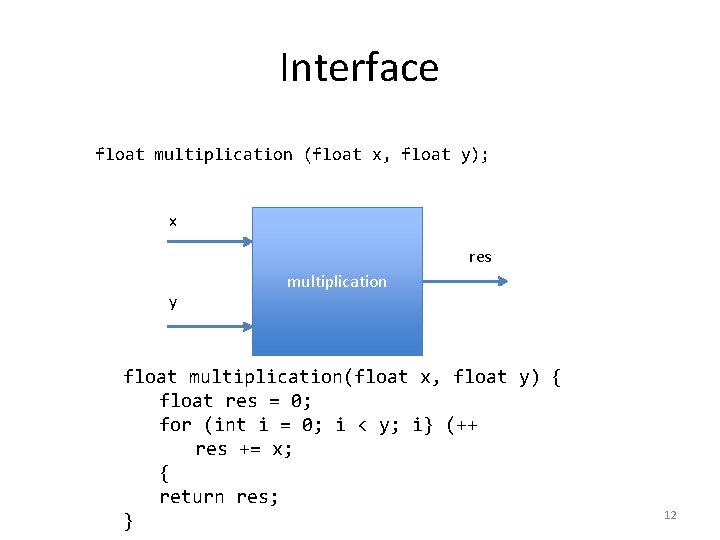
Interface float multiplication (float x, float y); x res y multiplication float multiplication(float x, float y) { float res = 0; for (int i = 0; i < y; i} (++ res += x; { return res; } 12
Interface float multiplication (float x, float y); x res y multiplication float multiplication (float x, float y){ return x*y; } 13
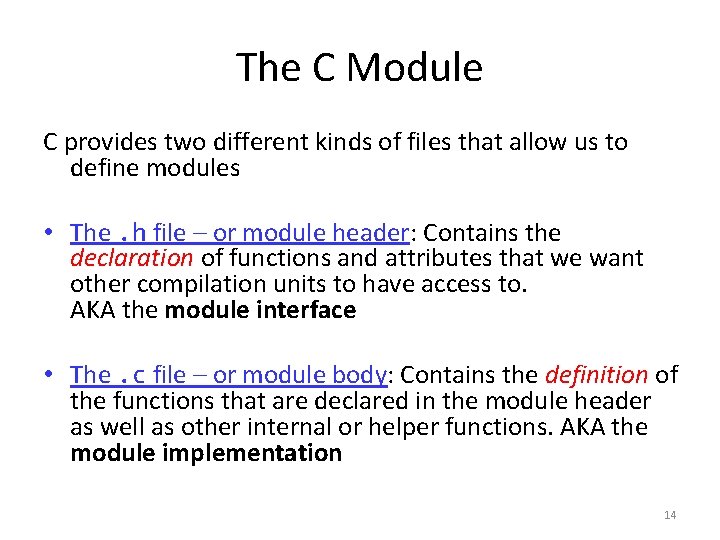
The C Module C provides two different kinds of files that allow us to define modules • The. h file – or module header: Contains the declaration of functions and attributes that we want other compilation units to have access to. AKA the module interface • The. c file – or module body: Contains the definition of the functions that are declared in the module header as well as other internal or helper functions. AKA the module implementation 14
The C Module • When you #include a module header in your program, only the functions and attributes that are declared in the header are available to you • When designing a module it is NEVER a good idea to give direct access to the module's variables – Certainly, it is not a good approach to, say, a question on an exam. 15
The C Module - Prototypes • A module must have two files with the same name but with the. c and. h extensions – app. c, app. h • You must declare a function prototype in the header file for each of the functions that you want to make accessible to other modules 16
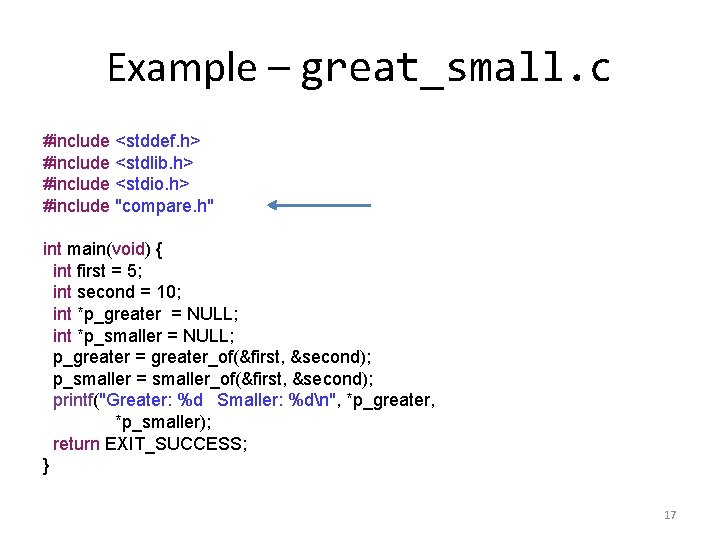
Example – great_small. c #include <stddef. h> #include <stdlib. h> #include <stdio. h> #include "compare. h" int main(void) { int first = 5; int second = 10; int *p_greater = NULL; int *p_smaller = NULL; p_greater = greater_of(&first, &second); p_smaller = smaller_of(&first, &second); printf("Greater: %d Smaller: %dn", *p_greater, *p_smaller); return EXIT_SUCCESS; } 17
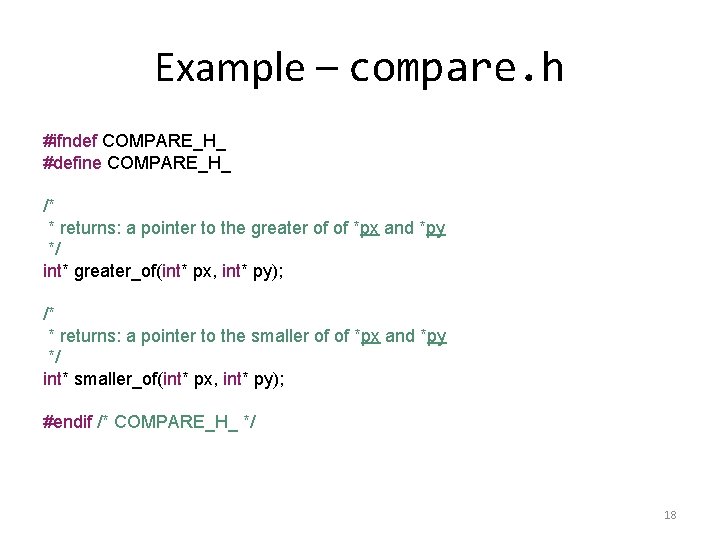
Example – compare. h #ifndef COMPARE_H_ #define COMPARE_H_ /* * returns: a pointer to the greater of of *px and *py */ int* greater_of(int* px, int* py); /* * returns: a pointer to the smaller of of *px and *py */ int* smaller_of(int* px, int* py); #endif /* COMPARE_H_ */ 18
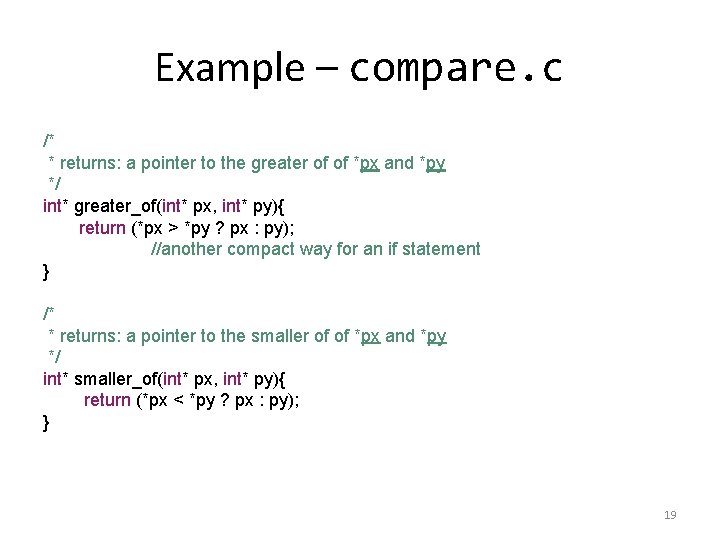
Example – compare. c /* * returns: a pointer to the greater of of *px and *py */ int* greater_of(int* px, int* py){ return (*px > *py ? px : py); //another compact way for an if statement } /* * returns: a pointer to the smaller of of *px and *py */ int* smaller_of(int* px, int* py){ return (*px < *py ? px : py); } 19
Building with components • As modules are developed worldwide, libraries and reusable components emerge • These components are either full executable solutions or parts to be assembled into larger systems • Information hiding and abstraction make it possible to build solutions from known components without knowing how they are built 20
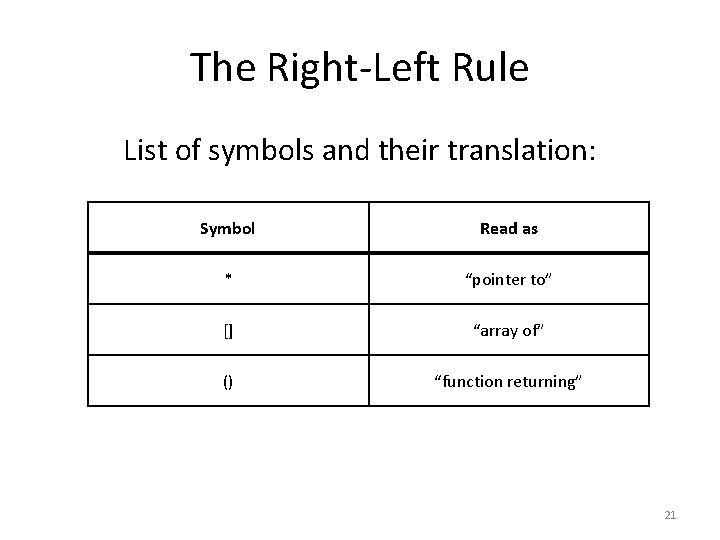
The Right-Left Rule List of symbols and their translation: Symbol Read as * “pointer to” [] “array of” () “function returning” 21
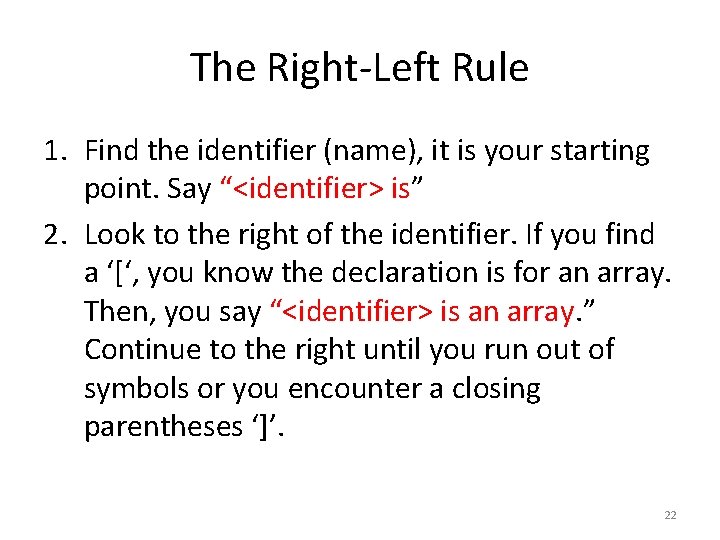
The Right-Left Rule 1. Find the identifier (name), it is your starting point. Say “<identifier> is” 2. Look to the right of the identifier. If you find a ‘[‘, you know the declaration is for an array. Then, you say “<identifier> is an array. ” Continue to the right until you run out of symbols or you encounter a closing parentheses ‘]’. 22
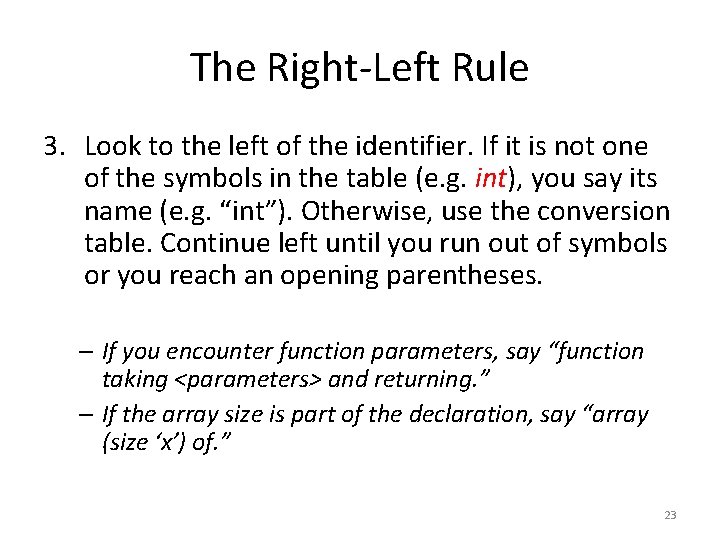
The Right-Left Rule 3. Look to the left of the identifier. If it is not one of the symbols in the table (e. g. int), you say its name (e. g. “int”). Otherwise, use the conversion table. Continue left until you run out of symbols or you reach an opening parentheses. – If you encounter function parameters, say “function taking <parameters> and returning. ” – If the array size is part of the declaration, say “array (size ‘x’) of. ” 23
The Right-Left Rule Examples: int *p[] //p is an array of pointers to int char hello() //hello is a function returning a char double z[10] //z is an array (size 10) of doubles void do_nothing(int x) //do_nothing is a function taking an int and returning nothing int f[40][1000] //f is an array (size 40) of arrays (size 1000) of ints 24
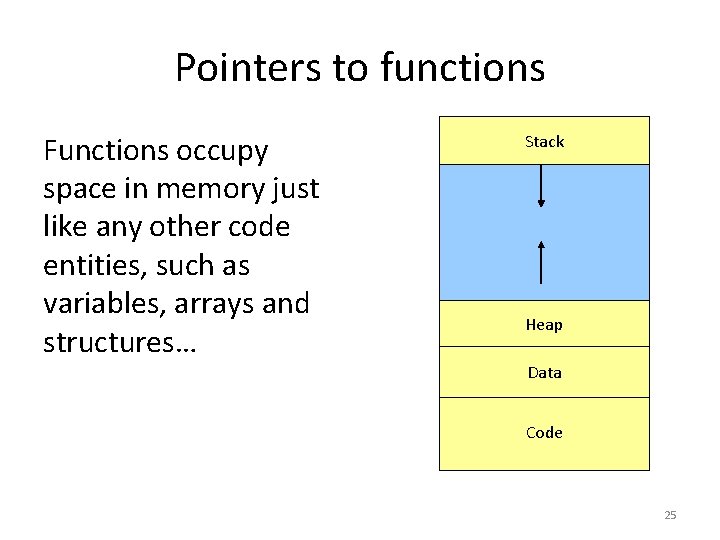
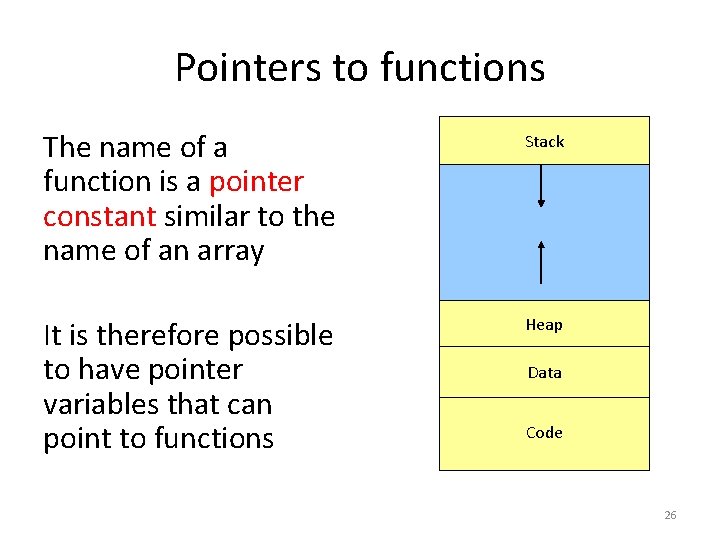
Pointers to functions Functions occupy space in memory just like any other code entities, such as variables, arrays and structures… Stack Heap Data Code 25
Pointers to functions The name of a function is a pointer constant similar to the name of an array Stack It is therefore possible to have pointer variables that can point to functions Heap Data Code 26
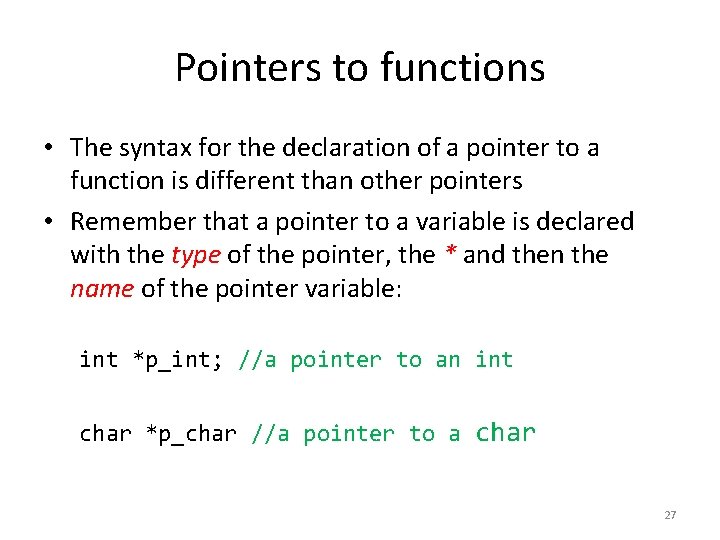
Pointers to functions • The syntax for the declaration of a pointer to a function is different than other pointers • Remember that a pointer to a variable is declared with the type of the pointer, the * and then the name of the pointer variable: int *p_int; //a pointer to an int char *p_char //a pointer to a char 27
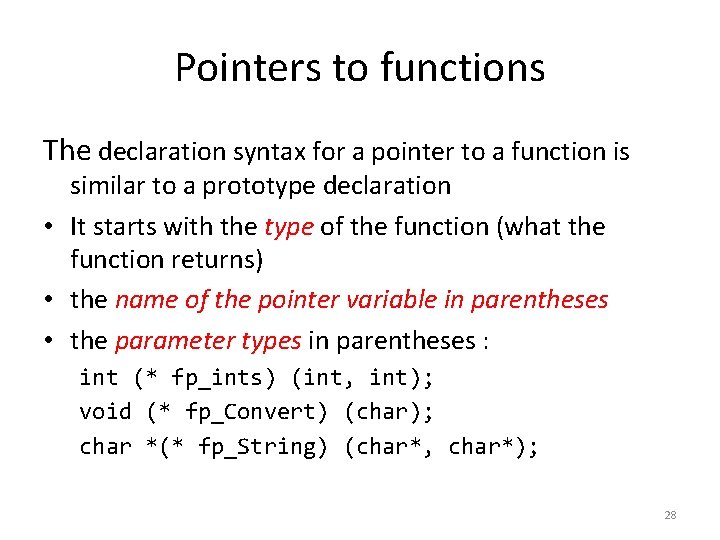
Pointers to functions The declaration syntax for a pointer to a function is similar to a prototype declaration • It starts with the type of the function (what the function returns) • the name of the pointer variable in parentheses • the parameter types in parentheses : int (* fp_ints) (int, int); void (* fp_Convert) (char); char *(* fp_String) (char*, char*); 28
Pointers to functions • Main uses of pointers to functions 1. One use for a function pointer is to pass the name of a function (its address) to a task manager; 2. Execute a function without knowing the name before runtime The flexibility afforded by pointers to functions is key to our ability to build dynamic systems 29
Example #include <stdio. h> int addition(int a, int b); int main(void) { int (*functions[4])(int, int) = {addition, difference, multiplication, division }; … result = (*functions[choice - 1])(param_1, param_2); printf("The result is %dn", result); return EXIT_SUCCESS; } 30
Questions? 31