
EECS 373 Design of MicroprocessorBased Systems Winter 2004
EECS 373 Design of Microprocessor-Based Systems Winter 2004 Lecturer: Mark Brehob Lab Instructor: Matthew Smith Teaching Assistant: Ron Hagiz • http: //www. eecs. umich. edu/courses/eecs 373
Welcome • Class overview – What are embedded systems? – Why are they interesting? • Right into PPC assembly
Up and coming… • Lab 1 is this week. Due by this Friday. (it’s fairly short) • Lab 2 prelab is due at start lab next week (at the “half hour” after the start of lab start)
What are embedded processors? • You get into your car and turn the key on. You take a 3. 5" floppy disk from the glove compartment, insert it into a slot on the dashboard, and drum your fingers on the steering wheel until the operating system prompt appears on the dashboard LCD. Using the cursor keys on the centre console you select the program for electronic ignition, then turn the key to start the engine. On the way to work you want to listen to some music, so you insert the program CD into the player, wait for the green light to flash indicating that the digital signal processor in the player is ready, then put in your music CD. From Ball Embedded Microprocessor Systems as are some other slides here

So…. • You don't need a traditional user interface to decide which programs should be running • You don't need to load programs into your devices • You don't need to waste time waiting for the O/S to load – if one is needed, then it doesn't have baggage that make it slow to load • You don't need to load programs or data from a slow disk drive - most information needed will be in fast ROM http: //jan. netcomp. monash. edu. au/internetdevices/embedded_proc. html as are Some other slides here.
Definition: • Dedicated to controlling a specific real-time device or function • Self-starting, not requiring human intervention to begin. The user cannot tell if the system is controlled by a microprocessor or by dedicated hardware • Self-contained, with the operating program in some kind of non-volatile memory
How are things controlled? • Switches – Switches can be used to switch things on or off e. g. lights can be on or off – They can also be used to switch between values e. g a heater can be set to a number of values • Sensors – Sensors can tell if something is on or off – Sensors can tell you the value of something e. g. temperature • Timers – Timers can control the duration of other activities, such as how long a light is on • Analog controllers – Things such as voltage can be set for analogue devices such as motors
Overview • Examples of microprocessor-based (a. k. a. embedded) systems: • Why are microprocessors used in increasingly many systems? (What’s “wrong” with application-specific integrated circuits? )
What we will cover • Power. PC architecture and assembly language • Bus protocols and interfacing – Including P 6, PCI, and maybe firewire etc. • Digital design review. • Common I/O devices – Timers, A/D converters, serial I/O, video • Interrupts – I/O devices demanding attention • Direct Memory Access (DMA): – I/O devices talk directly to memory • Memory technologies: SRAM, DRAM, Flash etc
Power. PC Architecture and Assembly Language • Overview • Loads and Stores • Arithmetic and Logical Operations • Shifts and Rotates • Branches Reference: Chapters 3 and 4 of Power. PC manual
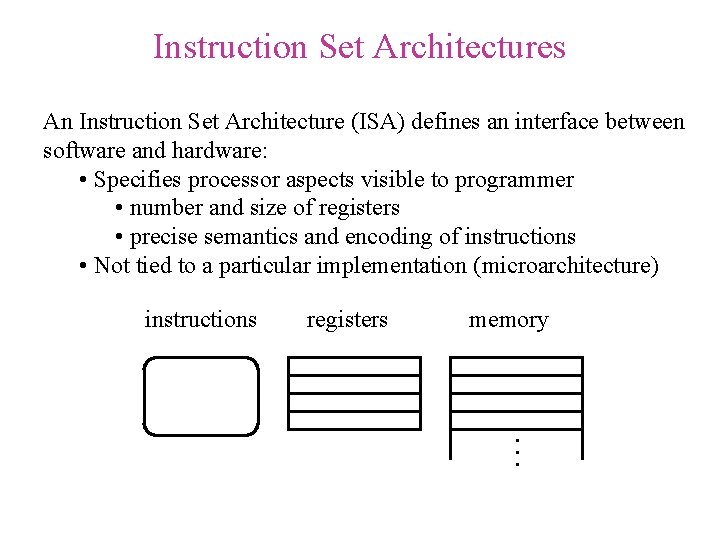
Instruction Set Architectures An Instruction Set Architecture (ISA) defines an interface between software and hardware: • Specifies processor aspects visible to programmer • number and size of registers • precise semantics and encoding of instructions • Not tied to a particular implementation (microarchitecture) registers memory . . . instructions
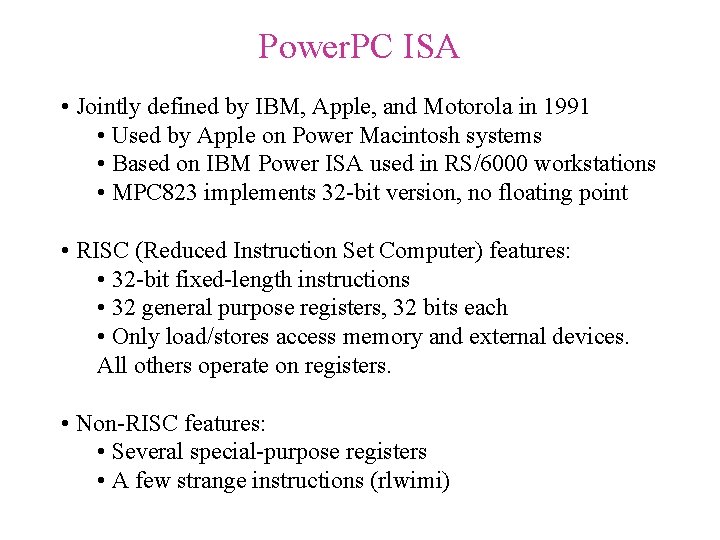
Power. PC ISA • Jointly defined by IBM, Apple, and Motorola in 1991 • Used by Apple on Power Macintosh systems • Based on IBM Power ISA used in RS/6000 workstations • MPC 823 implements 32 -bit version, no floating point • RISC (Reduced Instruction Set Computer) features: • 32 -bit fixed-length instructions • 32 general purpose registers, 32 bits each • Only load/stores access memory and external devices. All others operate on registers. • Non-RISC features: • Several special-purpose registers • A few strange instructions (rlwimi)
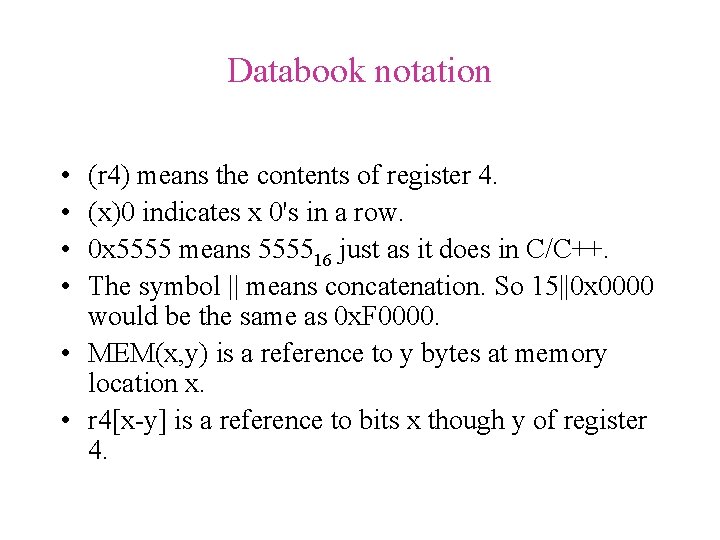
Databook notation • • (r 4) means the contents of register 4. (x)0 indicates x 0's in a row. 0 x 5555 means 555516 just as it does in C/C++. The symbol || means concatenation. So 15||0 x 0000 would be the same as 0 x. F 0000. • MEM(x, y) is a reference to y bytes at memory location x. • r 4[x-y] is a reference to bits x though y of register 4.
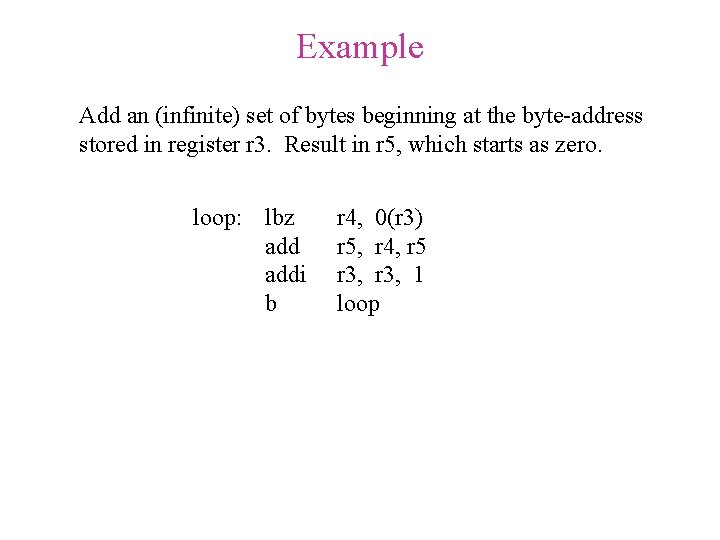
Example Add an (infinite) set of bytes beginning at the byte-address stored in register r 3. Result in r 5, which starts as zero. loop: lbz addi b r 4, 0(r 3) r 5, r 4, r 5 r 3, 1 loop
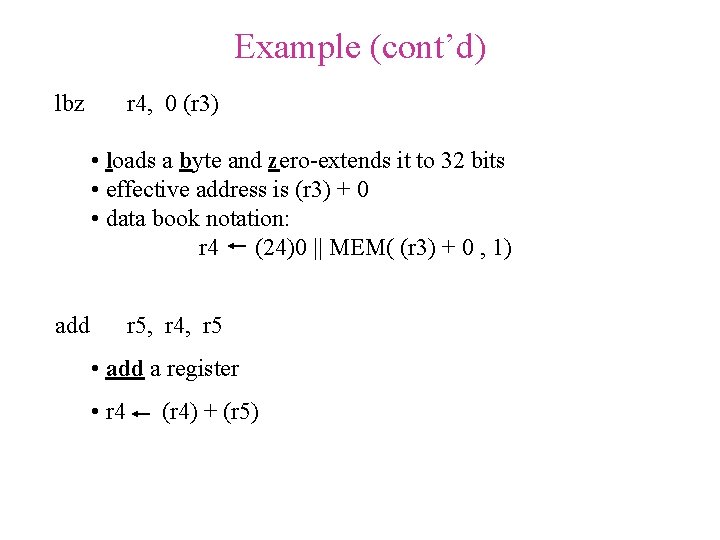
Example (cont’d) lbz r 4, 0 (r 3) • loads a byte and zero-extends it to 32 bits • effective address is (r 3) + 0 • data book notation: r 4 (24)0 || MEM( (r 3) + 0 , 1) add r 5, r 4, r 5 • add a register • r 4 (r 4) + (r 5)
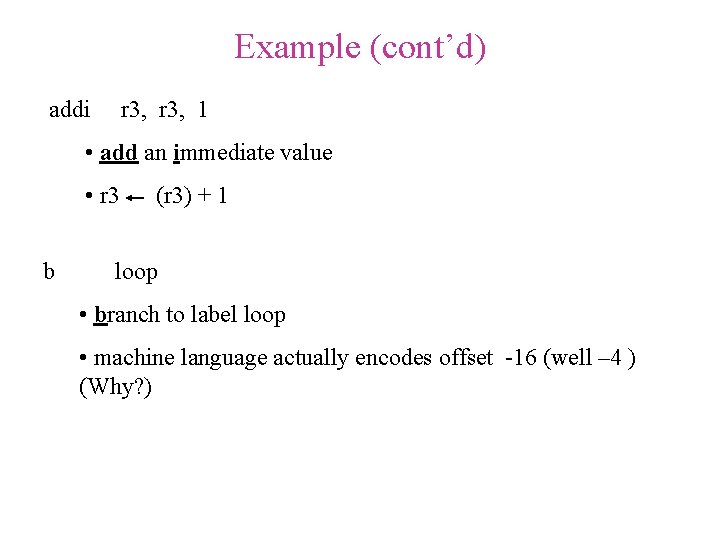
Example (cont’d) addi r 3, 1 • add an immediate value • r 3 b (r 3) + 1 loop • branch to label loop • machine language actually encodes offset -16 (well – 4 ) (Why? )
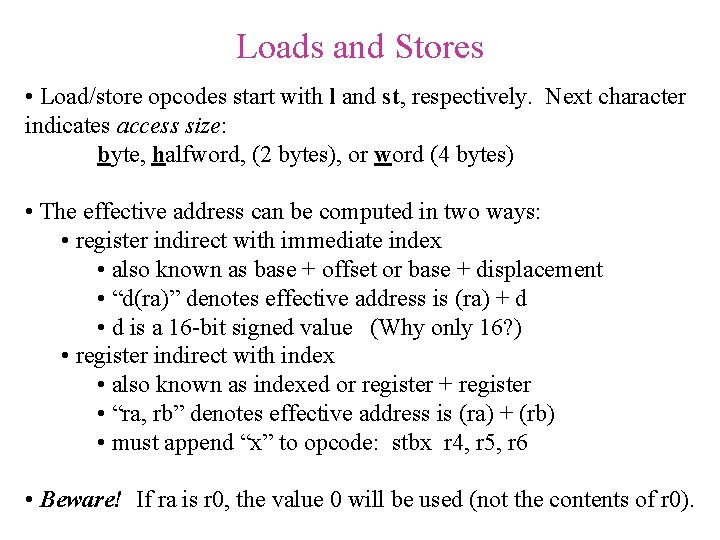
Loads and Stores • Load/store opcodes start with l and st, respectively. Next character indicates access size: byte, halfword, (2 bytes), or word (4 bytes) • The effective address can be computed in two ways: • register indirect with immediate index • also known as base + offset or base + displacement • “d(ra)” denotes effective address is (ra) + d • d is a 16 -bit signed value (Why only 16? ) • register indirect with index • also known as indexed or register + register • “ra, rb” denotes effective address is (ra) + (rb) • must append “x” to opcode: stbx r 4, r 5, r 6 • Beware! If ra is r 0, the value 0 will be used (not the contents of r 0).
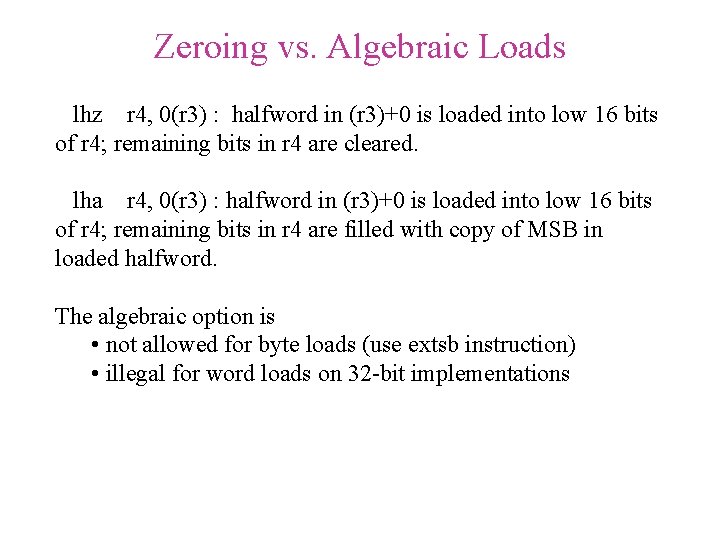
Zeroing vs. Algebraic Loads lhz r 4, 0(r 3) : halfword in (r 3)+0 is loaded into low 16 bits of r 4; remaining bits in r 4 are cleared. lha r 4, 0(r 3) : halfword in (r 3)+0 is loaded into low 16 bits of r 4; remaining bits in r 4 are filled with copy of MSB in loaded halfword. The algebraic option is • not allowed for byte loads (use extsb instruction) • illegal for word loads on 32 -bit implementations
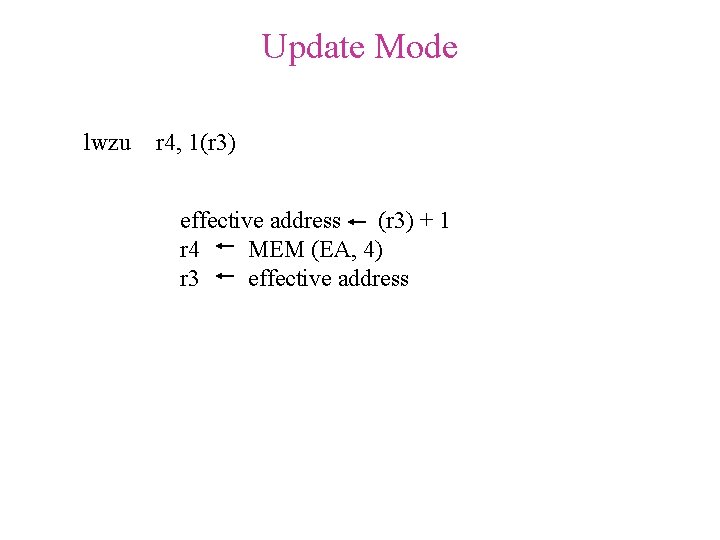
Update Mode lwzu r 4, 1(r 3) effective address (r 3) + 1 r 4 MEM (EA, 4) r 3 effective address
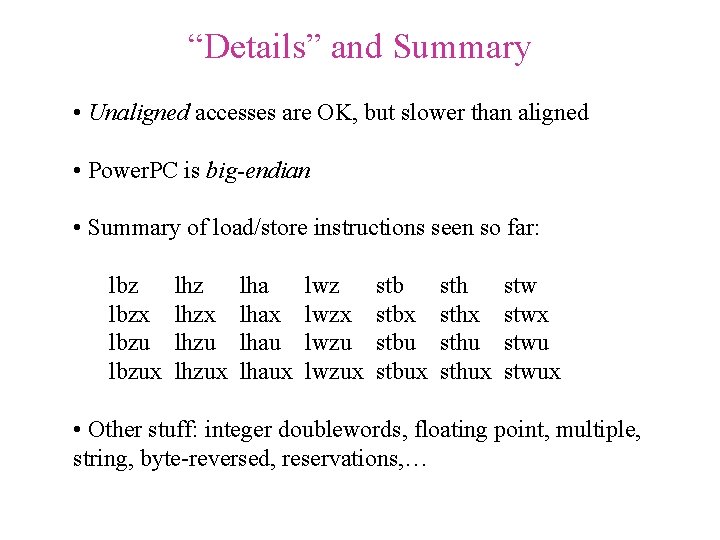
“Details” and Summary • Unaligned accesses are OK, but slower than aligned • Power. PC is big-endian • Summary of load/store instructions seen so far: lbzx lbzux lhzx lhzux lhax lhaux lwzx lwzux stbx stbux sthx sthux stwx stwux • Other stuff: integer doublewords, floating point, multiple, string, byte-reversed, reservations, …
![Aligned Big-Endian Mapping struct{ int double char* char short int a; b; c; d[7];](http://slidetodoc.com/presentation_image/fa987b052735bcd6e5d62883baa58d39/image-21.jpg "Aligned Big-Endian Mapping struct{ int double char* char short int a; b; c; d[7];")
Aligned Big-Endian Mapping struct{ int double char* char short int a; b; c; d[7]; e; f; /* 0 x 1112_1314 word /* 0 x 2122_2324_2526_2728 double word /* 0 x 3132_3334 word /* ‘L’, …, ‘R’ array of bytes /* 0 x 5152 half word /* 0 x 6162_6364 word */ */ */ } S; 00 11 01 12 02 13 03 14 04 05 06 07 address (hex) contents 21 22 23 24 25 26 27 28 contents 31 32 33 34 L M N O contents P Q R 51 52 contents 61 62 63 64 20 21 22 23 25 contents address (hex) 24 26 27
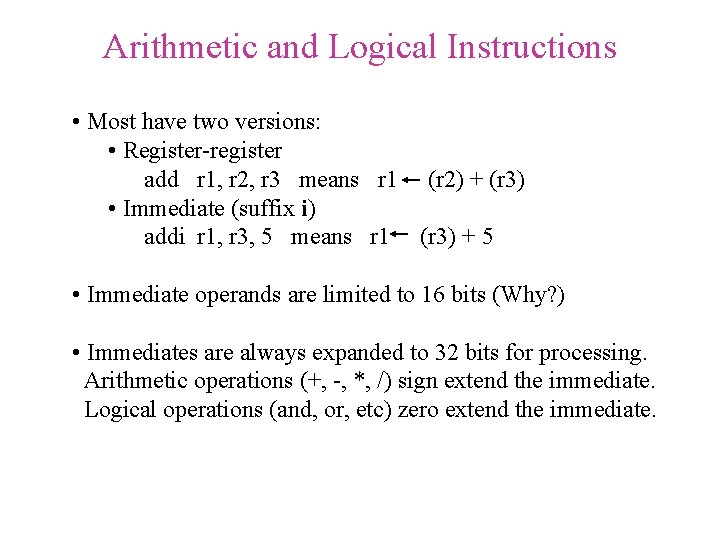
Arithmetic and Logical Instructions • Most have two versions: • Register-register add r 1, r 2, r 3 means r 1 (r 2) + (r 3) • Immediate (suffix i) addi r 1, r 3, 5 means r 1 (r 3) + 5 • Immediate operands are limited to 16 bits (Why? ) • Immediates are always expanded to 32 bits for processing. Arithmetic operations (+, -, *, /) sign extend the immediate. Logical operations (and, or, etc) zero extend the immediate.
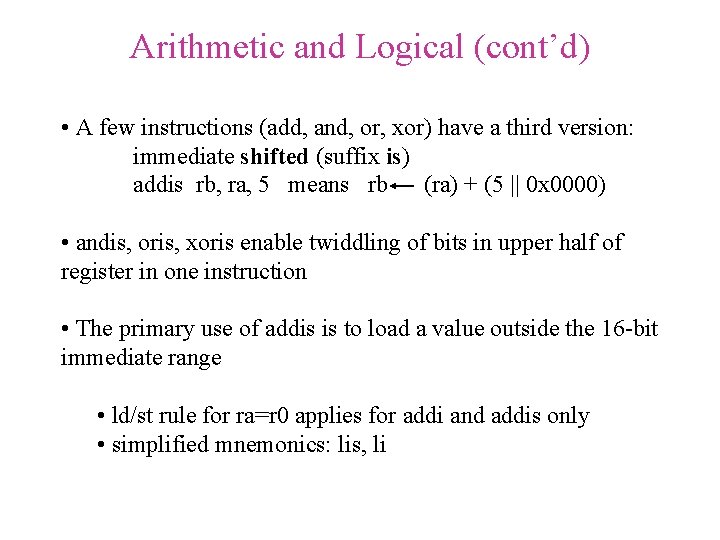
Arithmetic and Logical (cont’d) • A few instructions (add, and, or, xor) have a third version: immediate shifted (suffix is) addis rb, ra, 5 means rb (ra) + (5 || 0 x 0000) • andis, oris, xoris enable twiddling of bits in upper half of register in one instruction • The primary use of addis is to load a value outside the 16 -bit immediate range • ld/st rule for ra=r 0 applies for addi and addis only • simplified mnemonics: lis, li
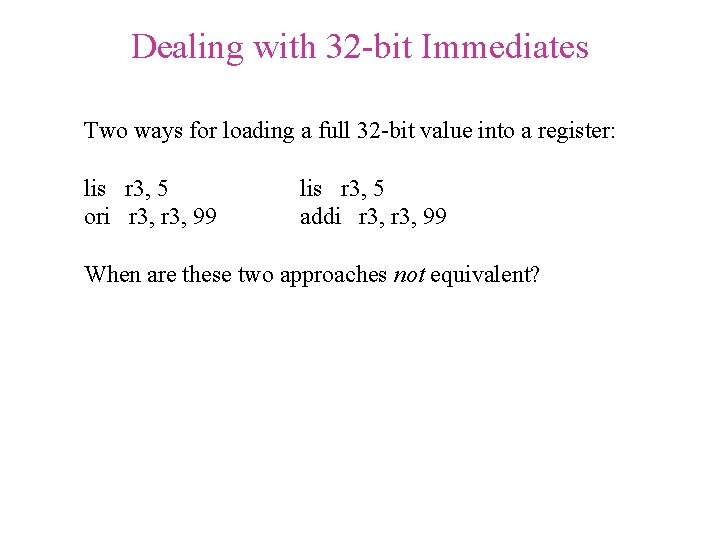
Dealing with 32 -bit Immediates Two ways for loading a full 32 -bit value into a register: lis r 3, 5 ori r 3, 99 lis r 3, 5 addi r 3, 99 When are these two approaches not equivalent?
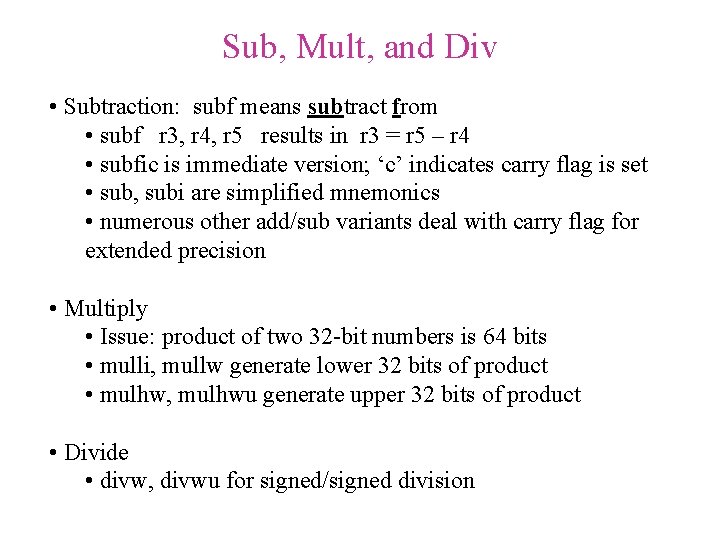
Sub, Mult, and Div • Subtraction: subf means subtract from • subf r 3, r 4, r 5 results in r 3 = r 5 – r 4 • subfic is immediate version; ‘c’ indicates carry flag is set • sub, subi are simplified mnemonics • numerous other add/sub variants deal with carry flag for extended precision • Multiply • Issue: product of two 32 -bit numbers is 64 bits • mulli, mullw generate lower 32 bits of product • mulhw, mulhwu generate upper 32 bits of product • Divide • divw, divwu for signed/signed division
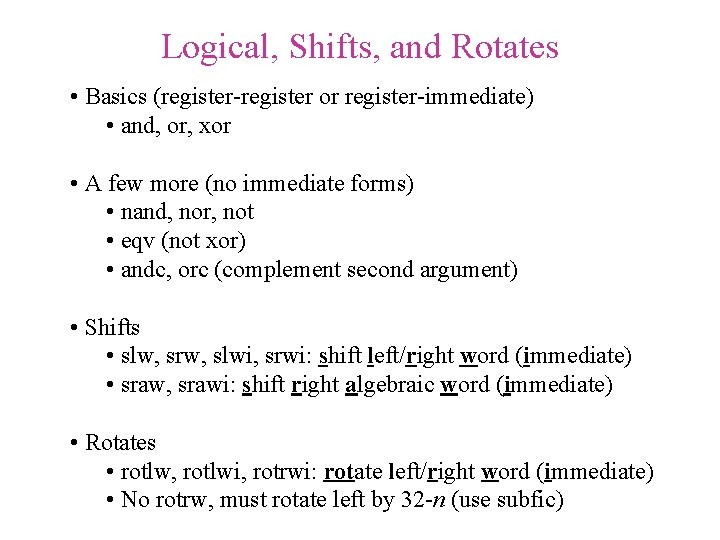
Logical, Shifts, and Rotates • Basics (register-register or register-immediate) • and, or, xor • A few more (no immediate forms) • nand, nor, not • eqv (not xor) • andc, orc (complement second argument) • Shifts • slw, srw, slwi, srwi: shift left/right word (immediate) • sraw, srawi: shift right algebraic word (immediate) • Rotates • rotlw, rotlwi, rotrwi: rotate left/right word (immediate) • No rotrw, must rotate left by 32 -n (use subfic)
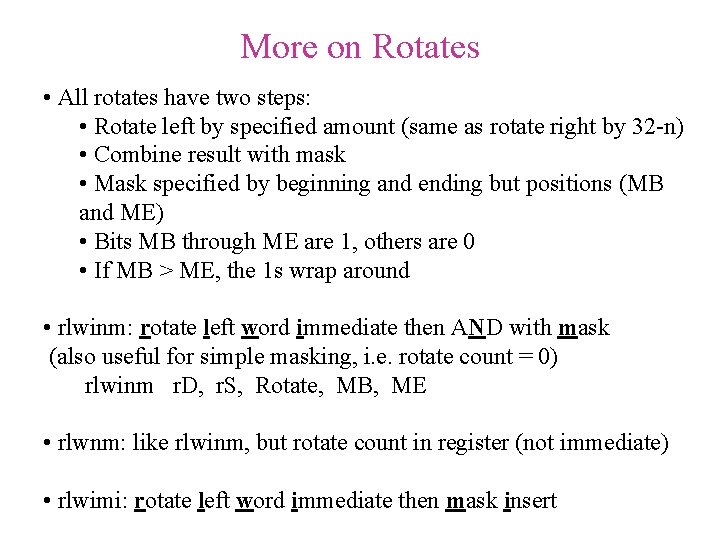
More on Rotates • All rotates have two steps: • Rotate left by specified amount (same as rotate right by 32 -n) • Combine result with mask • Mask specified by beginning and ending but positions (MB and ME) • Bits MB through ME are 1, others are 0 • If MB > ME, the 1 s wrap around • rlwinm: rotate left word immediate then AND with mask (also useful for simple masking, i. e. rotate count = 0) rlwinm r. D, r. S, Rotate, MB, ME • rlwnm: like rlwinm, but rotate count in register (not immediate) • rlwimi: rotate left word immediate then mask insert
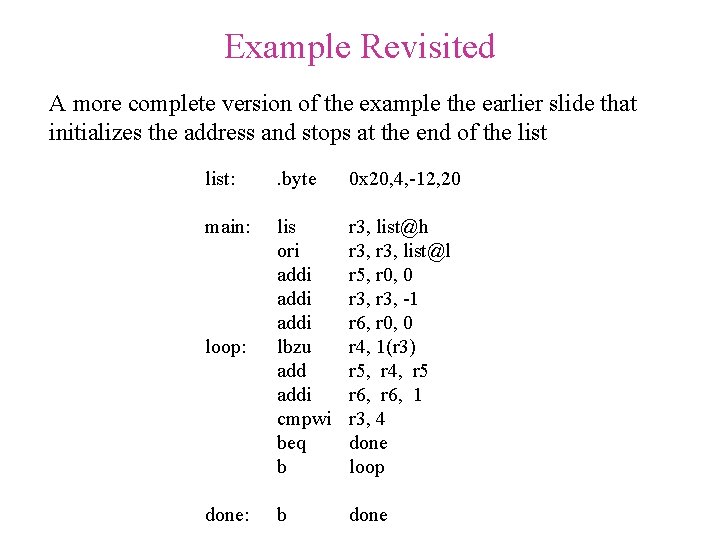
Example Revisited A more complete version of the example the earlier slide that initializes the address and stops at the end of the list: . byte 0 x 20, 4, -12, 20 main: loop: lis ori addi lbzu addi cmpwi beq b r 3, list@h r 3, list@l r 5, r 0, 0 r 3, -1 r 6, r 0, 0 r 4, 1(r 3) r 5, r 4, r 5 r 6, 1 r 3, 4 done loop done: b done
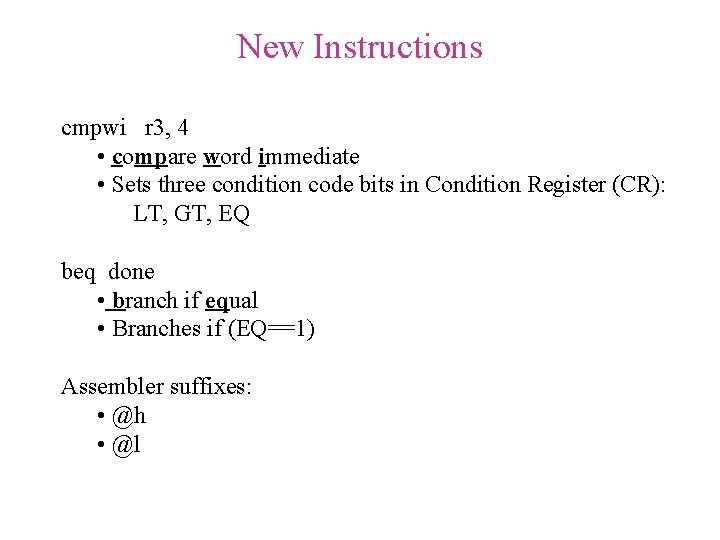
New Instructions cmpwi r 3, 4 • compare word immediate • Sets three condition code bits in Condition Register (CR): LT, GT, EQ beq done • branch if equal • Branches if (EQ==1) Assembler suffixes: • @h • @l
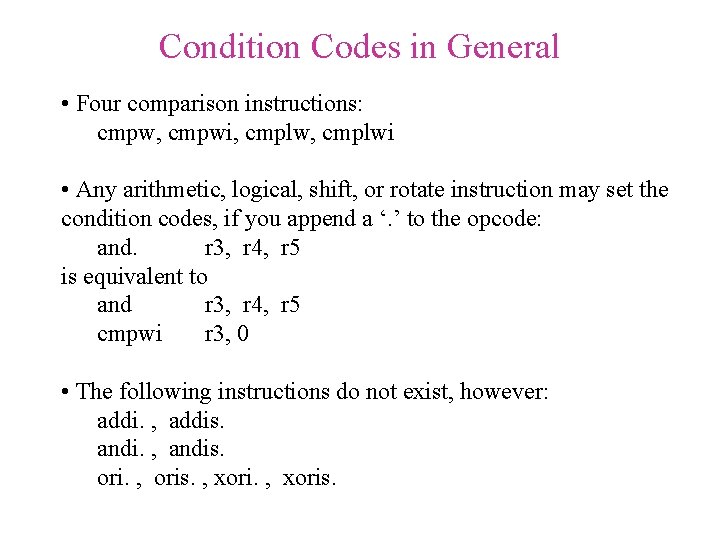
Condition Codes in General • Four comparison instructions: cmpw, cmpwi, cmplwi • Any arithmetic, logical, shift, or rotate instruction may set the condition codes, if you append a ‘. ’ to the opcode: and. r 3, r 4, r 5 is equivalent to and r 3, r 4, r 5 cmpwi r 3, 0 • The following instructions do not exist, however: addi. , addis. andi. , andis. ori. , oris. , xoris.
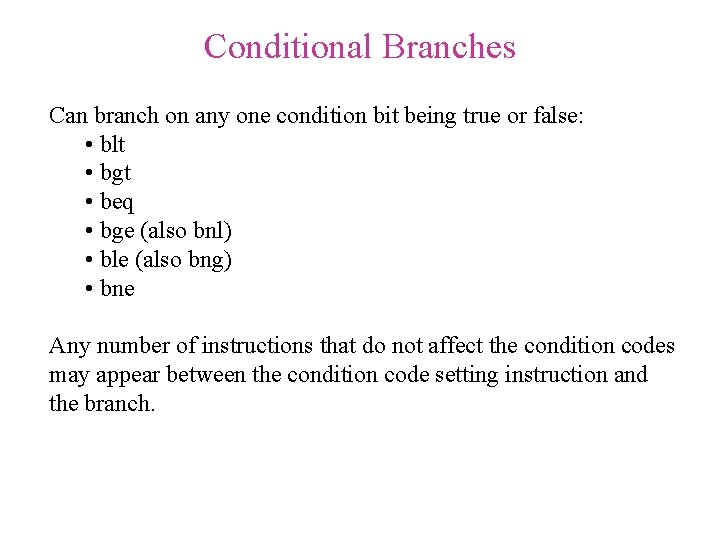
Conditional Branches Can branch on any one condition bit being true or false: • blt • bgt • beq • bge (also bnl) • ble (also bng) • bne Any number of instructions that do not affect the condition codes may appear between the condition code setting instruction and the branch.
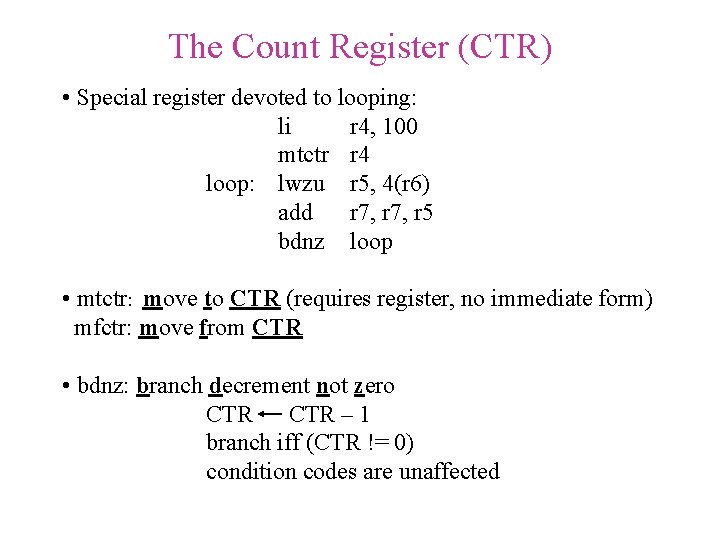
The Count Register (CTR) • Special register devoted to looping: li r 4, 100 mtctr r 4 loop: lwzu r 5, 4(r 6) add r 7, r 5 bdnz loop • mtctr: move to CTR (requires register, no immediate form) mfctr: move from CTR • bdnz: branch decrement not zero CTR – 1 branch iff (CTR != 0) condition codes are unaffected
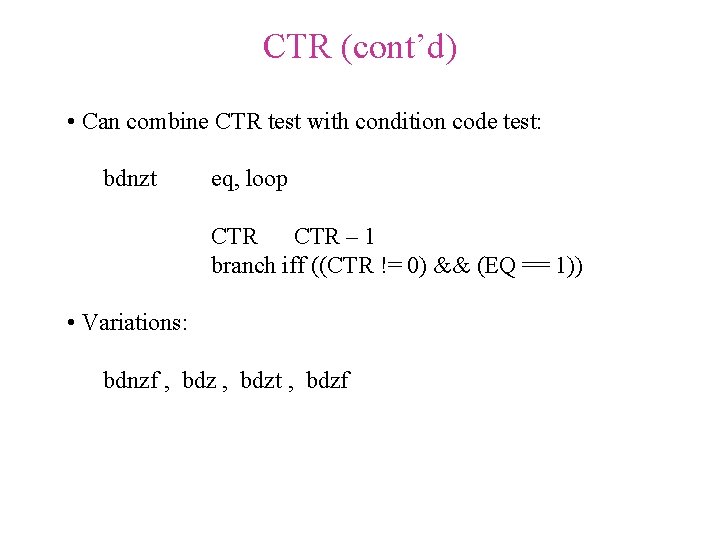
CTR (cont’d) • Can combine CTR test with condition code test: bdnzt eq, loop CTR – 1 branch iff ((CTR != 0) && (EQ == 1)) • Variations: bdnzf , bdzt , bdzf
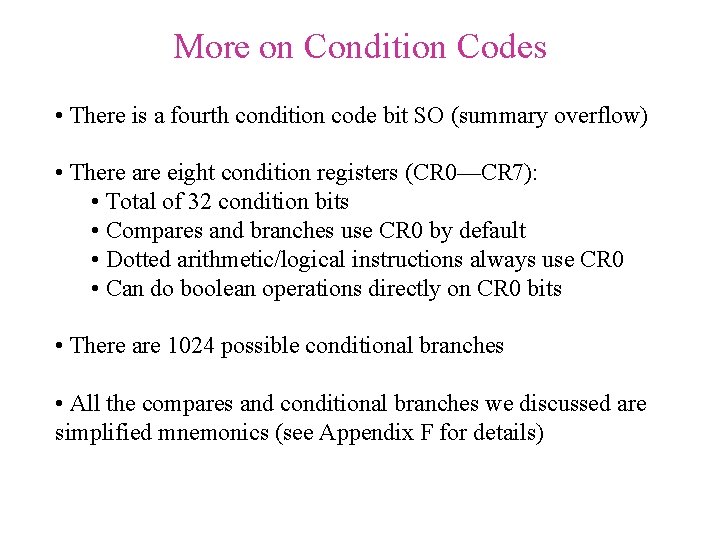
More on Condition Codes • There is a fourth condition code bit SO (summary overflow) • There are eight condition registers (CR 0—CR 7): • Total of 32 condition bits • Compares and branches use CR 0 by default • Dotted arithmetic/logical instructions always use CR 0 • Can do boolean operations directly on CR 0 bits • There are 1024 possible conditional branches • All the compares and conditional branches we discussed are simplified mnemonics (see Appendix F for details)
- Slides: 34