
EECS 183 Elementary Programming Concepts Hannah Westra hmwestraumich
- Slides: 35
EECS 183 Elementary Programming Concepts Hannah Westra hmwestra@umich. edu
About Me: ◦ Junior majoring in Computer Science, minoring in Science, Technology, & Society ◦ First Semester as EECS 183 IA ◦ Had never programmed before 183 ◦ EECS Courses I’ve taken: ◦ 183, 203, 280, 281, 398, 370, 485 ◦ Chair of Project Flavor at the University and Interned for a Food App Last Summer
Your Turn! ◦ Name, Year ◦ Take 2 -3 minutes to get to know your neighbors
Discussion Format: ◦ Review of material covered in Lecture ◦ Practice problems/code similar to project concepts and problems you will see on the exam ◦ Tips for Testing and Projects ◦ Come with questions! ◦ I would love to answer any and all questions you have ◦ Any feedback is appreciated!
Class Logistics: ◦ If you have a question, check piazza first – someone probably already asked it! ◦ If not, post a question! ◦ Next step is to go to office hours – check the website ◦ There at least 3 hours of office hours every day ◦ DON’T CHEAT! ◦ It’s actually a much bigger deal than you might think, and the smallest infraction can result in major consequences
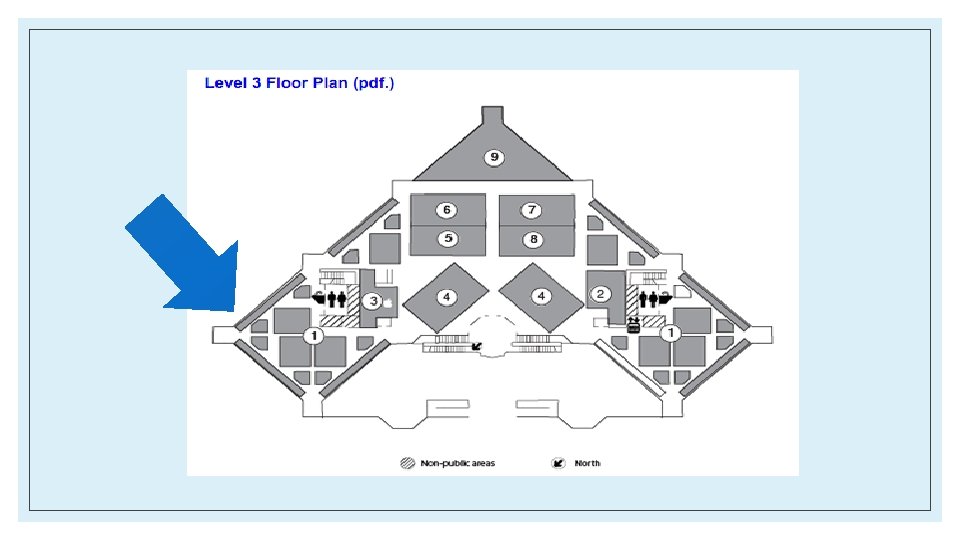
Office Hours ◦ Office hours will be held on North Campus in the Duderstadt center, starting next Monday. ◦ There will always be office hours from: 3 -6 pm Tuesdays, and 3 -8 pm M, W-F on the third floor, east end (diagram on next slide) ◦ There will sometimes be additional office hours on the weekend – the will be posted on the website ◦ There will be a paper sign up sheet that will arrive with the first staff member, and they will start promptly at 3, and exactly at 8 (give or take 5 minutes) ◦ The website will indicate which staff members are present at which time, and this will remain mostly consistent
Meet the Staff! ◦ Meet the staff and help with getting your laptop ready ◦ Sunday, September 11 th ◦ 1800 Chemistry Building ◦ Bring your laptop! ◦ Stay posted on the website for more info
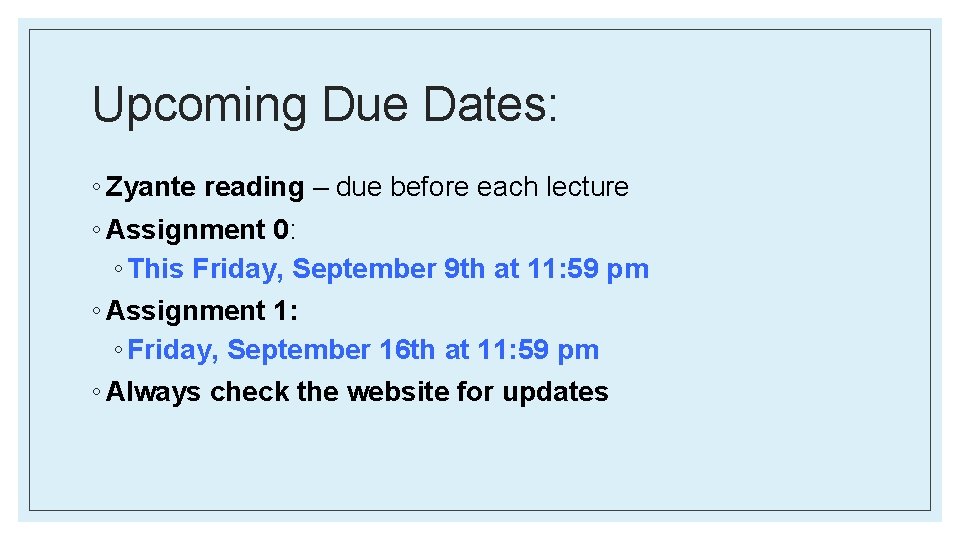
Upcoming Due Dates: ◦ Zyante reading – due before each lecture ◦ Assignment 0: ◦ This Friday, September 9 th at 11: 59 pm ◦ Assignment 1: ◦ Friday, September 16 th at 11: 59 pm ◦ Always check the website for updates
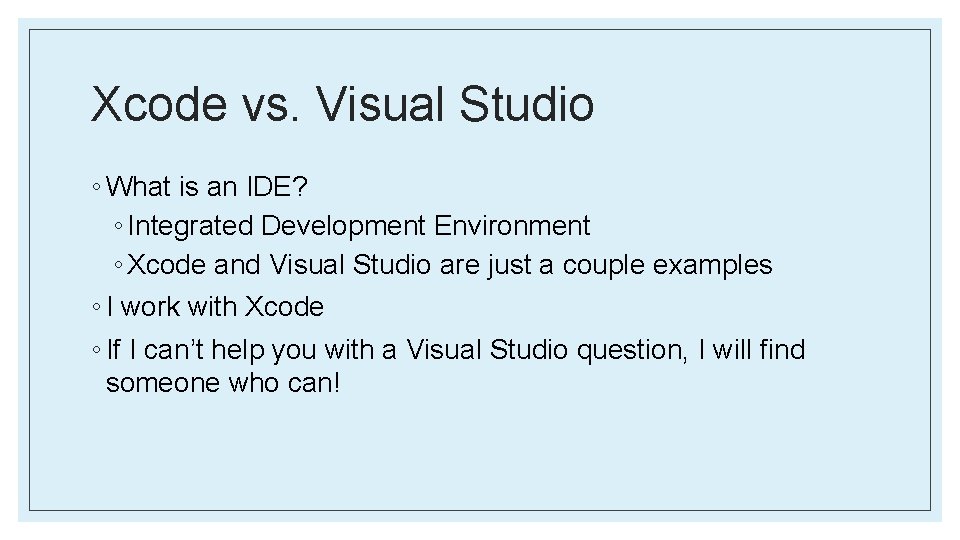
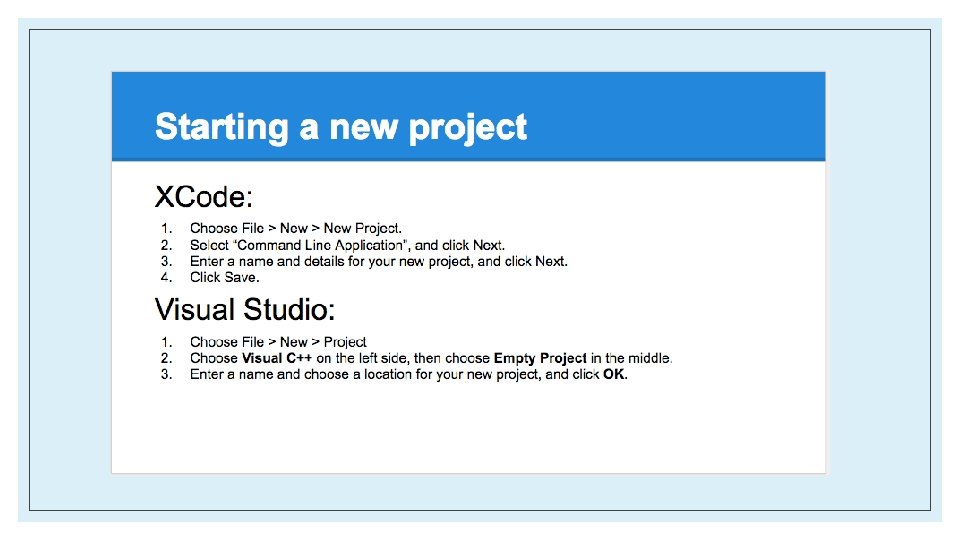
Xcode vs. Visual Studio ◦ What is an IDE? ◦ Integrated Development Environment ◦ Xcode and Visual Studio are just a couple examples ◦ I work with Xcode ◦ If I can’t help you with a Visual Studio question, I will find someone who can!
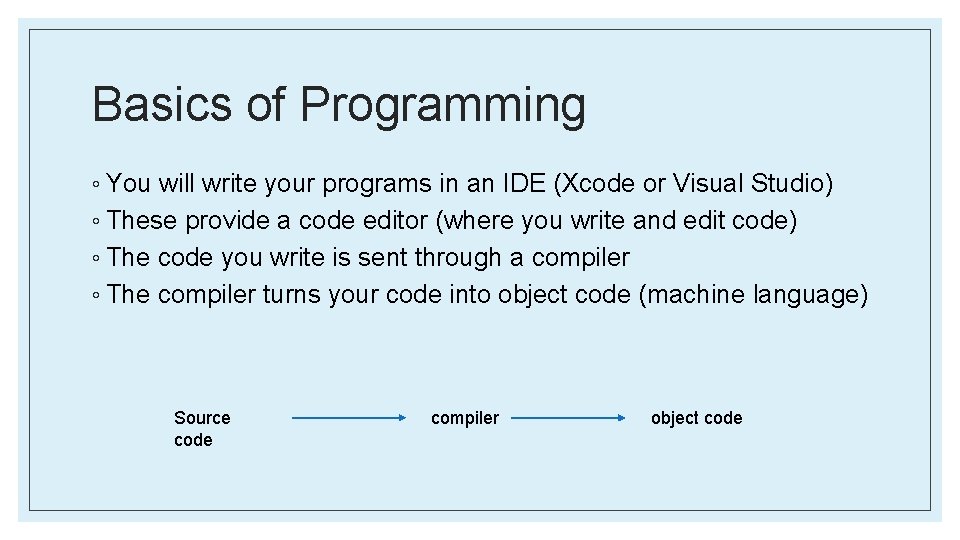
Basics of Programming ◦ You will write your programs in an IDE (Xcode or Visual Studio) ◦ These provide a code editor (where you write and edit code) ◦ The code you write is sent through a compiler ◦ The compiler turns your code into object code (machine language) Source code compiler object code
What Is An Algorithm?
What is an algorithm? ◦ A specific approach to solve a problem ◦ Counting people in a room (you did this in lecture) ◦ Finding a certain page in a book ◦ Picking teams with captains ◦ Different algorithms vary in efficiency and speed ◦ You’ll learn more about this in EECS 203 and 281 if you choose to take them
Questions?
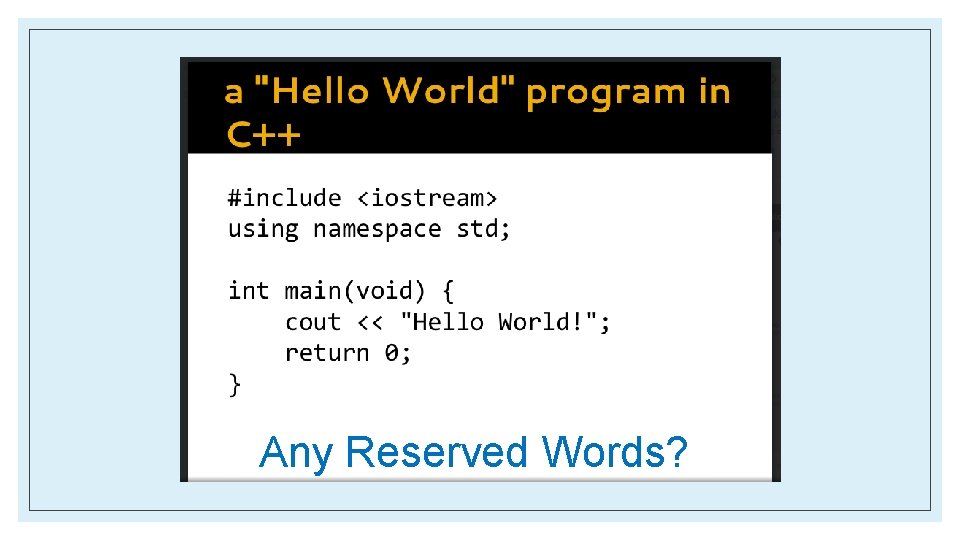
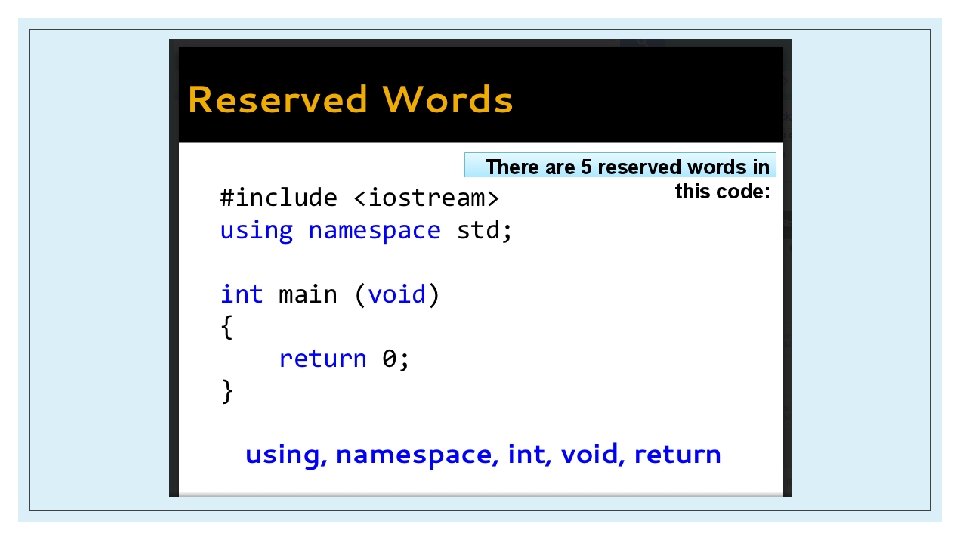
Any Reserved Words?
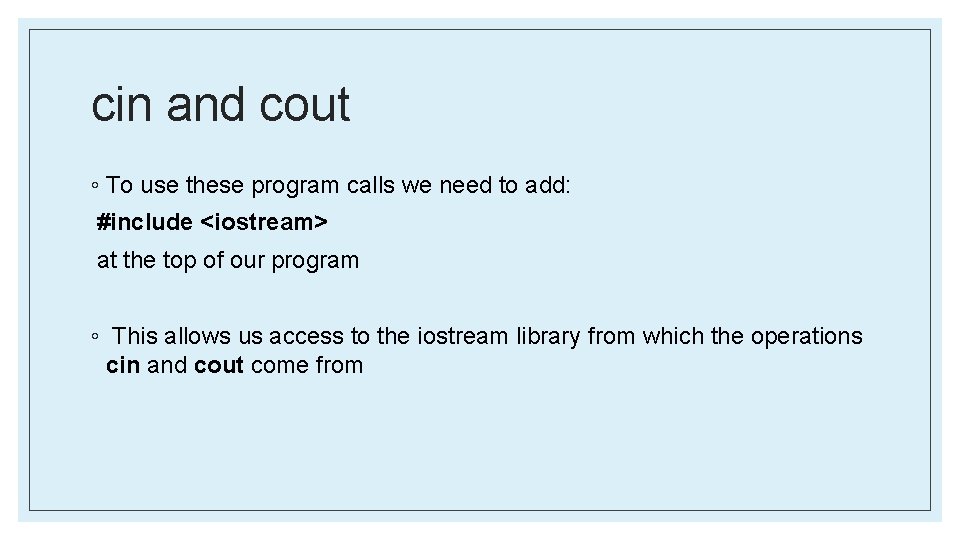
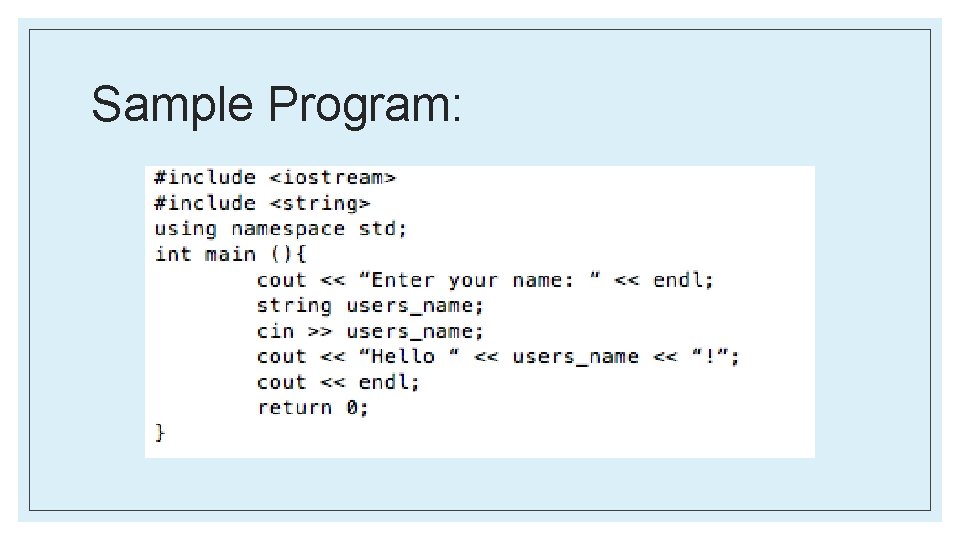
cin and cout ◦ To use these program calls we need to add: #include <iostream> at the top of our program ◦ This allows us access to the iostream library from which the operations cin and cout come from
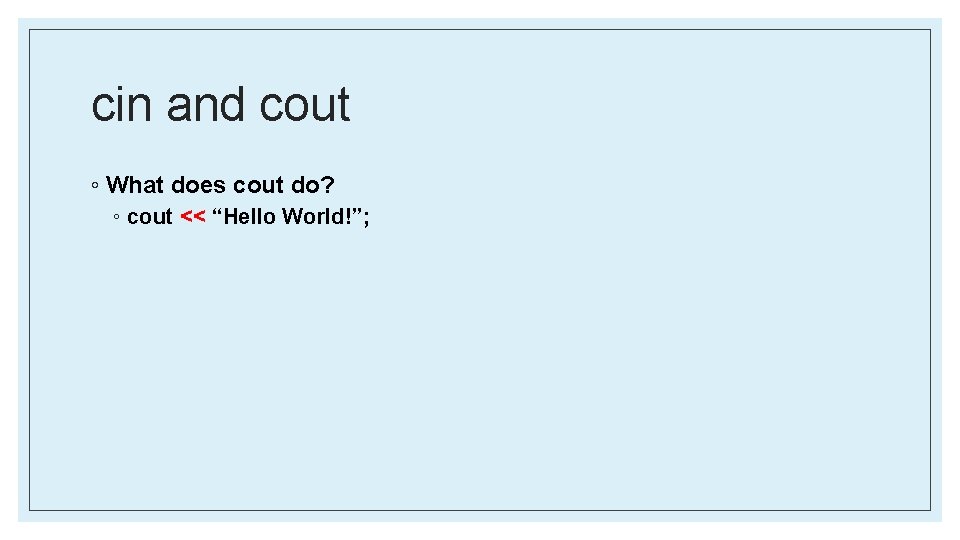
cin and cout ◦ What does cout do? ◦ cout << “Hello World!”;
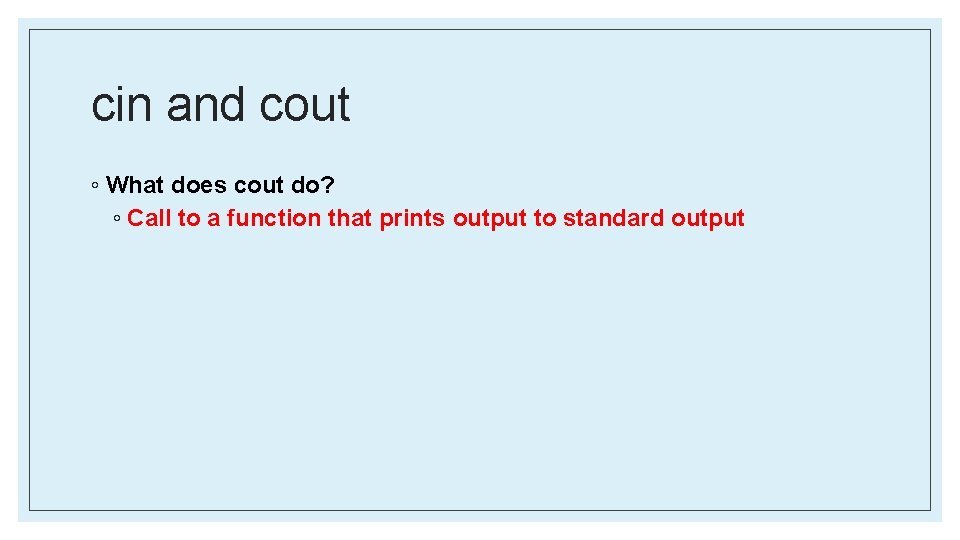
cin and cout ◦ What does cout do? ◦ Call to a function that prints output to standard output
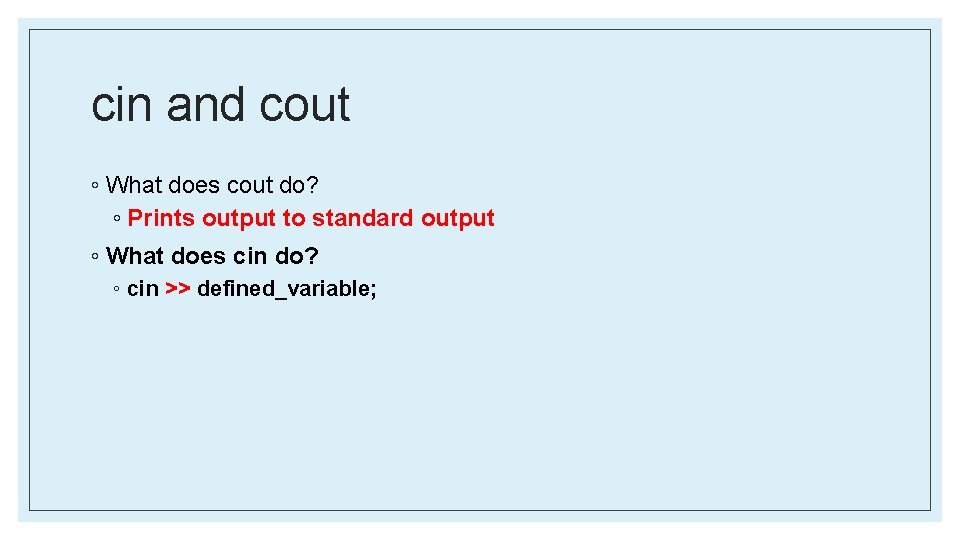
cin and cout ◦ What does cout do? ◦ Prints output to standard output ◦ What does cin do? ◦ cin >> defined_variable;
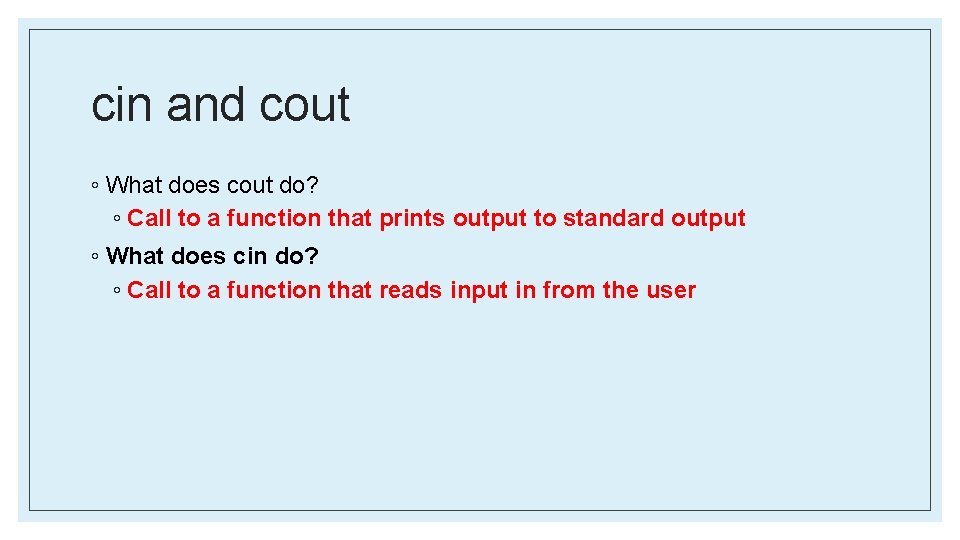
cin and cout ◦ What does cout do? ◦ Call to a function that prints output to standard output ◦ What does cin do? ◦ Call to a function that reads input in from the user
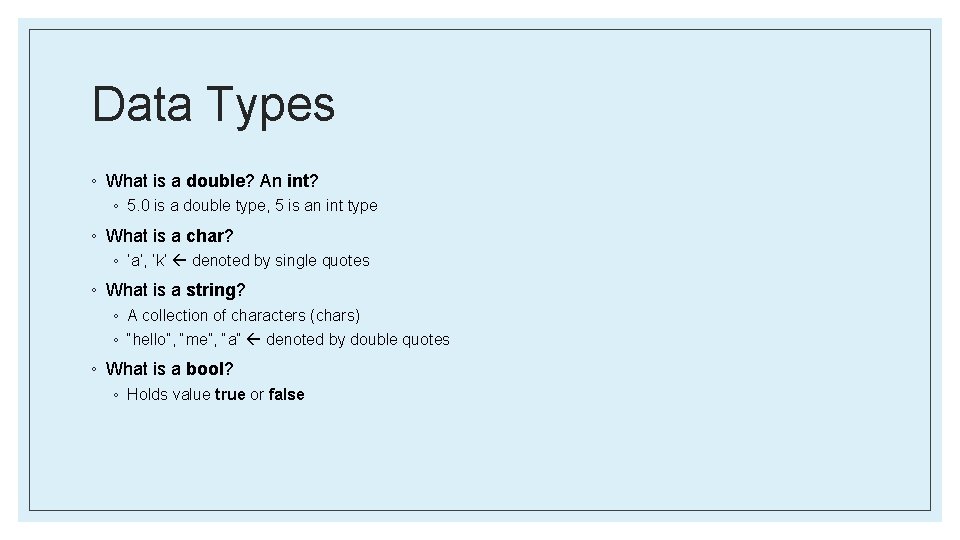
Data Types ◦ What is a double? An int? ◦ 5. 0 is a double type, 5 is an int type ◦ What is a char? ◦ ‘a’, ‘k’ denoted by single quotes ◦ What is a string? ◦ A collection of characters (chars) ◦ “hello”, “me”, “a” denoted by double quotes ◦ What is a bool? ◦ Holds value true or false
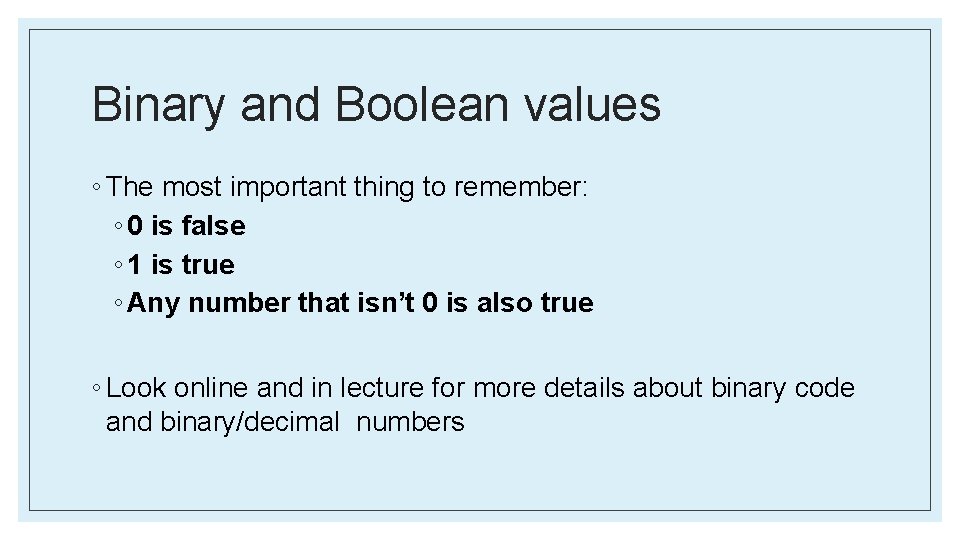
Binary and Boolean values ◦ The most important thing to remember: ◦ 0 is false ◦ 1 is true ◦ Any number that isn’t 0 is also true ◦ Look online and in lecture for more details about binary code and binary/decimal numbers
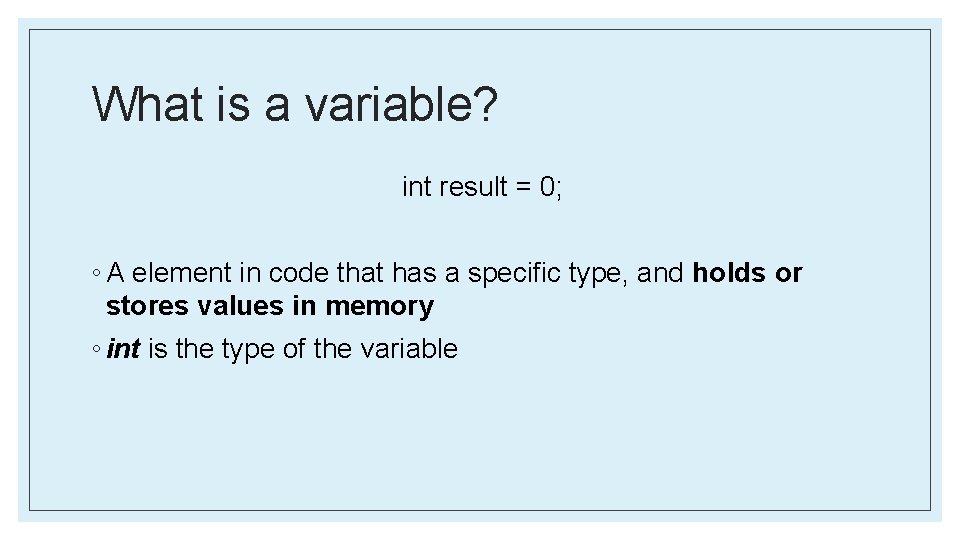
What is a variable? int result = 0; ◦ A element in code that has a specific type, and holds or stores values in memory ◦ int is the type of the variable
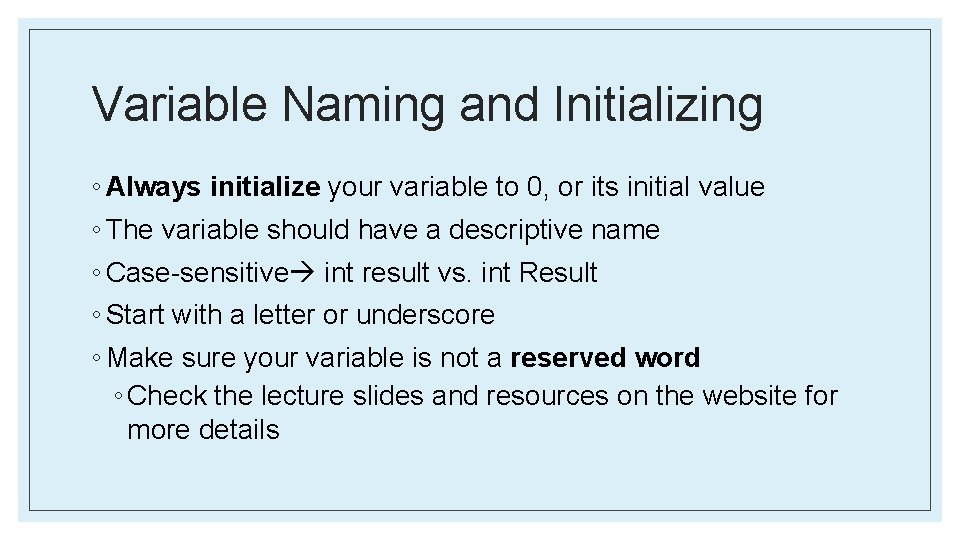
Variable Naming and Initializing ◦ Always initialize your variable to 0, or its initial value ◦ The variable should have a descriptive name ◦ Case-sensitive int result vs. int Result ◦ Start with a letter or underscore ◦ Make sure your variable is not a reserved word ◦ Check the lecture slides and resources on the website for more details
Sample Program:
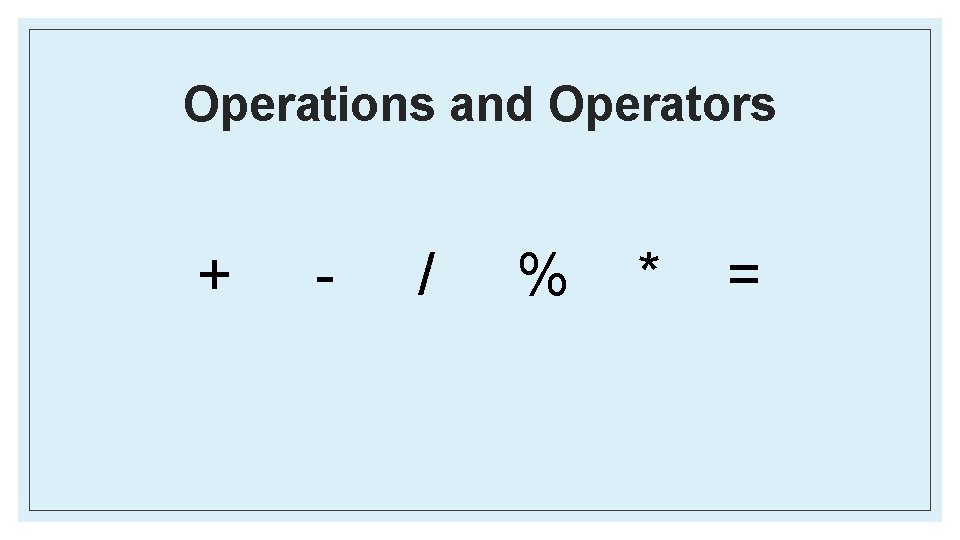
Operations and Operators + - / % * =
Modulus Operator: % What does it do?
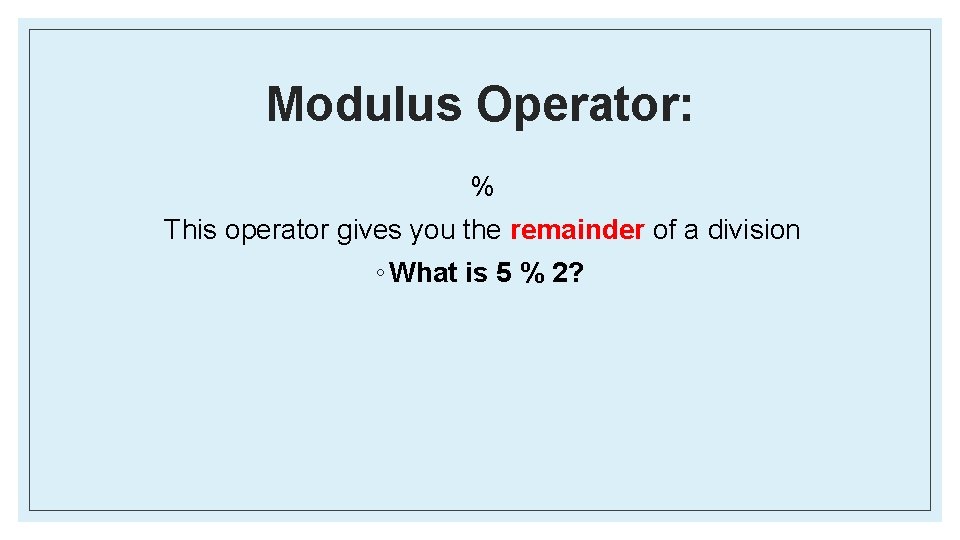
Modulus Operator: % This operator gives you the remainder of a division ◦ What is 5 % 2?
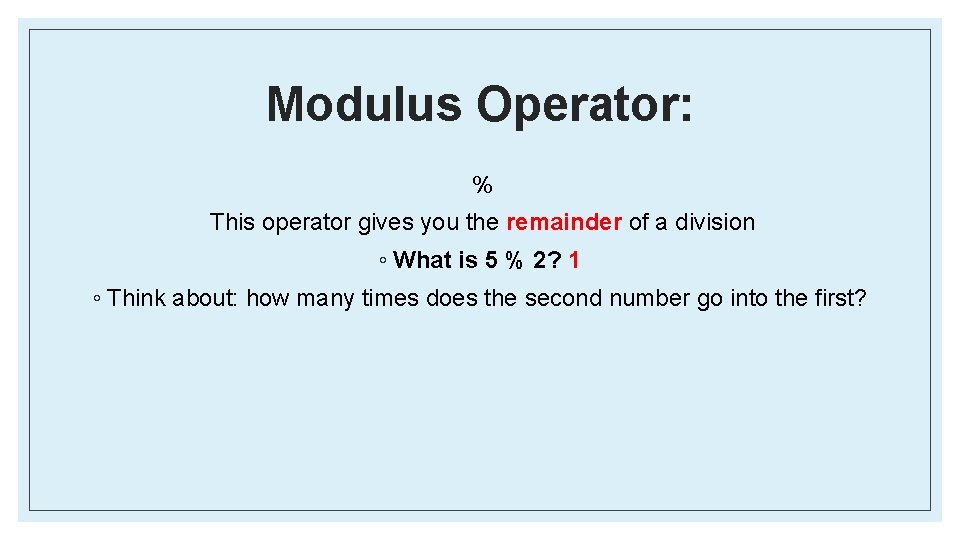
Modulus Operator: % This operator gives you the remainder of a division ◦ What is 5 % 2? 1 ◦ Think about: how many times does the second number go into the first?
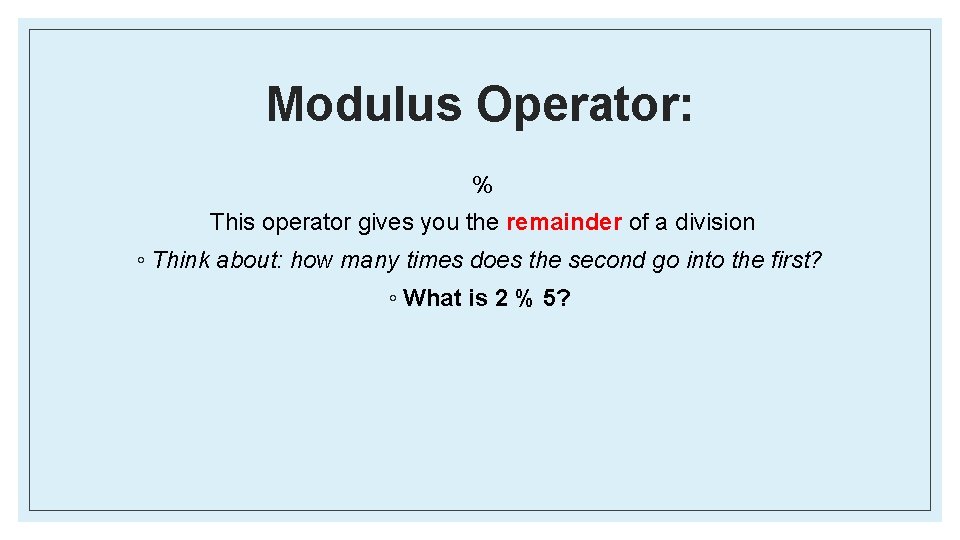
Modulus Operator: % This operator gives you the remainder of a division ◦ Think about: how many times does the second go into the first? ◦ What is 2 % 5?
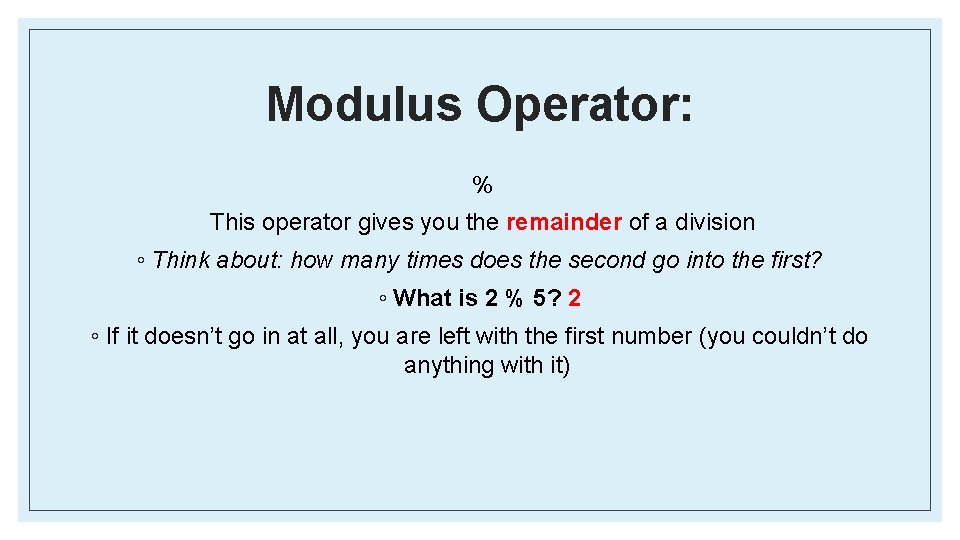
Modulus Operator: % This operator gives you the remainder of a division ◦ Think about: how many times does the second go into the first? ◦ What is 2 % 5? 2 ◦ If it doesn’t go in at all, you are left with the first number (you couldn’t do anything with it)
How to Succeed in 183: ◦ Post on Piazza a lot (questions and answers) ◦ Start Projects early (as soon as they come out) and go to office hours! ◦ Plan before you code! ◦ Work with others – talk through the logic out loud ◦ There is nothing more helpful than teaching others something you just learned ◦ Work with whiteboards
Last Minute Reminders: • • Zyante reading – due before each lecture Meet the Staff! • This Sunday, September 11 th at 6 pm in 1800 CHEM Assignment 0: • This Friday, September 9 th at 11: 59 pm Assignment 1: • Friday, September 16 th at 11: 59 pm Feel Free to Stay and Ask Questions!