
EE 122 Lecture 21 Hyper Text Transfer Protocol
- Slides: 26
EE 122: Lecture 21 (Hyper. Text Transfer Protocol - HTTP) Ion Stoica Nov 20, 2001 (*) istoica@cs. berkeley. edu
Background § § World Wide Web (WWW): a set of cooperating clients and servers that communicate through HTTP history - First HTTP implementation - 1990 • Tim Berners-Lee at CERN - HTTP/0. 9 – 1991 • Simple GET command for the Web - HTTP/1. 0 – 1992 • Client/Server information, simple caching - HTTP/1. 1 - 1996 istoica@cs. berkeley. edu 2
Basics § § § Client-server architecture Synchronous request/reply protocol Stateless Uses unicast Implemented on top of TCP/IP istoica@cs. berkeley. edu 3
Terminology § § § Resource – file or service (e. g. , dynamic results from the execution of a script) Entity – information transferred in a request or response Entity Tag – unique identifier for a resource istoica@cs. berkeley. edu 4
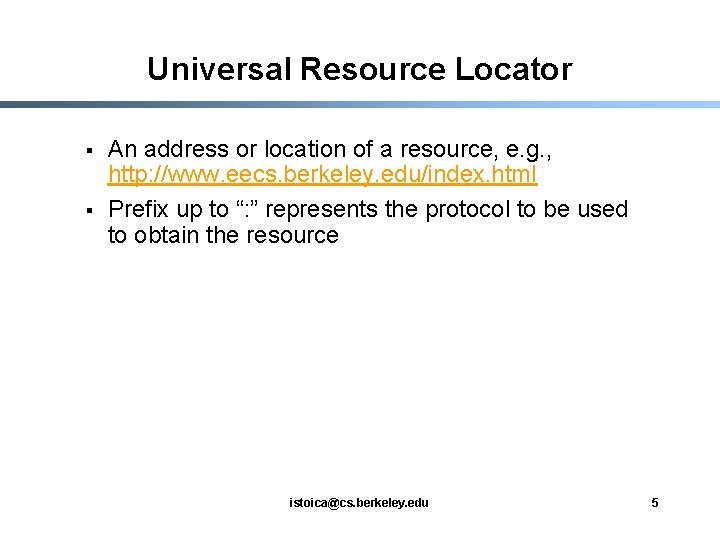
Universal Resource Locator § § An address or location of a resource, e. g. , http: //www. eecs. berkeley. edu/index. html Prefix up to “: ” represents the protocol to be used to obtain the resource istoica@cs. berkeley. edu 5
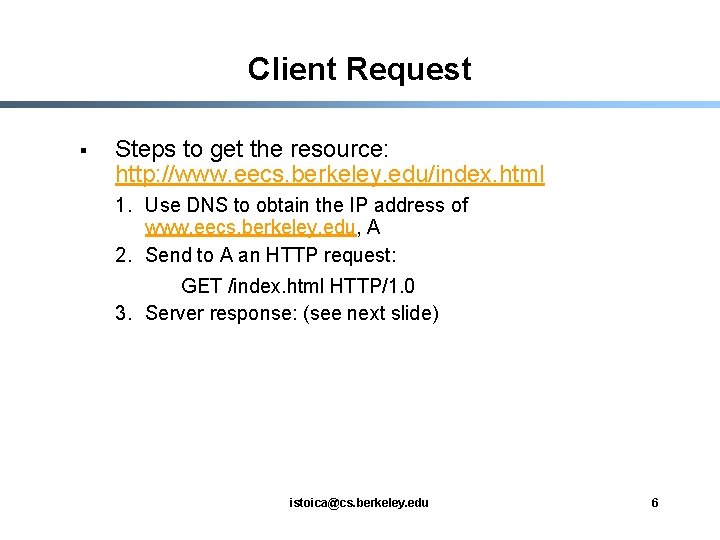
Client Request § Steps to get the resource: http: //www. eecs. berkeley. edu/index. html 1. Use DNS to obtain the IP address of www. eecs. berkeley. edu, A 2. Send to A an HTTP request: GET /index. html HTTP/1. 0 3. Server response: (see next slide) istoica@cs. berkeley. edu 6
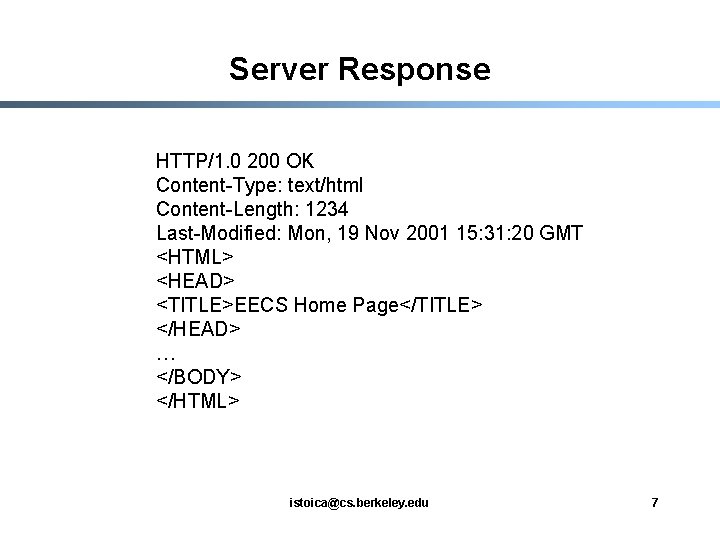
Server Response HTTP/1. 0 200 OK Content-Type: text/html Content-Length: 1234 Last-Modified: Mon, 19 Nov 2001 15: 31: 20 GMT <HTML> <HEAD> <TITLE>EECS Home Page</TITLE> </HEAD> … </BODY> </HTML> istoica@cs. berkeley. edu 7
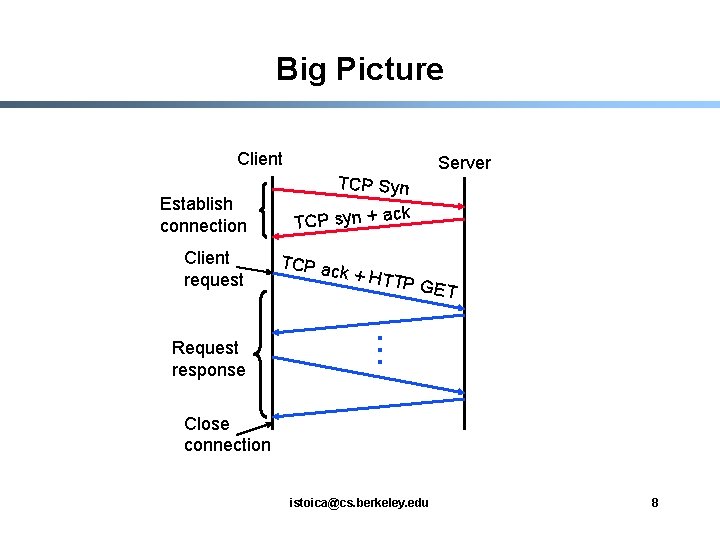
Big Picture Client Establish connection Client request Request response TCP Syn TCP syn + ac TCP ac k + HT Server k TP GE T . . . Close connection istoica@cs. berkeley. edu 8
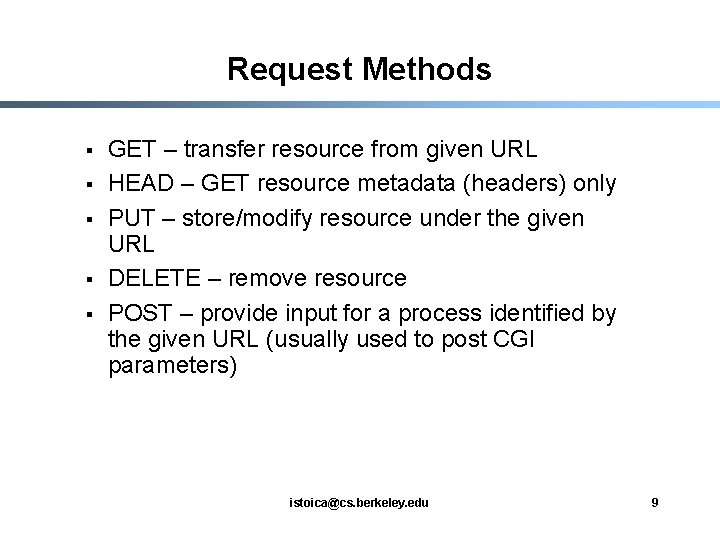
Request Methods § § § GET – transfer resource from given URL HEAD – GET resource metadata (headers) only PUT – store/modify resource under the given URL DELETE – remove resource POST – provide input for a process identified by the given URL (usually used to post CGI parameters) istoica@cs. berkeley. edu 9
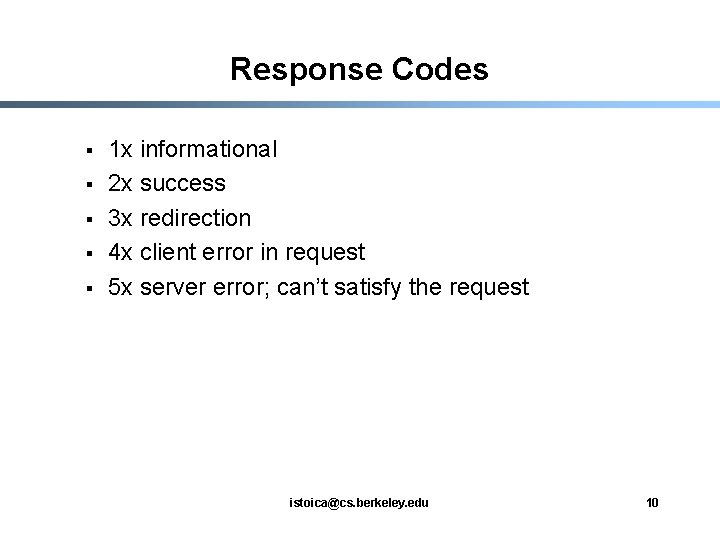
Response Codes § § § 1 x informational 2 x success 3 x redirection 4 x client error in request 5 x server error; can’t satisfy the request istoica@cs. berkeley. edu 10
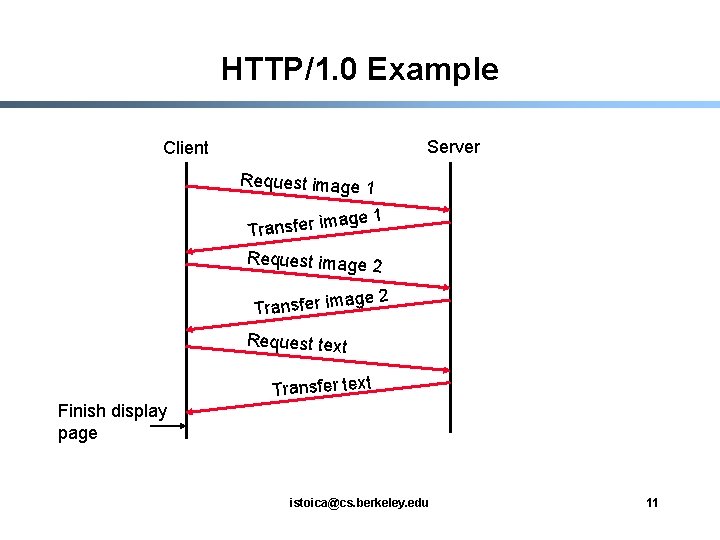
HTTP/1. 0 Example Server Client Request image 1 Transfer im age 1 Request image 2 a Transfer im Request text Transfer text Finish display page istoica@cs. berkeley. edu 11
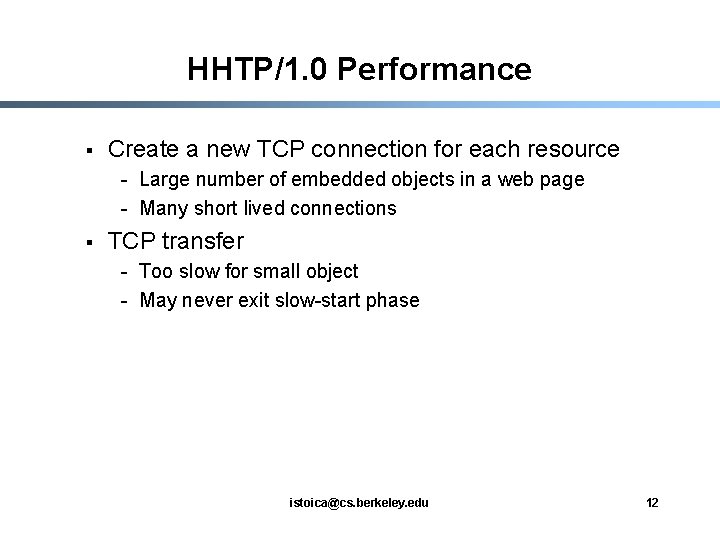
HHTP/1. 0 Performance § Create a new TCP connection for each resource - Large number of embedded objects in a web page - Many short lived connections § TCP transfer - Too slow for small object - May never exit slow-start phase istoica@cs. berkeley. edu 12
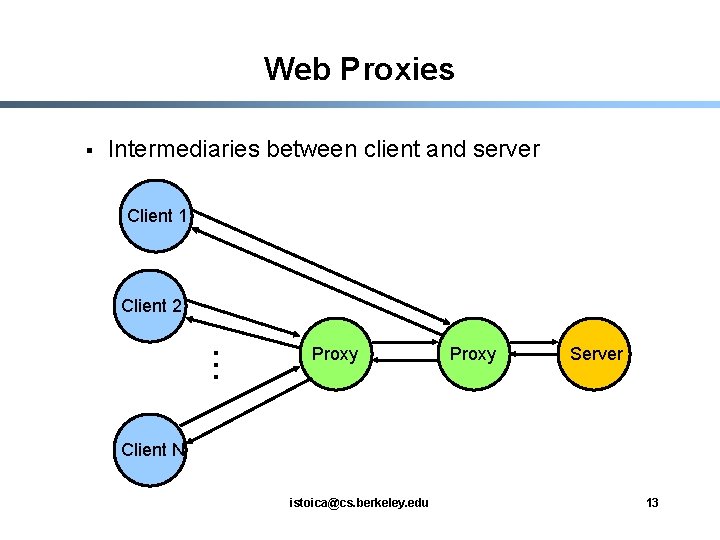
Web Proxies § Intermediaries between client and server Client 1 Client 2 . . . Proxy Server Client N istoica@cs. berkeley. edu 13
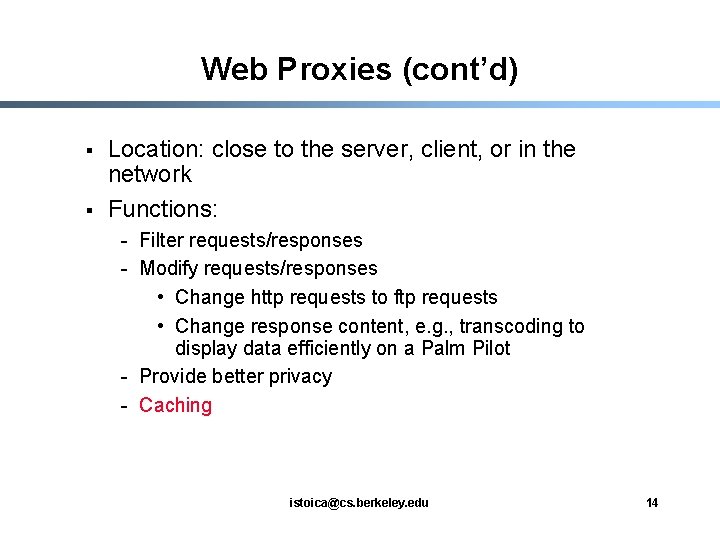
Web Proxies (cont’d) § § Location: close to the server, client, or in the network Functions: - Filter requests/responses - Modify requests/responses • Change http requests to ftp requests • Change response content, e. g. , transcoding to display data efficiently on a Palm Pilot - Provide better privacy - Caching istoica@cs. berkeley. edu 14
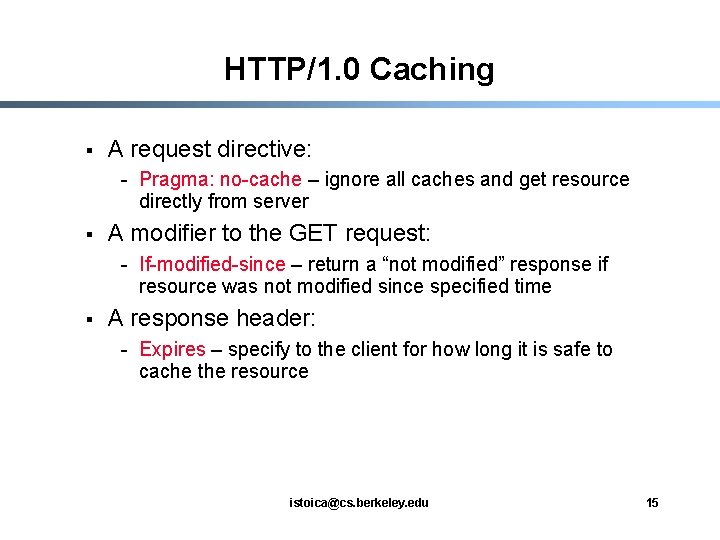
HTTP/1. 0 Caching § A request directive: - Pragma: no-cache – ignore all caches and get resource directly from server § A modifier to the GET request: - If-modified-since – return a “not modified” response if resource was not modified since specified time § A response header: - Expires – specify to the client for how long it is safe to cache the resource istoica@cs. berkeley. edu 15
HTTP/1. 1 § Performance: - § § Persistent connections Pipelined requests/responses Chunked transfer encoding Compression of data types … Support for virtual hosting Efficient caching support istoica@cs. berkeley. edu 16
Persistent Connections § § § Allow multiple transfers over one connection Avoid multiple TCP connection setups Avoid multiple TCP slow starts istoica@cs. berkeley. edu 17
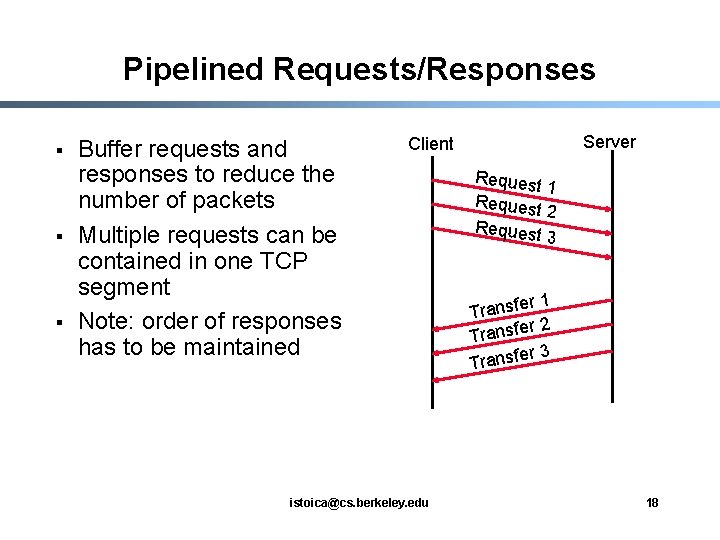
Pipelined Requests/Responses § § § Buffer requests and responses to reduce the number of packets Multiple requests can be contained in one TCP segment Note: order of responses has to be maintained Server Client istoica@cs. berkeley. edu Request 1 Request 2 Request 3 r 1 Transfe r 2 Transfe r 3 Transfe 18
Chunked Transfer Encoding § In HTTP/1. 0 server indicate the end of dynamic content by closing connection - Persistent connections not possible! Why? § § In HTTP/1. 1 server splits dynamic content in chunks Size of chunk in hex followed by semicolon - Dynamic content transfer: series of chunks followed by a chunk of size 0 istoica@cs. berkeley. edu 19
Compression of Data Types § § Enables transport compression of data types to decrease payload size Example: - Server sends in response: “Content-Encoding: gzip” - Client sends: “Accept-Encoding: gzip” istoica@cs. berkeley. edu 20
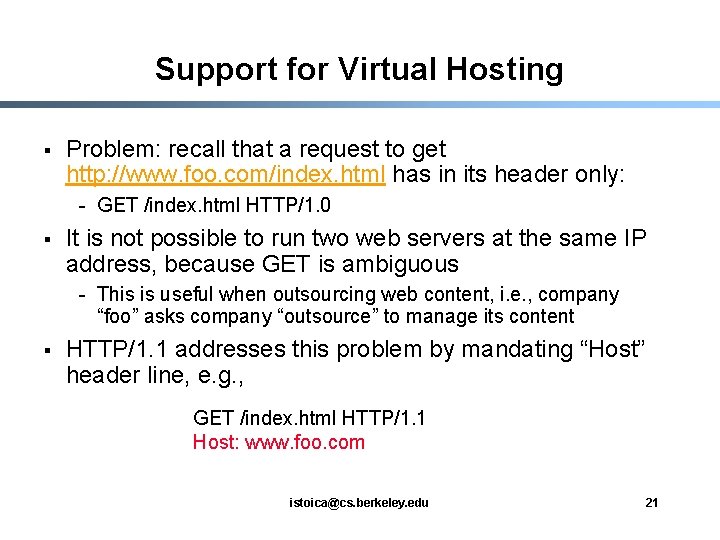
Support for Virtual Hosting § Problem: recall that a request to get http: //www. foo. com/index. html has in its header only: - GET /index. html HTTP/1. 0 § It is not possible to run two web servers at the same IP address, because GET is ambiguous - This is useful when outsourcing web content, i. e. , company “foo” asks company “outsource” to manage its content § HTTP/1. 1 addresses this problem by mandating “Host” header line, e. g. , GET /index. html HTTP/1. 1 Host: www. foo. com istoica@cs. berkeley. edu 21
HTTP/1. 1 - Caching § HTTP/1. 1 provides better support for caching - Separate “what to cache” and “whether a cache response can be used safely” - Allow server to provide more info on resource cacheability - A cache does not return unknowingly a stale resources - Not depending on absolute timestamps istoica@cs. berkeley. edu 22
HTTP/1. 1 - Caching (cont’d) § § § Four new headers associated to caching: age header, entity tags, cache-control, and vary Age Header – the amount of time that is known to have passed since the response message was retrieved Entity tags – unique tags to differentiate between different cached versions of the same resource istoica@cs. berkeley. edu 23
HTTP/1. 1 - Caching (cont’d) § Cache-Control - no-cache: get resource only from server only-if-cached: obtain resource only from cache no-store: don’t allow caches to store request/response max-age: response’s should be no grater than this value - max-stale: expired response OK but not older than staled value - min-fresh: response should remain fresh for at least stated value - no-transform: proxy should not change media type istoica@cs. berkeley. edu 24
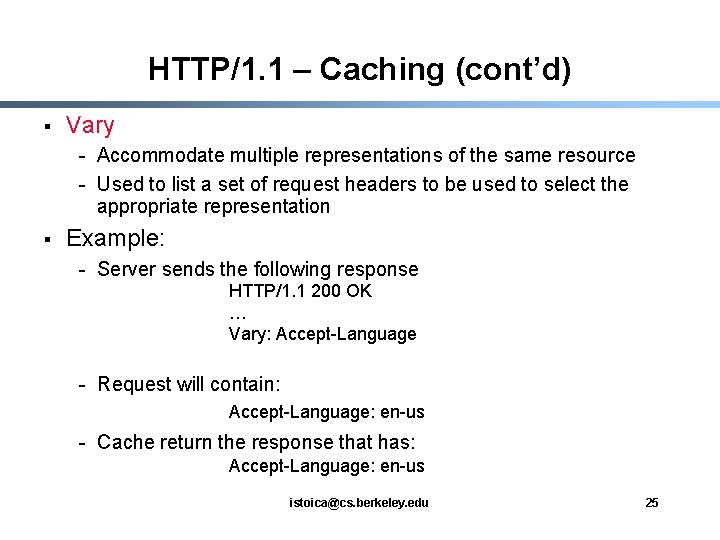
HTTP/1. 1 – Caching (cont’d) § Vary - Accommodate multiple representations of the same resource - Used to list a set of request headers to be used to select the appropriate representation § Example: - Server sends the following response HTTP/1. 1 200 OK … Vary: Accept-Language - Request will contain: Accept-Language: en-us - Cache return the response that has: Accept-Language: en-us istoica@cs. berkeley. edu 25
Summary § § § HTTP the backbone of WWW’ Evolution of HTTP has concentrated on increasing the performance Next generations (HTTP/NG) concentrate on increasing extensibility istoica@cs. berkeley. edu 26