
Eduphoria Aware 2019 20 Updates Master Teacher Presentation

- Slides: 15
Eduphoria Aware 2019 -20 Updates Master Teacher Presentation Tiffany Arce, Assessment Specialist tarce@neisd. net
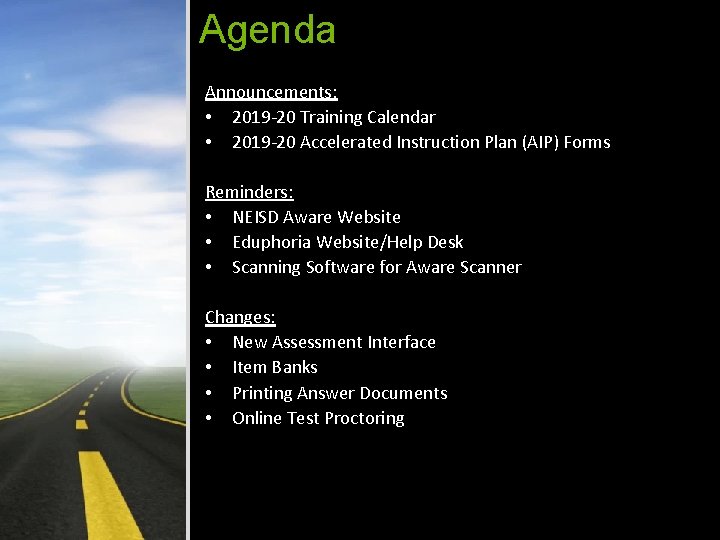
Agenda Announcements: • 2019 -20 Training Calendar • 2019 -20 Accelerated Instruction Plan (AIP) Forms Reminders: • NEISD Aware Website • Eduphoria Website/Help Desk • Scanning Software for Aware Scanner Changes: • New Assessment Interface • Item Banks • Printing Answer Documents • Online Test Proctoring
Eduphoria Aware Announcements 2019 -20
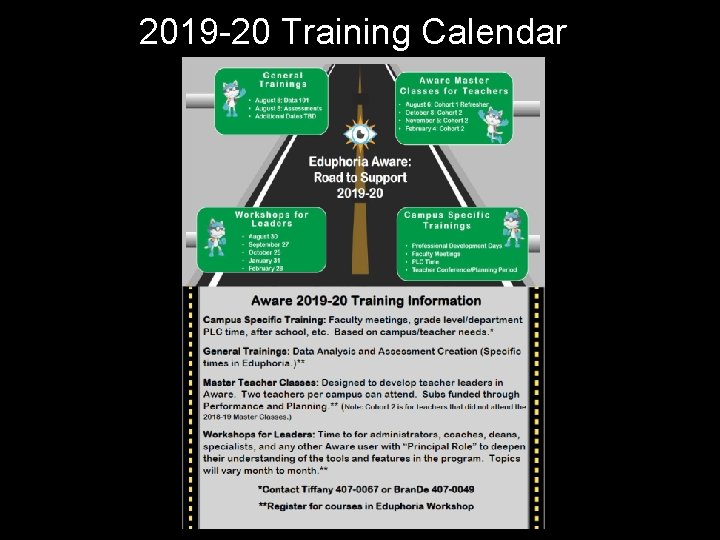
2019 -20 Training Calendar
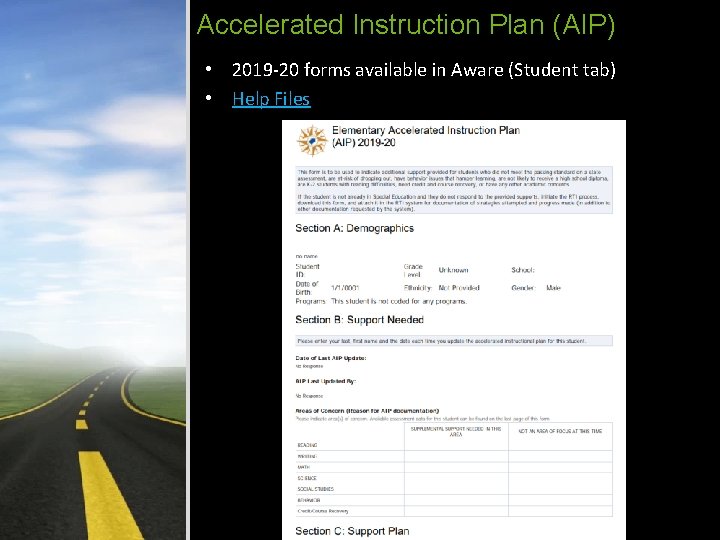
Accelerated Instruction Plan (AIP) • 2019 -20 forms available in Aware (Student tab) • Help Files
Eduphoria Aware Reminders 2019 -20
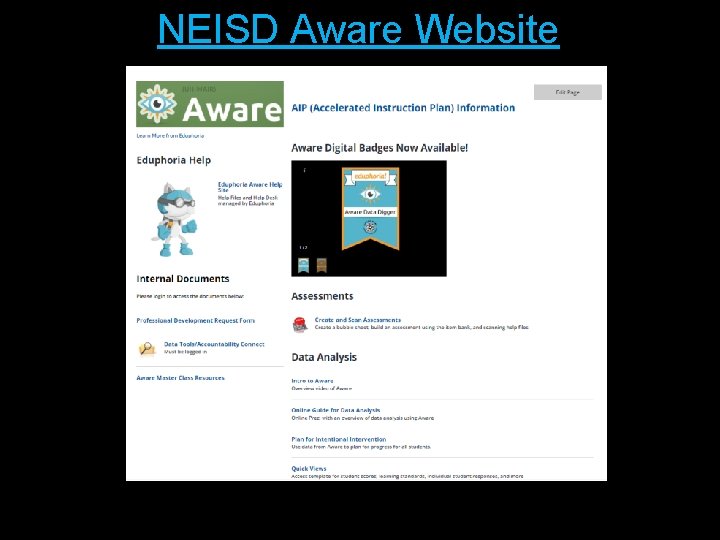
NEISD Aware Website
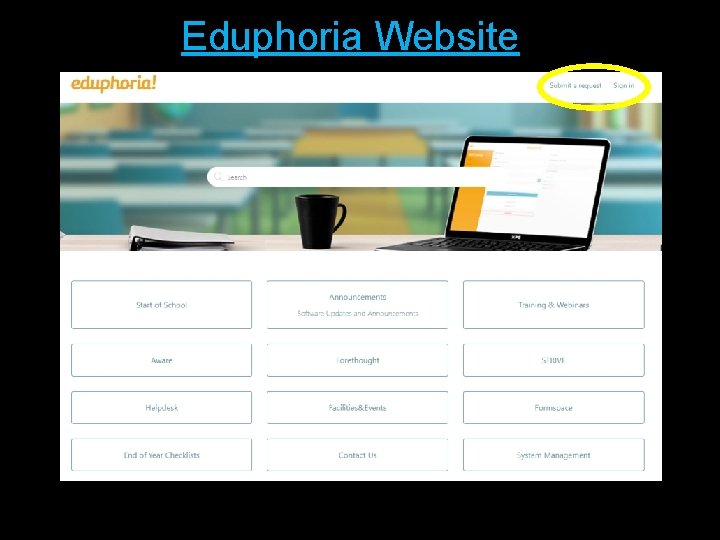
Eduphoria Website
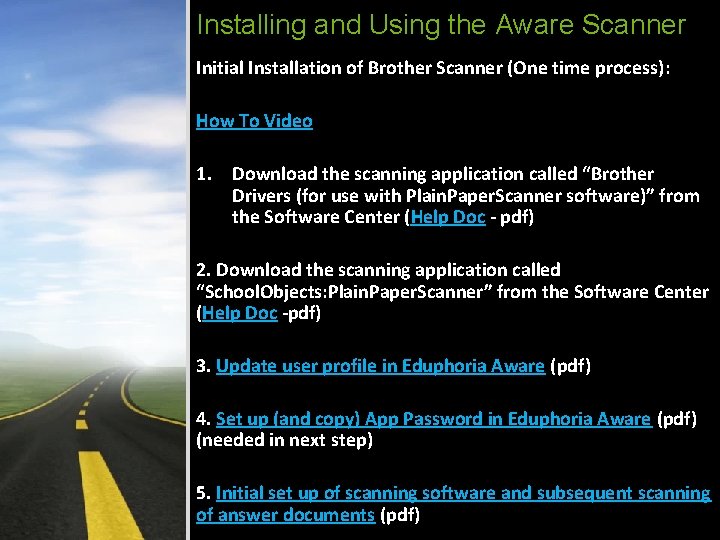
Installing and Using the Aware Scanner Initial Installation of Brother Scanner (One time process): How To Video 1. Download the scanning application called “Brother Drivers (for use with Plain. Paper. Scanner software)” from the Software Center (Help Doc - pdf) 2. Download the scanning application called “School. Objects: Plain. Paper. Scanner” from the Software Center (Help Doc -pdf) 3. Update user profile in Eduphoria Aware (pdf) 4. Set up (and copy) App Password in Eduphoria Aware (pdf) (needed in next step) 5. Initial set up of scanning software and subsequent scanning of answer documents (pdf)
Eduphoria Aware Changes 2019 -20
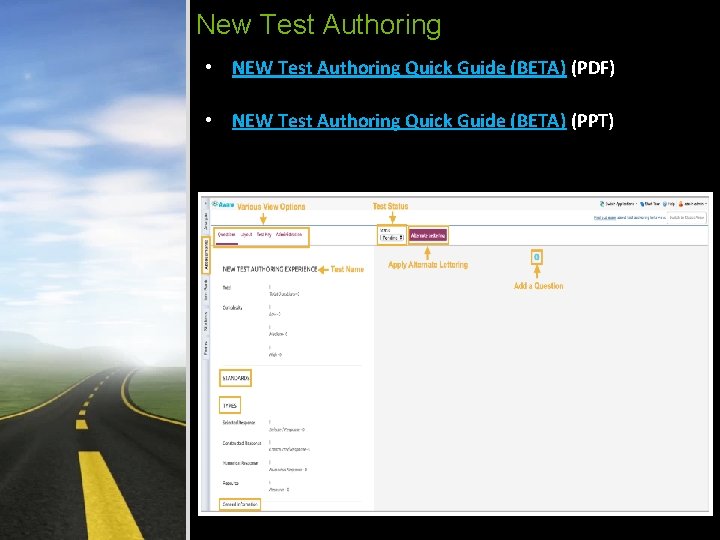
New Test Authoring • NEW Test Authoring Quick Guide (BETA) (PDF) • NEW Test Authoring Quick Guide (BETA) (PPT)
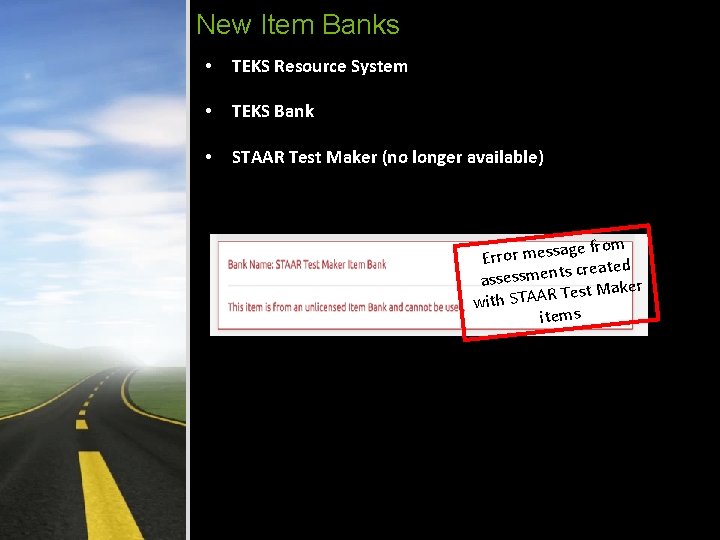
New Item Banks • TEKS Resource System • TEKS Bank • STAAR Test Maker (no longer available) ge from Error messa created s t n e m s s e s as Maker t s e T R A A T with S items
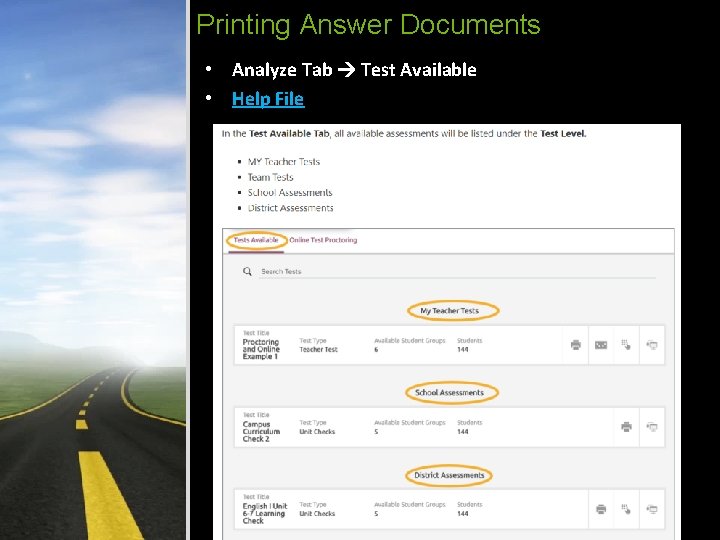
Printing Answer Documents • Analyze Tab Test Available • Help File
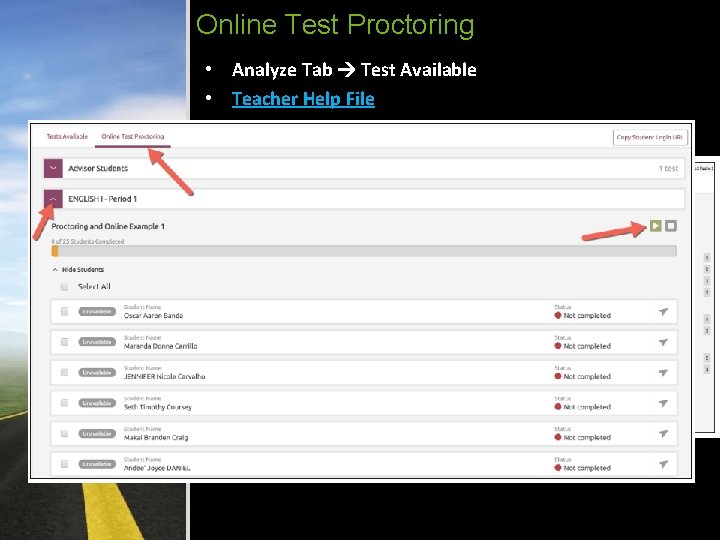
Online Test Proctoring • Analyze Tab Test Available • Teacher Help File • Student Point of View
Questions? More Information? Performance & Planning Tiffany Arce, tarce@neisd. net (210) 407 -0067 Bran. De Merriman, bmerri@neisd. net (210) 407 -0049