
EDriver File The Original Online Driver Management System















- Slides: 43
E-Driver File The Original Online Driver Management System Program Overview Since June of 2000 Contact Dan Coulthard danc@safetyfirst. com or Stacey Payne staceyp@safetyfirst. com (888) 603 -6987
Presentation Summary • In a few slides, we will examine: – The program’s history – Current clients – Screen Shots – Customization E-Driver File
Program History • During early 2000, a client approached us with a need to track and manage driver data via the internet They had more than 850 locations and no easy way to keep the data organized They also wanted to adopt a uniform approach to driver management E-Driver File
Program History • By June, 2000 we had built an internet based system using MS SQL – the most flexible and powerful database program available. Although we felt that this had been a onetime project, additional clients continued to approach us for a similar solution. E-Driver File
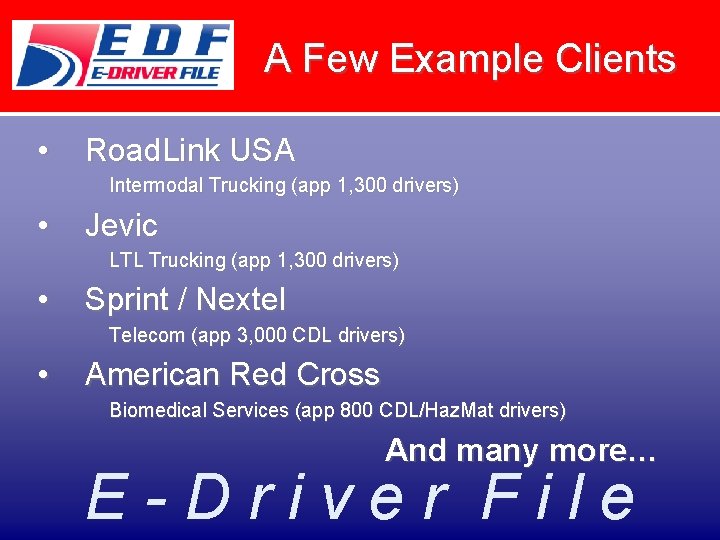
A Few Example Clients • Road. Link USA Intermodal Trucking (app 1, 300 drivers) • Jevic LTL Trucking (app 1, 300 drivers) • Sprint / Nextel Telecom (app 3, 000 CDL drivers) • American Red Cross Biomedical Services (app 800 CDL/Haz. Mat drivers) And many more… E-Driver File
Key Data Areas • Driver – – qualifications, anniversary / expiration dates, endorsements, upload of scanned documents • Training Records – last training completed, next due date • Events – – tickets, crashes, injuries, cargo claims, haz-mat spills, log audit results summary (falsifications, over hours, etc. ) E-Driver File
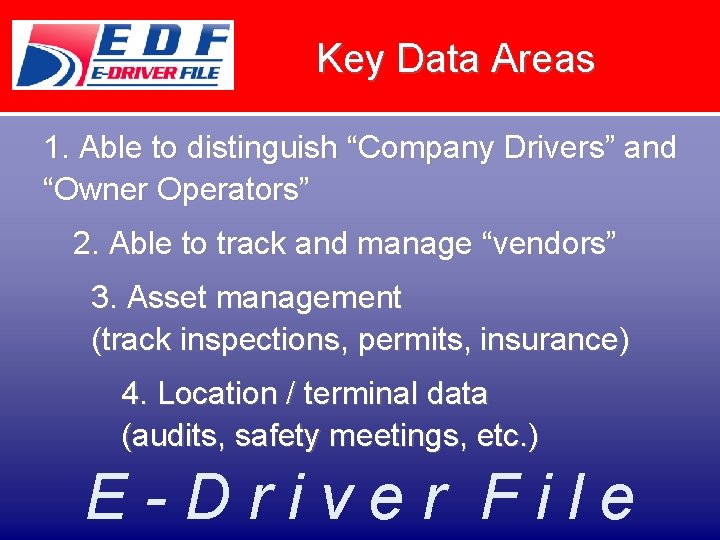
Key Data Areas 1. Able to distinguish “Company Drivers” and “Owner Operators” 2. Able to track and manage “vendors” 3. Asset management (track inspections, permits, insurance) 4. Location / terminal data (audits, safety meetings, etc. ) E-Driver File
Key Reporting • Reminder notices are automatically sent by email to terminal manager (or whoever you designate to get “first notice”) – Reminders will escalate to higher levels of management as expiration date approaches • Email attachments and on-screen reporting E-Driver File
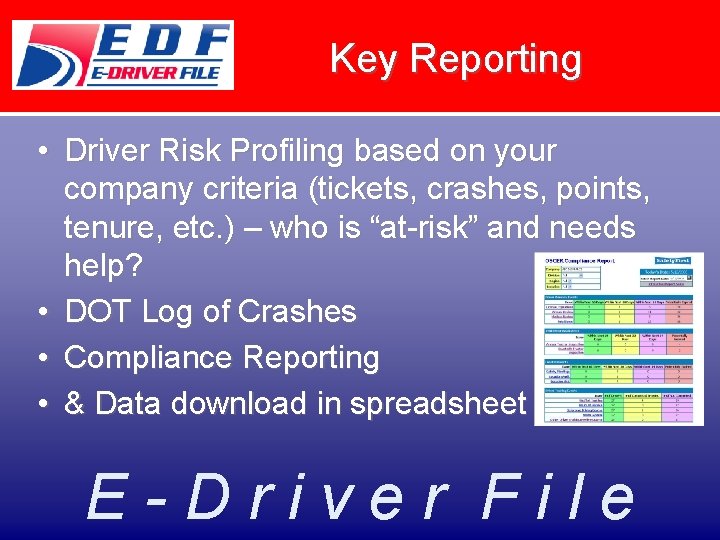
Key Reporting • Driver Risk Profiling based on your company criteria (tickets, crashes, points, tenure, etc. ) – who is “at-risk” and needs help? • DOT Log of Crashes • Compliance Reporting • & Data download in spreadsheet E-Driver File
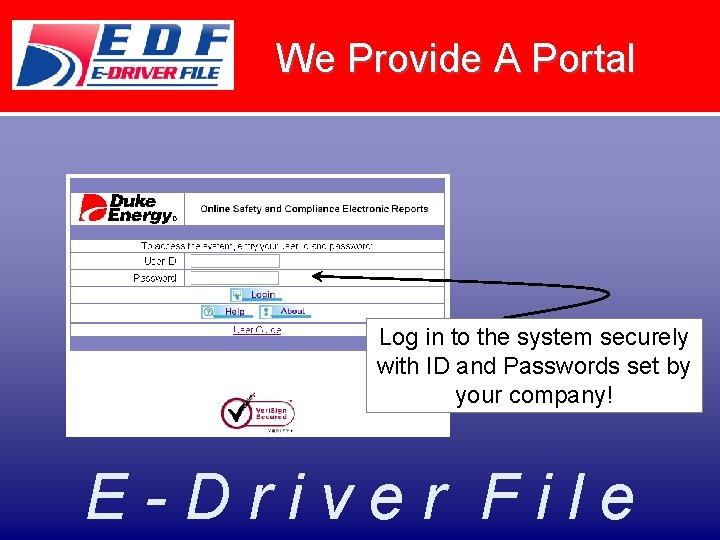
We Provide A Portal Log in to the system securely with ID and Passwords set by your company! E-Driver File
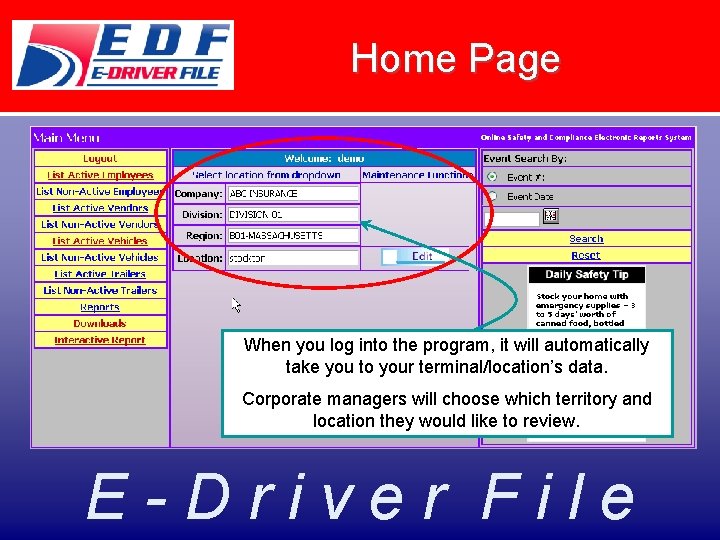
Home Page When you log into the program, it will automatically take you to your terminal/location’s data. Corporate managers will choose which territory and location they would like to review. E-Driver File
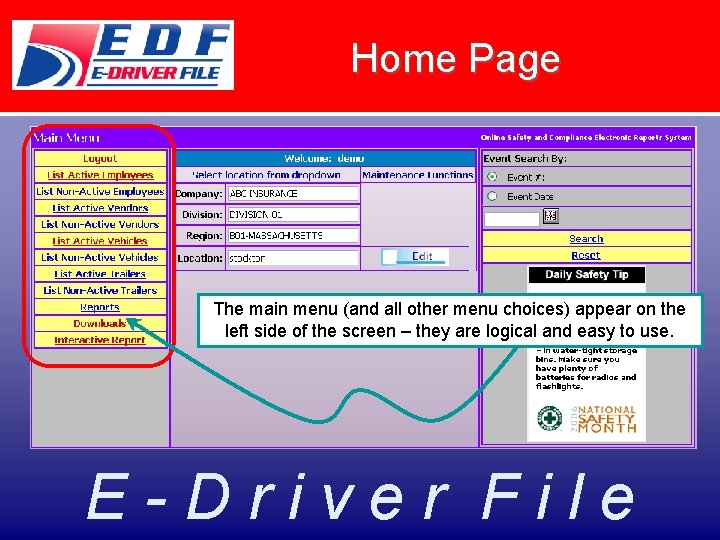
Home Page The main menu (and all other menu choices) appear on the left side of the screen – they are logical and easy to use. E-Driver File
Home Page The right side of the screen usually includes search functions, safety tips, links to external sites or links to document libraries. This can be customized based upon client needs. E-Driver File
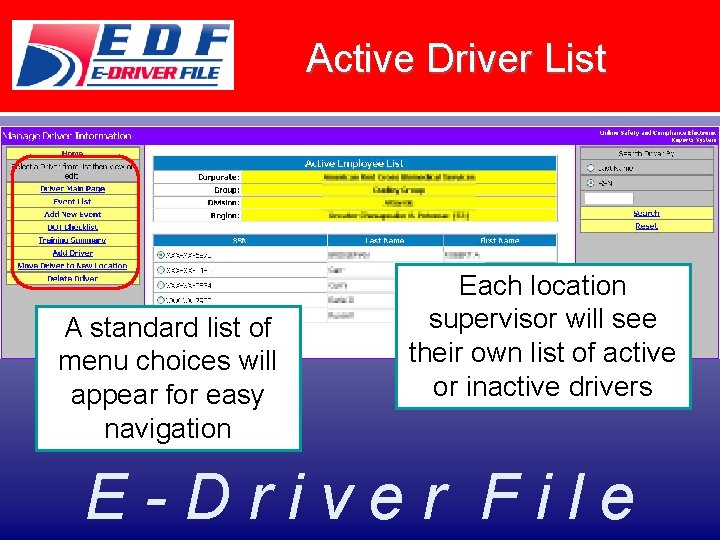
Active Driver List A standard list of menu choices will appear for easy navigation Each location supervisor will see their own list of active or inactive drivers E-Driver File
Driver Main Page The Driver Main Page contains basic information about each operator, including license info and other key details… E-Driver File
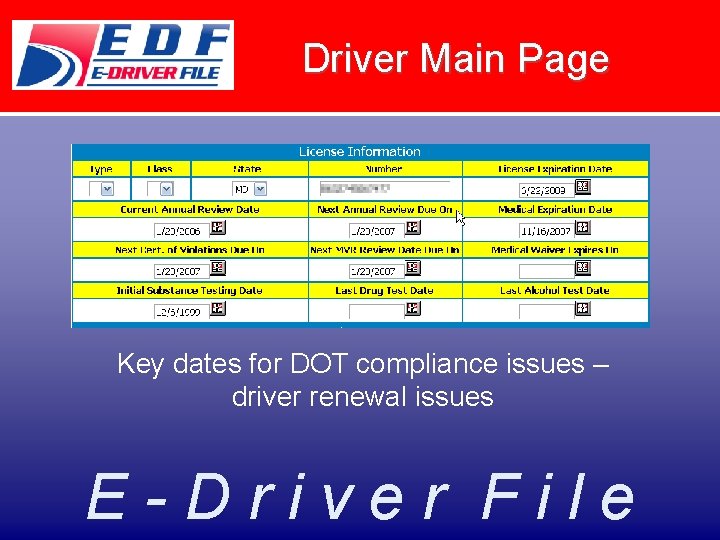
Driver Main Page Key dates for DOT compliance issues – driver renewal issues E-Driver File
Driver Main Page Driver Qualification File (DQF) Checklists and the ability to upload scanned images of key documents E-Driver File
Training Summary See all required training classes for your drivers and set reminders for sessions that require recertification or refresher training. E-Driver File
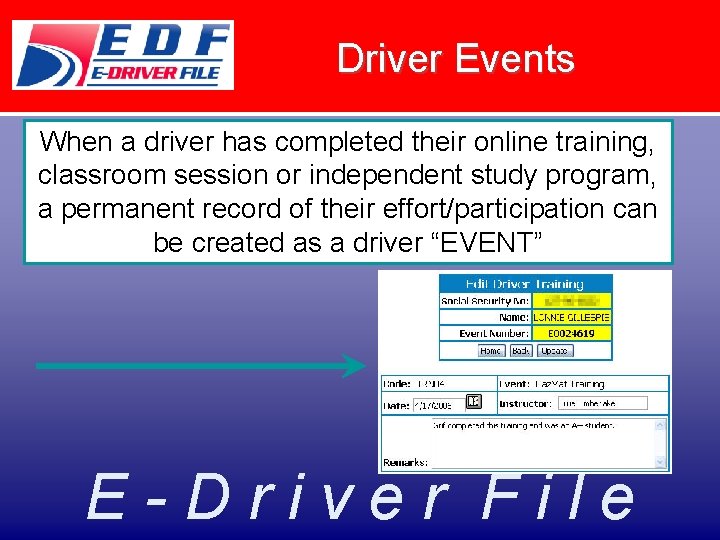
Driver Events When a driver has completed their online training, classroom session or independent study program, a permanent record of their effort/participation can be created as a driver “EVENT” E-Driver File
Driver Events When a driver has completed their online training, classroom session or independent study program, a permanent record of their effort/participation can be created as a driver “EVENT” E-Driver File
Driver Events can cover many areas of concern to a firm – not just training classes. E-Driver File
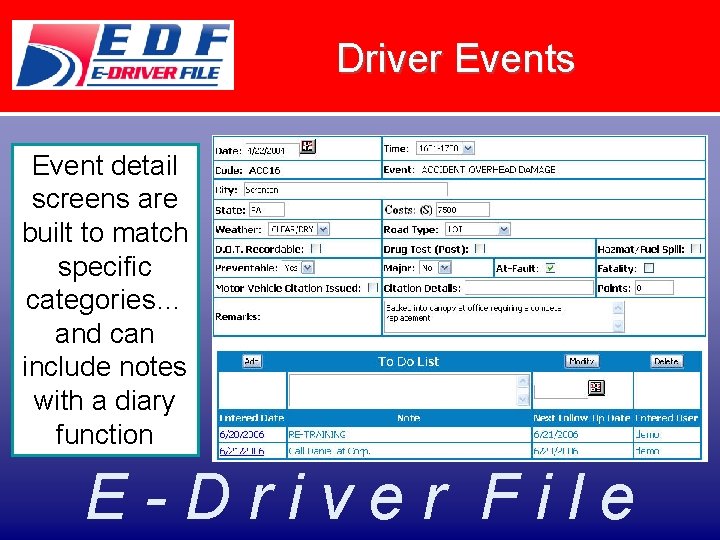
Driver Events Event detail screens are built to match specific categories… and can include notes with a diary function E-Driver File
Vehicle Details, Too! E-Driver File
Vehicle Main Page The Vehicle Main Page contains basic info about each unit, including VIN info and other key details… Key dates for vehicle compliance issues – plate renewals, lease expirations, insurance info… E-Driver File
Reporting • There a host of pre-built reports – Reminder notices (aka “to-do reports”) – Compliance Reports – Driver Risk Profiles – Crash Register – Random Selection – And many more… E-Driver File
Reporting Each week, our system will automatically “push” a series of reports (by email) to the location supervisor showing a summary of soon to expire issues – license expirations, medical renewals, permits, training events, etc. E-Driver File
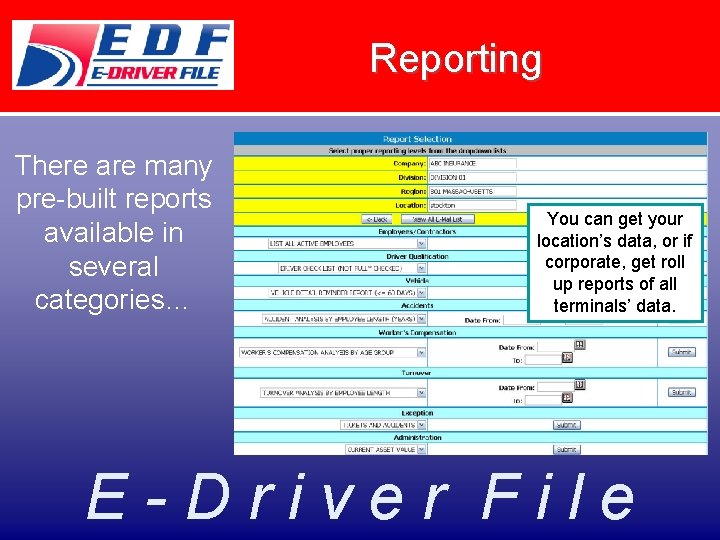
Reporting There are many pre-built reports available in several categories… You can get your location’s data, or if corporate, get roll up reports of all terminals’ data. E-Driver File
Reporting If you want to create your own custom report from “raw data” you can get it right from the system on demand as a spreadsheet… E-Driver File
Compliance Reporting Supervisors of a single location get a very focused, streamlined report… E-Driver File
Compliance Reporting Imagine a scorecard that provides a one page overview of what’s happening…with the ability to “drill down” into additional levels of detail E-Driver File
Compliance Reporting Click on License Expirations – get a detail list of drivers that can be sorted onscreen by name, location, terminal, expiration date, etc. AND, if you click on “Edit”, you can go directly into the driver main page… E-Driver File
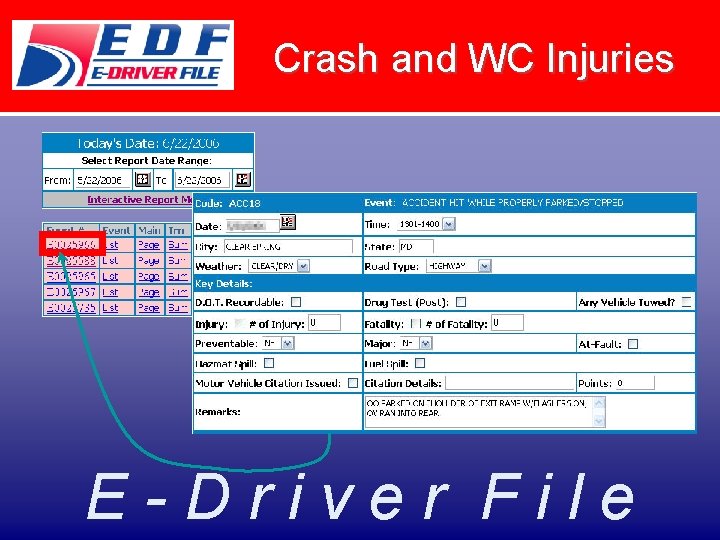
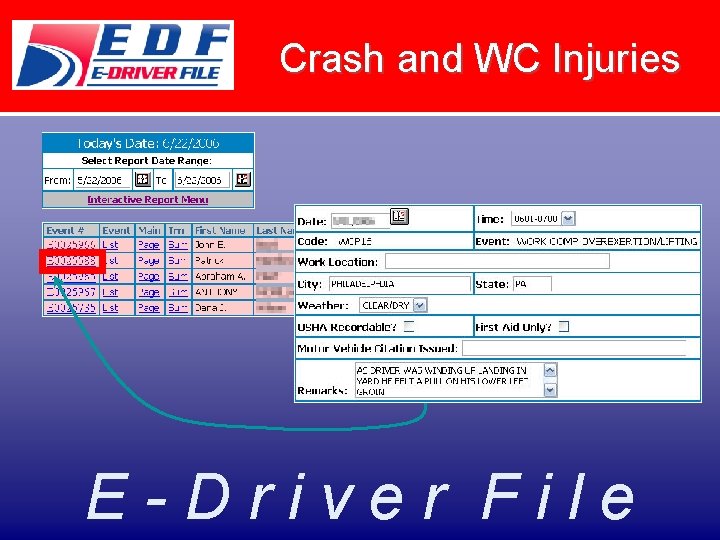
Crash Reporting Crash reporting is easy, providing a permanent record that can be analyzed, tracked and used for reporting to insurance company, DOT, etc. E-Driver File
Crash and WC Injuries E-Driver File
Crash and WC Injuries E-Driver File
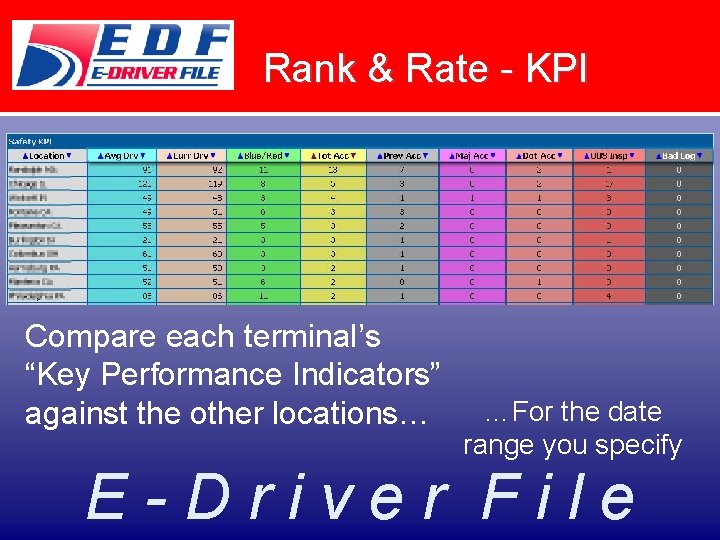
Rank & Rate - KPI Compare each terminal’s “Key Performance Indicators” against the other locations… …For the date range you specify E-Driver File
We Meet Your Needs… Clients often build a library of commonly used compliance and safety forms for easy access… E-Driver File
We Meet Your Needs… Add a table of links to external sites that are commonly accessed by your team… These links will open in a new window so that you don’t lose your secure connection at “E Driver File” E-Driver File
We Meet Your Needs… Add search functions based on your most common data needs… Search for drivers, events, vehicles, and more… E-Driver File
We Meet Your Needs… • E-Driver File is the ONLY commercial system with a UIIA interface for their Intermodal Driver Database (IDD) The IDD validates drivers for interchange of equipment at ramps and ports. http: //www. uiia. org E-Driver File
Additional Customization • Every aspect of the program can be customized to meet your company’s special needs: – Hiring, Orientation, “on-boarding” processes – Special industry issues (passenger injury, hazmat spill reporting, certifications) – State specific concerns (NY 19 A) – Non-DOT, non-CDL drivers E-Driver File
Summary • Any data that you have in spreadsheets, PC applications, local databases will be uploaded into the system for you • You won’t need to re-key data unless it is only available in paper form now • You can also scan existing documents into the system for archive storage E-Driver File
Summary • We have a “can do attitude” not a “one size fits all” approach • We listen to our clients – they know their company & operations better than we ever could • Our program is very easy to use & learn – we try to keep it simple E-Driver File
THANK YOU! • We really appreciate your investment of time to learn about our system • Give us a call today to schedule your FREE in-depth tour! Contact Dan Coulthard danc@safetyfirst. com or Stacey Payne staceyp@safetyfirst. com (888) 603 -6987 E-Driver File