
EDITING Terms and Techniques l Basic video elements
EDITING Terms and Techniques l Basic video elements l Frame - single still "picture" (U. S. standard = 30 frames/second) - consists of two "fields” l - a field is the record/play head passing across the tape l - 60 fields/ second (U. S. standard
EDITING Terms and Techniques l NTSC U. S. standard l PAL and SECAM are used in other countries l Shot - visual image recorded from the time the camera starts recording to the time that it stops l Scene - logically connected series of shots l Sequence - logically connected series of scenes
EDITING Terms and Techniques l Field log l List of shots with notes created in the field, at the shoot l (Can use shot log form, or notebook paper) l Include production notes: best take, excellent shot, etc. . .
EDITING Documentation l Shot log l Precise list of shots on a tape, in order (catalog of shots on a piece of tape) l Shots listed in order by time code (in and out points of the shots ) l Notes included: quality of shot, audio; production notes; in cues and out cues l Created in the off-line studio/edit suite after the shoot
EDITING Documentation l Shot log l Purpose l List all shots on tapes l Review content of tapes for editing l Start planning/selecting shots to be used in final project l Interviews should be logged verbatim
Edit decision list (EDL) l Created from the shot log, very specific, exact l Creative decisions of shots to include in the final program and in what order l A "written outline" of the program, shot by shot l Makes editing much more efficient l Completed before editing can begin
TRANSITIONS Editing (inter shot coding) l Transitions between shots, how images are connected together l Can set the pace of the film regardless of the action in front of the camera l
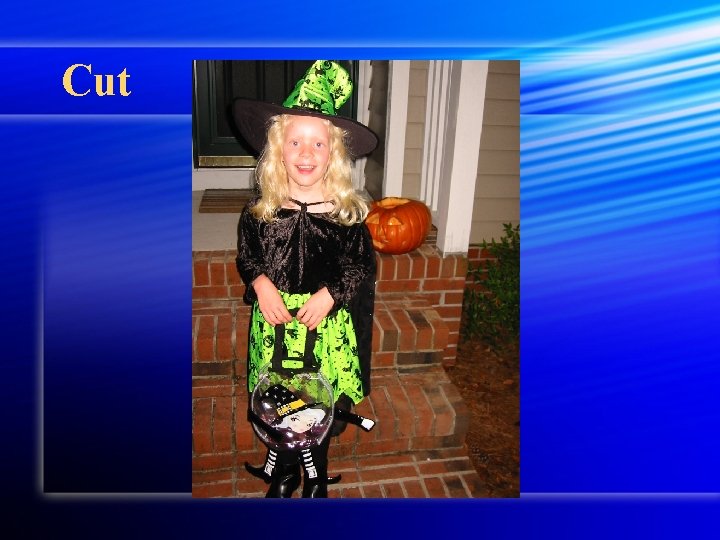
Editing - types of edits l l l CUT – basic transition Instant “cut” between images Most common, a must in news, reality, documentary By itself, no inherent meaning Many fast cuts yields fast “pace” independent of the content of the shots In Studio TV it is called a TAKE
Cut

Cut
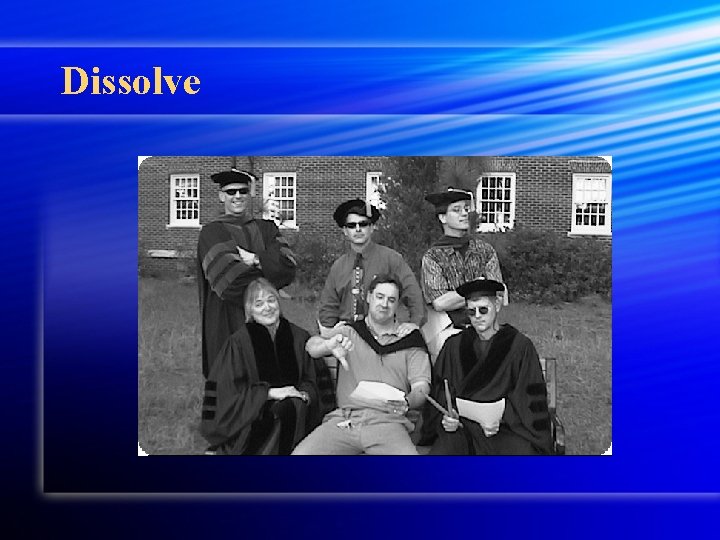
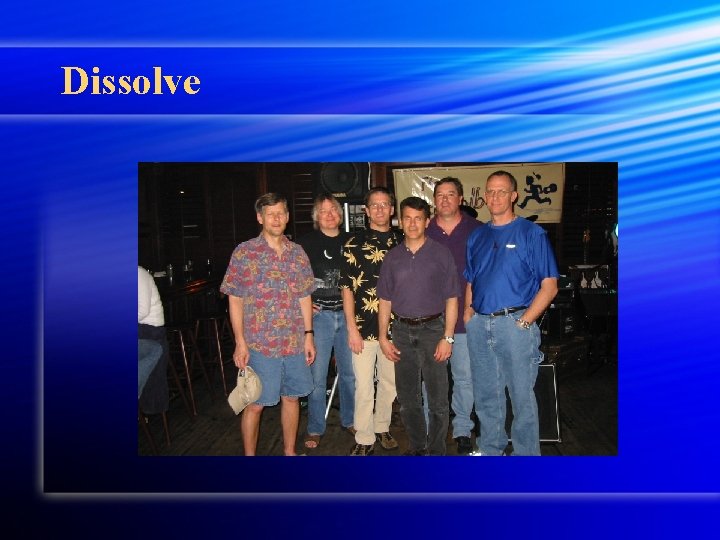
Coding Techniques, Schemes continued DISSOLVE — sssllllooowww transition BETWEEN images l Called a MIX in multi-camera live or live-totape TV l **Often signals changes of time or place l
Dissolve
Dissolve
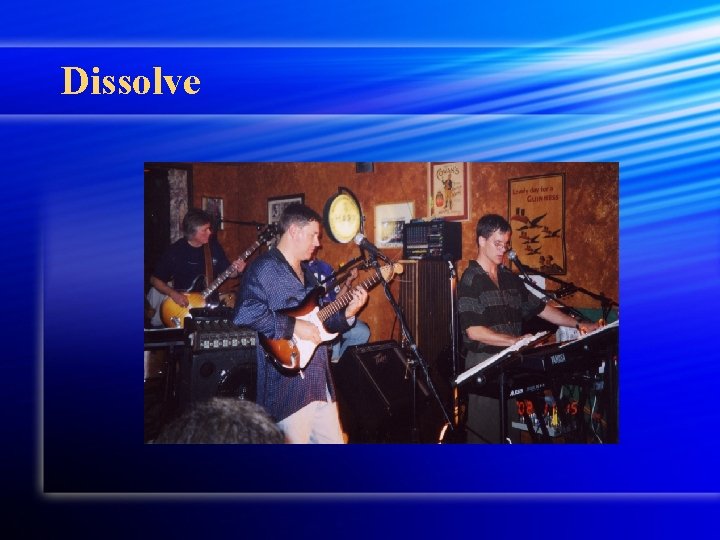
Dissolve
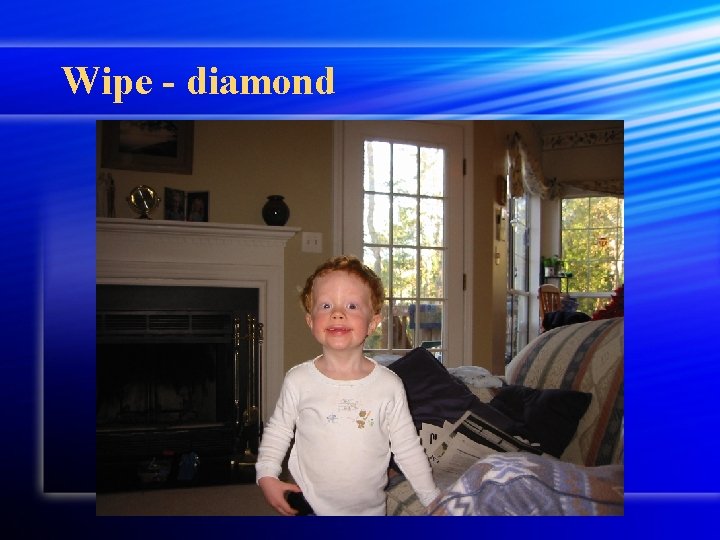
Coding Techniques, Schemes continued l Wipe – shot B pushes shot A off the screen (circle, diagonal, roll) News/sports. l Seldom in film (trademark of cheesy 1970 s films)
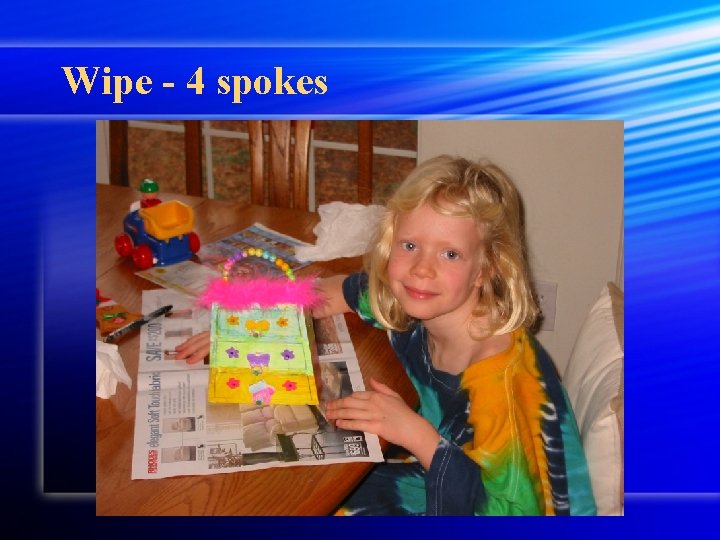
Wipe - 4 spokes
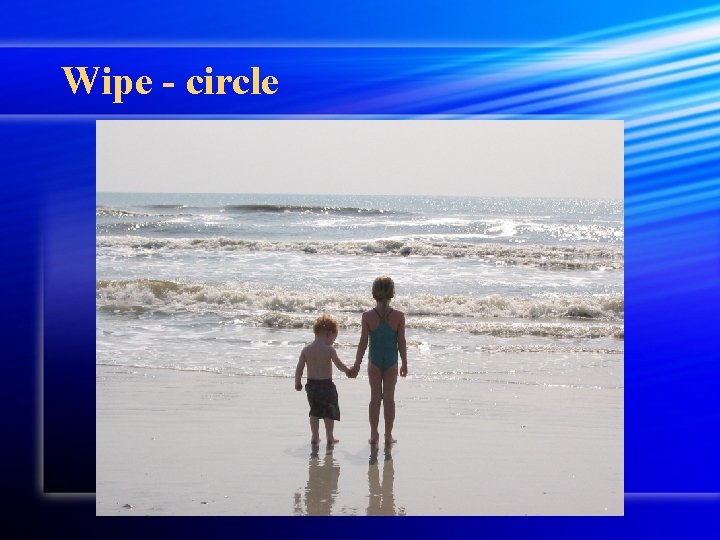
Wipe - circle
Wipe - diamond

Wipe - cube spin right

Wipe - news flash

Wipe - push up

Wipe - blinds horizontal
Fade l Fade - up or down from black (or a color) l NOT the same as dissolve!! l Fade down and up signals change in time/place

Fade
Fade l Fade - up or down from black (or a color) l NOT the same as dissolve!! l Fade down and up signals change in time/plac
Transitions - guidelines l Transitions between two shots should be smooth l Edits should not call attention to themselves l The shots should be significantly different in angle, closeness to subject, framing l If shots are too similar, subject appears to "jump" if the edit is a cut
Transitions - jump cuts l 2 very similar shots adjacent to each other l Avoid by using. . . l Cover video - B-roll video to "cover" the edit l An appropriate wipe (e. g. , a page turn, white flash frame on an interview) l Vary the A and B shots significantly

Jump cut

Jump cut
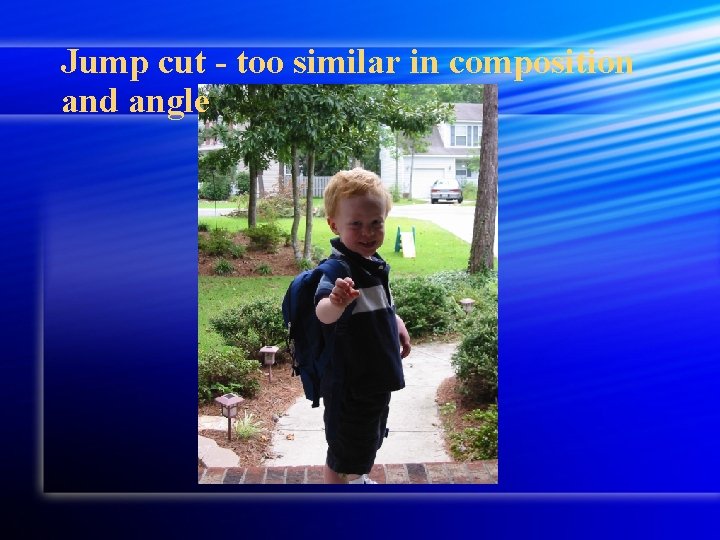
Jump cut - too similar in composition and angle
Avoid jump cuts l Vary angle and/or closeness of adjacent shots
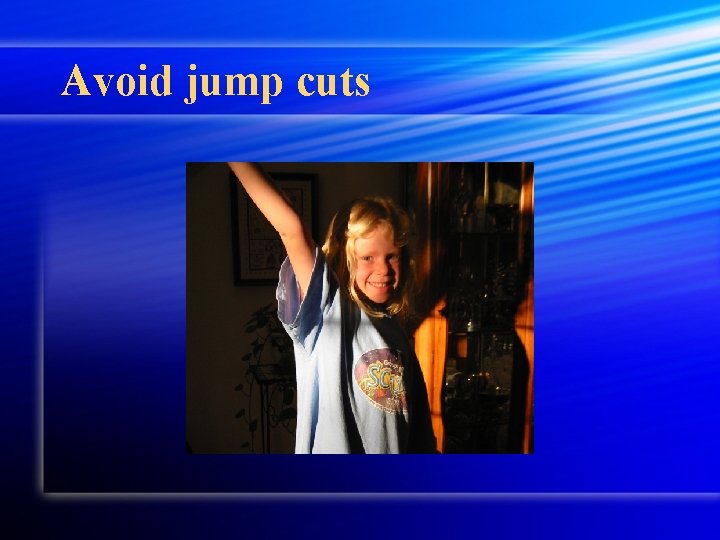
Avoid jump cuts
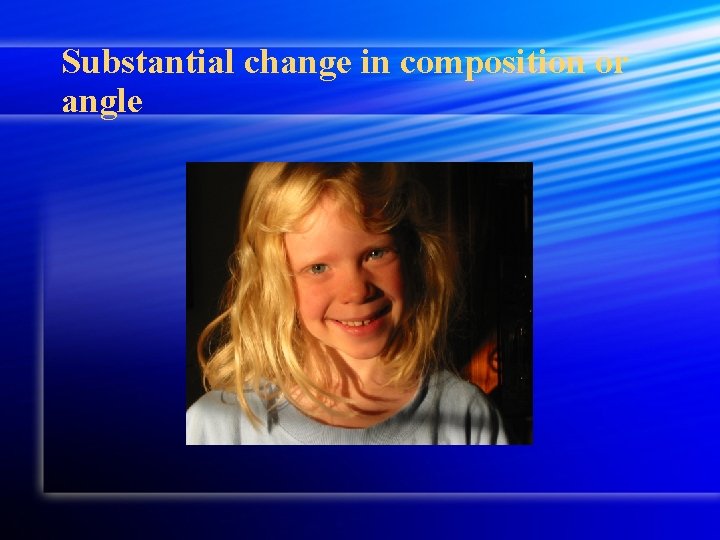
Substantial change in composition or angle
System terms - Non-linear l Digital, computer-based editing l Images copies/transferred from tape to computer hard drive (digitized/captured) l Images manipulated in digital form in the computer l ”Non-linear" because it is not tape-totape and can be manipulated in digital form
System terms - Non-linear l Hardware requirements: l Huge hard drive to save video l Fast processor to create and 'render' effects l Computer card to digitize (input) and output video and audio signals l ”Firewire" to load digital video directly into the computer IEEE 1394
System terms - Non-linear Software l Adobe Premiere, Final Cut Pro, Avid Media Composer, Avid Express. DV, Media 100 l Prices range from a few hundred to many thousand dollars l Differences: speed, quality, amount of video, features (special effects, text, audio etc. . . ), l Real time editing (no rendering) [effects processed in real time, do not need to digitally recreate them]
System terms - Linear editing l Copying or dubbing from tape to tape in a "linear" fashion l Actually copies video and audio from deck to deck, requires two decks l Controlled with an edit controller or computer l Still common in news production l Can be either "on" or "off-line"
On-linear system l Edit system combined with video mixer and character generator to allow A-B roll editing (mixing of more than one tape. ) l Also includes various VTRs and audio inputs. Final mixes made here.
Off-linear system l Cuts only system, only allows cuts between shots, no other mixes, maybe titling. l Used for rough cuts, basic edits, news package editing.
Video tape - technical elements l Mylar (plastic-type) material backing with metal/magnetic coating l As tape passes record heads, magnetic particles aligned to store information l Analog tape - stores information in analog form (e. g. , audio cassettes, VHS, S-VHS, 3/4", Beta)
Video tape - technical elements Digital tape - stores information digitally, binary code (e. g. , 1 s and 0 s) § Analog and digital similar in design (coated mylar tape), different in the way information is stored. §
Record formats l Elements of the video signal: l Color (chrominance) and l Brightness (luminance/contrast) l NTSC = US video engineering standard l [NTSC link 2] l PAL = European video engineering standard
Video Tape - Generation loss l Loss in quality when a tape is copied (analog only) l Occurs in linear editing, dubbing l Each time a tape is copied, quality goes down: colors bleed, clarity is reduced, grain increases l Original, 2 nd generation, 3 rd generation
Video Tape - Generation loss l VHS starts looking very bad by the 3 rd generation, sometimes by the 2 nd l Limit number of generations if possible l NOT an issue in digital editing l image is digital, no generation loss from tape to computer to tape. (Compression IS an issue, however. )
Videotape - information stored on tape l All tapes include three types of information l 1. Video signal l stored diagonally as heads pass across tape l 2. Audio signal l audio stored linearly at top or bottom 2 to 4 tracks
Videotape - information stored on tape l 3. Control track OR Time Code l Invisible and mysterious! l Electronic signals recorded on the tape along with the video l Enables consistent tape speed l Signifies location on the tape
Videotape - information stored on tape l a. Control track ** l Term for electronic "blips" or "clicks" on tape l Address not absolute, relative l VHS, home systems where the time can be "reset” l Not frame accurate
Videotape - information stored on tape l b. Time code l Specific absolute address for each frame on the tape l Hours, minutes, seconds, frames l 03: 12. 16. 20 is always the same, recorded on the tape l Usually frame accurate
Tape Formats Y/C Component ("S-video") l Component Y/C l Y and C separated, greater resolution & clarity l - Luminance (Y) and chrominance ( C) are separated during encoding and decoding (laid together on the tape)
Tape Formats Y/C Component ("S-video") S-VHS, Hi=8, Betacam. SP, MII (M 2), Digital-S l Better than typical home video, holds up during editing l l Signal carried through a four-pin "S" cable (pins are delicate, treat them carefully)
Tape Formats RGB-Component l Component RGB l Red, Green & Blue separated l High quality color and resolution
Tape Formats RGB-Component l Red, green, blue portions of the signal kept separate, even on the tape. "Professional" broadcast systems - separate cables for each signal l D 1, D 5, Digital Betacam, DVCPRO, DVCCAM
Tape Formats - Composite l Composite - all signals blended into one l Chroma and Luma l Lower quality, home video standard due to interference l Analogous to "mono" audio l low initial quality, worse during editing
Tape Formats - Composite l Composite - all signals blended into one l Colors not clearly defined, tend to bleed l Looks like "home video” l VHS, 8 mm, U-matic (3/4"), D 2, D 3 l Signal carried through RCA or RF cables
Film Editing Glossary cut l A visual transition created in editing in which one shot is instantaneously replaced on screen by another. l continuity editing l Editing that creates action that flows smoothly across shots and scenes without jarring visual inconsistencies. Establishes a sense of story for the viewer. l
Film Editing Glossary l l cross cutting Cutting back and forth quickly between two or more lines of action, indicating they are happening simultaneously. l l dissolve A gradual scene transition. The editor overlaps the end of one shot with the beginning of the next one.
Film Editing Glossary l l editing The work of selecting and joining together shots to create a finished film. l l errors of continuity Disruptions in the flow of a scene, such as a failure to match action or the placement of props across shots. l l establishing shot A shot, normally taken from a great distance or from a "bird's eye view, " that establishes where the action is about to occur.
Film Editing Glossary l l eyeline match The matching of eyelines between two or more characters. For example, if Sam looks to the right in shot A, Jean will look to the left in shot B. This establishes a relationship of proximity and continuity. l l fade A visual transition between shots or scenes that appears on screen as a brief interval with no picture. The editor fades one shot to black and then fades in the next. Often used to indicate a change in time and place.
Film Editing Glossary l l final cut The finished edit of a film, approved by the director and the producer. This is what the audience sees. l l iris Visible on screen as a circle closing down over or opening up on a shot. Seldom used in contemporary film, but common during the silent era of Hollywood films. l l jump cut A cut that creates a lack of continuity by leaving out parts of the action.
Film Editing Glossary l l matched cut A cut joining two shots whose compositional elements match, helping to establish strong continuity of action. l l montage Scenes whose emotional impact and visual design are achieved through the editing together of many brief shots. The shower scene from Psycho is an example of montage editing.
Film Editing Glossary l l rough cut The editor's first pass at assembling the shots into a film, before tightening and polishing occurs. l l sequence shot A long take that extends for an entire scene or sequence. It is composed of only one shot with no editing.
Film Editing Glossary l l shot reverse shot cutting Usually used for conversation scenes, this technique alternates between over-theshoulder shots showing each character speaking. l l wipe Visible on screen as a bar travelling across the frame pushing one shot off and pulling the next shot into place. Rarely used in contemporary film, but common in films from the 1930 s and 1940 s.
- Slides: 62