
EBSCO FOR ALL An introduction to the wonderful
EBSCO FOR ALL An introduction to the wonderful world of EBSCO
What Is EBSCO? Online periodical database Thousands of up-to-date articles and essays from around the world, available at the click of a mouse.
Why Not Just Use the Internet? EBSCO pulls its articles directly from accredited, reliable journals, magazines and newspapers You know your research is accurate, not from some guy with an active imagination, and too much time on his hands.

Why Should I Care? Over 4, 000 magazines, newspapers and journals, worldwide from which to choose Over 25, 000 encyclopedic entries from Funk and Wagnall’s Encyclopedia Simply the widest range of accredited resources available, at the click of a mouse
What Can I Expect to Find? Shaftesbury’s current subscription includes five databases All are dedicated to finding the best possible information for high school research The highlights are…
Academic Search Elite More than 2, 000 serials. Covers virtually every area of academic study. More than 100 journals have PDF images back to 1985. Updated daily
Canadian Reference Centre Largest collection of regional full text content available to Canadian libraries. Includes leading Canadian and international (U. S. and U. K) periodicals Updated daily
Master. File Elite More than 1, 100 general reference publications with coverage dating as far back as 1984. Includes 56 full text reference books Image Collection of 192, 999 photos, maps and flags
Okay… How do we get started? A link to EBSCO can be found at the Shaftesbury High School library website
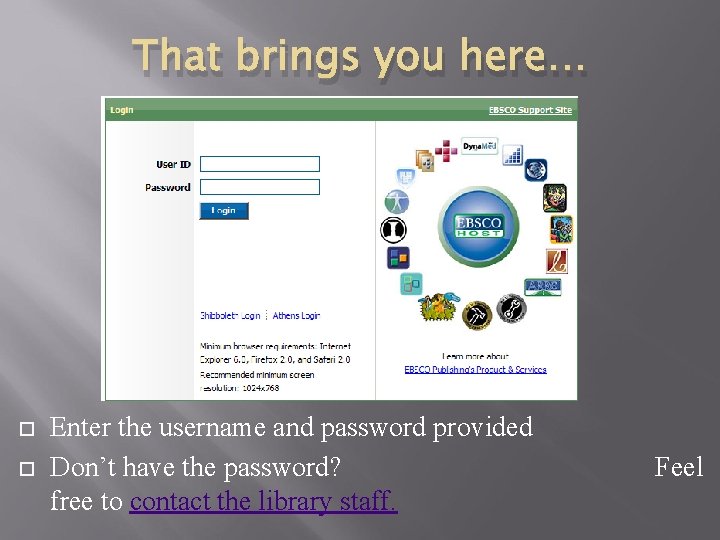
That brings you here… Enter the username and password provided Don’t have the password? free to contact the library staff. Feel
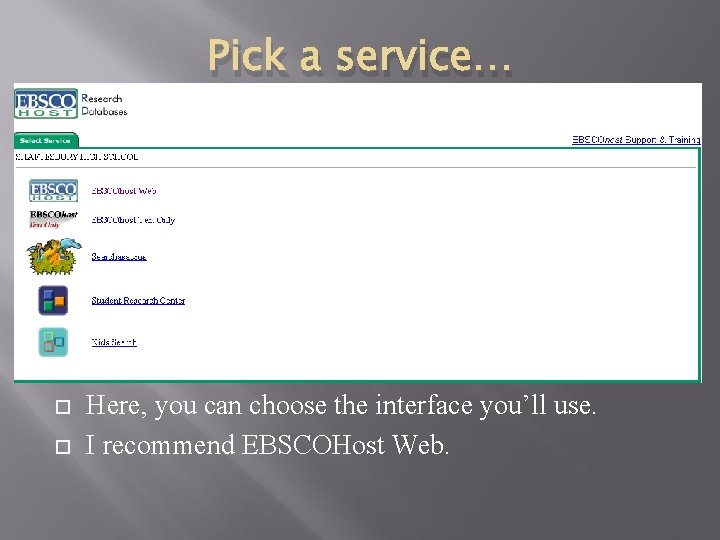
Pick a service… Here, you can choose the interface you’ll use. I recommend EBSCOHost Web.
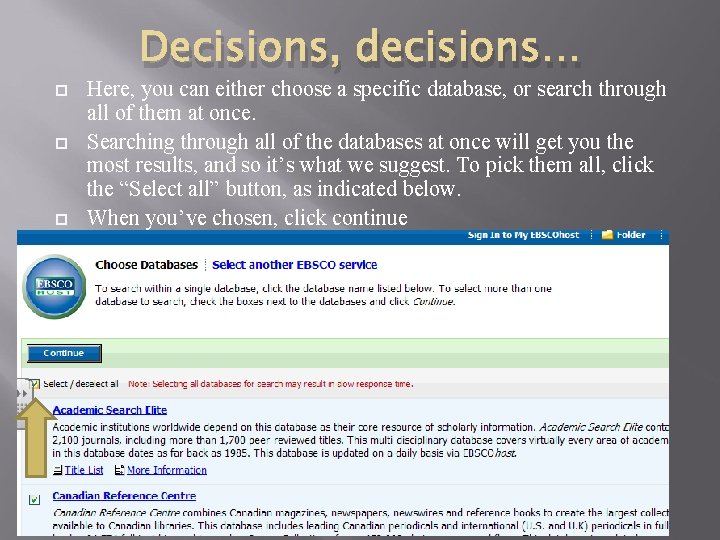
Decisions, decisions… Here, you can either choose a specific database, or search through all of them at once. Searching through all of the databases at once will get you the most results, and so it’s what we suggest. To pick them all, click the “Select all” button, as indicated below. When you’ve chosen, click continue
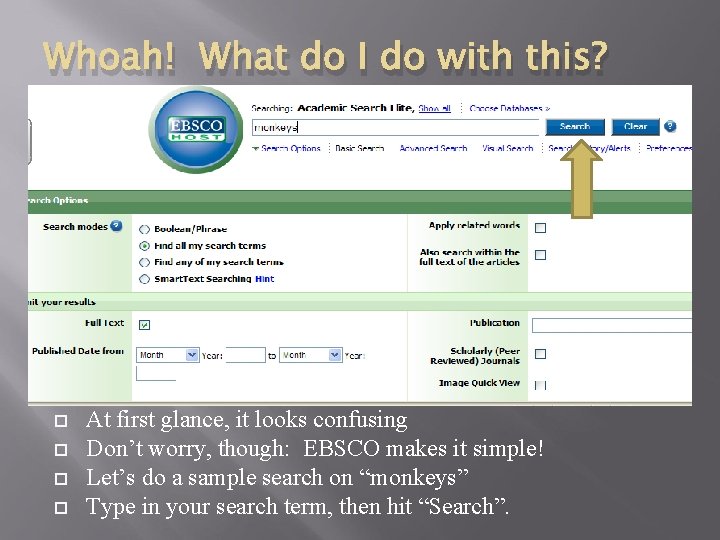
Whoah! What do I do with this? At first glance, it looks confusing Don’t worry, though: EBSCO makes it simple! Let’s do a sample search on “monkeys” Type in your search term, then hit “Search”.
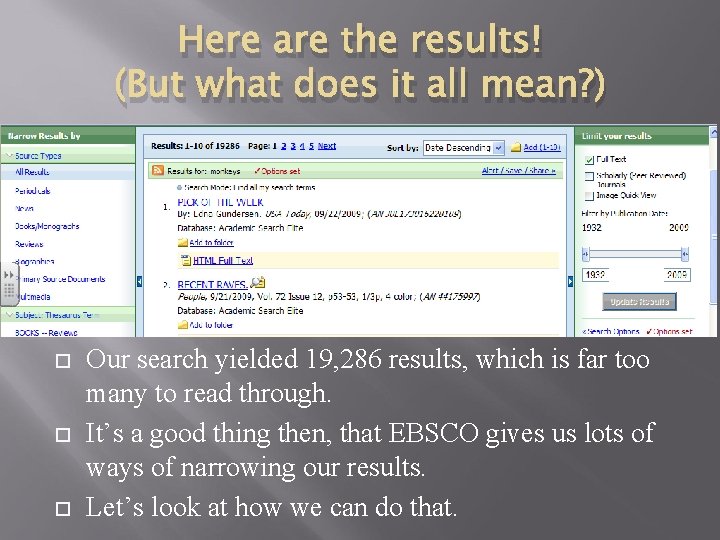
Here are the results! (But what does it all mean? ) Our search yielded 19, 286 results, which is far too many to read through. It’s a good thing then, that EBSCO gives us lots of ways of narrowing our results. Let’s look at how we can do that.
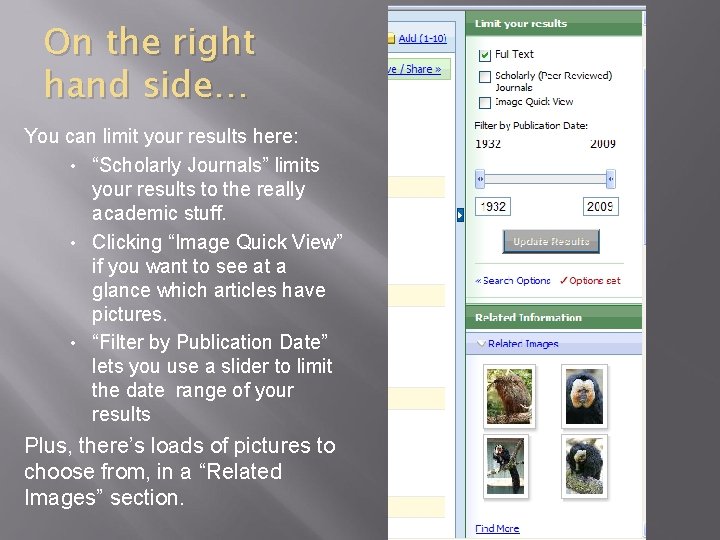
On the right hand side… You can limit your results here: • “Scholarly Journals” limits your results to the really academic stuff. • Clicking “Image Quick View” if you want to see at a glance which articles have pictures. • “Filter by Publication Date” lets you use a slider to limit the date range of your results Plus, there’s loads of pictures to choose from, in a “Related Images” section.
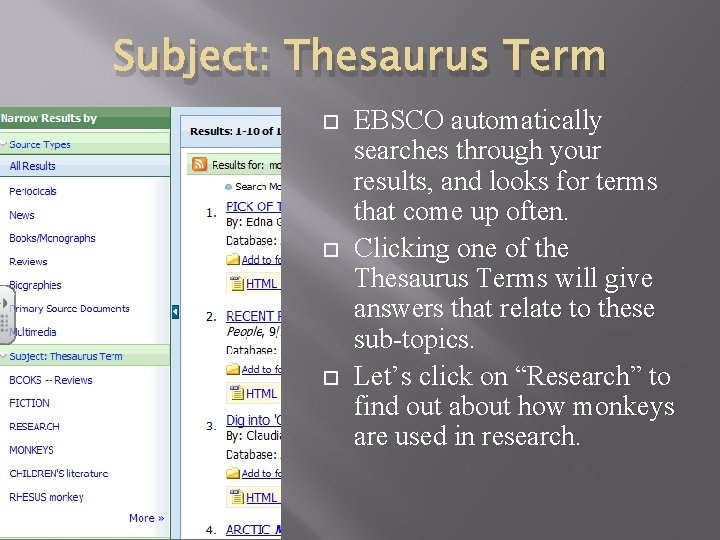
Subject: Thesaurus Term EBSCO automatically searches through your results, and looks for terms that come up often. Clicking one of the Thesaurus Terms will give answers that relate to these sub-topics. Let’s click on “Research” to find out about how monkeys are used in research.
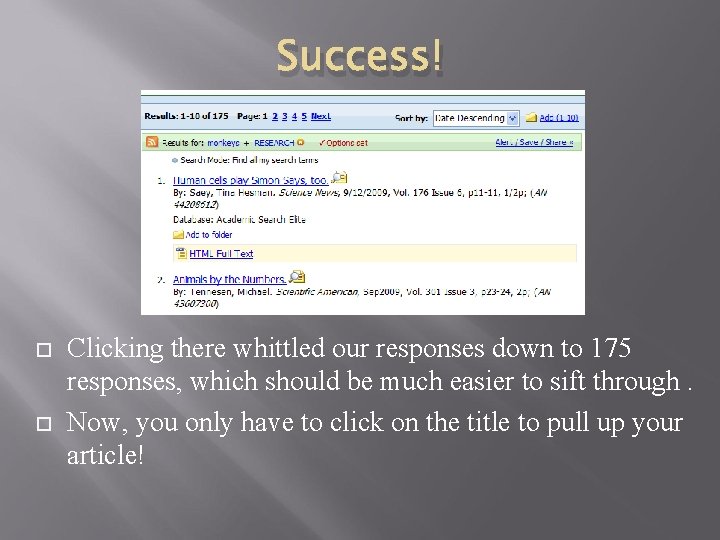
Success! Clicking there whittled our responses down to 175 responses, which should be much easier to sift through. Now, you only have to click on the title to pull up your article!
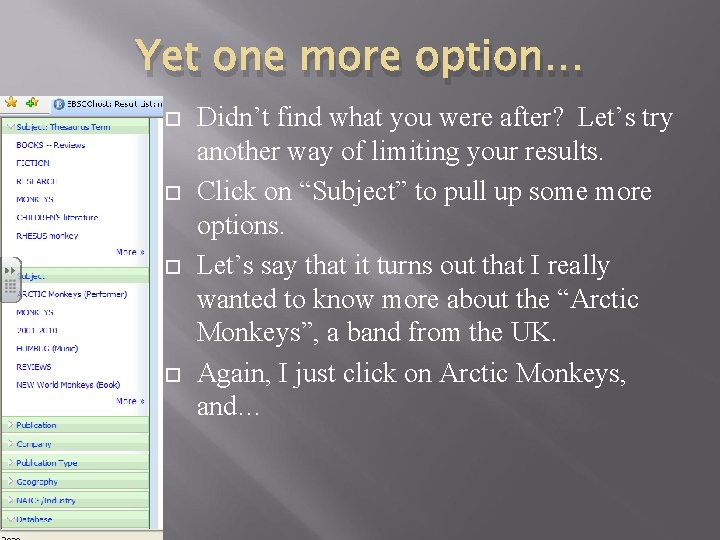
Yet one more option… Didn’t find what you were after? Let’s try another way of limiting your results. Click on “Subject” to pull up some more options. Let’s say that it turns out that I really wanted to know more about the “Arctic Monkeys”, a band from the UK. Again, I just click on Arctic Monkeys, and…
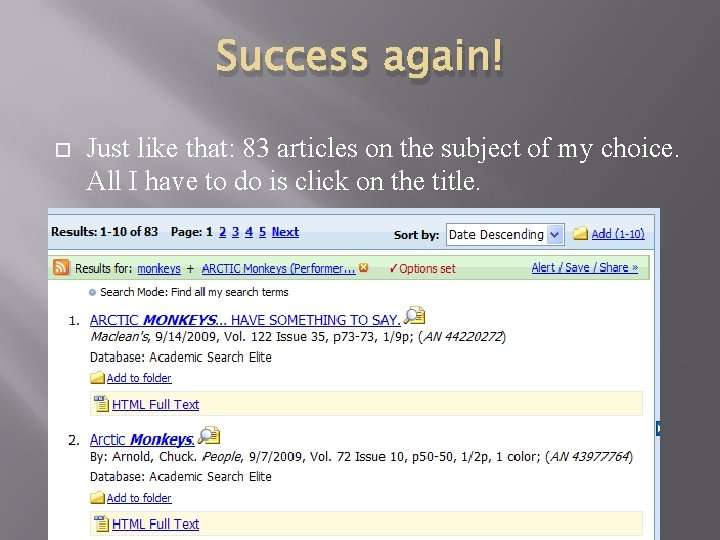
Success again! Just like that: 83 articles on the subject of my choice. All I have to do is click on the title.

That’s it! All that’s left to do now is to do some surfing of your own. If you have questions, don’t hesitate to ask! Have fun!
- Slides: 20