
EAT 250 ESTEEM Software Tutorial Create Project Project

- Slides: 25
EAT 250 ESTEEM Software Tutorial
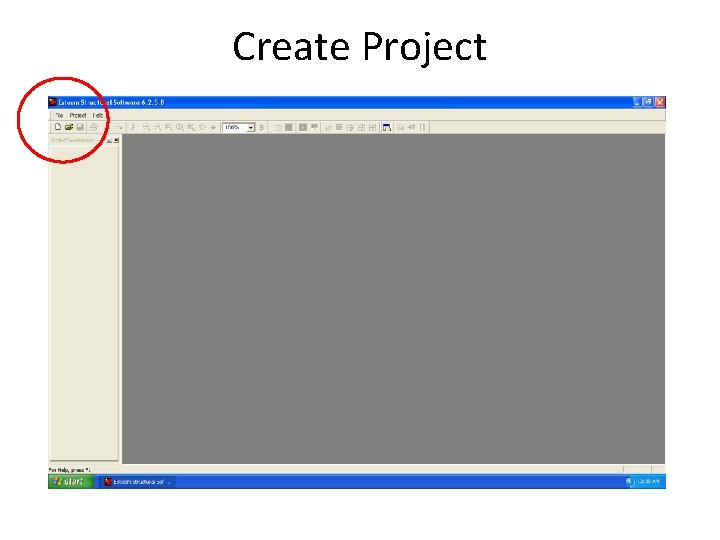
Create Project
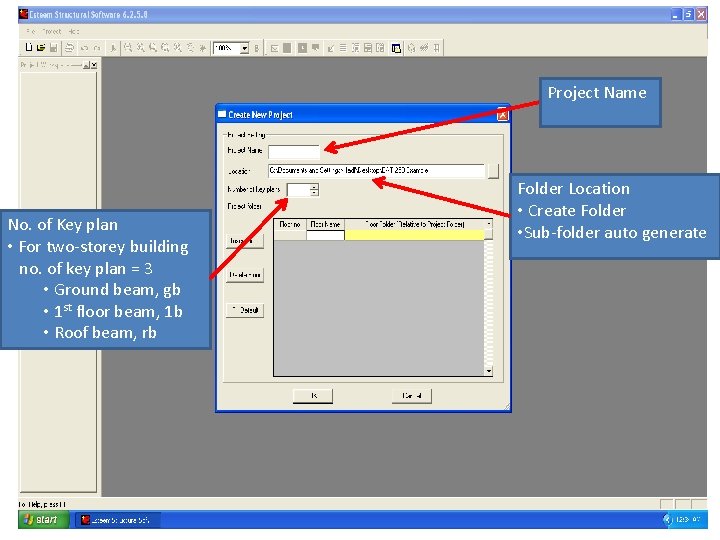
Project Name No. of Key plan • For two-storey building no. of key plan = 3 • Ground beam, gb • 1 st floor beam, 1 b • Roof beam, rb Folder Location • Create Folder • Sub-folder auto generate
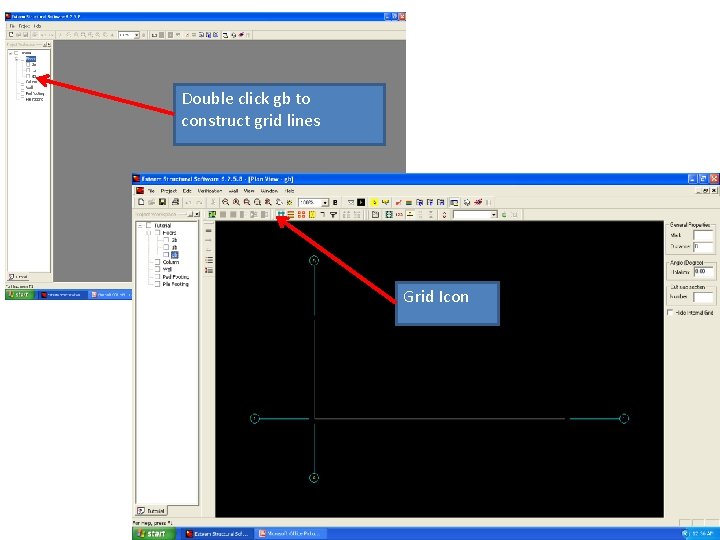
Double click gb to construct grid lines Grid Icon
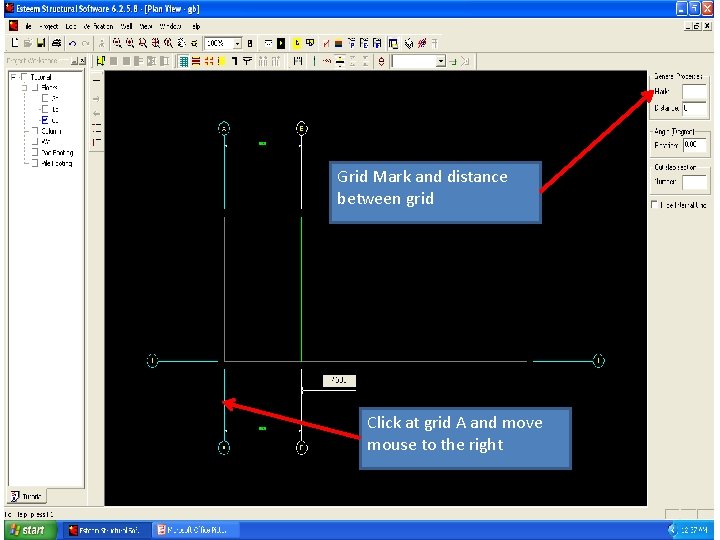
Grid Mark and distance between grid Click at grid A and move mouse to the right
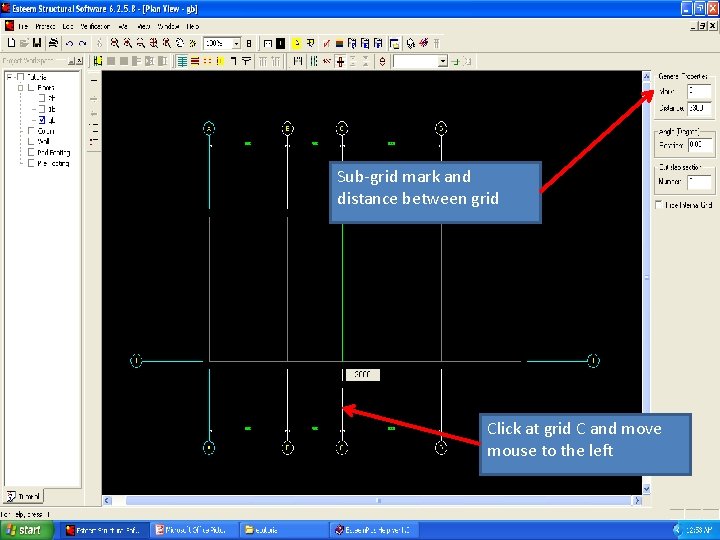
Sub-grid mark and distance between grid Click at grid C and move mouse to the left
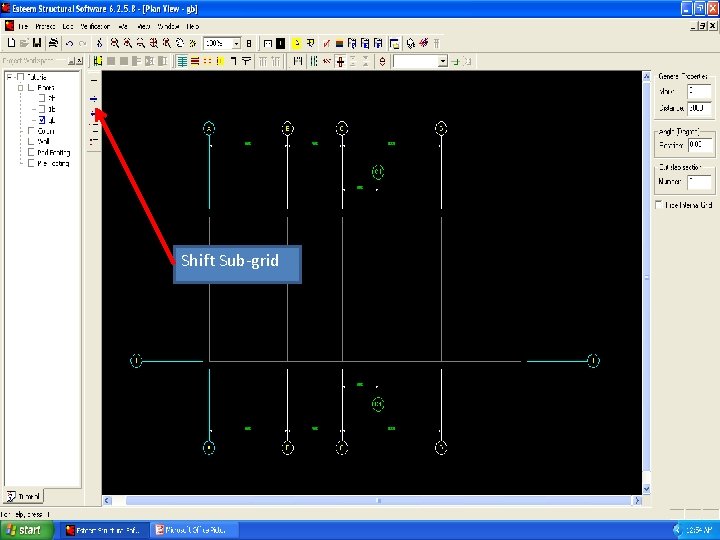
Shift Sub-grid
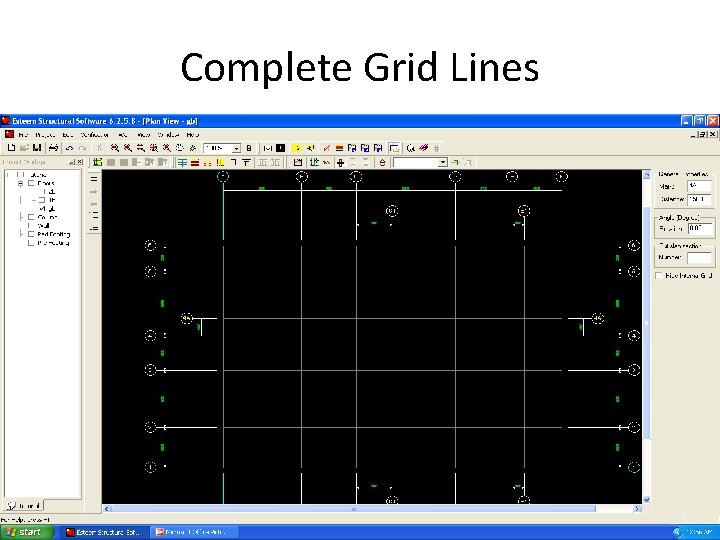
Complete Grid Lines
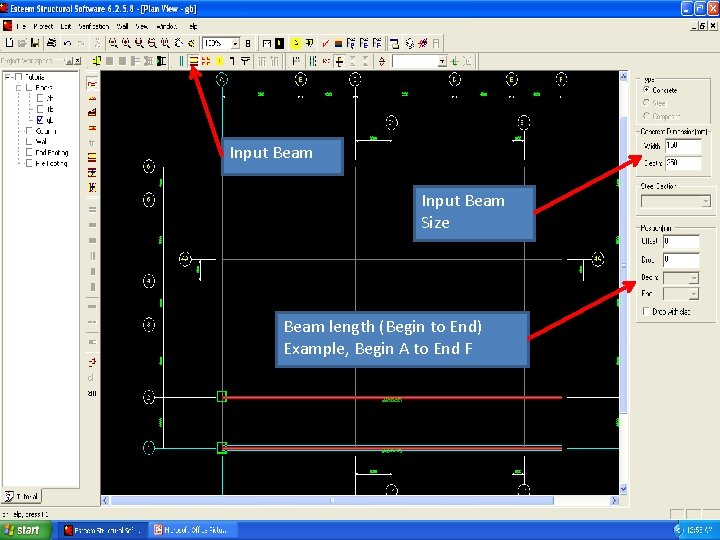
Input Beam Size Beam length (Begin to End) Example, Begin A to End F
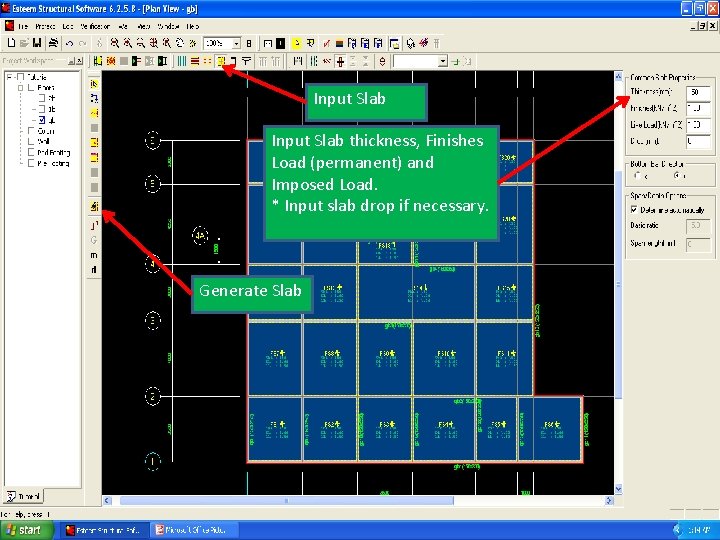
Input Slab thickness, Finishes Load (permanent) and Imposed Load. * Input slab drop if necessary. Generate Slab
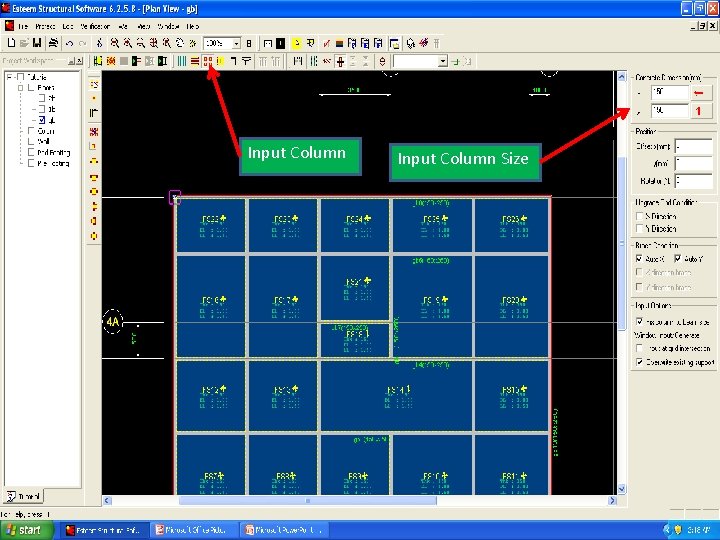
Input Column Size
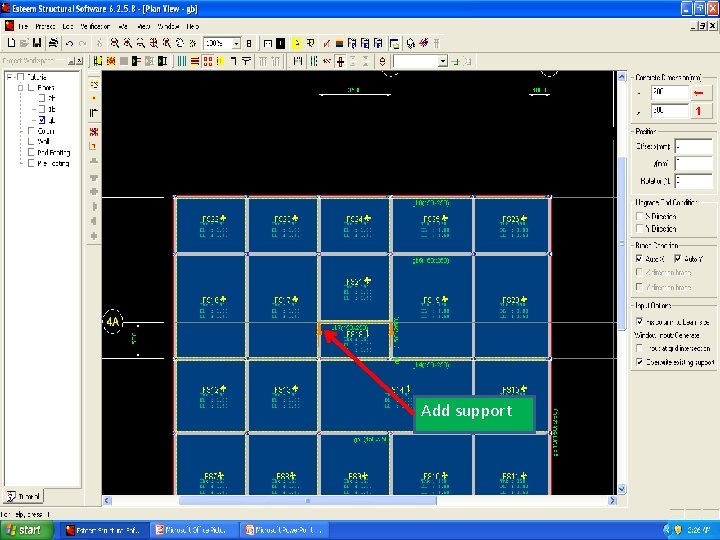
Add support
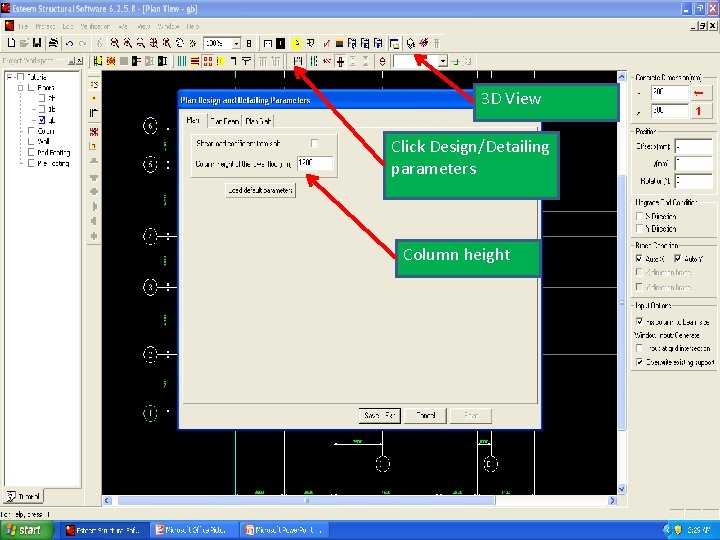
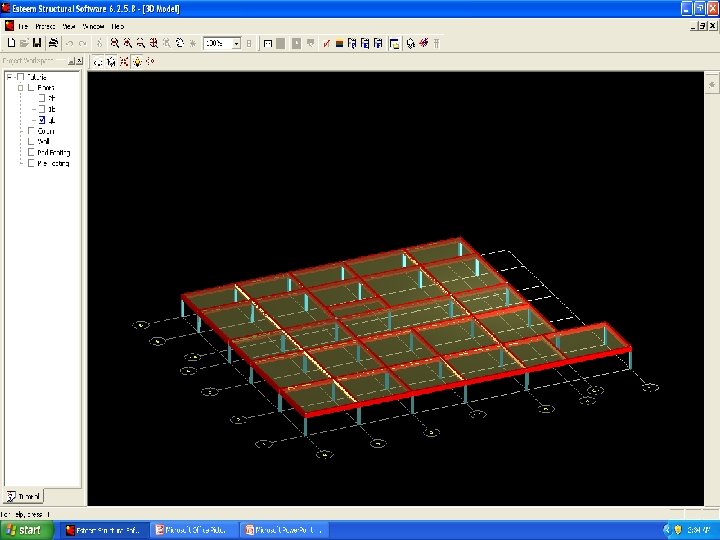
3 D View Click Design/Detailing parameters Column height
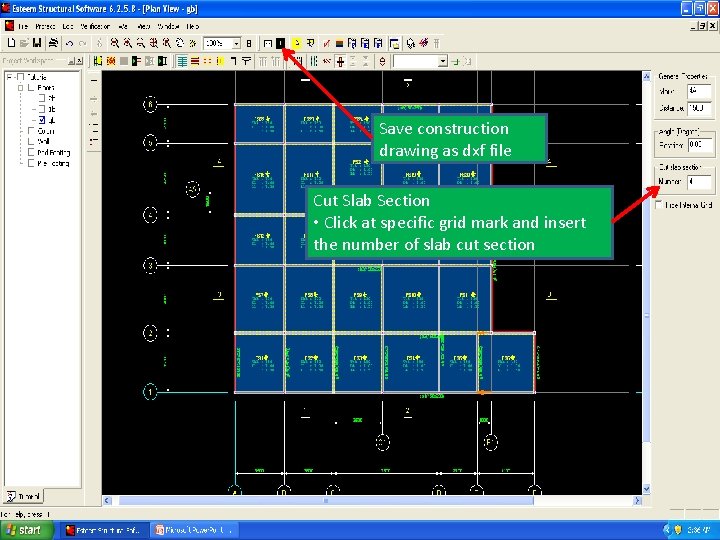
Save construction drawing as dxf file Cut Slab Section • Click at specific grid mark and insert the number of slab cut section
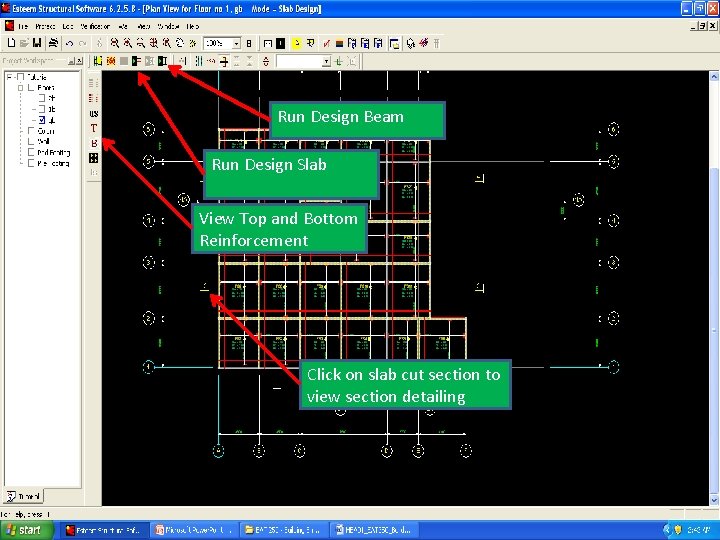
Run Design Beam Run Design Slab View Top and Bottom Reinforcement Click on slab cut section to view section detailing
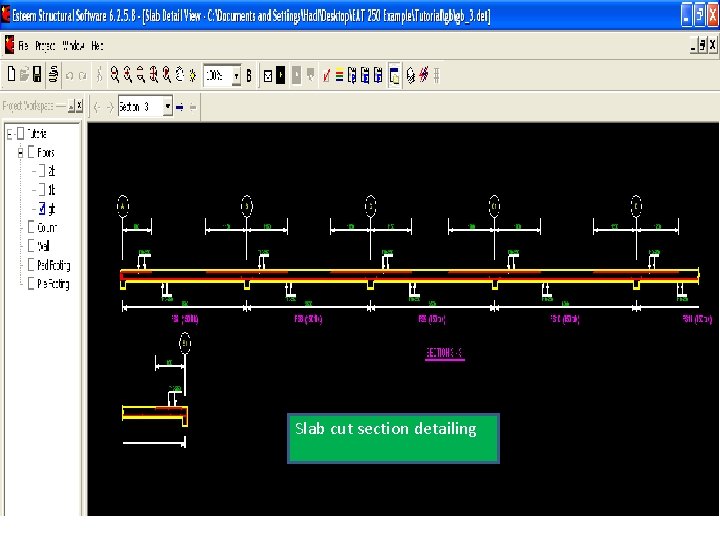
Slab cut section detailing
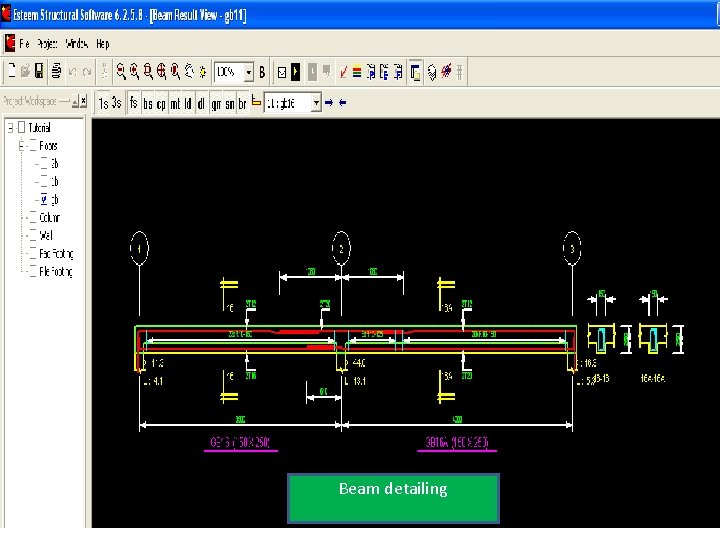
Beam detailing
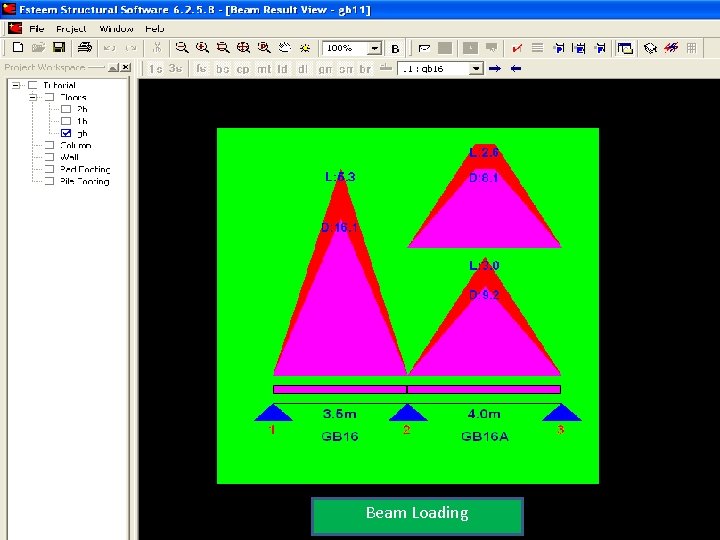
Beam Loading
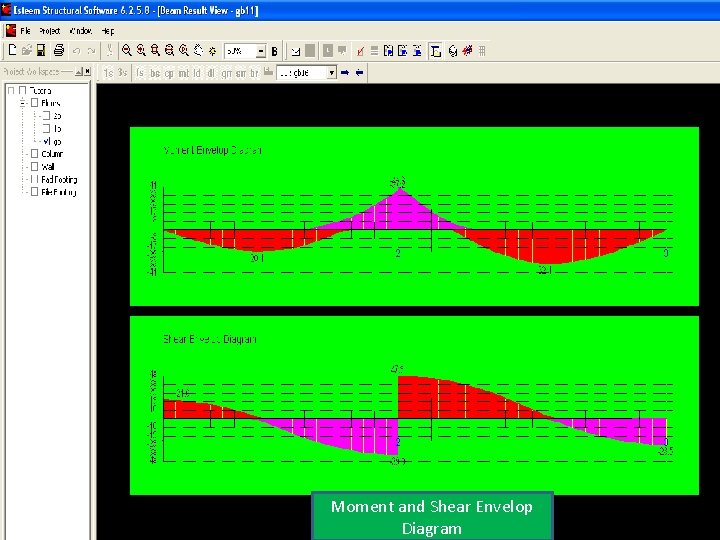
Moment and Shear Envelop Diagram
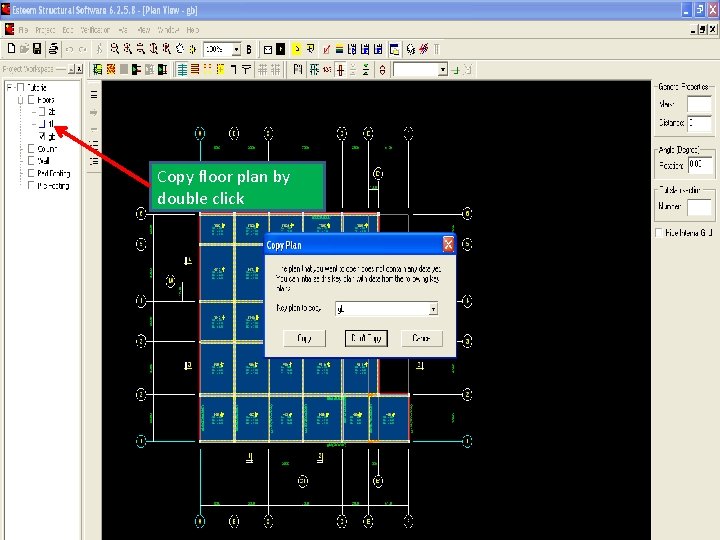
Copy floor plan by double click
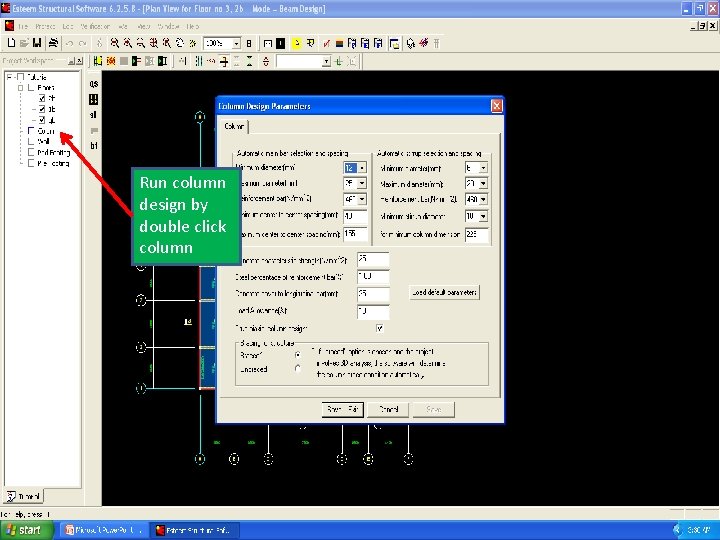
Run column design by double click column
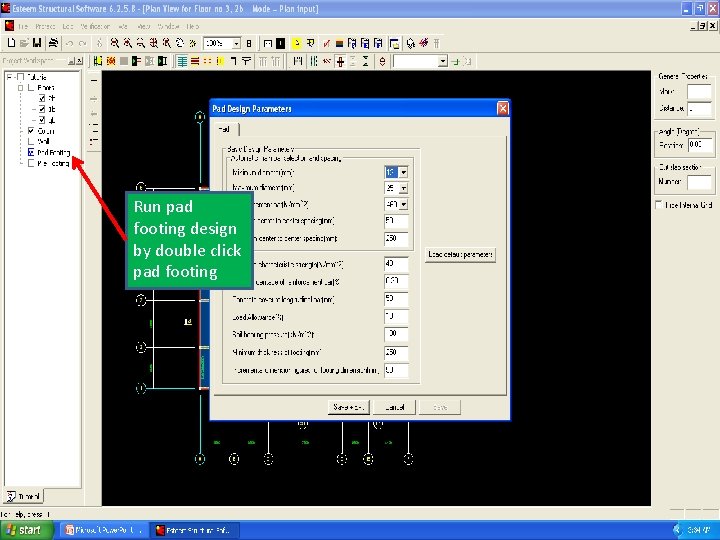
Run pad footing design by double click pad footing
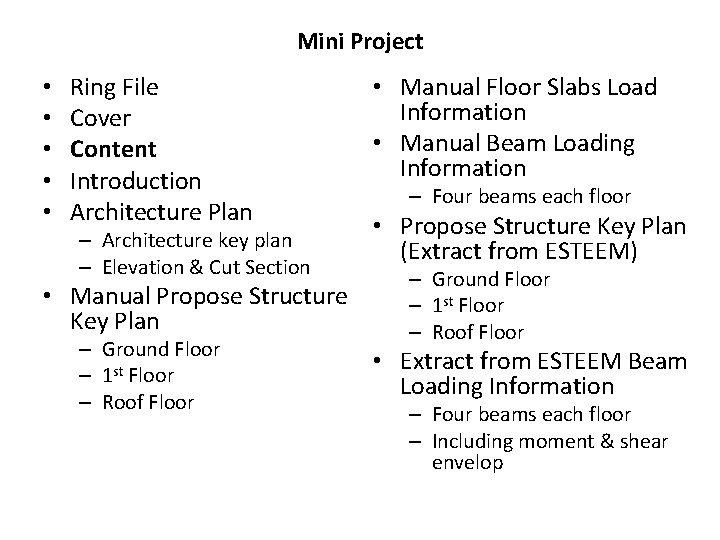
Mini Project • • • Ring File Cover Content Introduction Architecture Plan – Architecture key plan – Elevation & Cut Section • Manual Propose Structure Key Plan – Ground Floor – 1 st Floor – Roof Floor • Manual Floor Slabs Load Information • Manual Beam Loading Information – Four beams each floor • Propose Structure Key Plan (Extract from ESTEEM) – Ground Floor – 1 st Floor – Roof Floor • Extract from ESTEEM Beam Loading Information – Four beams each floor – Including moment & shear envelop
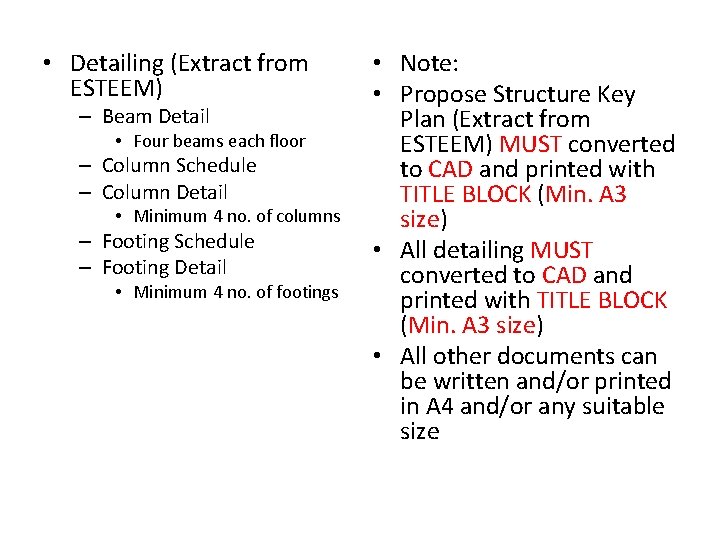
• Detailing (Extract from ESTEEM) – Beam Detail • Four beams each floor – Column Schedule – Column Detail • Minimum 4 no. of columns – Footing Schedule – Footing Detail • Minimum 4 no. of footings • Note: • Propose Structure Key Plan (Extract from ESTEEM) MUST converted to CAD and printed with TITLE BLOCK (Min. A 3 size) • All detailing MUST converted to CAD and printed with TITLE BLOCK (Min. A 3 size) • All other documents can be written and/or printed in A 4 and/or any suitable size