
Easy migration to a new Chart of Accounts


- Slides: 52
Easy migration to a new Chart of Accounts Chitra Kanakaraj
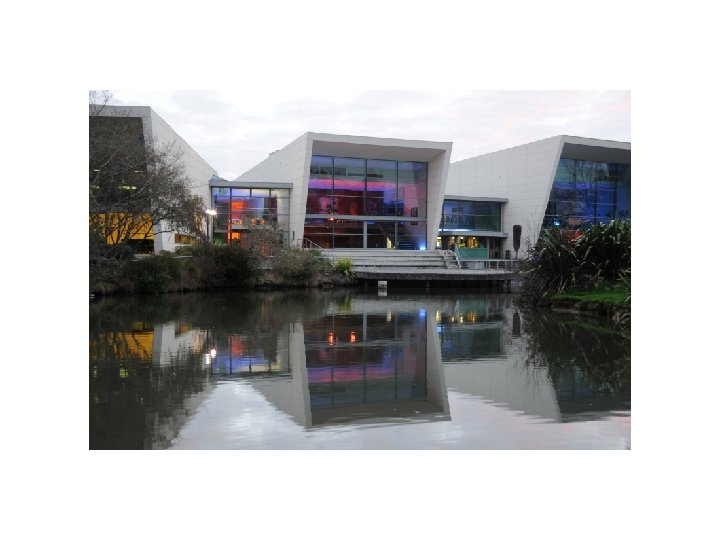
Agenda • The University of Waikato • Easy migration to a new Chart of Accounts without affecting the subsystems that uses the COA • Oracle 11 g feature Rules Manager and Expression Filter • Oracle Business Rules
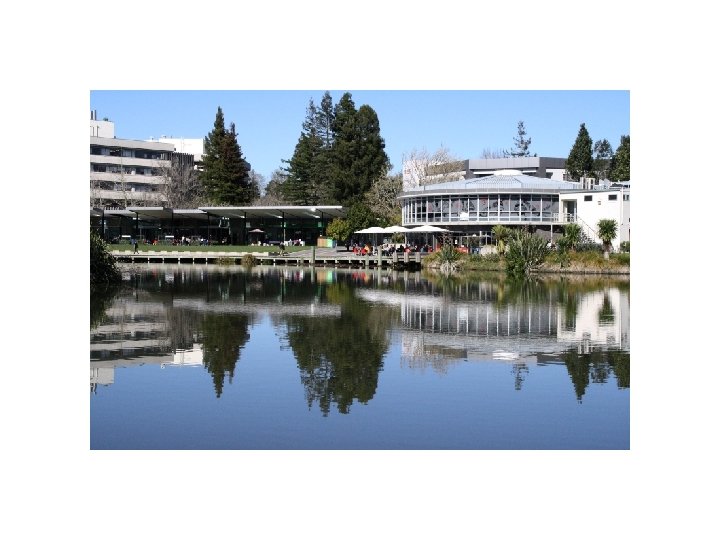
The University of Waikato • • • About Me What was the need to migrate to New COA Impact of the change How to. . . Wondered how to modify and manage business logic easily
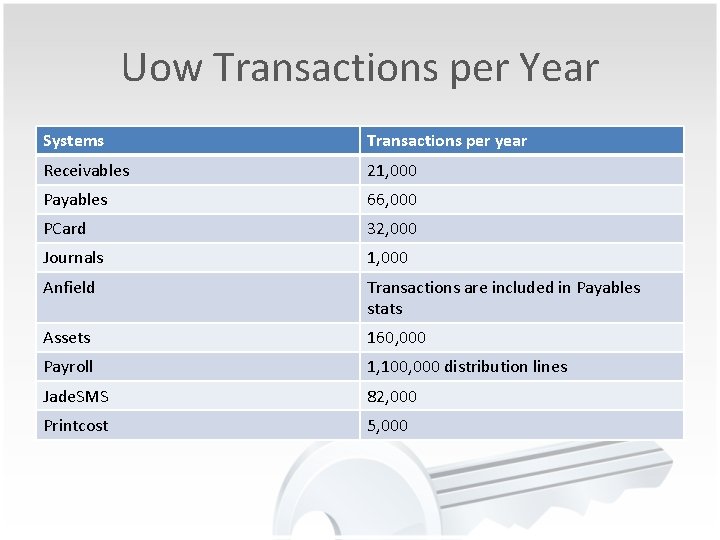
Uow Transactions per Year Systems Transactions per year Receivables 21, 000 Payables 66, 000 PCard 32, 000 Journals 1, 000 Anfield Transactions are included in Payables stats Assets 160, 000 Payroll 1, 100, 000 distribution lines Jade. SMS 82, 000 Printcost 5, 000
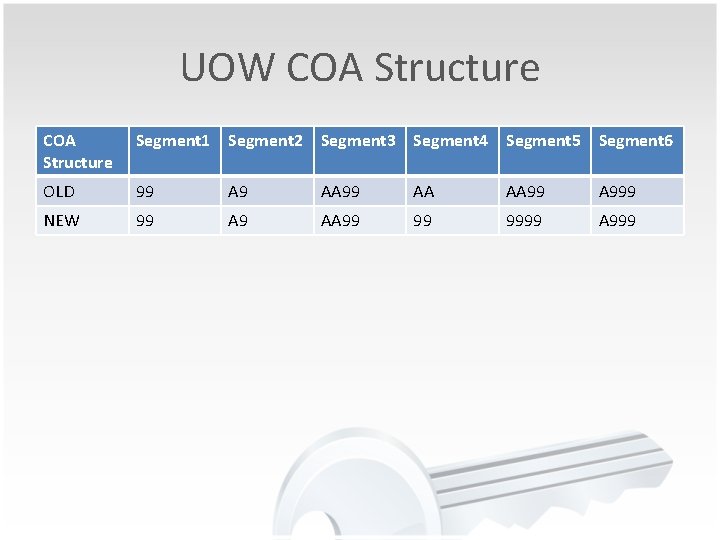
UOW COA Structure Segment 1 Segment 2 Segment 3 Segment 4 Segment 5 Segment 6 OLD 99 A 9 AA 99 AA AA 999 NEW 99 A 9 AA 99 99 9999 A 999
Modify and Manage Business logic • Oracle 11 g feature Rules Manager and Expression Filter • What is this? • How it works? • Skills Needed • Practical Implementation
Rules Manager • Rules manager API - Defines, manage and enforce complex rules in Oracle Database • This API can be used across multisession and environment • Rules manager can model any event-condition -action(ECA)-based system. • Applications for Rules Manager are. . .
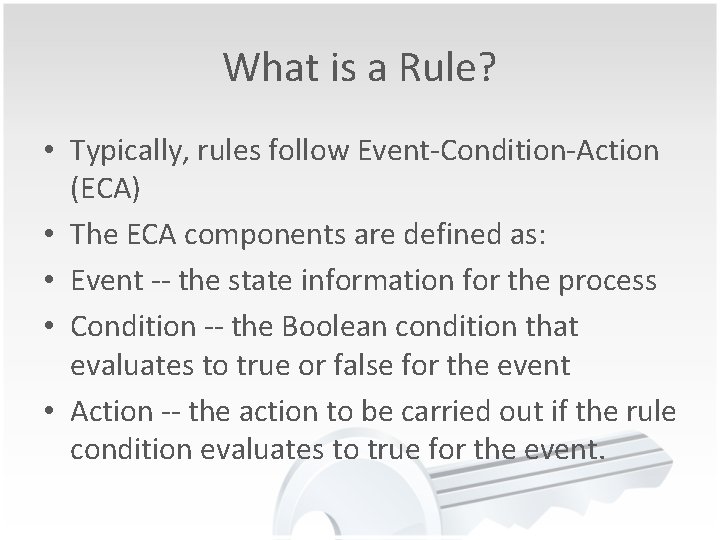
What is a Rule? • Typically, rules follow Event-Condition-Action (ECA) • The ECA components are defined as: • Event -- the state information for the process • Condition -- the Boolean condition that evaluates to true or false for the event • Action -- the action to be carried out if the rule condition evaluates to true for the event.
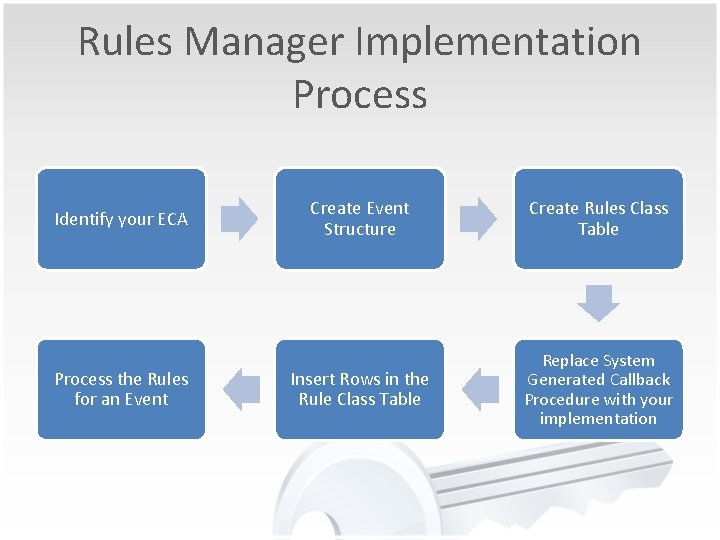
Rules Manager Implementation Process Identify your ECA Process the Rules for an Event Create Event Structure Create Rules Class Table Insert Rows in the Rule Class Table Replace System Generated Callback Procedure with your implementation
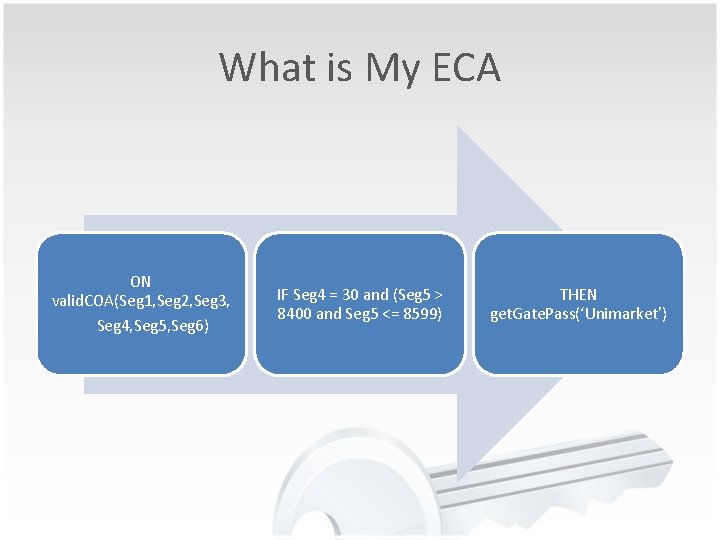
What is My ECA ON valid. COA(Seg 1, Seg 2, Seg 3, Seg 4, Seg 5, Seg 6) IF Seg 4 = 30 and (Seg 5 > 8400 and Seg 5 <= 8599) THEN get. Gate. Pass(‘Unimarket’)
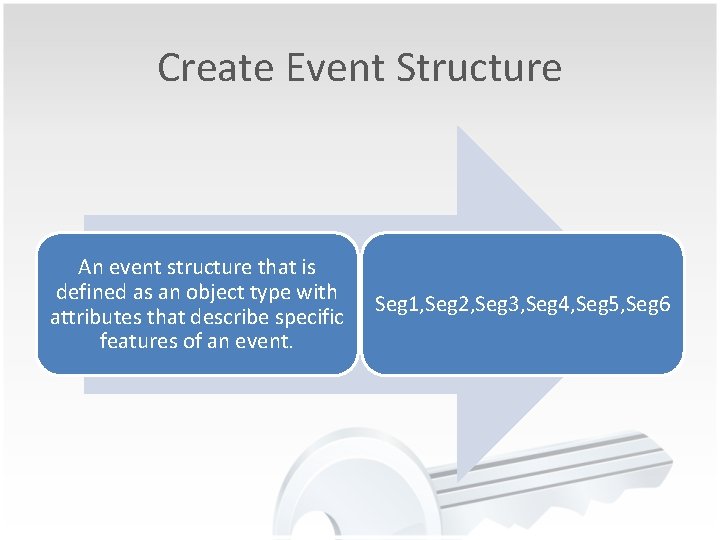
Create Event Structure An event structure that is defined as an object type with attributes that describe specific features of an event. Seg 1, Seg 2, Seg 3, Seg 4, Seg 5, Seg 6
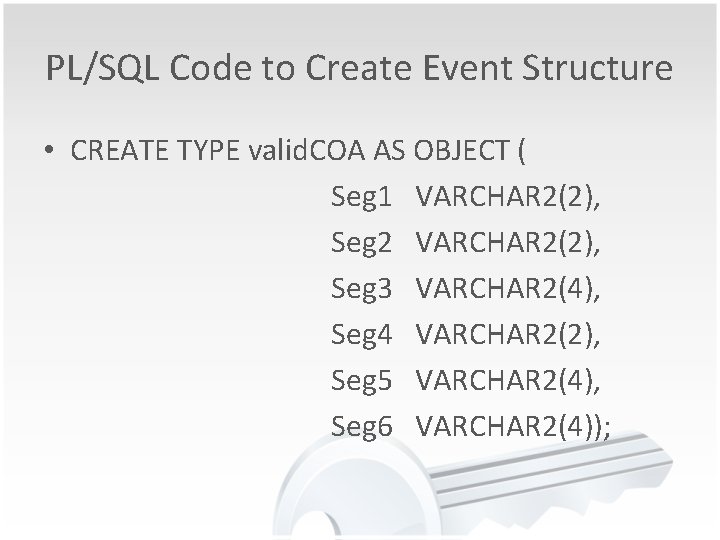
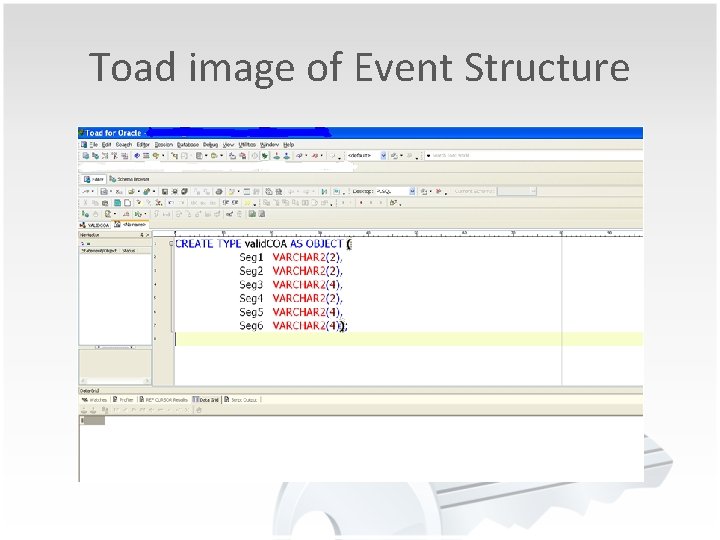
PL/SQL Code to Create Event Structure • CREATE TYPE valid. COA AS OBJECT ( Seg 1 VARCHAR 2(2), Seg 2 VARCHAR 2(2), Seg 3 VARCHAR 2(4), Seg 4 VARCHAR 2(2), Seg 5 VARCHAR 2(4), Seg 6 VARCHAR 2(4));
Toad image of Event Structure
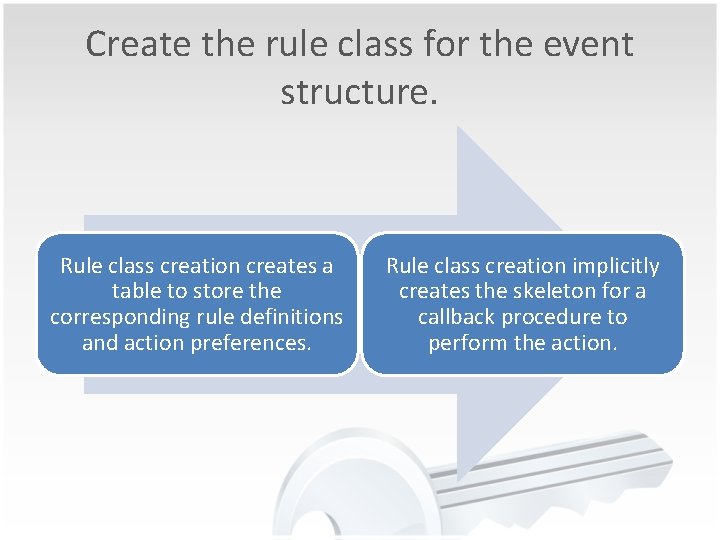
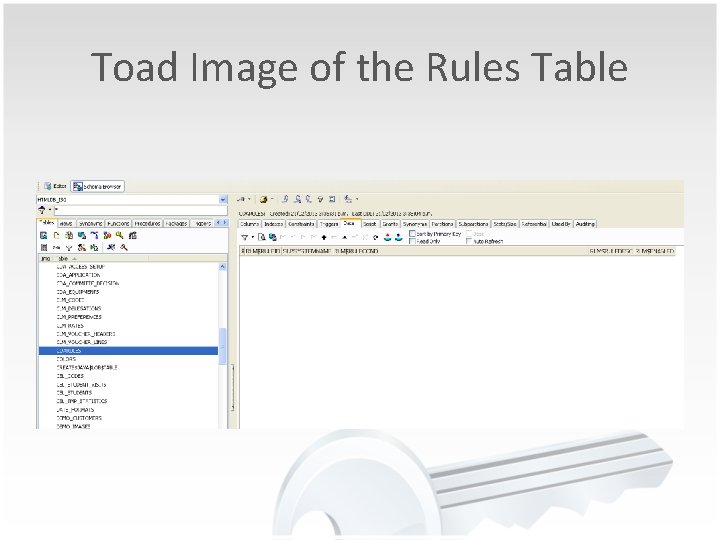
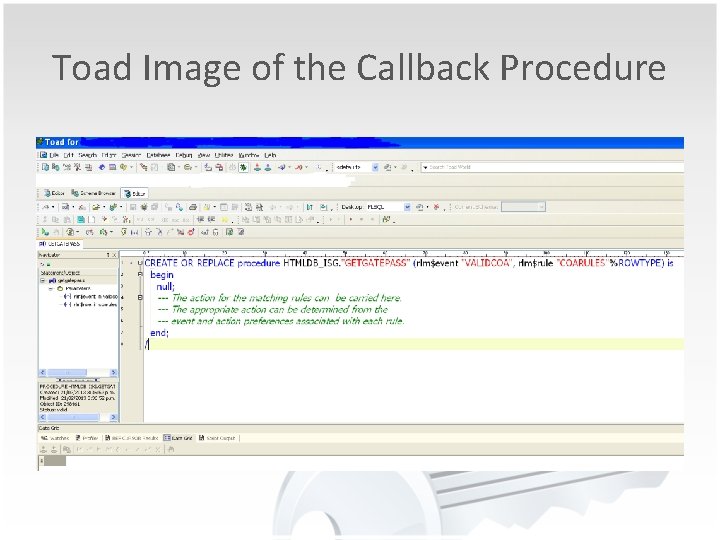
Create the rule class for the event structure. Rule class creation creates a table to store the corresponding rule definitions and action preferences. Rule class creation implicitly creates the skeleton for a callback procedure to perform the action.
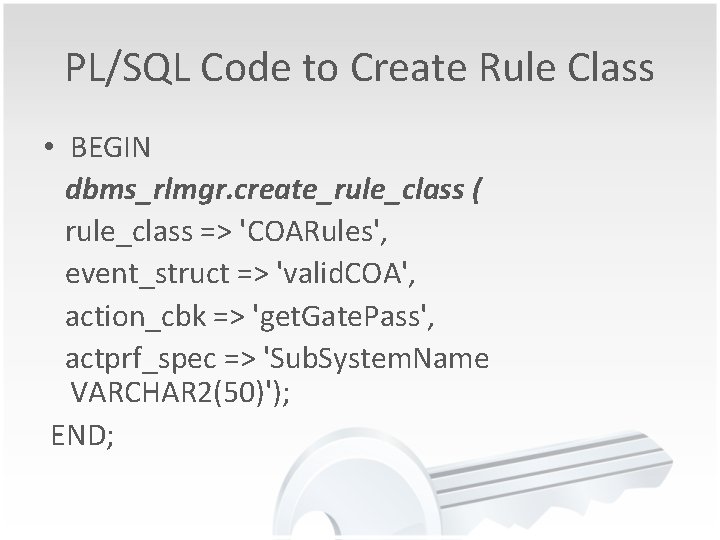
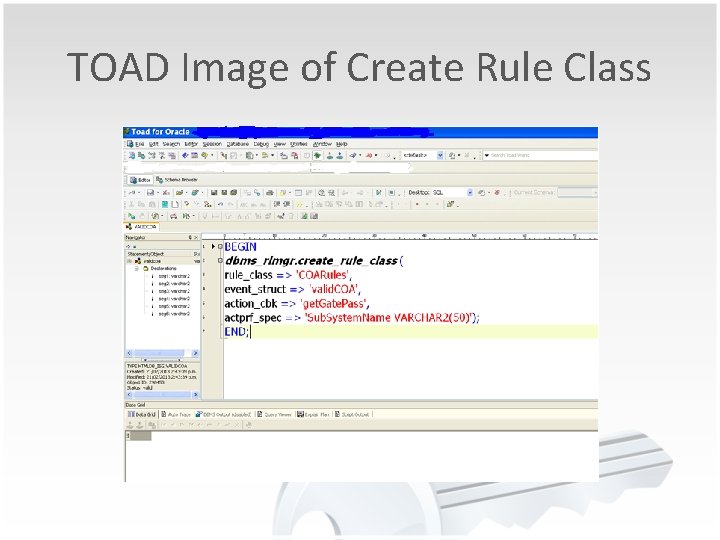
PL/SQL Code to Create Rule Class • BEGIN dbms_rlmgr. create_rule_class ( rule_class => 'COARules', event_struct => 'valid. COA', action_cbk => 'get. Gate. Pass', actprf_spec => 'Sub. System. Name VARCHAR 2(50)'); END;
TOAD Image of Create Rule Class
Toad Image of the Rules Table
Toad Image of the Callback Procedure
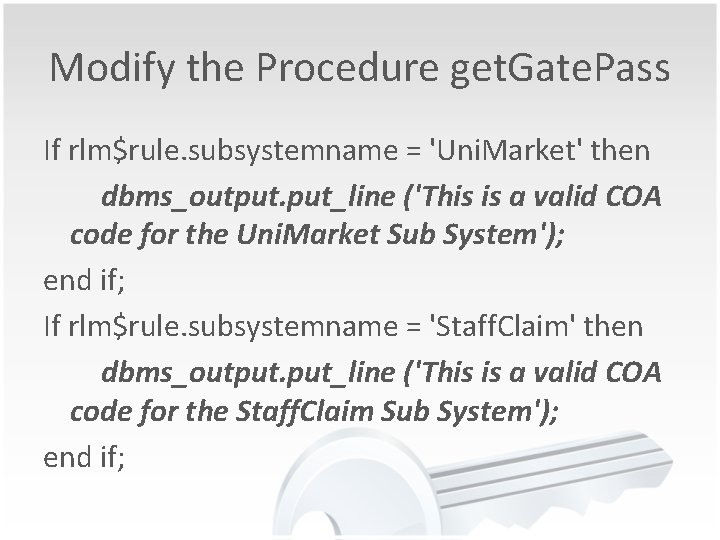
Modify the Procedure get. Gate. Pass If rlm$rule. subsystemname = 'Uni. Market' then dbms_output. put_line ('This is a valid COA code for the Uni. Market Sub System'); end if; If rlm$rule. subsystemname = 'Staff. Claim' then dbms_output. put_line ('This is a valid COA code for the Staff. Claim Sub System'); end if;
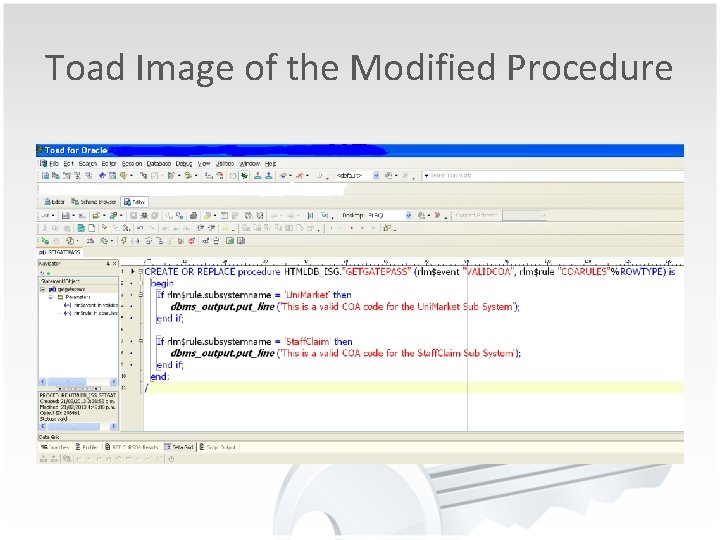
Toad Image of the Modified Procedure
Insert Row in the Rules Class Table • Each row inserted typically contains a rule identifier, a condition, and values for action preferences. • Adding rules consists of using the SQL INSERT statement to add a row for each rule.
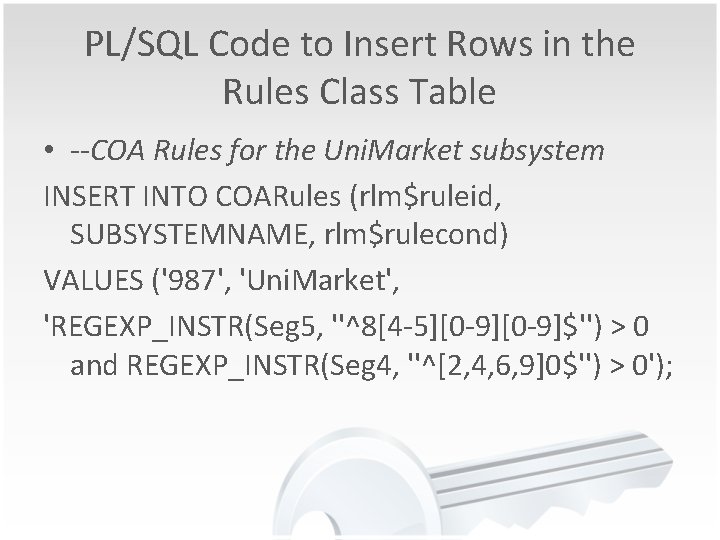
PL/SQL Code to Insert Rows in the Rules Class Table • --COA Rules for the Uni. Market subsystem INSERT INTO COARules (rlm$ruleid, SUBSYSTEMNAME, rlm$rulecond) VALUES ('987', 'Uni. Market', 'REGEXP_INSTR(Seg 5, ''^8[4 -5][0 -9]$'') > 0 and REGEXP_INSTR(Seg 4, ''^[2, 4, 6, 9]0$'') > 0');
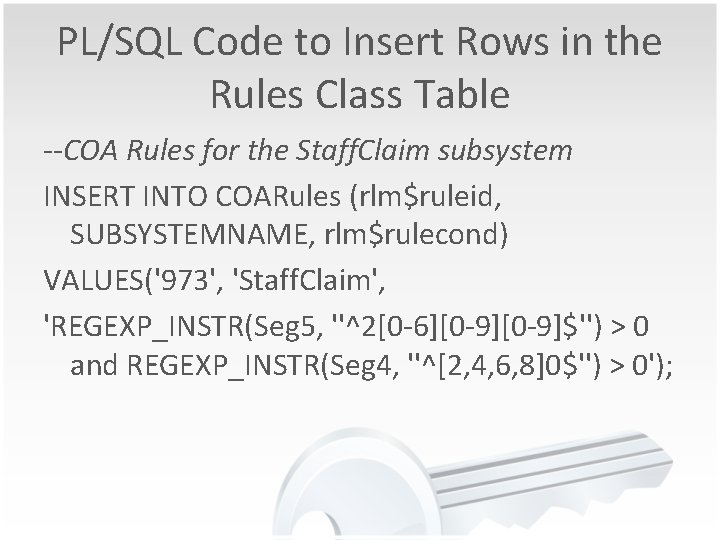
PL/SQL Code to Insert Rows in the Rules Class Table --COA Rules for the Staff. Claim subsystem INSERT INTO COARules (rlm$ruleid, SUBSYSTEMNAME, rlm$rulecond) VALUES('973', 'Staff. Claim', 'REGEXP_INSTR(Seg 5, ''^2[0 -6][0 -9]$'') > 0 and REGEXP_INSTR(Seg 4, ''^[2, 4, 6, 8]0$'') > 0');
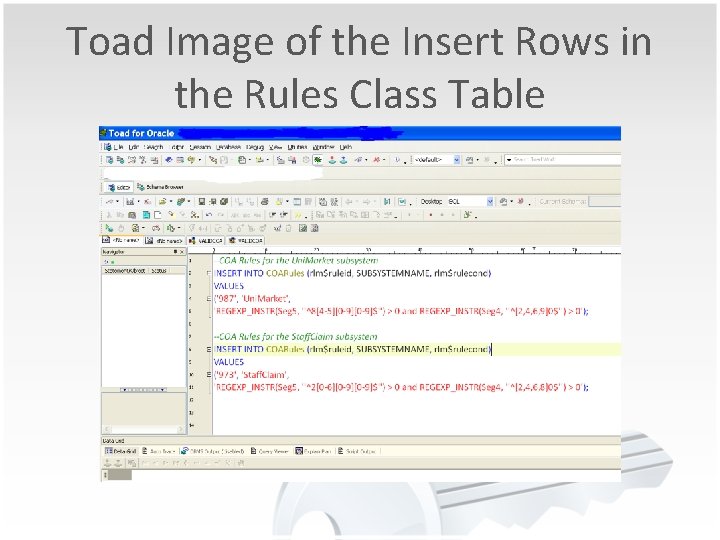
Toad Image of the Insert Rows in the Rules Class Table
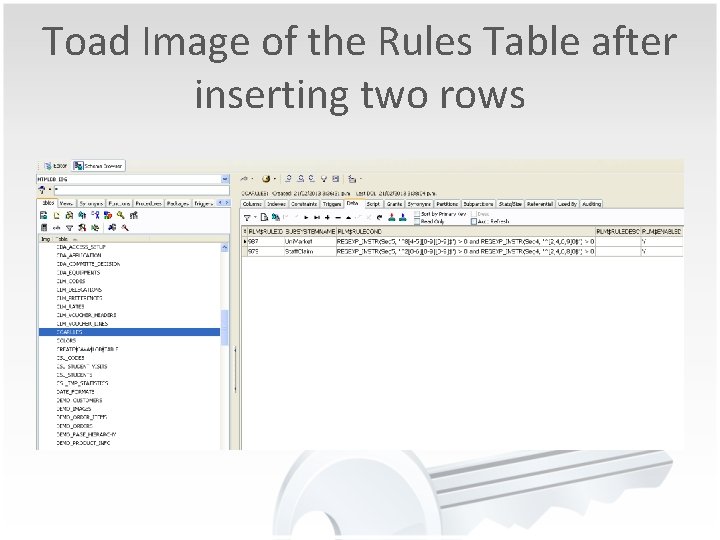
Toad Image of the Rules Table after inserting two rows
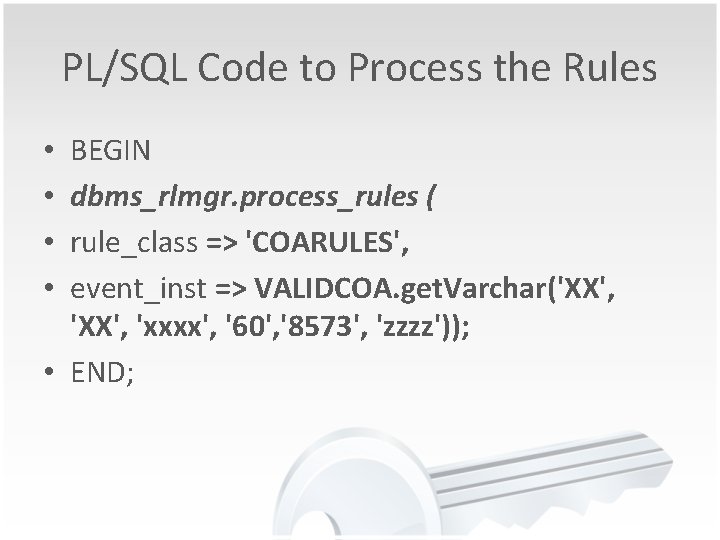
Process the rules for an event • Use the dbms_rlmgr. process_rules( ) procedure to process the rules in a rule class for an event instance. • Processing the rules consists of passing in an event instance as a string of name-value pairs (generated using the get. Varchar( ) procedure)
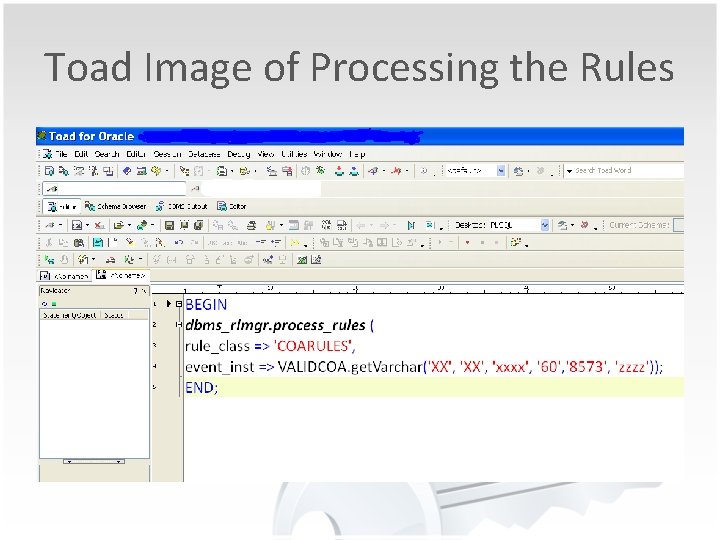
PL/SQL Code to Process the Rules BEGIN dbms_rlmgr. process_rules ( rule_class => 'COARULES', event_inst => VALIDCOA. get. Varchar('XX', 'xxxx', '60', '8573', 'zzzz')); • END; • •
Toad Image of Processing the Rules
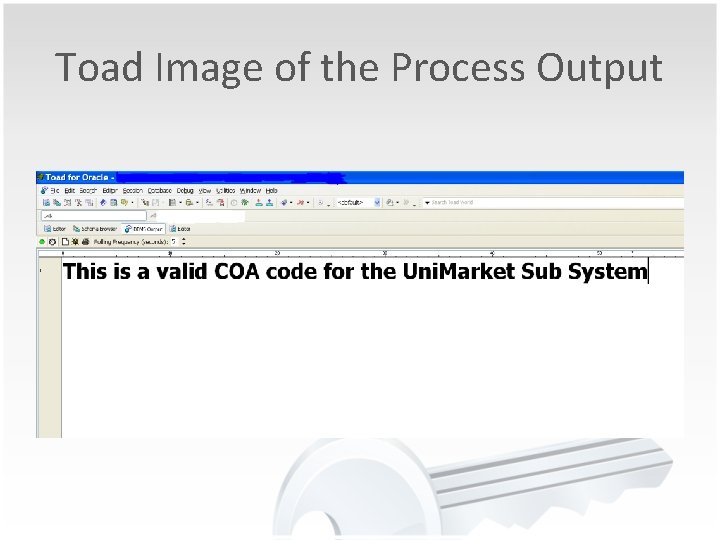
Toad Image of the Process Output
Shocking News
Oracle Issued an Obsolescence Notice • Obsolescence Notice: Rules Manager and Expression Filter features of Oracle Database are obsolete in the next major release after Oracle Database 11 g Release 2 (11. 2). • Support will only be available for the life of Oracle Database Release 11 g Release 2. See My Oracle Support Note ID 1244535. 1 for more information.
Replacement Product Oracle Business Rules Core component of Oracle Fusion Middleware and Fusion Application products Integrates with Oracle SOA Suite and BPM suite Oracle Business Rules supports Event-Condition-Action (ECA) Rules Rule scope expands beyond a single instance of database Oracle Business Rules takes a workflow centric view of the requirements for the product. Complex events are modelled through sequential or concurrent firing of rules.
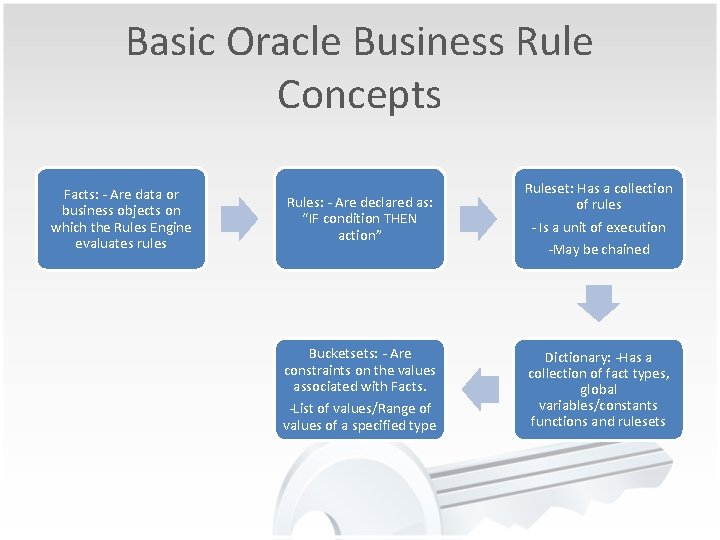
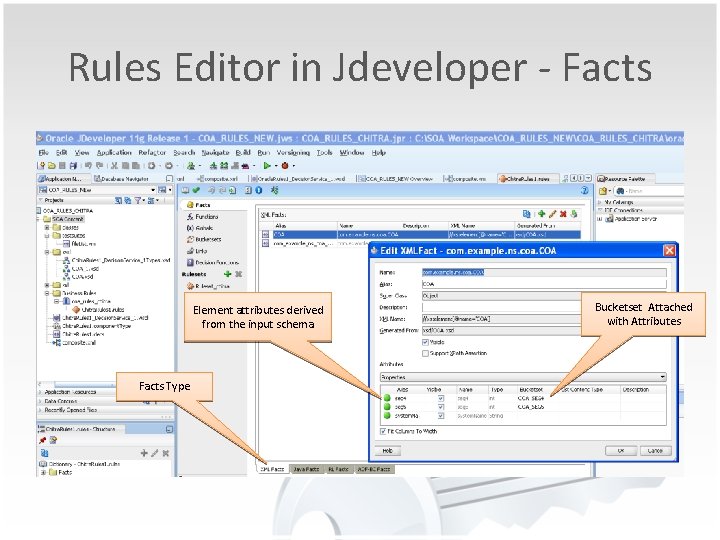
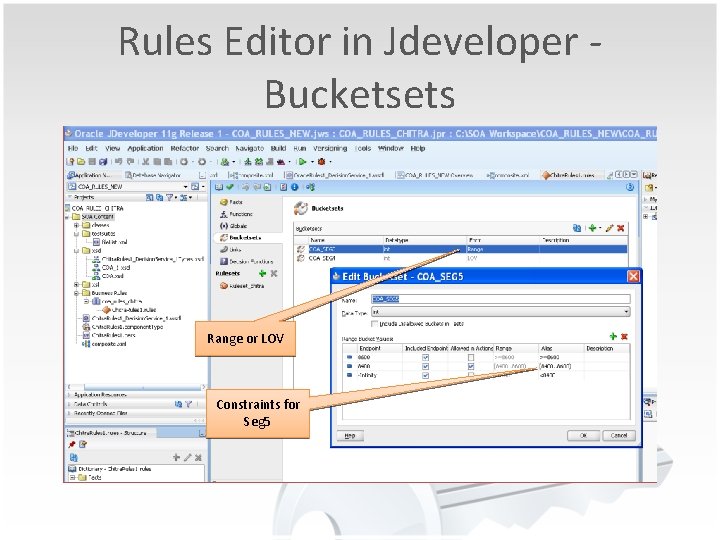
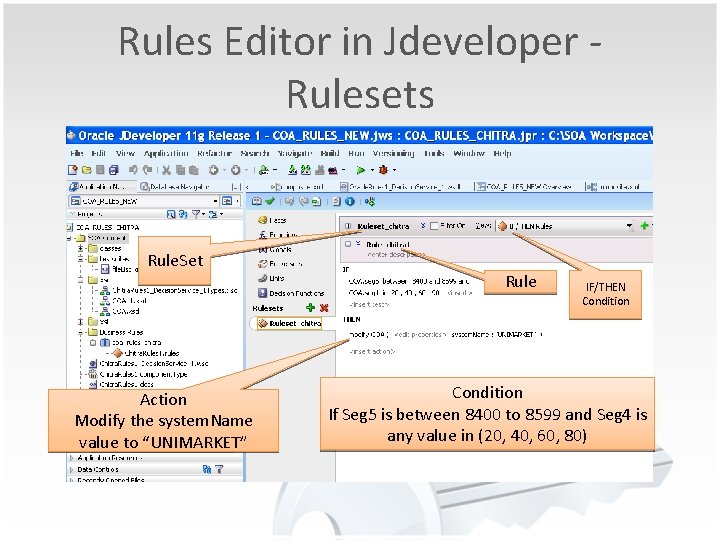
Basic Oracle Business Rule Concepts Facts: - Are data or business objects on which the Rules Engine evaluates rules Rules: - Are declared as: “IF condition THEN action” Bucketsets: - Are constraints on the values associated with Facts. -List of values/Range of values of a specified type Ruleset: Has a collection of rules - Is a unit of execution -May be chained Dictionary: -Has a collection of fact types, global variables/constants functions and rulesets
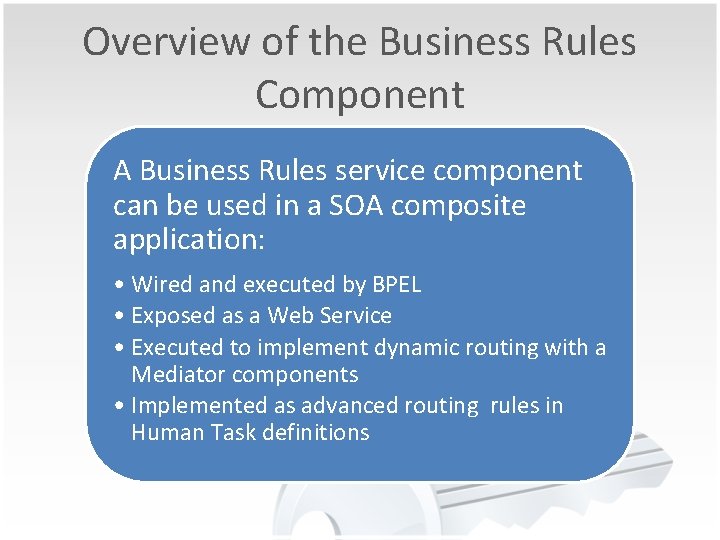
Overview of the Business Rules Component A Business Rules service component can be used in a SOA composite application: • Wired and executed by BPEL • Exposed as a Web Service • Executed to implement dynamic routing with a Mediator components • Implemented as advanced routing rules in Human Task definitions
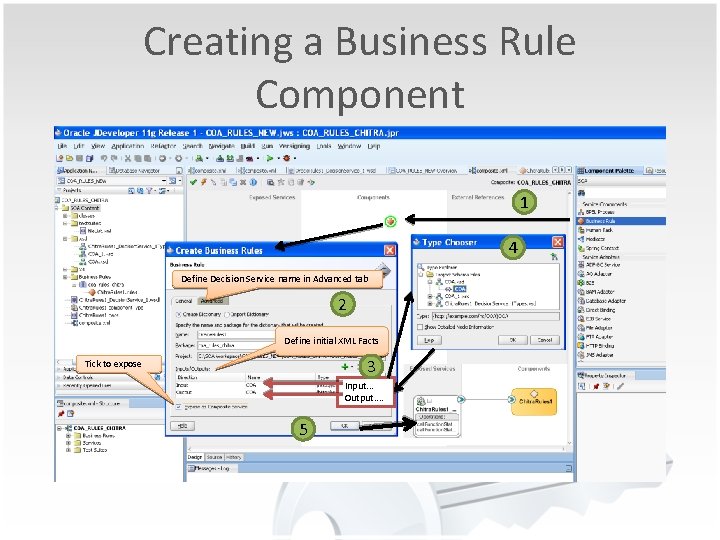
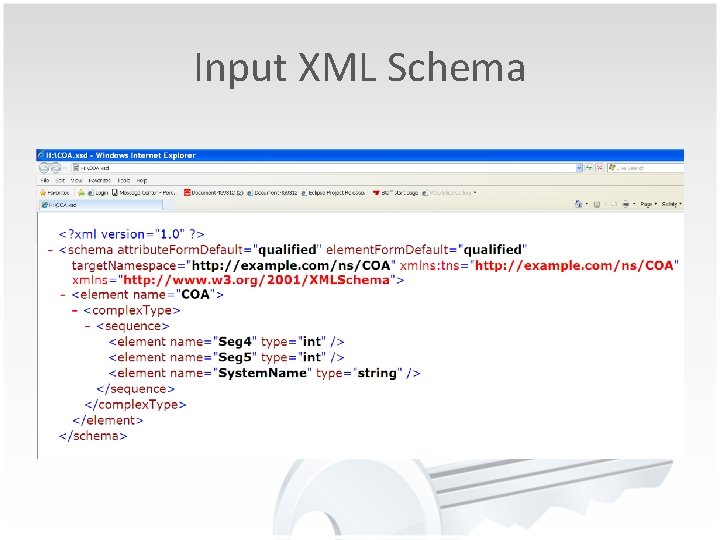
Creating a Business Rule Component 1 4 Define Decision Service name in Advanced tab 2 Define initial XML Facts 3 Tick to expose Input. . . Output. . 5
Input XML Schema
Rules Editor in Jdeveloper - Facts Element attributes derived from the input schema Facts Type Bucketset Attached with Attributes
Rules Editor in Jdeveloper Bucketsets Range or LOV Constraints for Seg 5
Rules Editor in Jdeveloper Rulesets Rule. Set Action Modify the system. Name value to “UNIMARKET” Rule IF/THEN Condition If Seg 5 is between 8400 to 8599 and Seg 4 is any value in (20, 40, 60, 80)
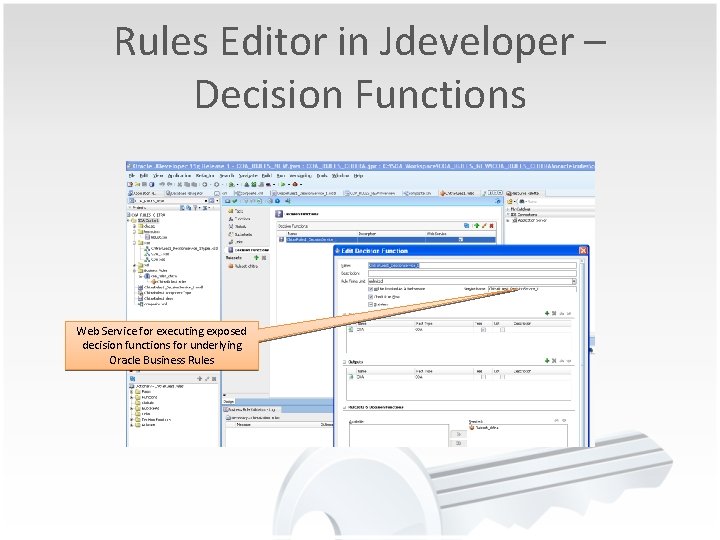
Rules Editor in Jdeveloper – Decision Functions Web Service for executing exposed decision functions for underlying Oracle Business Rules
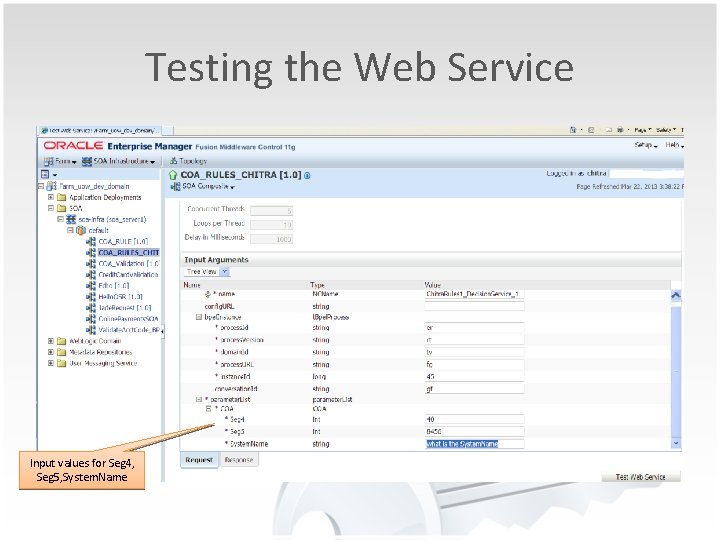
Deploy Web Service • Business rules created in an SOA application are deployed as part of the SOA composite when you create a deployment profile in Oracle JDeveloper. • The SOA composite application ‘COA_RULES_CHITRA’ is deployed to Oracle Enterprise Manager 11 g. • Test the Decision Service in the Oracle Enterprise Manager.
Testing the Web Service Input values for Seg 4, Seg 5, System. Name
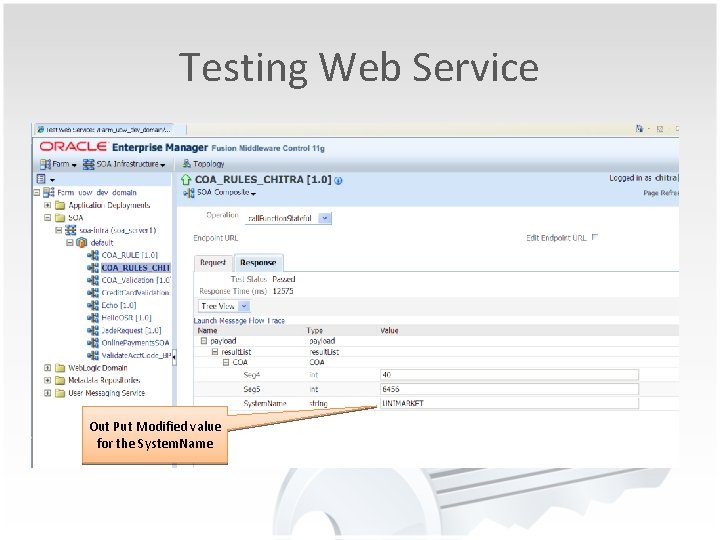
Testing Web Service Out Put Modified value for the System. Name
Summary • Yes you can easily migrate to a new Chart of Accounts in e. Business Suite, without affecting the subsystems that uses the Chat of Accounts. • How : - By having the business logic as rules or expressions in an Oracle 11 g table or exposing the business logic as a Decision Service. • Products : - Oracle 11 g Rules Manager and Expression Filter OR Oracle Business Rules
Questions and Answers