
e Xtreme Programming XP and e Xtreme Modeling
- Slides: 18
e. Xtreme Programming (XP) and e. Xtreme Modeling (XM) Hubert Baumeister LMU Munich Dagstuhl, 11. 10. 00 Hubert Baumeister
What is XP? n n Lightweight software development methodology Common practices put to the extreme Developed by Kent Beck & Ward Cunningham First used in Chrysler C 3 project Dagstuhl, 11. 10. 00 Hubert Baumeister 2
Scope of XP n n n Small projects: 2 -12 programmers Vague, changing requirements Programs must be easily testable Programming environment must allow for easy change Programmers must be on one place Dagstuhl, 11. 10. 00 Hubert Baumeister 3
Assumption of XP n Cost of change curve is less steep because u Simple design u Refactoring u Automated tests u Better tools: IDE, Debugger u PL support for abstraction, encapsulation F OO, Modules, etc. Dagstuhl, 11. 10. 00 Hubert Baumeister 4
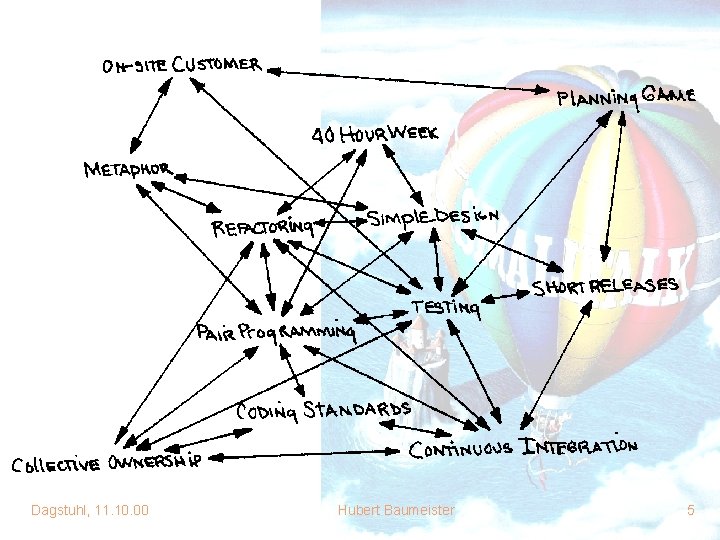
Dagstuhl, 11. 10. 00 Hubert Baumeister 5
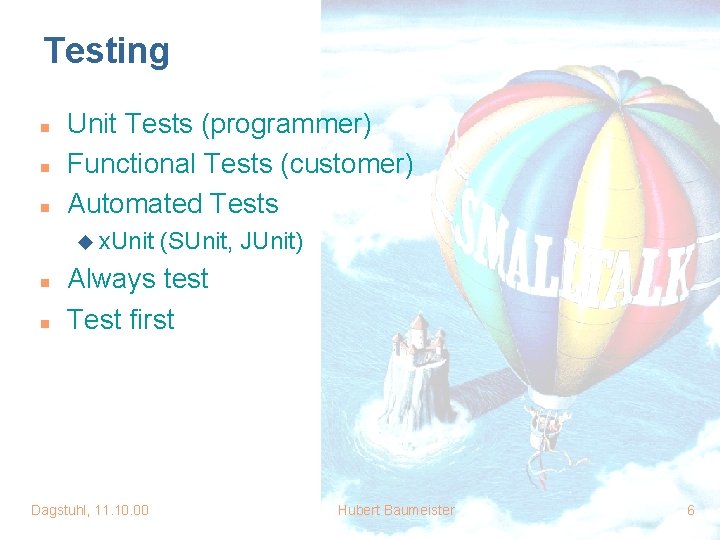
Testing n n n Unit Tests (programmer) Functional Tests (customer) Automated Tests u x. Unit n n (SUnit, JUnit) Always test Test first Dagstuhl, 11. 10. 00 Hubert Baumeister 6
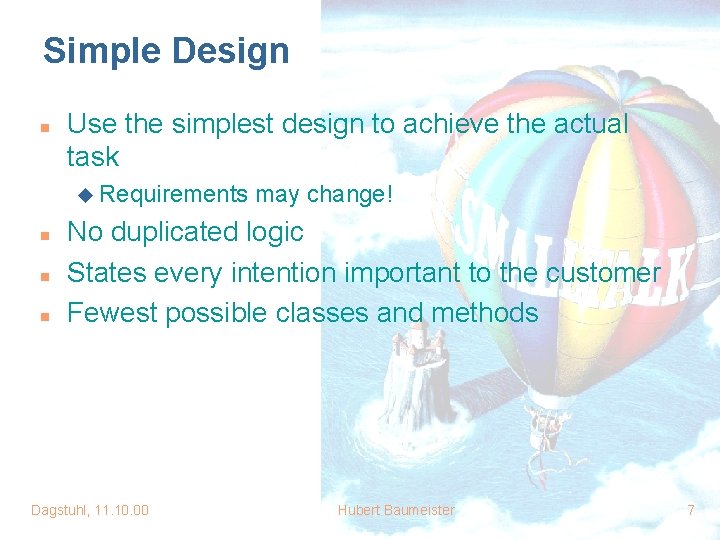
Simple Design n Use the simplest design to achieve the actual task u Requirements n n n may change! No duplicated logic States every intention important to the customer Fewest possible classes and methods Dagstuhl, 11. 10. 00 Hubert Baumeister 7
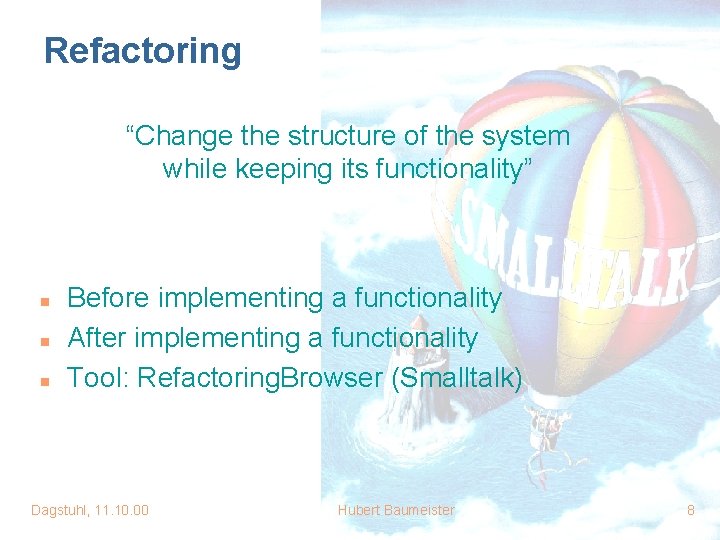
Refactoring “Change the structure of the system while keeping its functionality” n n n Before implementing a functionality After implementing a functionality Tool: Refactoring. Browser (Smalltalk) Dagstuhl, 11. 10. 00 Hubert Baumeister 8
Pair Programming n n n Any production code is programmed by pairs Constant code review Pairing is dynamic Helps spread knowledge May require change in work environment Dagstuhl, 11. 10. 00 Hubert Baumeister 9
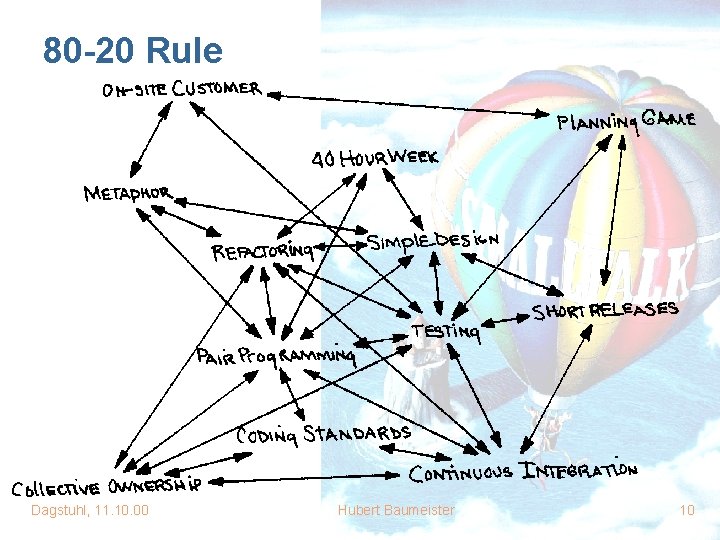
80 -20 Rule Dagstuhl, 11. 10. 00 Hubert Baumeister 10
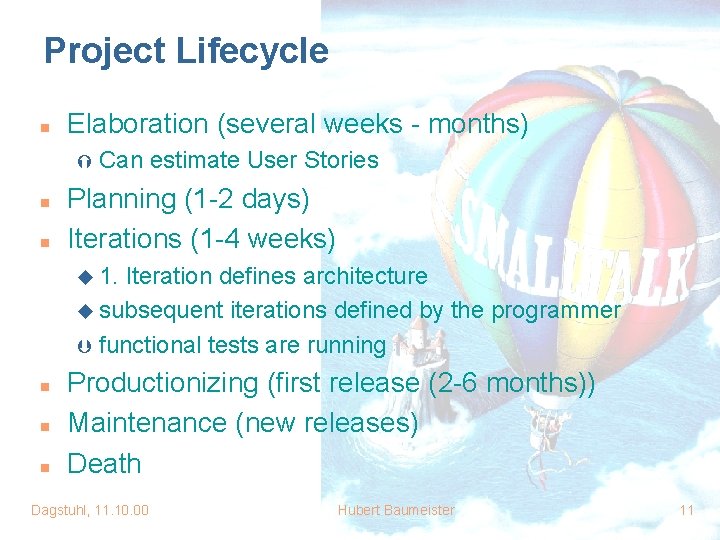
Project Lifecycle n Elaboration (several weeks - months) Ý n n Can estimate User Stories Planning (1 -2 days) Iterations (1 -4 weeks) u 1. Iteration defines architecture u subsequent iterations defined by the programmer Þ functional tests are running n n n Productionizing (first release (2 -6 months)) Maintenance (new releases) Death Dagstuhl, 11. 10. 00 Hubert Baumeister 11
Planning Game n n Split business and technical responsibilities Customer defines User Stories Programmer estimates User Stories Customer selects User Stories for releases and iterations Dagstuhl, 11. 10. 00 Hubert Baumeister 12
Development Cycle n n n n Get task Select teammate for pairing Implement test-cases Implement functionality Run tests Refactor Run tests Integrate Dagstuhl, 11. 10. 00 Hubert Baumeister 13
Diagrams / Documentation in Design n Diagrams are not forbidden u mostly used for first understanding what to implement u throw away n n Observation: Diagrams are not up-to-date Test and Code provide documentation u Simple design u Collective code ownership u Coding standards n Diagrams for communication u Pair programming u Tasks can be defined to produce diagram Dagstuhl, 11. 10. 00 Hubert Baumeister 14
Risks addressed by XP n n n n Schedule slips (small releases) Project canceled (small releases) System goes sour (simple design) Defect rate (tests) Business misunderstood (Customer on-site) Business changes (continuous integration) False feature rich (Customer selects User Stories) Staff turnover (Pair Programming, 40 -hour day) Dagstuhl, 11. 10. 00 Hubert Baumeister 15
XP not suitable for Projects where n n n Programmers are on different locations Project exceeds a certain size Collaboration between lots of different departments required Dagstuhl, 11. 10. 00 Hubert Baumeister 16
e. Xtreme Modeling (XM) n n Marko Bogner et. al. XP 2000 Executable UML models (Petri Nets) u state-, n n activity-, collaboration-, and sequence diagrams Integration with programming language (Java) Tests u Diagrams to test diagrams u Diagrams to test programs u Programs to test diagrams Dagstuhl, 11. 10. 00 Hubert Baumeister 17
Literatur n e. Xtreme Programming u Kent Beck: XP explained u Ron Jeffries: XP installed u www. extremeprogramming. org u Proceedings of XP 2000 u Martin Fowler: Refactoring: Improving Design of Existing Code n e. Xtreme Modeling u Marko Bogner et al: Extreme Modeling, Proc. XP 2000 u www. extrememodeling. org u Stuart Kent’s Web-site Dagstuhl, 11. 10. 00 Hubert Baumeister 18