
e Omega Paging Software for Simplex Fire Alarms
- Slides: 22
e. Omega ® Paging Software for Simplex Fire Alarms Not associated with Tyco Safety Products, its parent or subsidiary companies. Simplex is a registered trademark of Tyco International. © 2004 - Flash. Point Software, Inc.
What is e. Omega? • Software Only! • Runs in background on clients computer. • Requires only: – A computer with full time / high speed access to the Internet (need not be dedicated to e. Omega, but it may be desirable). – An email account (may be shared). © 2004 - Flash. Point Software, Inc.
What does e. Omega do? • Receives event information from a Simplex fire alarm printer port. • Formats the event as a short email message. • Sends the event to email enabled: – Cell phones – Pagers – PDA’s – And any other email account © 2004 - Flash. Point Software, Inc.
Why e. Omega? • Custom designed for Simplex fire alarm systems. • Minimal configuration. – No “Rules” or “Filters” to define. • Easy selection of types of messages sent. • Different types of events can be sent to different people. © 2004 - Flash. Point Software, Inc.
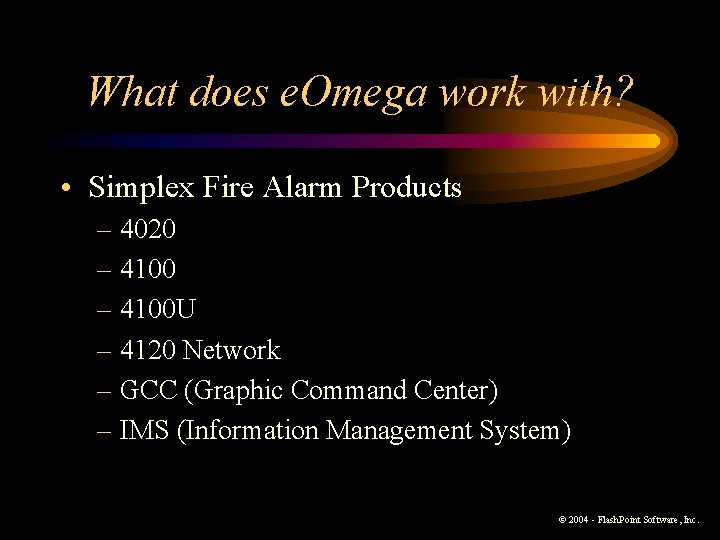
What does e. Omega work with? • Simplex Fire Alarm Products – 4020 – 4100 U – 4120 Network – GCC (Graphic Command Center) – IMS (Information Management System) © 2004 - Flash. Point Software, Inc.
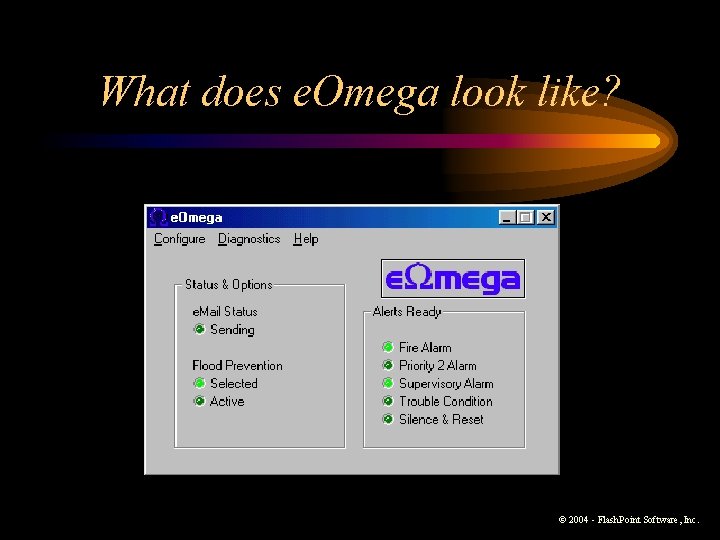
What does e. Omega look like? © 2004 - Flash. Point Software, Inc.
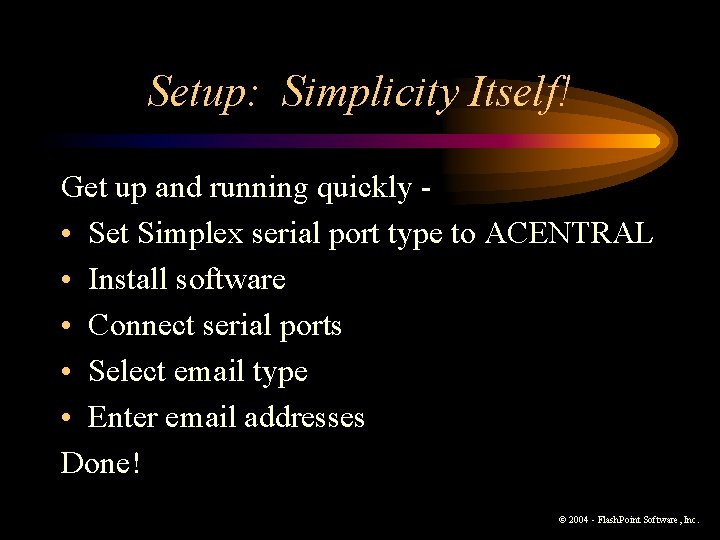
Setup: Simplicity Itself! Get up and running quickly • Set Simplex serial port type to ACENTRAL • Install software • Connect serial ports • Select email type • Enter email addresses Done! © 2004 - Flash. Point Software, Inc.
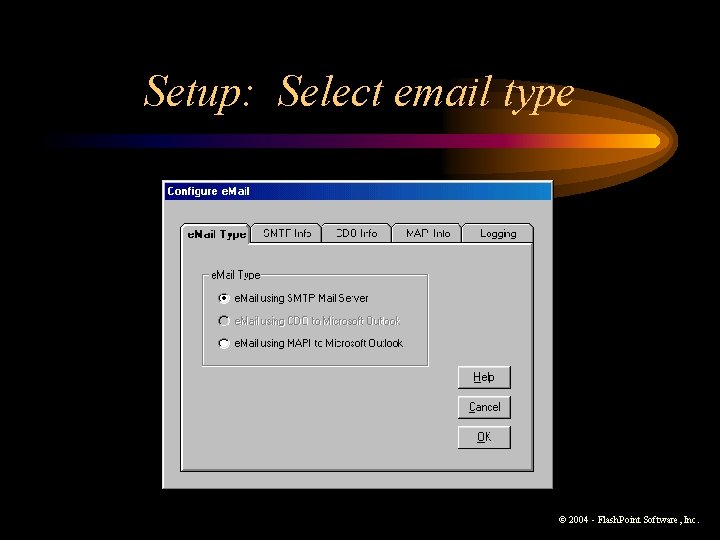
Setup: Select email type © 2004 - Flash. Point Software, Inc.
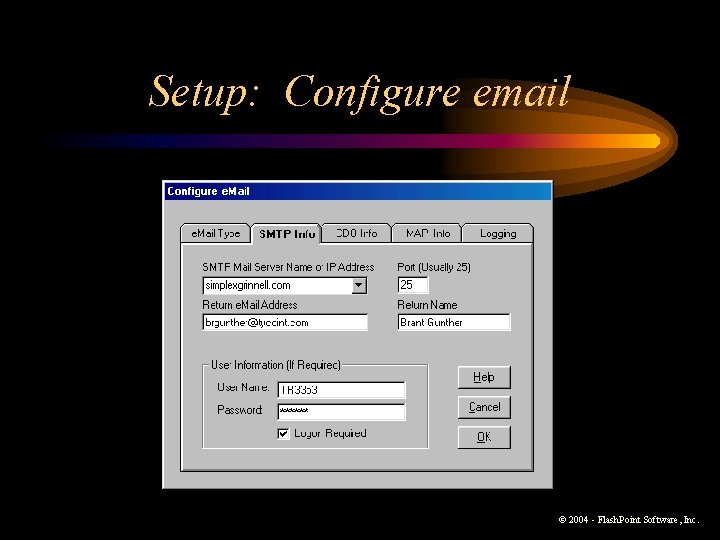
Setup: Configure email © 2004 - Flash. Point Software, Inc.
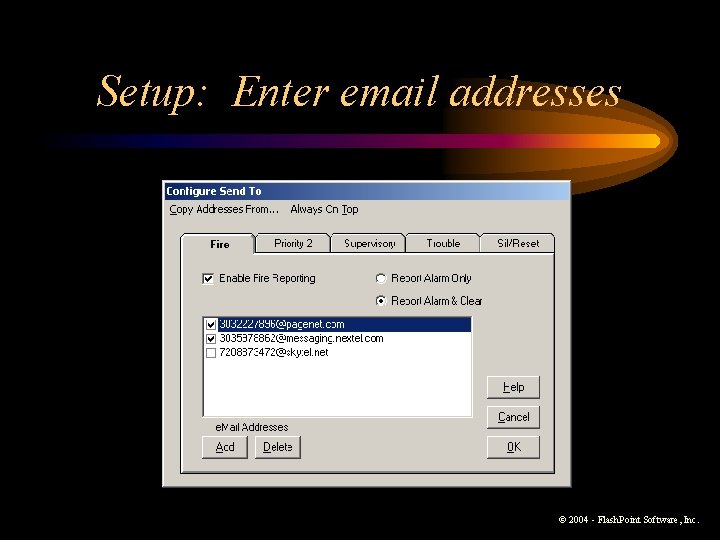
Setup: Enter email addresses © 2004 - Flash. Point Software, Inc.
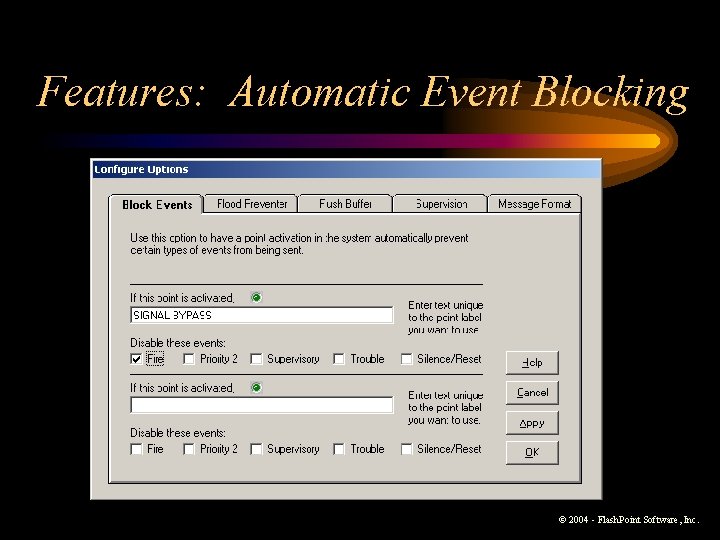
Features: Automatic Event Blocking © 2004 - Flash. Point Software, Inc.
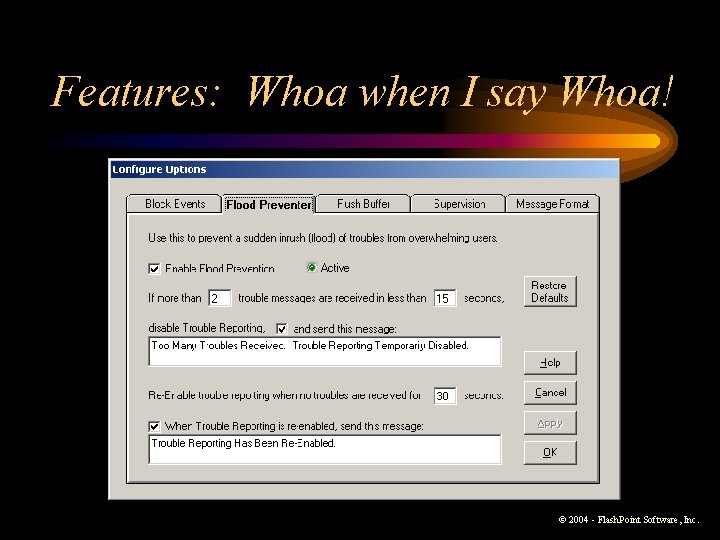
Features: Whoa when I say Whoa! © 2004 - Flash. Point Software, Inc.
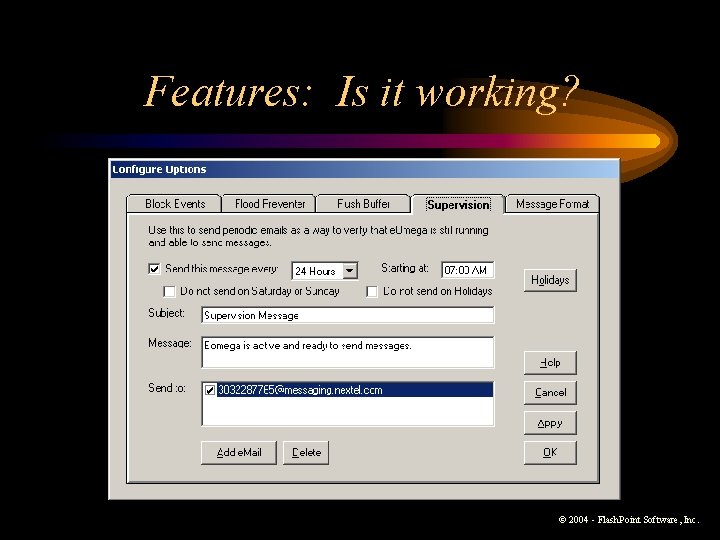
Features: Is it working? © 2004 - Flash. Point Software, Inc.
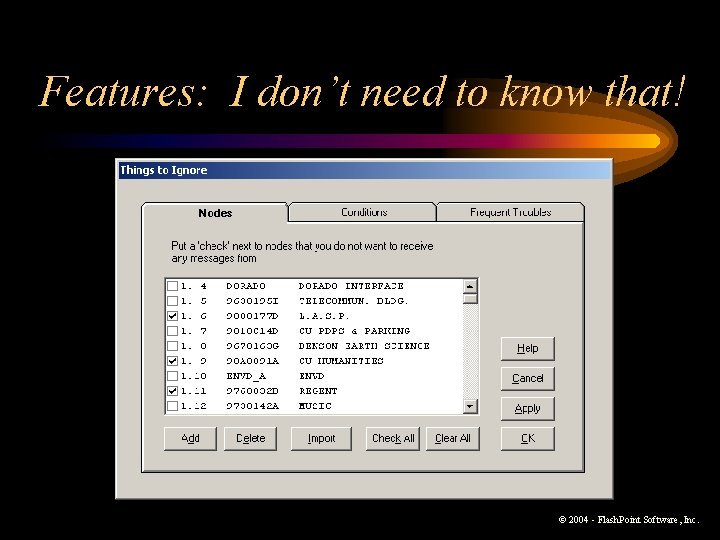
Features: I don’t need to know that! © 2004 - Flash. Point Software, Inc.
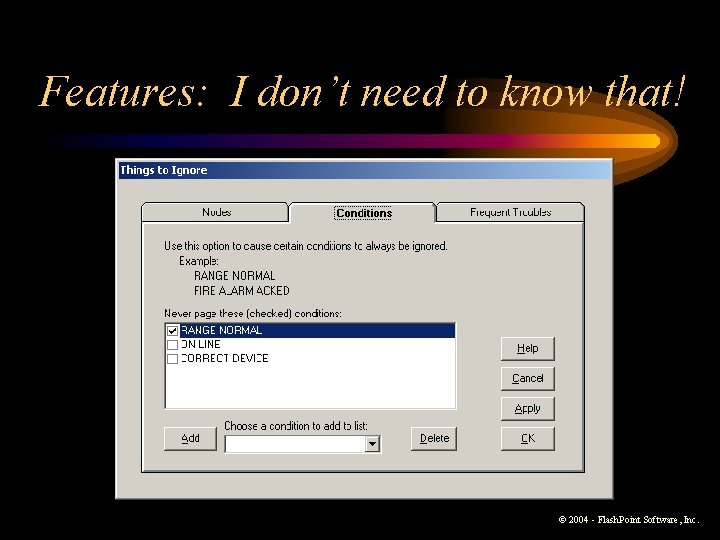
Features: I don’t need to know that! © 2004 - Flash. Point Software, Inc.
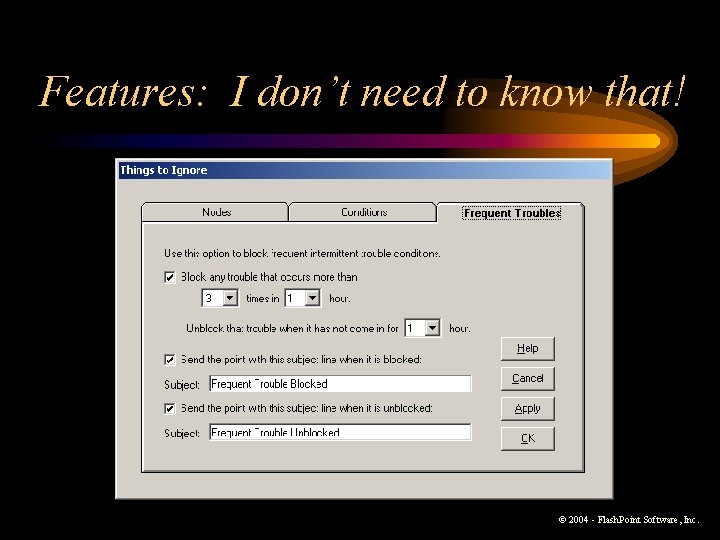
Features: I don’t need to know that! © 2004 - Flash. Point Software, Inc.
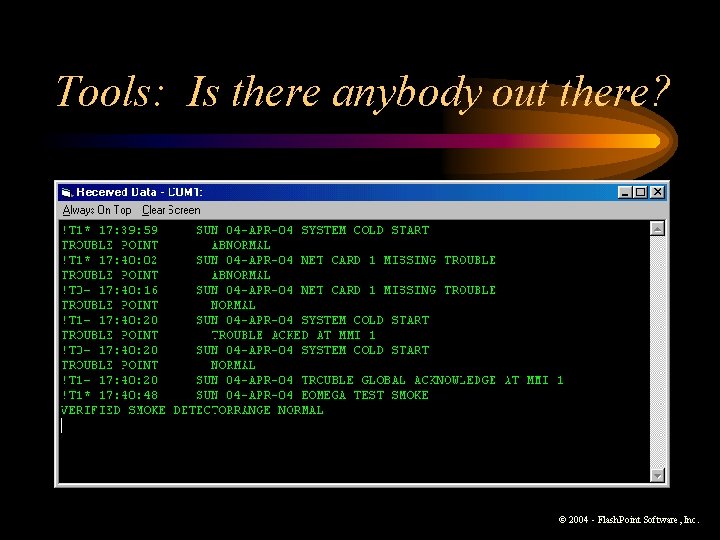
Tools: Is there anybody out there? © 2004 - Flash. Point Software, Inc.
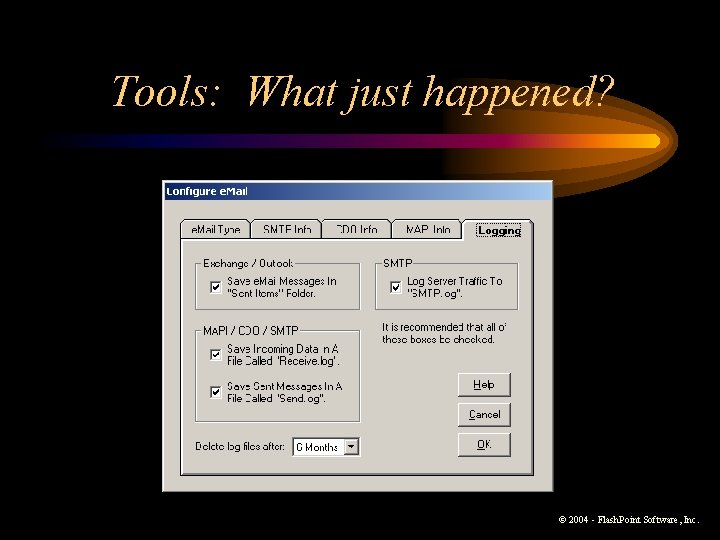
Tools: What just happened? © 2004 - Flash. Point Software, Inc.
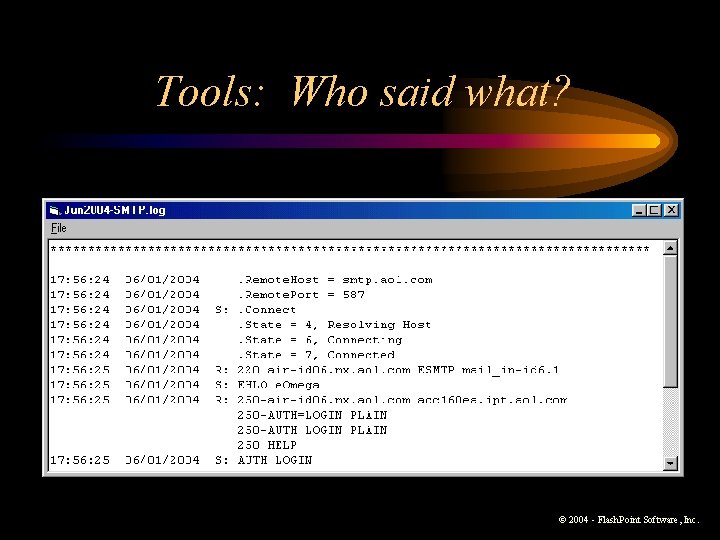
Tools: Who said what? © 2004 - Flash. Point Software, Inc.
What do I need to make it work? • Simplex panel must have a free serial port configured as “ACENTRAL” type. • e. Omega computer (supplied by client) must be connected to the Internet full time via broadband connection, and must have an available serial port. • OS: Windows 2000 or XP preferred (for stability). Will work with Windows 98 SE and above. • Need access to an email account.
Is there anything it doesn’t do? • Must NOT be used as a primary means of notification. – Use for supplemental notification only. – Not listed by any agency. – e. Omega is reliable; the Internet is not. • Dial-up Internet access not supported. • AOL not recommended as ISP – emails can be delayed for hours.
I gotta get me some of that! • Free Demo of e. Omega – Try it before you buy it. – Fully functional for 30 days – Can be permanently enabled by purchasing a registration number. • Go to www. flashpointsoftware. com • Send email to eomegaowner@aol. com © 2004 - Flash. Point Software, Inc.