
Dynamics 365 Security Best Practices Bob Wittig D
Dynamics 365 Security Best Practices Bob Wittig – D 365 Principal Consultant
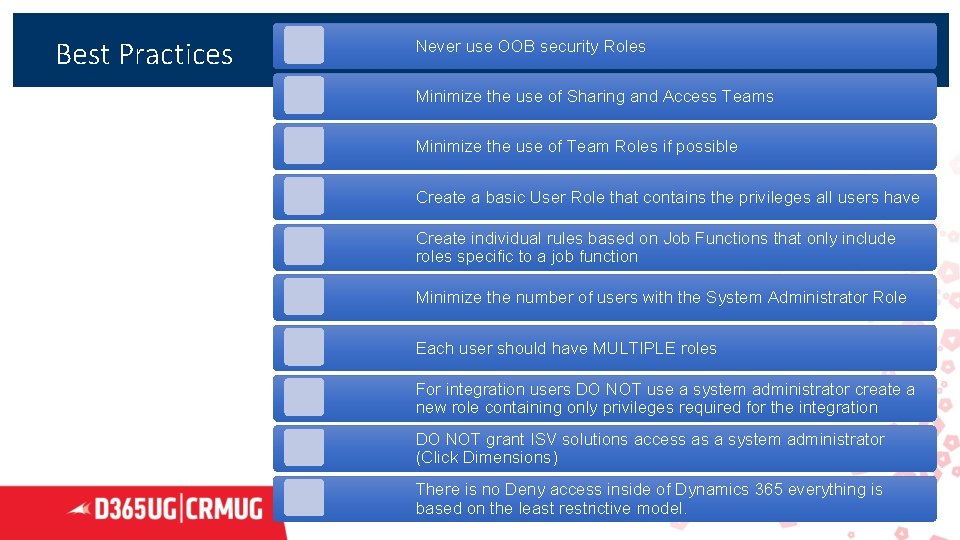
Best Practices Never use OOB security Roles Minimize the use of Sharing and Access Teams Minimize the use of Team Roles if possible Create a basic User Role that contains the privileges all users have Create individual rules based on Job Functions that only include roles specific to a job function Minimize the number of users with the System Administrator Role Each user should have MULTIPLE roles For integration users DO NOT use a system administrator create a new role containing only privileges required for the integration DO NOT grant ISV solutions access as a system administrator (Click Dimensions) There is no Deny access inside of Dynamics 365 everything is based on the least restrictive model. 2
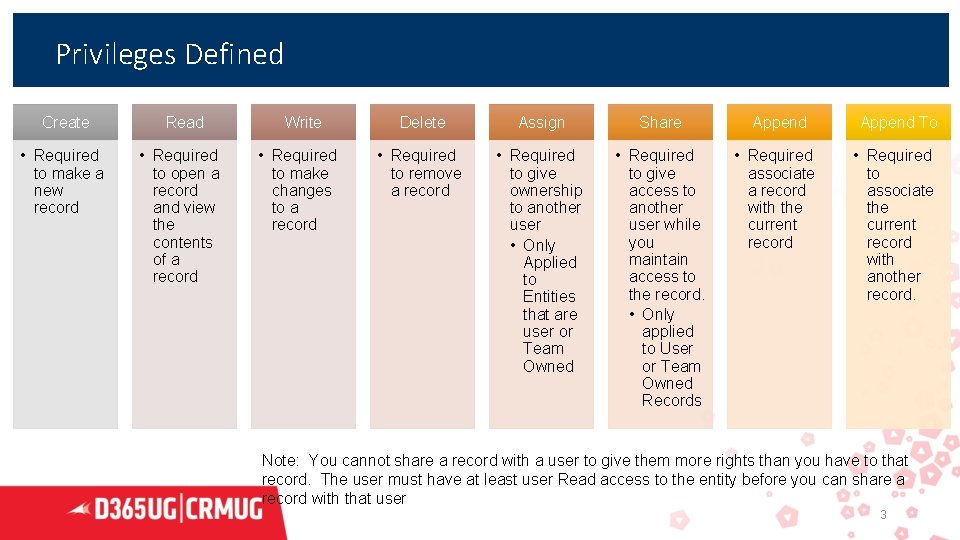
Privileges Defined Create Read Write Delete Assign Share Append To • Required to make a new record • Required to open a record and view the contents of a record • Required to make changes to a record • Required to remove a record • Required to give ownership to another user • Only Applied to Entities that are user or Team Owned • Required to give access to another user while you maintain access to the record. • Only applied to User or Team Owned Records • Required associate a record with the current record • Required to associate the current record with another record. Note: You cannot share a record with a user to give them more rights than you have to that record. The user must have at least user Read access to the entity before you can share a record with that user 3
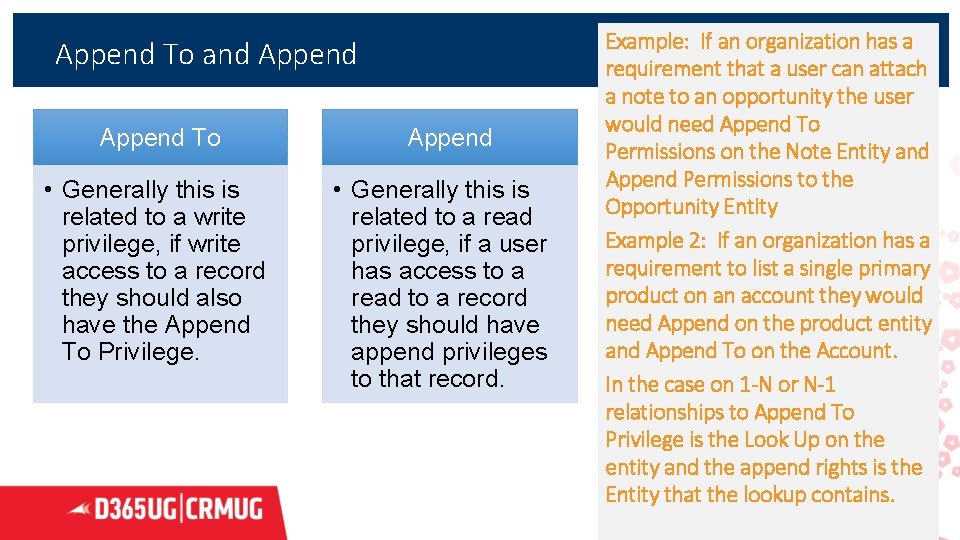
Append To and Append To • Generally this is related to a write privilege, if write access to a record they should also have the Append To Privilege. Append • Generally this is related to a read privilege, if a user has access to a read to a record they should have append privileges to that record. Example: If an organization has a requirement that a user can attach a note to an opportunity the user would need Append To Permissions on the Note Entity and Append Permissions to the Opportunity Entity Example 2: If an organization has a requirement to list a single primary product on an account they would need Append on the product entity and Append To on the Account. In the case on 1 -N or N-1 relationships to Append To Privilege is the Look Up on the entity and the append rights is the Entity that the lookup contains. 4
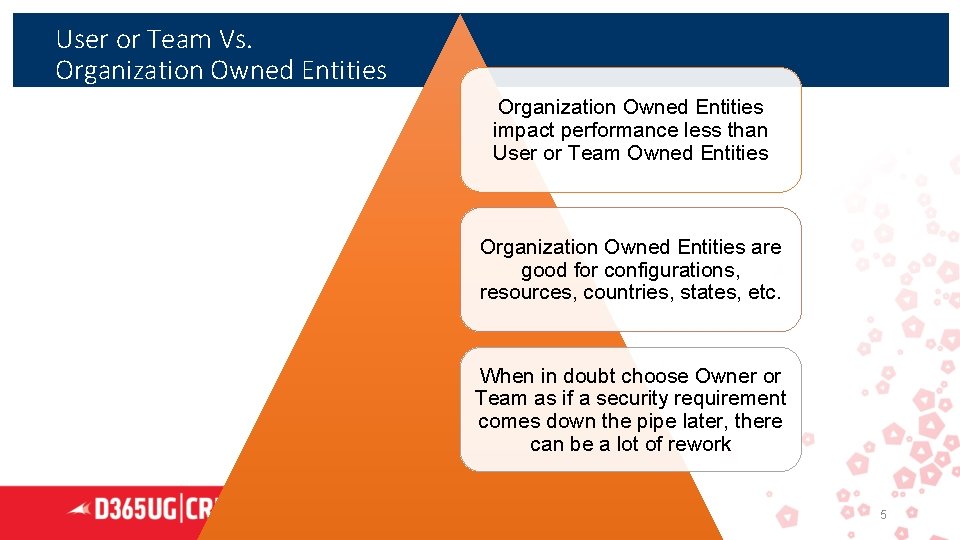
User or Team Vs. Organization Owned Entities impact performance less than User or Team Owned Entities Organization Owned Entities are good for configurations, resources, countries, states, etc. When in doubt choose Owner or Team as if a security requirement comes down the pipe later, there can be a lot of rework 5
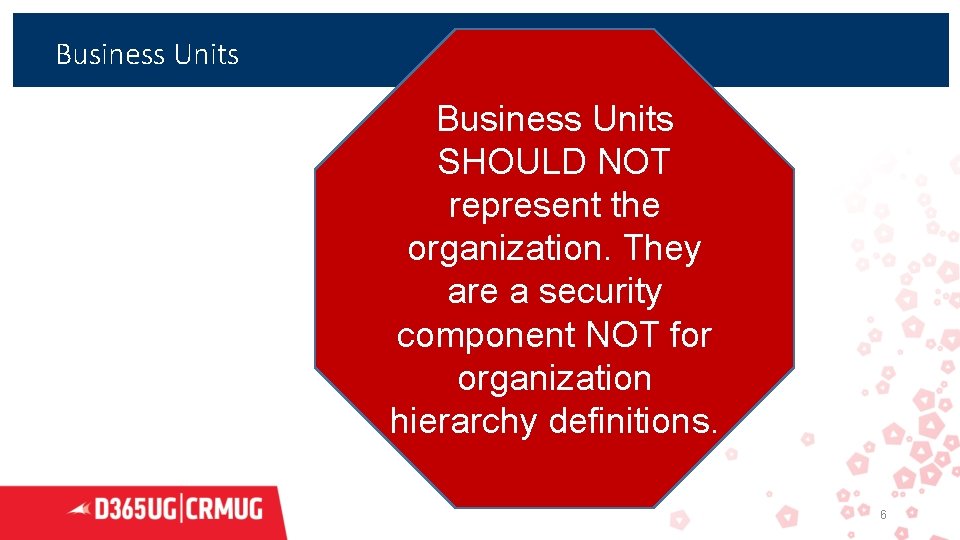
Business Units SHOULD NOT represent the organization. They are a security component NOT for organization hierarchy definitions. 6
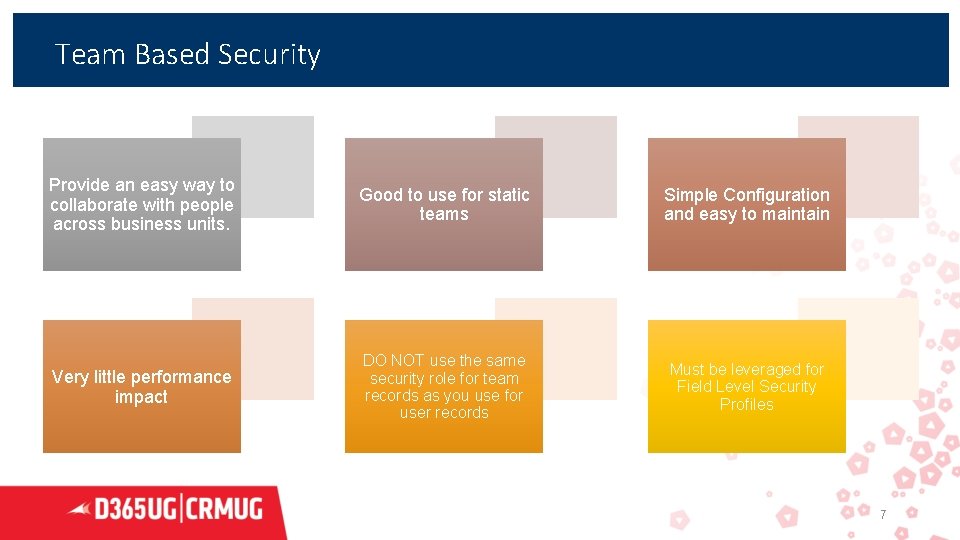
Team Based Security Provide an easy way to collaborate with people across business units. Good to use for static teams Simple Configuration and easy to maintain Very little performance impact DO NOT use the same security role for team records as you use for user records Must be leveraged for Field Level Security Profiles 7
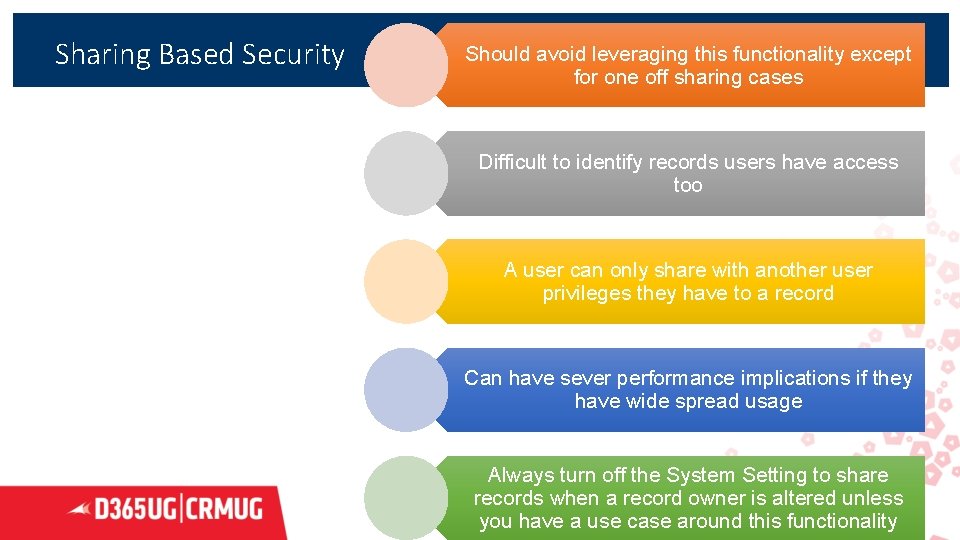
Sharing Based Security Should avoid leveraging this functionality except for one off sharing cases Difficult to identify records users have access too A user can only share with another user privileges they have to a record Can have sever performance implications if they have wide spread usage Always turn off the System Setting to share records when a record owner is altered unless 8 you have a use case around this functionality
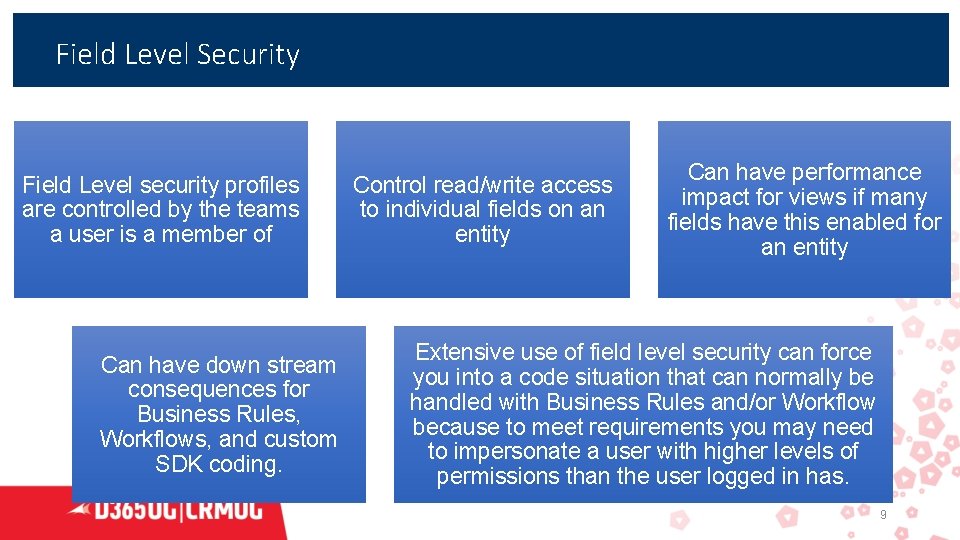
Field Level Security Field Level security profiles are controlled by the teams a user is a member of Can have down stream consequences for Business Rules, Workflows, and custom SDK coding. Control read/write access to individual fields on an entity Can have performance impact for views if many fields have this enabled for an entity Extensive use of field level security can force you into a code situation that can normally be handled with Business Rules and/or Workflow because to meet requirements you may need to impersonate a user with higher levels of permissions than the user logged in has. 9
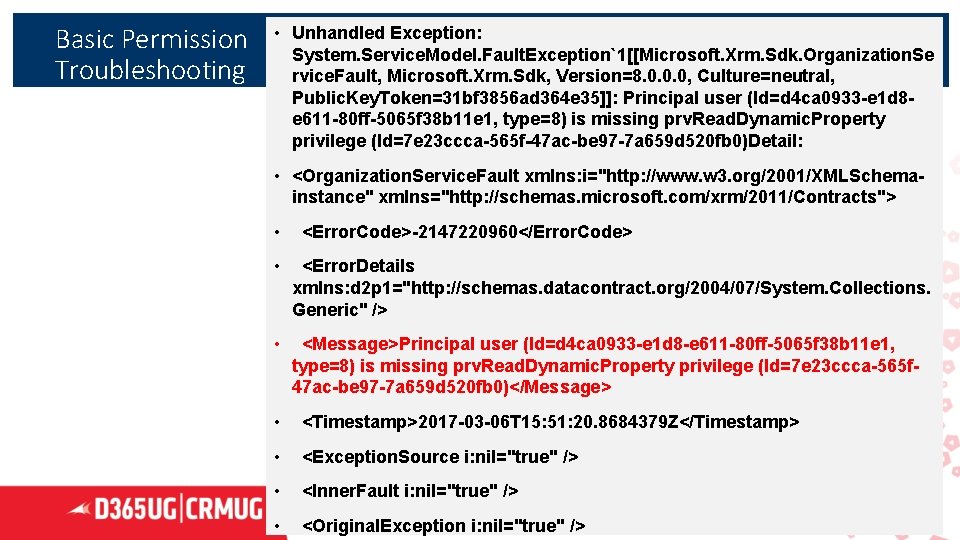
Basic Permission Troubleshooting • Unhandled Exception: System. Service. Model. Fault. Exception`1[[Microsoft. Xrm. Sdk. Organization. Se rvice. Fault, Microsoft. Xrm. Sdk, Version=8. 0. 0. 0, Culture=neutral, Public. Key. Token=31 bf 3856 ad 364 e 35]]: Principal user (Id=d 4 ca 0933 -e 1 d 8 e 611 -80 ff-5065 f 38 b 11 e 1, type=8) is missing prv. Read. Dynamic. Property privilege (Id=7 e 23 ccca-565 f-47 ac-be 97 -7 a 659 d 520 fb 0)Detail: • <Organization. Service. Fault xmlns: i="http: //www. w 3. org/2001/XMLSchemainstance" xmlns="http: //schemas. microsoft. com/xrm/2011/Contracts"> • <Error. Code>-2147220960</Error. Code> • <Error. Details xmlns: d 2 p 1="http: //schemas. datacontract. org/2004/07/System. Collections. Generic" /> • <Message>Principal user (Id=d 4 ca 0933 -e 1 d 8 -e 611 -80 ff-5065 f 38 b 11 e 1, type=8) is missing prv. Read. Dynamic. Property privilege (Id=7 e 23 ccca-565 f 47 ac-be 97 -7 a 659 d 520 fb 0)</Message> • <Timestamp>2017 -03 -06 T 15: 51: 20. 8684379 Z</Timestamp> • <Exception. Source i: nil="true" /> • <Inner. Fault i: nil="true" /> • <Original. Exception i: nil="true" /> 10
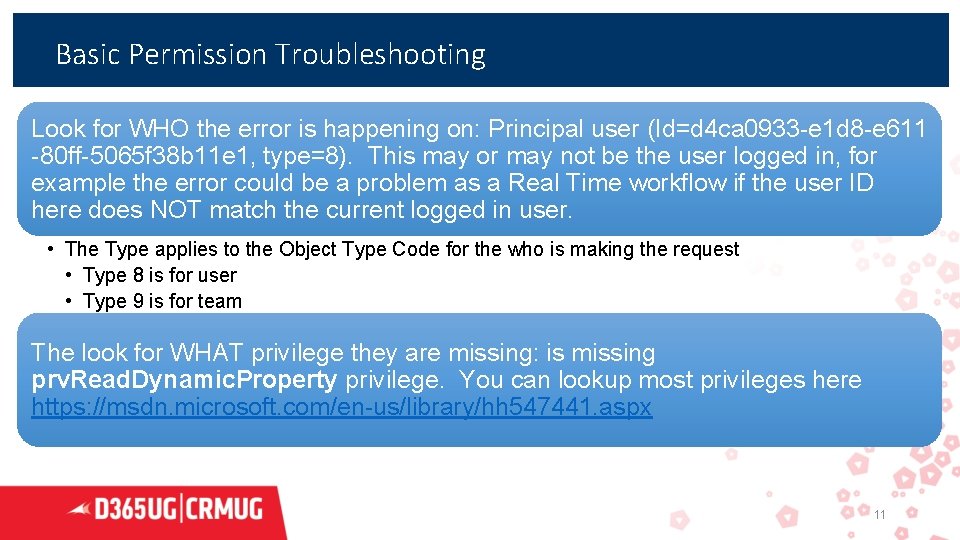
Basic Permission Troubleshooting Look for WHO the error is happening on: Principal user (Id=d 4 ca 0933 -e 1 d 8 -e 611 -80 ff-5065 f 38 b 11 e 1, type=8). This may or may not be the user logged in, for example the error could be a problem as a Real Time workflow if the user ID here does NOT match the current logged in user. • The Type applies to the Object Type Code for the who is making the request • Type 8 is for user • Type 9 is for team The look for WHAT privilege they are missing: is missing prv. Read. Dynamic. Property privilege. You can lookup most privileges here https: //msdn. microsoft. com/en-us/library/hh 547441. aspx 11
not exactly but it has not been adopted well i wasnt surprised by the statement References 1) Security Roles and Privileges 2) Security Concepts for Dynamics 365 3) Scalable Security Modeling White Paper 4) Teams Vs Access Teams 5) Dynamics CRM Privilege List 6) User or Team/Organization Owned Entities 12
Dynamics 365 Citizen Developer Tools Bob Wittig – D 365 Principal Consultant
What is a Citizen Developer • A citizen developer is a user who creates new business applications for consumption by others using development and runtime environments sanctioned by corporate IT. —Gartner • A citizen developer refers to an end user who creates new applications or programs from a corporate or collective code base, system or structure. In a general sense, this developer is not a professional developer who is paid to code applications, but an "amateur, " someone who uses the tools available to him/her for building applications that his/her team can or will use during the course of their work. --Technopedia
Corporate Governance • The tools we are about to discuss can cause harm to an environment and that environment's data your organization will need to find the correct level of access/development that is suitable for your internal controls and user base.
Tools to be Discussed • Flow/Logic Apps - Workflow and data integration • Power Apps - User Interface • Canvas Apps • Model Driven Apps (In Preview) • XRM Toolbox – Simplify CRM Tasks • Power BI – Analytics (we discussed at length last UG meeting)
D 365 Workflow vs Flow • If you can perform a task with D 365 Workflow without any custom code, I would recommend you continue to do so. If you cannot you can look into Flow as an alternative.
Flow vs Logic Apps • Logic Apps is the Professional version of Flow • Both are configuration first integration services • Flow is built on Logic Apps • Flow is good for a single Business Unit or User to automate simple tasks • Logic Apps should be used for organizational integrations/processes • Often times it is beneficial to POC in flow and then convert to a Logic App as needed.
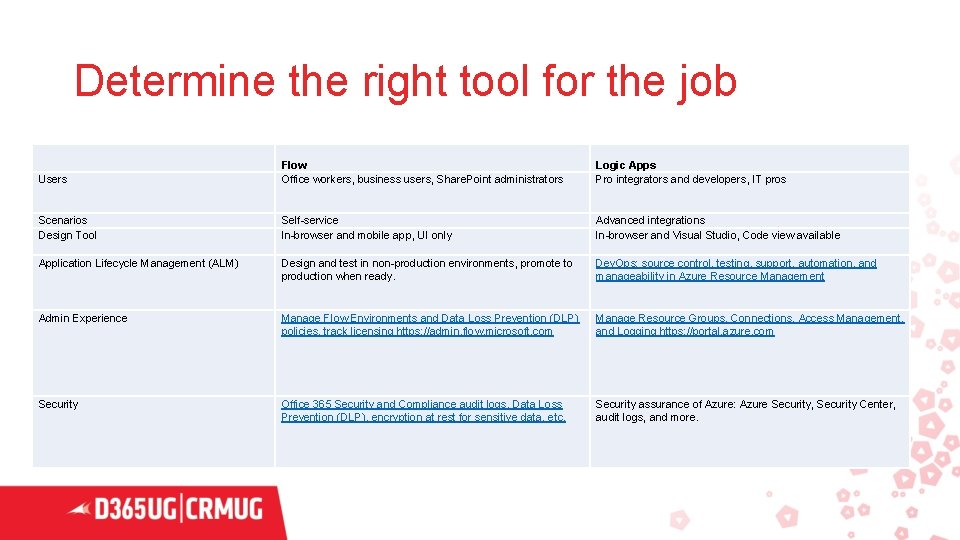
Determine the right tool for the job Users Flow Office workers, business users, Share. Point administrators Logic Apps Pro integrators and developers, IT pros Scenarios Design Tool Self-service In-browser and mobile app, UI only Advanced integrations In-browser and Visual Studio, Code view available Application Lifecycle Management (ALM) Design and test in non-production environments, promote to production when ready. Dev. Ops: source control, testing, support, automation, and manageability in Azure Resource Management Admin Experience Manage Flow Environments and Data Loss Prevention (DLP) policies, track licensing https: //admin. flow. microsoft. com Manage Resource Groups, Connections, Access Management, and Logging https: //portal. azure. com Security Office 365 Security and Compliance audit logs, Data Loss Prevention (DLP), encryption at rest for sensitive data, etc. Security assurance of Azure: Azure Security, Security Center, audit logs, and more.
Power Apps • Power Apps is a Citizen Developer tool that can be used to bring together multiple data sets into a cohesive application for other end users • Allows users to develop applications using a number of connectors to a number of data services to allow a multi system experience without the user of complicated/expensive integrations.
Canvas Apps vs Model Driven Apps • Model Driven Apps are largely the customization engine of D 365 CE that we all know and love, just extended to include the entire Common Data Service for Apps. So basically overnight each of us can say hey look we have experience Power Apps Model Driven Apps. • Canvas Apps are traditional Power App that can be run within the Power Application and you have complete control over the UX. • Either can be extended with Flow or Logic Apps
XRM Toolbox • Application that can simplify and used to enhance Dynamics 365. • The tool itself supports a number of community driven Plugins to perform tasks within D 365 • With the latest release you can control which plugins can be run on a pc using registry entries. • Some of my favorite Plugins: • • • Ribbon Workbench Fetch XML Builder (The one made by Jonas Rapp) Personal User Views Migration User Settings Utility Bulk Workflow Execution
Review of Flow Functionality where there are gaps within CRM workflow • Retrieval of children records • Time based execution • Support to delete a record
Example Flow Demo • Audience Choice (hoping this will not be dangerous but we can see how it goes).
References • https: //docs. microsoft. com/en-us/azurefunctions/functions-compare-logic-apps-ms-flow-webjobs • https: //docs. microsoft. com/en-us/powerapps/maker/modeldriven-apps/model-driven-app-overview
- Slides: 25