
Dynamics 365 for Sales Professional Demo Script Attached
- Slides: 8
Dynamics 365 for Sales Professional – Demo Script
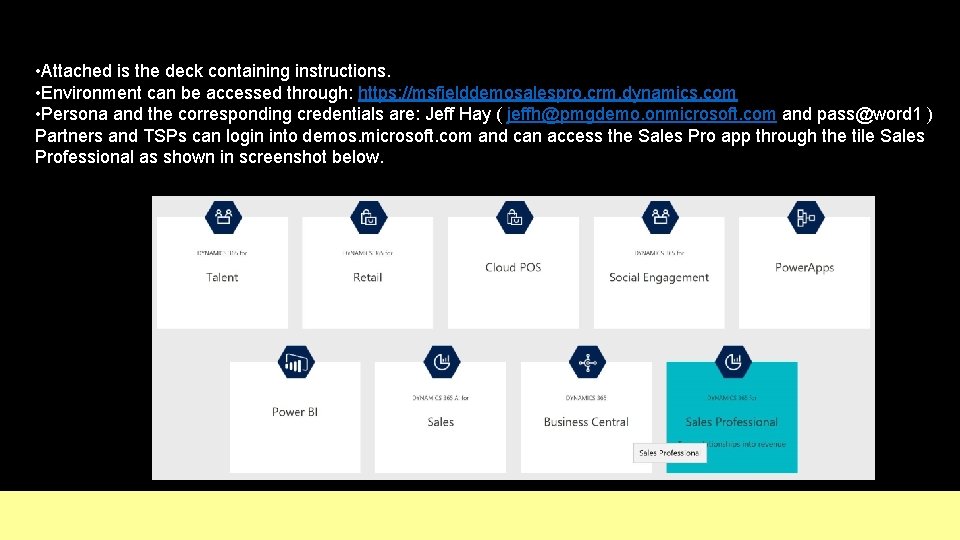
• Attached is the deck containing instructions. • Environment can be accessed through: https: //msfielddemosalespro. crm. dynamics. com • Persona and the corresponding credentials are: Jeff Hay ( jeffh@pmgdemo. onmicrosoft. com and pass@word 1 ) Partners and TSPs can login into demos. microsoft. com and can access the Sales Pro app through the tile Sales Professional as shown in screenshot below.
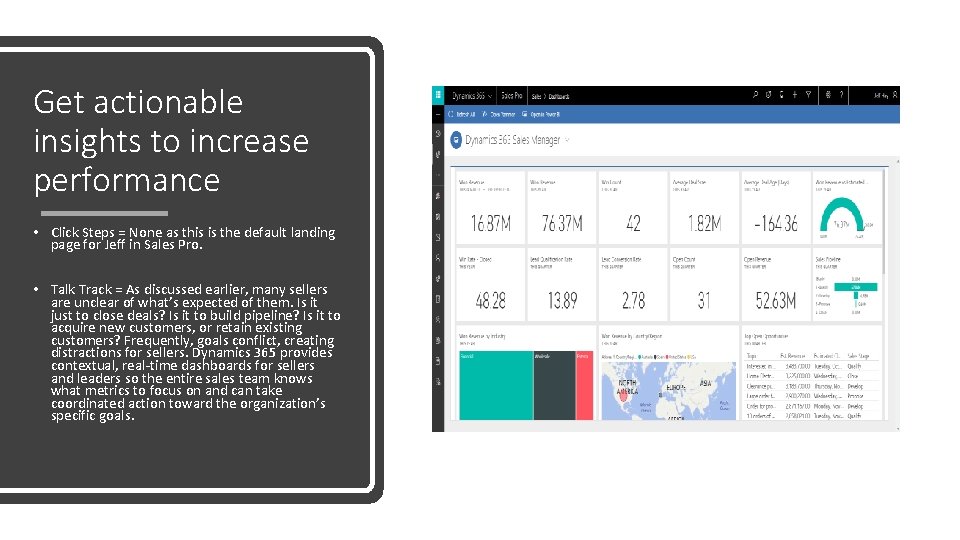
Get actionable insights to increase performance • Click Steps = None as this is the default landing page for Jeff in Sales Pro. • Talk Track = As discussed earlier, many sellers are unclear of what’s expected of them. Is it just to close deals? Is it to build pipeline? Is it to acquire new customers, or retain existing customers? Frequently, goals conflict, creating distractions for sellers. Dynamics 365 provides contextual, real-time dashboards for sellers and leaders so the entire sales team knows what metrics to focus on and can take coordinated action toward the organization’s specific goals.
Tailor interactions with customers • Click Steps = To get here, click here • Talk Track = As sellers juggle an increasing number of stakeholders, it gets harder to tailor and personalize interactions. Dynamics 365 provides a holistic view of the customer’s interaction history, so sellers have the context and knowledge to personalize every interaction with buyers.
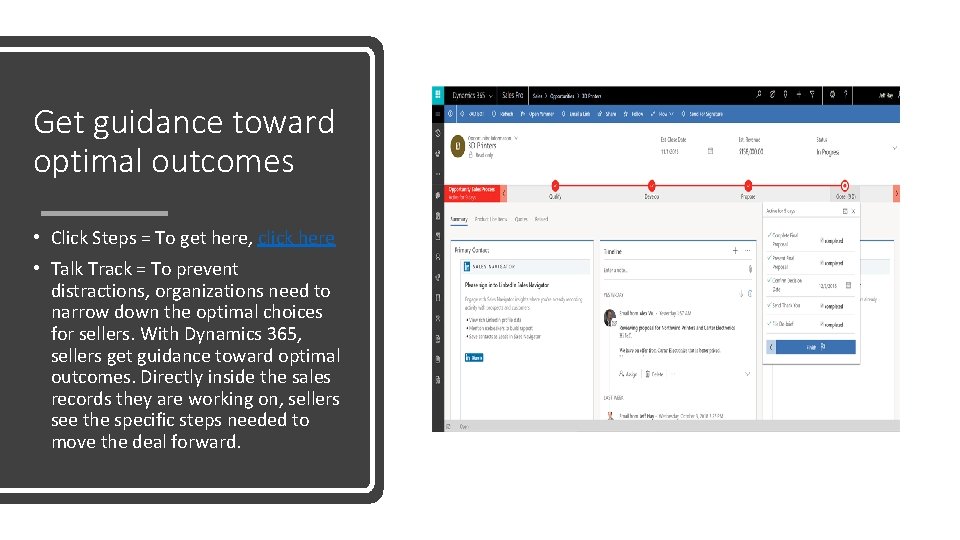
Get guidance toward optimal outcomes • Click Steps = To get here, click here • Talk Track = To prevent distractions, organizations need to narrow down the optimal choices for sellers. With Dynamics 365, sellers get guidance toward optimal outcomes. Directly inside the sales records they are working on, sellers see the specific steps needed to move the deal forward.
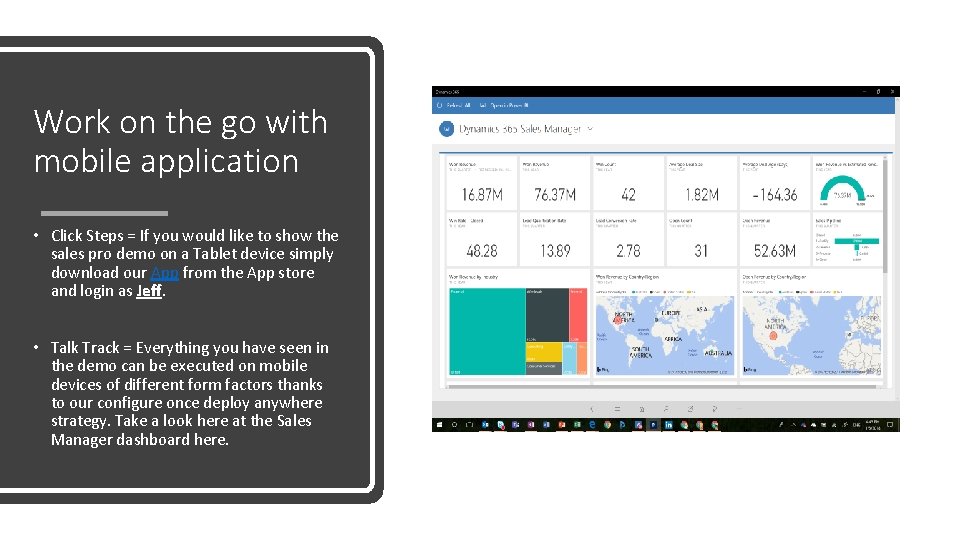
Work on the go with mobile application • Click Steps = If you would like to show the sales pro demo on a Tablet device simply download our App from the App store and login as Jeff. • Talk Track = Everything you have seen in the demo can be executed on mobile devices of different form factors thanks to our configure once deploy anywhere strategy. Take a look here at the Sales Manager dashboard here.
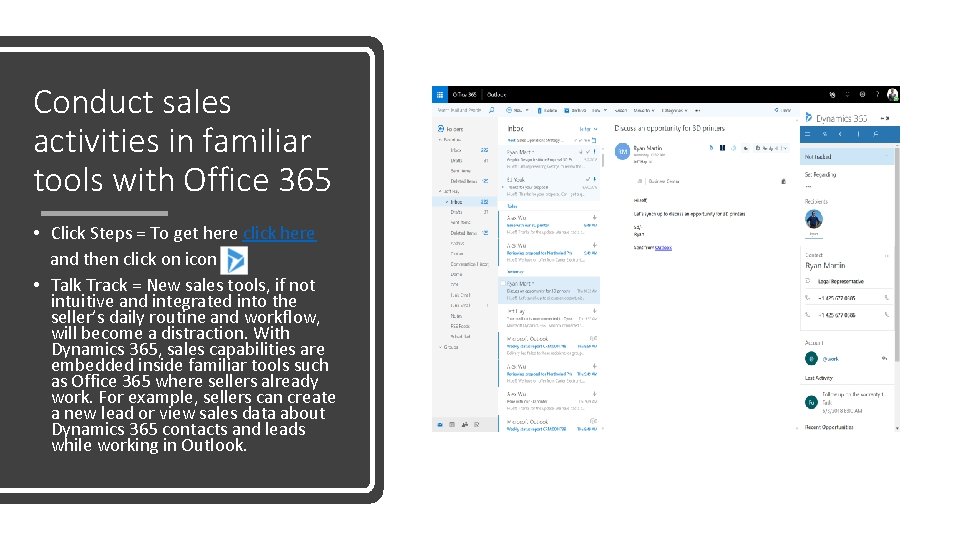
Conduct sales activities in familiar tools with Office 365 • Click Steps = To get here click here and then click on icon • Talk Track = New sales tools, if not intuitive and integrated into the seller’s daily routine and workflow, will become a distraction. With Dynamics 365, sales capabilities are embedded inside familiar tools such as Office 365 where sellers already work. For example, sellers can create a new lead or view sales data about Dynamics 365 contacts and leads while working in Outlook.
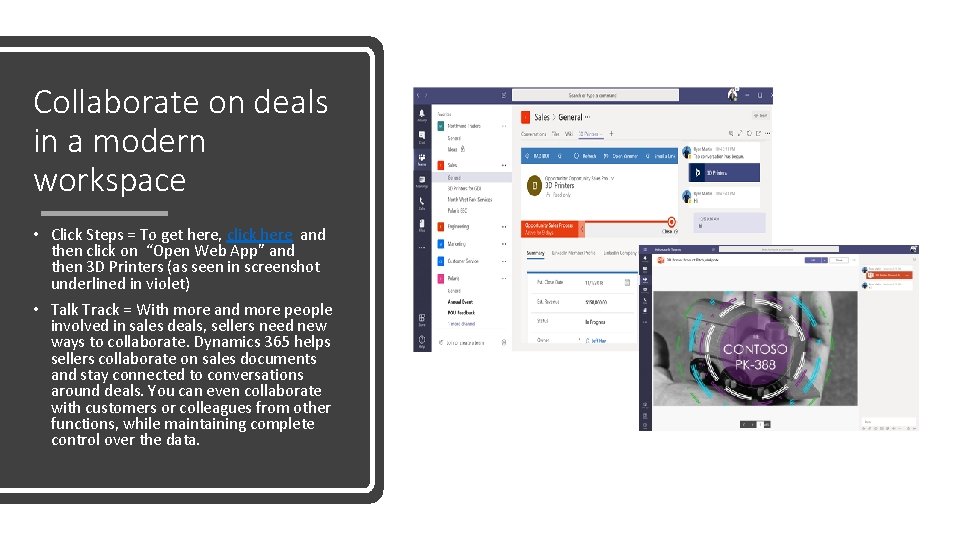
Collaborate on deals in a modern workspace • Click Steps = To get here, click here and then click on “Open Web App” and then 3 D Printers (as seen in screenshot underlined in violet) • Talk Track = With more and more people involved in sales deals, sellers need new ways to collaborate. Dynamics 365 helps sellers collaborate on sales documents and stay connected to conversations around deals. You can even collaborate with customers or colleagues from other functions, while maintaining complete control over the data.