
DYNAMIC INITIALIZATION OF VARIABLES In c a variable
DYNAMIC INITIALIZATION OF VARIABLES In c, a variable must be initialized using a constant expression, and the C compiler would fix the initialization code at the time of compilation. C++, however permits initialization of the variables at run time. This is referred to as dynamic initialization. In C++, a variable can be initialized at run time using expressions at the place of declaration. 1
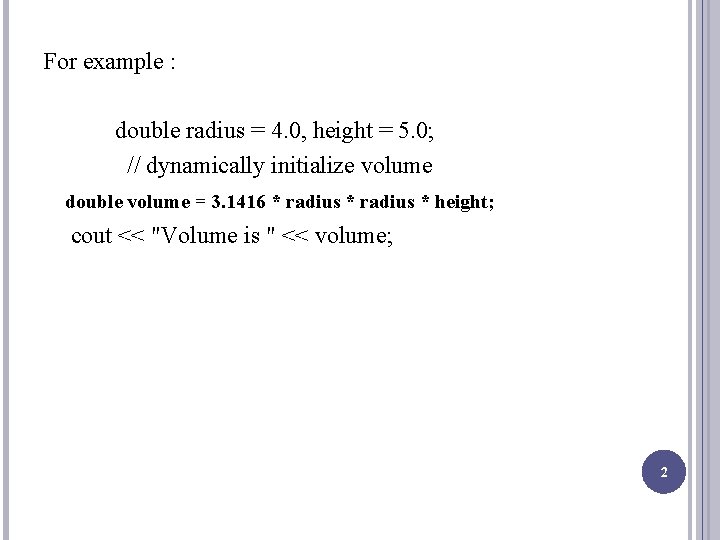
For example : double radius = 4. 0, height = 5. 0; // dynamically initialize volume double volume = 3. 1416 * radius * height; cout << "Volume is " << volume; 2
REFERENCE VARIABLES C++ introduces a new kind of variable known as the reference variable. A reference variable provide an alias (alternative name) for a previously defined variable. A reference variable is created as follows : data-type & ref-name = var-name; 3
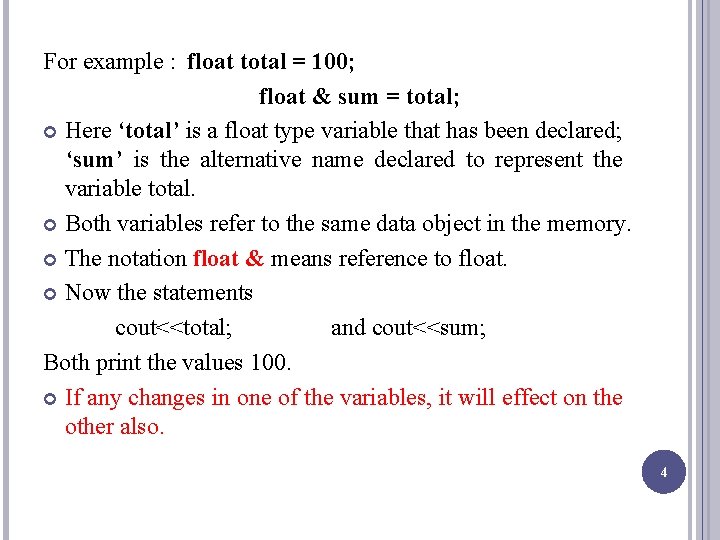
For example : float total = 100; float & sum = total; Here ‘total’ is a float type variable that has been declared; ‘sum’ is the alternative name declared to represent the variable total. Both variables refer to the same data object in the memory. The notation float & means reference to float. Now the statements cout<<total; and cout<<sum; Both print the values 100. If any changes in one of the variables, it will effect on the other also. 4

A reference variable must be initialized at the time of declaration. It is important to note that the initialization of a reference variable is completely different from assignment to it. C++ assigns additional meaning to the symbols &. Here, & is not an address operator. A major application of reference variables is in passing arguments to functions. Such function calls are known as call by reference. It is important to note that references can be created not only for built-in data types but also for user-defined data types such as structure and classes. 5
OPERATORS IN C++ All C operators are valid in C++ also. C++ introduces some new operators. We have already seen two such operators, namely, the insertion operator <<, and the extraction operator >>. 6
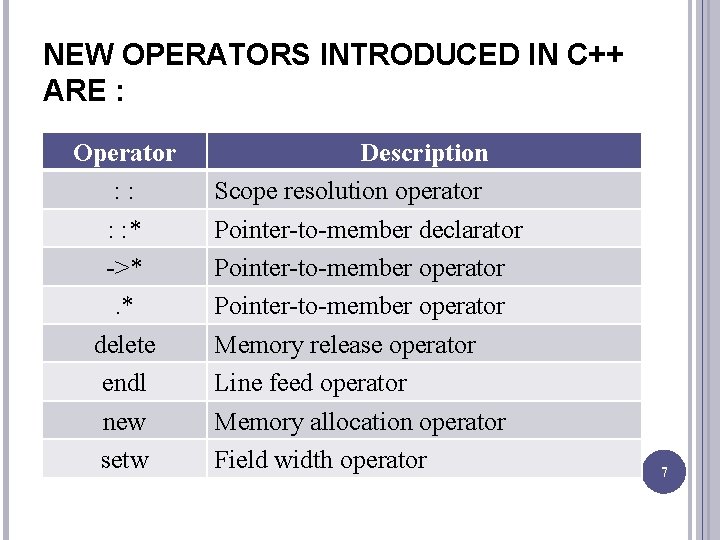
NEW OPERATORS INTRODUCED IN C++ ARE : Operator : : * ->*. * delete endl new setw Description Scope resolution operator Pointer-to-member declarator Pointer-to-member operator Memory release operator Line feed operator Memory allocation operator Field width operator 7
SCOPE RESOLUTION OPERATOR Like C, C++ is also block-structured language. Blocks and scopes can be used in constructing programs. We know that the same variable name can be used to have different meanings in different blocks. The scope of the variable extends from point of its declaration till the end of the block containing the declaration. A variable inside a block is called local variable to that particular block. 8
USE OF SCOPE RESOLUTION OPERATOR In C, the global version of a variable cannot be accessed from within the inner block. C++ resolves this problem by introducing a new operator ‘ : : ‘ called scope resolution operator. This can be used to uncover a hidden variable. It takes the following form : : : variable-name This operator allows access to the global version of a variable. 9
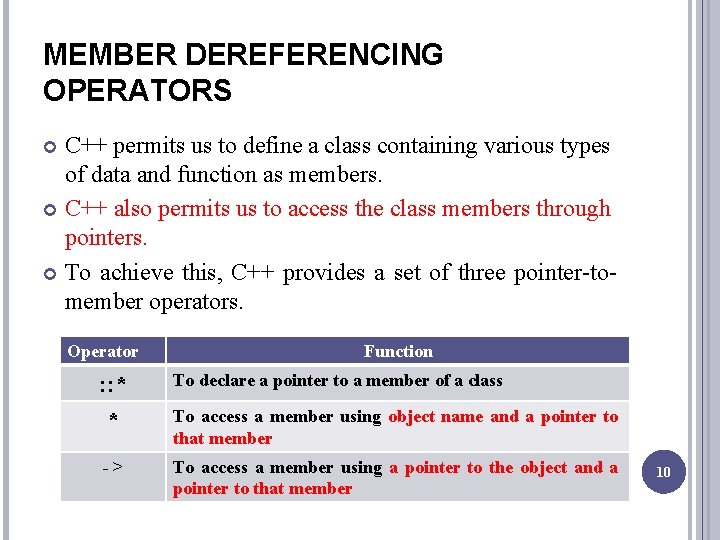
MEMBER DEREFERENCING OPERATORS C++ permits us to define a class containing various types of data and function as members. C++ also permits us to access the class members through pointers. To achieve this, C++ provides a set of three pointer-tomember operators. Operator Function : : * * To declare a pointer to a member of a class -> To access a member using a pointer to the object and a pointer to that member To access a member using object name and a pointer to that member 10
MEMORY MANAGEMENT OPERATORS C uses malloc() and calloc() functions to allocate memory dynamically at run time. Similarly, it uses the function free() to free dynamically allocated memory. We used dynamic allocation techniques when it is not known in advance how much of memory space is needed. C++ also support these functions, it also define two unary operators “new” and “delete” that perform the task of allocating and freeing the memory in better and easier way. These operators manipulate memory on the free store, they are also known as free store operators. 11
An object can be created by using new operator, and destroyed by using delete operator as and when required. A data object created inside a block with new operator, will remain in existence until it is explicitly destroyed by using delete operator. Thus, lifetime of an object is directly under user’s control and is unrelated to block structure of the program. 12
The new operator can be used to create objects of any type. It takes the following general form : pointer-variable = new data-type; Here, pointer-variable is a pointer of any data-type. The new operator allocates sufficient memory to hold a data object of type data-type and returns the address of the object. The pointer-variable holds the address of the memory space allocated. For example : int *p = new int; float *q = new float; 13
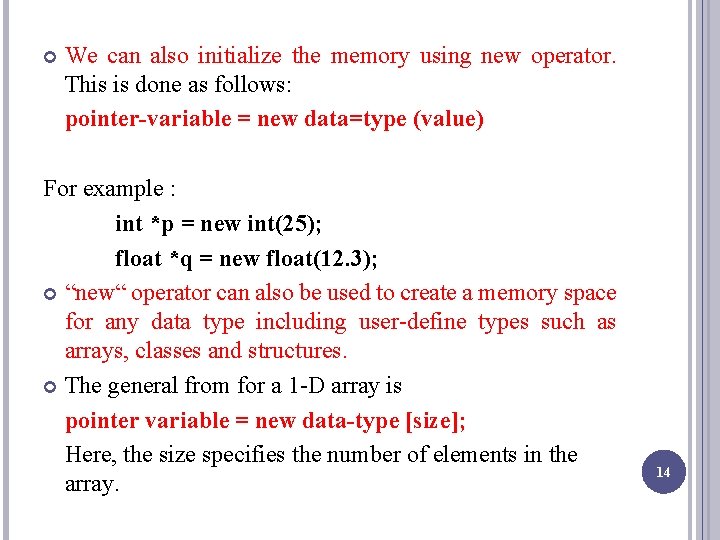
We can also initialize the memory using new operator. This is done as follows: pointer-variable = new data=type (value) For example : int *p = new int(25); float *q = new float(12. 3); “new“ operator can also be used to create a memory space for any data type including user-define types such as arrays, classes and structures. The general from for a 1 -D array is pointer variable = new data-type [size]; Here, the size specifies the number of elements in the array. 14
![For example : int *p = new int[10]; It creates a memory space for](http://slidetodoc.com/presentation_image_h2/716e0890947bf335382a1158381ac1e7/image-15.jpg "For example : int *p = new int[10]; It creates a memory space for")
For example : int *p = new int[10]; It creates a memory space for an array of 10 integers. When a data object is no longer needed, it is destroyed to release the memory space for reuse. The general form is : delete pointer-variable ; For example : delete p; delete q; 15
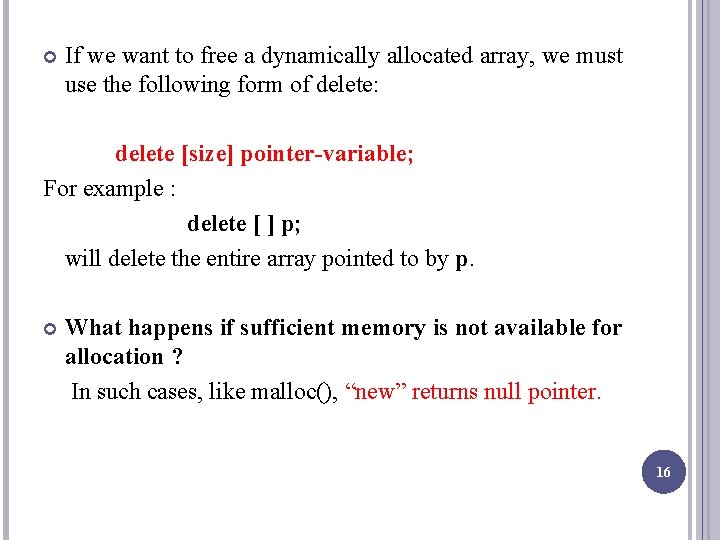
If we want to free a dynamically allocated array, we must use the following form of delete: delete [size] pointer-variable; For example : delete [ ] p; will delete the entire array pointed to by p. What happens if sufficient memory is not available for allocation ? In such cases, like malloc(), “new” returns null pointer. 16
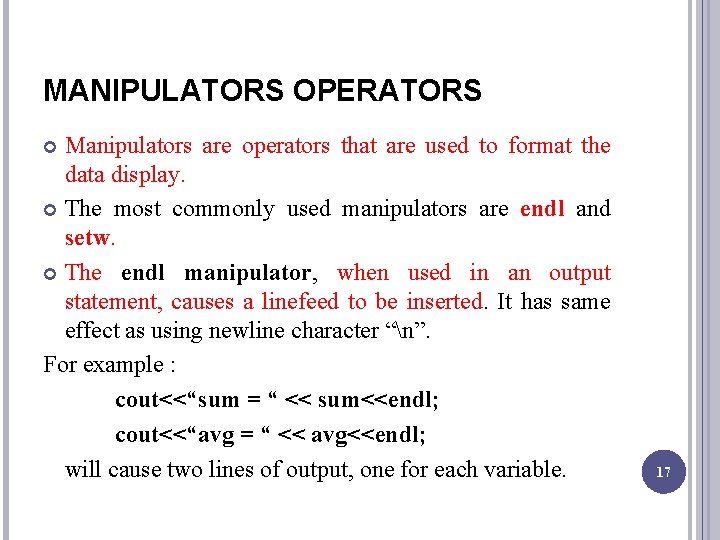
MANIPULATORS OPERATORS Manipulators are operators that are used to format the data display. The most commonly used manipulators are endl and setw. The endl manipulator, when used in an output statement, causes a linefeed to be inserted. It has same effect as using newline character “n”. For example : cout<<“sum = “ << sum<<endl; cout<<“avg = “ << avg<<endl; will cause two lines of output, one for each variable. 17
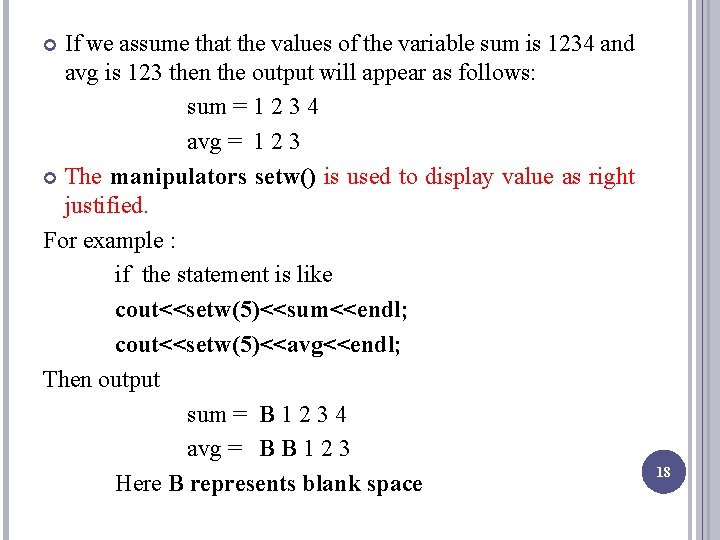
If we assume that the values of the variable sum is 1234 and avg is 123 then the output will appear as follows: sum = 1 2 3 4 avg = 1 2 3 The manipulators setw() is used to display value as right justified. For example : if the statement is like cout<<setw(5)<<sum<<endl; cout<<setw(5)<<avg<<endl; Then output sum = B 1 2 3 4 avg = B B 1 2 3 Here B represents blank space 18
TYPE CAST OPERATORS C++ permits explicit type conversion of variables or expressions using the type cast operator. “Sometimes a programmer needs to convert a value from one type to another in a situation where compiler will not do it automatically is called type cast. ” The following is the syntax of type cast : type-name (expression) For Example : avg = sum/float(i); 19
IMPLICIT CONVERSIONS We can mix data types in expressions. For Example : m = 5+2. 75; is a valid statement. “Whenever data types are mixed in an expression, C++ performs the conversions automatically. This process in known as implicit or automatic conversion. ” When the compiler encounters an expressions, it divides the expressions into sub-expressions consisting of one operator and one or two operands. 20
The compiler converts one of them to match with the other, using the rule that smaller type is converted to the longer type. For Example : If one of the operand is an int and the other is a float, the int is automatically converted into a float because a float is longer than an int. 21
EXPRESSIONS AND THEIR TYPES “An expression is a combination of operators, constants and variables arranged as per the rules of language. ” An expression may consist of one or more operands, and zero or more operators to produce a value. 22
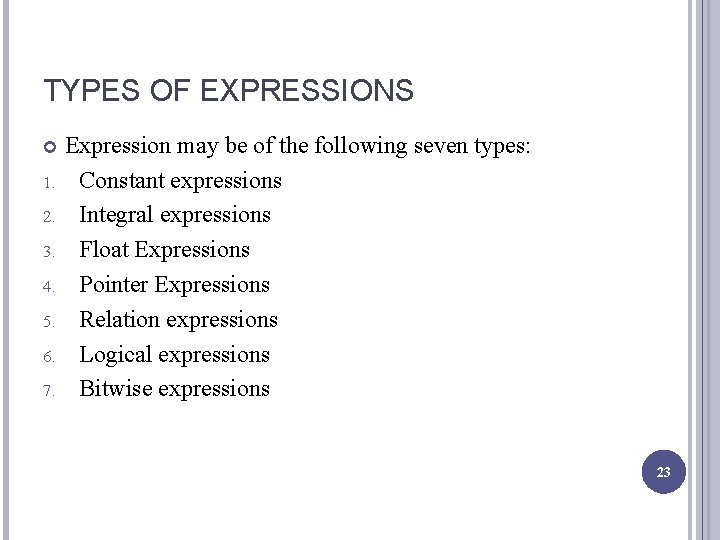
TYPES OF EXPRESSIONS 1. 2. 3. 4. 5. 6. 7. Expression may be of the following seven types: Constant expressions Integral expressions Float Expressions Pointer Expressions Relation expressions Logical expressions Bitwise expressions 23
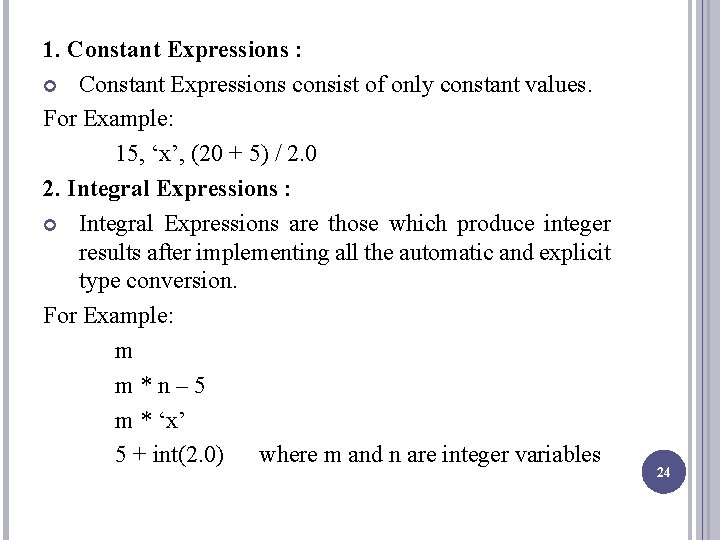
1. Constant Expressions : Constant Expressions consist of only constant values. For Example: 15, ‘x’, (20 + 5) / 2. 0 2. Integral Expressions : Integral Expressions are those which produce integer results after implementing all the automatic and explicit type conversion. For Example: m m*n– 5 m * ‘x’ 5 + int(2. 0) where m and n are integer variables 24
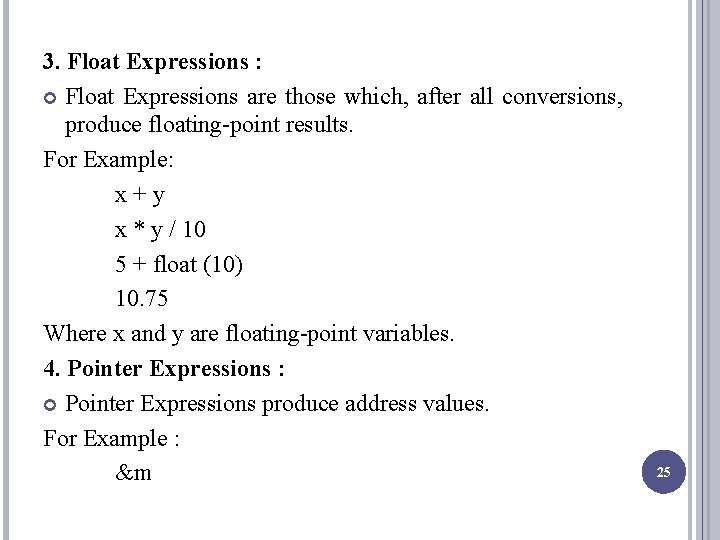
3. Float Expressions : Float Expressions are those which, after all conversions, produce floating-point results. For Example: x+y x * y / 10 5 + float (10) 10. 75 Where x and y are floating-point variables. 4. Pointer Expressions : Pointer Expressions produce address values. For Example : &m 25
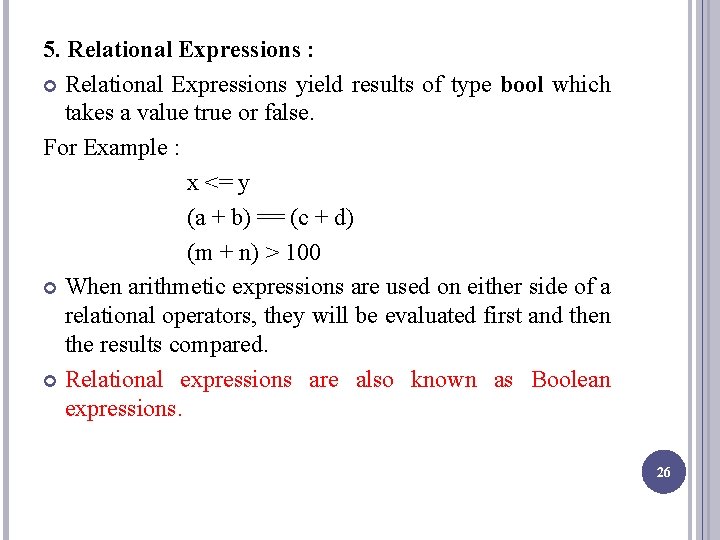
5. Relational Expressions : Relational Expressions yield results of type bool which takes a value true or false. For Example : x <= y (a + b) == (c + d) (m + n) > 100 When arithmetic expressions are used on either side of a relational operators, they will be evaluated first and then the results compared. Relational expressions are also known as Boolean expressions. 26
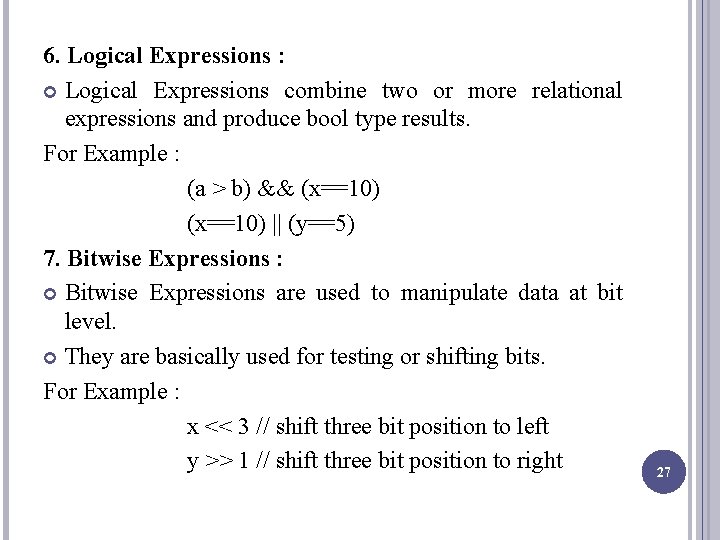
6. Logical Expressions : Logical Expressions combine two or more relational expressions and produce bool type results. For Example : (a > b) && (x==10) || (y==5) 7. Bitwise Expressions : Bitwise Expressions are used to manipulate data at bit level. They are basically used for testing or shifting bits. For Example : x << 3 // shift three bit position to left y >> 1 // shift three bit position to right 27
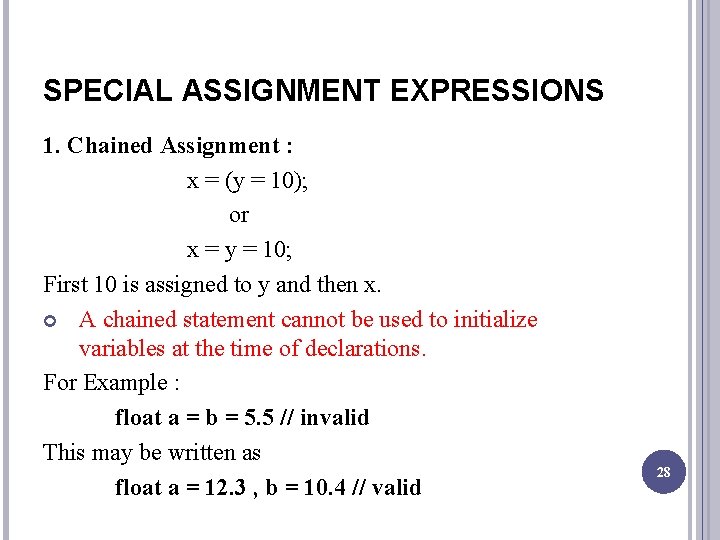
SPECIAL ASSIGNMENT EXPRESSIONS 1. Chained Assignment : x = (y = 10); or x = y = 10; First 10 is assigned to y and then x. A chained statement cannot be used to initialize variables at the time of declarations. For Example : float a = b = 5. 5 // invalid This may be written as float a = 12. 3 , b = 10. 4 // valid 28
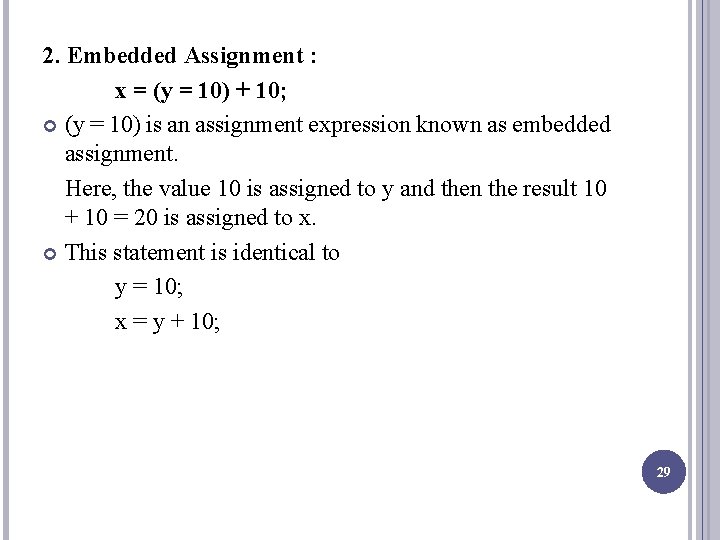
2. Embedded Assignment : x = (y = 10) + 10; (y = 10) is an assignment expression known as embedded assignment. Here, the value 10 is assigned to y and then the result 10 + 10 = 20 is assigned to x. This statement is identical to y = 10; x = y + 10; 29
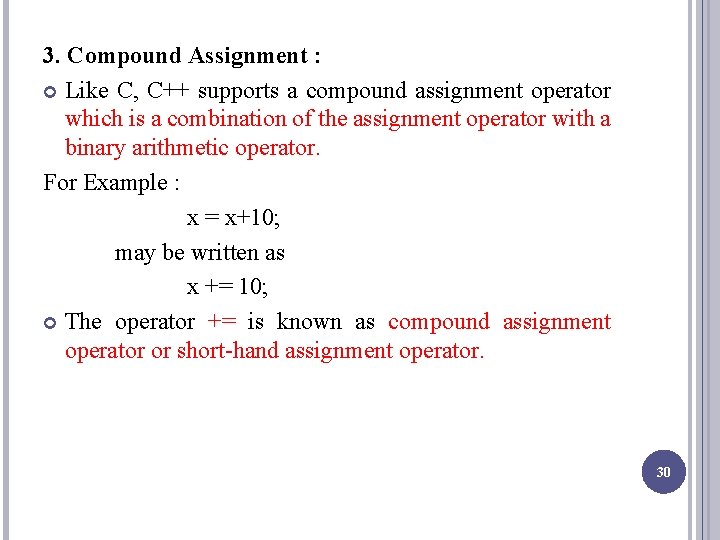
3. Compound Assignment : Like C, C++ supports a compound assignment operator which is a combination of the assignment operator with a binary arithmetic operator. For Example : x = x+10; may be written as x += 10; The operator += is known as compound assignment operator or short-hand assignment operator. 30
- Slides: 30