
DVD MENU DESIGN LAYOUT TYPOGRAPHY Alignment is the
- Slides: 21
DVD MENU DESIGN LAYOUT & TYPOGRAPHY
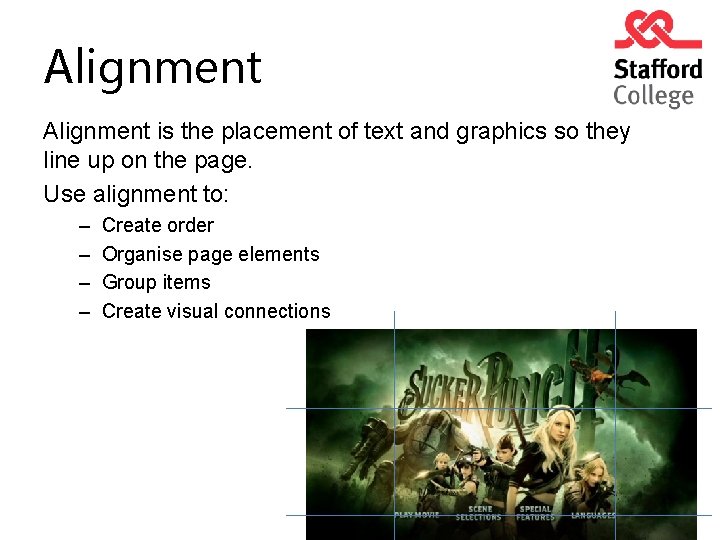
Alignment is the placement of text and graphics so they line up on the page. Use alignment to: – – Create order Organise page elements Group items Create visual connections
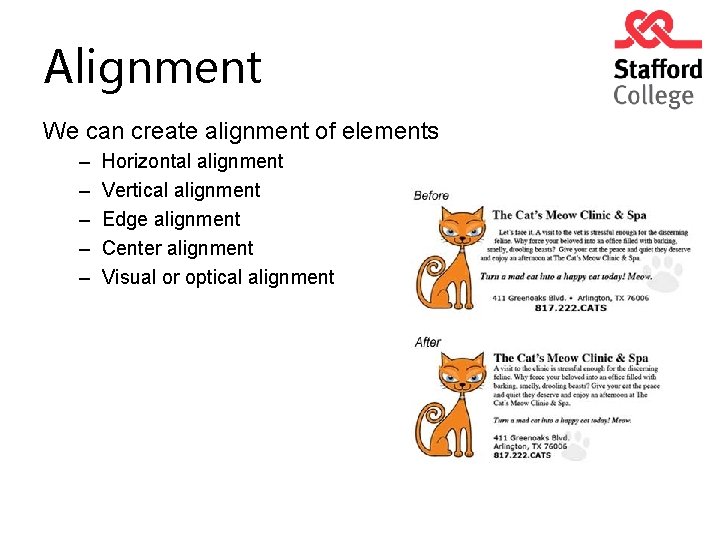
Alignment We can create alignment of elements – – – Horizontal alignment Vertical alignment Edge alignment Center alignment Visual or optical alignment
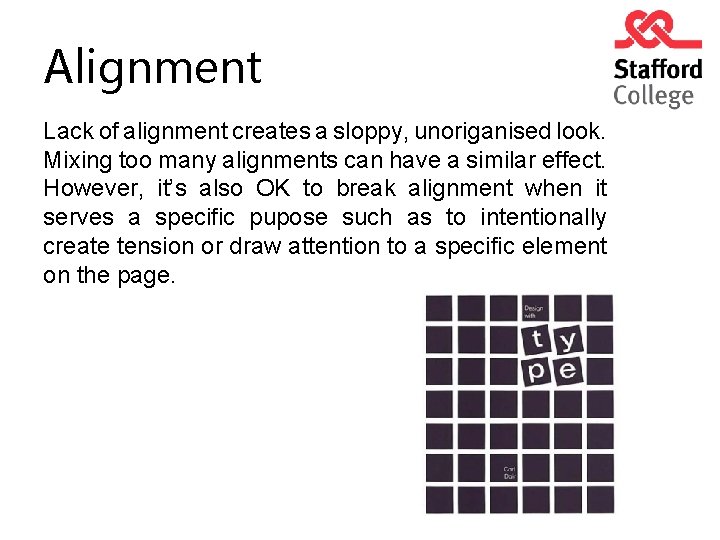
Alignment Lack of alignment creates a sloppy, unoriganised look. Mixing too many alignments can have a similar effect. However, it’s also OK to break alignment when it serves a specific pupose such as to intentionally create tension or draw attention to a specific element on the page.
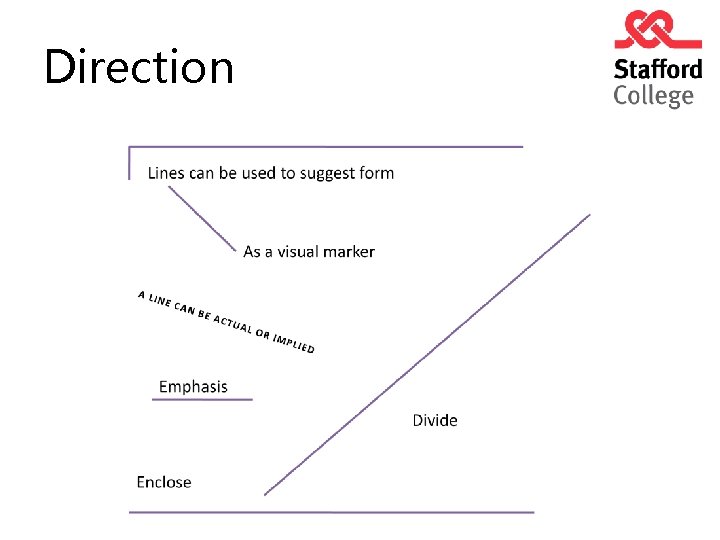
Direction
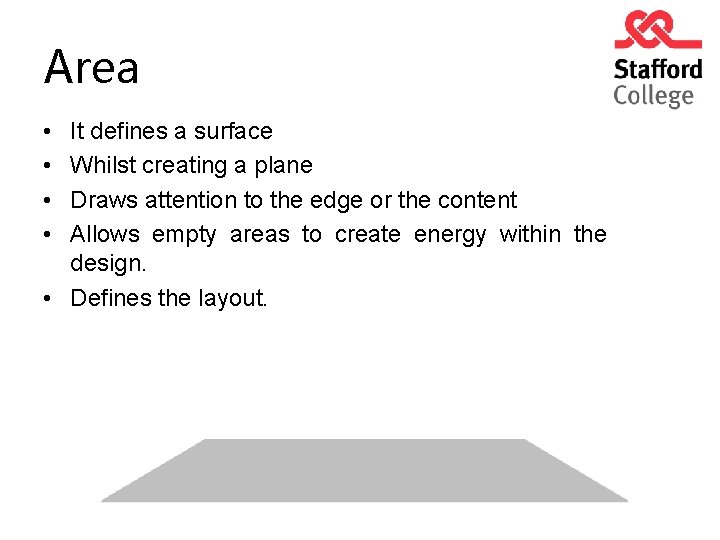
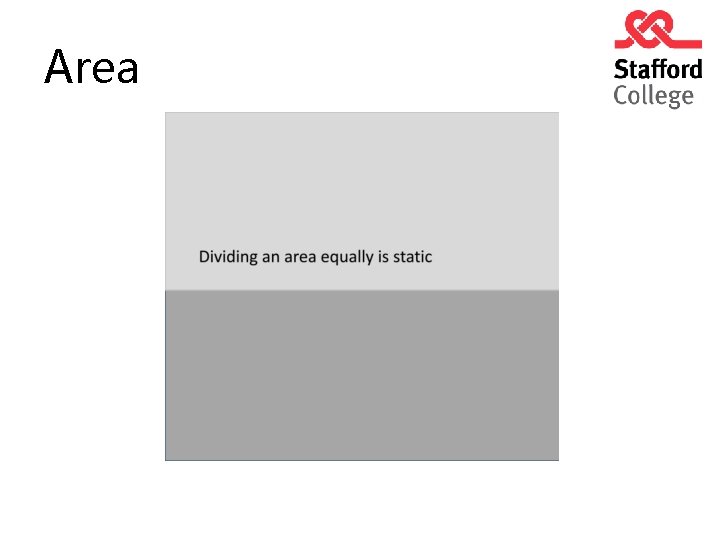
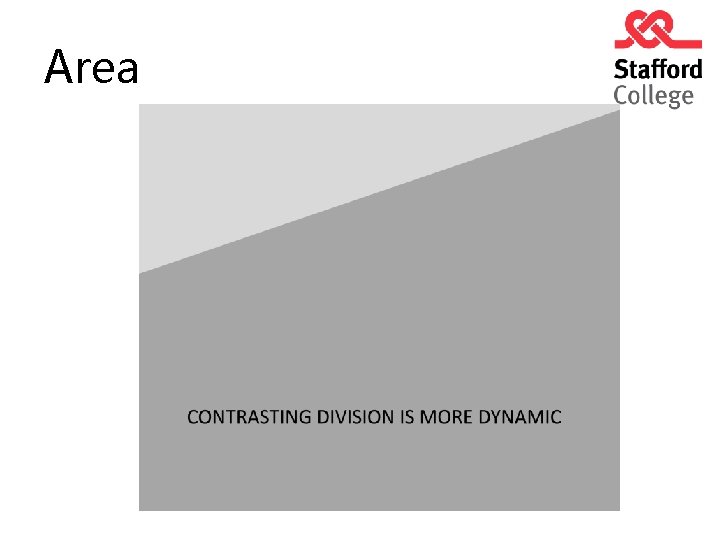
Area • • It defines a surface Whilst creating a plane Draws attention to the edge or the content Allows empty areas to create energy within the design. • Defines the layout.
Area
Area
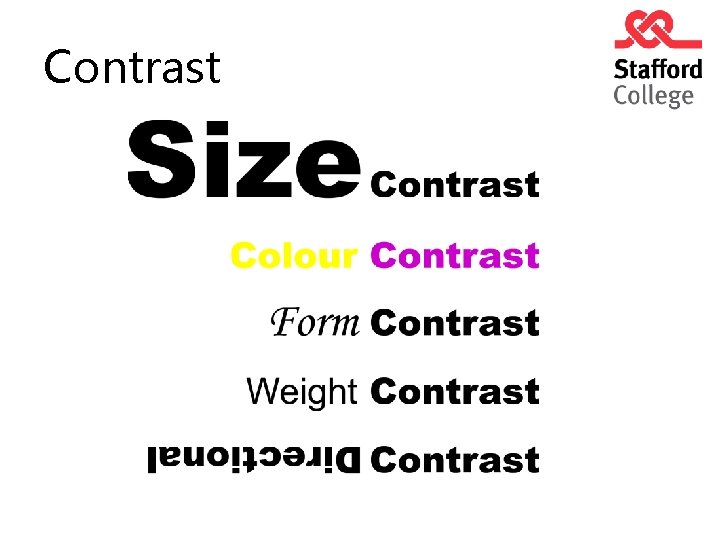
Contrast
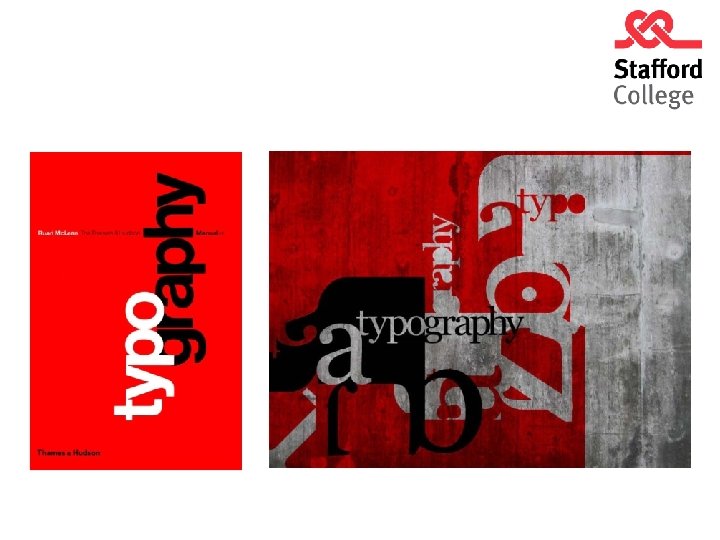
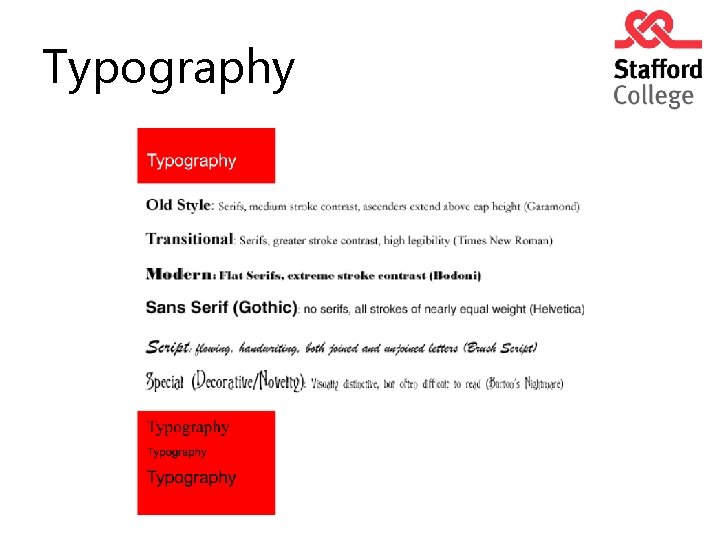
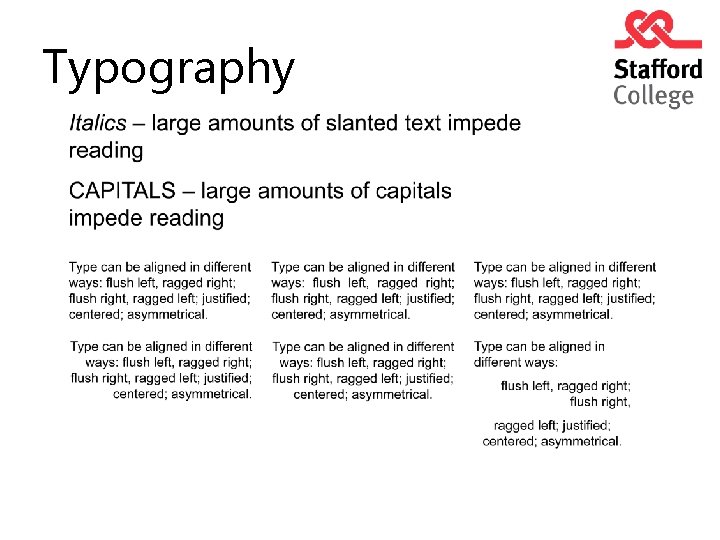
Typography
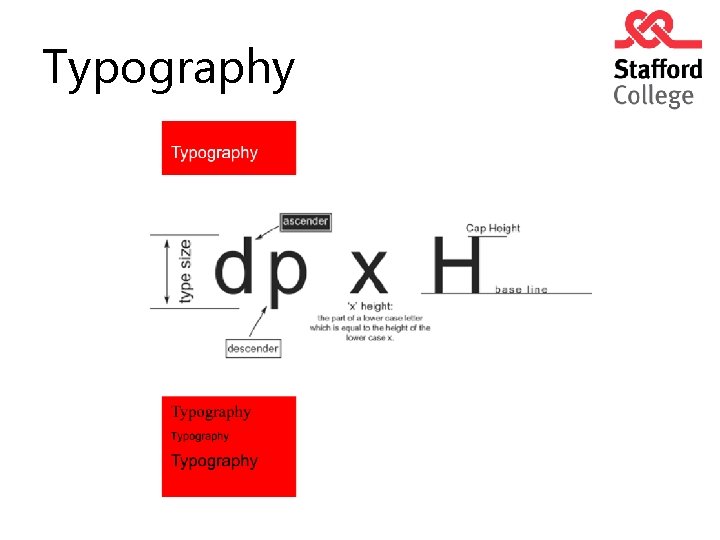
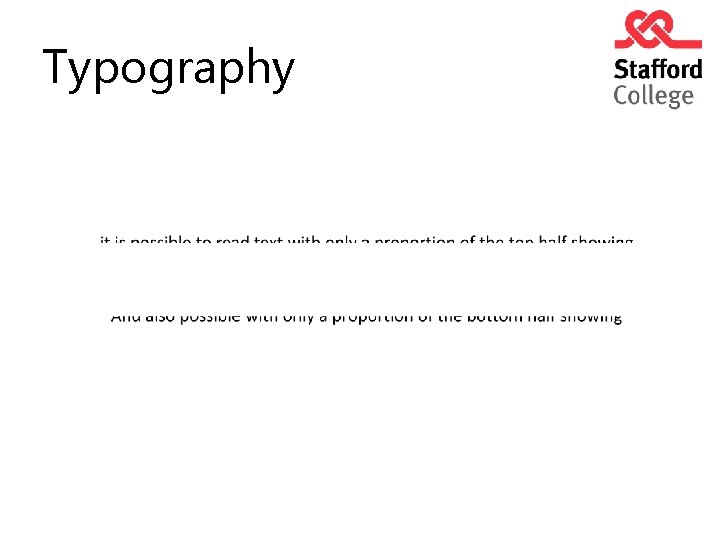
Typography
Typography
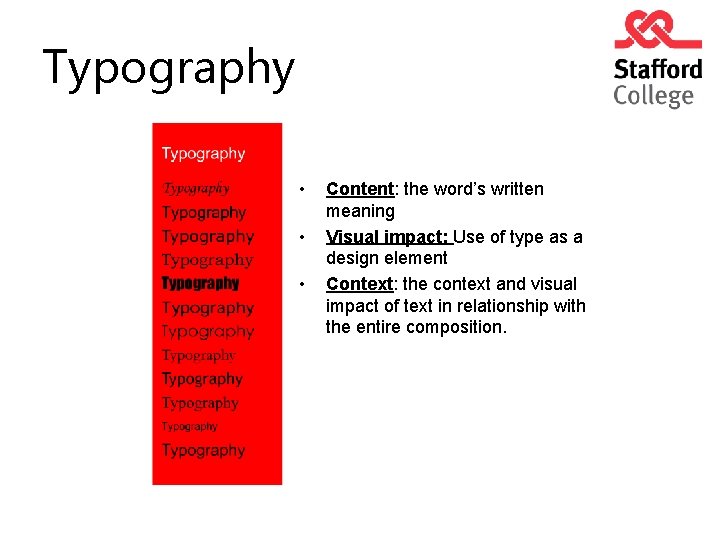
Typography • • • Content: the word’s written meaning Visual impact: Use of type as a design element Context: the context and visual impact of text in relationship with the entire composition.
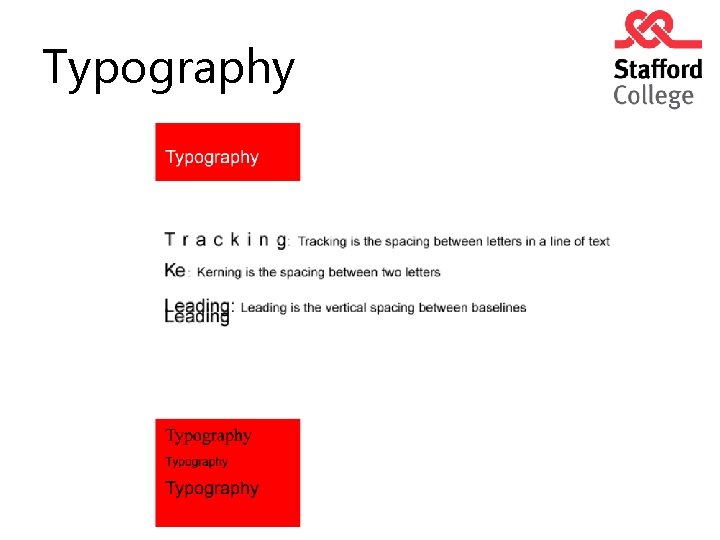
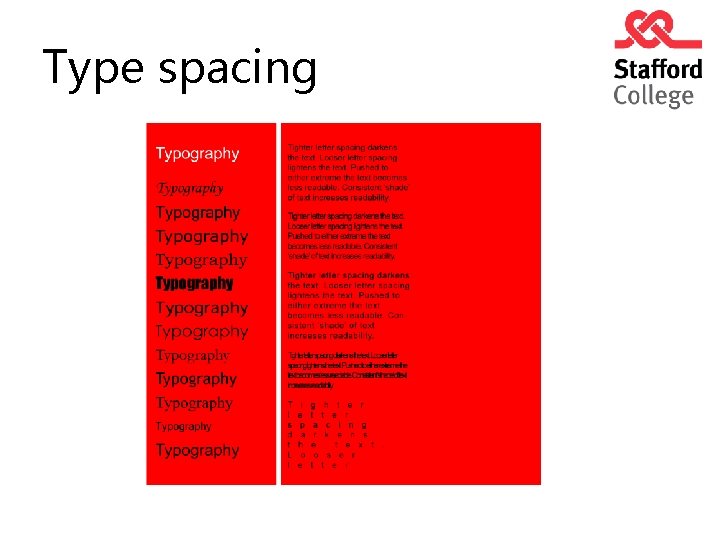
Type spacing
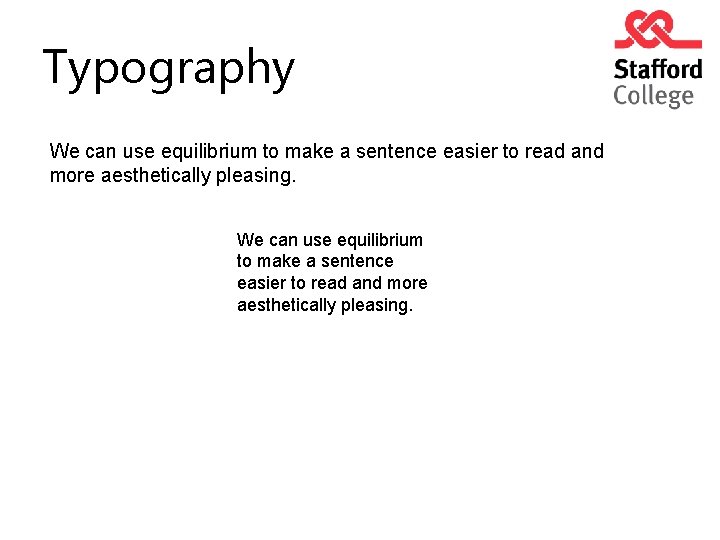
Typography We can use equilibrium to make a sentence easier to read and more aesthetically pleasing.
Typography
Typography
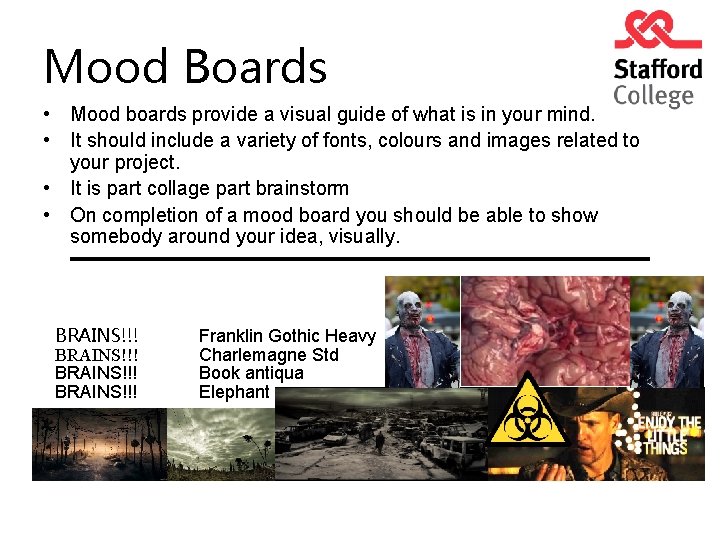
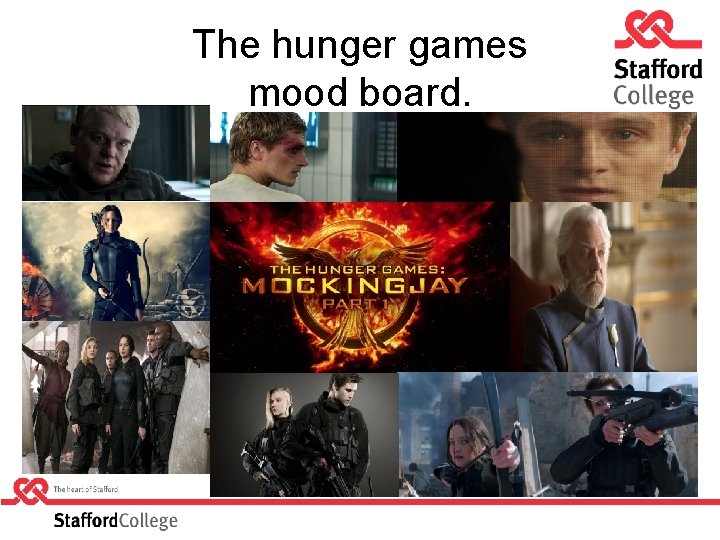
Mood Boards • Mood boards provide a visual guide of what is in your mind. • It should include a variety of fonts, colours and images related to your project. • It is part collage part brainstorm • On completion of a mood board you should be able to show somebody around your idea, visually. BRAINS!!! Franklin Gothic Heavy Charlemagne Std Book antiqua Elephant
Task Using Microsoft Powerpoint I would like you to produce a mood board for a DVD Menu of one of the following films: 1. The Hunger Games: Mockingjay Part 1 2. Wolf of Wall Street 3. Guardians of the Galaxy
The hunger games mood board.