
DSTM Dual Stack Transition Mechanism Octavio Medina ENSTB
DSTM Dual Stack Transition Mechanism Octavio Medina ENSTB / IRISA G 6 Tutorial

Dual Stack Transition Mechanism n What is it for? – DSTM assures communication between IPv 4 applications in IPv 6 only networks and the rest of the Internet. ? IPv 4 only IPv 6 only LT/OM Introduction to DSTM 2
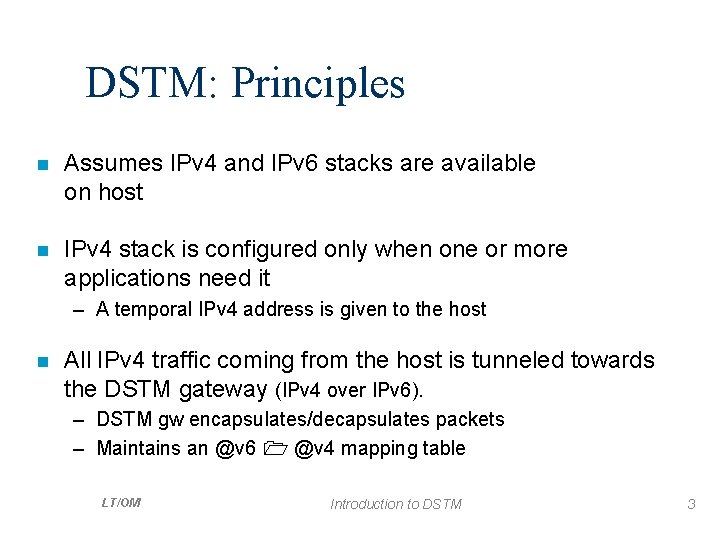
DSTM: Principles n Assumes IPv 4 and IPv 6 stacks are available on host n IPv 4 stack is configured only when one or more applications need it – A temporal IPv 4 address is given to the host n All IPv 4 traffic coming from the host is tunneled towards the DSTM gateway (IPv 4 over IPv 6). – DSTM gw encapsulates/decapsulates packets – Maintains an @v 6 @v 4 mapping table LT/OM Introduction to DSTM 3
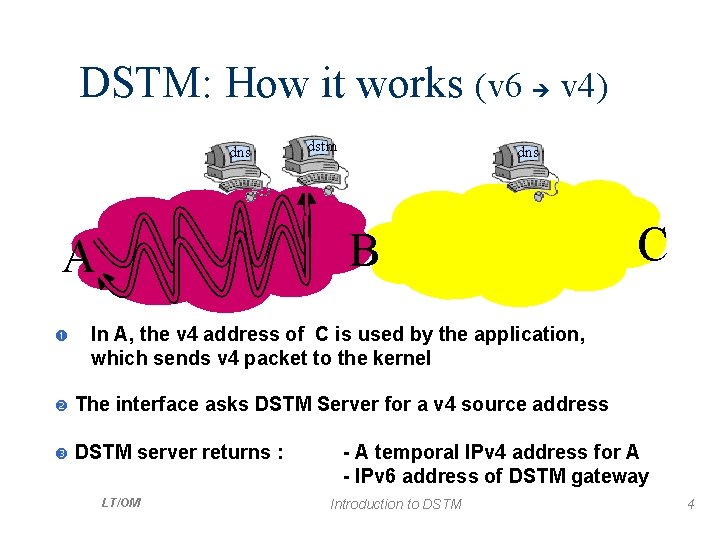
DSTM: How it works (v 6 v 4) dns dstm dns B A In A, the v 4 address of C is used by the application, which sends v 4 packet to the kernel The interface asks DSTM Server for a v 4 source address DSTM server returns : LT/OM C - A temporal IPv 4 address for A - IPv 6 address of DSTM gateway Introduction to DSTM 4
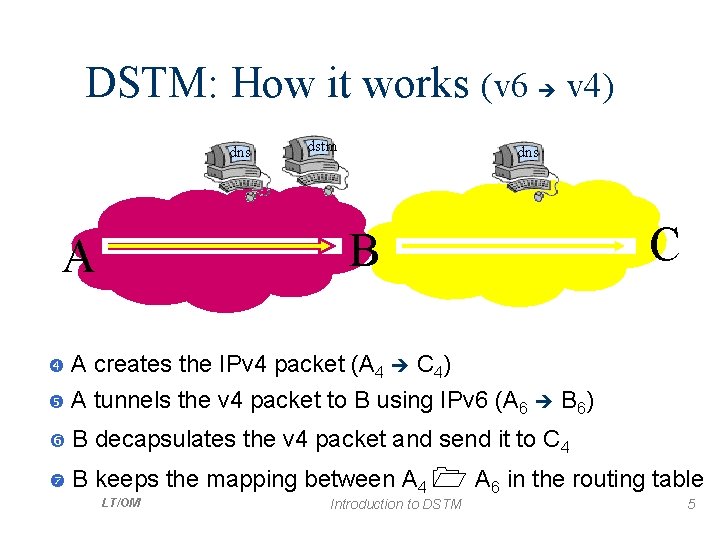
DSTM: How it works (v 6 v 4) dns dstm dns B A C A creates the IPv 4 packet (A 4 C 4) A tunnels the v 4 packet to B using IPv 6 (A 6 B 6) B decapsulates the v 4 packet and send it to C 4 B keeps the mapping between A 4 A 6 in the routing table LT/OM Introduction to DSTM 5
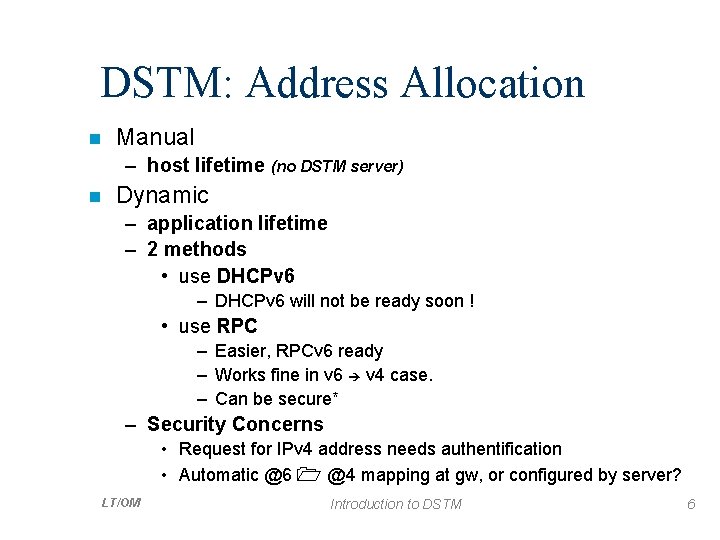
DSTM: Address Allocation n Manual – host lifetime (no DSTM server) n Dynamic – application lifetime – 2 methods • use DHCPv 6 – DHCPv 6 will not be ready soon ! • use RPC – Easier, RPCv 6 ready – Works fine in v 6 v 4 case. – Can be secure* – Security Concerns • Request for IPv 4 address needs authentification • Automatic @6 @4 mapping at gw, or configured by server? LT/OM Introduction to DSTM 6
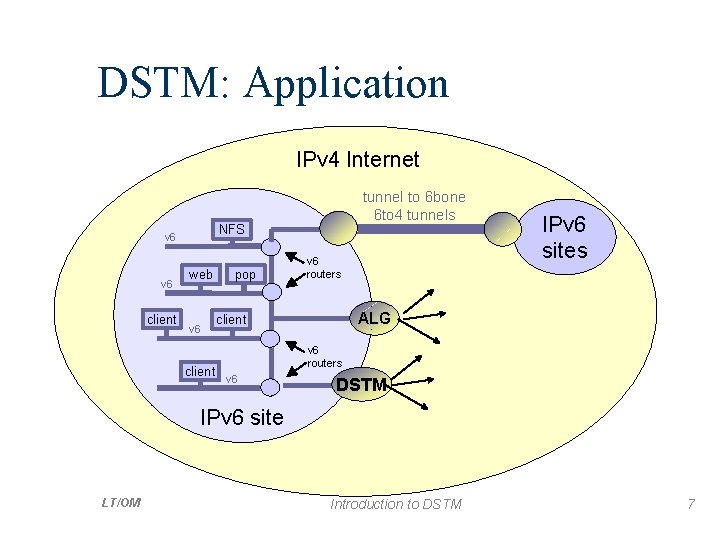
DSTM: Application IPv 4 Internet NFS v 6 client tunnel to 6 bone 6 to 4 tunnels web v 6 client pop v 6 routers IPv 6 sites ALG client v 6 routers v 6 DSTM IPv 6 site LT/OM Introduction to DSTM 7
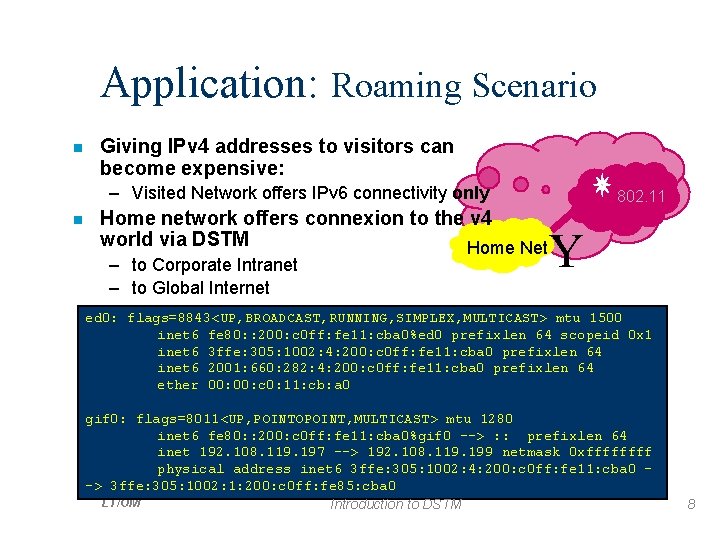
Application: Roaming Scenario n Giving IPv 4 addresses to visitors can become expensive: – Visited Network offers IPv 6 connectivity only n Home network offers connexion to the v 4 world via DSTM Home Net – to Corporate Intranet – to Global Internet 802. 11 Y ed 0: flags=8843<UP, BROADCAST, RUNNING, SIMPLEX, MULTICAST> mtu 1500 inet 6 fe 80: : 200: c 0 ff: fe 11: cba 0%ed 0 prefixlen 64 scopeid 0 x 1 inet 6 3 ffe: 305: 1002: 4: 200: c 0 ff: fe 11: cba 0 prefixlen 64 inet 6 2001: 660: 282: 4: 200: c 0 ff: fe 11: cba 0 prefixlen 64 ether 00: c 0: 11: cb: a 0 gif 0: flags=8011<UP, POINTOPOINT, MULTICAST> mtu 1280 inet 6 fe 80: : 200: c 0 ff: fe 11: cba 0%gif 0 --> : : prefixlen 64 inet 192. 108. 119. 197 --> 192. 108. 119. 199 netmask 0 xffff physical address inet 6 3 ffe: 305: 1002: 4: 200: c 0 ff: fe 11: cba 0 -> 3 ffe: 305: 1002: 1: 200: c 0 ff: fe 85: cba 0 LT/OM Introduction to DSTM 8
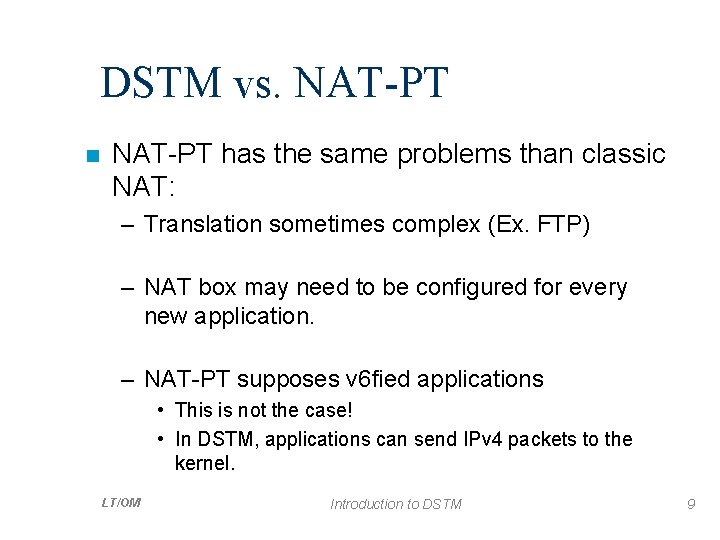
DSTM vs. NAT-PT n NAT-PT has the same problems than classic NAT: – Translation sometimes complex (Ex. FTP) – NAT box may need to be configured for every new application. – NAT-PT supposes v 6 fied applications • This is not the case! • In DSTM, applications can send IPv 4 packets to the kernel. LT/OM Introduction to DSTM 9
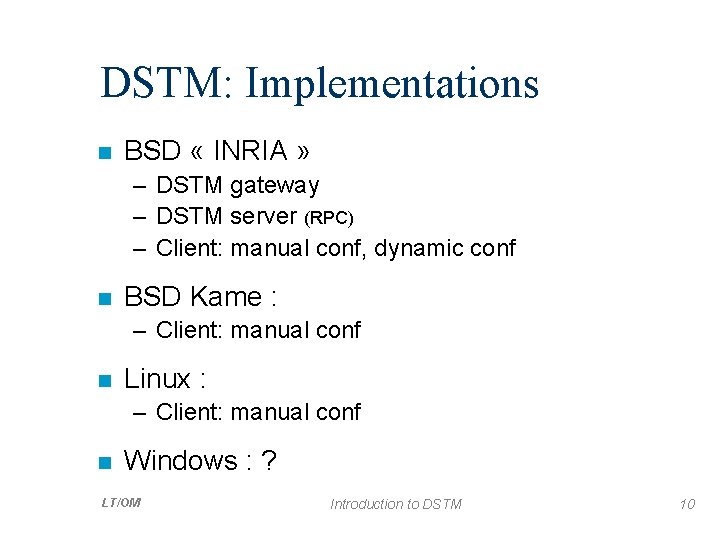
DSTM: Implementations n BSD « INRIA » – DSTM gateway – DSTM server (RPC) – Client: manual conf, dynamic conf n BSD Kame : – Client: manual conf n Linux : – Client: manual conf n Windows : ? LT/OM Introduction to DSTM 10
DSTM n You want to try it? Octavio. Medina@enst-bretagne. fr LT/OM Introduction to DSTM 11
- Slides: 11