
DSpace Backup and Restore Mukesh A Pund Principal
DSpace Backup and Restore Mukesh A Pund Principal Scientist NISCAIR
Backup Vs. Export/Import Backup is meant for guarding the data from disk crash, virus attack, hacking or any calamity Export/Import is meant for exchange of digital objects across repositories
Hardware Required for Backup Any one of the following CD-ROM/DVD-ROM DAT Drive External Hard disk Another system on the LAN
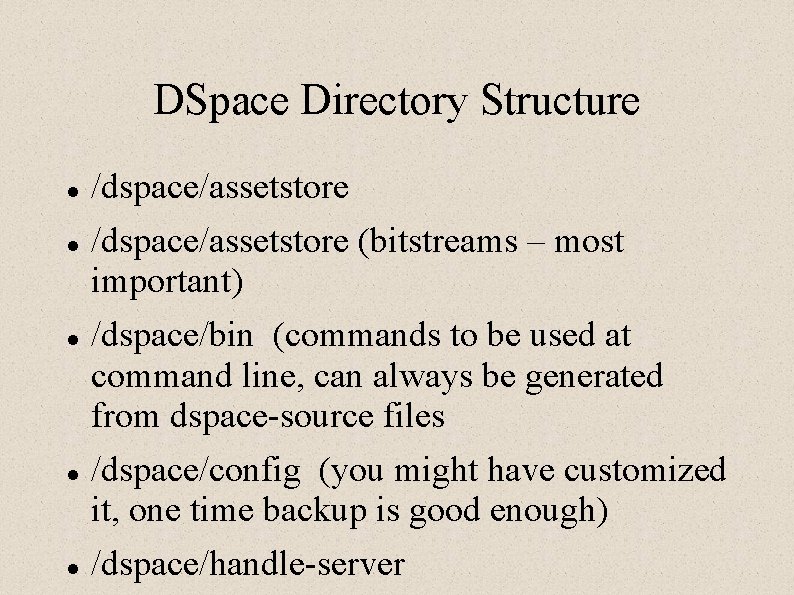
DSpace Directory Structure /dspace/assetstore (bitstreams – most important) /dspace/bin (commands to be used at command line, can always be generated from dspace-source files /dspace/config (you might have customized it, one time backup is good enough) /dspace/handle-server

DSpace Directory Structure /dspace/lib (can always be generated from dspace-source) /dspace/logs (essential to generate statistical reports and bug tracing) /dspace/reports (can be generated from Log files) /dspace/search (can be regenerated using index -all command)
Where DSpace stores data /dspace/assetstore directory will have all the Bitstreams and licenses Postgre. SQL databases contains information on Communities Collections e-groups E-persons, thier passwords Host of other information
What should be Backedup Your DSpace postgre. SQL database /dspace/assetstore (minimum backup) /dspace (entire directory)
Creating Backup Directory Create one directory where backup files will be stored Eg #mkdir /dspacebkp #chmod 777 /dspacebkp

tar Command (compress) To back up /dspace directory $tar zcvf /dspacebkp/dspace 010217. tar. gz /dspace To back up only /dspace/assetstore $tar -zcvf /dspacebkp/asset 010217. tar. gz /dspace/assetstore/
Untar (uncompress) To untar and unzip the tar. gz file, you may use the following command $tar -zxvf /dspacebkp/dspace 010217. tar. gz WARNING: The safer approach is to use the above command in temp directory and copy it to dspace directory only after successfully un-taring the file
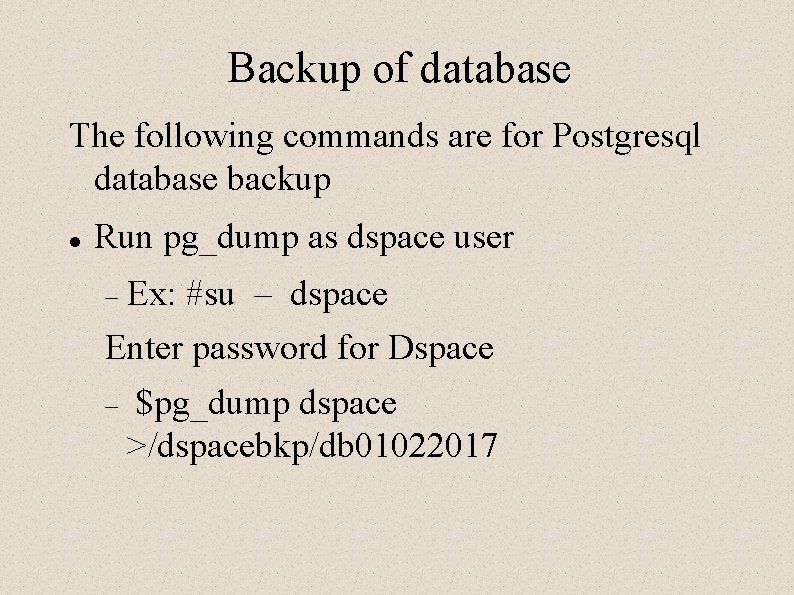
Backup of database The following commands are for Postgresql database backup Run pg_dump as dspace user Ex: #su – dspace Enter password for Dspace $pg_dump dspace >/dspacebkp/db 01022017
Backup of database Where dspace is name of the database /dspacebkp/db 01022017 file is backup file in which all the table definitions and contents will be stored
Restoring the backup data One can use any of the following commands: psql command OR pg_restore
Restoring the Database WARNING: WARNING You do not need to restore, unless your data got corrupted. Not to be used as a routine Of course backup should be done periodically
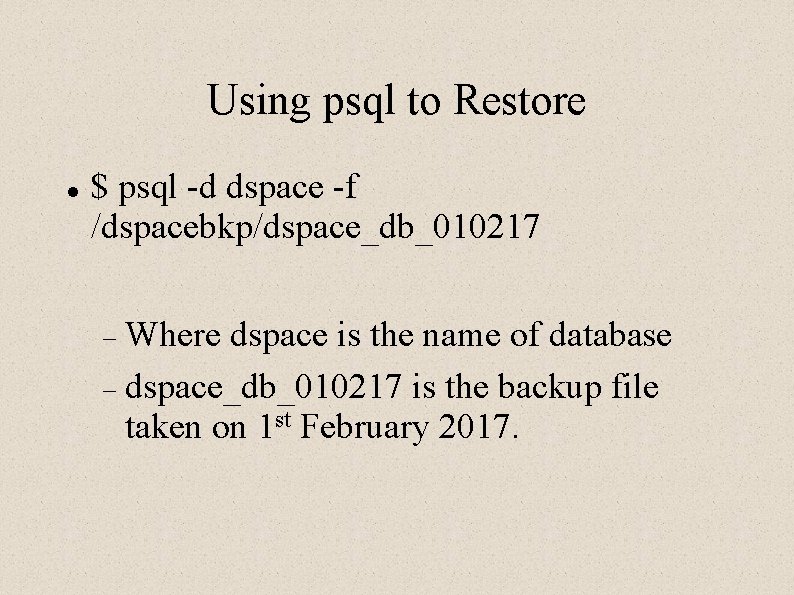
Using psql to Restore $ psql -d dspace -f /dspacebkp/dspace_db_010217 Where dspace is the name of database dspace_db_010217 is the backup file taken on 1 st February 2017.
- Slides: 15