
DSE Medical Insurance Claim Process For those employees



- Slides: 18
DSE Medical Insurance Claim Process For those employees who have DSE Medical/Dental Insurance
Make an appointment with the doctor (medical doctor, eye doctor, dentist) This Photo by Unknown Author is licensed under CC BY-SA
Go to the doctor appointment This Photo by Unknown Author is licensed under CC BY-ND
Purchase any prescriptions from the pharmacy using your TASC HRA debit card or your TASC FSA debit card. Your insurance card is your drug card.
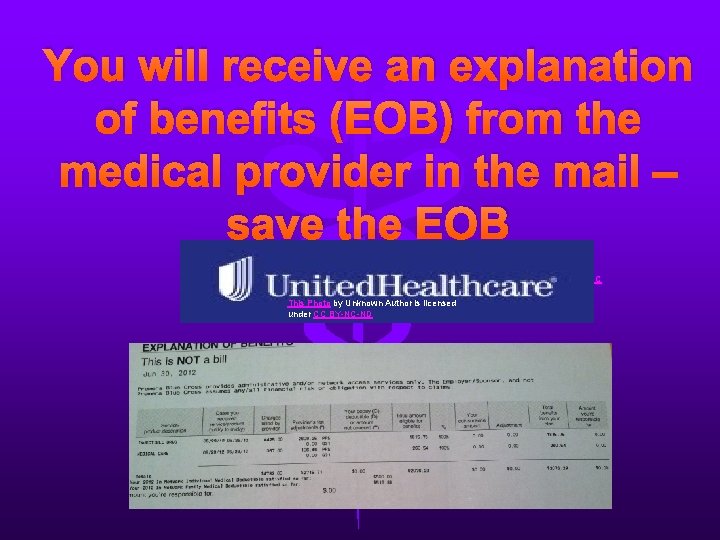
You will receive an explanation of benefits (EOB) from the medical provider in the mail – save the EOB This Photo by Unknown Author is licensed under CC BY-NC-ND
After receipt of EOB and Invoice from Provider you will pay the invoice to the Provider using the TASC HRA Debit Card (up to annual limits: $2, 600 for individual, $5, 200 for family coverage).
OR: Immediately mail the EOB and/or prescription receipts to TASC or use their online website to provide the necessary data This Photo by Unknown Author is licensed under CC BY-NC-SA
After processing your data, TASC will deposit in your checking account the amount of your claim up to the amount of the deductible $2, 600. 00 for an individual or $5, 200. 00 for a family, *You must set up direct deposit option.
FSA Plan
DSE seeds $500 annually to a FSA plan for the cost of any FSA eligible expense. TASC FSA Debit Card can be used to pay for these expenses up to the available balance. (Prorated in first year of employment) You may choose to contribute to this plan as well. (See plan information on DSE Website for details)
Dental Process (Aetna)
About Our Dental Plan • DSE is on a Dental PPO Plan • PPO stands for Preferred Provider Organization • Aetna is our insurance company and has NOTHING to do with our TASC – HRA plan • You can use your TASC FSA debit card for excess dental
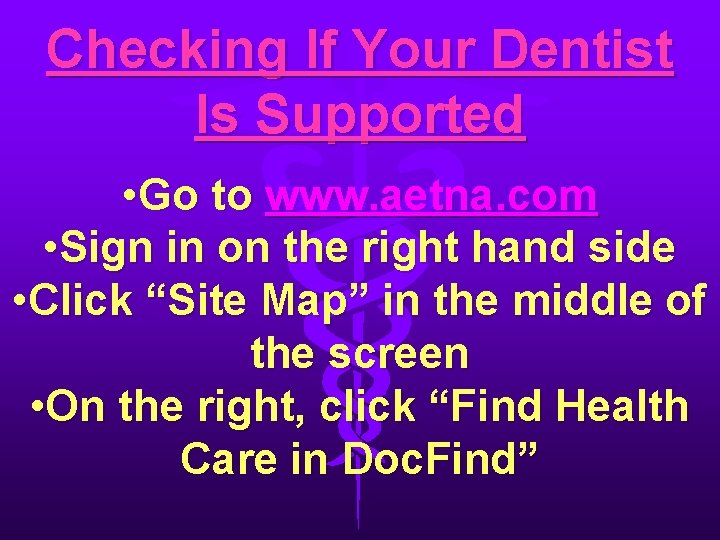
Checking If Your Dentist Is Supported • Go to www. aetna. com • Sign in on the right hand side • Click “Site Map” in the middle of the screen • On the right, click “Find Health Care in Doc. Find”
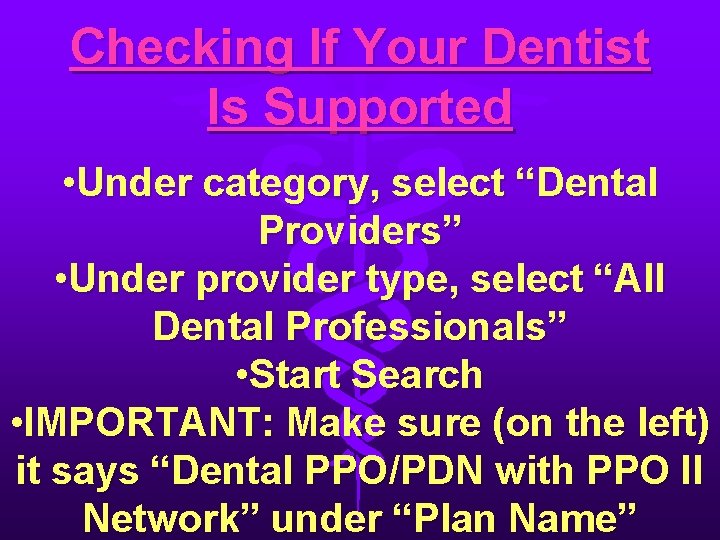
Checking If Your Dentist Is Supported • Under category, select “Dental Providers” • Under provider type, select “All Dental Professionals” • Start Search • IMPORTANT: Make sure (on the left) it says “Dental PPO/PDN with PPO II Network” under “Plan Name”
If Your Dentist is Supported • Give them your card when you go to the dentist • They are NOT authorized to charge more than PPO negotiated rates! • Aetna will pay directly to the dentist • NOTE: If dentist does something that is not covered (ex: some types of fillings), you must pay the difference. You can use the TASC FSA Debit Card for this.
Your Dentist is Not Supported • Your dentist can charge whatever he wants and you are responsible for the difference between the Aetna rate and his/her rate (This can be HUGE!) • Whatever you pay out of pocket can be paid with any available funds on the TASC FSA Debit Card.
This Photo by Unknown Author is licensed under CC BY-SA
AFLAC • You may also purchase optional products through AFLAC at your cost. • You will be contacted by our AFLAC representative for details on these offerings.