
Drone Blocks and Tello by Clayton Walker Robert
Drone. Blocks and Tello by Clayton Walker / Robert Nobel 1
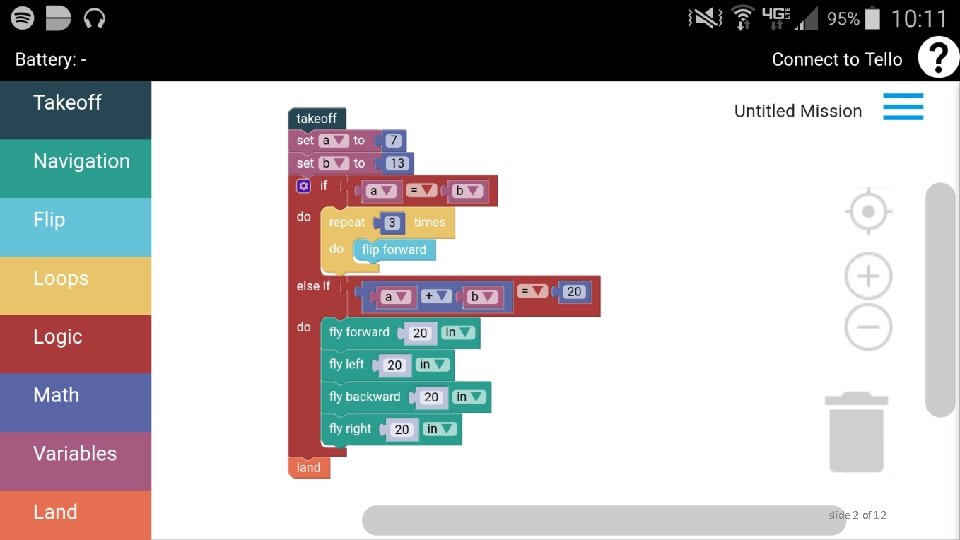
slide 2 of 12
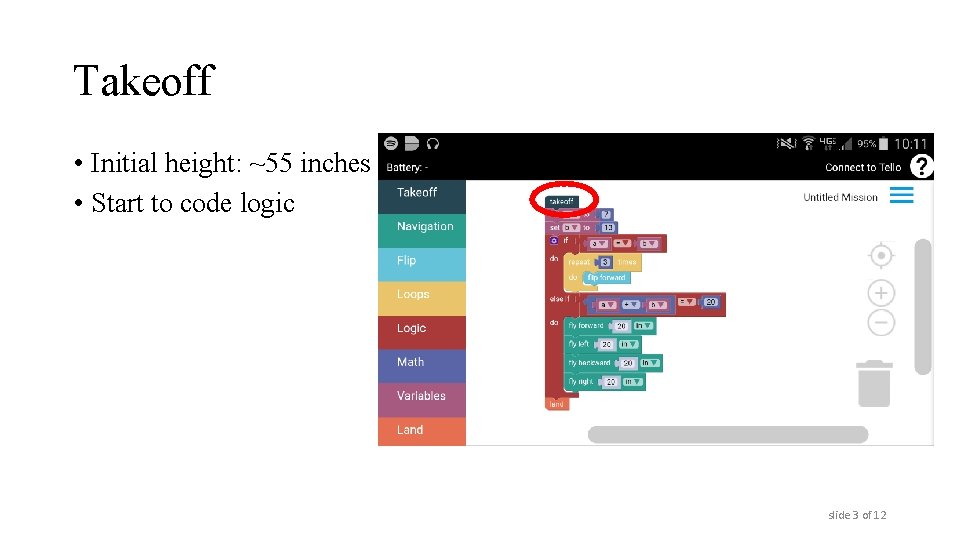
Takeoff • Initial height: ~55 inches • Start to code logic slide 3 of 12
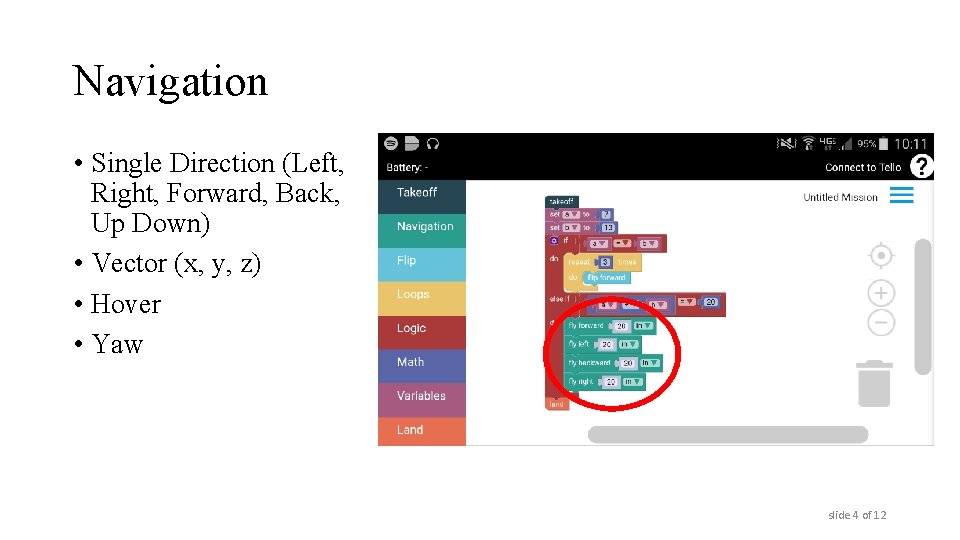
Navigation • Single Direction (Left, Right, Forward, Back, Up Down) • Vector (x, y, z) • Hover • Yaw slide 4 of 12
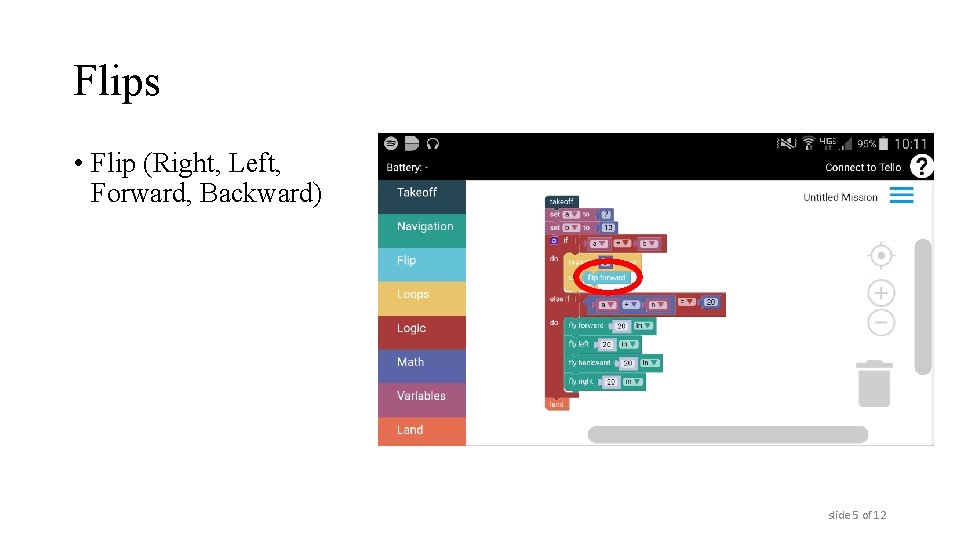
Flips • Flip (Right, Left, Forward, Backward) slide 5 of 12
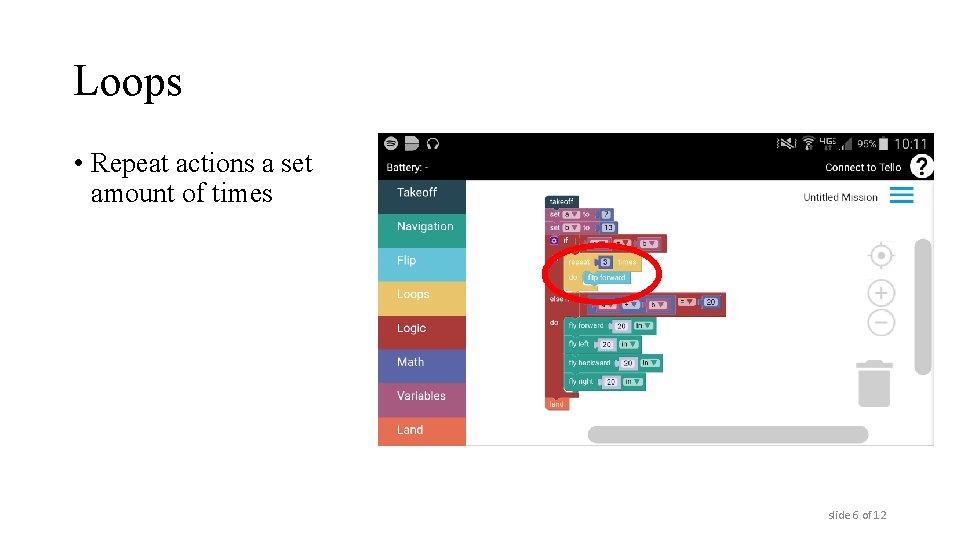
Loops • Repeat actions a set amount of times slide 6 of 12
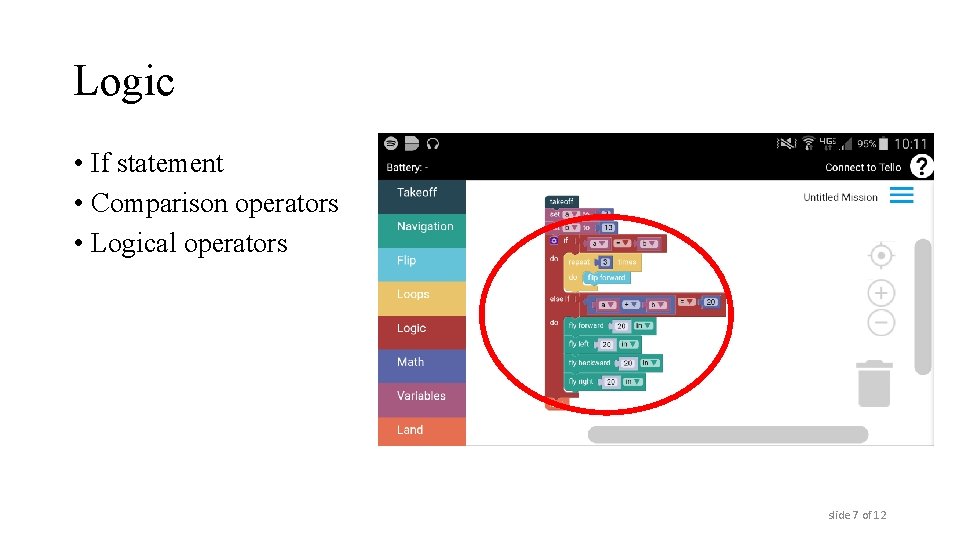
Logic • If statement • Comparison operators • Logical operators slide 7 of 12
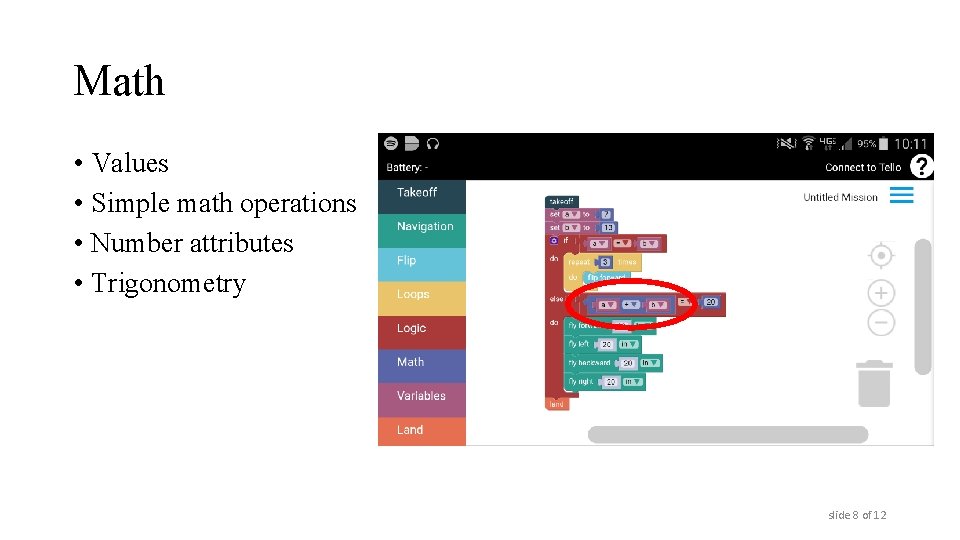
Math • Values • Simple math operations • Number attributes • Trigonometry slide 8 of 12
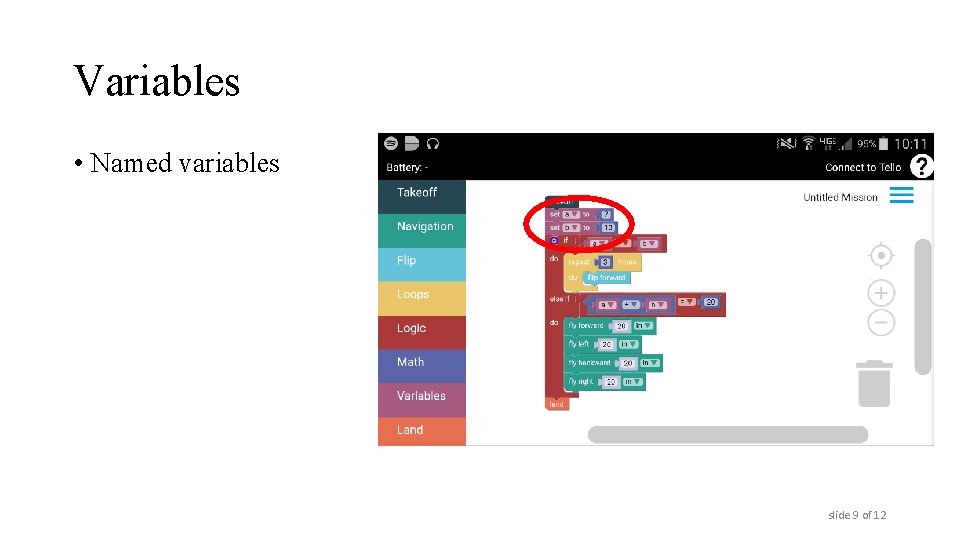
Variables • Named variables slide 9 of 12
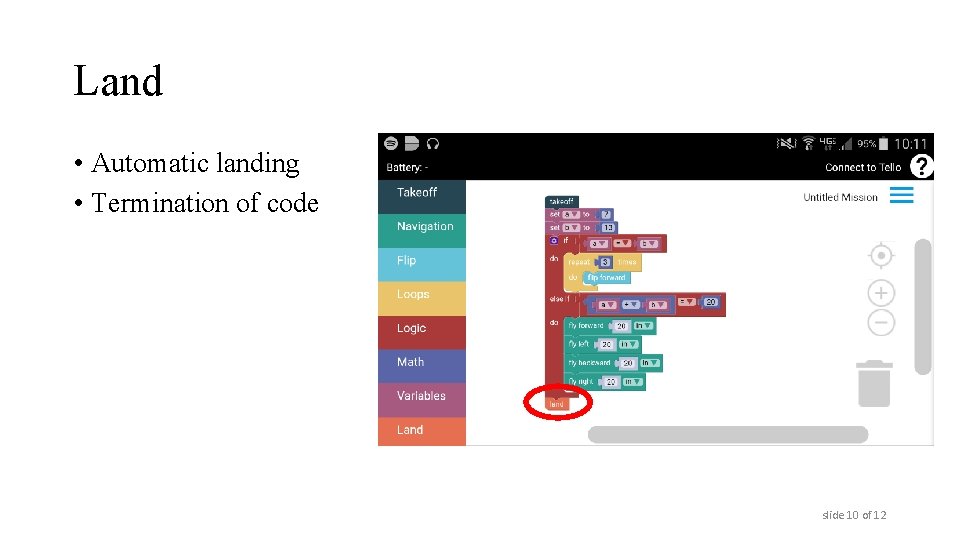
Land • Automatic landing • Termination of code slide 10 of 12
Creating a Mission • Download the Drone. Blocks app • Define your objective • Develop design options • Select an option and develop logic • Implement design slide 11 of 12
Launching a Mission • Power on Tello and place on a flat surface in an open area indoors. • Double tap your home button and go to Settings > Wifi • Tap on the Tello, which will create a hotspot that will look similar to: Tello-XXXXXX. • Double tap your home button and return to Drone. Blocks • Click "Connect To Tello“ • Click the menu in the upper right corner • Click “Launch Mission” slide 12 of 12
- Slides: 12