
DRAWING IN MS WORD Lesson 6 Activities CIRCLES
- Slides: 28
DRAWING IN MS WORD Lesson 6 Activities
CIRCLES = PANDAS Only the circle shape is available
Using only circles, you will be drawing a panda bear. Colors don’t matter until the very end, so don’t worry that the default circle is blue – you’ll be changing that in the last step. One option is to create a circle that you want to use, then simply use it as a copy/paste tool for the rest of the exercise.
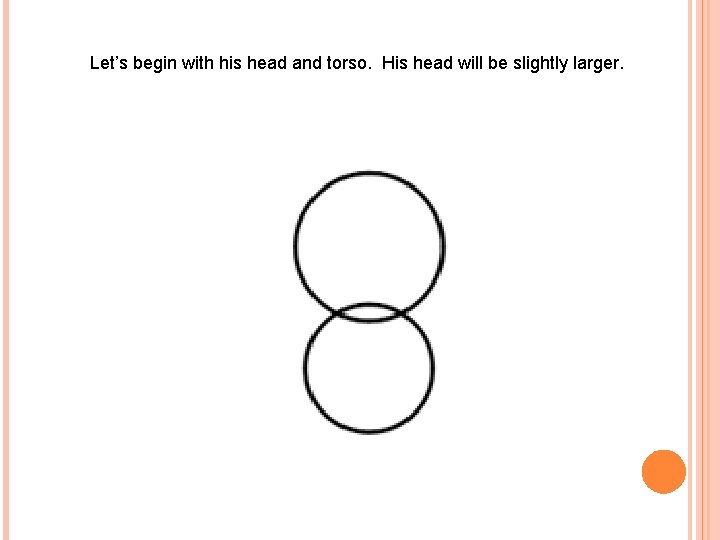
Let’s begin with his head and torso. His head will be slightly larger.
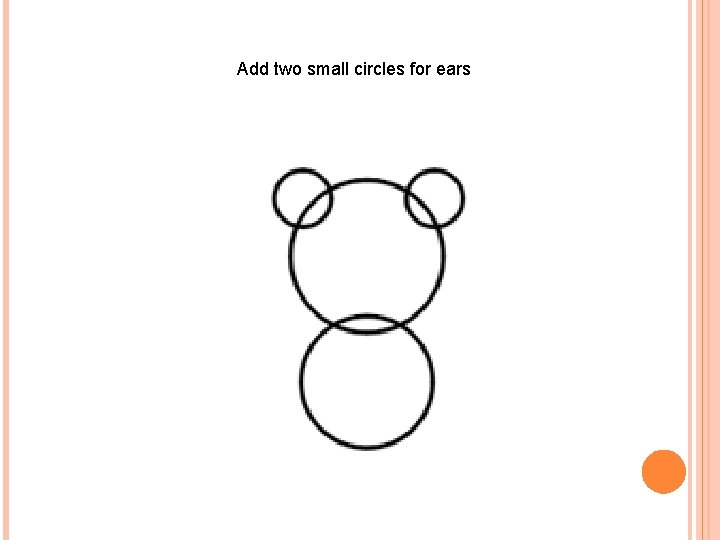
Add two small circles for ears
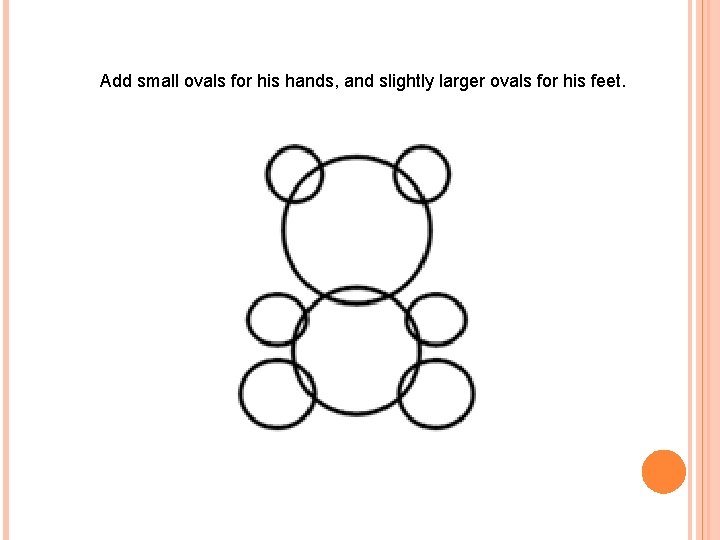
Add small ovals for his hands, and slightly larger ovals for his feet.
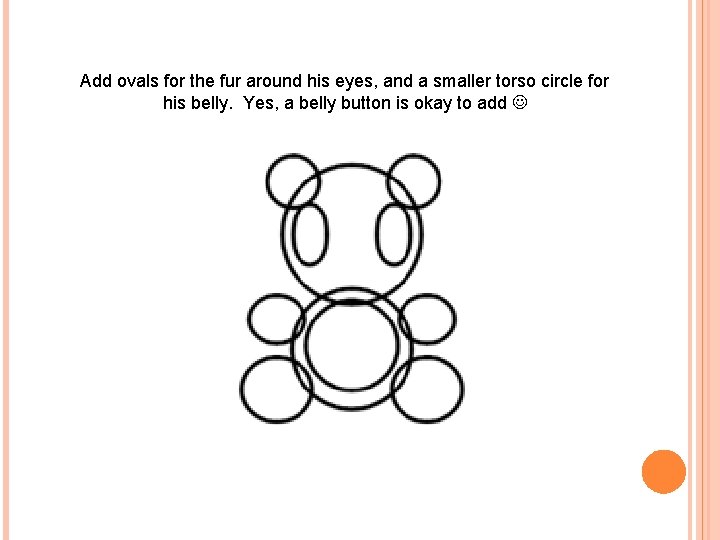
Add ovals for the fur around his eyes, and a smaller torso circle for his belly. Yes, a belly button is okay to add
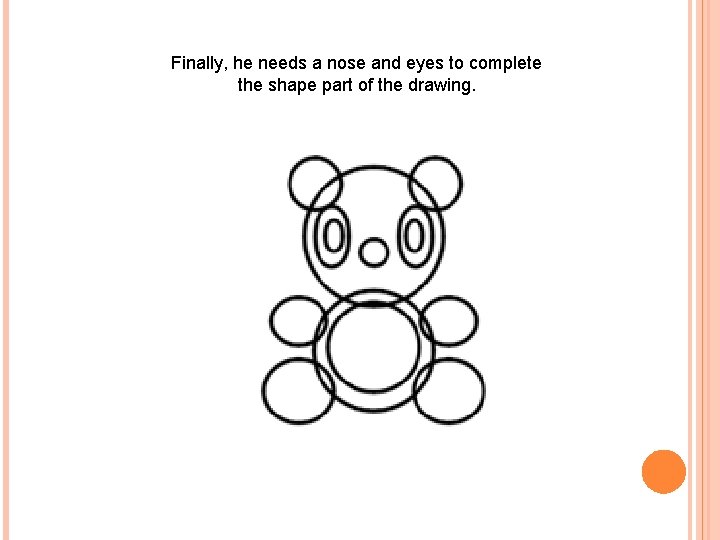
Finally, he needs a nose and eyes to complete the shape part of the drawing.
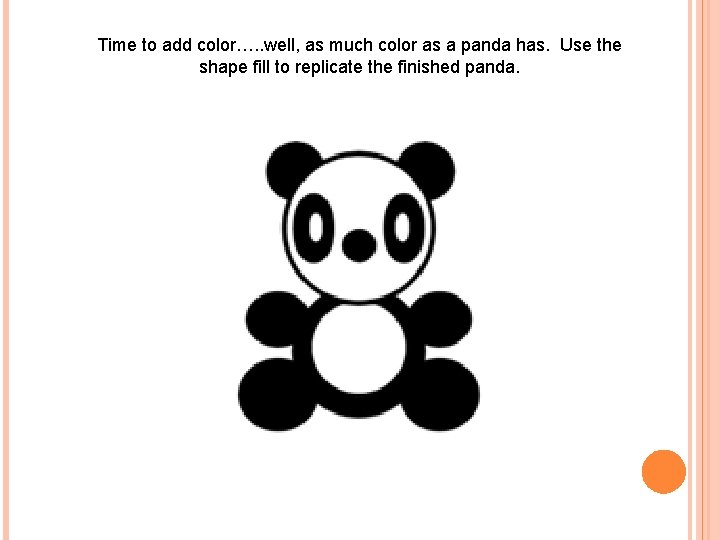
Time to add color…. . well, as much color as a panda has. Use the shape fill to replicate the finished panda.
DRAWING CLOWNS More than just circles – you’ll need a couple more shapes and a little imagination…. .
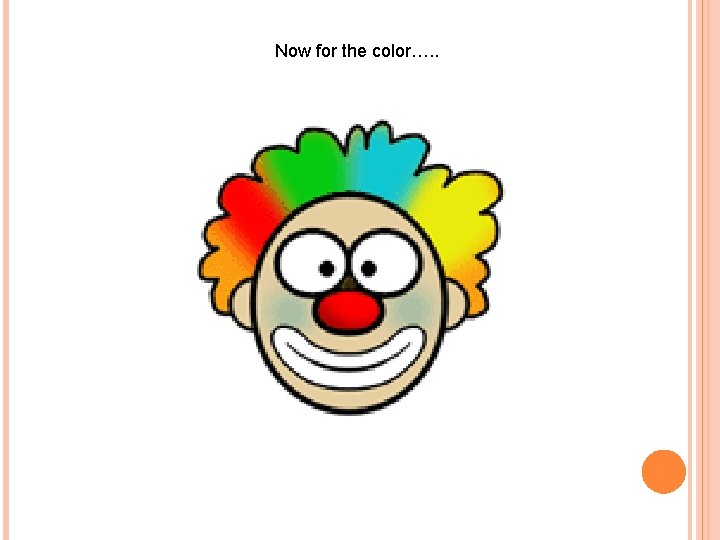
This time you’ll use a few additional shapes, and lots of imagination, to create a clown. The hair is critical!! Hint: if you have two of something you’ll need (ears, eyes, etc. ) consider copying and pasting them so they’ll be identical.
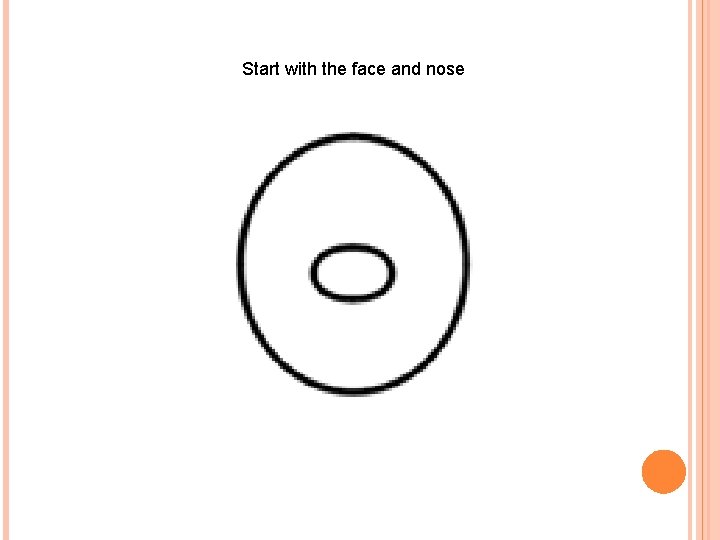
Start with the face and nose
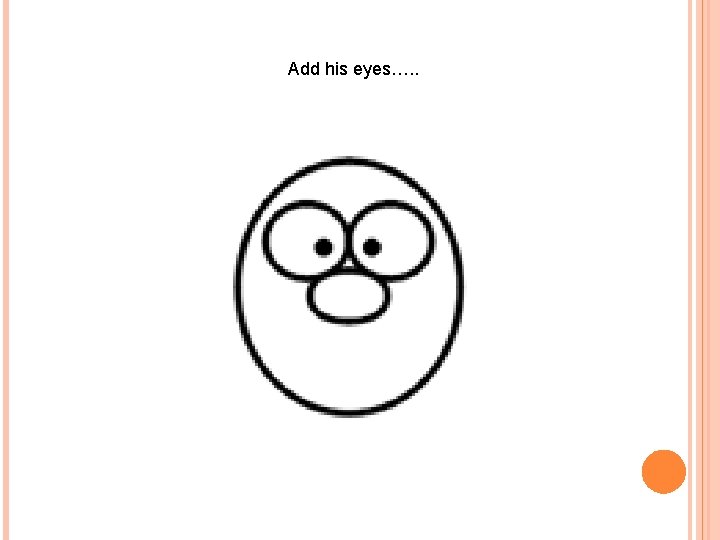
Add his eyes…. .
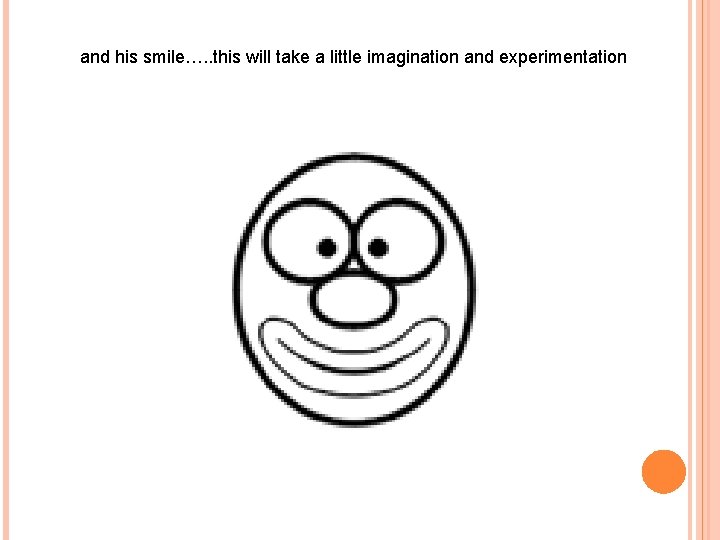
and his smile…. . this will take a little imagination and experimentation
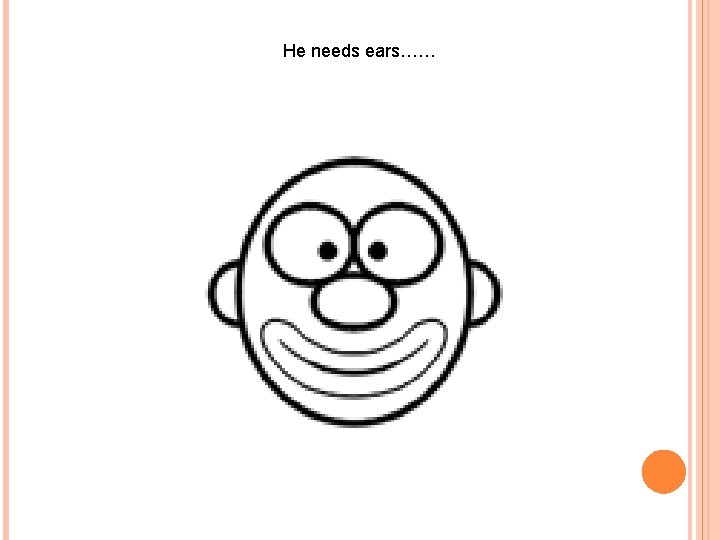
He needs ears……
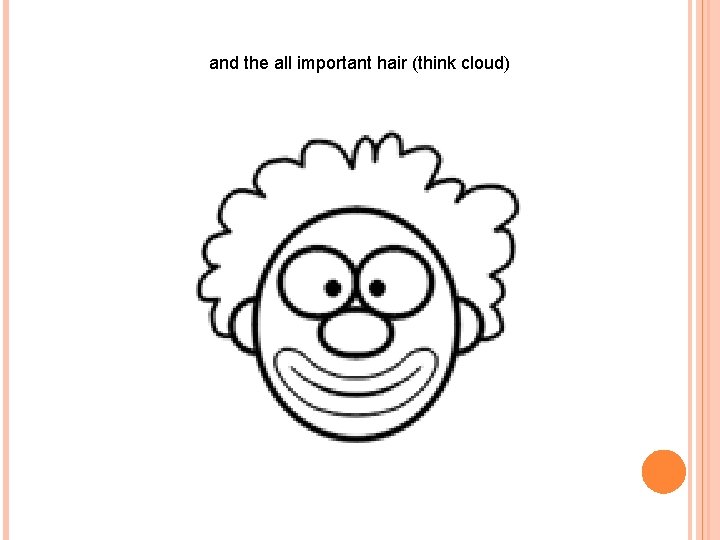
and the all important hair (think cloud)
Now for the color…. .
WHERE DO WE GO FROM HERE?
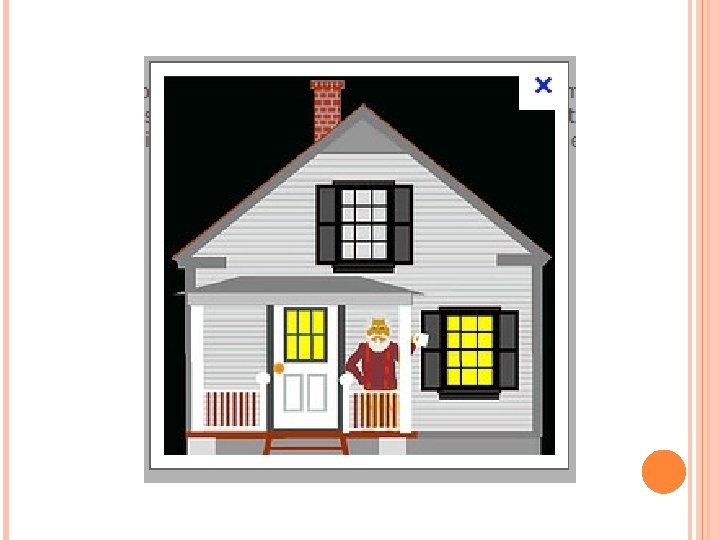
There are some amazing examples of drawings done with nothing but simple shapes. The details and complexity are limited only by the artist’s imagination. Using color, shading and a variety of shapes, people have created some incredible drawings, and so will you!
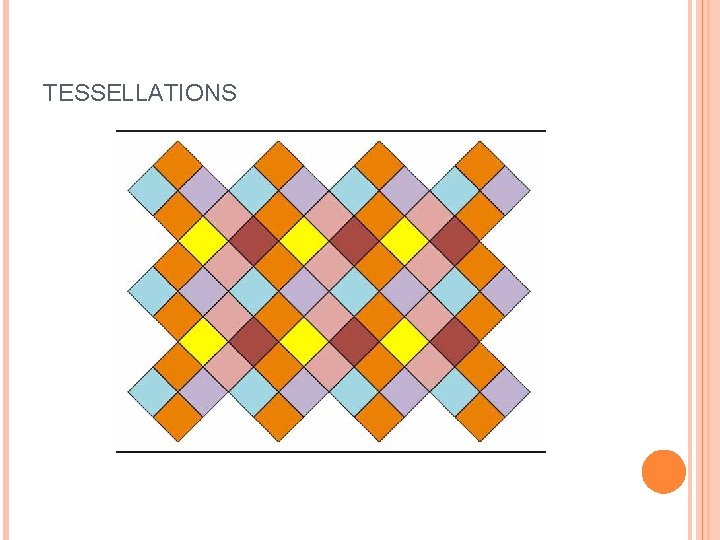
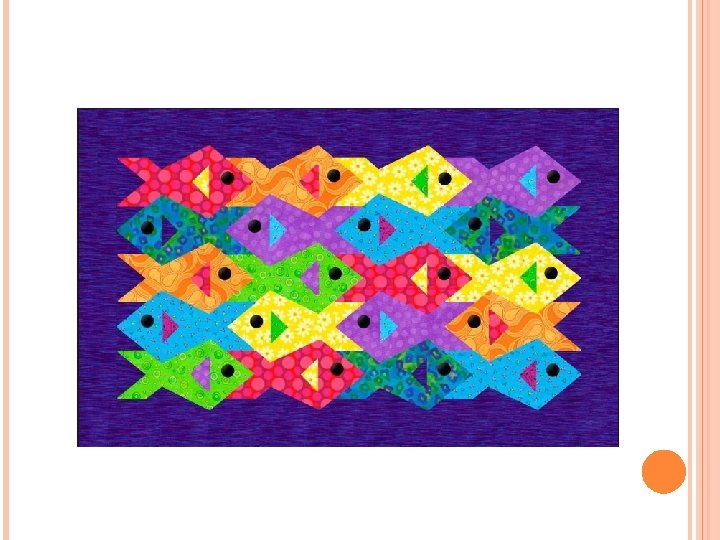
TESSELLATIONS
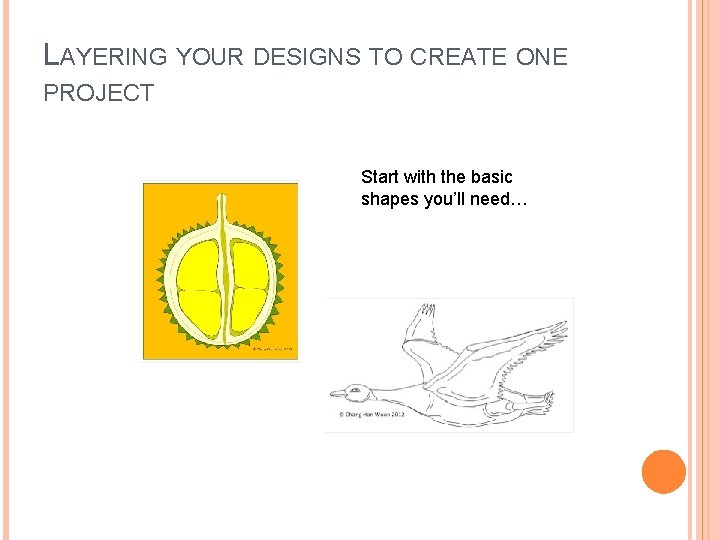
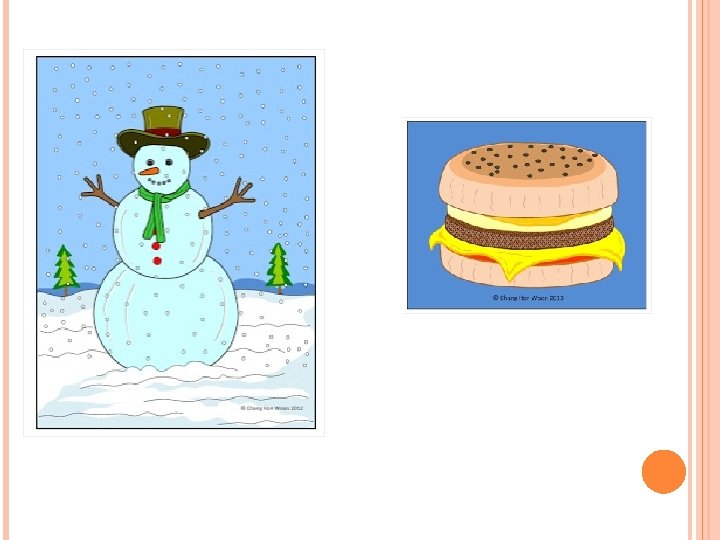
LAYERING YOUR DESIGNS TO CREATE ONE PROJECT Start with the basic shapes you’ll need…
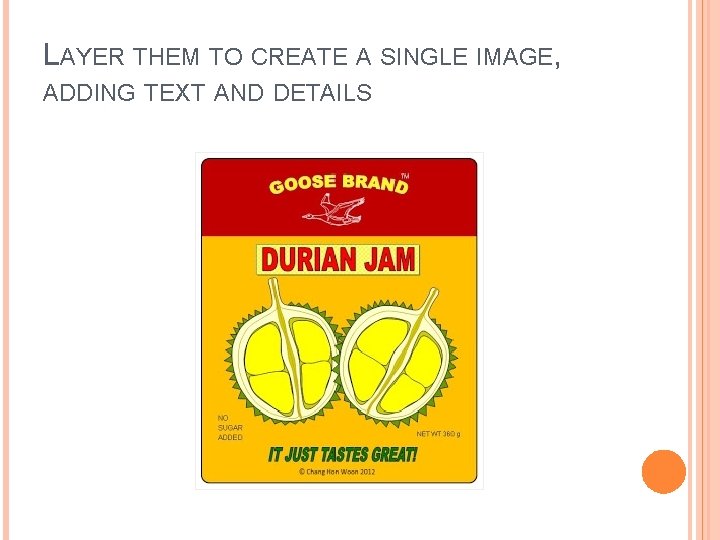
LAYER THEM TO CREATE A SINGLE IMAGE, ADDING TEXT AND DETAILS
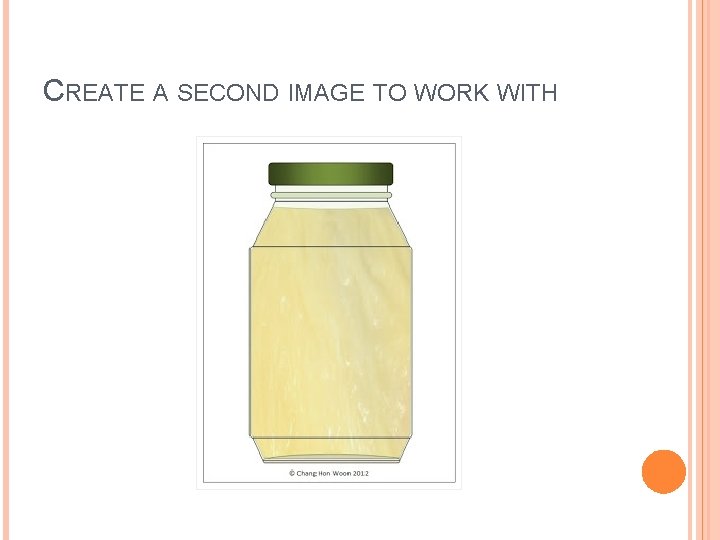
CREATE A SECOND IMAGE TO WORK WITH
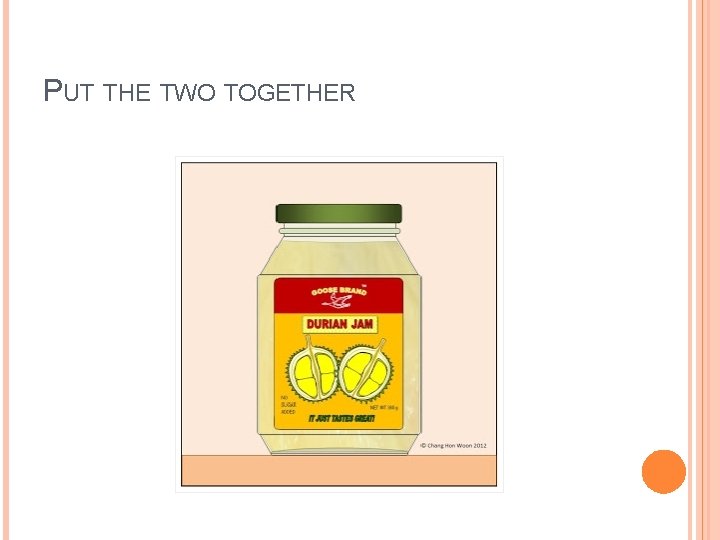
PUT THE TWO TOGETHER
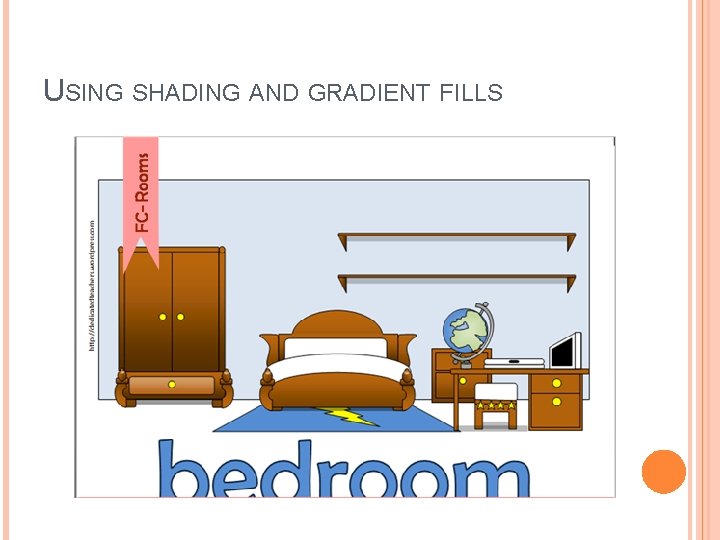
USING SHADING AND GRADIENT FILLS