
Drawing in Java part 1 Barb Ericson Georgia
Drawing in Java part 1 Barb Ericson Georgia Institute of Technology September 2006 Georgia Institute of Technology
Learning Goals • Understand at a conceptual and practical level – How to use the Turtle class to draw on a picture – How to use the java. awt. Graphics class to do simple drawing • • How to draw simple shapes How to set the color How to set the font How to draw strings Georgia Institute of Technology
Drawing on a Picture • What if we want to draw something on a picture? • How about drawing a grid of lines on top of a picture? – We could use a Turtle object to draw the lines – Create the Turtle on a Picture object • Picture p = new Picture(File. Chooser. pick. AFile()); • Turtle turtle 1 = new Turtle(p); – Using the methods: • move. To(x, y), pen. Up(), pen. Down(), • turn. Right(), turn. Left(), turn(amount) Georgia Institute of Technology
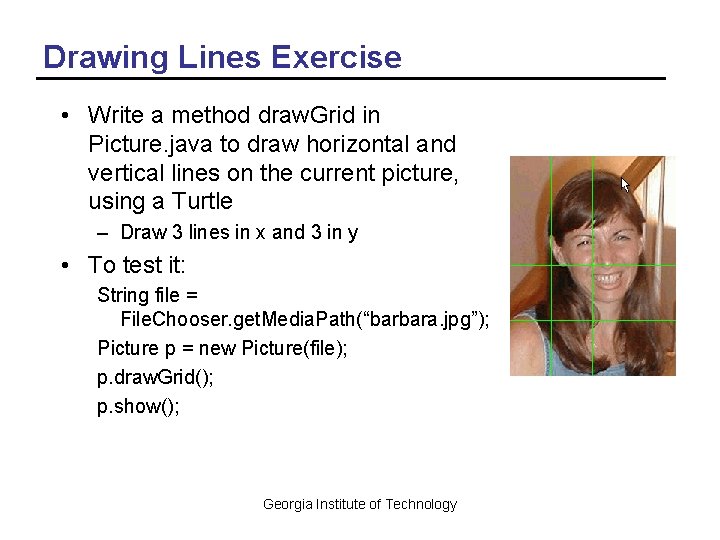
Drawing Lines Exercise • Write a method draw. Grid in Picture. java to draw horizontal and vertical lines on the current picture, using a Turtle – Draw 3 lines in x and 3 in y • To test it: String file = File. Chooser. get. Media. Path(“barbara. jpg”); Picture p = new Picture(file); p. draw. Grid(); p. show(); Georgia Institute of Technology
Drawing Other Shapes • How would you draw a circle on a picture? • How would you draw a string of characters? • Java has a class that knows how to do these things – Using a Graphics object • It knows how to draw and fill simple shapes and images – You can draw on a picture object • By getting the graphics object from it – picture. Obj. get. Graphics(); Georgia Institute of Technology
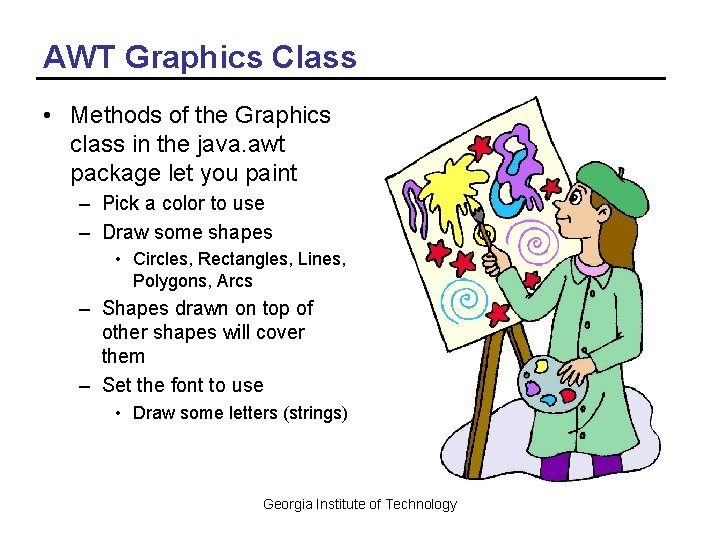
AWT Graphics Class • Methods of the Graphics class in the java. awt package let you paint – Pick a color to use – Draw some shapes • Circles, Rectangles, Lines, Polygons, Arcs – Shapes drawn on top of other shapes will cover them – Set the font to use • Draw some letters (strings) Georgia Institute of Technology
Working with java. awt. Color • To create a new color object – new Color(red. Value, green. Value, blue. Value) • There are predefined colors – red, green, blue, black, yellow, gray, magenta, cyan, pink, orange – To use these do: Color. RED or Color. red • Set the current drawing color using – graphics. Obj. set. Color(color. Obj); • Get the current drawing color using – Color curr. Color = graphics. Obj. get. Color(); Georgia Institute of Technology
Using Classes in Packages • Java organizes classes into packages – Groups of related classes • The full name of a class is – package. Name. Class. Name – java. awt. Color • If you want to use just the class name to refer to a class in a package – Use the import statement before the class definition in your class import java. awt. Color; // to allow you to use Color or import java. awt. *; // to use any class in this package Georgia Institute of Technology
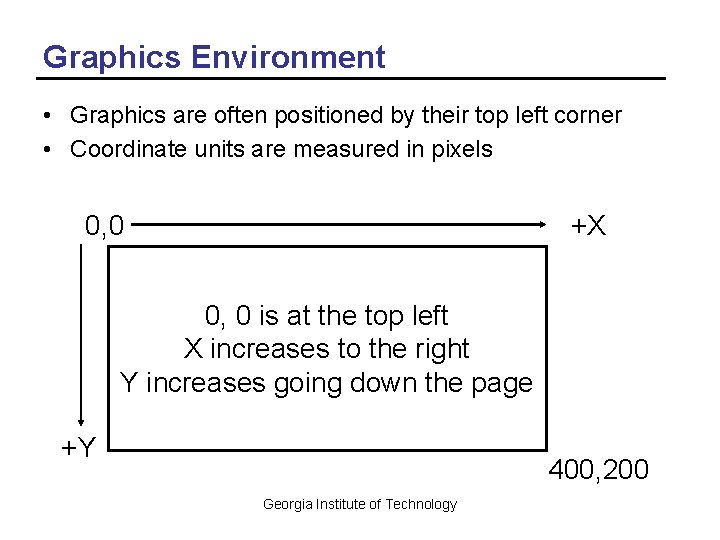
Graphics Environment • Graphics are often positioned by their top left corner • Coordinate units are measured in pixels 0, 0 +X 0, 0 is at the top left X increases to the right Y increases going down the page +Y 400, 200 Georgia Institute of Technology
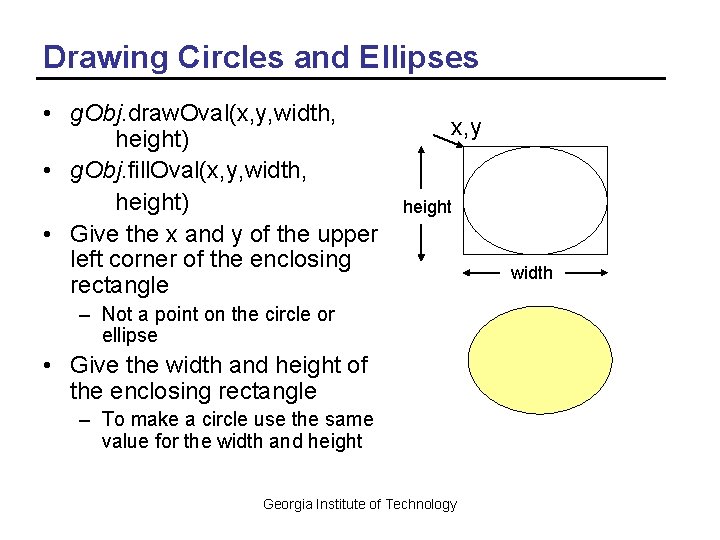
Drawing Circles and Ellipses • g. Obj. draw. Oval(x, y, width, height) • g. Obj. fill. Oval(x, y, width, height) • Give the x and y of the upper left corner of the enclosing rectangle x, y height – Not a point on the circle or ellipse • Give the width and height of the enclosing rectangle – To make a circle use the same value for the width and height Georgia Institute of Technology width
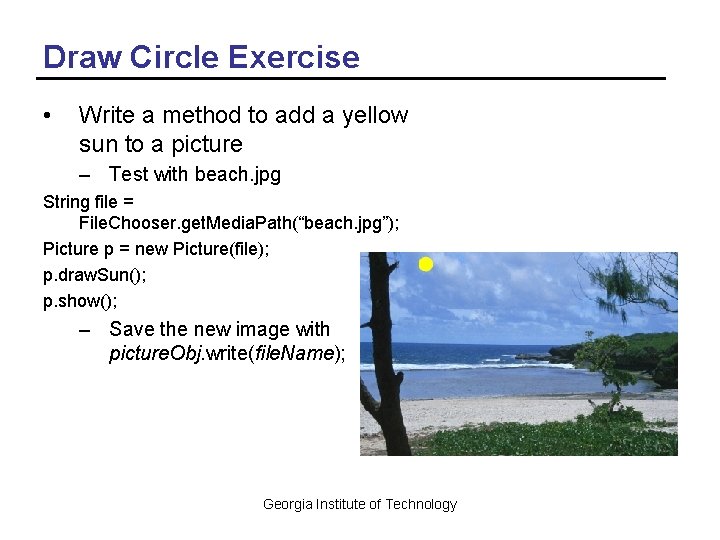
Draw Circle Exercise • Write a method to add a yellow sun to a picture – Test with beach. jpg String file = File. Chooser. get. Media. Path(“beach. jpg”); Picture p = new Picture(file); p. draw. Sun(); p. show(); – Save the new image with picture. Obj. write(file. Name); Georgia Institute of Technology
Working with Fonts • Create a font object with the font name, style, and point size – Font label. Font = new Font(“Times. Roman”, Font. BOLD, 24); – Font normal. Font = new Font(“Helvetica”, Font. PLAIN, 12); • Set the current font – g. Obj. set. Font(label. Font); • Get font information – g. Obj. get. Style(), g. get. Size(), g. get. Name(), g. get. Family Georgia Institute of Technology
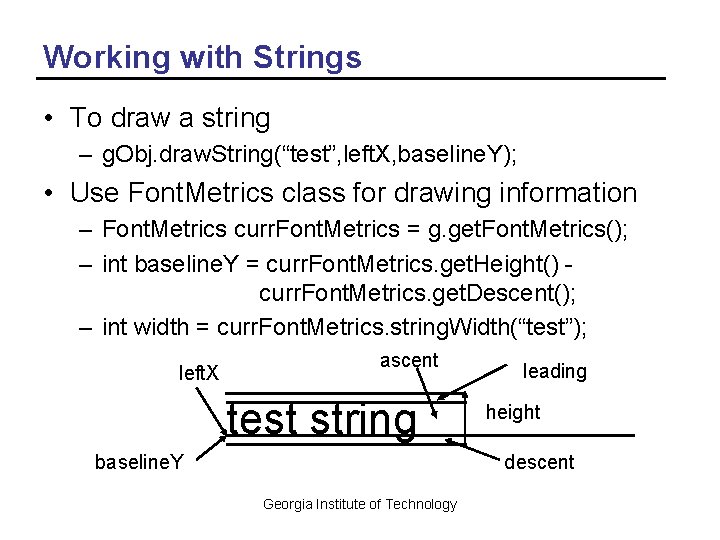
Working with Strings • To draw a string – g. Obj. draw. String(“test”, left. X, baseline. Y); • Use Font. Metrics class for drawing information – Font. Metrics curr. Font. Metrics = g. get. Font. Metrics(); – int baseline. Y = curr. Font. Metrics. get. Height() curr. Font. Metrics. get. Descent(); – int width = curr. Font. Metrics. string. Width(“test”); left. X ascent test string baseline. Y leading height descent Georgia Institute of Technology
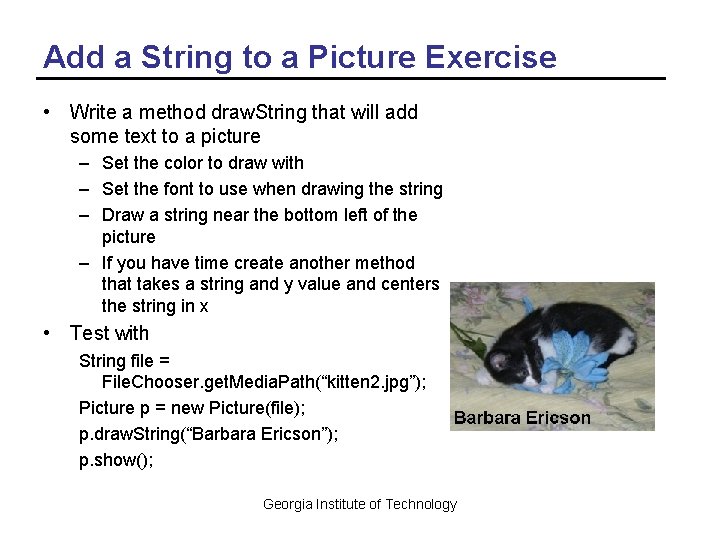
Add a String to a Picture Exercise • Write a method draw. String that will add some text to a picture – Set the color to draw with – Set the font to use when drawing the string – Draw a string near the bottom left of the picture – If you have time create another method that takes a string and y value and centers the string in x • Test with String file = File. Chooser. get. Media. Path(“kitten 2. jpg”); Picture p = new Picture(file); p. draw. String(“Barbara Ericson”); p. show(); Georgia Institute of Technology
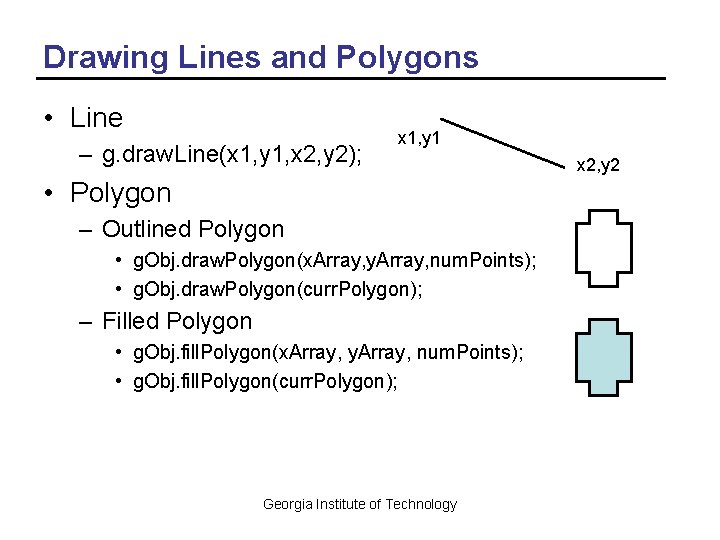
Drawing Lines and Polygons • Line – g. draw. Line(x 1, y 1, x 2, y 2); x 1, y 1 • Polygon – Outlined Polygon • g. Obj. draw. Polygon(x. Array, y. Array, num. Points); • g. Obj. draw. Polygon(curr. Polygon); – Filled Polygon • g. Obj. fill. Polygon(x. Array, y. Array, num. Points); • g. Obj. fill. Polygon(curr. Polygon); Georgia Institute of Technology x 2, y 2
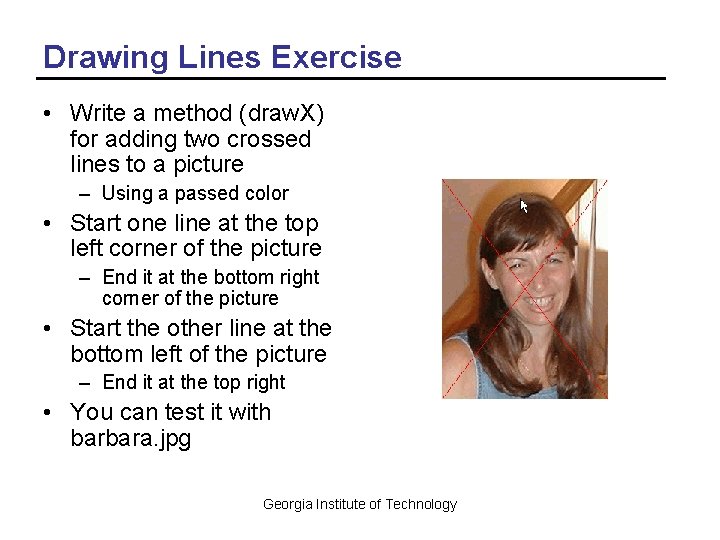
Drawing Lines Exercise • Write a method (draw. X) for adding two crossed lines to a picture – Using a passed color • Start one line at the top left corner of the picture – End it at the bottom right corner of the picture • Start the other line at the bottom left of the picture – End it at the top right • You can test it with barbara. jpg Georgia Institute of Technology
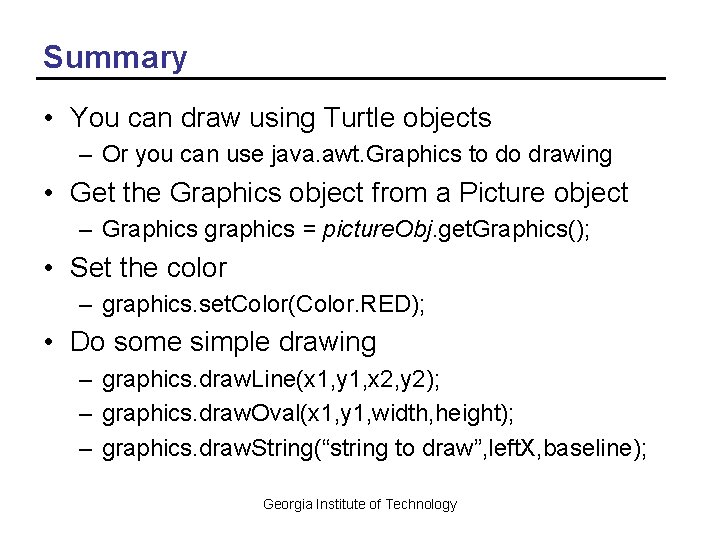
Summary • You can draw using Turtle objects – Or you can use java. awt. Graphics to do drawing • Get the Graphics object from a Picture object – Graphics graphics = picture. Obj. get. Graphics(); • Set the color – graphics. set. Color(Color. RED); • Do some simple drawing – graphics. draw. Line(x 1, y 1, x 2, y 2); – graphics. draw. Oval(x 1, y 1, width, height); – graphics. draw. String(“string to draw”, left. X, baseline); Georgia Institute of Technology
- Slides: 17