
DRATS Not Just for DSTAR radios Debbie Fligor
D-RATS Not Just for D-STAR radios Debbie Fligor, N 9 DN TCARC meeting 3/9/2010
Overview • What is D-RATS? • Why use D-RATS? • What can D-RATS do? • How do I setup D-RATS? • Where do I get more info?

What is D-RATS? • Awritten multi-platform communications package by Dan Smith, KK 7 DS, in python/GTK • MS Windows (2000 or later) • Mac OS X • Linux • Emergency Communications tool • distribute data reliably • Internet to RF gateway (and back again) • Mapping program/position reporting system
Why use D-RATS? • Works on multiple interfaces • D-STAR radio • Internet reflector • KISS-mode TNC • DV-Dongle • Traffic routing • Manual • Automatic • Win. Link 2000 interface

Why use D-RATS? • Fairly simple interface • Large number of features available • email (internet and RF) • memos • ICS & Radiogram forms • Chat window • File transfer

What can D-RATS do? • The interface has 4 tabs and a Map window, we’ll look at them one at a time • Messages • Chat • Files • Event Log • Map View
Messages • Forms • includes printable versions • layouts can be shared (XML files) • Attachments • Automatic and manual forwarding • Familiar inbox/outbox/sent/trash • File broadcast (to all stations)
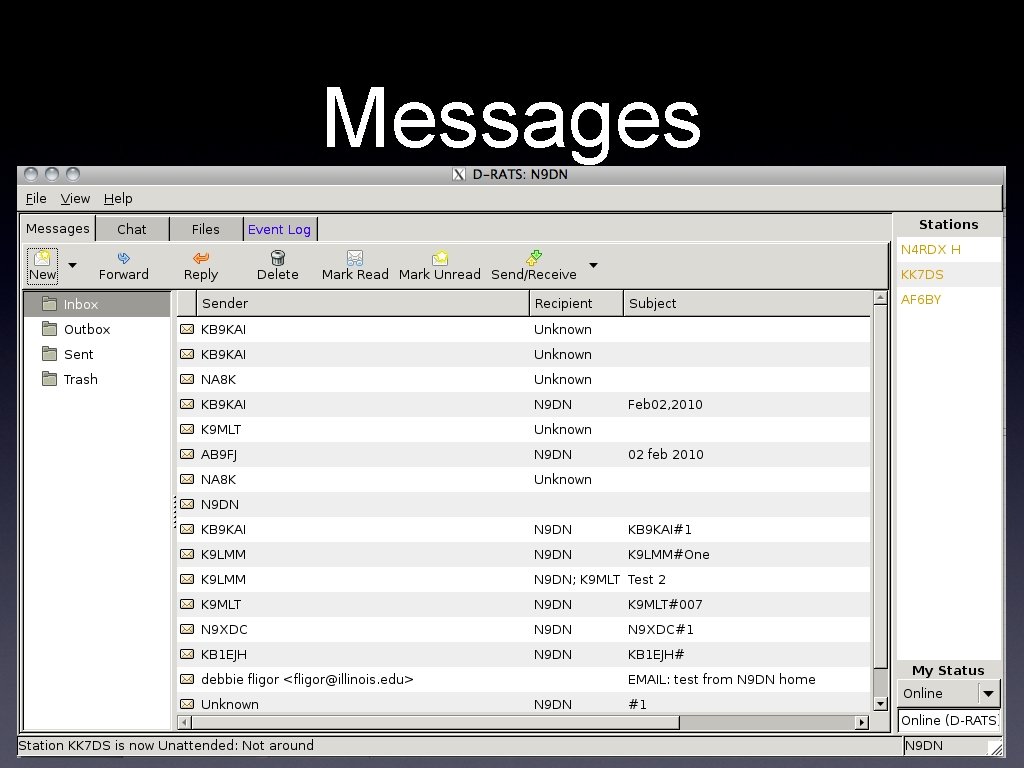
Messages
Chat • Mostly like IM/texting/IRC • “Ping” function to see who is online • Station heard list, with mouse-over info • Can see multiple interfaces at the same time • This is where to find the NCS station
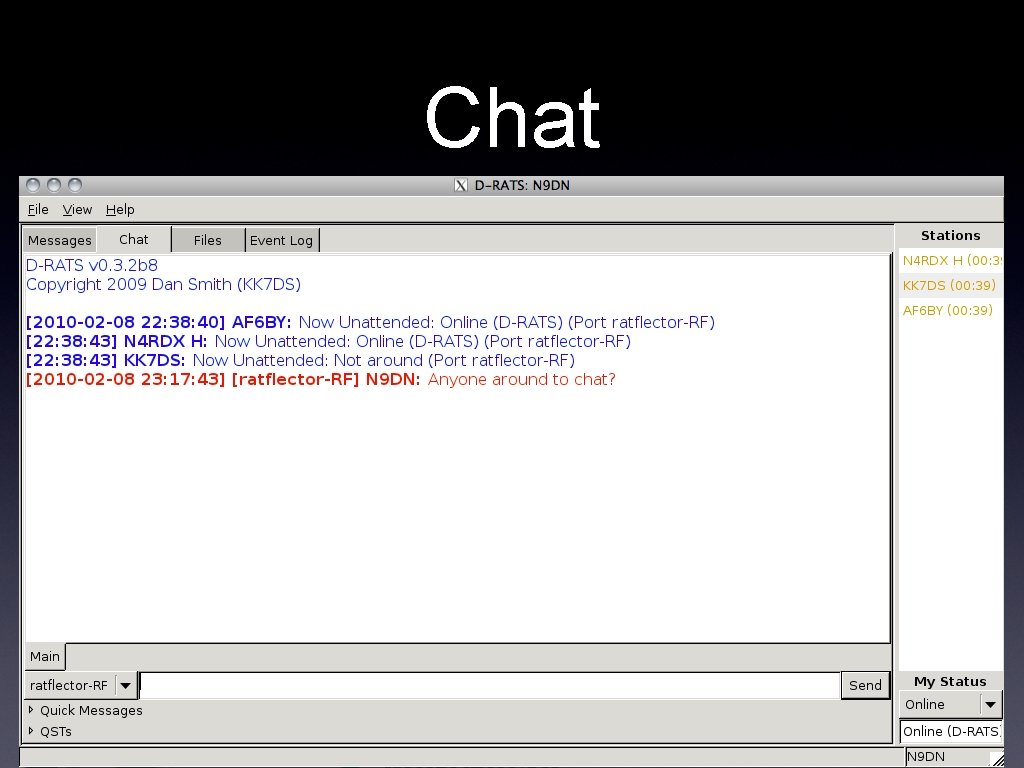
Chat
Files • See your local files that others can connect and access • Connect to other stations • Upload • Download
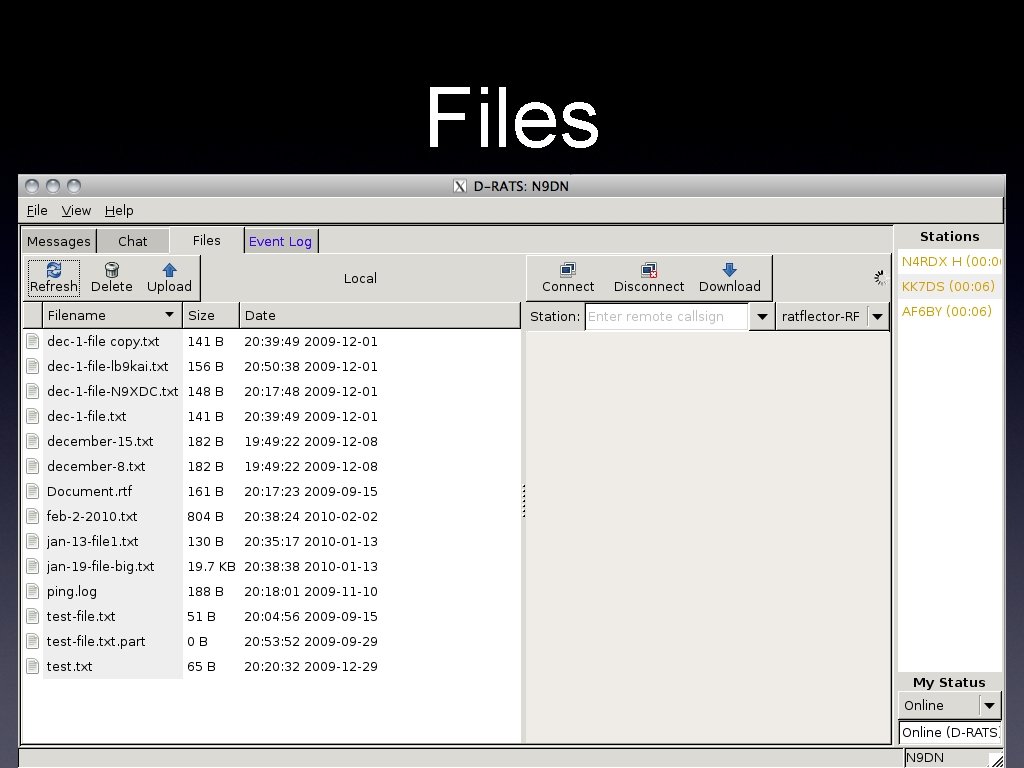
Files
Event Log • See ping responses • Monitor file transfers • Monitor form transfers
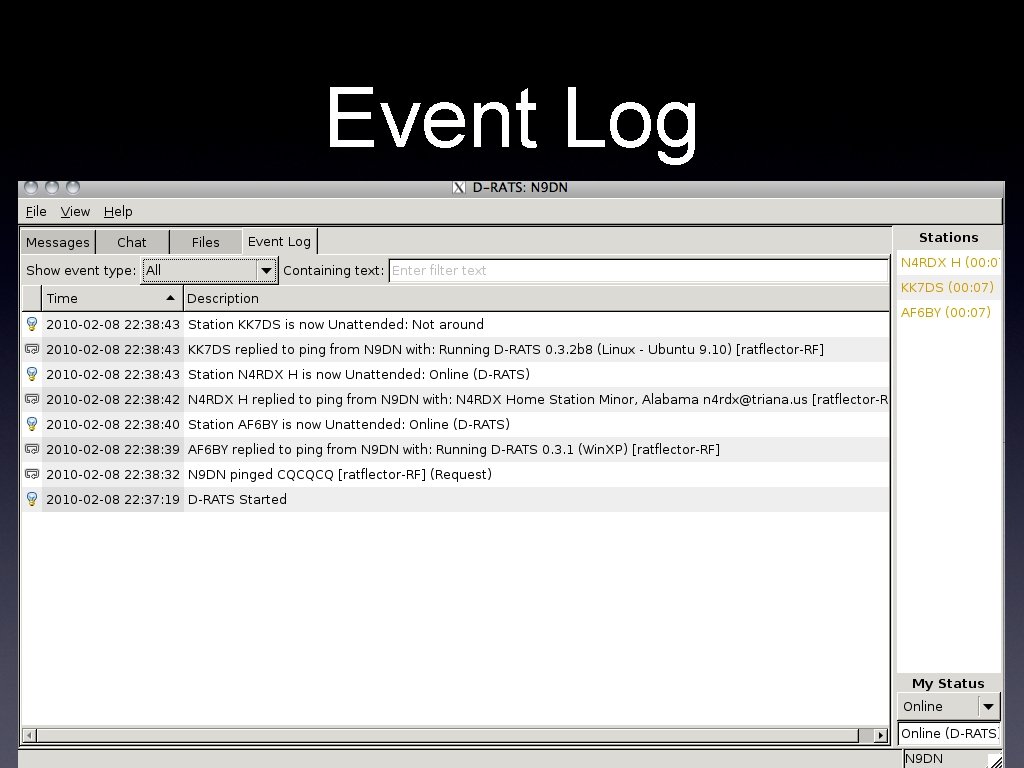
Event Log
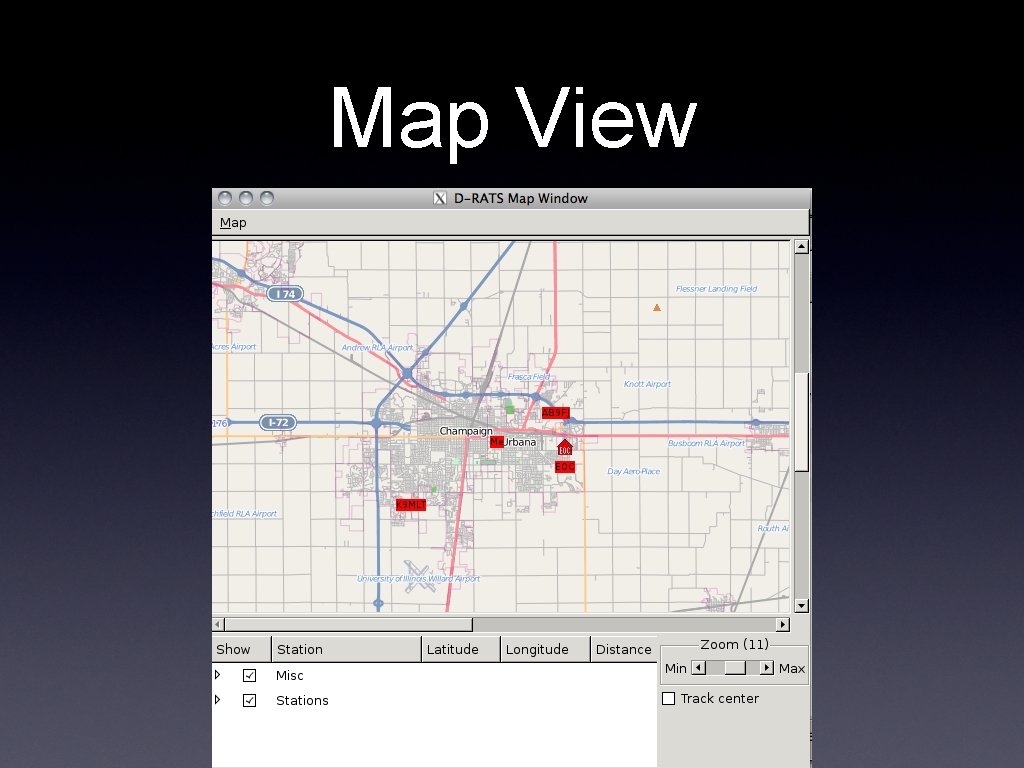
Map View • Position tracking • moving stations updated in real-time • captures and sends ICOM GPS strings • can add fixed points to the map • distance and direction calculation • Internet based free map data • can use external GPS while on radio
Map View
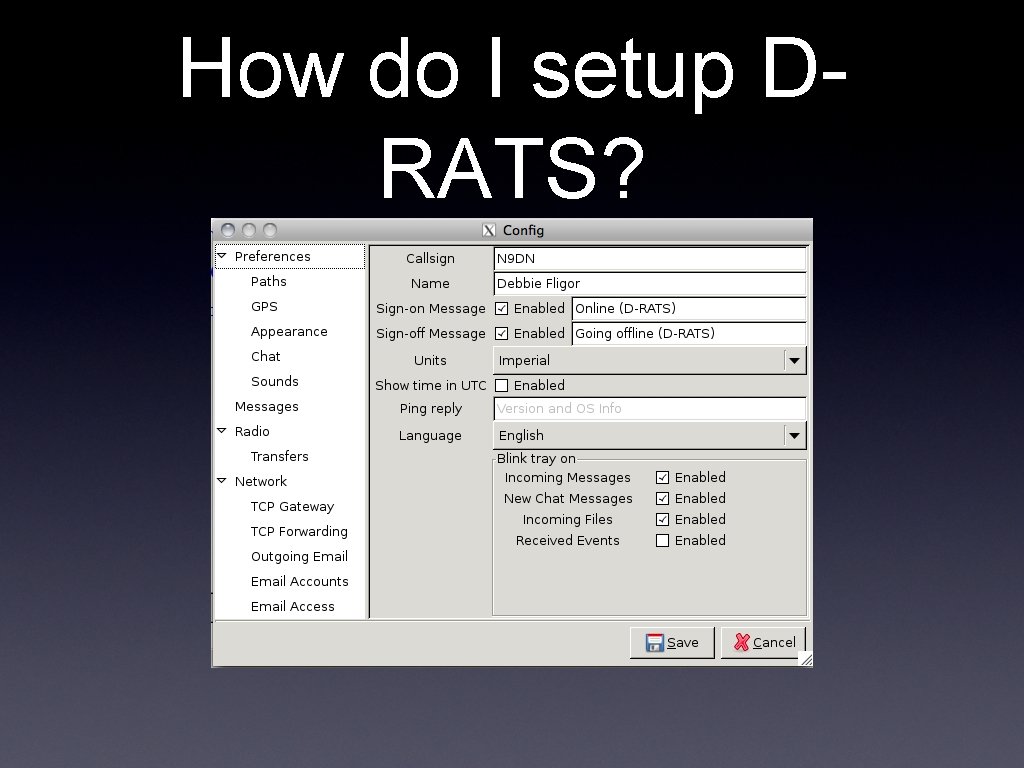
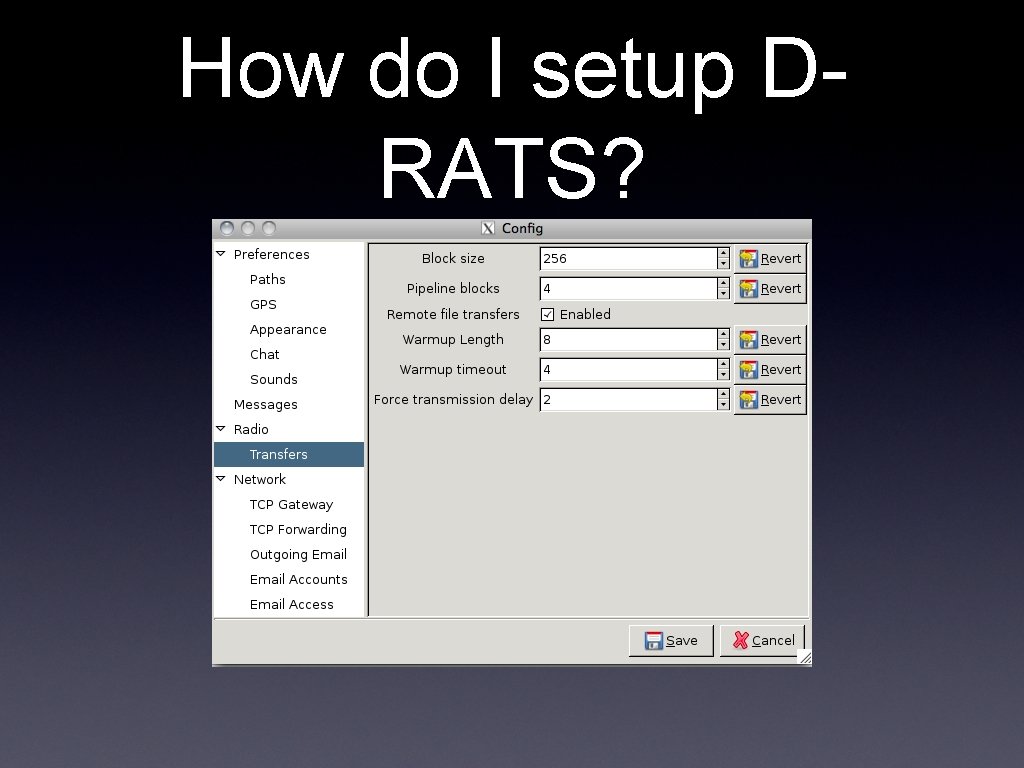
How do I setup DRATS? • Preferences panel has almost everything • “Connected to Internet” separate checkbox in the menu options • tells D-RATS you can fetch and send internet email (if configured)
How do I setup DRATS?
How do I setup DRATS?
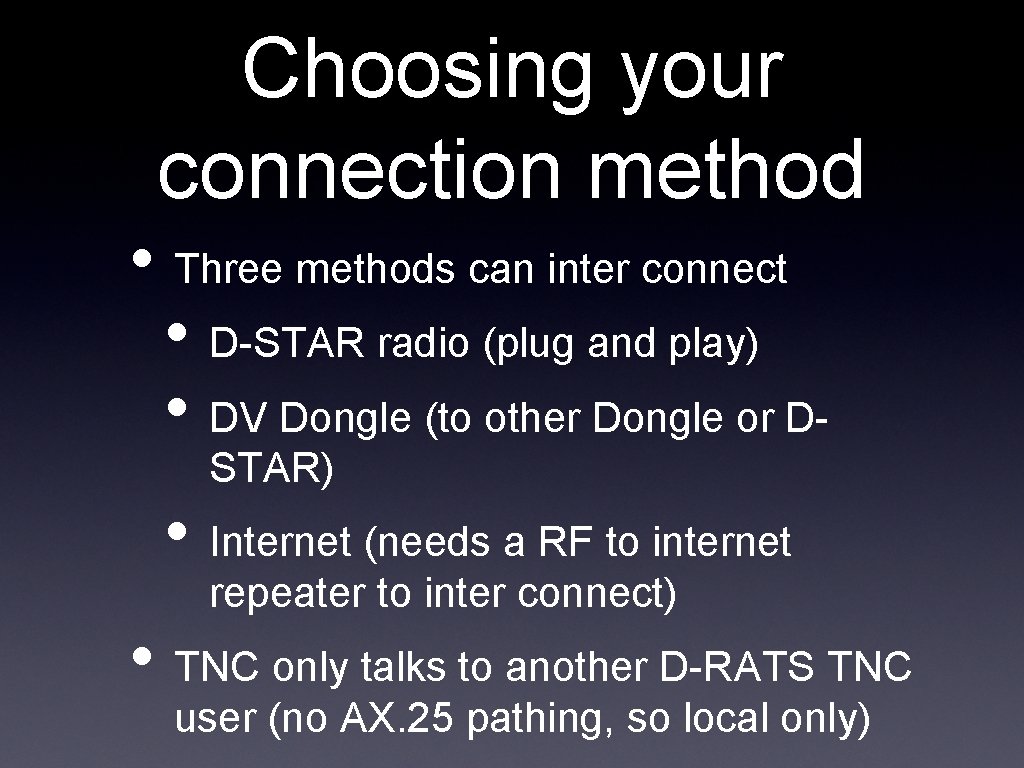
Choosing your connection method • Three methods can inter connect • D-STAR radio (plug and play) • DV Dongle (to other Dongle or DSTAR) • Internet (needs a RF to internet repeater to inter connect) • TNC only talks to another D-RATS TNC user (no AX. 25 pathing, so local only)
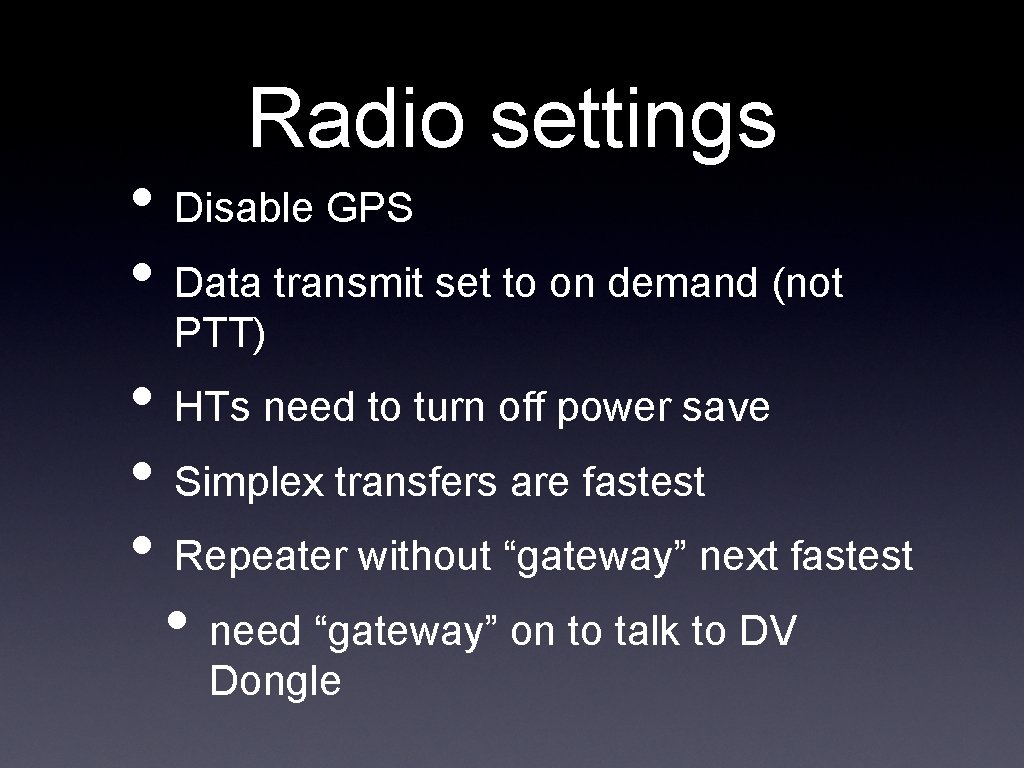
Radio settings • Disable GPS • Data transmit set to on demand (not PTT) • HTs need to turn off power save • Simplex transfers are fastest • Repeater without “gateway” next fastest • need “gateway” on to talk to DV Dongle
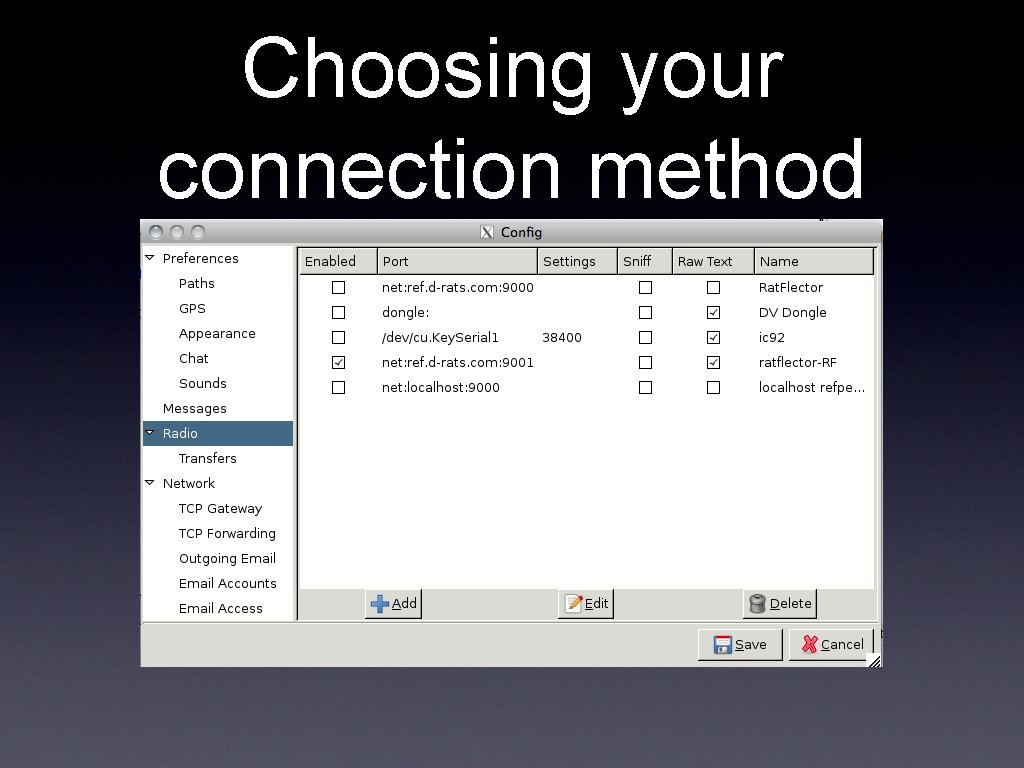
Choosing your connection method
Where do I get more info? • http: //www. d-rats. com • drats_users email list link found there • FAQ and instructions/help files too • email me: n 9 dn@arrl. net and ask • join in our weekly D-RATS practice nets • Tuesdays 8 pm, except TCARC meeting weeks it’s Wednesday at 8 pm instead
- Slides: 23