
Dr Pepper advert Production process Background To begin
Dr Pepper advert Production process
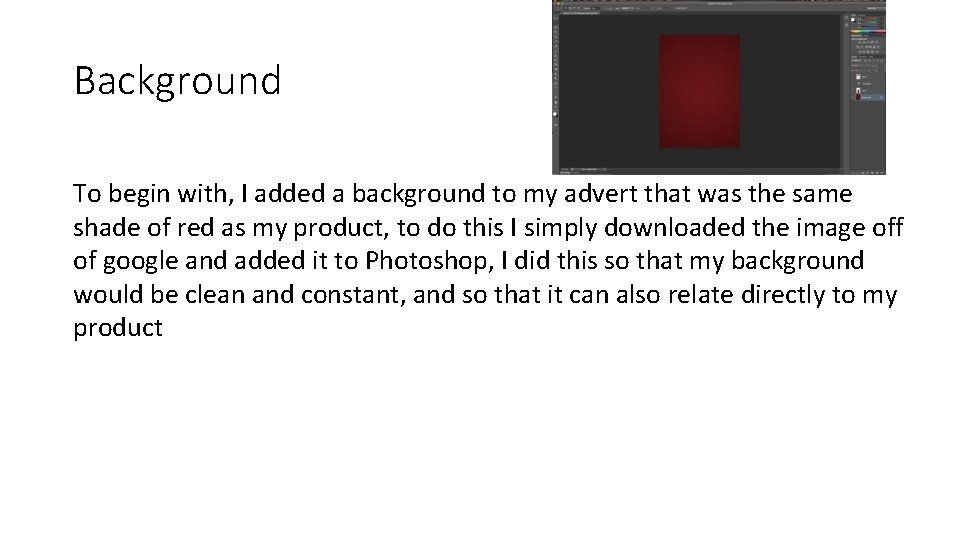
Background To begin with, I added a background to my advert that was the same shade of red as my product, to do this I simply downloaded the image off of google and added it to Photoshop, I did this so that my background would be clean and constant, and so that it can also relate directly to my product
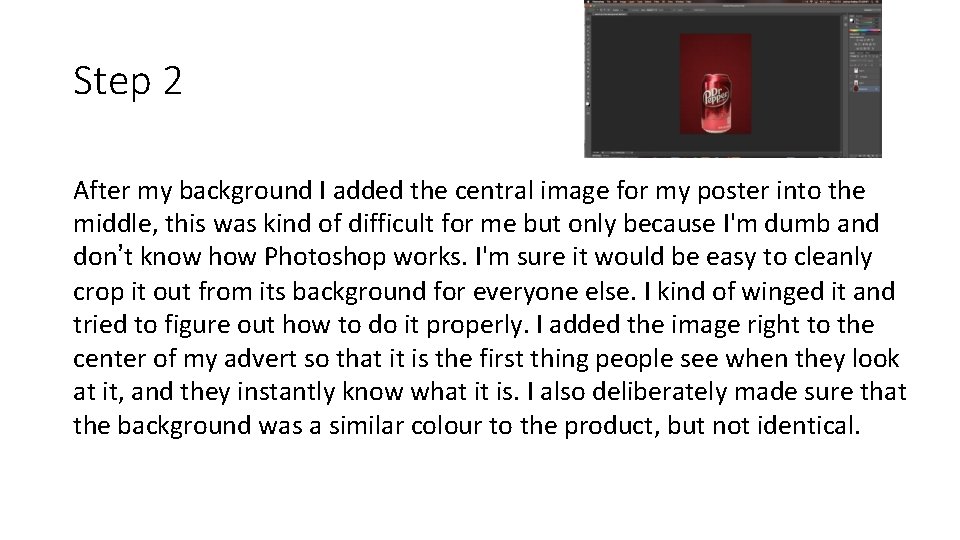
Step 2 After my background I added the central image for my poster into the middle, this was kind of difficult for me but only because I'm dumb and don’t know how Photoshop works. I'm sure it would be easy to cleanly crop it out from its background for everyone else. I kind of winged it and tried to figure out how to do it properly. I added the image right to the center of my advert so that it is the first thing people see when they look at it, and they instantly know what it is. I also deliberately made sure that the background was a similar colour to the product, but not identical.
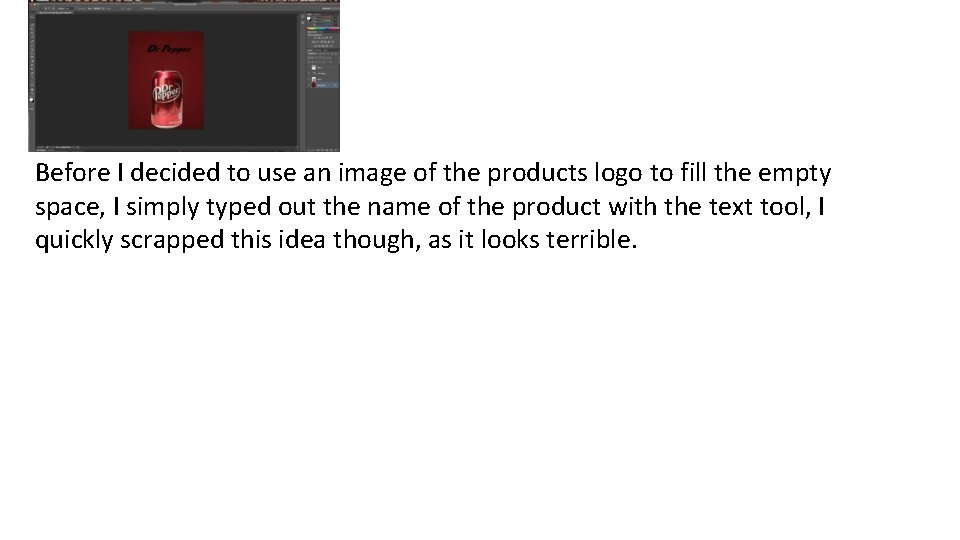
Before I decided to use an image of the products logo to fill the empty space, I simply typed out the name of the product with the text tool, I quickly scrapped this idea though, as it looks terrible.
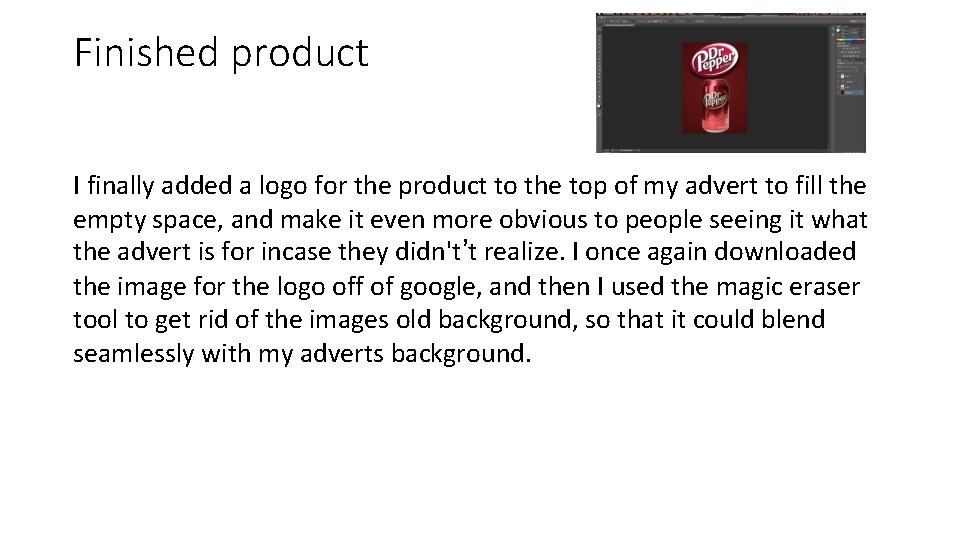
Finished product I finally added a logo for the product to the top of my advert to fill the empty space, and make it even more obvious to people seeing it what the advert is for incase they didn't’t realize. I once again downloaded the image for the logo off of google, and then I used the magic eraser tool to get rid of the images old background, so that it could blend seamlessly with my adverts background.
- Slides: 5