
Dr Katherine Hubler Senior Instructor I Ecampus Coordinator
Dr. Katherine Hubler Senior Instructor I & Ecampus Coordinator School of History, Philosophy, and Religion SHPR WORKSHOP: REMOTE TEACHING FOR SPRING TERM
o Best Practices o Considerations o Ideas for use during Spring Term
Show up for your students. Acknowledge the challenges. Be flexible. OREGON STATE UNIVERSITY 2
Online Teaching Tips & Reminders • Plan early • Conceptualize full course now(ish) • Create at least one week in advance • You don’t have to recreate your full lectures • But, you have the option with Zoom • Consider student-driven activities to meet course objectives • Your mode of teaching will likely shift when you teach online • Choose what’s best for your unique class, your students, and OREGON STATE UNIVERSITY 3 you
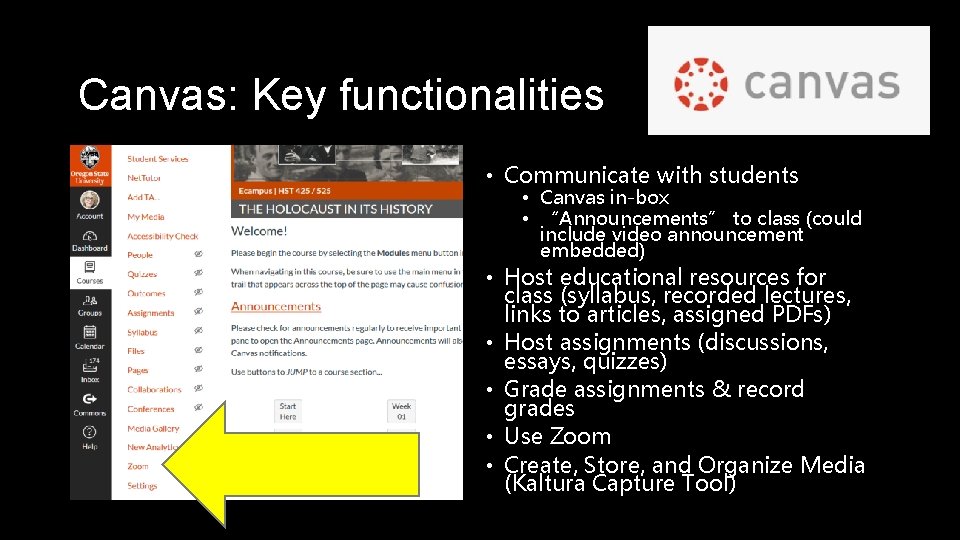
Canvas: Key functionalities • Communicate with students • Canvas in-box • “Announcements” to class (could include video announcement embedded) • Host educational resources for class (syllabus, recorded lectures, links to articles, assigned PDFs) • Host assignments (discussions, essays, quizzes) • Grade assignments & record grades • Use Zoom • Create, Store, and Organize Media (Kaltura Capture Tool)
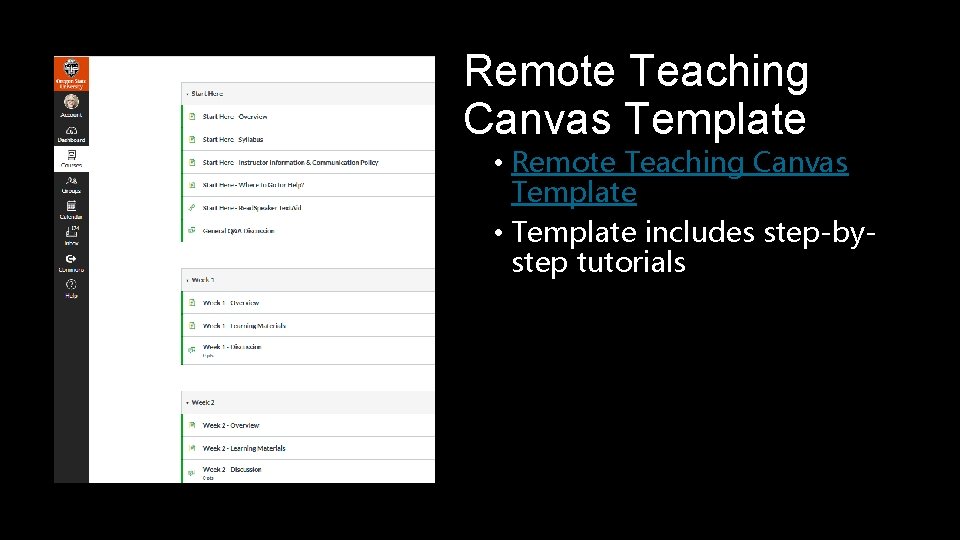
Remote Teaching Canvas Template • Remote Teaching Canvas Template • Template includes step-bystep tutorials
Best practices for Canvas • Organize course by weekly modules • Import the Canvas template itself, or just refer to it as a model. • Send out welcome announcement on or before the first day of Spring term. • The “Keep Teaching” site has a recommended template for this. • Input important instructor and course information housed in Start Here module
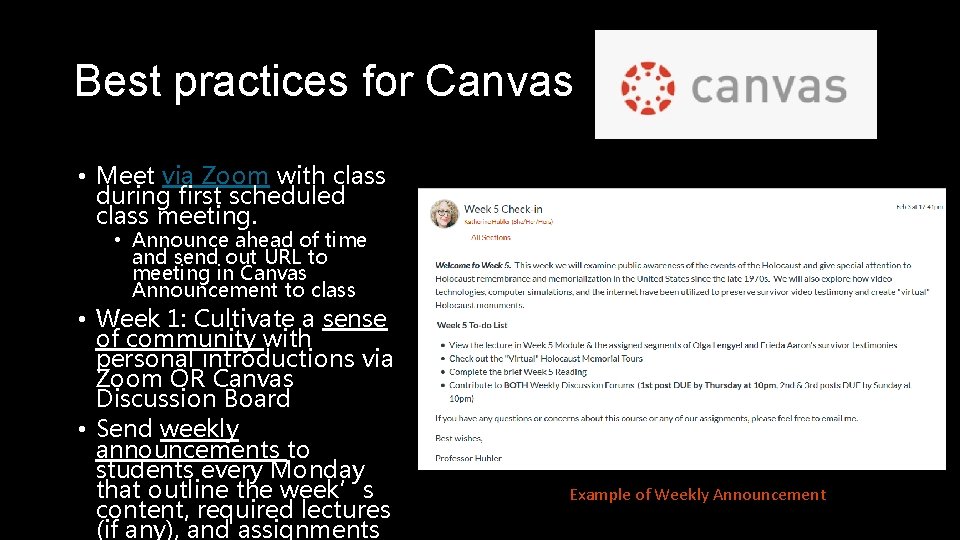
Best practices for Canvas • Meet via Zoom with class during first scheduled class meeting. • Announce ahead of time and send out URL to meeting in Canvas Announcement to class • Week 1: Cultivate a sense of community with personal introductions via Zoom OR Canvas Discussion Board • Send weekly announcements to students every Monday that outline the week’s content, required lectures (if any), and assignments Example of Weekly Announcement
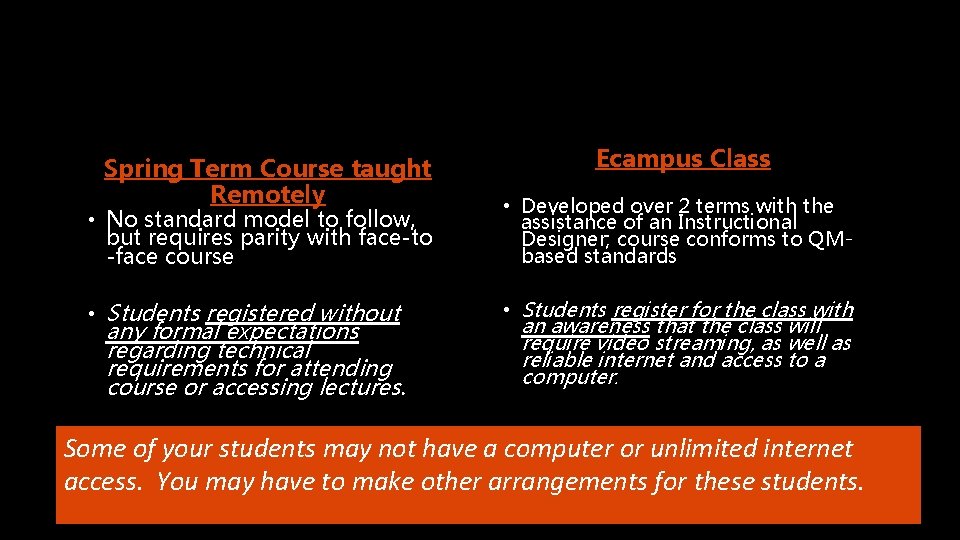
Spring Term Course taught Remotely Ecampus Class • No standard model to follow, but requires parity with face-to -face course • Developed over 2 terms with the assistance of an Instructional Designer; course conforms to QMbased standards • Students registered without any formal expectations regarding technical requirements for attending course or accessing lectures. • Students register for the class with an awareness that the class will require video streaming, as well as reliable internet and access to a computer. Some of your students may not have a computer or unlimited internet access. You may have to make other arrangements for these students.
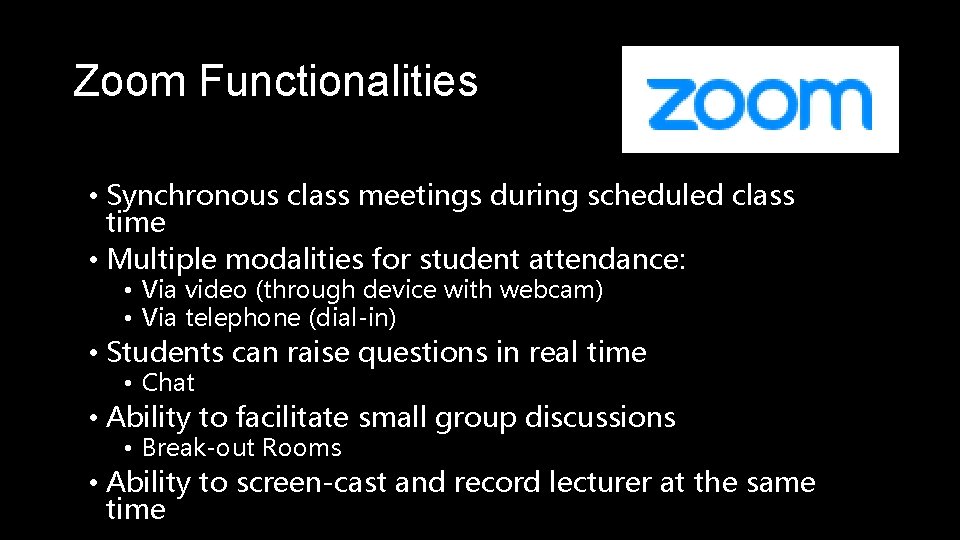
Zoom Functionalities • Synchronous class meetings during scheduled class time • Multiple modalities for student attendance: • Via video (through device with webcam) • Via telephone (dial-in) • Students can raise questions in real time • Chat • Ability to facilitate small group discussions • Break-out Rooms • Ability to screen-cast and record lecturer at the same time
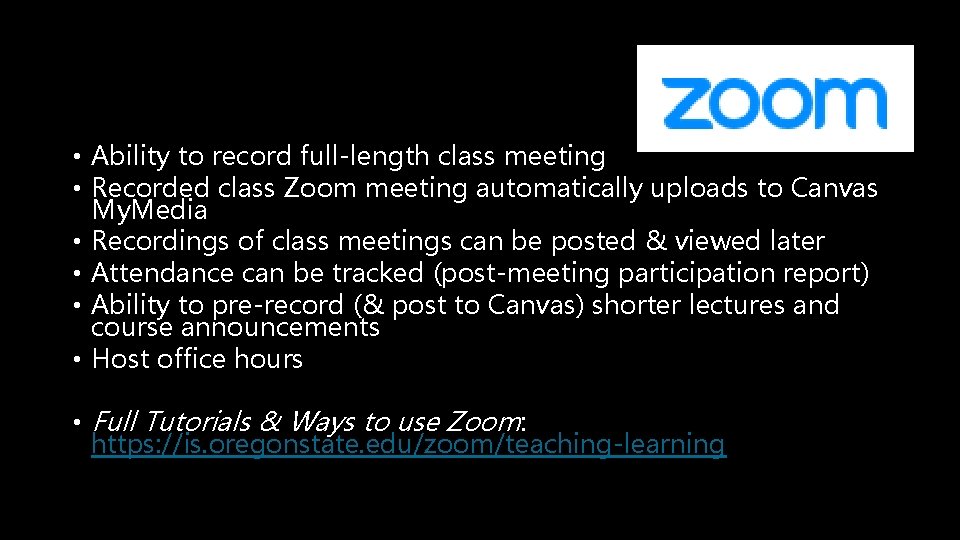
• Ability to record full-length class meeting • Recorded class Zoom meeting automatically uploads to Canvas My. Media • Recordings of class meetings can be posted & viewed later • Attendance can be tracked (post-meeting participation report) • Ability to pre-record (& post to Canvas) shorter lectures and course announcements • Host office hours • Full Tutorials & Ways to use Zoom: https: //is. oregonstate. edu/zoom/teaching-learning
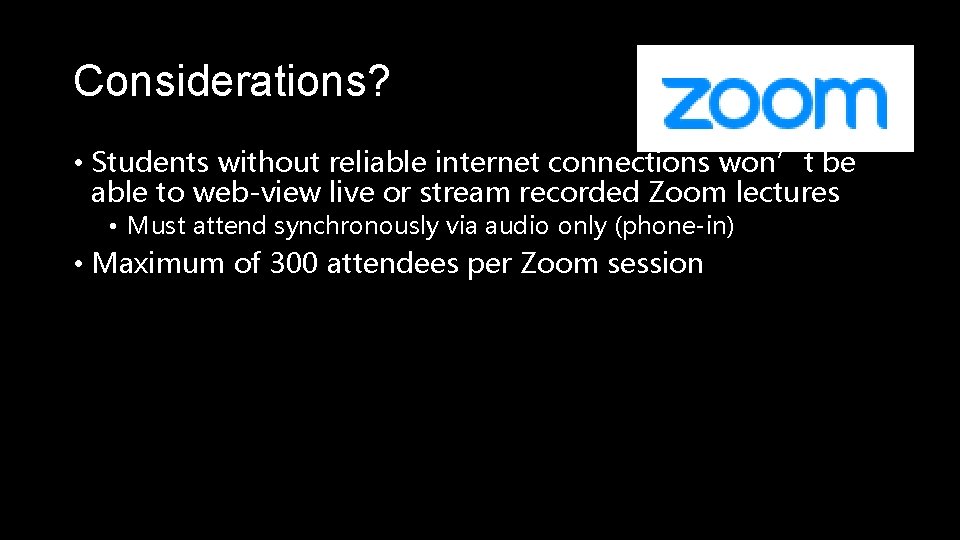
Considerations? • Students without reliable internet connections won’t be able to web-view live or stream recorded Zoom lectures • Must attend synchronously via audio only (phone-in) • Maximum of 300 attendees per Zoom session
Kaltura Capture Desktop Recorder Functionalities • Instructors can pre-record and post shorter lectures or announcements • Ideal for asynchronous assignments • Kaltura media embeds well in Announcements, Discussion Boards, and Canvas pages • Application launches from within Canvas • Media automatically saved to your My. Media files
Considerations? • Files need to be smaller for Kaltura to process • Recordings should be less than 10 minutes in order to process and post successfully • Students will need to reliable internet access to stream the recordings • Solid back-up to Zoom for making short videos for asynchronous purposes • TAKEAWAY: If you are already comfortable with making short recordings with Zoom, there is not much advantage to using Kaltura Desktop Recorder
Best Practices for Synchronous Lectures • Break up lectures every 5 -10 minutes for Q&A • Ask TA or assigned student to monitor chat for urgent or timesensitive questions • Alternative discussion/participation assignment for students who can’t “attend” lecture • Pre-circulate and number slides (if using) to students, especially for those phoning in • Inform class about schedule of synchronous lectures • Send class meeting URL to students via Canvas announcement. • NO synchronous activities outside of scheduled class time
Best Practices for Prerecorded/Asynchronous Lectures • Keep recordings in the 5 -10 minute range • Consider creating alternate forms of content (audio-only or text & image PDF) if students have consistent difficulty in obtaining reliable internet access for video streaming
What if I have previously developed an Ecampus version of my Spring term class? Ecampus. Faculty. Support@oregonstate. edu
Considerations • Same textbooks in Ecampus and face-to-face section? • Still need to hold synchronous Zoom meeting with students at the start of the term • Students did not sign up for Ecampus section, may not have a computer or unlimited internet access.

Q&A OREGON STATE UNIVERSITY 18
What are your (tentative) plans for adapting your F 2 F course to the fully online format for Spring? OREGON STATE UNIVERSITY 19
- Slides: 20