
Download Software Process Specialty Innovation Passion Responsibility Active
Download Software Process �� Specialty • �新 Innovation • 激情 Passion • �任 Responsibility • 主� Active
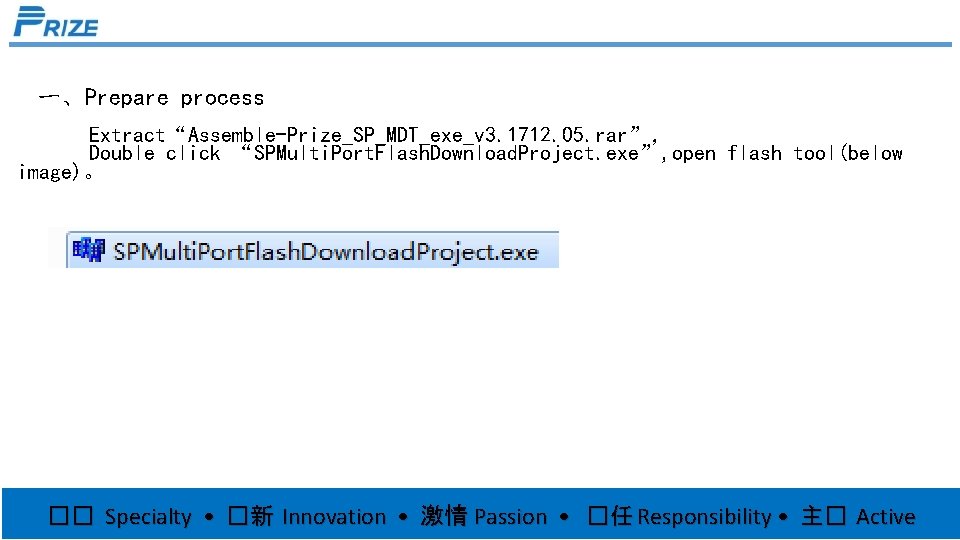
一、Prepare process Extract“Assemble-Prize_SP_MDT_exe_v 3. 1712. 05. rar”, Double click “SPMulti. Port. Flash. Download. Project. exe”, open flash tool(below image)。 �� Specialty • �新 Innovation • 激情 Passion • �任 Responsibility • 主� Active
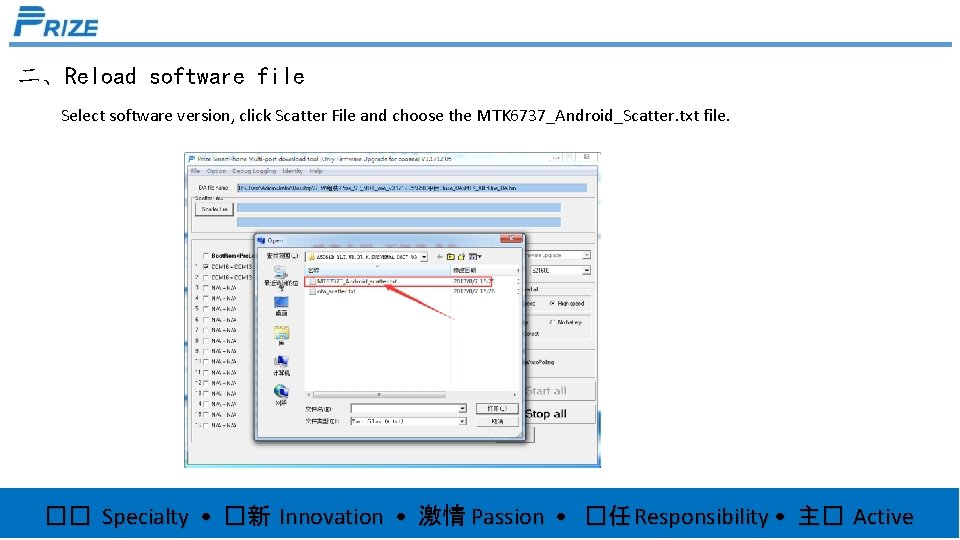
二、Reload software file Select software version, click Scatter File and choose the MTK 6737_Android_Scatter. txt file. �� Specialty • �新 Innovation • 激情 Passion • �任 Responsibility • 主� Active
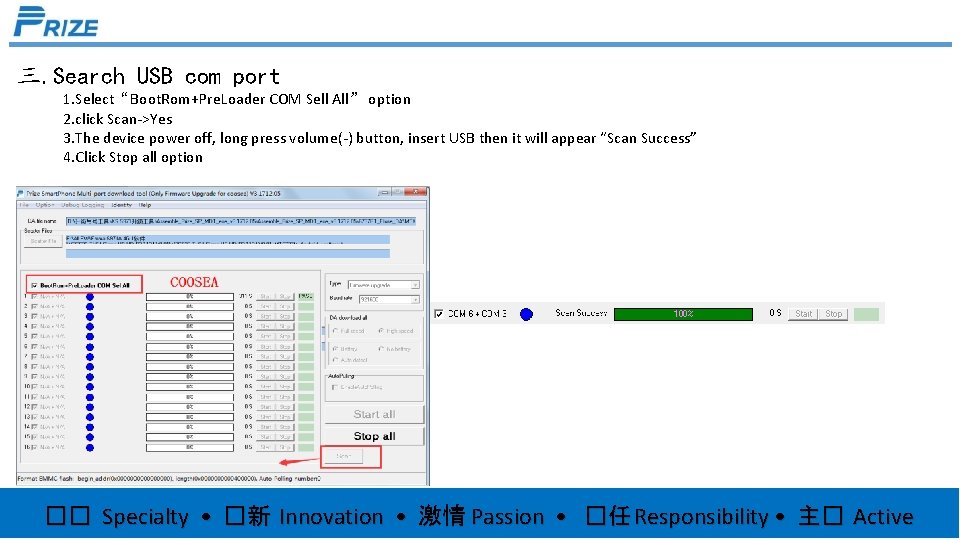
三. Search USB com port 1. Select“Boot. Rom+Pre. Loader COM Sell All” option 2. click Scan->Yes 3. The device power off, long press volume(-) button, insert USB then it will appear “Scan Success” 4. Click Stop all option �� Specialty • �新 Innovation • 激情 Passion • �任 Responsibility • 主� Active
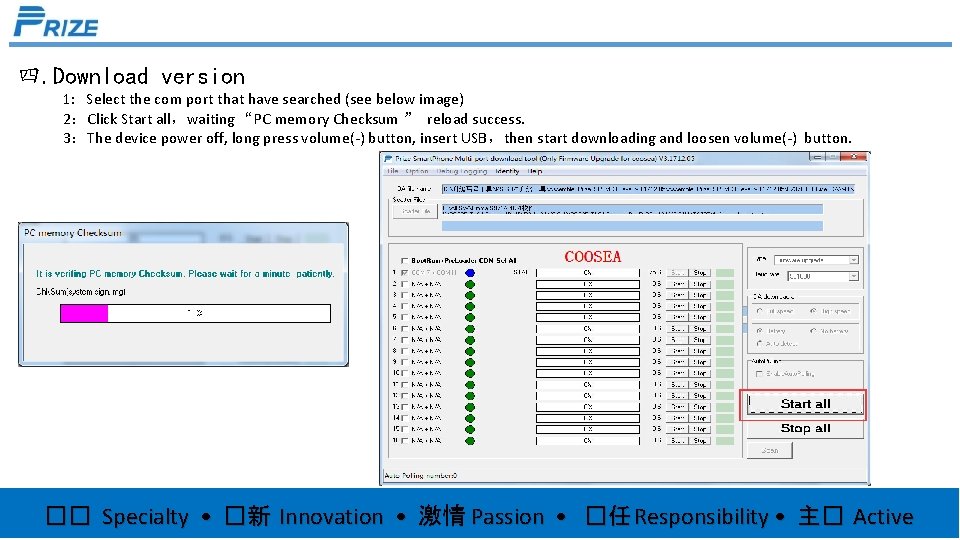
四. Download version 1: Select the com port that have searched (see below image) 2:Click Start all,waiting “PC memory Checksum ” reload success. 3:The device power off, long press volume(-) button, insert USB,then start downloading and loosen volume(-) button. �� Specialty • �新 Innovation • 激情 Passion • �任 Responsibility • 主� Active
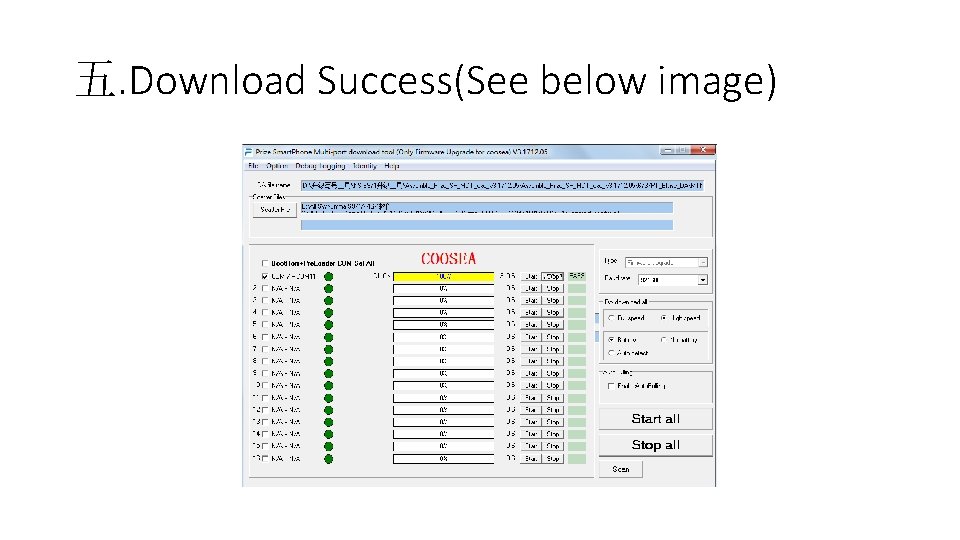
五. Download Success(See below image)
- Slides: 6