
Dorking 101 The Art of Passive Recon By

Dorking 101 The Art of Passive Recon By Christy Kushner
What is Dorking? • The use of Google search engine to obtain information. • Prioritized by page ranking • Simplest search is a word • Security • Use of a Combination of words • Cyber Threat Analyst • Use of quotes to find a phrase or string • “Certified Ethical Hacker” • Google Searching is not Case Sensitive • Some searches with operators or special characters are case sensitive
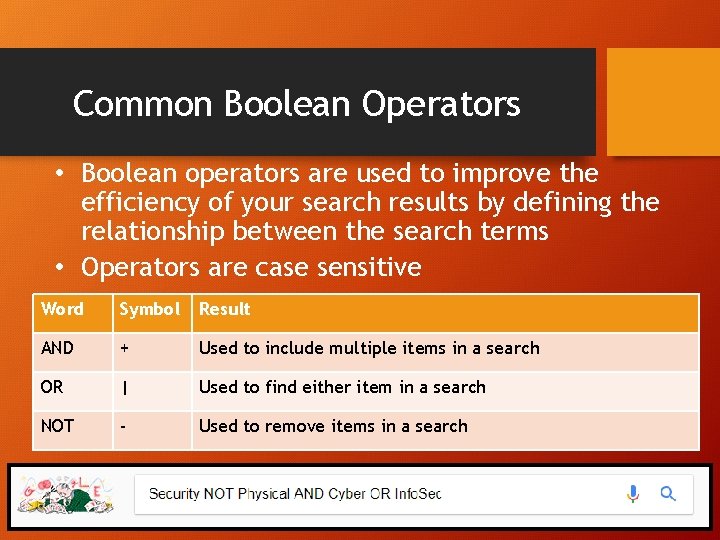
Common Boolean Operators • Boolean operators are used to improve the efficiency of your search results by defining the relationship between the search terms • Operators are case sensitive Word Symbol Result AND + Used to include multiple items in a search OR | Used to find either item in a search NOT - Used to remove items in a search
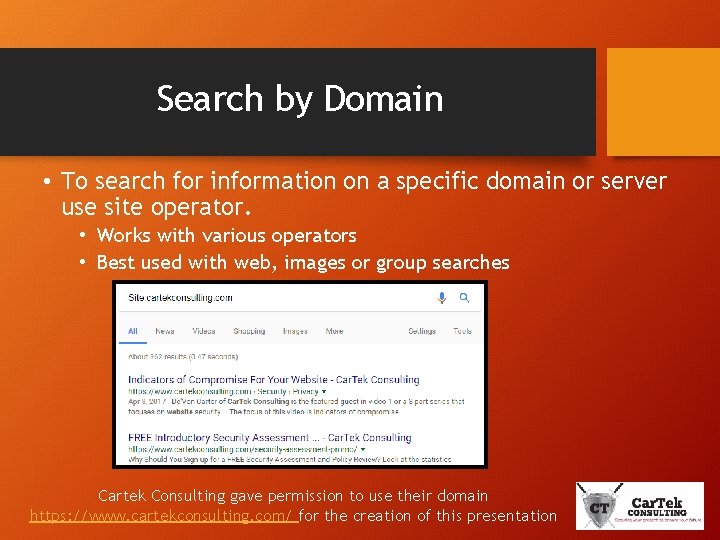
Search by Domain • To search for information on a specific domain or server use site operator. • Works with various operators • Best used with web, images or group searches Cartek Consulting gave permission to use their domain https: //www. cartekconsulting. com/ for the creation of this presentation
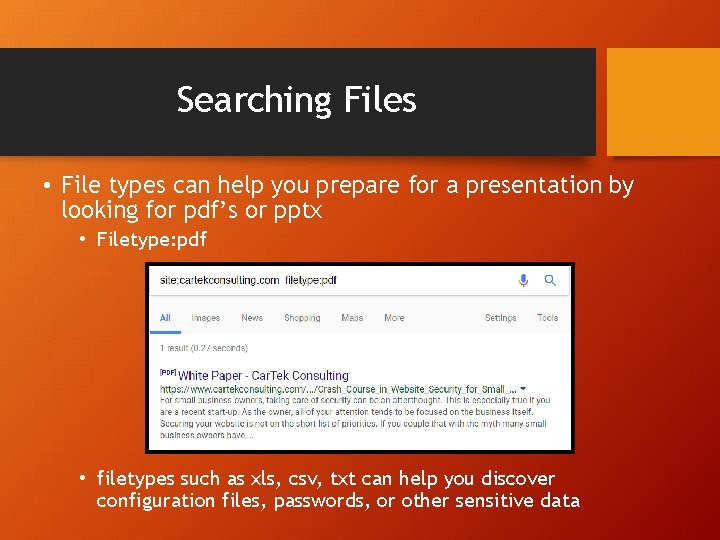
Searching Files • File types can help you prepare for a presentation by looking for pdf’s or pptx • Filetype: pdf • filetypes such as xls, csv, txt can help you discover configuration files, passwords, or other sensitive data
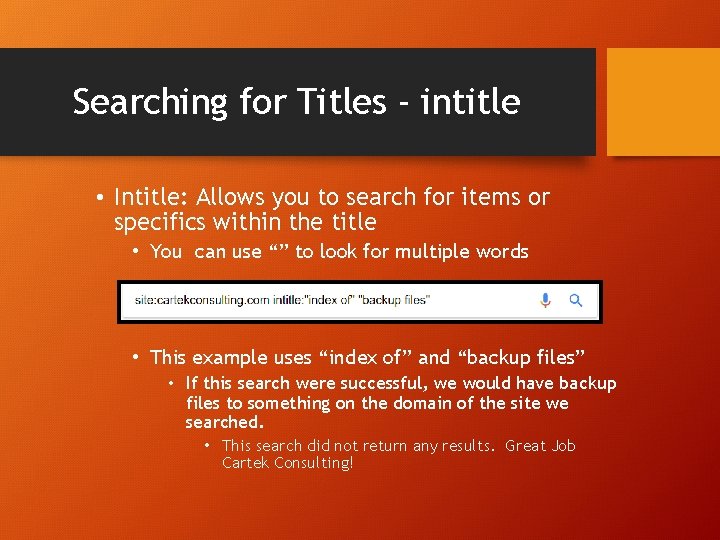
Searching for Titles - intitle • Intitle: Allows you to search for items or specifics within the title • You can use “” to look for multiple words • This example uses “index of” and “backup files” • If this search were successful, we would have backup files to something on the domain of the site we searched. • This search did not return any results. Great Job Cartek Consulting!
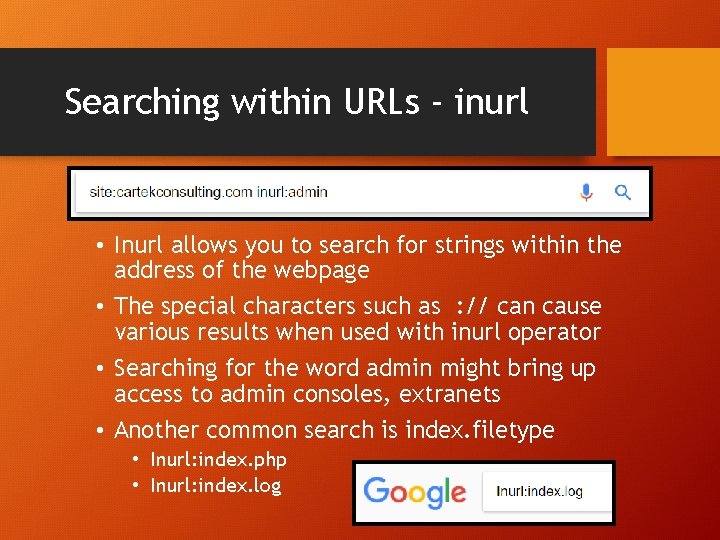
Searching within URLs - inurl • Inurl allows you to search for strings within the address of the webpage • The special characters such as : // can cause various results when used with inurl operator • Searching for the word admin might bring up access to admin consoles, extranets • Another common search is index. filetype • Inurl: index. php • Inurl: index. log
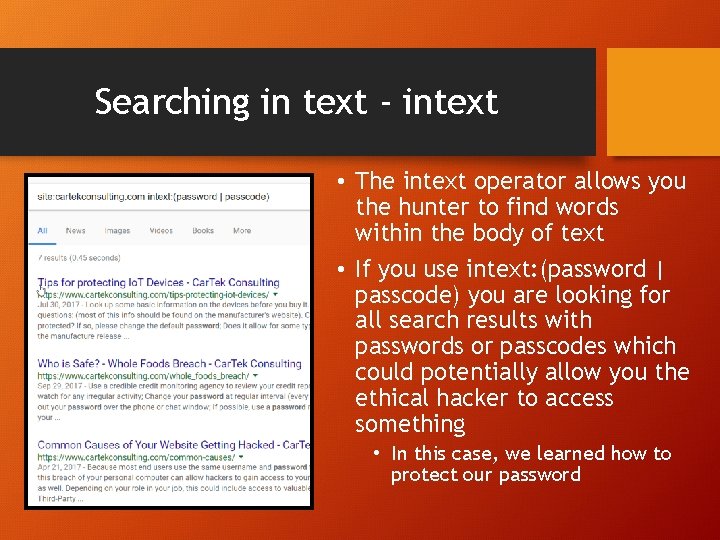
Searching in text - intext • The intext operator allows you the hunter to find words within the body of text • If you use intext: (password | passcode) you are looking for all search results with passwords or passcodes which could potentially allow you the ethical hacker to access something • In this case, we learned how to protect our password
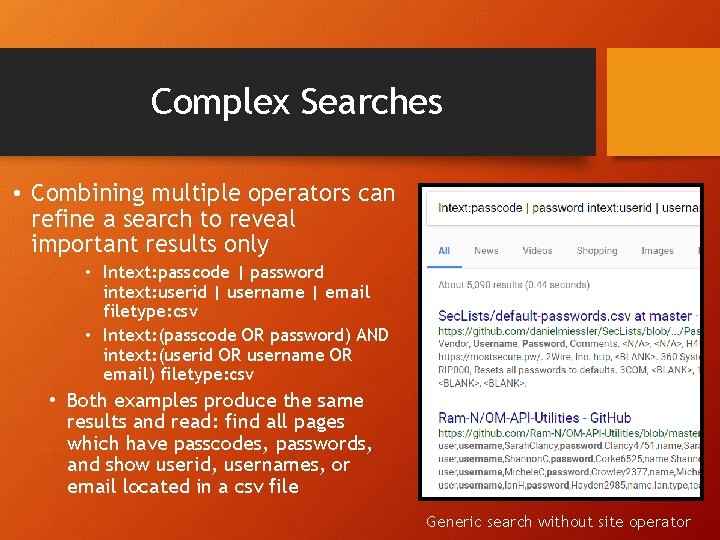
Complex Searches • Combining multiple operators can refine a search to reveal important results only • Intext: passcode | password intext: userid | username | email filetype: csv • Intext: (passcode OR password) AND intext: (userid OR username OR email) filetype: csv • Both examples produce the same results and read: find all pages which have passcodes, passwords, and show userid, usernames, or email located in a csv file Generic search without site operator

Cached Pages
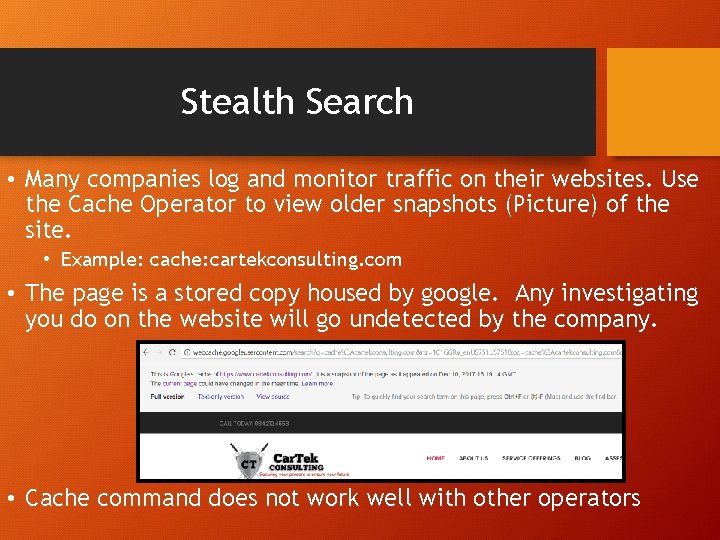
Stealth Search • Many companies log and monitor traffic on their websites. Use the Cache Operator to view older snapshots (Picture) of the site. • Example: cache: cartekconsulting. com • The page is a stored copy housed by google. Any investigating you do on the website will go undetected by the company. • Cache command does not work well with other operators
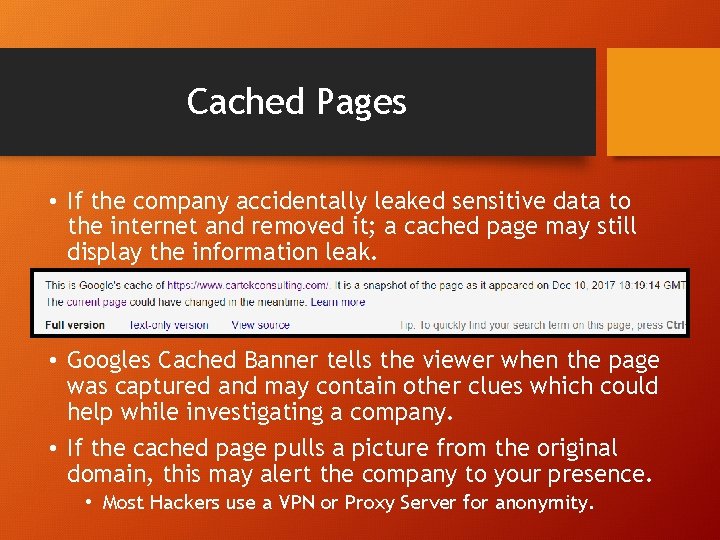
Cached Pages • If the company accidentally leaked sensitive data to the internet and removed it; a cached page may still display the information leak. • Googles Cached Banner tells the viewer when the page was captured and may contain other clues which could help while investigating a company. • If the cached page pulls a picture from the original domain, this may alert the company to your presence. • Most Hackers use a VPN or Proxy Server for anonymity.
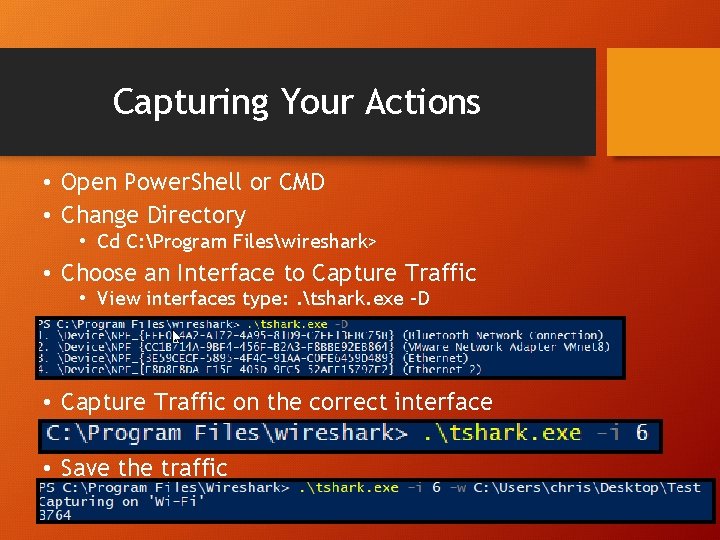
Capturing Your Actions • Open Power. Shell or CMD • Change Directory • Cd C: Program Fileswireshark> • Choose an Interface to Capture Traffic • View interfaces type: . tshark. exe –D • Capture Traffic on the correct interface • Save the traffic
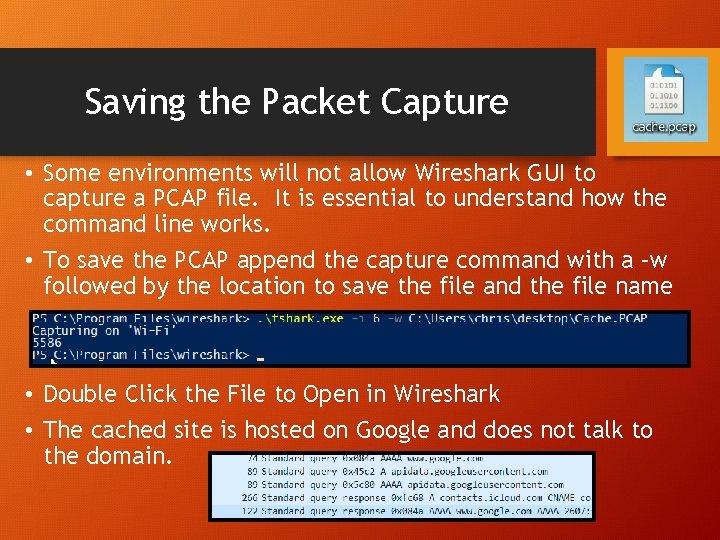
Saving the Packet Capture • Some environments will not allow Wireshark GUI to capture a PCAP file. It is essential to understand how the command line works. • To save the PCAP append the capture command with a –w followed by the location to save the file and the file name • Double Click the File to Open in Wireshark • The cached site is hosted on Google and does not talk to the domain.

Directories
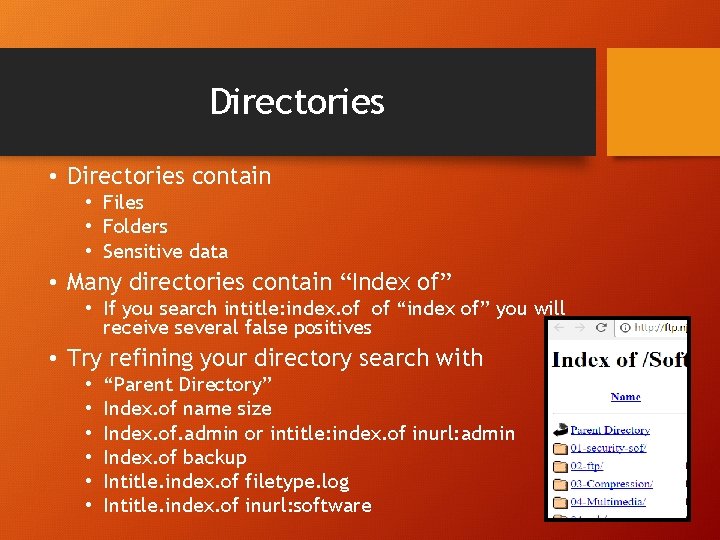
Directories • Directories contain • Files • Folders • Sensitive data • Many directories contain “Index of” • If you search intitle: index. of of “index of” you will receive several false positives • Try refining your directory search with • • • “Parent Directory” Index. of name size Index. of. admin or intitle: index. of inurl: admin Index. of backup Intitle. index. of filetype. log Intitle. index. of inurl: software
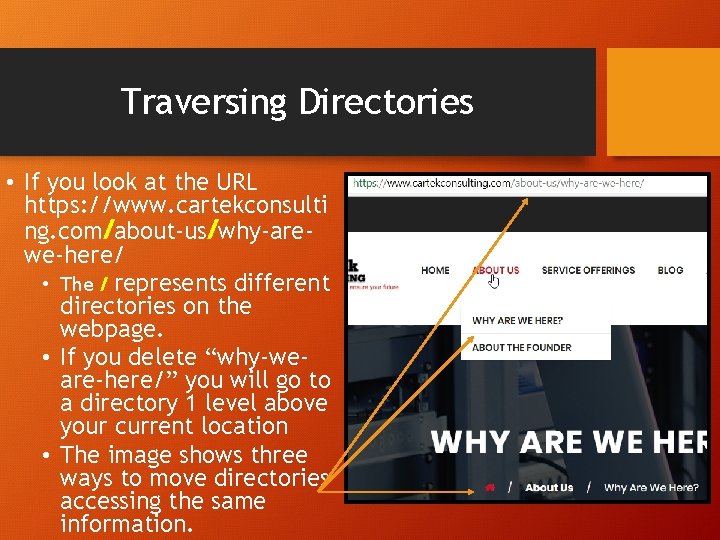
Traversing Directories • If you look at the URL https: //www. cartekconsulti ng. com/about-us/why-arewe-here/ • The / represents different directories on the webpage. • If you delete “why-weare-here/” you will go to a directory 1 level above your current location • The image shows three ways to move directories accessing the same information.
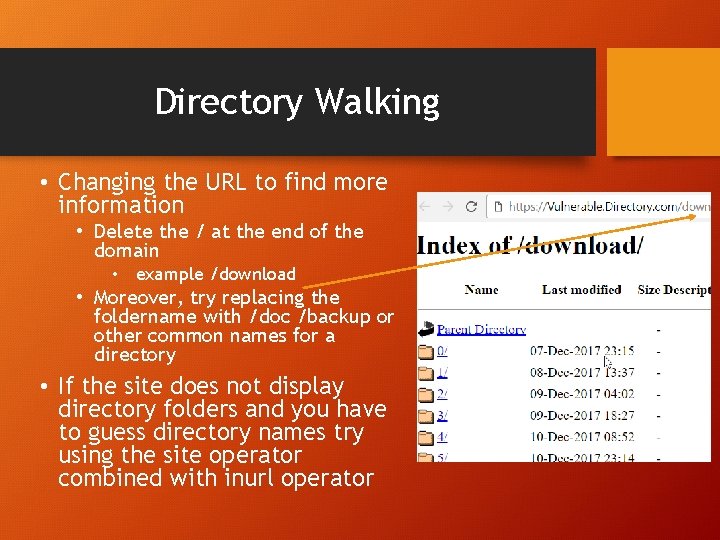
Directory Walking • Changing the URL to find more information • Delete the / at the end of the domain • example /download • Moreover, try replacing the foldername with /doc /backup or other common names for a directory • If the site does not display directory folders and you have to guess directory names try using the site operator combined with inurl operator
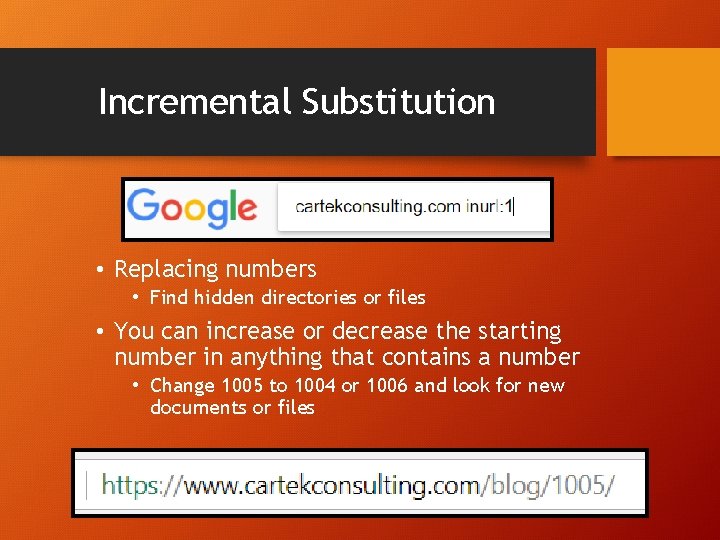
Incremental Substitution • Replacing numbers • Find hidden directories or files • You can increase or decrease the starting number in anything that contains a number • Change 1005 to 1004 or 1006 and look for new documents or files
Database Digging • Things to look for • • • Login Portals Support Files Error Messages Configuration Files Log Files Database Dumps • Search Terms • • • Login Welcome Copyright SQL “#dumping data for table”

Focused Search
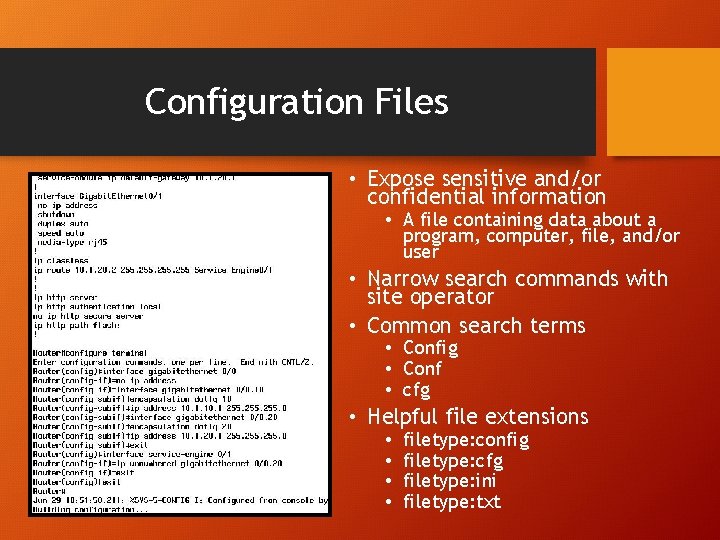
Configuration Files • Expose sensitive and/or confidential information • A file containing data about a program, computer, file, and/or user • Narrow search commands with site operator • Common search terms • Config • Conf • cfg • Helpful file extensions • • filetype: config filetype: cfg filetype: ini filetype: txt
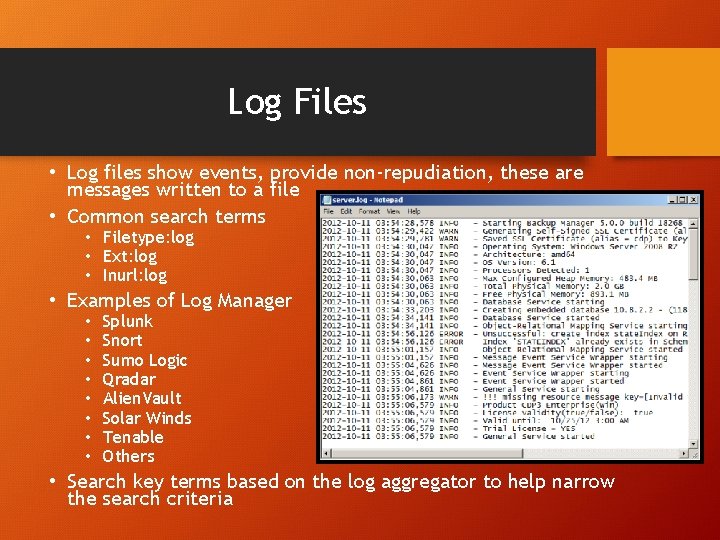
Log Files • Log files show events, provide non-repudiation, these are messages written to a file • Common search terms • Filetype: log • Ext: log • Inurl: log • Examples of Log Manager • • Splunk Snort Sumo Logic Qradar Alien. Vault Solar Winds Tenable Others • Search key terms based on the log aggregator to help narrow the search criteria
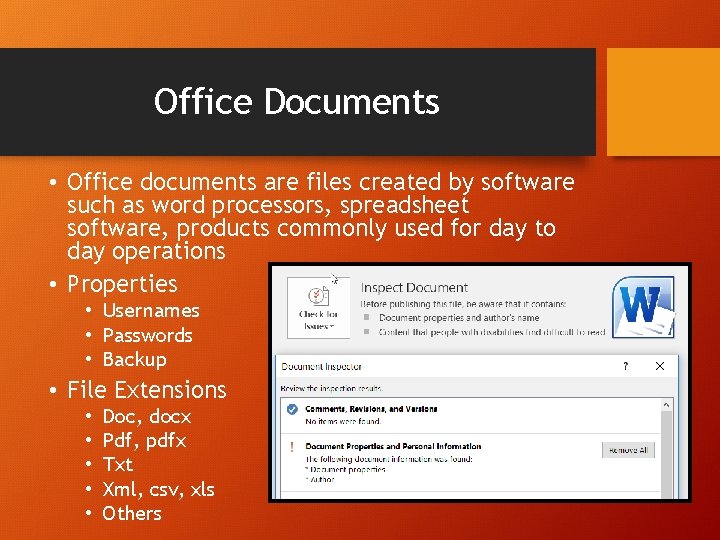
Office Documents • Office documents are files created by software such as word processors, spreadsheet software, products commonly used for day to day operations • Properties • Usernames • Passwords • Backup • File Extensions • • • Doc, docx Pdf, pdfx Txt Xml, csv, xls Others

Questions
Additional References • Google Dorking • https: //www. exploit-db. com/google-hackingdatabase/ • File Extensions • http: //filext. com/ • Resources • https: //www. cybrary. it/0 p 3 n/advanced-googledorking-commands/ • Google Dorking Walk-Through Examples • http: //www. elp. com/articles/powergrid_internatio nal/print/volume-21/issue-11/features/googledorking-and-shodan. html
- Slides: 26