
Donald Heer 2142011 GAMING INPUT AND THE ARCADE

- Slides: 13
Donald Heer 2/14/2011 GAMING INPUT AND THE ARCADE
Overview � Input Types �Keyboard �Mouse � Examples � The Arcade �What inputs does the arcade have?
Inputs in General � Input is an Event an action that is usually initiated outside the scope of a program � Event: �Asynchronous �Should be ‘caught’ and buffered
Simple Directmedia Layer (SDL) � SDL is a ‘wrapper’ that allows for use of many standard function in a way that is easier for producing games � SDL contains input and output functions including mouse, keyboard, sound, and video. � SDL is compatible with Open. GL
Sample Program � The sample program we will be using is: �Based on Ne. He source (Lesson 3) �Controls the rotation of a cube based on mouse and keyboard input.
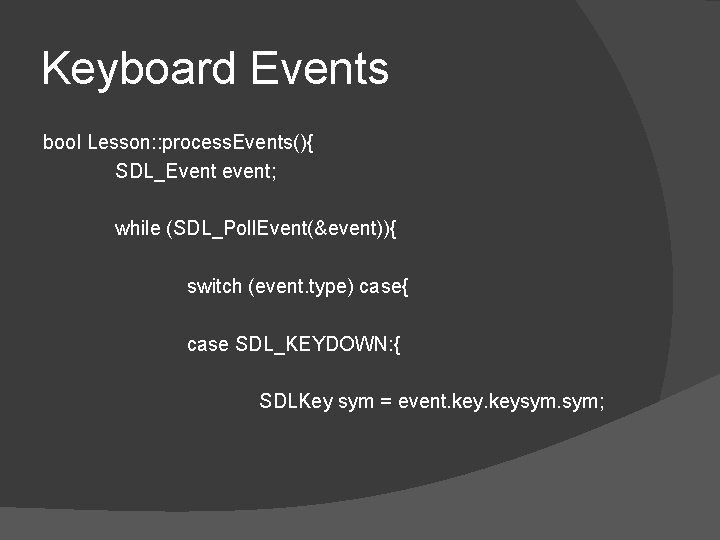
Keyboard Events bool Lesson: : process. Events(){ SDL_Event event; while (SDL_Poll. Event(&event)){ switch (event. type) case{ case SDL_KEYDOWN: { SDLKey sym = event. keysym. sym;
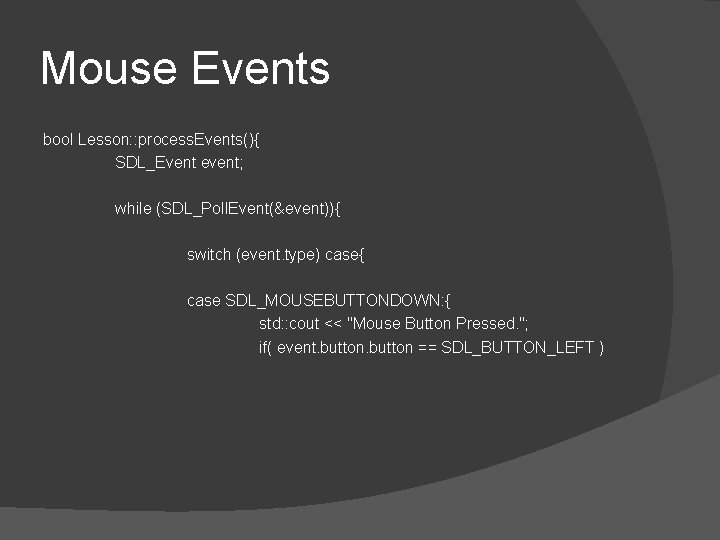
Mouse Events bool Lesson: : process. Events(){ SDL_Event event; while (SDL_Poll. Event(&event)){ switch (event. type) case{ case SDL_MOUSEBUTTONDOWN: { std: : cout << "Mouse Button Pressed. "; if( event. button == SDL_BUTTON_LEFT )
Example � Lets look at the sample code.
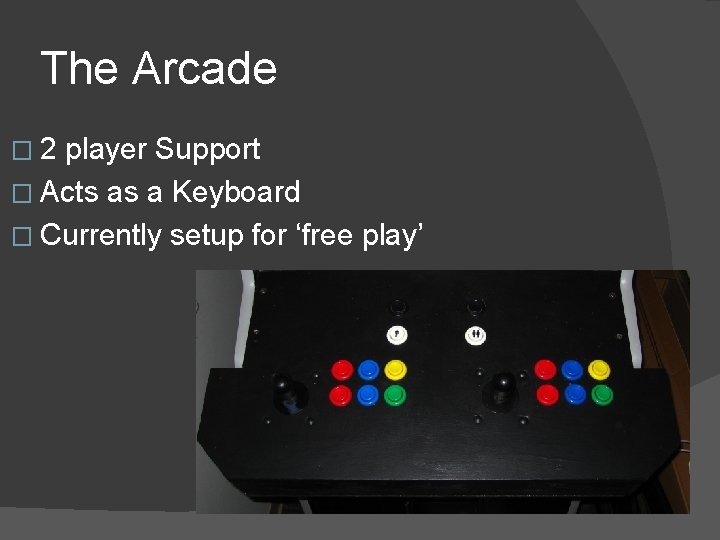
The Arcade � 2 player Support � Acts as a Keyboard � Currently setup for ‘free play’
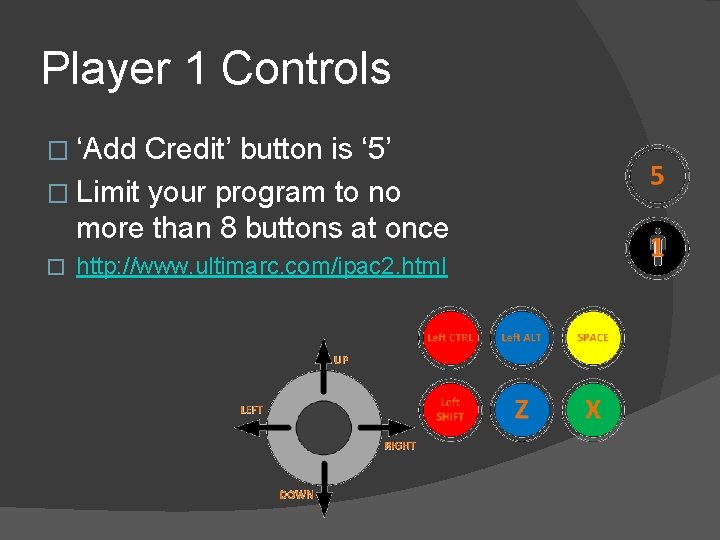
Player 1 Controls � ‘Add Credit’ button is ‘ 5’ � Limit your program to no more than 8 buttons at once � http: //www. ultimarc. com/ipac 2. html
Arcade Gotchas � Make sure to check for all buttons, not just the ‘first button’
Summary � Input must be captured and processed when time is available � Special abilities (click and hold) need to be hand made in many cases
Questions?