
Domino server and application performance in the Real




- Slides: 46
Domino server and application performance in the Real World (Also known as: Domino. Run. Faster=11) Andrew Pollack, NCT
Before We Start � English is the only language I speak ◦ -- Unless you count programming languages �I will try to speak clearly, but if I am moving too quickly, or too slowly, please make some kind of sign, so I can adjust!
Please Shut Them Off � We will all point at you � Set all noise making toys to “Stun” please � If you need to type on a laptop or a Blackberry – move toward the back please
Who Am I? � Administrator & Developer since version 2. 0 � Products � Services ◦ NCT Search, NCT Compliance Search, and NCT Simple Sign On, and now Second Signal ◦ ◦ � � � Site Performance Reviews Application Development Administrative Overhaul Security Review & Penetration Testing IBM Lotus Beacon Award Winner Firefighter ◦ Lieutenant of Cumberland, Maine – Engine 1 In firefighting, just like Server Administration it's all in the planning
Key Focus Points � Performance with a Big Picture approach � Defining Performance In User Terms � Key Performance Choke Points � General Considerations � Common General Tweaks � Application Specific Strategies � Finding Your Own Choke Points � Summary
Performance with a Big Picture approach A face lift may make you look better for a while, but it won’t cure cancer
Big Picture : There Is No Magic ◦ No Single INI Variable -- #1 Server Fix ◦ Focus On The Basics! ◦ No Super Storage Network ◦ No Ultimate Network Switch ◦ No Omnipotent Third Party Application ◦ No God-like Consultant �Not Even Me!
Big Picture: Small Issues Stack Up � Performance Problems Are like snowflakes ◦ Individually, they don’t matter much at all ◦ You notice them only once they stack up � For example: �Poorly Performing Disk I/O �+ Agents Changing Many Documents �+ Many Views to Update �== Very Slow System � These kinds of problems create a feedback loop, which amplifies the problems
Defining Performance In User Terms It’s not how you feel, its how you look. Darling, you look marvelous! -- Billy Crystal
Performance in User Terms � If the user must wait for something, it will always seem slow – no matter how fast you make it. � Nothing is worse than an hourglass cursor and a bar slowly moving across the screen �Except NOT having the bar
Performance in User Terms: Tips � Move anything not immediately required by the user to a background process � Cache Commonly Referenced Data � Don’t pop-up modal dialog boxes ◦ * More on this when we talk about application design in a few minutes!
Key Performance Choke Points We’re going the wrong way, but we’re making excellent time!
Choke Points: The Network � Bandwidth vs. Latency ◦ Bandwidth �How big around is the pipe? ◦ Latency �How long is the pipe from end to end? ◦ Even light takes several minutes to reach us from the Sun. That’s latency ◦ Latency impacts “Chatty” connections – Notes can be chatty
Where does Latency Come from? � Ping times larger than 100 ms are “high” latency. � WAN links, Satellite links, Modems, and VPN’s are all prone to latency issues � Multi-Hop connections across buffered routers and firewalls can introduce latency � Encryption software can introduce latency
Dealing with High Latency � Avoid opening and closing many documents � Avoid DB Lookups by caching common values ◦ Example: Use a db open script to write common lookup values to a local environment variable each time the user opens the database � Use “Run. On. Server” to move complex agent work to the server, the read the result from a profile document
Choke Points: Disk I/O � This is the #1, #2, and #3 Root performance problem on Domino Server � Nearly any other performance problem is made many times worse if the Disk I/O is overwhelmed � Most Domino Servers are not well optimized for Disk I/O
Common Sources of Disk Performance Problems � One “Data” drive is used for too much ◦ databases, index rebuilds, temporary files, swap files, and even transaction logging � Transaction Logging used in conjunction with journaling file systems � Poor � Too choice of RAID configurations heavy a reliance on Storage Area Networks
Disk I/O: WARNING Many of the following recommendations balance performance with safety You need to assess each as it relates to your overall data strategy
Disk I/O: Use Multiple Drives � ALWAYS put your transaction logging files on a separate drive � Move your view indexing temporary files to another drive (INI Parameter) � Consider moving disk-intensive applications to their own drive � If you must have memory swapping, give it its own drive � Active Log Files
Disk I/O: Not Everything Needs Its own Drive � Things that load once and are not reaccessed frequently do not need to be on high performance resources � The Operating System � Application � Archive Program Files Log Files
Disk I/O: Think in terms of “Spindles” or “Data Paths” � One Disk may have multiple partitions ◦ Different partitions are NOT different spindles �All the partitions on the same drive, share the same readwrite head and are impacted by data access as a single entity. � Multiple drives in a RAID array don’t count ◦ A RAID array is treated by the system as a single drive. By definition, data is written across the whole array � The “Best-Case” is multiple drives on different drive controllers
Disk I/O: Rethinking RAID � Most RAID arrays are configured to improve redundancy, not necessarily speed. � Not all data requires redundancy ◦ Loss of some data is very low risk �Memory Swap Files �Indexing scratch space �Temporary files �Cache files ◦ Inexpensive SATA drives can be used for a real performance gain ◦ Solid State Drives – Possible future use for very high speed, relatively small footprint data, like transaction logging
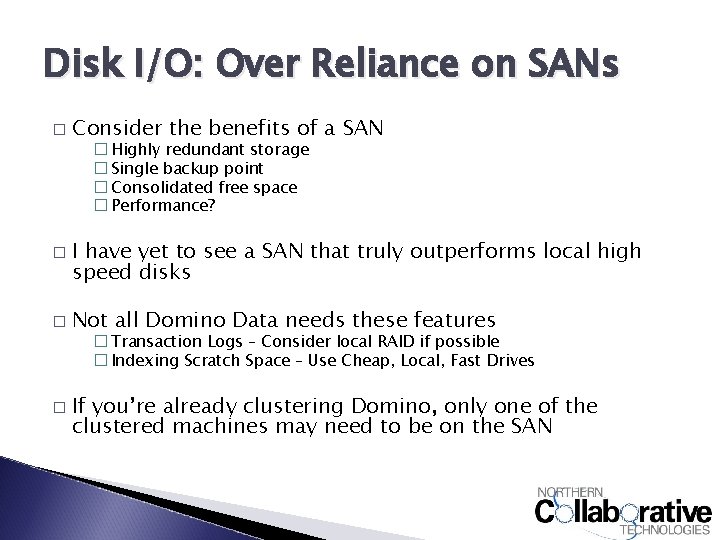
Disk I/O: Over Reliance on SANs � Consider the benefits of a SAN � Highly redundant storage � Single backup point � Consolidated free space � Performance? � � I have yet to see a SAN that truly outperforms local high speed disks Not all Domino Data needs these features � Transaction Logs – Consider local RAID if possible � Indexing Scratch Space – Use Cheap, Local, Fast Drives � If you’re already clustering Domino, only one of the clustered machines may need to be on the SAN
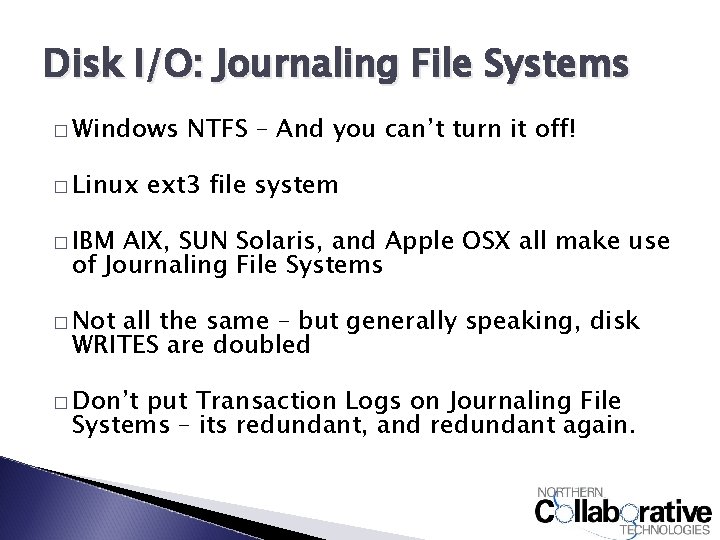
Disk I/O: Journaling File Systems � Windows � Linux NTFS – And you can’t turn it off! ext 3 file system � IBM AIX, SUN Solaris, and Apple OSX all make use of Journaling File Systems � Not all the same – but generally speaking, disk WRITES are doubled � Don’t put Transaction Logs on Journaling File Systems – its redundant, and redundant again.
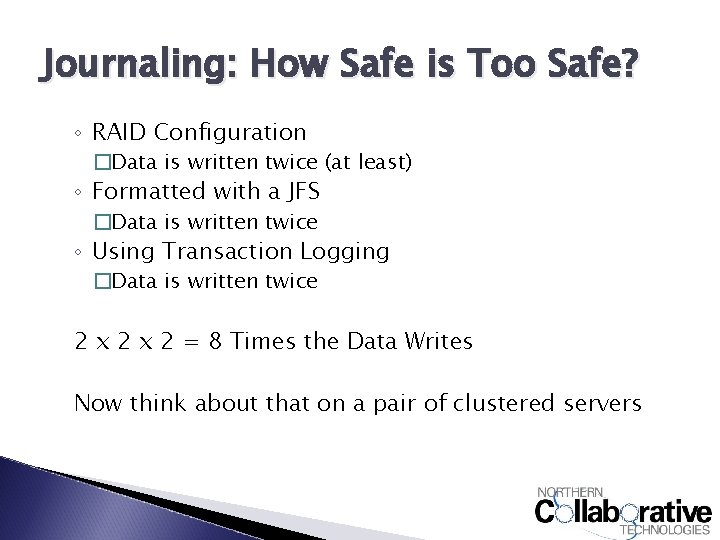
Journaling: How Safe is Too Safe? ◦ RAID Configuration �Data is written twice (at least) ◦ Formatted with a JFS �Data is written twice ◦ Using Transaction Logging �Data is written twice 2 x 2 = 8 Times the Data Writes Now think about that on a pair of clustered servers
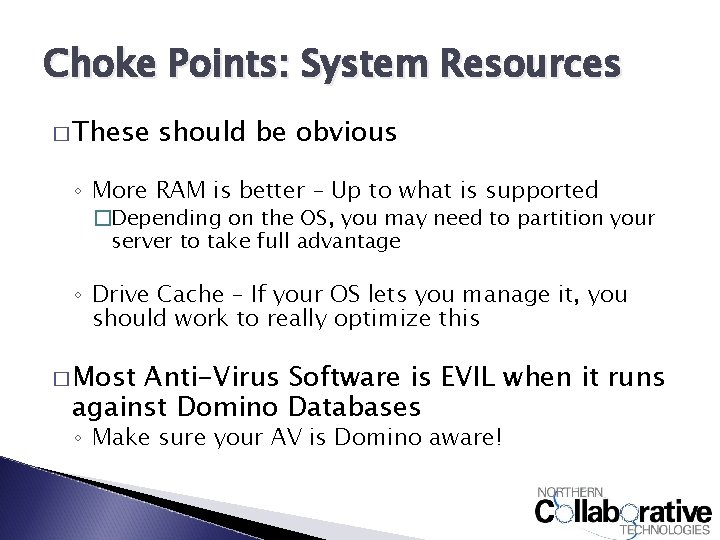
Choke Points: System Resources � These should be obvious ◦ More RAM is better – Up to what is supported �Depending on the OS, you may need to partition your server to take full advantage ◦ Drive Cache – If your OS lets you manage it, you should work to really optimize this � Most Anti-Virus Software is EVIL when it runs against Domino Databases ◦ Make sure your AV is Domino aware!
Application Design Strategies Developers really LOVE when administrators give them feedback like this
Choke Points: @DBLookup � Why are you using “No. Cache”? ◦ Cache times are very small, does your data really change on a second by second basis? � � � Can be very chatty – a killer on high latency networks, but not as bad for web apps Requires more views to be up to date – big performance hit in databases that change a lot Many lookups on the same form, to the same place for different values? ◦ Use it once to get the UNID, then use @Get. Doc. Value � Use a profile document, or local environment variables updated in the dbopen script to store commonly looked up data
Choke Points: Views � For application performance tuning, views are the first, second, and third place to look � View indexing is very disk intensive – and can amplify disk I/O shortcommings � To update a view, a full database scan often needs to happen. That can be very slow on large databases � Any view performance problem grows exponentially with the volume of data �These problems are often not caught in test
Bad View Design: Using TIME Values � If your view column (bad) or selection formula (worse) uses @Now, @Today, etc. . You’re hurting performance � Time dependant views are “Always” considered out of date and must be reindexed for every use � If you’ve got one, you’ve got more. Developers that do this tend to repeat the pattern
Alternatives to Time Specific Views � Use a FOLDER instead �Run a agent to select the right documents for the folder on a periodic basis – Daily for “@Today” or Hourly for @Hour(@Now), etc. �This will still cause an update, but only once each time the update happens � Use Categories �Categorize documents based on a stored date value, then use a “show single category” option on the view � If you MUST use a time specific view, set its update frequency to the absolute least frequent you can �It will still update for each user access, however, unlike a folder which is static
Bad View Design: Highly Complex Formulas � Consider � Now a column formula with 10 steps consider 100, 000 Documents in it � That column must execute 1 Million steps for each view index rebuild – just in that column � Many column formulas are much more complex, and serve many times that many documents
Alternatives to Complex view formulas � Create Hidden Fields on the Document � At “Save” time, compute the value that would be on the view column in the hidden fields � Display the value of the hidden field as the view column formula. � What was a complex formula executing hundreds of thousands of times is now a single field value
Bad View Design: Too Many Views � Consider a database with 100, 000 documents � Consider that database having 10 views � Consider each view having 5 columns � Each time data in the database is updated, every selection formula has to be checked to see if the view is impacted � Every view has to be updated by the indexer
Alternative to Using Many Views � Embed The View on a Form or Frameset ◦ Categorize the view in the same way you woul distinguish the different views ◦ Use Show Single Category to differentiate the data to the user ◦ Compute text values on the form to result in very different data in each category if needed � Use multi-column hidden views so that he same view can serve multiple lookup needs �Make sure your developers coordinate so that duplicate lookup views are not created
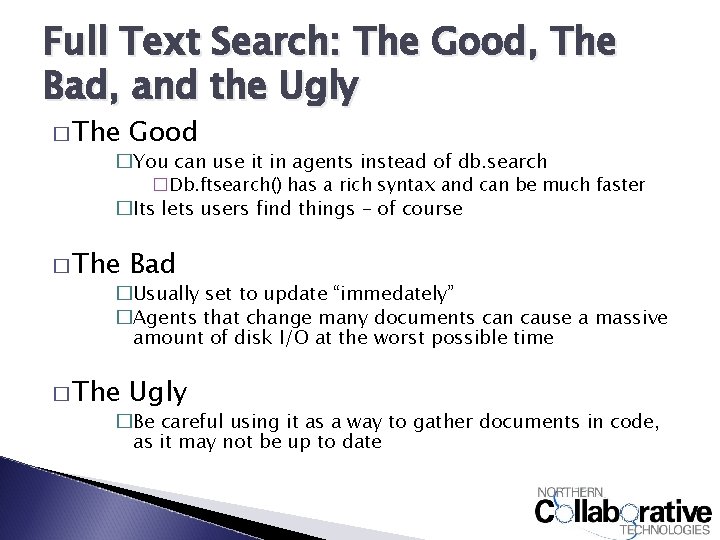
Full Text Search: The Good, The Bad, and the Ugly � The Good �You can use it in agents instead of db. search �Db. ftsearch() has a rich syntax and can be much faster �Its lets users find things – of course � The Bad �Usually set to update “immedately” �Agents that change many documents can cause a massive amount of disk I/O at the worst possible time � The Ugly �Be careful using it as a way to gather documents in code, as it may not be up to date
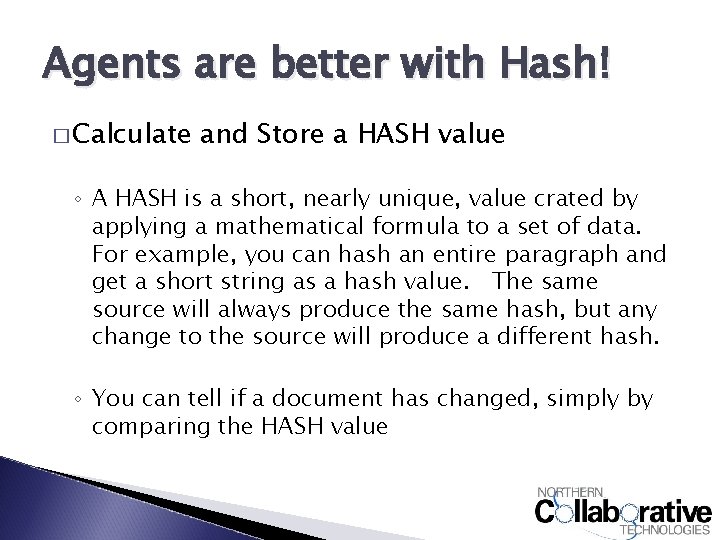
Agents are better with Hash! � Calculate and Store a HASH value ◦ A HASH is a short, nearly unique, value crated by applying a mathematical formula to a set of data. For example, you can hash an entire paragraph and get a short string as a hash value. The same source will always produce the same hash, but any change to the source will produce a different hash. ◦ You can tell if a document has changed, simply by comparing the HASH value
Story Time! � Andrew’s story Magic Hash � If you fall asleep, please don’t drool on the table � C’mon, story! it’s a true
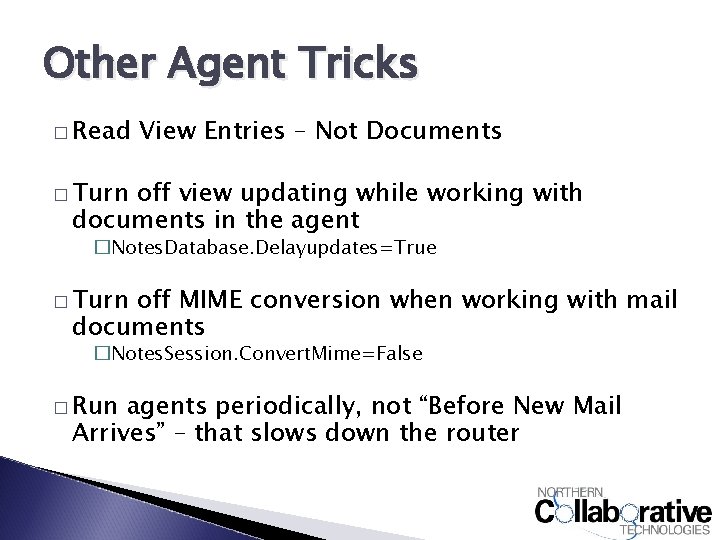
Other Agent Tricks � Read View Entries – Not Documents � Turn off view updating while working with documents in the agent �Notes. Database. Delayupdates=True � Turn off MIME conversion when working with mail documents �Notes. Session. Convert. Mime=False � Run agents periodically, not “Before New Mail Arrives” – that slows down the router
Finding Your Own Choke Points Placing blame, for fun and profit!
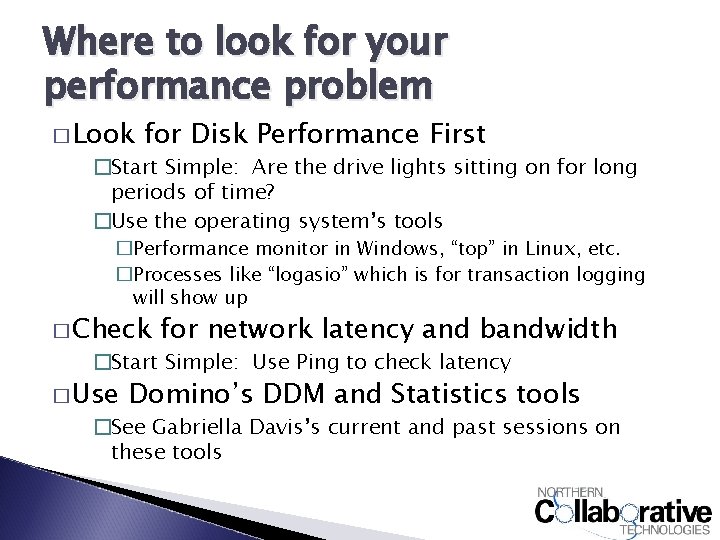
Where to look for your performance problem � Look for Disk Performance First �Start Simple: Are the drive lights sitting on for long periods of time? �Use the operating system’s tools �Performance monitor in Windows, “top” in Linux, etc. �Processes like “logasio” which is for transaction logging will show up � Check for network latency and bandwidth �Start Simple: Use Ping to check latency � Use Domino’s DDM and Statistics tools �See Gabriella Davis’s current and past sessions on these tools
Common Tweaks Admit it – you really came here looking for cool INI settings like Domino. Run. Faster=11
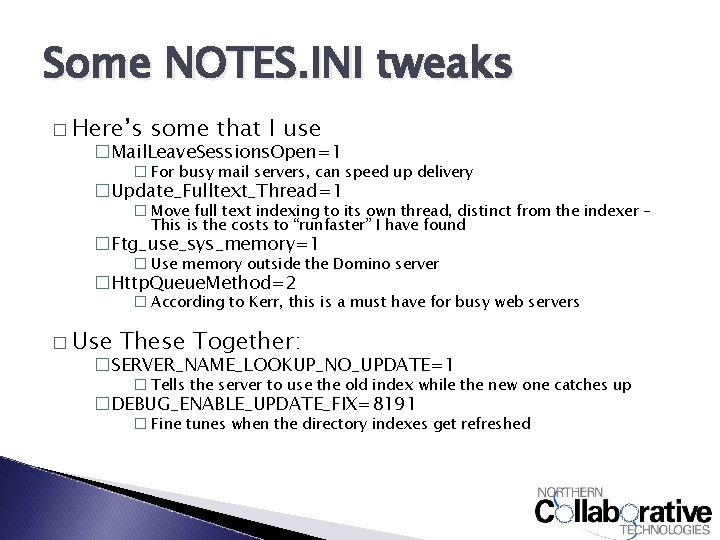
Some NOTES. INI tweaks � Here’s some that I use �Mail. Leave. Sessions. Open=1 � For busy mail servers, can speed up delivery �Update_Fulltext_Thread=1 � Move full text indexing to its own thread, distinct from the indexer – This is the costs to “runfaster” I have found �Ftg_use_sys_memory=1 � Use memory outside the Domino server �Http. Queue. Method=2 � According to Kerr, this is a must have for busy web servers � Use These Together: �SERVER_NAME_LOOKUP_NO_UPDATE=1 � Tells the server to use the old index while the new one catches up �DEBUG_ENABLE_UPDATE_FIX=8191 � Fine tunes when the directory indexes get refreshed
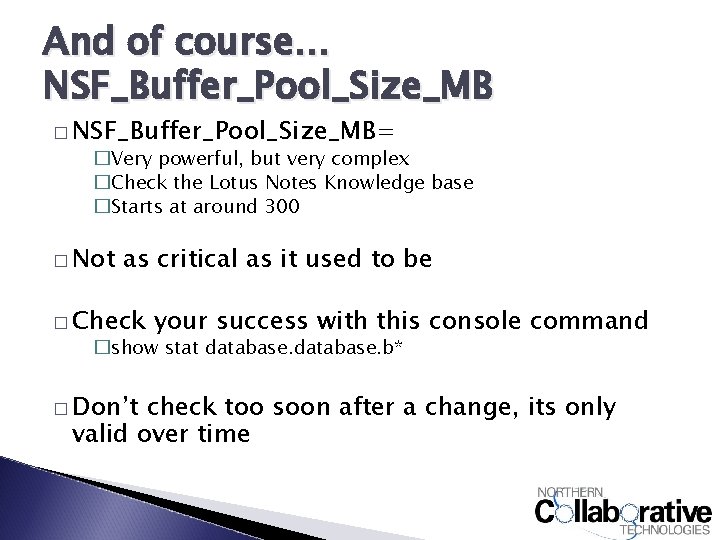
And of course… NSF_Buffer_Pool_Size_MB � NSF_Buffer_Pool_Size_MB= �Very powerful, but very complex �Check the Lotus Notes Knowledge base �Starts at around 300 � Not as critical as it used to be � Check your success with this console command �show stat database. b* � Don’t check too soon after a change, its only valid over time
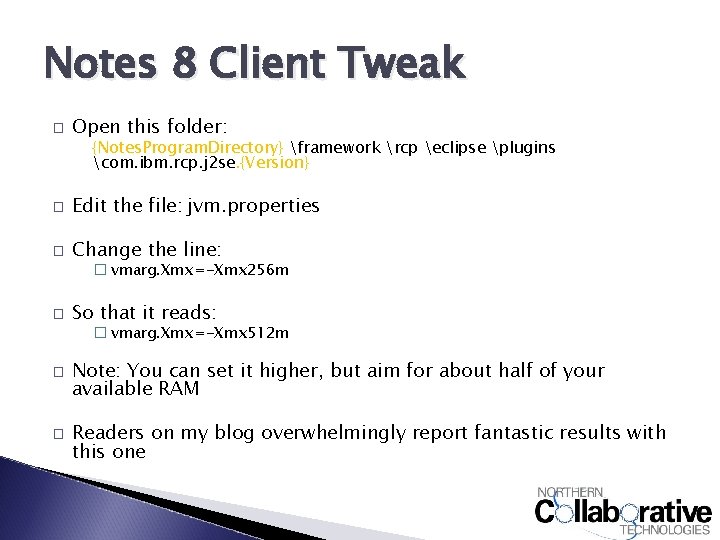
Notes 8 Client Tweak � Open this folder: {Notes. Program. Directory} framework rcp eclipse plugins com. ibm. rcp. j 2 se. {Version} � Edit the file: jvm. properties � Change the line: � vmarg. Xmx=-Xmx 256 m � So that it reads: � vmarg. Xmx=-Xmx 512 m � � Note: You can set it higher, but aim for about half of your available RAM Readers on my blog overwhelmingly report fantastic results with this one
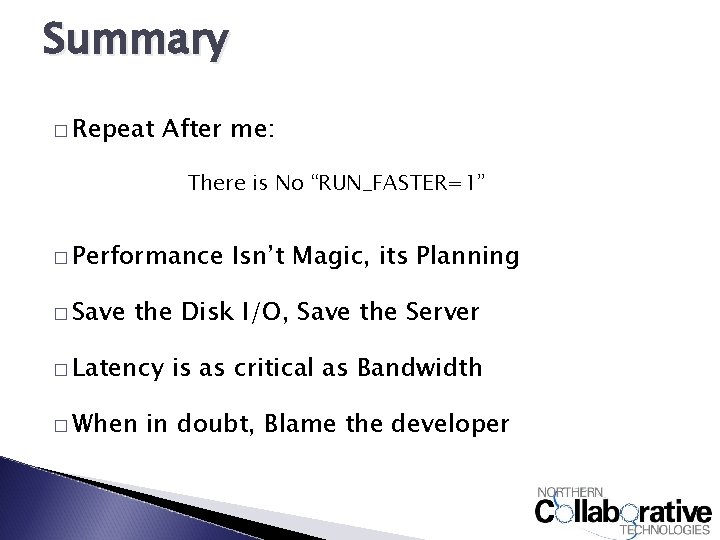
Summary � Repeat After me: There is No “RUN_FASTER=1” � Performance � Save Isn’t Magic, its Planning the Disk I/O, Save the Server � Latency � When is as critical as Bandwidth in doubt, Blame the developer