
Doing Less with Stata Markdown Doug Hemken Stata


![stmd usage stmd filename [, saving(filename 2) replace dyndoc-options]](https://slidetodoc.com/presentation_image_h2/f2d01f46433e9b358997c45867d9f1a0/image-17.jpg "stmd usage stmd filename [, saving(filename 2) replace dyndoc-options]")
- Slides: 18
Doing Less with Stata Markdown Doug Hemken Stata Conference 2018
Wouldn’t it be great if your papers wrote themselves?
Stata + Markdown is less ambitious Goals: ◦ Reduce your work combining analysis and write-up ◦ Easy to read (and to write) You provide the code for analysis, and the text, Stata runs the code and assembles the final document.
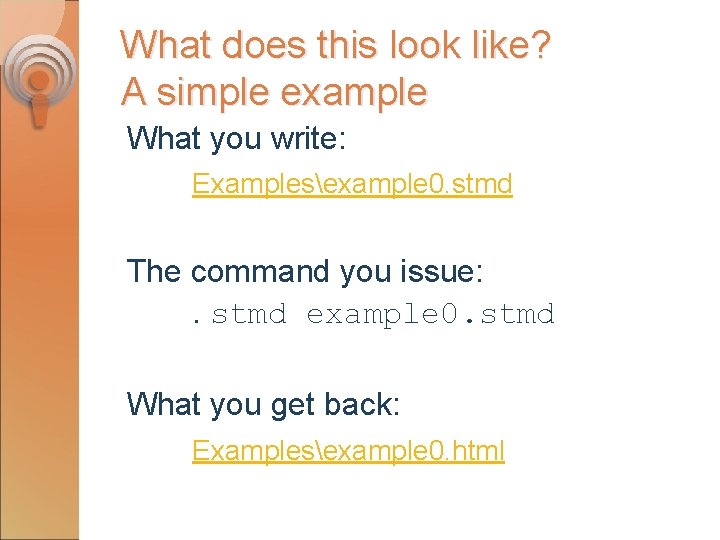
What does this look like? A simple example What you write: Examplesexample 0. stmd The command you issue: . stmd example 0. stmd What you get back: Examplesexample 0. html
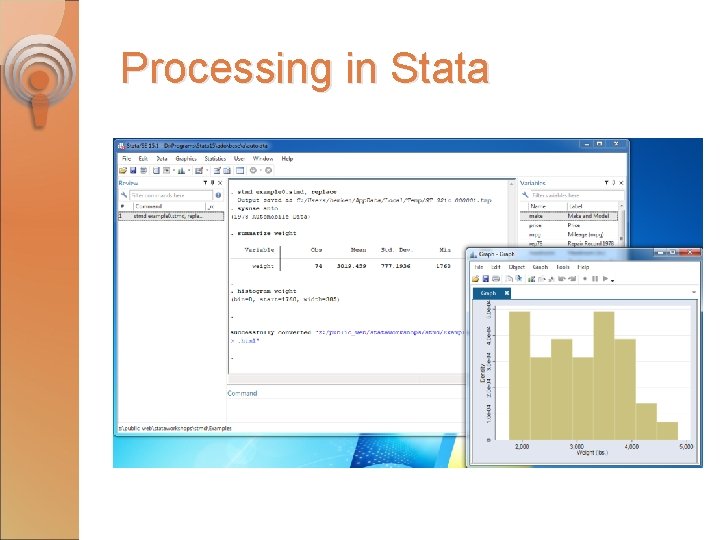
Processing in Stata
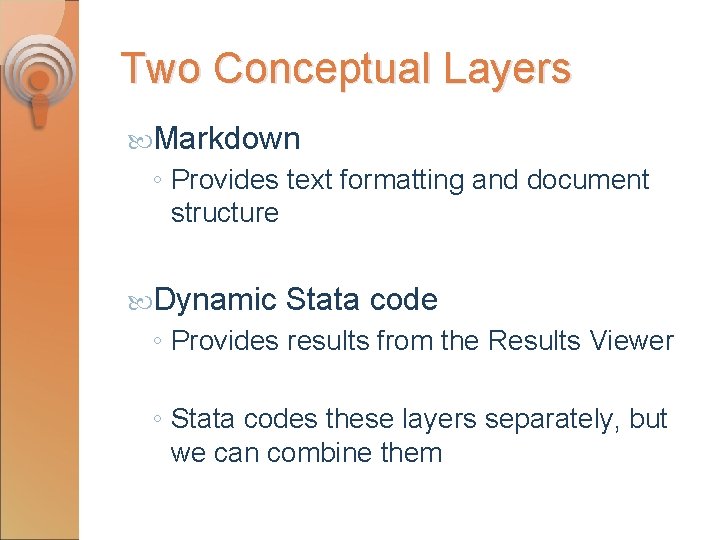
Two Conceptual Layers Markdown ◦ Provides text formatting and document structure Dynamic Stata code ◦ Provides results from the Results Viewer ◦ Stata codes these layers separately, but we can combine them
Markdown cheat sheet (from Wikipedia) What you write: ◦ Markdown/Wikipedia-markdown. md What you get back (using Stata) ◦ Markdown/Wikipedia-markdown. html
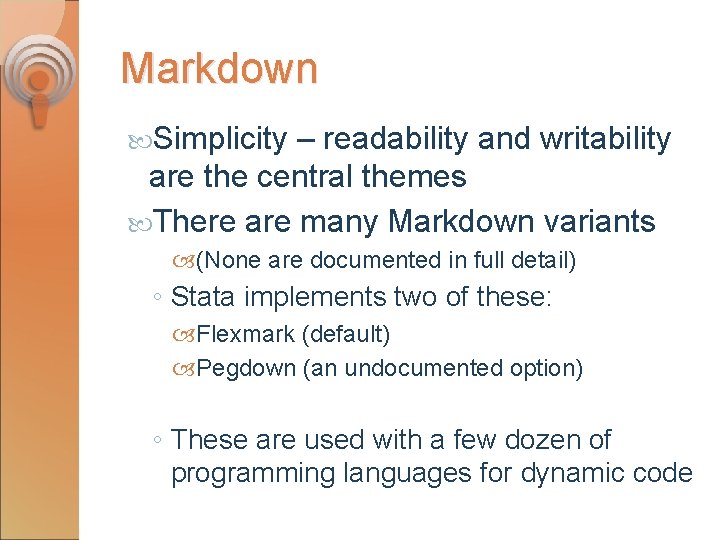
Markdown Simplicity – readability and writability are the central themes There are many Markdown variants (None are documented in full detail) ◦ Stata implements two of these: Flexmark (default) Pegdown (an undocumented option) ◦ These are used with a few dozen of programming languages for dynamic code
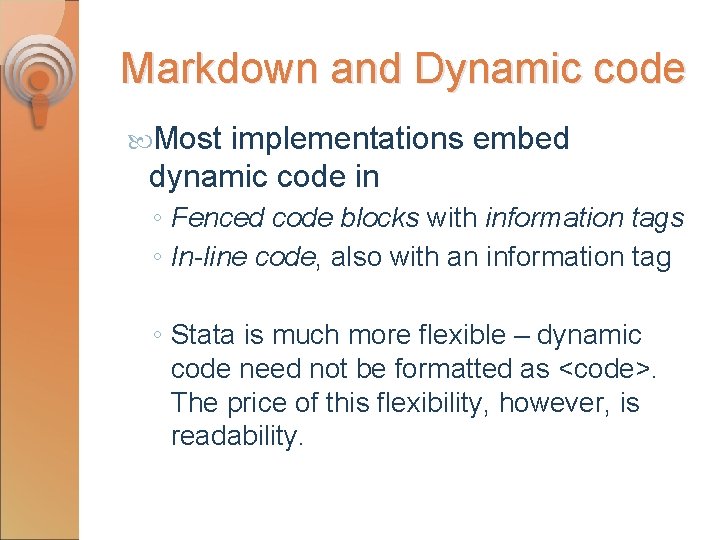
Markdown and Dynamic code Most implementations embed dynamic code in ◦ Fenced code blocks with information tags ◦ In-line code, also with an information tag ◦ Stata is much more flexible – dynamic code need not be formatted as <code>. The price of this flexibility, however, is readability.
What does this look like? What you write: Examplesexample 0. dyn
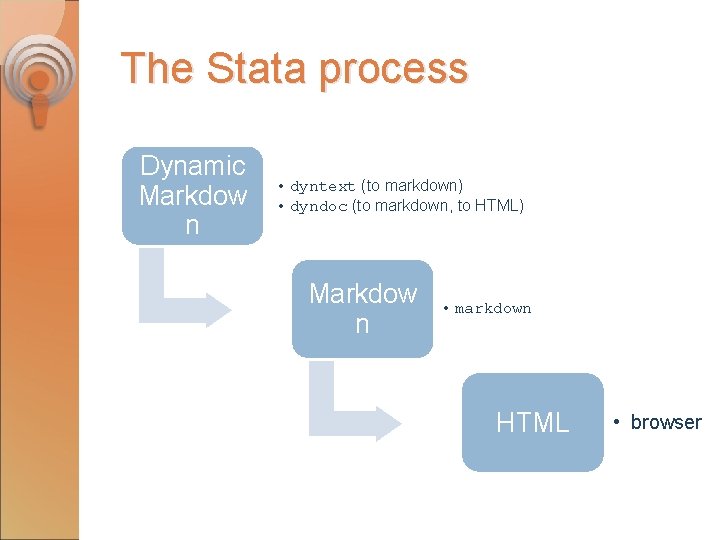
The Stata process Dynamic Markdow n • dyntext (to markdown) • dyndoc (to markdown, to HTML) Markdow n • markdown HTML • browser
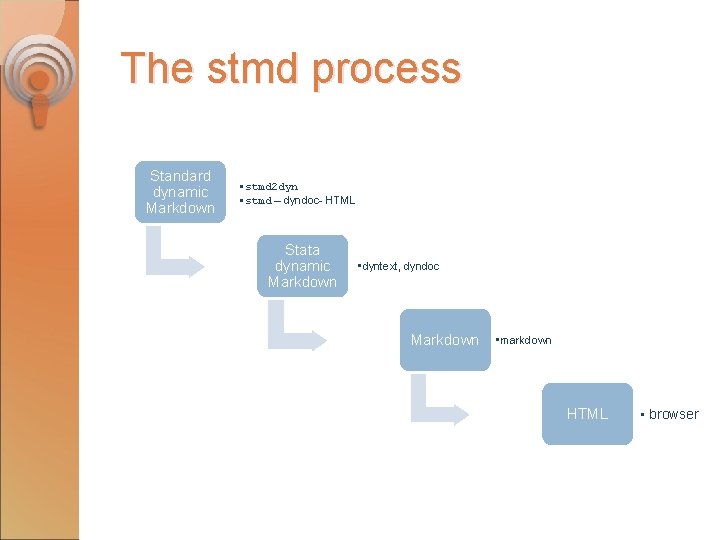
The stmd process Standard dynamic Markdown • stmd 2 dyn • stmd – dyndoc- HTML Stata dynamic Markdown • dyntext, dyndoc Markdown • markdown HTML • browser
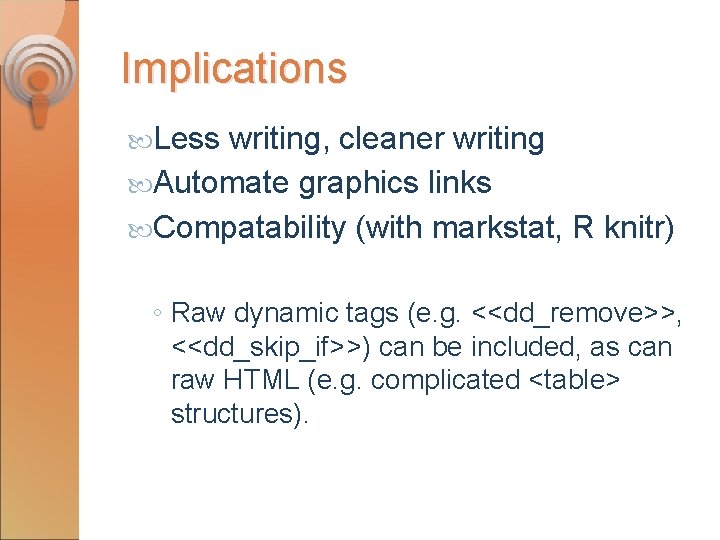
Implications Less writing, cleaner writing Automate graphics links Compatability (with markstat, R knitr) ◦ Raw dynamic tags (e. g. <<dd_remove>>, <<dd_skip_if>>) can be included, as can raw HTML (e. g. complicated <table> structures).
Code Block options nocommands nooutput quietly noprompt Essentially the options for <<dd_do>>. There alternative formulation for compatability with R knitr.
More examples What you write: ◦ Examples/example-codeopts. stmd What you get back: ◦ Examples/example-codeopts. html
stmd usage stmd filename [, saving(filename 2) replace dyndoc-options]
Download/ install net from https: //www. ssc. wisc. edu/~hemken/Stataworkshops Tinker with the source code, suggest improvements: https: //github. com/Hemken/stmd