
Document Type Definitions Kanda Runapongsa krunaponkku ac th
- Slides: 38
Document Type Definitions Kanda Runapongsa (krunapon@kku. ac. th) Dept. of Computer Engineering Khon Kaen University 168493: XML and Web Services (II/2546)
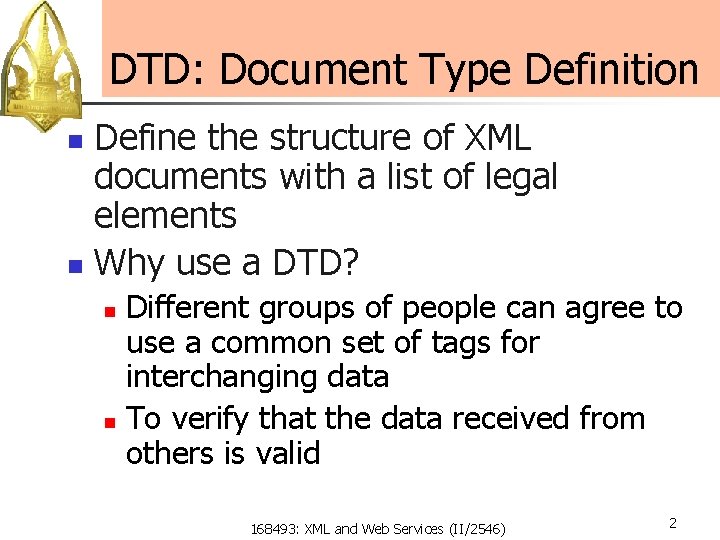
DTD: Document Type Definition Define the structure of XML documents with a list of legal elements n Why use a DTD? n Different groups of people can agree to use a common set of tags for interchanging data n To verify that the data received from others is valid n 168493: XML and Web Services (II/2546) 2
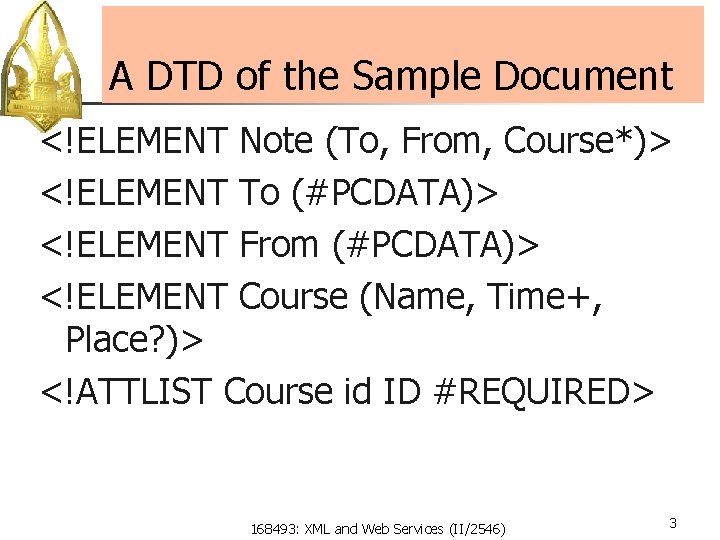
A DTD of the Sample Document <!ELEMENT Note (To, From, Course*)> <!ELEMENT To (#PCDATA)> <!ELEMENT From (#PCDATA)> <!ELEMENT Course (Name, Time+, Place? )> <!ATTLIST Course id ID #REQUIRED> 168493: XML and Web Services (II/2546) 3
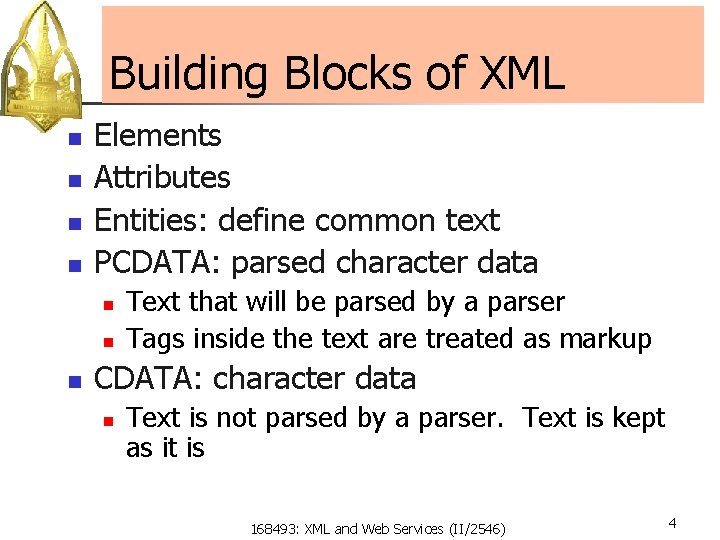
Building Blocks of XML n n Elements Attributes Entities: define common text PCDATA: parsed character data n n n Text that will be parsed by a parser Tags inside the text are treated as markup CDATA: character data n Text is not parsed by a parser. Text is kept as it is 168493: XML and Web Services (II/2546) 4
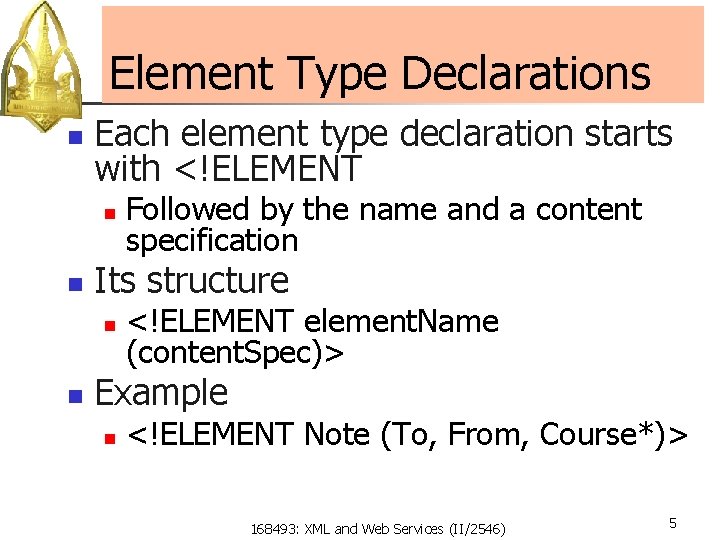
Element Type Declarations n Each element type declaration starts with <!ELEMENT n n Its structure n n Followed by the name and a content specification <!ELEMENT element. Name (content. Spec)> Example n <!ELEMENT Note (To, From, Course*)> 168493: XML and Web Services (II/2546) 5
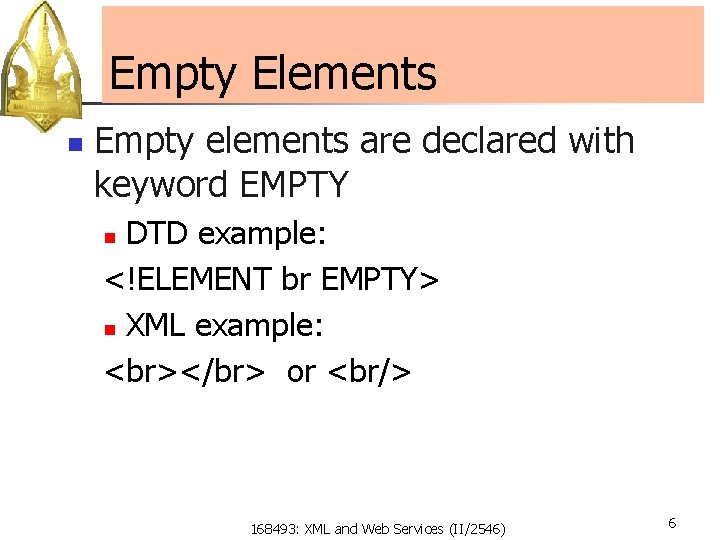
Empty Elements n Empty elements are declared with keyword EMPTY DTD example: <!ELEMENT br EMPTY> n XML example: </br> or <br/> n 168493: XML and Web Services (II/2546) 6
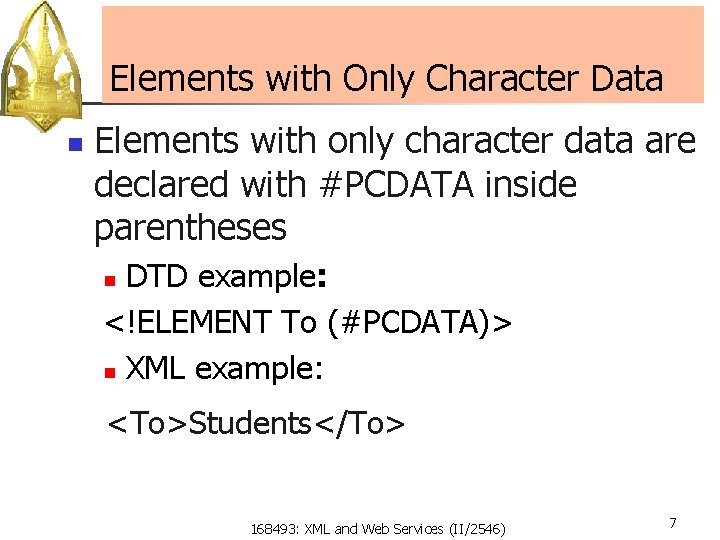
Elements with Only Character Data n Elements with only character data are declared with #PCDATA inside parentheses DTD example: <!ELEMENT To (#PCDATA)> n XML example: n <To>Students</To> 168493: XML and Web Services (II/2546) 7
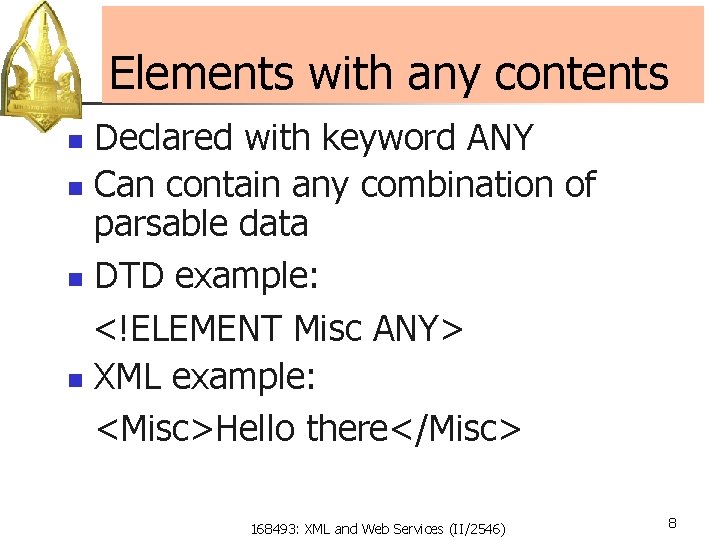
Elements with any contents Declared with keyword ANY n Can contain any combination of parsable data n DTD example: <!ELEMENT Misc ANY> n XML example: <Misc>Hello there</Misc> n 168493: XML and Web Services (II/2546) 8
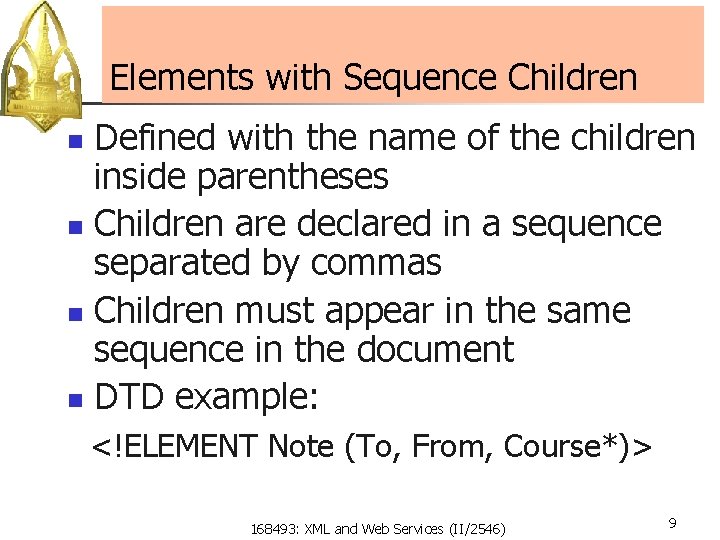
Elements with Sequence Children Defined with the name of the children inside parentheses n Children are declared in a sequence separated by commas n Children must appear in the same sequence in the document n DTD example: n <!ELEMENT Note (To, From, Course*)> 168493: XML and Web Services (II/2546) 9
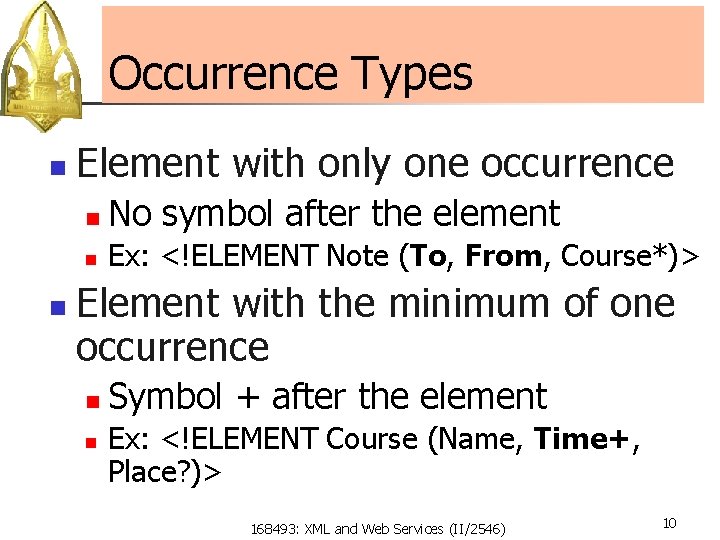
Occurrence Types n n Element with only one occurrence n No symbol after the element n Ex: <!ELEMENT Note (To, From, Course*)> Element with the minimum of one occurrence n n Symbol + after the element Ex: <!ELEMENT Course (Name, Time+, Place? )> 168493: XML and Web Services (II/2546) 10
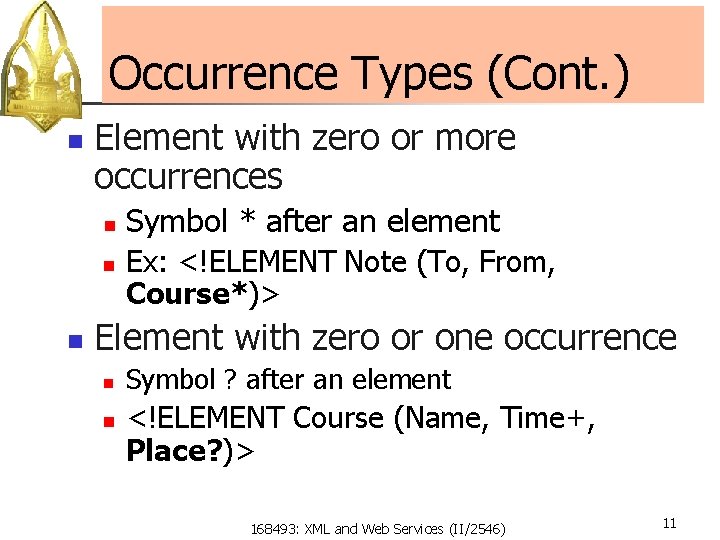
Occurrence Types (Cont. ) n Element with zero or more occurrences n n n Symbol * after an element Ex: <!ELEMENT Note (To, From, Course*)> Element with zero or one occurrence n n Symbol ? after an element <!ELEMENT Course (Name, Time+, Place? )> 168493: XML and Web Services (II/2546) 11
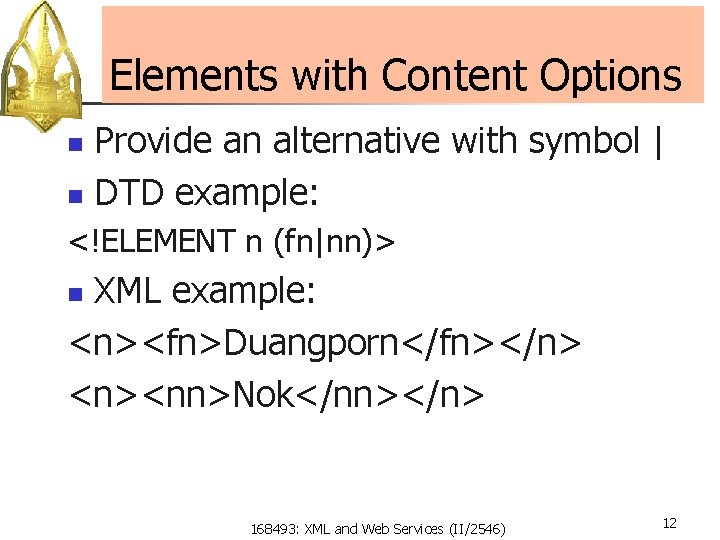
Elements with Content Options Provide an alternative with symbol | n DTD example: n <!ELEMENT n (fn|nn)> XML example: <n><fn>Duangporn</fn></n> <n><nn>Nok</nn></n> n 168493: XML and Web Services (II/2546) 12
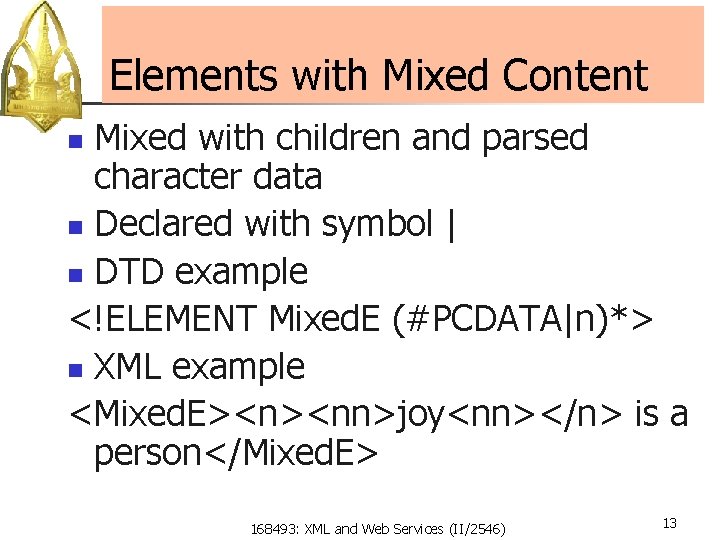
Elements with Mixed Content Mixed with children and parsed character data n Declared with symbol | n DTD example <!ELEMENT Mixed. E (#PCDATA|n)*> n XML example <Mixed. E><n><nn>joy<nn></n> is a person</Mixed. E> n 168493: XML and Web Services (II/2546) 13
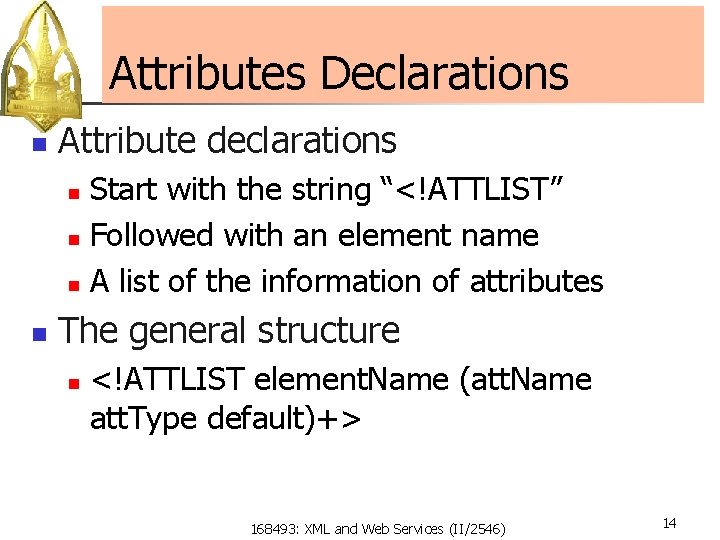
Attributes Declarations n Attribute declarations Start with the string “<!ATTLIST” n Followed with an element name n A list of the information of attributes n n The general structure n <!ATTLIST element. Name (att. Name att. Type default)+> 168493: XML and Web Services (II/2546) 14
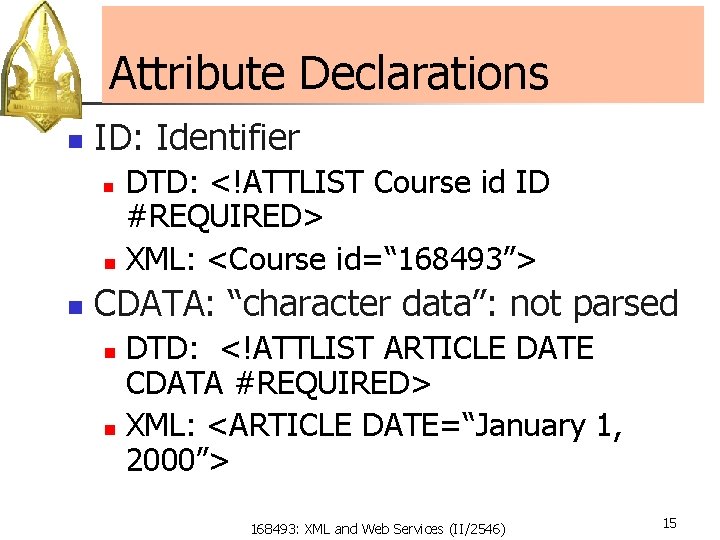
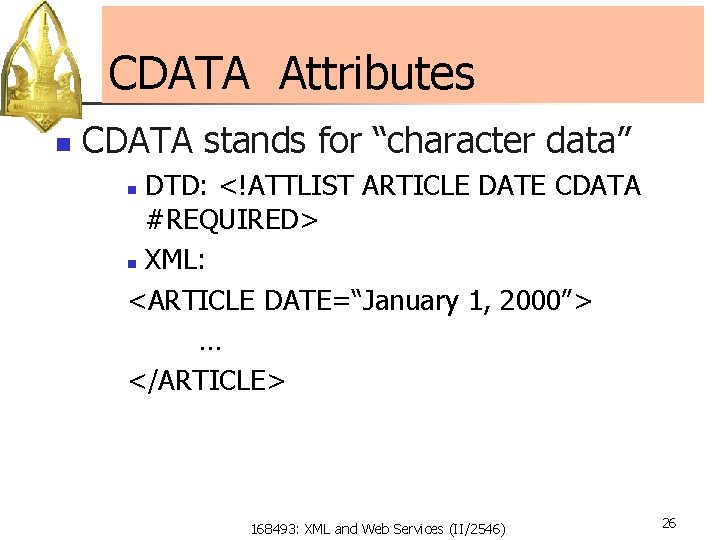
Attribute Declarations n ID: Identifier DTD: <!ATTLIST Course id ID #REQUIRED> n XML: <Course id=“ 168493”> n n CDATA: “character data”: not parsed DTD: <!ATTLIST ARTICLE DATE CDATA #REQUIRED> n XML: <ARTICLE DATE=“January 1, 2000”> n 168493: XML and Web Services (II/2546) 15
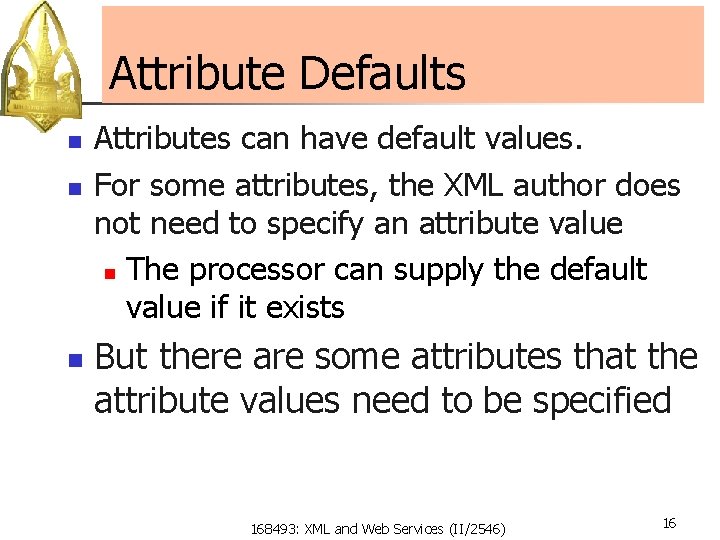
Attribute Defaults n n n Attributes can have default values. For some attributes, the XML author does not need to specify an attribute value n The processor can supply the default value if it exists But there are some attributes that the attribute values need to be specified 168493: XML and Web Services (II/2546) 16
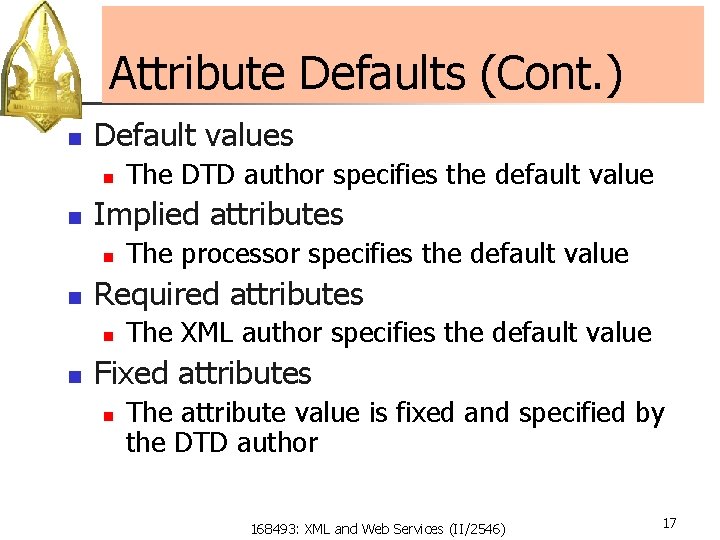
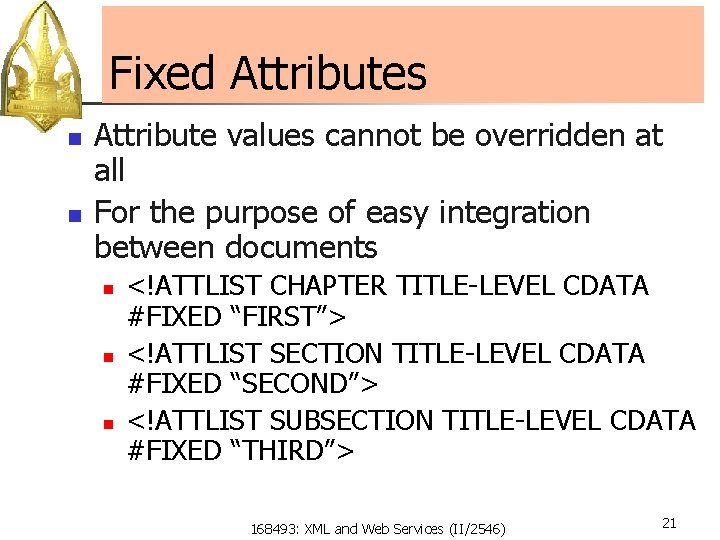
Attribute Defaults (Cont. ) n Default values n n Implied attributes n n The processor specifies the default value Required attributes n n The DTD author specifies the default value The XML author specifies the default value Fixed attributes n The attribute value is fixed and specified by the DTD author 168493: XML and Web Services (II/2546) 17
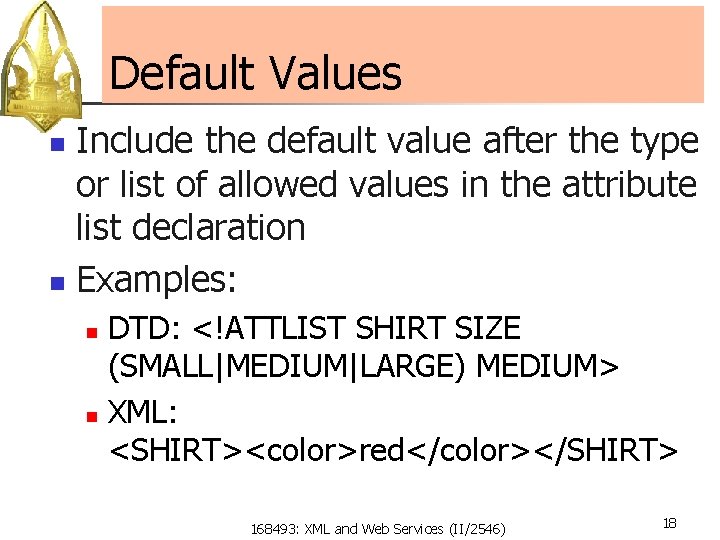
Default Values Include the default value after the type or list of allowed values in the attribute list declaration n Examples: n DTD: <!ATTLIST SHIRT SIZE (SMALL|MEDIUM|LARGE) MEDIUM> n XML: <SHIRT><color>red</color></SHIRT> n 168493: XML and Web Services (II/2546) 18
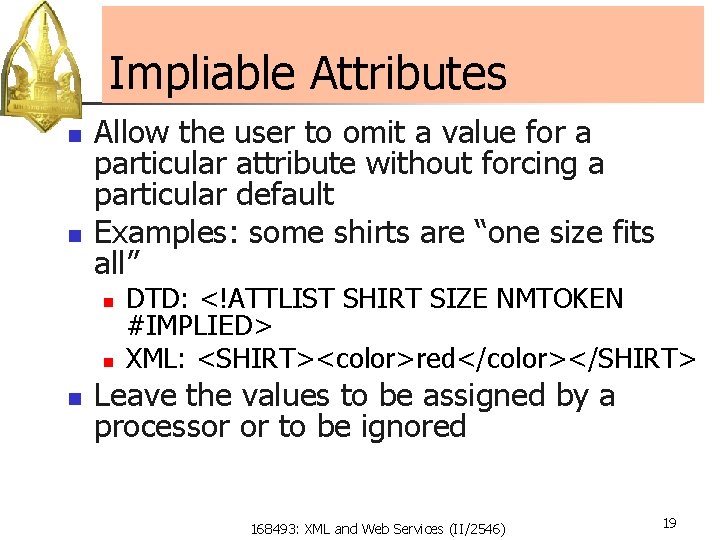
Impliable Attributes n n Allow the user to omit a value for a particular attribute without forcing a particular default Examples: some shirts are “one size fits all” n n n DTD: <!ATTLIST SHIRT SIZE NMTOKEN #IMPLIED> XML: <SHIRT><color>red</color></SHIRT> Leave the values to be assigned by a processor or to be ignored 168493: XML and Web Services (II/2546) 19
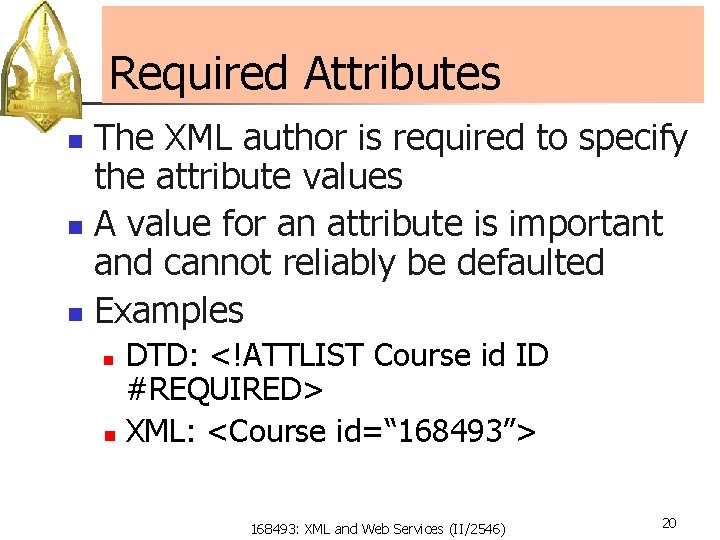
Required Attributes The XML author is required to specify the attribute values n A value for an attribute is important and cannot reliably be defaulted n Examples n DTD: <!ATTLIST Course id ID #REQUIRED> n XML: <Course id=“ 168493”> n 168493: XML and Web Services (II/2546) 20
Fixed Attributes n n Attribute values cannot be overridden at all For the purpose of easy integration between documents n n n <!ATTLIST CHAPTER TITLE-LEVEL CDATA #FIXED “FIRST”> <!ATTLIST SECTION TITLE-LEVEL CDATA #FIXED “SECOND”> <!ATTLIST SUBSECTION TITLE-LEVEL CDATA #FIXED “THIRD”> 168493: XML and Web Services (II/2546) 21
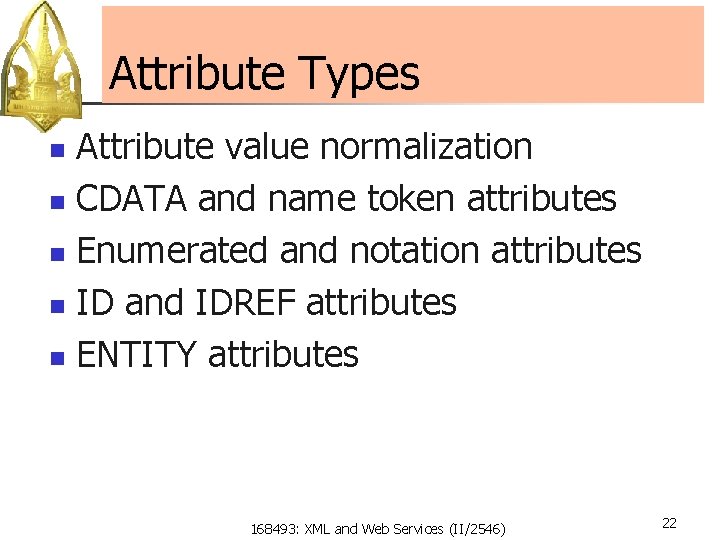
Attribute Types Attribute value normalization n CDATA and name token attributes n Enumerated and notation attributes n ID and IDREF attributes n ENTITY attributes n 168493: XML and Web Services (II/2546) 22
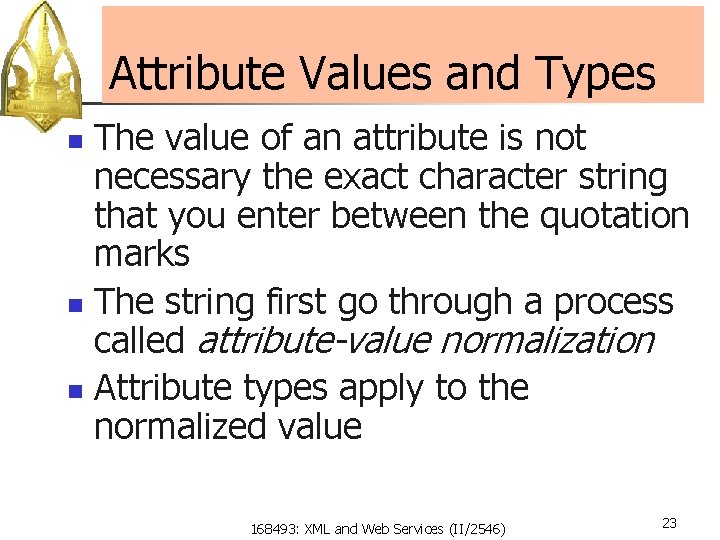
Attribute Values and Types The value of an attribute is not necessary the exact character string that you enter between the quotation marks n The string first go through a process called attribute-value normalization n Attribute types apply to the normalized value n 168493: XML and Web Services (II/2546) 23
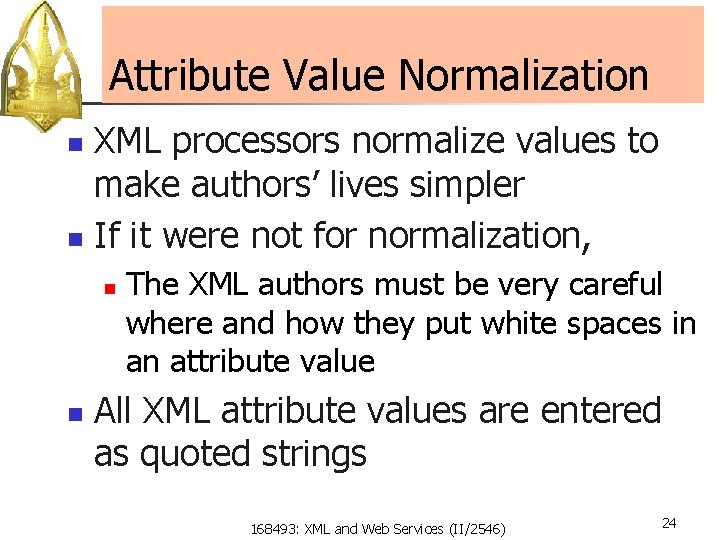
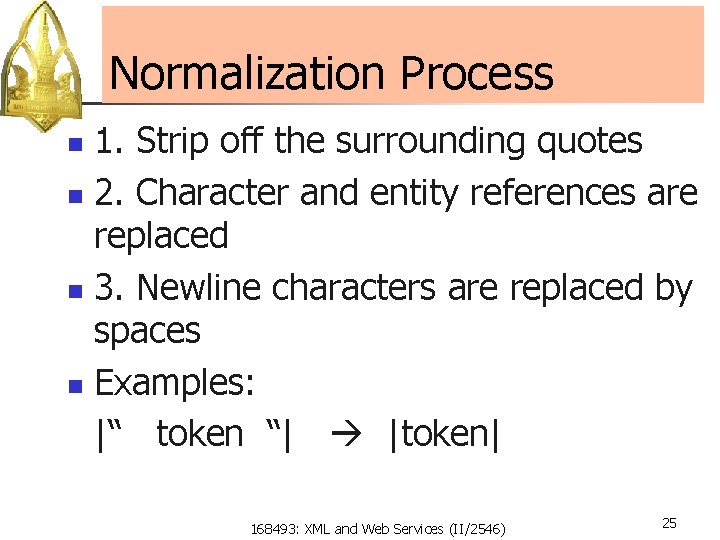
Attribute Value Normalization XML processors normalize values to make authors’ lives simpler n If it were not for normalization, n n n The XML authors must be very careful where and how they put white spaces in an attribute value All XML attribute values are entered as quoted strings 168493: XML and Web Services (II/2546) 24
Normalization Process 1. Strip off the surrounding quotes n 2. Character and entity references are replaced n 3. Newline characters are replaced by spaces n Examples: |“ token “| |token| n 168493: XML and Web Services (II/2546) 25
CDATA Attributes n CDATA stands for “character data” DTD: <!ATTLIST ARTICLE DATE CDATA #REQUIRED> n XML: <ARTICLE DATE=“January 1, 2000”> … </ARTICLE> n 168493: XML and Web Services (II/2546) 26
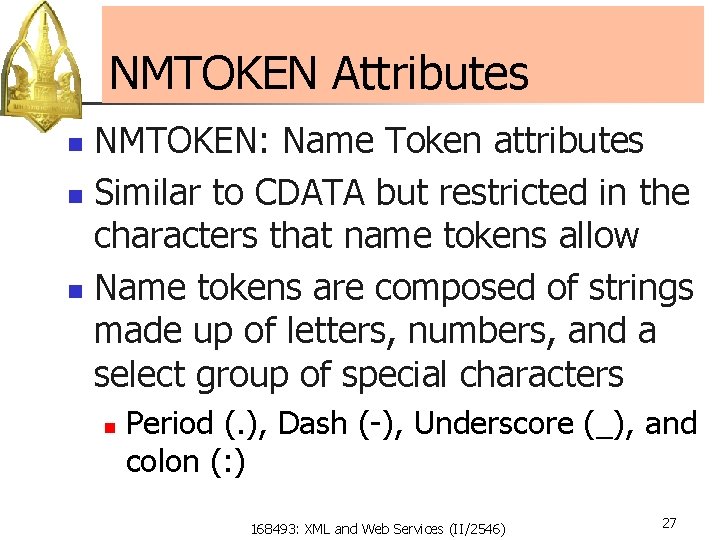
NMTOKEN Attributes NMTOKEN: Name Token attributes n Similar to CDATA but restricted in the characters that name tokens allow n Name tokens are composed of strings made up of letters, numbers, and a select group of special characters n n Period (. ), Dash (-), Underscore (_), and colon (: ) 168493: XML and Web Services (II/2546) 27
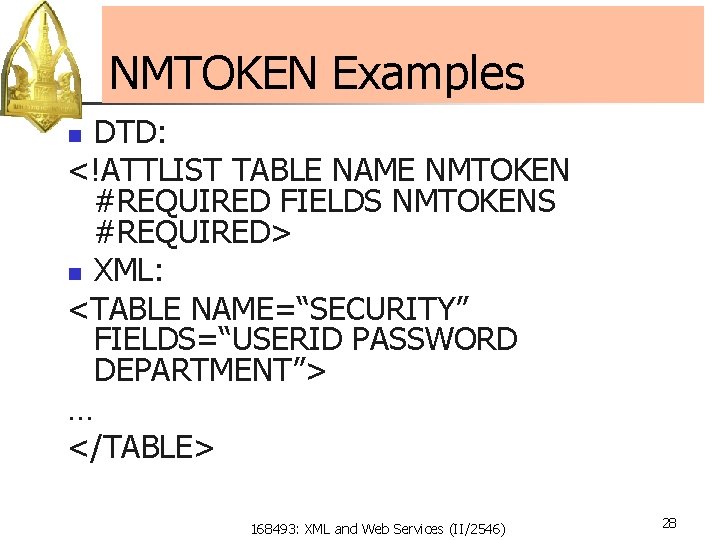
NMTOKEN Examples DTD: <!ATTLIST TABLE NAME NMTOKEN #REQUIRED FIELDS NMTOKENS #REQUIRED> n XML: <TABLE NAME=“SECURITY” FIELDS=“USERID PASSWORD DEPARTMENT”> … </TABLE> n 168493: XML and Web Services (II/2546) 28
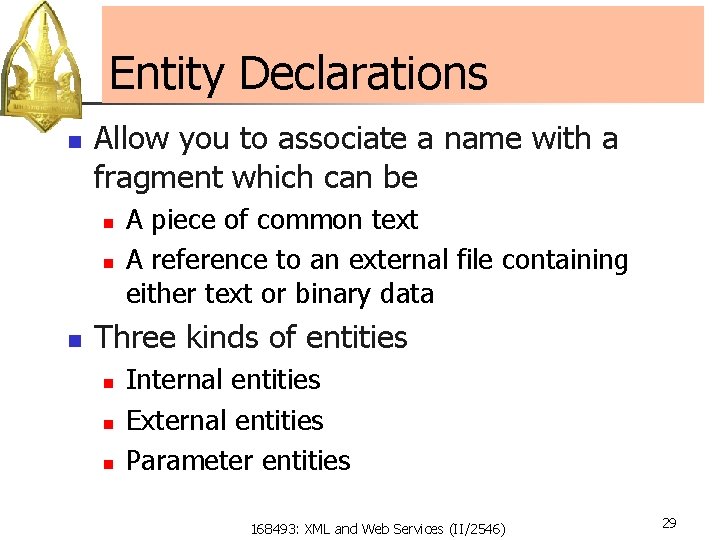
Entity Declarations n Allow you to associate a name with a fragment which can be n n n A piece of common text A reference to an external file containing either text or binary data Three kinds of entities n n n Internal entities External entities Parameter entities 168493: XML and Web Services (II/2546) 29
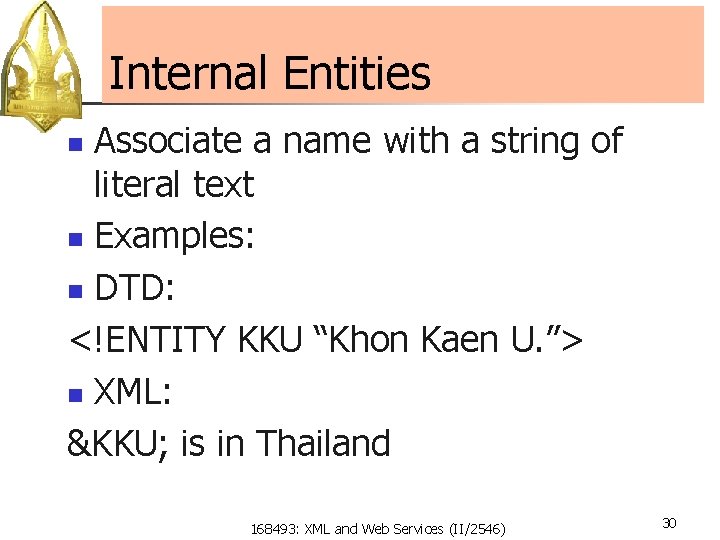
Internal Entities Associate a name with a string of literal text n Examples: n DTD: <!ENTITY KKU “Khon Kaen U. ”> n XML: &KKU; is in Thailand n 168493: XML and Web Services (II/2546) 30
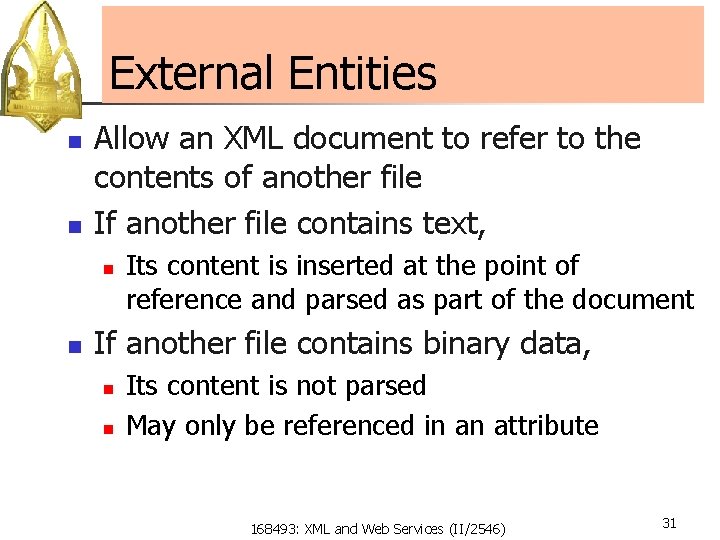
External Entities n n Allow an XML document to refer to the contents of another file If another file contains text, n n Its content is inserted at the point of reference and parsed as part of the document If another file contains binary data, n n Its content is not parsed May only be referenced in an attribute 168493: XML and Web Services (II/2546) 31
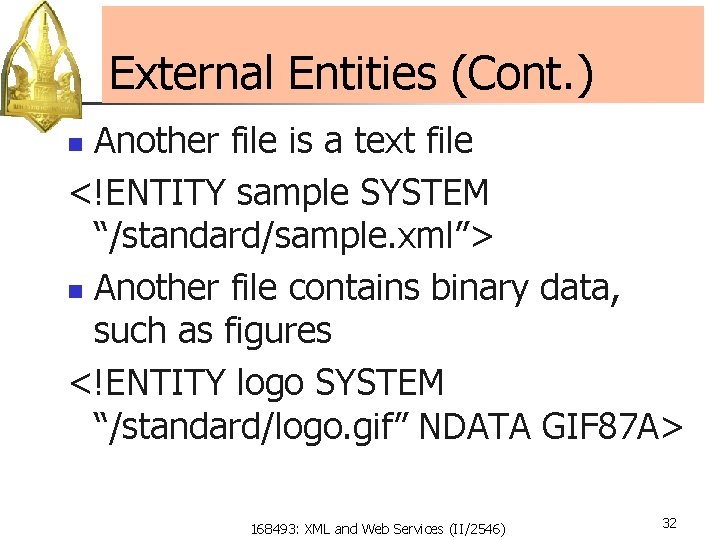
External Entities (Cont. ) Another file is a text file <!ENTITY sample SYSTEM “/standard/sample. xml”> n Another file contains binary data, such as figures <!ENTITY logo SYSTEM “/standard/logo. gif” NDATA GIF 87 A> n 168493: XML and Web Services (II/2546) 32
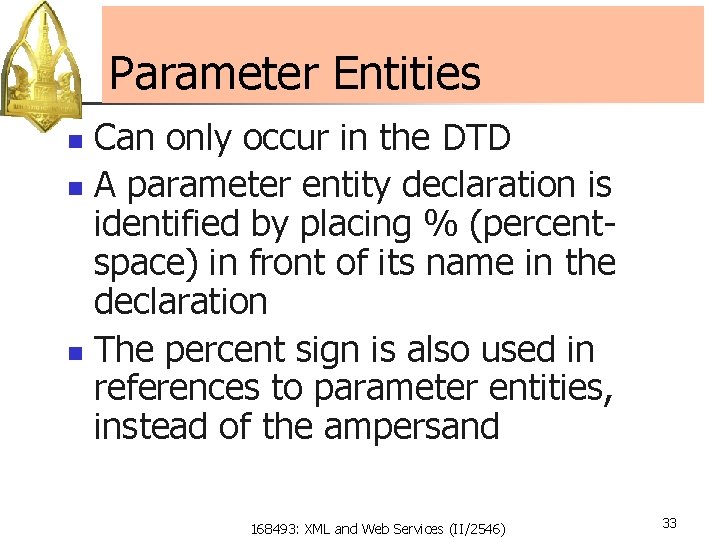
Parameter Entities Can only occur in the DTD n A parameter entity declaration is identified by placing % (percentspace) in front of its name in the declaration n The percent sign is also used in references to parameter entities, instead of the ampersand n 168493: XML and Web Services (II/2546) 33
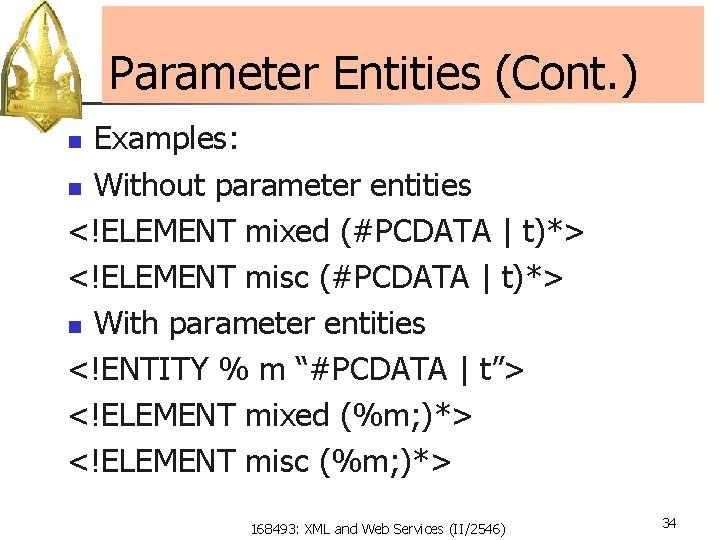
Parameter Entities (Cont. ) Examples: n Without parameter entities <!ELEMENT mixed (#PCDATA | t)*> <!ELEMENT misc (#PCDATA | t)*> n With parameter entities <!ENTITY % m “#PCDATA | t”> <!ELEMENT mixed (%m; )*> <!ELEMENT misc (%m; )*> n 168493: XML and Web Services (II/2546) 34
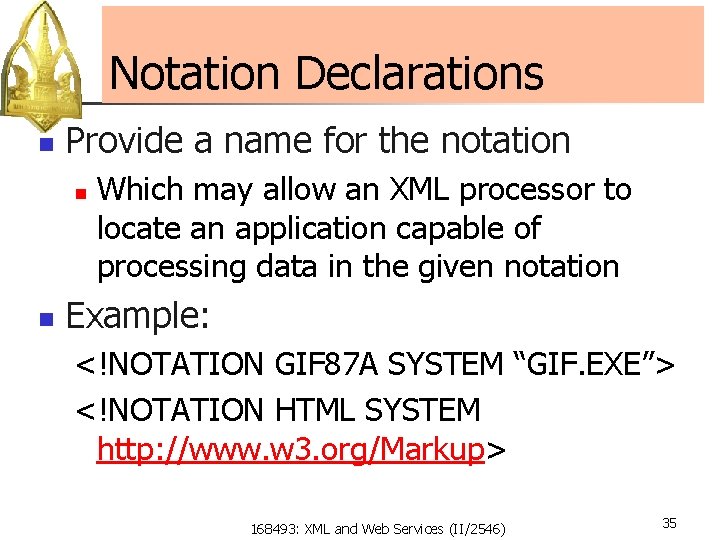
Notation Declarations n Provide a name for the notation n n Which may allow an XML processor to locate an application capable of processing data in the given notation Example: <!NOTATION GIF 87 A SYSTEM “GIF. EXE”> <!NOTATION HTML SYSTEM http: //www. w 3. org/Markup> 168493: XML and Web Services (II/2546) 35
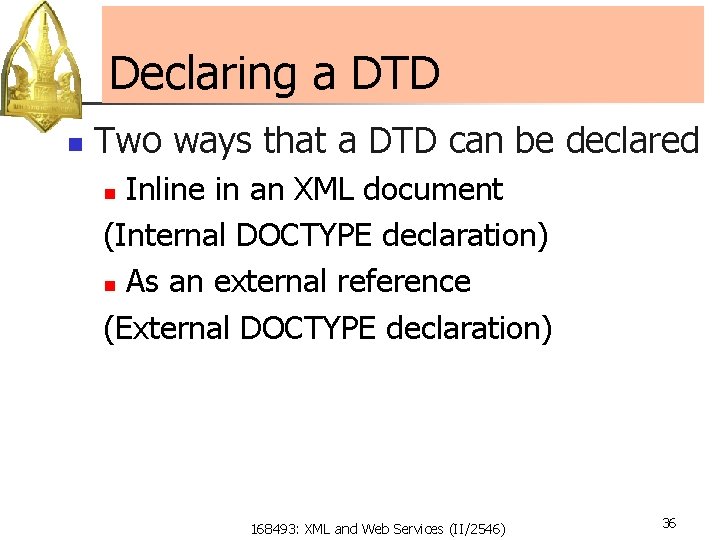
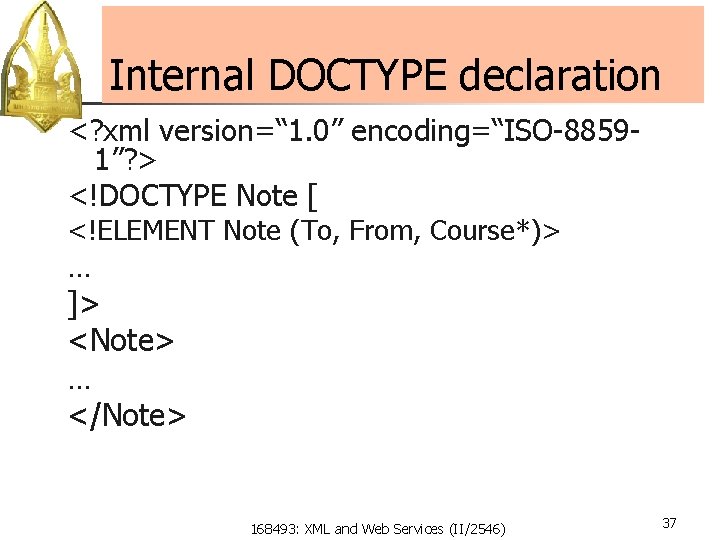
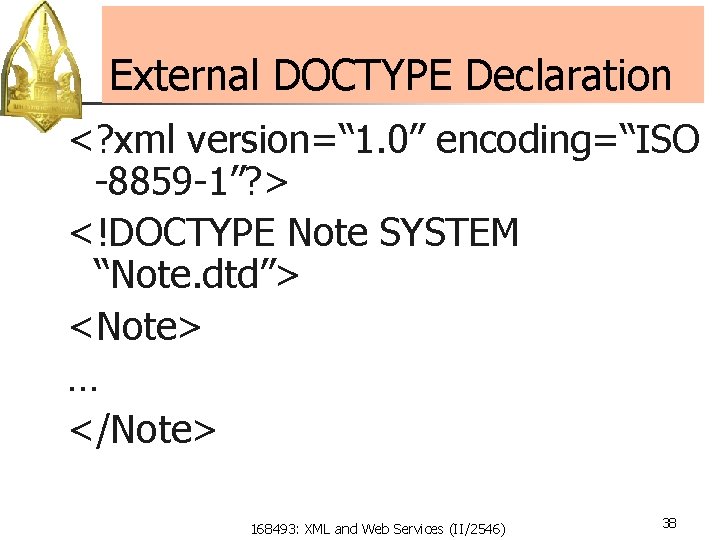
Declaring a DTD n Two ways that a DTD can be declared Inline in an XML document (Internal DOCTYPE declaration) n As an external reference (External DOCTYPE declaration) n 168493: XML and Web Services (II/2546) 36
Internal DOCTYPE declaration <? xml version=“ 1. 0” encoding=“ISO-88591”? > <!DOCTYPE Note [ <!ELEMENT Note (To, From, Course*)> … ]> <Note> … </Note> 168493: XML and Web Services (II/2546) 37
External DOCTYPE Declaration <? xml version=“ 1. 0” encoding=“ISO -8859 -1”? > <!DOCTYPE Note SYSTEM “Note. dtd”> <Note> … </Note> 168493: XML and Web Services (II/2546) 38