
Document management with the Open Office org API

- Slides: 42
Document management with the Open. Office. org API 1
Table of Contents A short history of OOo Compatibility between OOo and MSO UNO: Unified Network Objects The Java API/Code Examples Topics not covered Conclusions 2
Table of Contents A short history of OOo Compatibility between OOo and MSO UNO: Unified Network Objects The Java API/Code Examples Topics not covered Conclusions 3
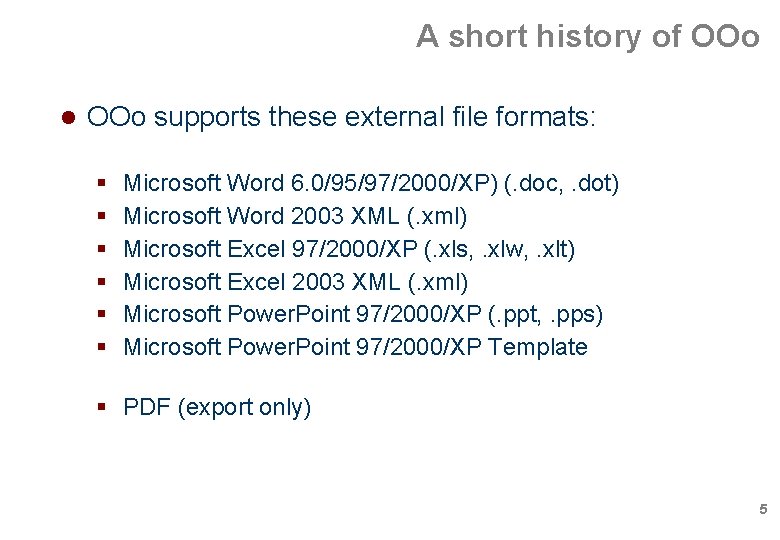
A short history of OOo mid 1980's: Star. Division is founded summer of 1999: Sun Microsystem acquires Star. Division June 2000: Star. Office 5. 2 released under GPL October 2000: First release of OOo September 2001: OOo 1. 0 SDK released September 2003: OOo 1. 1 released June 2005: Sun and MS join hands in supporting each others document formats November 2005: OOo 2. 0 released Current version: OOo 2. 0. 3 4
A short history of OOo supports these external file formats: Microsoft Word 6. 0/95/97/2000/XP) (. doc, . dot) Microsoft Word 2003 XML (. xml) Microsoft Excel 97/2000/XP (. xls, . xlw, . xlt) Microsoft Excel 2003 XML (. xml) Microsoft Power. Point 97/2000/XP (. ppt, . pps) Microsoft Power. Point 97/2000/XP Template PDF (export only) 5
Table of Contents A short history of OOo Compatibility between OOo and MSO UNO: Unified Network Objects The Java API/Code Examples Topics not covered Conclusions 6
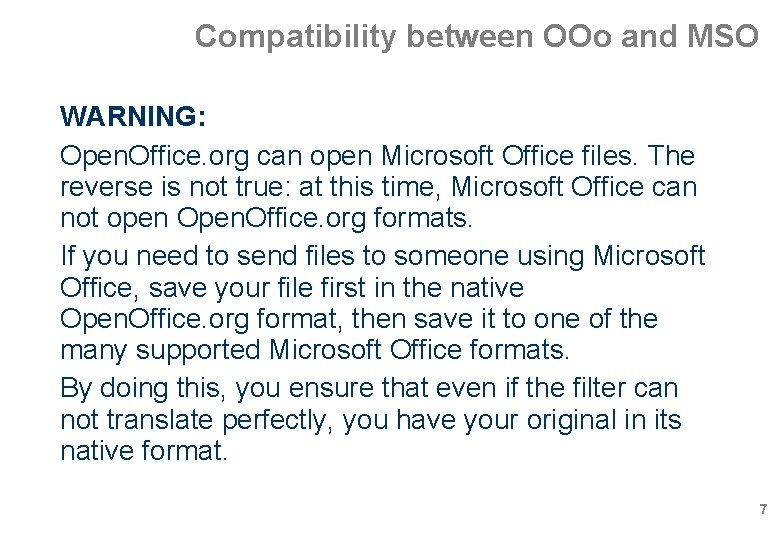
Compatibility between OOo and MSO WARNING: Open. Office. org can open Microsoft Office files. The reverse is not true: at this time, Microsoft Office can not open Open. Office. org formats. If you need to send files to someone using Microsoft Office, save your file first in the native Open. Office. org format, then save it to one of the many supported Microsoft Office formats. By doing this, you ensure that even if the filter can not translate perfectly, you have your original in its native format. 7
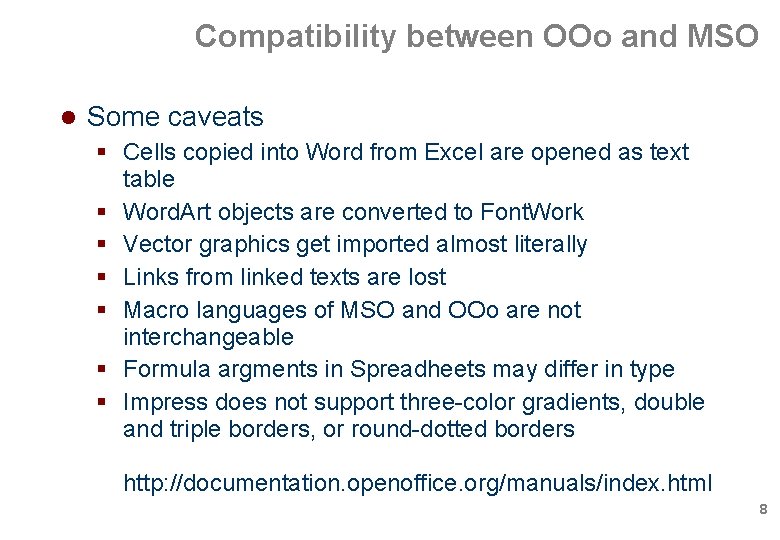
Compatibility between OOo and MSO Some caveats Cells copied into Word from Excel are opened as text table Word. Art objects are converted to Font. Work Vector graphics get imported almost literally Links from linked texts are lost Macro languages of MSO and OOo are not interchangeable Formula argments in Spreadheets may differ in type Impress does not support three-color gradients, double and triple borders, or round-dotted borders http: //documentation. openoffice. org/manuals/index. html 8
Table of Contents A short history of OOo Compatibility between OOo and MSO UNO: Unified Network Objects The Java API/Code Examples Topics not covered Conclusions 9
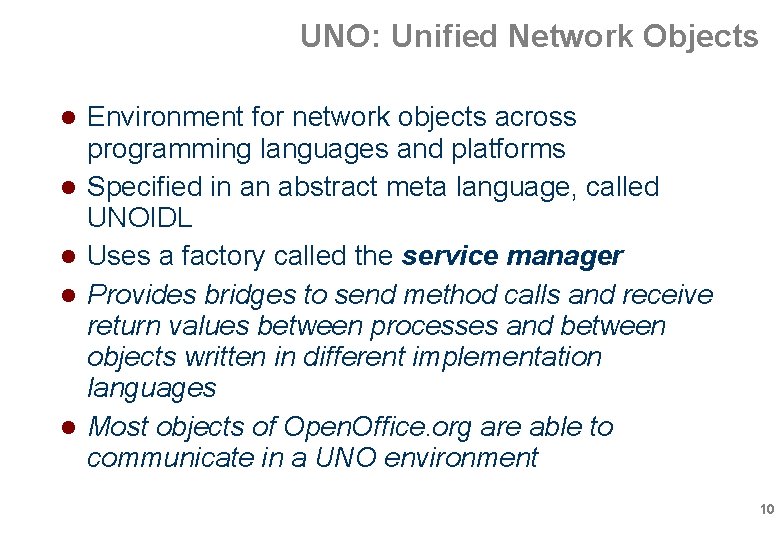
UNO: Unified Network Objects Environment for network objects across programming languages and platforms Specified in an abstract meta language, called UNOIDL Uses a factory called the service manager Provides bridges to send method calls and receive return values between processes and between objects written in different implementation languages Most objects of Open. Office. org are able to communicate in a UNO environment 10
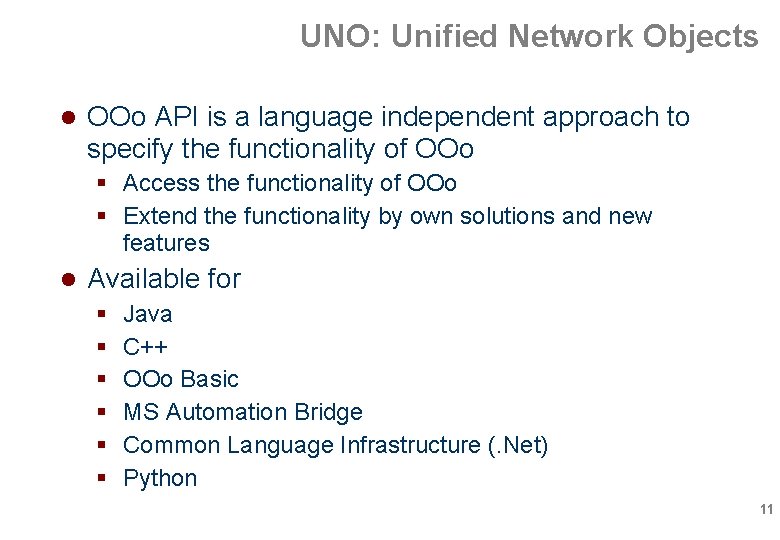
UNO: Unified Network Objects OOo API is a language independent approach to specify the functionality of OOo Access the functionality of OOo Extend the functionality by own solutions and new features Available for Java C++ OOo Basic MS Automation Bridge Common Language Infrastructure (. Net) Python 11
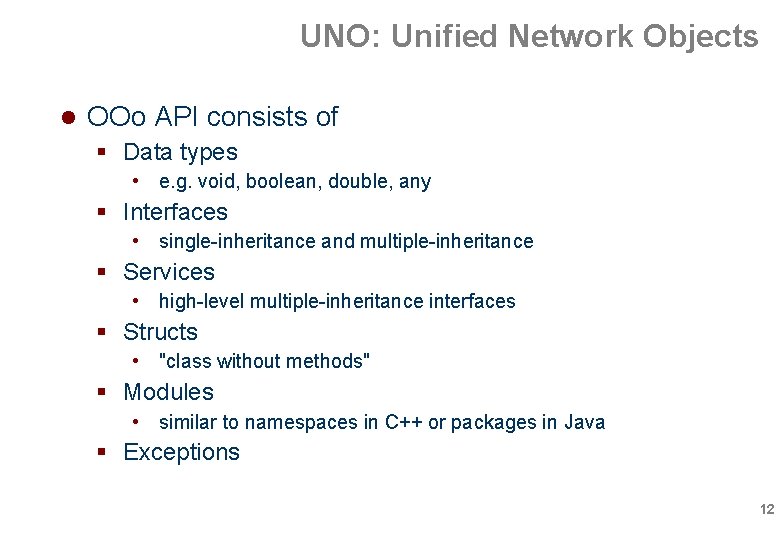
UNO: Unified Network Objects OOo API consists of Data types • e. g. void, boolean, double, any Interfaces • single-inheritance and multiple-inheritance Services • high-level multiple-inheritance interfaces Structs • "class without methods" Modules • similar to namespaces in C++ or packages in Java Exceptions 12
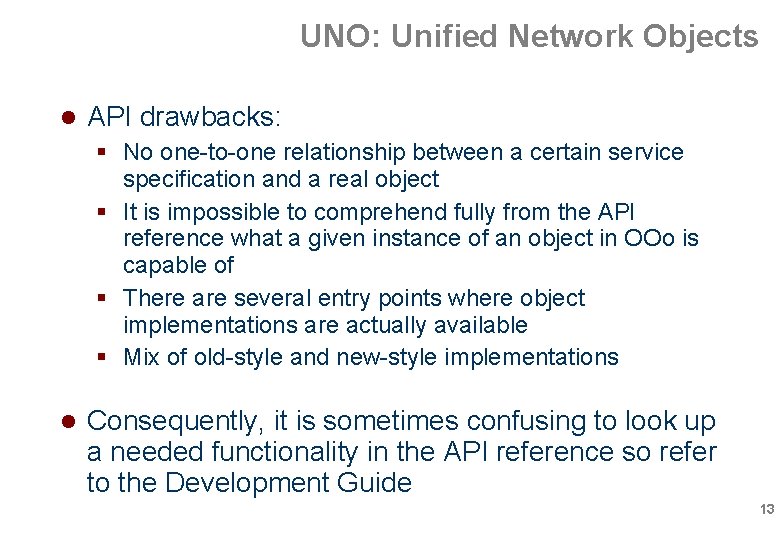
UNO: Unified Network Objects API drawbacks: No one-to-one relationship between a certain service specification and a real object It is impossible to comprehend fully from the API reference what a given instance of an object in OOo is capable of There are several entry points where object implementations are actually available Mix of old-style and new-style implementations Consequently, it is sometimes confusing to look up a needed functionality in the API reference so refer to the Development Guide 13
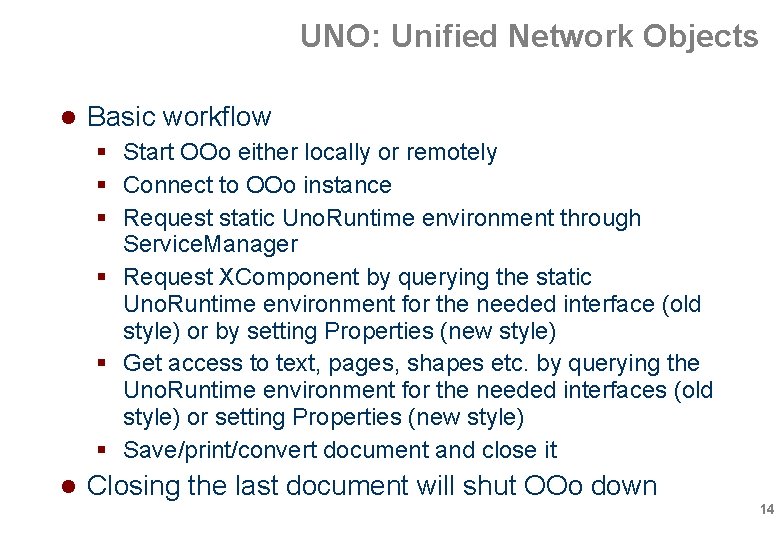
UNO: Unified Network Objects Basic workflow Start OOo either locally or remotely Connect to OOo instance Request static Uno. Runtime environment through Service. Manager Request XComponent by querying the static Uno. Runtime environment for the needed interface (old style) or by setting Properties (new style) Get access to text, pages, shapes etc. by querying the Uno. Runtime environment for the needed interfaces (old style) or setting Properties (new style) Save/print/convert document and close it Closing the last document will shut OOo down 14
Table of Contents A short history of OOo Compatibility between OOo and MSO UNO: Unified Network Objects The Java API/Code Examples Topics not covered Conclusions 15
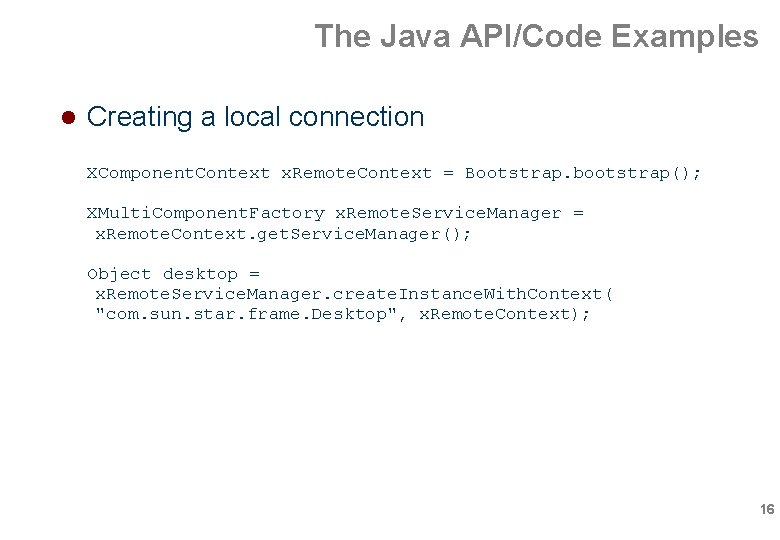
The Java API/Code Examples Creating a local connection XComponent. Context x. Remote. Context = Bootstrap. bootstrap(); XMulti. Component. Factory x. Remote. Service. Manager = x. Remote. Context. get. Service. Manager(); Object desktop = x. Remote. Service. Manager. create. Instance. With. Context( "com. sun. star. frame. Desktop", x. Remote. Context); 16
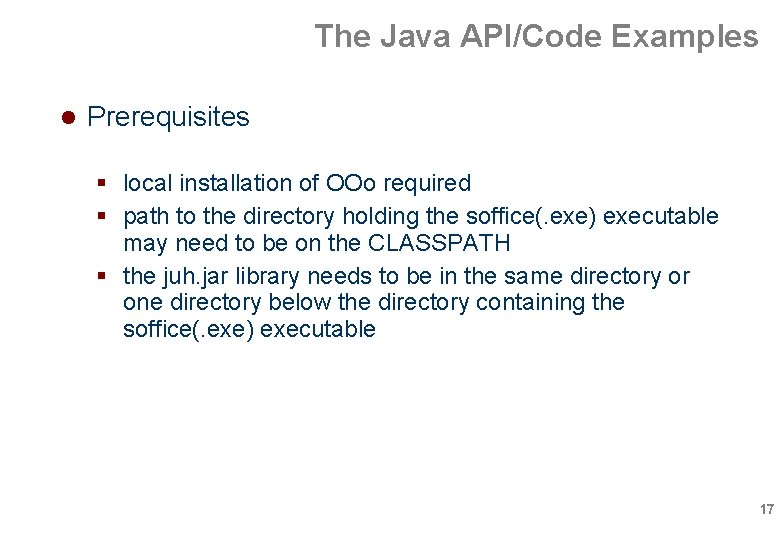
The Java API/Code Examples Prerequisites local installation of OOo required path to the directory holding the soffice(. exe) executable may need to be on the CLASSPATH the juh. jar library needs to be in the same directory or one directory below the directory containing the soffice(. exe) executable 17
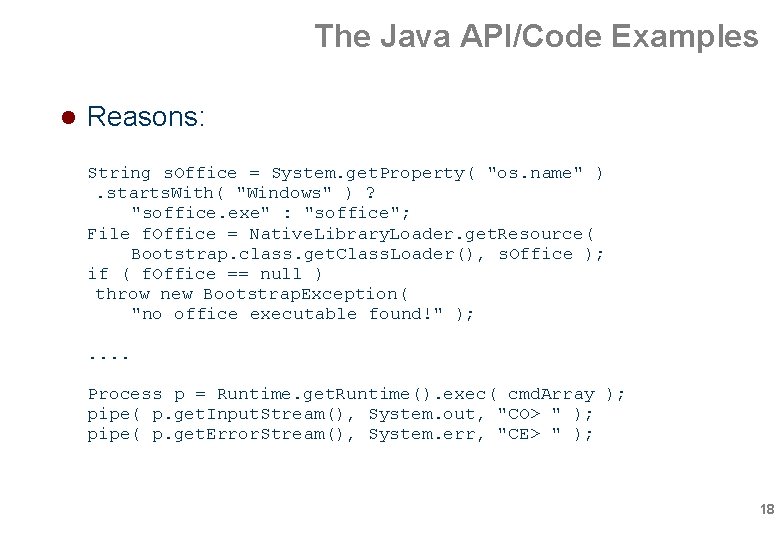
The Java API/Code Examples Reasons: String s. Office = System. get. Property( "os. name" ). starts. With( "Windows" ) ? "soffice. exe" : "soffice"; File f. Office = Native. Library. Loader. get. Resource( Bootstrap. class. get. Class. Loader(), s. Office ); if ( f. Office == null ) throw new Bootstrap. Exception( "no office executable found!" ); . . Process p = Runtime. get. Runtime(). exec( cmd. Array ); pipe( p. get. Input. Stream(), System. out, "CO> " ); pipe( p. get. Error. Stream(), System. err, "CE> " ); 18
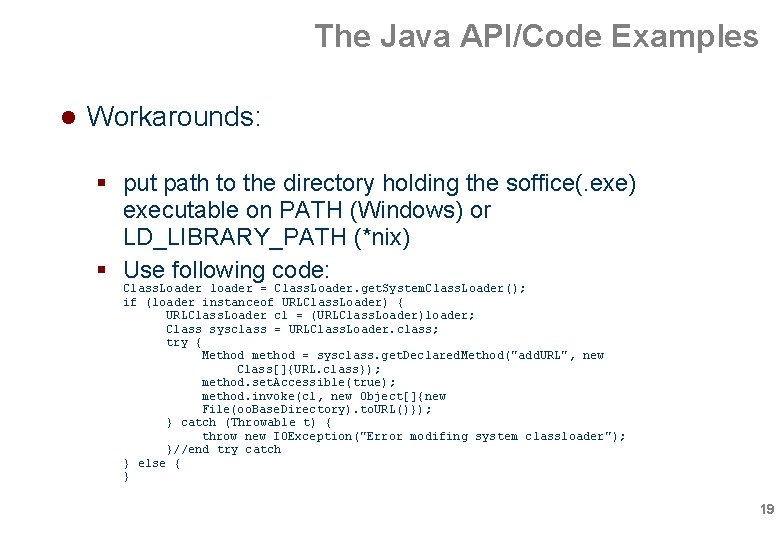
The Java API/Code Examples Workarounds: put path to the directory holding the soffice(. exe) executable on PATH (Windows) or LD_LIBRARY_PATH (*nix) Use following code: Class. Loader loader = Class. Loader. get. System. Class. Loader(); if (loader instanceof URLClass. Loader) { URLClass. Loader cl = (URLClass. Loader)loader; Class sysclass = URLClass. Loader. class; try { Method method = sysclass. get. Declared. Method("add. URL", new Class[]{URL. class}); method. set. Accessible(true); method. invoke(cl, new Object[]{new File(oo. Base. Directory). to. URL()}); } catch (Throwable t) { throw new IOException("Error modifing system classloader"); }//end try catch } else { } 19
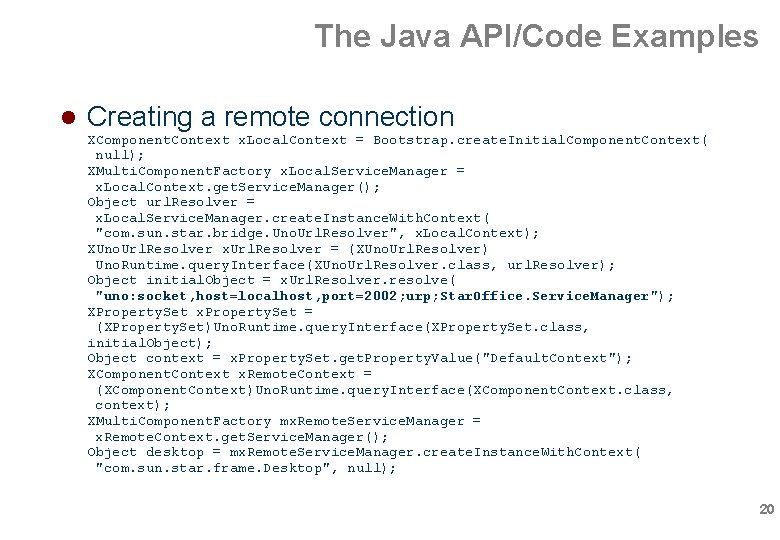
The Java API/Code Examples Creating a remote connection XComponent. Context x. Local. Context = Bootstrap. create. Initial. Component. Context( null); XMulti. Component. Factory x. Local. Service. Manager = x. Local. Context. get. Service. Manager(); Object url. Resolver = x. Local. Service. Manager. create. Instance. With. Context( "com. sun. star. bridge. Uno. Url. Resolver", x. Local. Context); XUno. Url. Resolver x. Url. Resolver = (XUno. Url. Resolver) Uno. Runtime. query. Interface(XUno. Url. Resolver. class, url. Resolver); Object initial. Object = x. Url. Resolver. resolve( "uno: socket, host=localhost, port=2002; urp; Star. Office. Service. Manager"); XProperty. Set x. Property. Set = (XProperty. Set)Uno. Runtime. query. Interface(XProperty. Set. class, initial. Object); Object context = x. Property. Set. get. Property. Value("Default. Context"); XComponent. Context x. Remote. Context = (XComponent. Context)Uno. Runtime. query. Interface(XComponent. Context. class, context); XMulti. Component. Factory mx. Remote. Service. Manager = x. Remote. Context. get. Service. Manager(); Object desktop = mx. Remote. Service. Manager. create. Instance. With. Context( "com. sun. star. frame. Desktop", null); 20
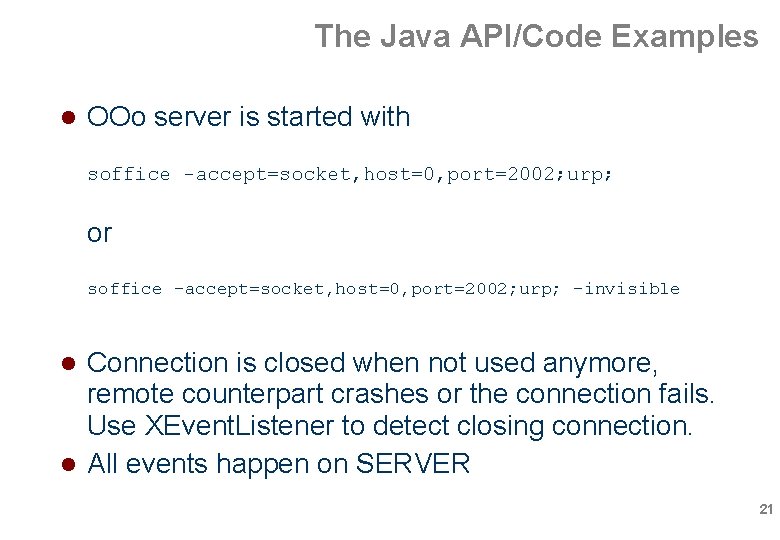
The Java API/Code Examples OOo server is started with soffice -accept=socket, host=0, port=2002; urp; or soffice -accept=socket, host=0, port=2002; urp; -invisible Connection is closed when not used anymore, remote counterpart crashes or the connection fails. Use XEvent. Listener to detect closing connection. All events happen on SERVER 21
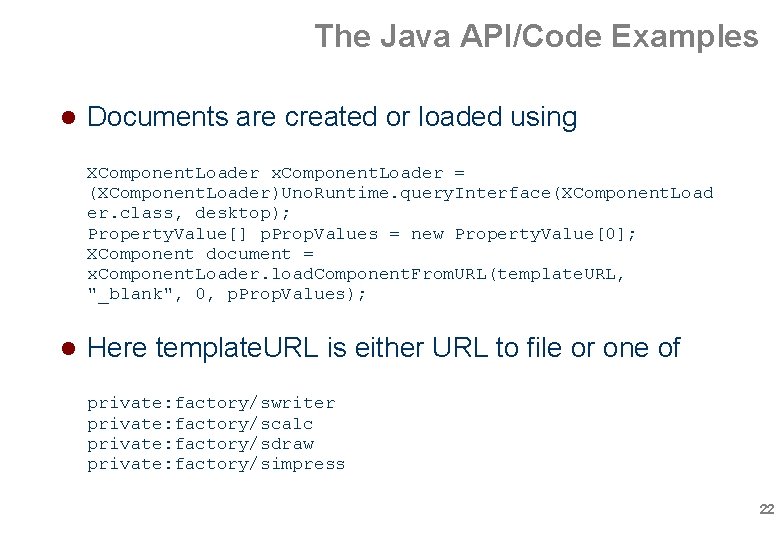
The Java API/Code Examples Documents are created or loaded using XComponent. Loader x. Component. Loader = (XComponent. Loader)Uno. Runtime. query. Interface(XComponent. Load er. class, desktop); Property. Value[] p. Prop. Values = new Property. Value[0]; XComponent document = x. Component. Loader. load. Component. From. URL(template. URL, "_blank", 0, p. Prop. Values); Here template. URL is either URL to file or one of private: factory/swriter private: factory/scalc private: factory/sdraw private: factory/simpress 22
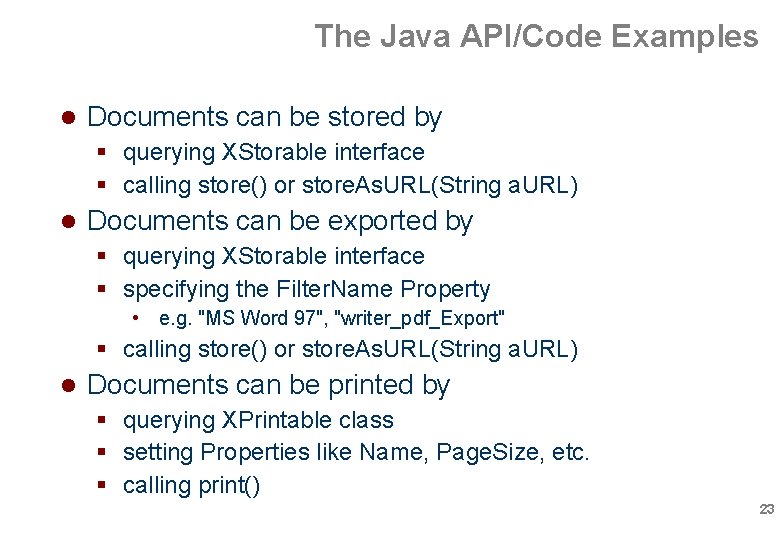
The Java API/Code Examples Documents can be stored by querying XStorable interface calling store() or store. As. URL(String a. URL) Documents can be exported by querying XStorable interface specifying the Filter. Name Property • e. g. "MS Word 97", "writer_pdf_Export" calling store() or store. As. URL(String a. URL) Documents can be printed by querying XPrintable class setting Properties like Name, Page. Size, etc. calling print() 23
The Java API/Code Examples DEMO 24
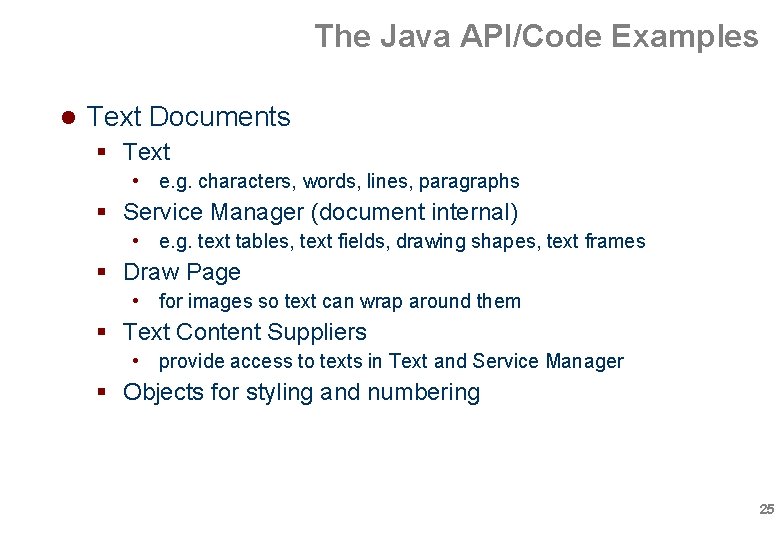
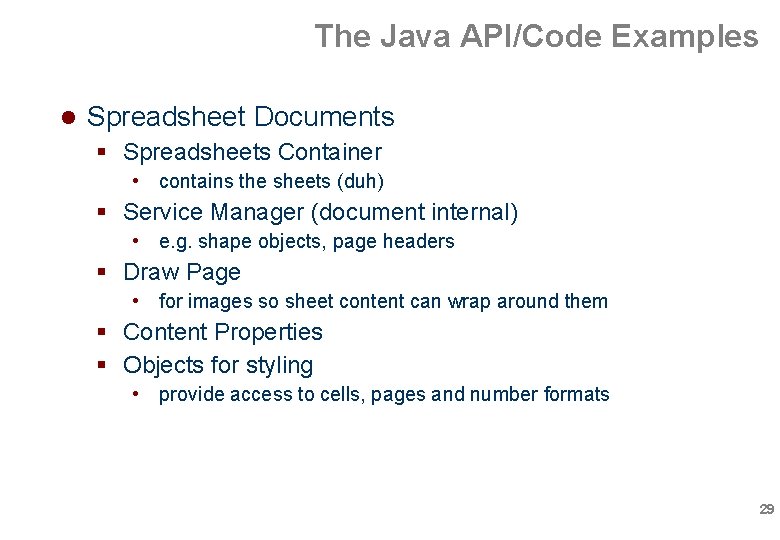
The Java API/Code Examples Text Documents Text • e. g. characters, words, lines, paragraphs Service Manager (document internal) • e. g. text tables, text fields, drawing shapes, text frames Draw Page • for images so text can wrap around them Text Content Suppliers • provide access to texts in Text and Service Manager Objects for styling and numbering 25
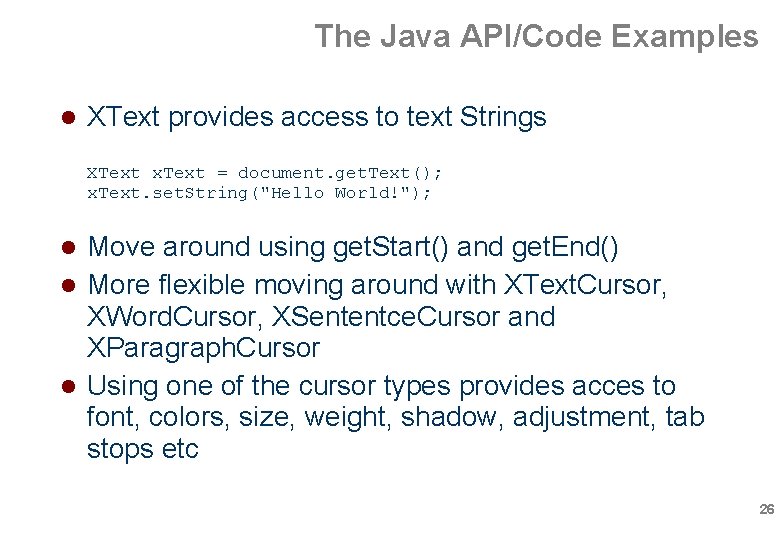
The Java API/Code Examples XText provides access to text Strings XText x. Text = document. get. Text(); x. Text. set. String("Hello World!"); Move around using get. Start() and get. End() More flexible moving around with XText. Cursor, XWord. Cursor, XSententce. Cursor and XParagraph. Cursor Using one of the cursor types provides acces to font, colors, size, weight, shadow, adjustment, tab stops etc 26
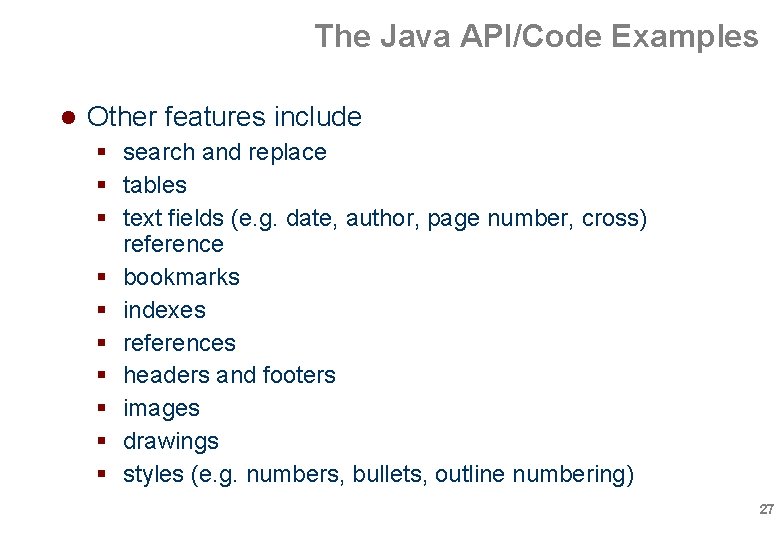
The Java API/Code Examples Other features include search and replace tables text fields (e. g. date, author, page number, cross) reference bookmarks indexes references headers and footers images drawings styles (e. g. numbers, bullets, outline numbering) 27
The Java API/Code Examples DEMO 28
The Java API/Code Examples Spreadsheet Documents Spreadsheets Container • contains the sheets (duh) Service Manager (document internal) • e. g. shape objects, page headers Draw Page • for images so sheet content can wrap around them Content Properties Objects for styling • provide access to cells, pages and number formats 29
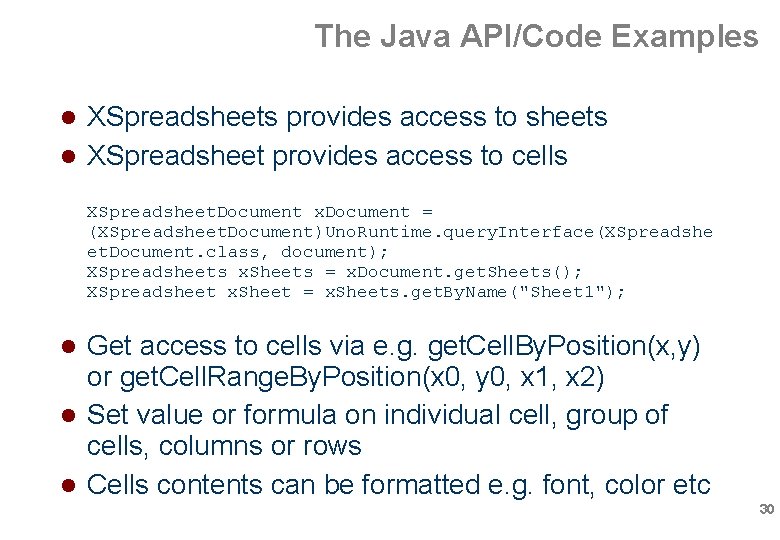
The Java API/Code Examples XSpreadsheets provides access to sheets XSpreadsheet provides access to cells XSpreadsheet. Document x. Document = (XSpreadsheet. Document)Uno. Runtime. query. Interface(XSpreadshe et. Document. class, document); XSpreadsheets x. Sheets = x. Document. get. Sheets(); XSpreadsheet x. Sheet = x. Sheets. get. By. Name("Sheet 1"); Get access to cells via e. g. get. Cell. By. Position(x, y) or get. Cell. Range. By. Position(x 0, y 0, x 1, x 2) Set value or formula on individual cell, group of cells, columns or rows Cells contents can be formatted e. g. font, color etc 30
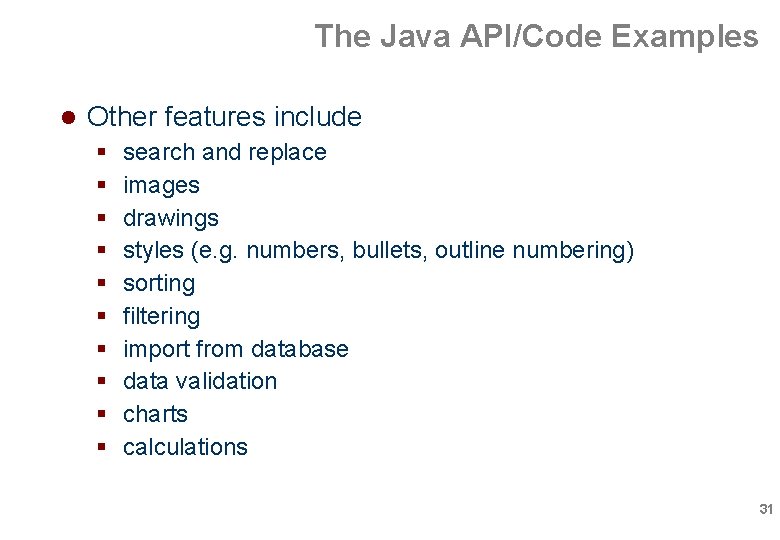
The Java API/Code Examples Other features include search and replace images drawings styles (e. g. numbers, bullets, outline numbering) sorting filtering import from database data validation charts calculations 31
The Java API/Code Examples DEMO 32
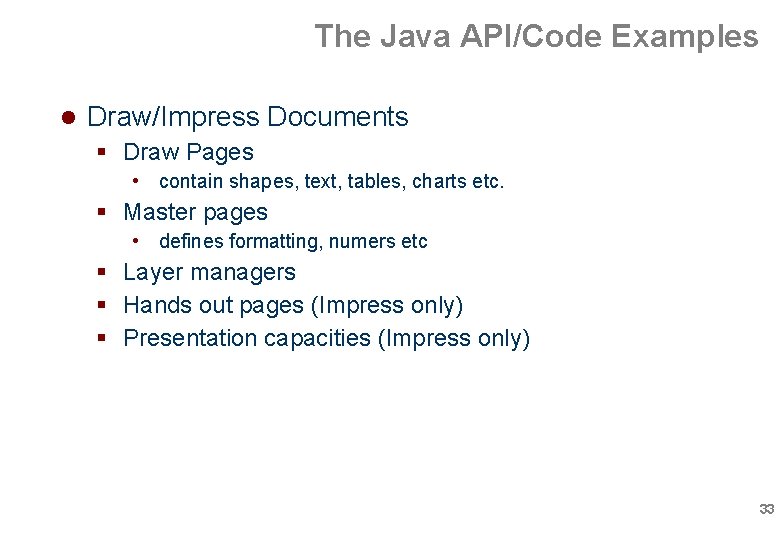
The Java API/Code Examples Draw/Impress Documents Draw Pages • contain shapes, text, tables, charts etc. Master pages • defines formatting, numers etc Layer managers Hands out pages (Impress only) Presentation capacities (Impress only) 33
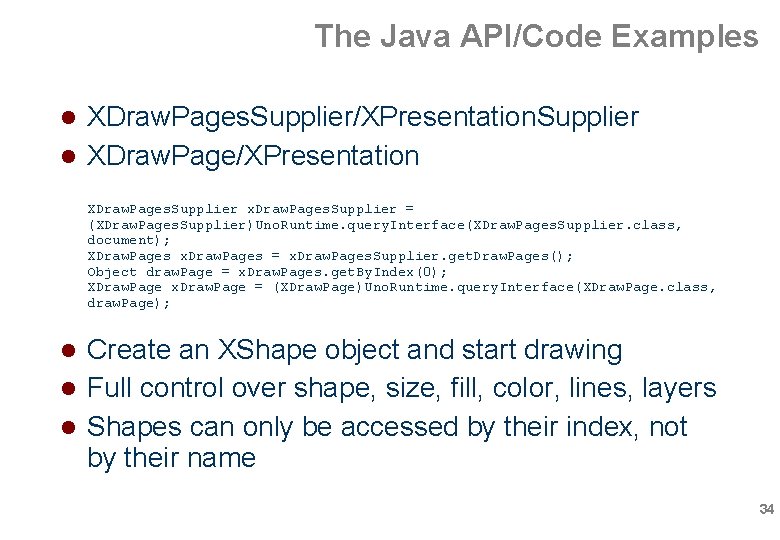
The Java API/Code Examples XDraw. Pages. Supplier/XPresentation. Supplier XDraw. Page/XPresentation XDraw. Pages. Supplier x. Draw. Pages. Supplier = (XDraw. Pages. Supplier)Uno. Runtime. query. Interface(XDraw. Pages. Supplier. class, document); XDraw. Pages x. Draw. Pages = x. Draw. Pages. Supplier. get. Draw. Pages(); Object draw. Page = x. Draw. Pages. get. By. Index(0); XDraw. Page x. Draw. Page = (XDraw. Page)Uno. Runtime. query. Interface(XDraw. Page. class, draw. Page); Create an XShape object and start drawing Full control over shape, size, fill, color, lines, layers Shapes can only be accessed by their index, not by their name 34
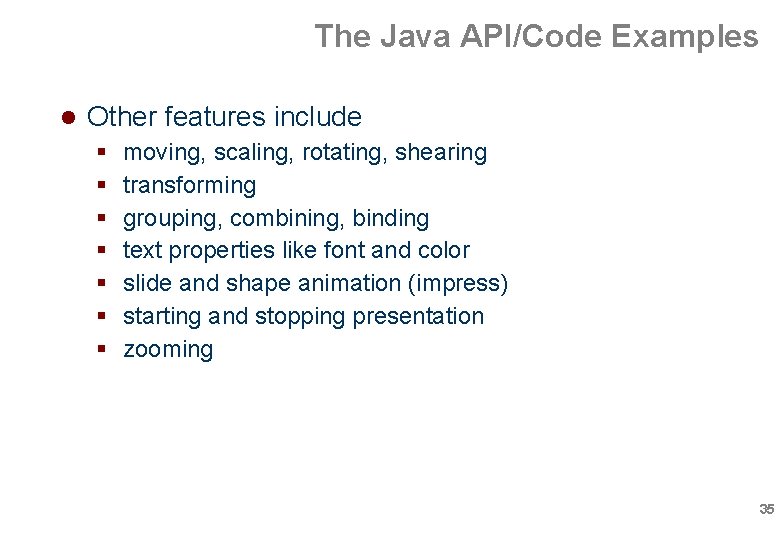
The Java API/Code Examples Other features include moving, scaling, rotating, shearing transforming grouping, combining, binding text properties like font and color slide and shape animation (impress) starting and stopping presentation zooming 35
The Java API/Code Examples DEMO 36
Table of Contents A short history of OOo Compatibility between OOo and MSO UNO: Unified Network Objects The Java API/Code Examples Topics not covered Conclusions 37
Topics not covered Charts OOo Basic Database access Forms Universal Content Broker Configuration management Java. Bean Accessibility Scripting Framework Custom extensions to OOo 38
Table of Contents A short history of OOo Compatibility between OOo and MSO UNO: Unified Network Objects The Java API/Code Examples Topics not covered Conclusions 39
Conclusions Pros OOo API is very, very powerfull Almost complete access to all OOo features Capable of opening, modifying and storing MSO docs Cons Steep learning curve Undocumented features are hard to grasp Not 100% compatible with MSO so be carefull with opening, modifying and then saving MSO documents Heavy on system resources 40
Conclusions Useful URLs http: //openoffice. org http: //api. openoffice. org/ • api. openoffice. org/Developers. Guide. html http: //www. oooforum. org/ http: //documentation. openoffice. org • documentation. openoffice. org/manuals/index. html http: //www. amis. nl http: //technology. amis. nl/blog wouter. van. reeven@amis. nl 41
Q&A 42