
Document description languages SGML HTML XML 1 SGML
- Slides: 62
Document description languages SGML, HTML, XML 1
SGML (Standard General Markup Language) • A great variety of documents (ex. web): articles, catalogoues, lists, data tables etc. . • Each document has its logical structure (article: title , author, data, . . ). The standard format used for all documents is ASCII, but different conventions are used in representing information ( ex. , name and surname or viceversa, different number of bytes reserved , name delimited by “$”. . ). • The management of the archive is difficult. (searching for a text, for the author name or for all its the books, . . ) • It is necessary to adopt a standard markup language. A markup language defines how documents shoud be formatted. 2
• In the early days of computer type setting, there were many different typsetting systems, and each used its own proprietary markup language. This language consisted of special control characters to indicate the beginning and the end of some formatting. • SGML (Standard General Markup Language). developped in 1986 by International Organization for Standardization (ISO) . • SGML is a metalanguage: a language that describes a formatting and markup language. • HTML (Hyper Text Markup Language) is the first simplified language deriving by SGML It is characterize by a set of tags and rules for their use. 3
HTML( Hypertext Markup Language) • HTML is a markup language because is not include detailed formatting information. • For example, although HTML contains extensions that allow an author to specify the size of the text, the font to be used or the width of a line, most authors choose instead to specify only a level of importance as a number from 1 to 6. • The browser choses a font and display size appropriate for each level. • Simarly HTML does not specify exactly how a browser marks an item as selectable. Some browsers underline selectable items, others display selectable items in a different color and some do both. • Consequently two browsers may display an HTML document differently 4
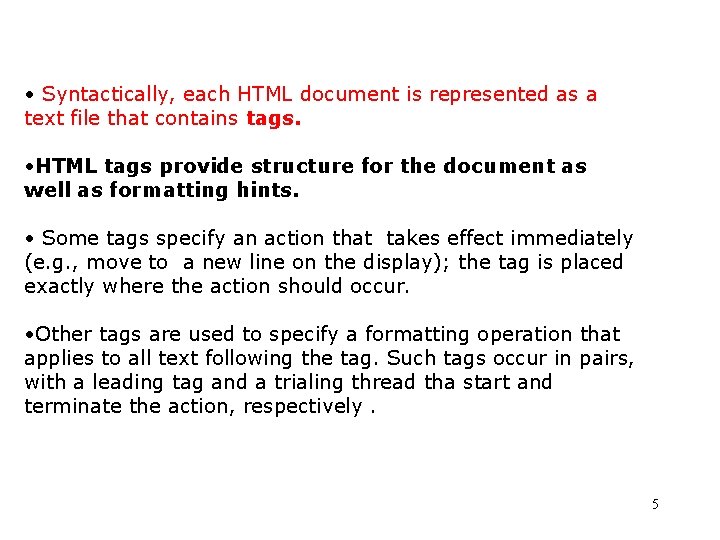
• Syntactically, each HTML document is represented as a text file that contains tags. • HTML tags provide structure for the document as well as formatting hints. • Some tags specify an action that takes effect immediately (e. g. , move to a new line on the display); the tag is placed exactly where the action should occur. • Other tags are used to specify a formatting operation that applies to all text following the tag. Such tags occur in pairs, with a leading tag and a trialing thread tha start and terminate the action, respectively. 5
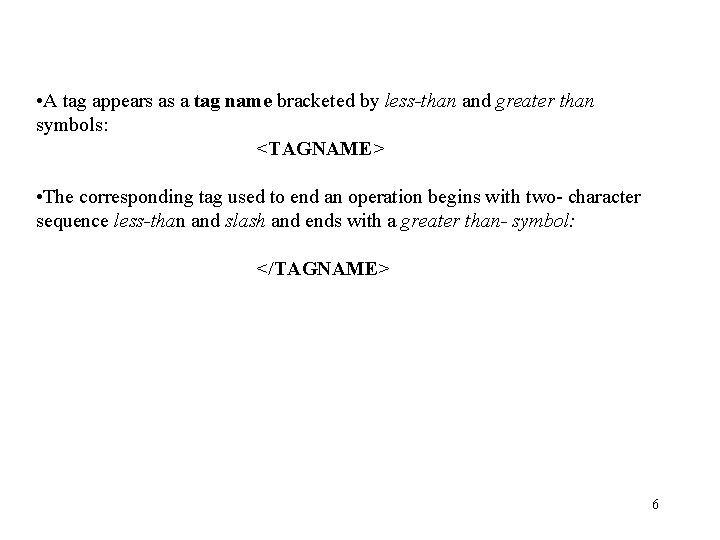
• A tag appears as a tag name bracketed by less-than and greater than symbols: <TAGNAME> • The corresponding tag used to end an operation begins with two- character sequence less-than and slash and ends with a greater than- symbol: </TAGNAME> 6
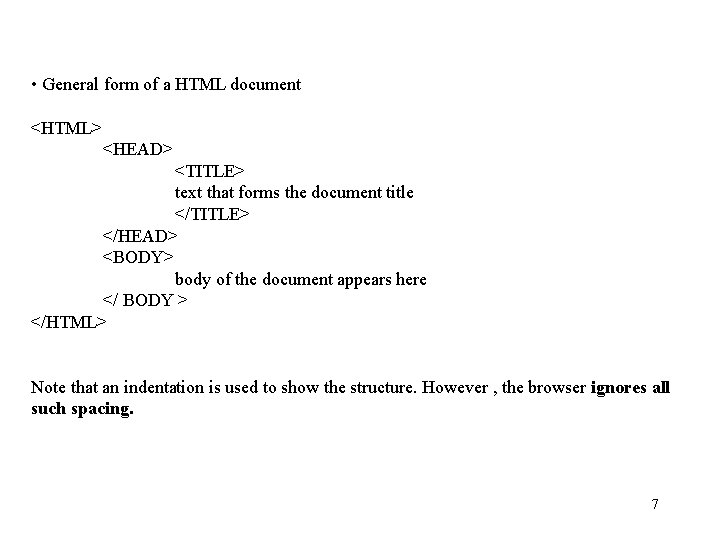
• General form of a HTML document <HTML> <HEAD> <TITLE> text that forms the document title </TITLE> </HEAD> <BODY> body of the document appears here </ BODY > </HTML> Note that an indentation is used to show the structure. However , the browser ignores all such spacing. 7
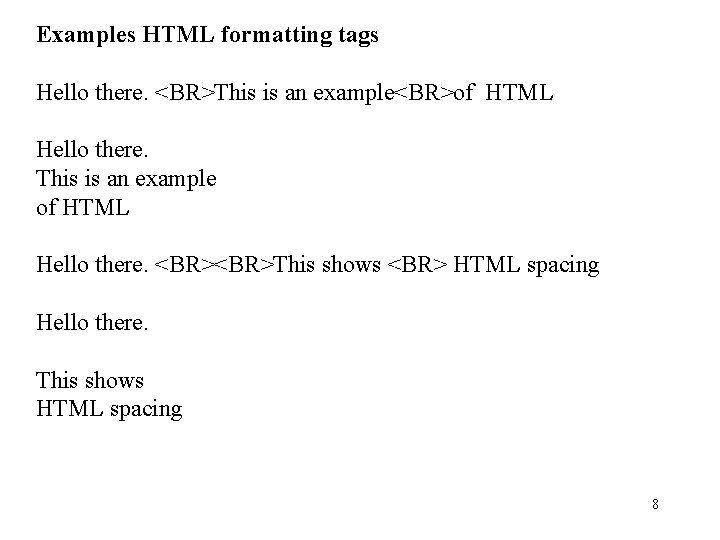
Examples HTML formatting tags Hello there. <BR>This is an example<BR>of HTML Hello there. This is an example of HTML Hello there. <BR>This shows <BR> HTML spacing Hello there. This shows HTML spacing 8
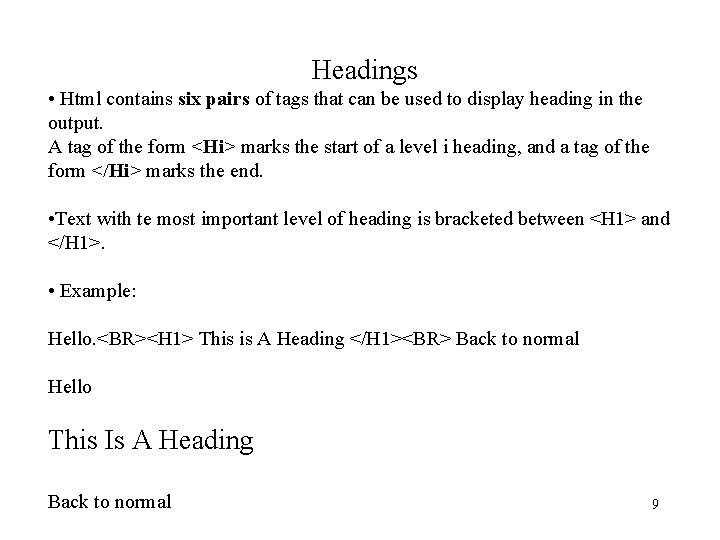
Headings • Html contains six pairs of tags that can be used to display heading in the output. A tag of the form <Hi> marks the start of a level i heading, and a tag of the form </Hi> marks the end. • Text with te most important level of heading is bracketed between <H 1> and </H 1>. • Example: Hello. <BR><H 1> This is A Heading </H 1><BR> Back to normal Hello This Is A Heading Back to normal 9
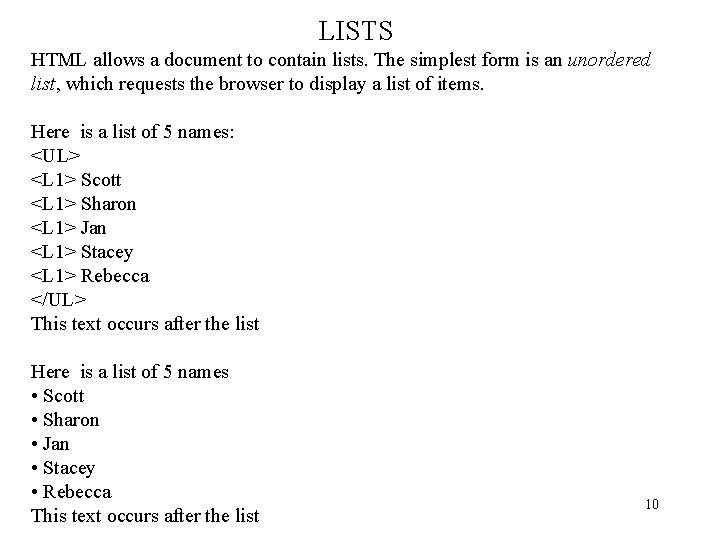
LISTS HTML allows a document to contain lists. The simplest form is an unordered list, which requests the browser to display a list of items. Here is a list of 5 names: <UL> <L 1> Scott <L 1> Sharon <L 1> Jan <L 1> Stacey <L 1> Rebecca </UL> This text occurs after the list Here is a list of 5 names • Scott • Sharon • Jan • Stacey • Rebecca This text occurs after the list 10
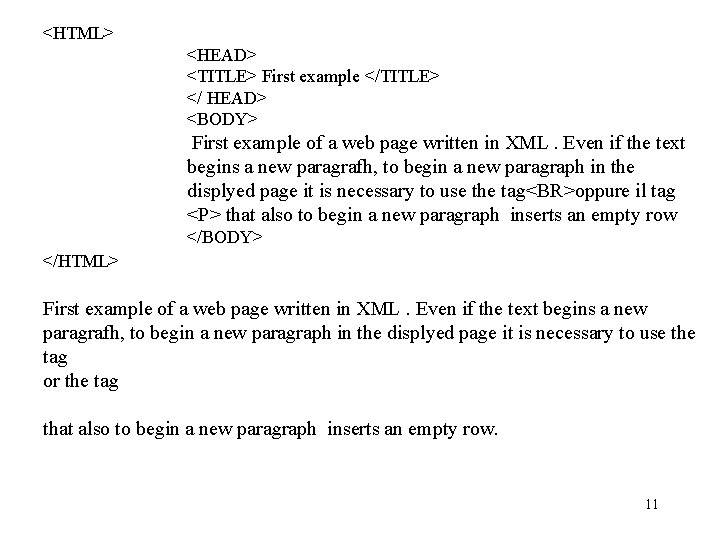
<HTML> <HEAD> <TITLE> First example </TITLE> </ HEAD> <BODY> First example of a web page written in XML. Even if the text begins a new paragrafh, to begin a new paragraph in the displyed page it is necessary to use the tag<BR>oppure il tag <P> that also to begin a new paragraph inserts an empty row </BODY> </HTML> First example of a web page written in XML. Even if the text begins a new paragrafh, to begin a new paragraph in the displyed page it is necessary to use the tag or the tag that also to begin a new paragraph inserts an empty row. 11
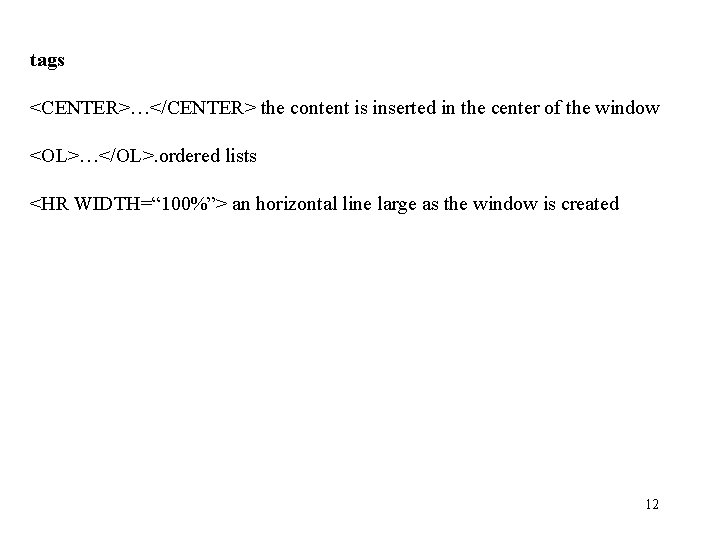
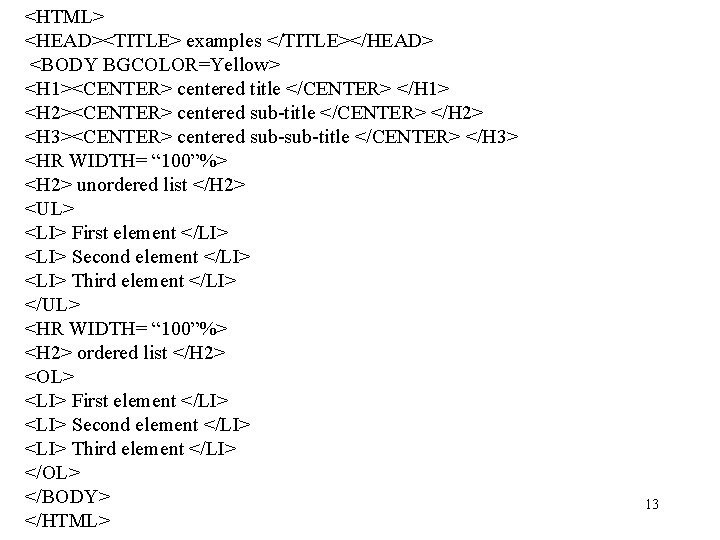
tags <CENTER>…</CENTER> the content is inserted in the center of the window <OL>…</OL>. ordered lists <HR WIDTH=“ 100%”> an horizontal line large as the window is created 12
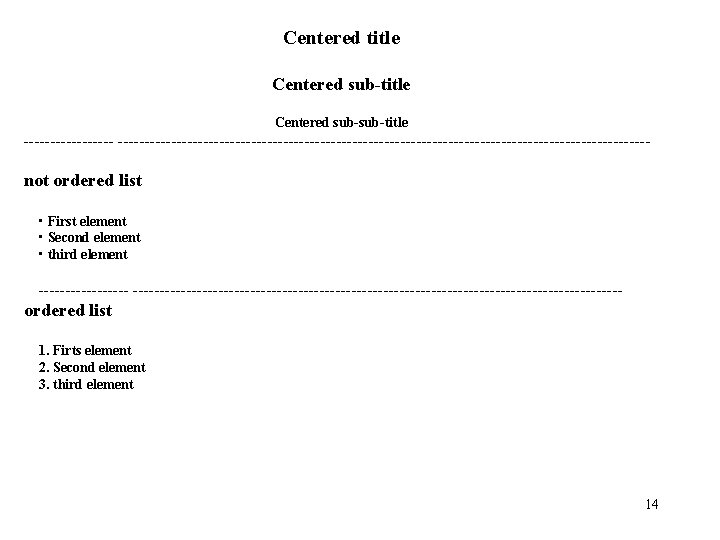
<HTML> <HEAD><TITLE> examples </TITLE></HEAD> <BODY BGCOLOR=Yellow> <H 1><CENTER> centered title </CENTER> </H 1> <H 2><CENTER> centered sub-title </CENTER> </H 2> <H 3><CENTER> centered sub-title </CENTER> </H 3> <HR WIDTH= “ 100”%> <H 2> unordered list </H 2> <UL> <LI> First element </LI> <LI> Second element </LI> <LI> Third element </LI> </UL> <HR WIDTH= “ 100”%> <H 2> ordered list </H 2> <OL> <LI> First element </LI> <LI> Second element </LI> <LI> Third element </LI> </OL> </BODY> </HTML> 13
Centered title Centered sub-sub-title ----------------------------------------------------------- not ordered list • First element • Second element • third element ------------------------------------------------------- ordered list 1. Firts element 2. Second element 3. third element 14
Embedding Graphics Images in A Web Page • Non textual information such as graphical information or a digitized photo is not inserted directly in a HTML document. Instead the data resides in a separate location, and the document contains a reference to the data. • When a browser encounters such a reference, the brower goes to the specified location, obtains a copy of the image and inserts the image in the displayed document. <IMG SRC= “fred_photo. gif”> specifies that the file fred_photo. gif contains an image that the browser should insert in the document. Image files are not stored as text files. Each image file contain binary data and the file is stored in graphics interchange format (gif) 15
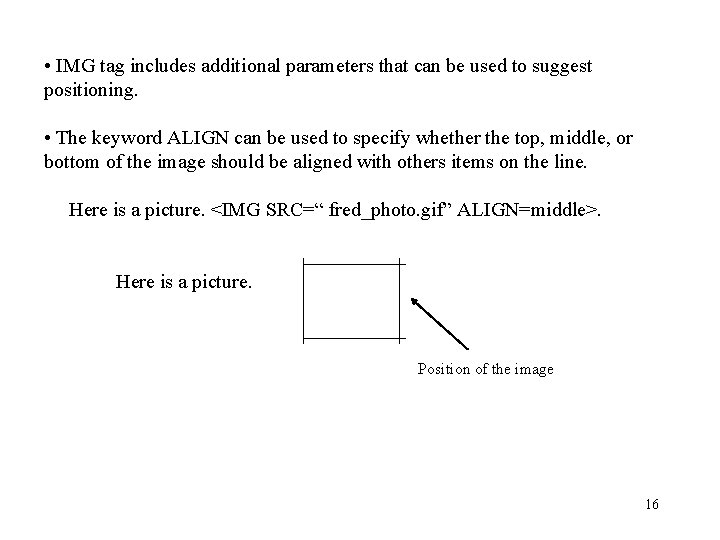
• IMG tag includes additional parameters that can be used to suggest positioning. • The keyword ALIGN can be used to specify whether the top, middle, or bottom of the image should be aligned with others items on the line. Here is a picture. <IMG SRC=“ fred_photo. gif” ALIGN=middle>. Here is a picture. Position of the image 16
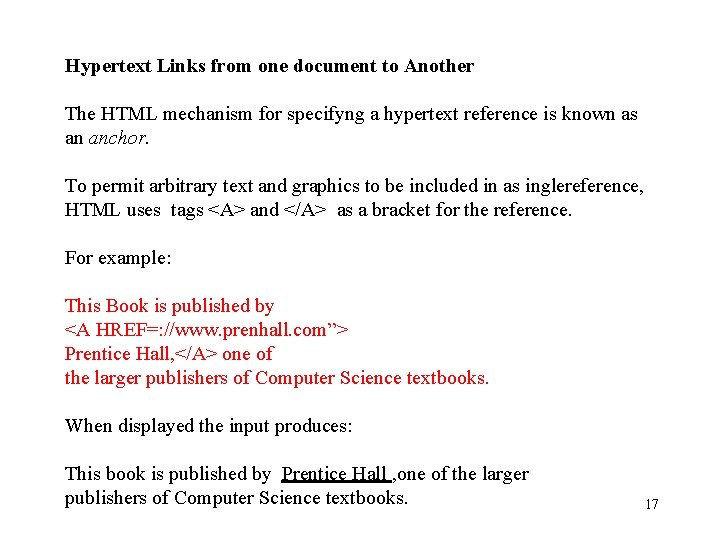
Hypertext Links from one document to Another The HTML mechanism for specifyng a hypertext reference is known as an anchor. To permit arbitrary text and graphics to be included in as inglereference, HTML uses tags <A> and </A> as a bracket for the reference. For example: This Book is published by <A HREF=: //www. prenhall. com”> Prentice Hall, </A> one of the larger publishers of Computer Science textbooks. When displayed the input produces: This book is published by Prentice Hall , one of the larger publishers of Computer Science textbooks. 17
HTML limitations • The tags of the language are fixed and no modifiable. Also, it is oriented to the description of hypertext documents. • Partially structured. It depends from the characteristics of the used browser. • A web page must be designed for a particular display characterized by specific features. 18
• As the web grew in popularity, HTML was extended for new purposes; however , soon it becames apparent that proprietary extensions to HTML were counter-productive and ill-suited to general use. • For each new version of browser a propritary extension of HTML was proposed. As a result of such situation, it was impossible to display the same pages of a web site on different browsers. • So, to solve the problems of interoperability and scalabilty on the web without extending HTML, the W 3 C began work on a simplified version of SGML which is called the Extensible Mark-up Language (XML). 19
• However, even if the initial objectives of XML were relative to the solution to a standard problem for the web, XML is not limited only to web context. • It is used primarily for the exchange of data between two network applications. It allows , moreover , the representation of complex data types. • XML is a software and hardware independent tool for carrying information. • XML is now as important for the web as HTML was to the foundation of the web. • XML is the most common tool for data transmission among all sorts of applications 20
What is XML? • XML stands for Extensible Markup Language • XML is a markup language much like HTML • XML is designed to carry data, not to display data • XML tags are not predefined. You must define your own tags • XML is desigend to be self-descriptive • XML is a W 3 C recomandation 21
The Difference Between XML and HTML XML is not a replacement for HTML XML and HTML are designed with different goals: • XML was designed to transport and store data, with focus on what data is. • HTML was designed to display data, with focus on how data looks. HTML is about displayng information, while XML is about carrying information 22
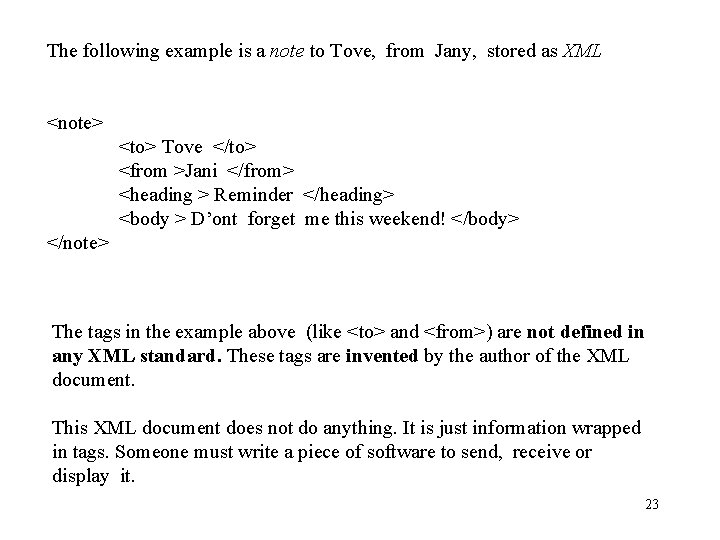
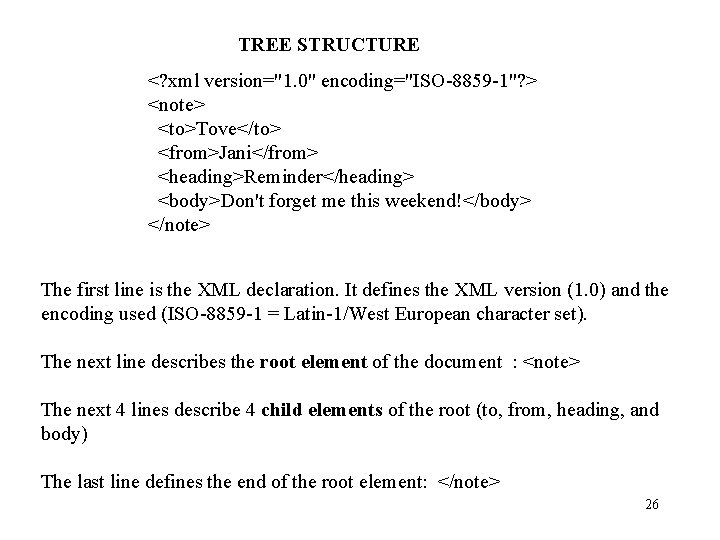
The following example is a note to Tove, from Jany, stored as XML <note> <to> Tove </to> <from >Jani </from> <heading > Reminder </heading> <body > D’ont forget me this weekend! </body> </note> The tags in the example above (like <to> and <from>) are not defined in any XML standard. These tags are invented by the author of the XML document. This XML document does not do anything. It is just information wrapped in tags. Someone must write a piece of software to send, receive or display it. 23
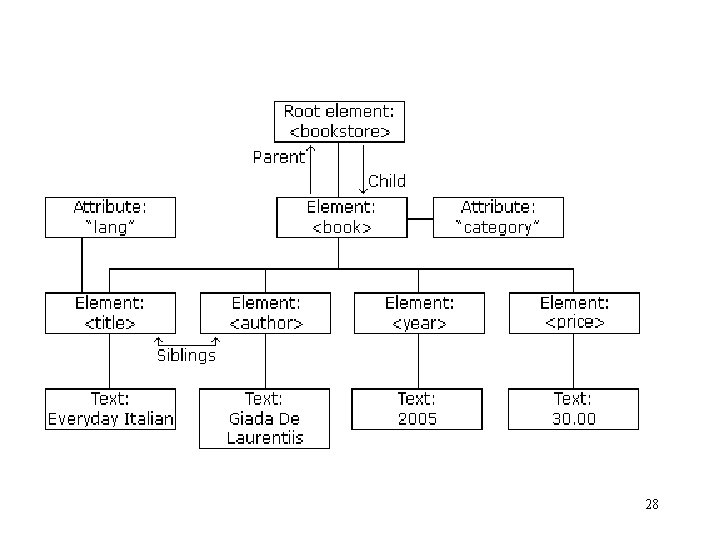
• A XML document is a text file which contains tags, attributes and text following well defined syntactic rules. • XML logical structure A XML document has a hierarchical structure. Its components are called elements. Each element represents a logical component of the document and may contain others elements of the text. • Informations can be associated to the elements, describing their properties. These informations, in the form of a name/value, are called attributes. • The elements are hierarchically organized with a principal element called root element. • The root contains the set of others elements of the document. From a graphical point of view the strutcure can be represented as a treee (document tree). 24
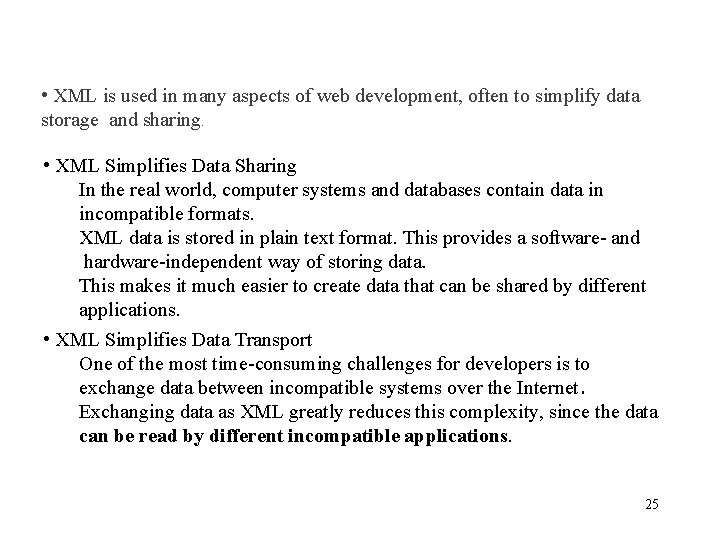
• XML is used in many aspects of web development, often to simplify data storage and sharing. • XML Simplifies Data Sharing In the real world, computer systems and databases contain data in incompatible formats. XML data is stored in plain text format. This provides a software- and hardware-independent way of storing data. This makes it much easier to create data that can be shared by different applications. • XML Simplifies Data Transport One of the most time-consuming challenges for developers is to exchange data between incompatible systems over the Internet. Exchanging data as XML greatly reduces this complexity, since the data can be read by different incompatible applications. 25
TREE STRUCTURE <? xml version="1. 0" encoding="ISO-8859 -1"? > <note> <to>Tove</to> <from>Jani</from> <heading>Reminder</heading> <body>Don't forget me this weekend!</body> </note> The first line is the XML declaration. It defines the XML version (1. 0) and the encoding used (ISO-8859 -1 = Latin-1/West European character set). The next line describes the root element of the document : <note> The next 4 lines describe 4 child elements of the root (to, from, heading, and body) The last line defines the end of the root element: </note> 26
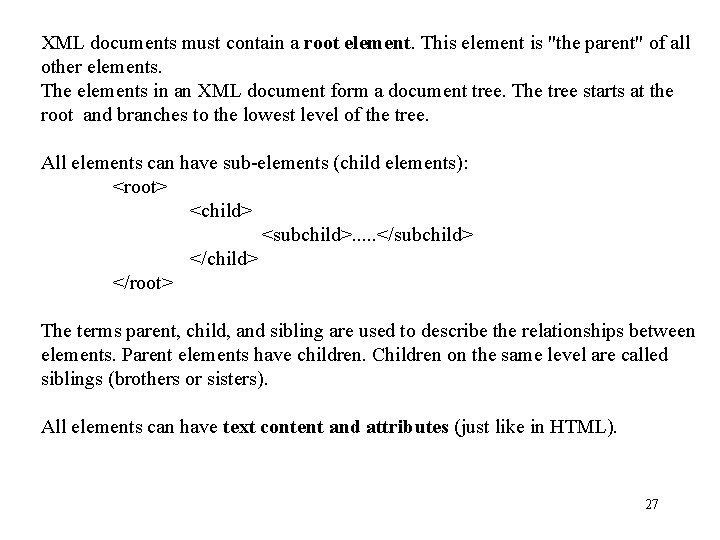
XML documents must contain a root element. This element is "the parent" of all other elements. The elements in an XML document form a document tree. The tree starts at the root and branches to the lowest level of the tree. All elements can have sub-elements (child elements): <root> <child> <subchild>. . . </subchild> </child> </root> The terms parent, child, and sibling are used to describe the relationships between elements. Parent elements have children. Children on the same level are called siblings (brothers or sisters). All elements can have text content and attributes (just like in HTML). 27
28
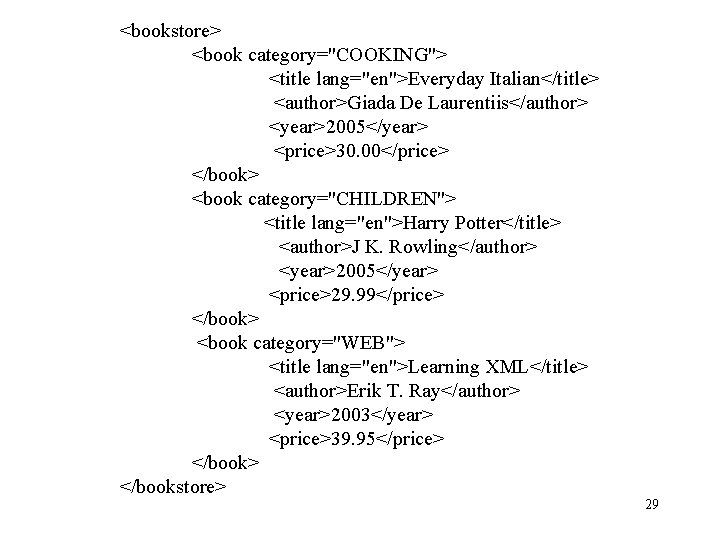
<bookstore> <book category="COOKING"> <title lang="en">Everyday Italian</title> <author>Giada De Laurentiis</author> <year>2005</year> <price>30. 00</price> </book> <book category="CHILDREN"> <title lang="en">Harry Potter</title> <author>J K. Rowling</author> <year>2005</year> <price>29. 99</price> </book> <book category="WEB"> <title lang="en">Learning XML</title> <author>Erik T. Ray</author> <year>2003</year> <price>39. 95</price> </book> </bookstore> 29
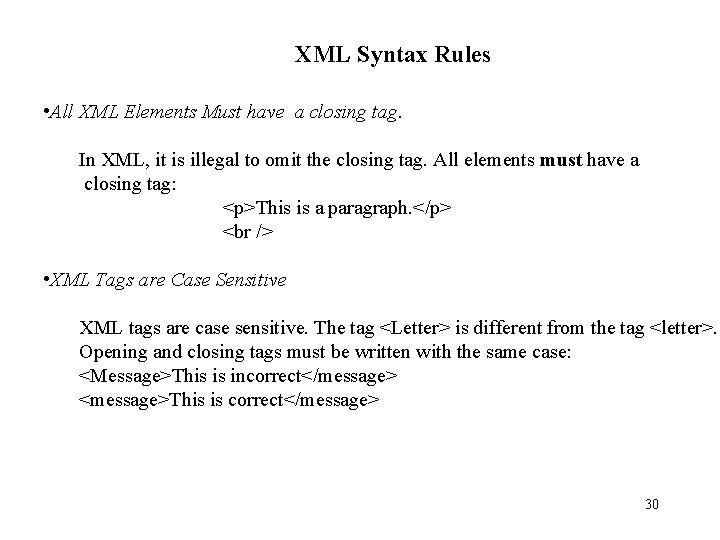
XML Syntax Rules • All XML Elements Must have a closing tag. In XML, it is illegal to omit the closing tag. All elements must have a closing tag: <p>This is a paragraph. </p> <br /> • XML Tags are Case Sensitive XML tags are case sensitive. The tag <Letter> is different from the tag <letter>. Opening and closing tags must be written with the same case: <Message>This is incorrect</message> <message>This is correct</message> 30
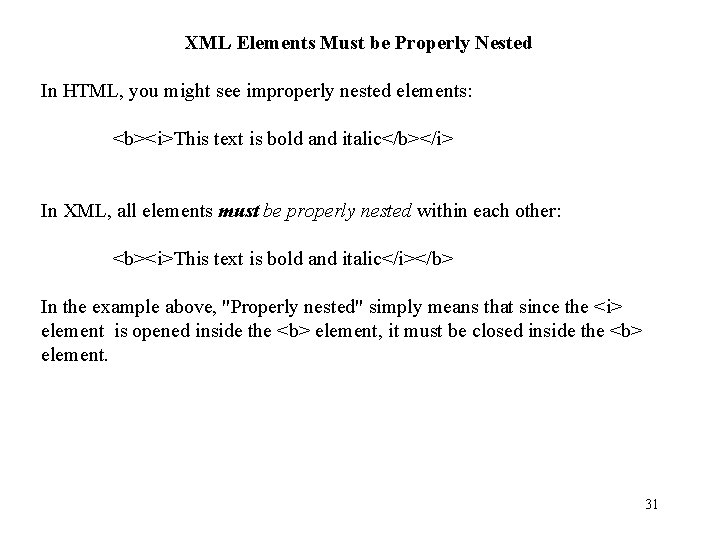
XML Elements Must be Properly Nested In HTML, you might see improperly nested elements: <b><i>This text is bold and italic</b></i> In XML, all elements must be properly nested within each other: <b><i>This text is bold and italic</i></b> In the example above, "Properly nested" simply means that since the <i> element is opened inside the <b> element, it must be closed inside the <b> element. 31
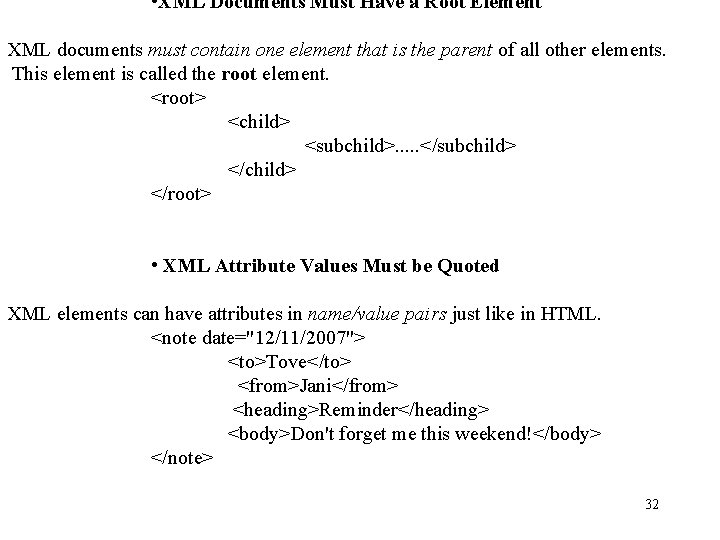
• XML Documents Must Have a Root Element XML documents must contain one element that is the parent of all other elements. This element is called the root element. <root> <child> <subchild>. . . </subchild> </child> </root> • XML Attribute Values Must be Quoted XML elements can have attributes in name/value pairs just like in HTML. <note date="12/11/2007"> <to>Tove</to> <from>Jani</from> <heading>Reminder</heading> <body>Don't forget me this weekend!</body> </note> 32
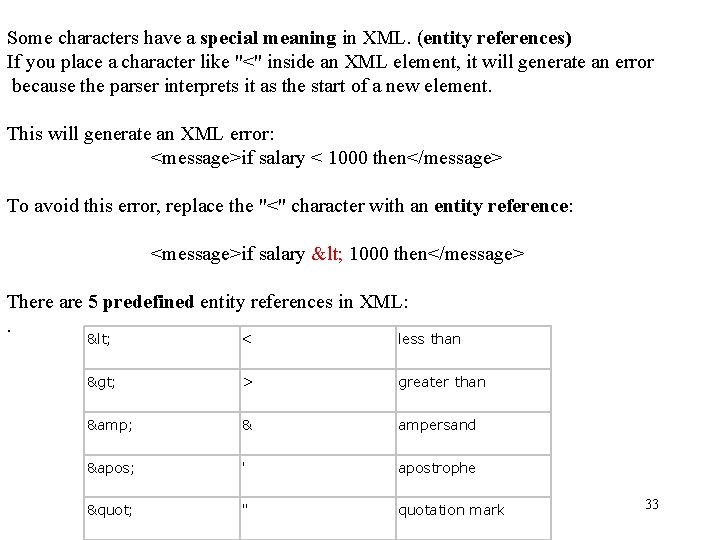
Some characters have a special meaning in XML. (entity references) If you place a character like "<" inside an XML element, it will generate an error because the parser interprets it as the start of a new element. This will generate an XML error: <message>if salary < 1000 then</message> To avoid this error, replace the "<" character with an entity reference: <message>if salary < 1000 then</message> There are 5 predefined entity references in XML: . < < less than > > greater than & & ampersand ' ' apostrophe " " quotation mark 33
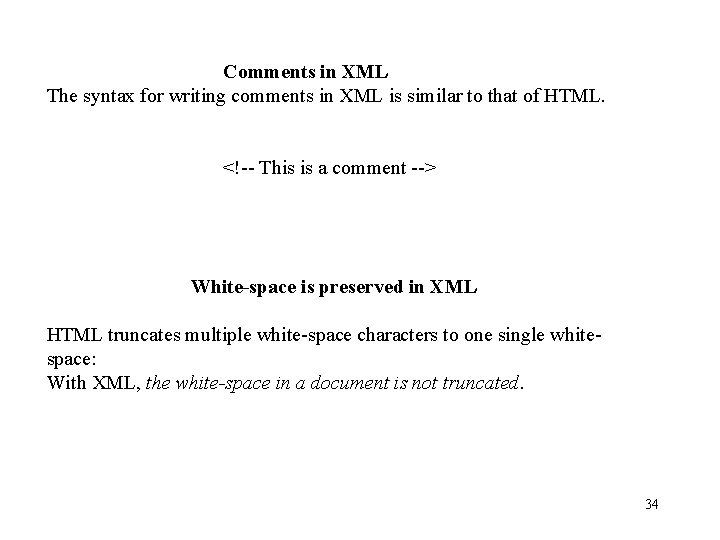
Comments in XML The syntax for writing comments in XML is similar to that of HTML. <!-- This is a comment --> White-space is preserved in XML HTML truncates multiple white-space characters to one single whitespace: With XML, the white-space in a document is not truncated. 34
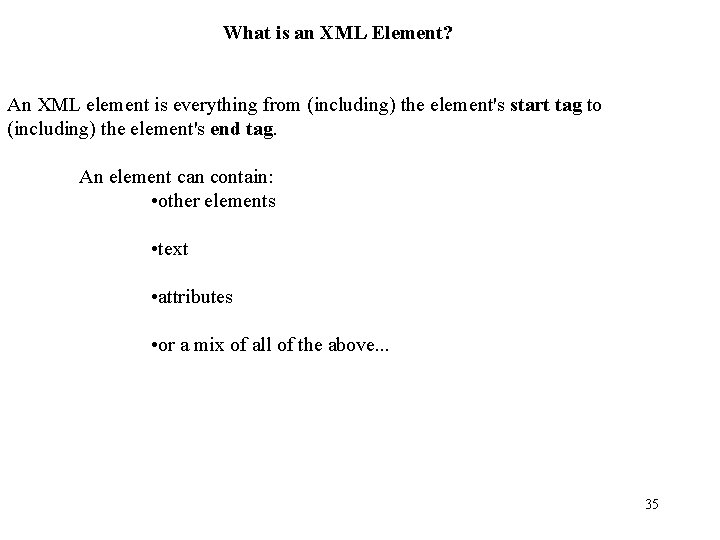
What is an XML Element? An XML element is everything from (including) the element's start tag to (including) the element's end tag. An element can contain: • other elements • text • attributes • or a mix of all of the above. . . 35
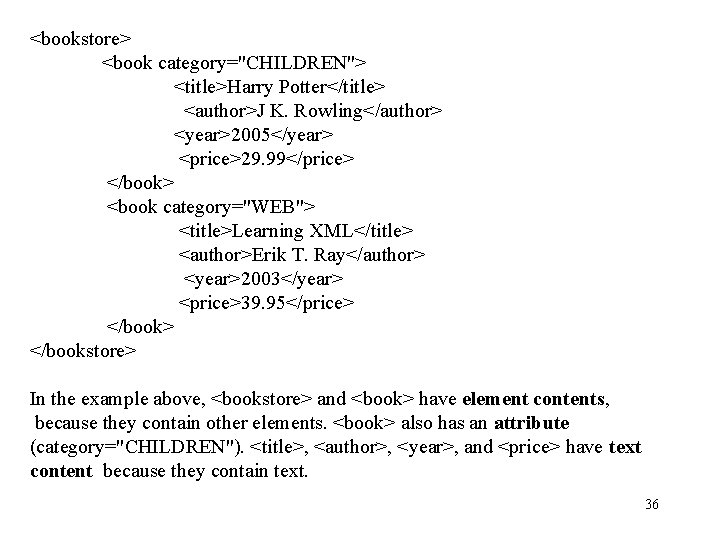
<bookstore> <book category="CHILDREN"> <title>Harry Potter</title> <author>J K. Rowling</author> <year>2005</year> <price>29. 99</price> </book> <book category="WEB"> <title>Learning XML</title> <author>Erik T. Ray</author> <year>2003</year> <price>39. 95</price> </book> </bookstore> In the example above, <bookstore> and <book> have element contents, because they contain other elements. <book> also has an attribute (category="CHILDREN"). <title>, <author>, <year>, and <price> have text content because they contain text. 36
XML Naming Rules XML elements must follow these naming rules: • Names can contain letters, numbers, and other characters • Names cannot start with a number or punctuation character • Names cannot start with the letters xml (or XML, or Xml, etc) • Names cannot contain spaces Any name can be used, no words are reserved. Best Naming Practices Make names descriptive. Names with an underscore separator are nice: <first_name>, <last_name>. Names should be short and simple, like this: <book_title> not like this: <the_title_of_the_book > 37
XML Attributes In XML, attributes provide additional information about elements Attribute values must always be quoted. Either single or double quotes can be used. For a person's sex, the person element can be written like this: <person sex="female"> or like this: <person sex='female'> 38
XML Validator Errors in XML documents will stop your XML applications. The W 3 C XML specification states that a program should stop processing an XML document if it finds an error. The reason is that XML software should be small, fast, and compatible. HTML browsers will display documents with errors (like missing end tags). HTML browsers are big and incompatible because they have a lot of unnecessary code to deal with (and display) HTML errors. With XML, errors are not allowed. Well formed document. A XML document is well formed if it follows all the syntax rules contained in the XML specification 39
Some syntactic differences between XML and HTML • XML elements (composed of a start and end tag) must be stricly nested. <B><I> improper nesting </B></I> is legali i n HTML, but illegal in XML. • In XML every start tag must have an end tag. • XML documents allow only one root element, the top level element that contains all other elements. • All attributes values in XML must be sorrounded by single or double quotes. • XML tags are case sensitives. • Whitespace between tags is ignored in HTML, but is preserved in XML and considered relevant. • Well formed document. A XML document is well formed if it follows all the syntax rules scontained in the XML specification 40
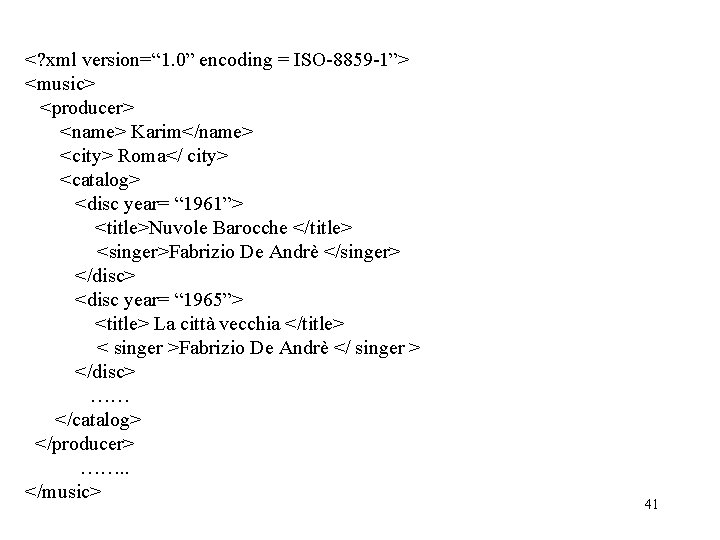
<? xml version=“ 1. 0” encoding = ISO-8859 -1”> <music> <producer> <name> Karim</name> <city> Roma</ city> <catalog> <disc year= “ 1961”> <title>Nuvole Barocche </title> <singer>Fabrizio De Andrè </singer> </disc> <disc year= “ 1965”> <title> La città vecchia </title> < singer >Fabrizio De Andrè </ singer > </disc> …… </catalog> </producer> ……. . </music> 41
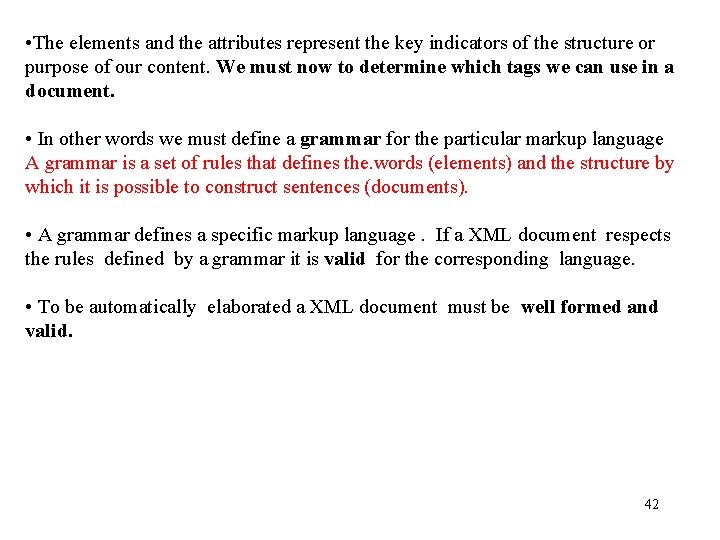
• The elements and the attributes represent the key indicators of the structure or purpose of our content. We must now to determine which tags we can use in a document. • In other words we must define a grammar for the particular markup language A grammar is a set of rules that defines the. words (elements) and the structure by which it is possible to construct sentences (documents). • A grammar defines a specific markup language. If a XML document respects the rules defined by a grammar it is valid for the corresponding language. • To be automatically elaborated a XML document must be well formed and valid. 42
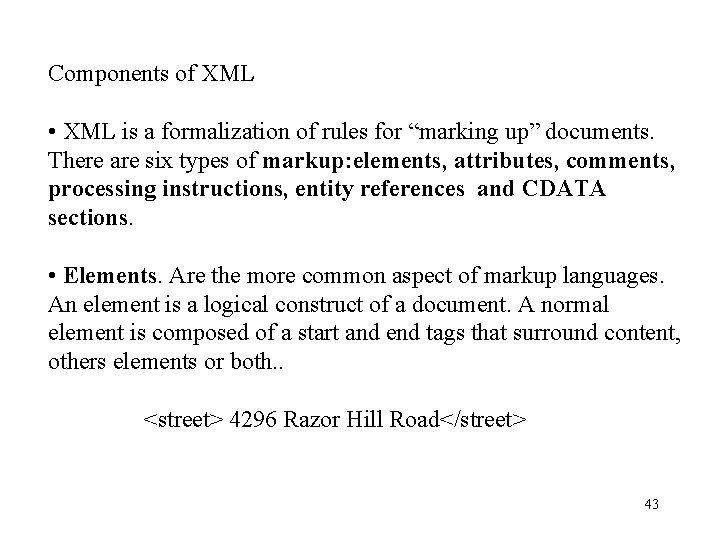
Components of XML • XML is a formalization of rules for “marking up” documents. There are six types of markup: elements, attributes, comments, processing instructions, entity references and CDATA sections. • Elements. Are the more common aspect of markup languages. An element is a logical construct of a document. A normal element is composed of a start and end tags that surround content, others elements or both. . <street> 4296 Razor Hill Road</street> 43
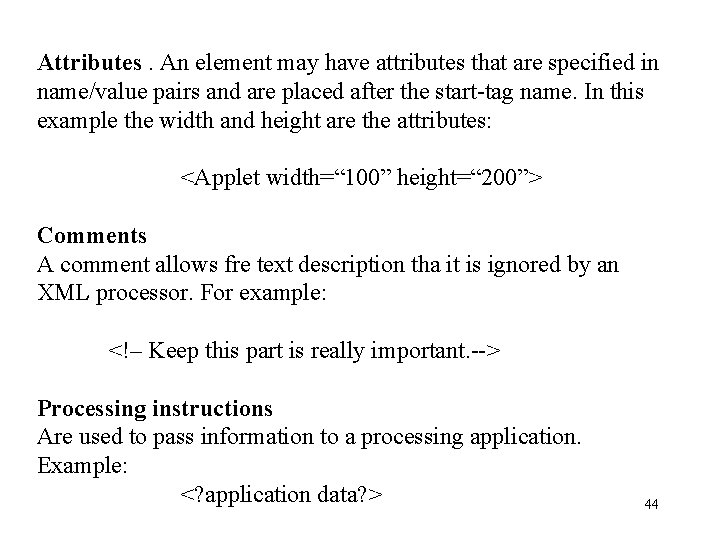
Attributes. An element may have attributes that are specified in name/value pairs and are placed after the start-tag name. In this example the width and height are the attributes: <Applet width=“ 100” height=“ 200”> Comments A comment allows fre text description tha it is ignored by an XML processor. For example: <!– Keep this part is really important. --> Processing instructions Are used to pass information to a processing application. Example: <? application data? > 44
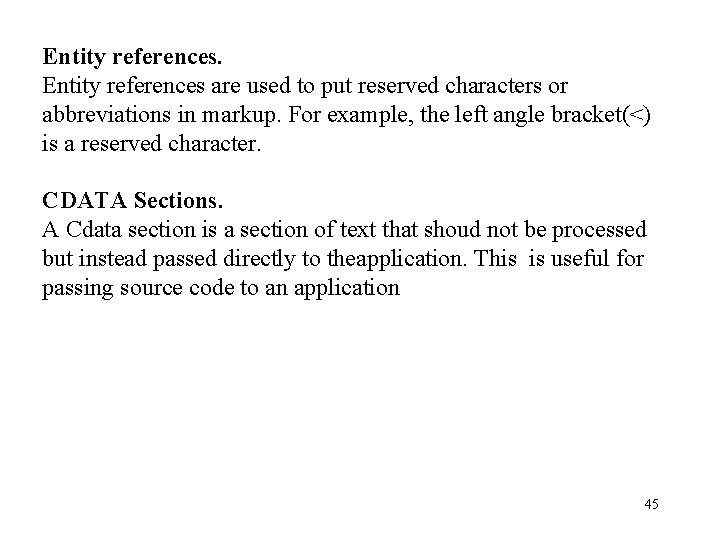
Entity references are used to put reserved characters or abbreviations in markup. For example, the left angle bracket(<) is a reserved character. CDATA Sections. A Cdata section is a section of text that shoud not be processed but instead passed directly to theapplication. This is useful for passing source code to an application 45
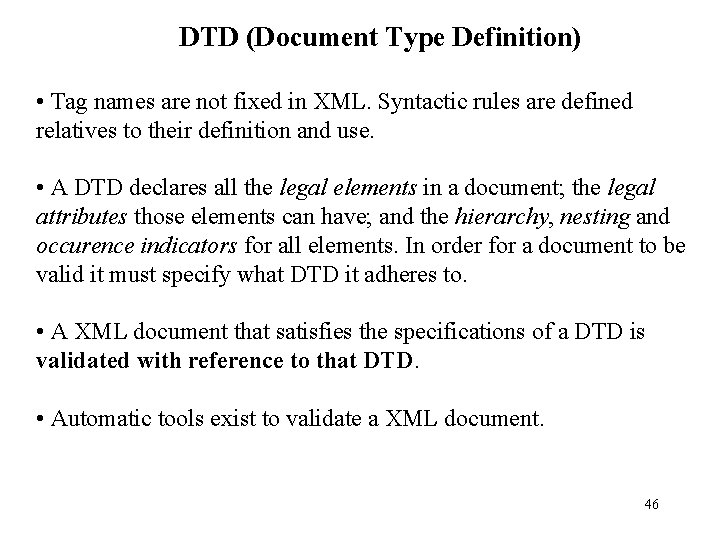
DTD (Document Type Definition) • Tag names are not fixed in XML. Syntactic rules are defined relatives to their definition and use. • A DTD declares all the legal elements in a document; the legal attributes those elements can have; and the hierarchy, nesting and occurence indicators for all elements. In order for a document to be valid it must specify what DTD it adheres to. • A XML document that satisfies the specifications of a DTD is validated with reference to that DTD. • Automatic tools exist to validate a XML document. 46
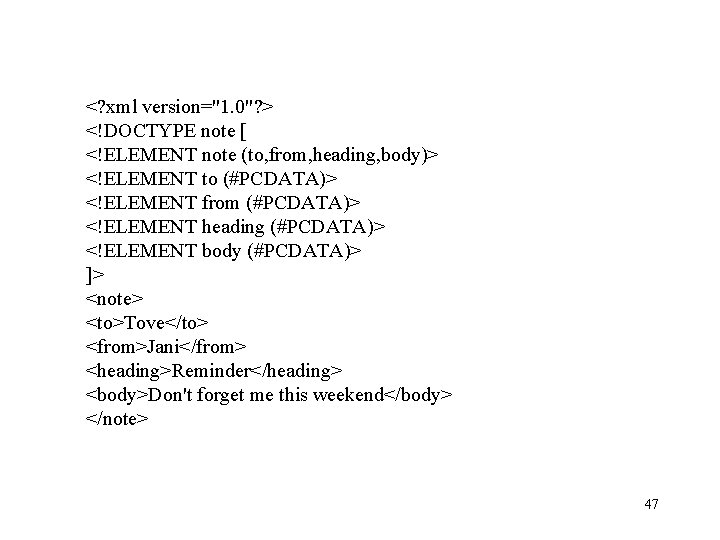
<? xml version="1. 0"? > <!DOCTYPE note [ <!ELEMENT note (to, from, heading, body)> <!ELEMENT to (#PCDATA)> <!ELEMENT from (#PCDATA)> <!ELEMENT heading (#PCDATA)> <!ELEMENT body (#PCDATA)> ]> <note> <to>Tove</to> <from>Jani</from> <heading>Reminder</heading> <body>Don't forget me this weekend</body> </note> 47
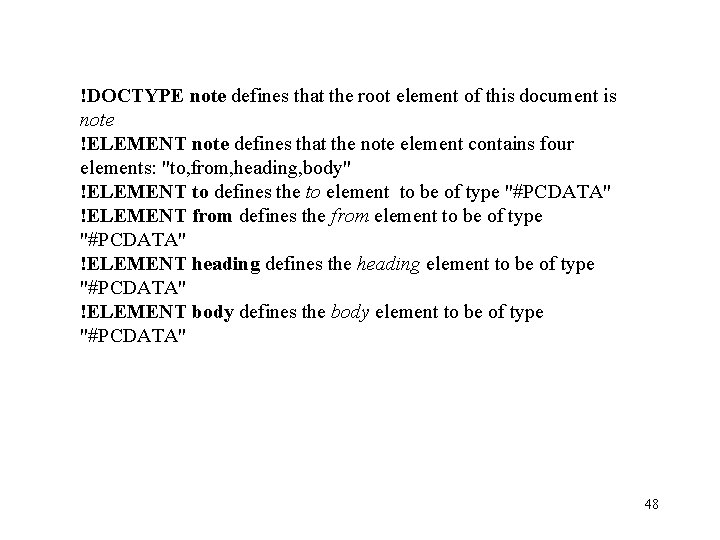
!DOCTYPE note defines that the root element of this document is note !ELEMENT note defines that the note element contains four elements: "to, from, heading, body" !ELEMENT to defines the to element to be of type "#PCDATA" !ELEMENT from defines the from element to be of type "#PCDATA" !ELEMENT heading defines the heading element to be of type "#PCDATA" !ELEMENT body defines the body element to be of type "#PCDATA" 48
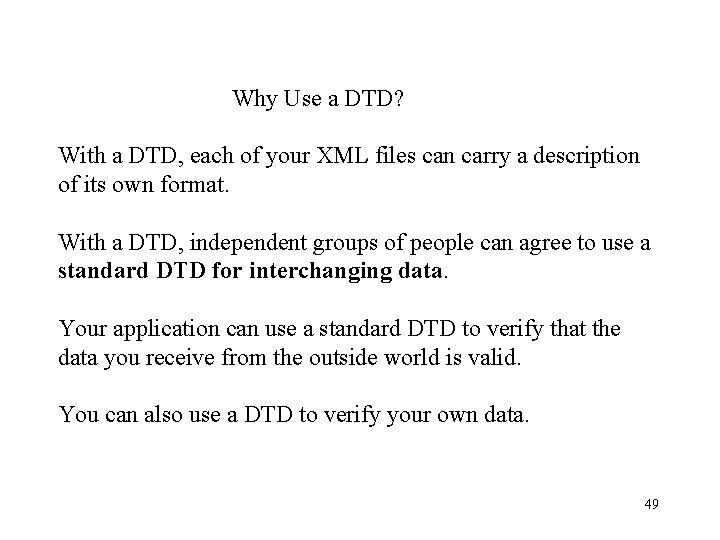
Why Use a DTD? With a DTD, each of your XML files can carry a description of its own format. With a DTD, independent groups of people can agree to use a standard DTD for interchanging data. Your application can use a standard DTD to verify that the data you receive from the outside world is valid. You can also use a DTD to verify your own data. 49
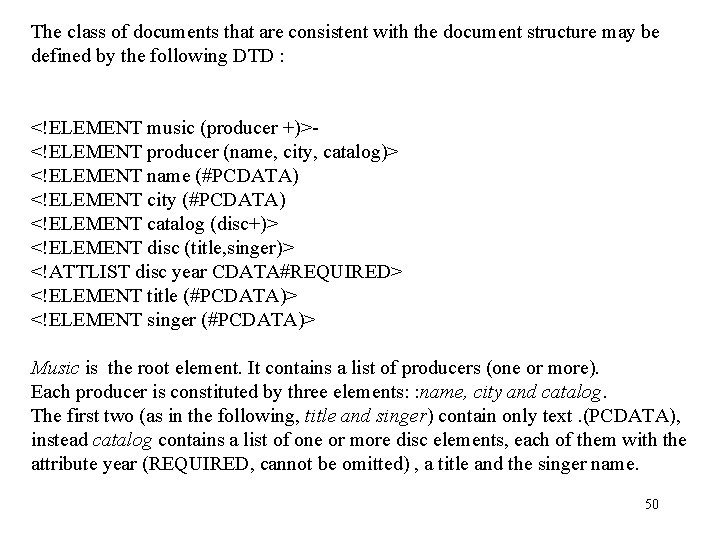
The class of documents that are consistent with the document structure may be defined by the following DTD : <!ELEMENT music (producer +)><!ELEMENT producer (name, city, catalog)> <!ELEMENT name (#PCDATA) <!ELEMENT city (#PCDATA) <!ELEMENT catalog (disc+)> <!ELEMENT disc (title, singer)> <!ATTLIST disc year CDATA#REQUIRED> <!ELEMENT title (#PCDATA)> <!ELEMENT singer (#PCDATA)> Music is the root element. It contains a list of producers (one or more). Each producer is constituted by three elements: : name, city and catalog. The first two (as in the following, title and singer) contain only text. (PCDATA), instead catalog contains a list of one or more disc elements, each of them with the attribute year (REQUIRED, cannot be omitted) , a title and the singer name. 50
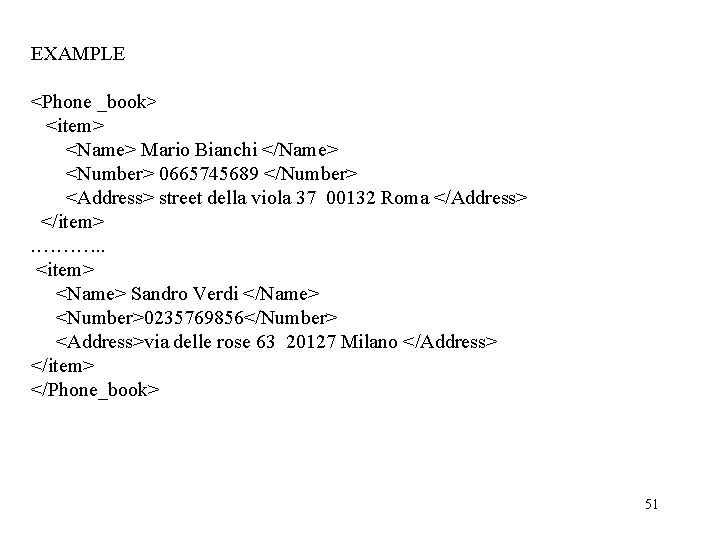
EXAMPLE <Phone _book> <item> <Name> Mario Bianchi </Name> <Number> 0665745689 </Number> <Address> street della viola 37 00132 Roma </Address> </item>. ………. . <item> <Name> Sandro Verdi </Name> <Number>0235769856</Number> <Address>via delle rose 63 20127 Milano </Address> </item> </Phone_book> 51
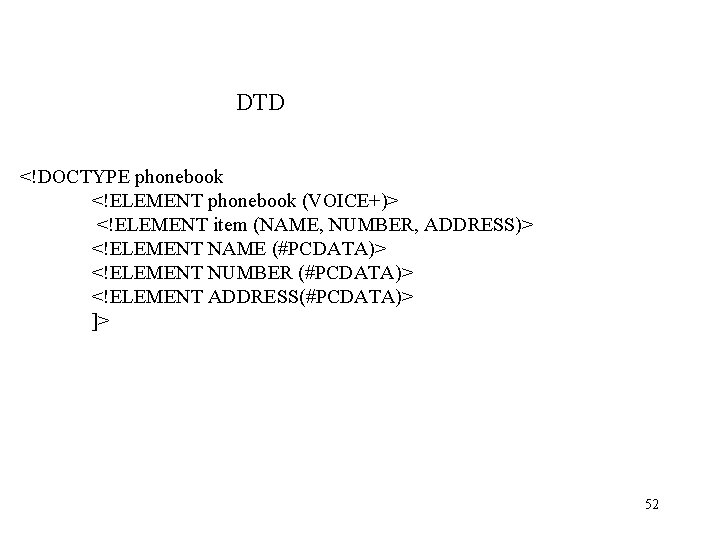
DTD <!DOCTYPE phonebook <!ELEMENT phonebook (VOICE+)> <!ELEMENT item (NAME, NUMBER, ADDRESS)> <!ELEMENT NAME (#PCDATA)> <!ELEMENT NUMBER (#PCDATA)> <!ELEMENT ADDRESS(#PCDATA)> ]> 52
Standard for the definition of XML application domains • In order to assigne a semantic value to the elements and attributes of a XML document , standards have been created for different application domains. SBML (System Biology Markup Language)(http: //sbml. org) GML ( Geography Markup Language)(http: //www. opengeospatial. org) Health. Care. Level Seven (http: //www. hl 7. org) XBRL (XML based Business Reporting standard (http: //www. xbrl. org) GJXDM (Global Justice XML Data Model) (http: //it. oip. gov/jxdm). Rosetta net consortium has defined a number of document types and their semantic to use in B 2 B transactions in the ICT sector. 53
Al momento è necessario (web services) concordino sull’uso dei termini della transazione che si vuole realizzare. XML offre solo interoperabilità di tipo sintattico e strutturale, ma non una reale condivisione di conoscenza, quando non vi sia già una semantica condivisa. Ontologie. Web semantico 54
Transformation languages Tranformation • The browser cannot interprete the tags (differently from HTML). • XML does not allow the description of the graphic presentation of the logical elements of the text. Special purpose languages (stylesheets) are used. • It is possible to obtain from the same XML document different kinds of pubblication (paper www, audio, . . ) by using different stylesheets • A common stylesheets is XSL (e. Xtensible Stylesheet Language). It is possible not only to decide the graphic format, but also to decide which parts of the document must be displayed. 55
Query Xpath. Sintax like to file pathname in order to find element depending on their position in the XML tree. Ex: doc (music. xml)//catalog/disc Estracts all the disc elements contained in the catalog element of the xml music document doc (music xml)//catalog/disc [singer “Bob Dylan”] doc (music. xml)//catalog/disc[singer“Bob Dylan”]/title 56
Parsing • Parsing is the process of dissecting a body of text into its individual component pieces. • For example, if that body of text is a paragraph, parsing will break the paragraph into sentences. It would then break a sentence into subject and predicate. In turn, the subject and the predicate would then be broken down into their components like nouns, verbs and adjectives. • Lexical analysis breaks the body of text into tokens. Tokens are the smallest atomic components of the stream of data. In the paragraph example, tokens would be words (scanner) • Grammatical analysis. Involves recognizing the syntactical structure of a language. In other words , how words are combined to form larger structures and how those structures form even larger ones (parser). • SAX, DOM 57
DOM (Document Object Model) The XML DOM defines a standard way for accessing and manipulating XML documents. The DOM presents an XML document as a tree-structure. 58
Base Software • XML Browser. Allows the simple reading of XML documents Open source, Internet Explorer. . , • Validationion parser and XSLT are available as open source products • XML Editor (file di testo) : provide features for syntactic validation and DTD validation • MS XML Notepad, XML Pro, ect. XML SPY 59
XMLand data-base • It is possible to obtain a XML form of a query • Example: Microsoft SQL Server allows to obtain the XML form of a query by using “FOR XML” • It is possible to modify a relational database using XML data. 60
XHTML (e. Xtensible Hypertext Markup Language) • Sfruttando le somiglianze sintattiche è stato definito un linguaggio di markup per le pagine web che mette a disposizione le possibilità di HTML con una sintassi XML • Semplifica la programmazione di browser per computer e cellulari. Software di base 61
• La DTD può essere inserita all’inizio del documento XML o memorizzata in un file diverso cui fa riferimento. • La DTD può essere privata (scritta dall’utente stesso) oppure pubblica (reperita in rete). • La DTD di un documento XML non fornisce alcuna informazione semantica: definire che un certo elemento deve essere contenuto in un documento XML non è sufficiente per chiarire la sua semantica e come l’informazione verrà utilizzata da chi riceve il documento. • Quando l’informazione viene estratta, deve esserci un programma che comprende la semantica. 62