
DNS and HTTP Finally the application layer We
- Slides: 13
DNS and HTTP
Finally, the application layer! • We have learned about: – Signals being sent on wires – Frames carried over dumb local networks – Packets carried over the entire internet – Making communication useably reliable + efficient WHAT’S THE POINT?
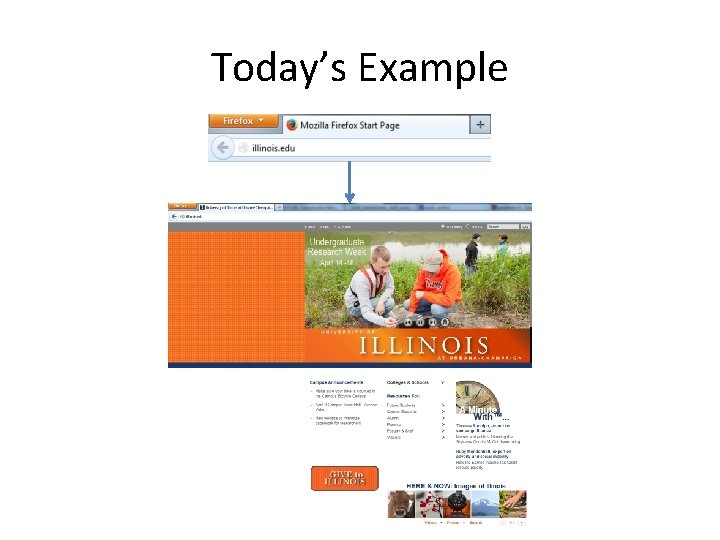
Today’s Example
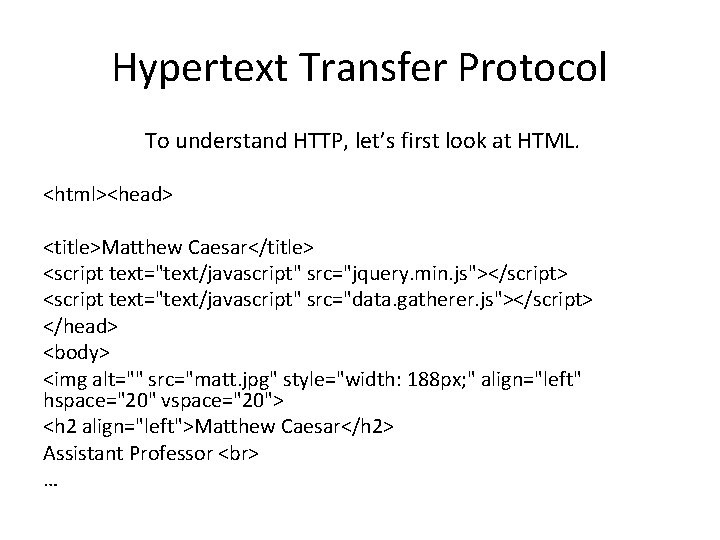
Hypertext Transfer Protocol To understand HTTP, let’s first look at HTML. <html><head> <title>Matthew Caesar</title> <script text="text/javascript" src="jquery. min. js"></script> <script text="text/javascript" src="data. gatherer. js"></script> </head> <body> <img alt="" src="matt. jpg" style="width: 188 px; " align="left" hspace="20" vspace="20"> <h 2 align="left">Matthew Caesar</h 2> Assistant Professor …
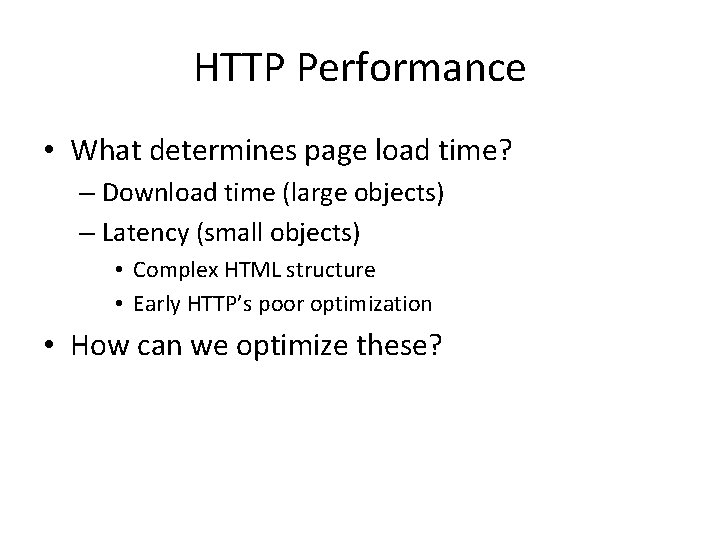
HTTP Performance • What determines page load time? – Download time (large objects) – Latency (small objects) • Complex HTML structure • Early HTTP’s poor optimization • How can we optimize these?
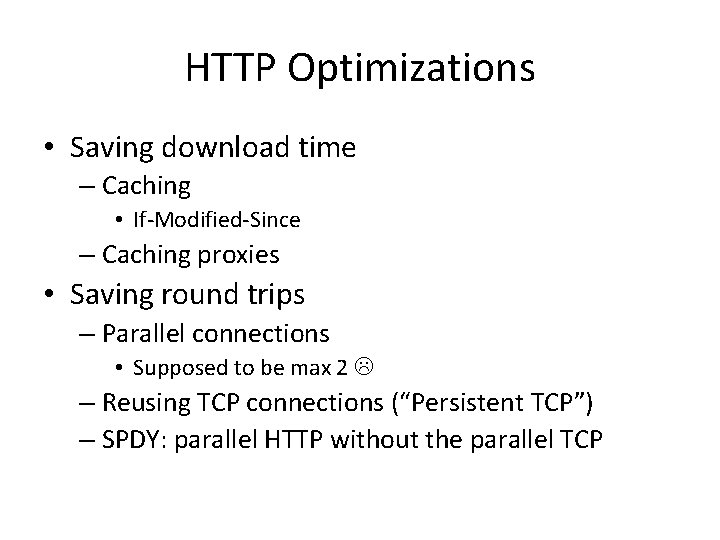
HTTP Optimizations • Saving download time – Caching • If-Modified-Since – Caching proxies • Saving round trips – Parallel connections • Supposed to be max 2 – Reusing TCP connections (“Persistent TCP”) – SPDY: parallel HTTP without the parallel TCP
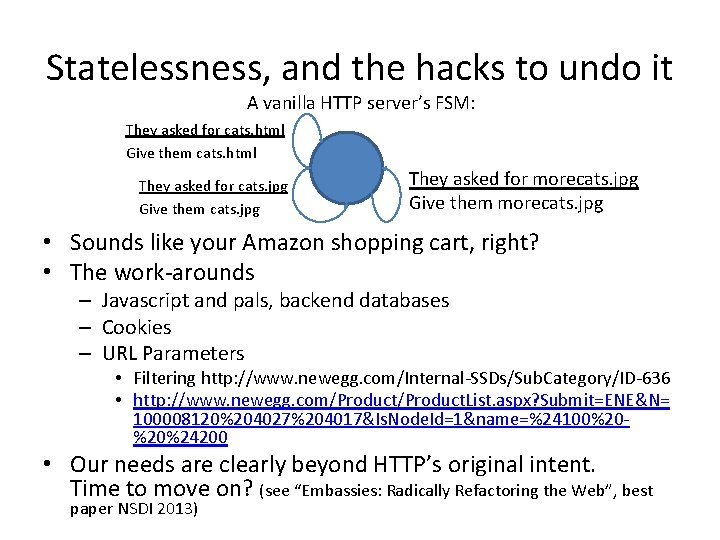
Statelessness, and the hacks to undo it A vanilla HTTP server’s FSM: They asked for cats. html Give them cats. html They asked for cats. jpg Give them cats. jpg They asked for morecats. jpg Give them morecats. jpg • Sounds like your Amazon shopping cart, right? • The work-arounds – Javascript and pals, backend databases – Cookies – URL Parameters • Filtering http: //www. newegg. com/Internal-SSDs/Sub. Category/ID-636 • http: //www. newegg. com/Product. List. aspx? Submit=ENE&N= 100008120%204027%204017&Is. Node. Id=1&name=%24100%20%20%24200 • Our needs are clearly beyond HTTP’s original intent. Time to move on? (see “Embassies: Radically Refactoring the Web”, best paper NSDI 2013)
DNS – A simple goal www. cs. illinois. edu 128. 174. 252. 83
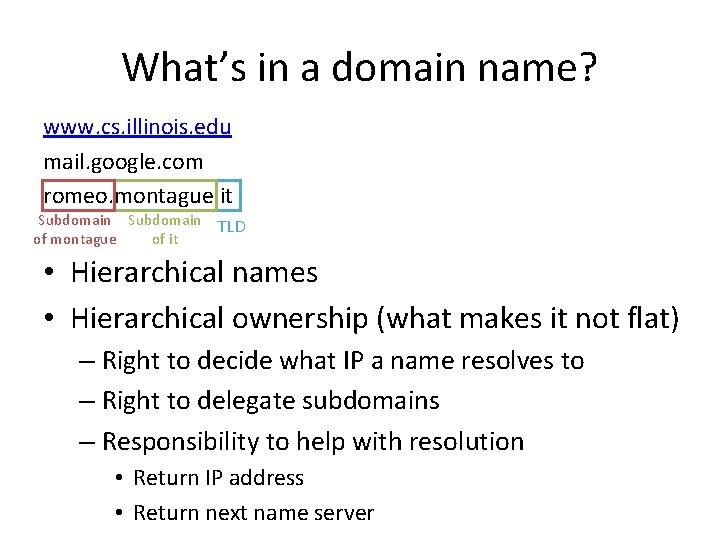
What’s in a domain name? www. cs. illinois. edu mail. google. com romeo. montague. it Subdomain TLD of montague of it • Hierarchical names • Hierarchical ownership (what makes it not flat) – Right to decide what IP a name resolves to – Right to delegate subdomains – Responsibility to help with resolution • Return IP address • Return next name server
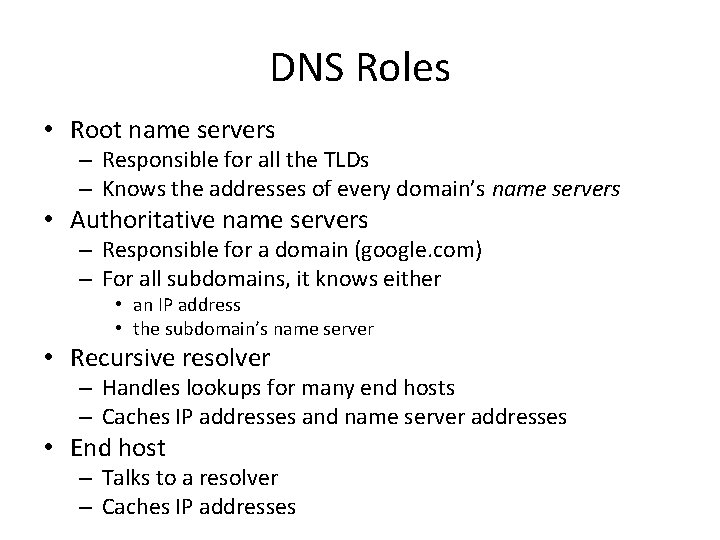
DNS Roles • Root name servers – Responsible for all the TLDs – Knows the addresses of every domain’s name servers • Authoritative name servers – Responsible for a domain (google. com) – For all subdomains, it knows either • an IP address • the subdomain’s name server • Recursive resolver – Handles lookups for many end hosts – Caches IP addresses and name server addresses • End host – Talks to a resolver – Caches IP addresses
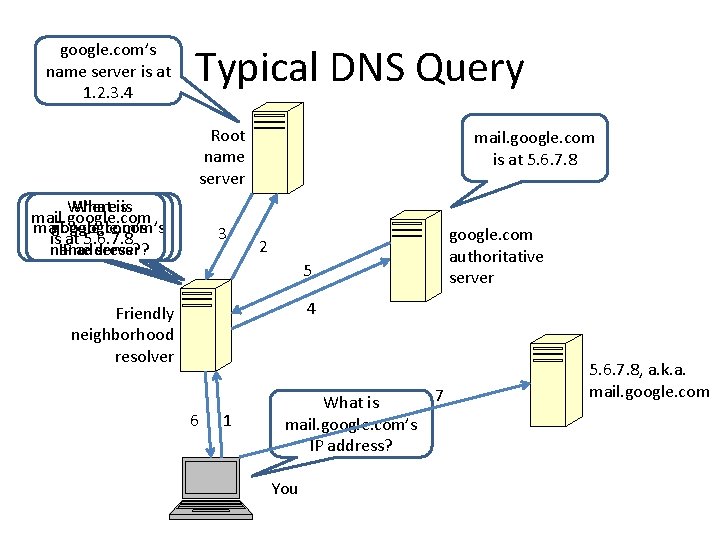
google. com’s name server is at 1. 2. 3. 4 Typical DNS Query Root name server What isis Where mail. google. com’s is at 5. 6. 7. 8 IP address? name server? 3 mail. google. com is at 5. 6. 7. 8 2 5 google. com authoritative server 4 Friendly neighborhood resolver 6 1 7 What is mail. google. com’s IP address? You 5. 6. 7. 8, a. k. a. mail. google. com
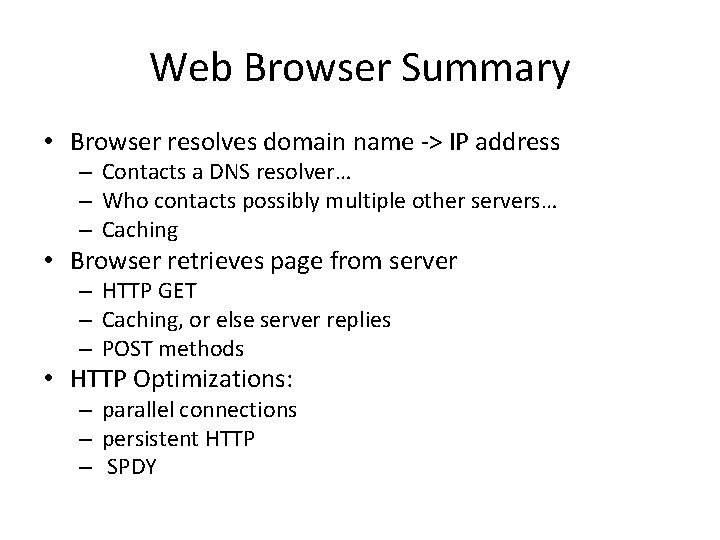
Web Browser Summary • Browser resolves domain name -> IP address – Contacts a DNS resolver… – Who contacts possibly multiple other servers… – Caching • Browser retrieves page from server – HTTP GET – Caching, or else server replies – POST methods • HTTP Optimizations: – parallel connections – persistent HTTP – SPDY
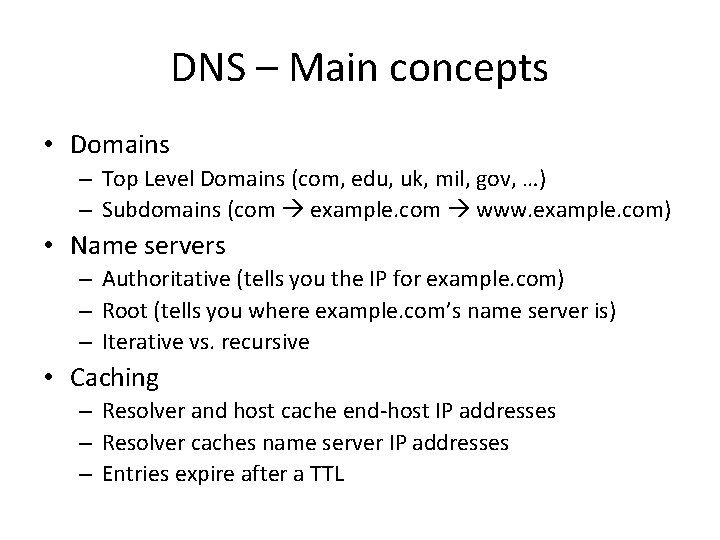
DNS – Main concepts • Domains – Top Level Domains (com, edu, uk, mil, gov, …) – Subdomains (com example. com www. example. com) • Name servers – Authoritative (tells you the IP for example. com) – Root (tells you where example. com’s name server is) – Iterative vs. recursive • Caching – Resolver and host cache end-host IP addresses – Resolver caches name server IP addresses – Entries expire after a TTL