
DNN Security Best Practices Keeping your site secure
DNN Security Best Practices Keeping your site secure!
Security is Multi-Faceted • DNN Platform Itself • Configuration • Third-Party • Monitoring
DNN Platform & Upgrades • Do not stay back on versions, unless really necessary • Monitor Git. Hub, possibly with release notifications to get notified of changes • Major & Minor releases are important, revision releases less important • 9. 4 & 10. 0 for example are key • 9. 5. 1 is less urgent typically unless a specific feature need
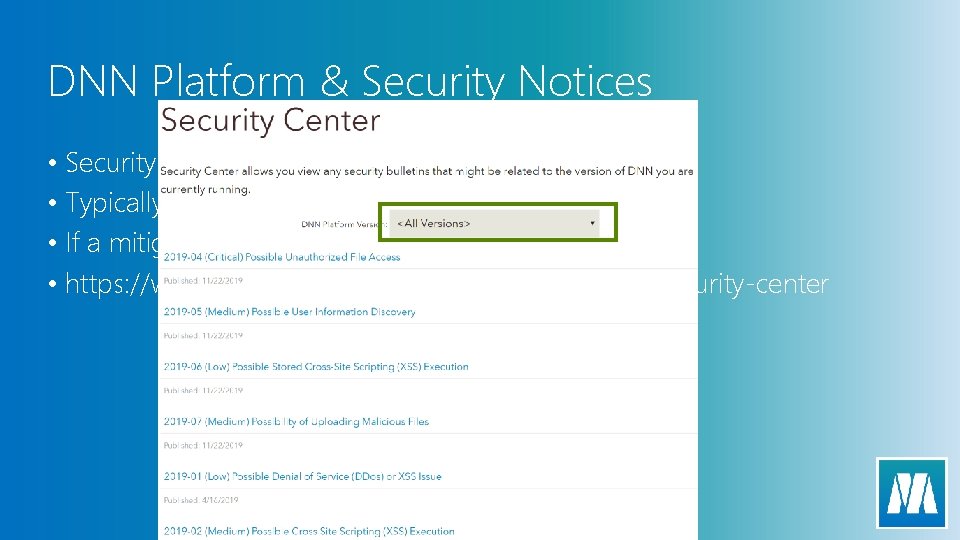
DNN Platform & Security Notices • Security notices are published after issues are resolved • Typically posted within 1 day of the release • If a mitigation can be disclosed it will be • https: //www. nnsoftware. com/community/security-center
Configuration - SSL • All sites should be SSL Secured • Use DNN’s Secure flag • Force it using UPDATE Tabs SET Is. Secure = 1 • Be aware with new pages that the default is to be NOT secure
Configuration – SSL++ Implement HSTS • Strict Transport Security tells browsers that you EXPECT to be secure. This prevents situations where a malicious user could try to downgrade a connection to get information • Implemented as a Host Header • Strict-Transport-Security: max-age=604800; Include. Sub. Domains; preload • Duration: Seconds to live (1 week as above) • Include. Sub. Domains = Forces sub domains • Preload = Allows browser fetching • Warning!!! – If you set this, and you don’t have secure content your site is broken, and cache clear does not fix it!
Configuration – Content Type Options • Content type options tell the browser your desire for its ability to assume the type of file based on extension. By default it can try to assume, this is a security risk • Fix implemented via a header • X-Content-Type-Options: nosniff • Tells the browser that it cannot detect the type of content
Configuration – Validate DNN Settings • DNN supports many use cases and the default configuration is set to allow many things to occur, so you want to be sure to enable/disable things as appropriate. • Registration mode? • Show Copyright Credits • Password Length • Display Critical Errors on Screen • Allowed file extensions
Configration – Server Level • Default Documents • Enabled Languages • Software Updates
Configuration – Advanced Level • Consider a Web Application Firewall (WAF) solution to allow malicious users to be blocked BEFORE they get to your installation • Cloud. Flare, Incapsula, Azure Front Door • Pricing – Free & Beyond
Third Party - Selection • Do they have a published security protocol? • What does their solution do, what types of access might it allow? • How do you get updates?
Third Party - Management • No longer using it – remove it! • Monitor their release & support frequency with that of the new releases, if they don’t support new releases, consider other options
Monitoring & Verification • Do you review your IIS, or the DNN Logs (/portals/_default folder)? • Monthly review, at a minimum will catch many things • Security – Login attempts etc • Performance – Errors etc • Verify configuration settings – especially if multiple Superusers • Document your configuration best practices
- Slides: 13