
DIY Digital Preservation Managing your personal digital archive
- Slides: 24
‘DIY’ Digital Preservation Managing your personal digital archive
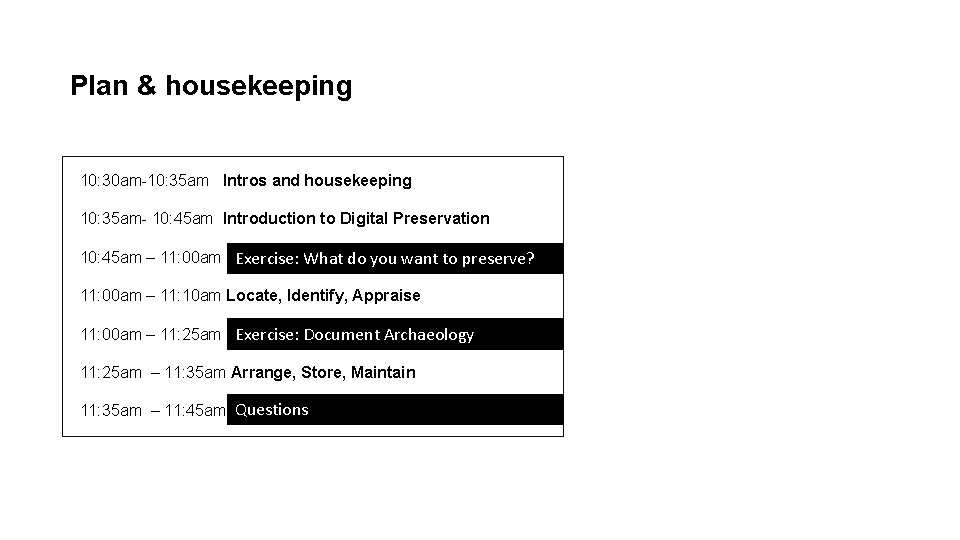
Plan & housekeeping 10: 30 am-10: 35 am Intros and housekeeping 10: 35 am- 10: 45 am Introduction to Digital Preservation 10: 45 am – 11: 00 am Exercise: What do you want to preserve? 11: 00 am – 11: 10 am Locate, Identify, Appraise 11: 00 am – 11: 25 am Exercise: Document Archaeology 11: 25 am – 11: 35 am Arrange, Store, Maintain 11: 35 am – 11: 45 am Questions
Who are we? • Bridging the Digital Gap traineeship scheme • UK National Archives (National Lottery Heritage Fund) • bringing ‘digital’ skills into the archives sector
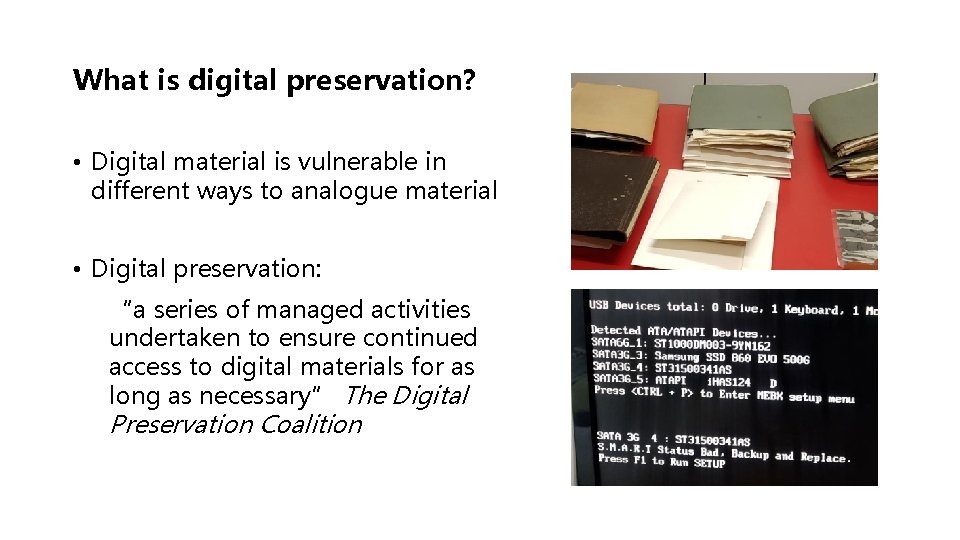
What is digital preservation? • Digital material is vulnerable in different ways to analogue material • Digital preservation: “a series of managed activities undertaken to ensure continued access to digital materials for as long as necessary” The Digital Preservation Coalition
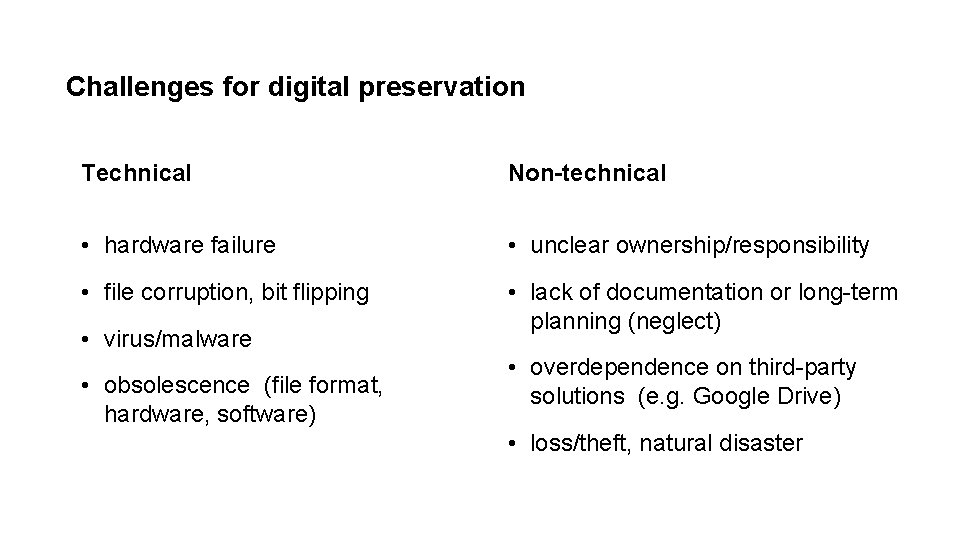
Challenges for digital preservation Technical Non-technical • hardware failure • unclear ownership/responsibility • file corruption, bit flipping • lack of documentation or long-term planning (neglect) • virus/malware • obsolescence (file format, hardware, software) • overdependence on third-party solutions (e. g. Google Drive) • loss/theft, natural disaster
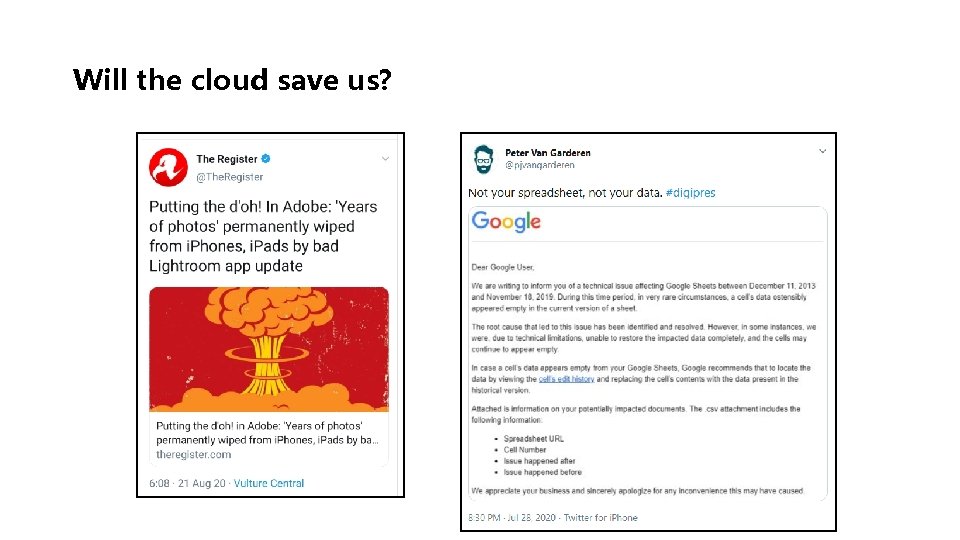
Will the cloud save us?
Why do personal digital preservation? • Your digital assets have value to you as an individual • Through personal digital preservation we can work to redress power imbalances in the cultural record • Personal digital preservation is empowering!
What do you care about? • What digital material do you care about that you would like to preserve? • What is important about: • The content of the material • Any other significant properties of the material
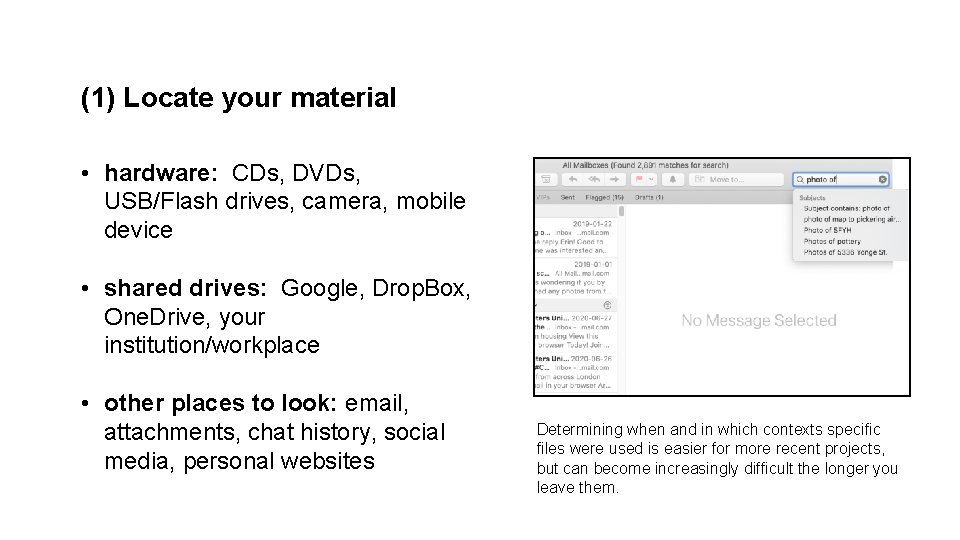
(1) Locate your material • hardware: CDs, DVDs, USB/Flash drives, camera, mobile device • shared drives: Google, Drop. Box, One. Drive, your institution/workplace • other places to look: email, attachments, chat history, social media, personal websites Determining when and in which contexts specific files were used is easier for more recent projects, but can become increasingly difficult the longer you leave them.
(2) Identify what you have • Knowing what file formats you have will support you in determining how to care for them • You can use free file format identification tools like DROID or Media. Info • Think about whether the file formats you have are the best way to preserve the significant properties of your material
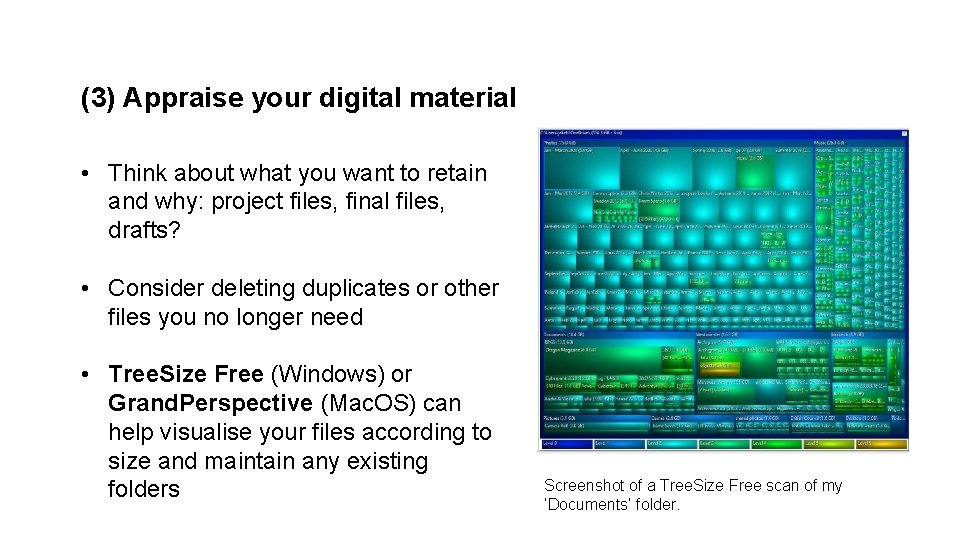
(3) Appraise your digital material • Think about what you want to retain and why: project files, final files, drafts? • Consider deleting duplicates or other files you no longer need • Tree. Size Free (Windows) or Grand. Perspective (Mac. OS) can help visualise your files according to size and maintain any existing folders Screenshot of a Tree. Size Free scan of my ‘Documents’ folder.
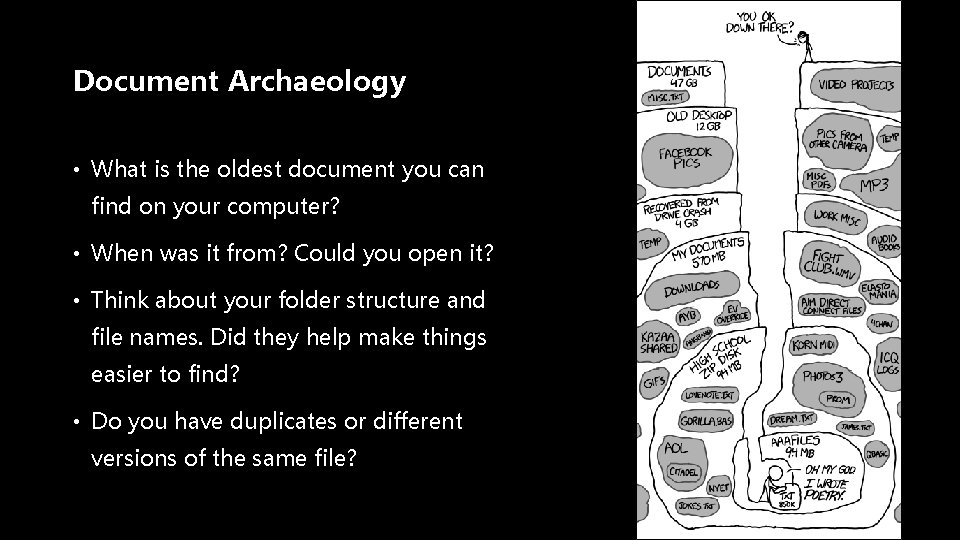
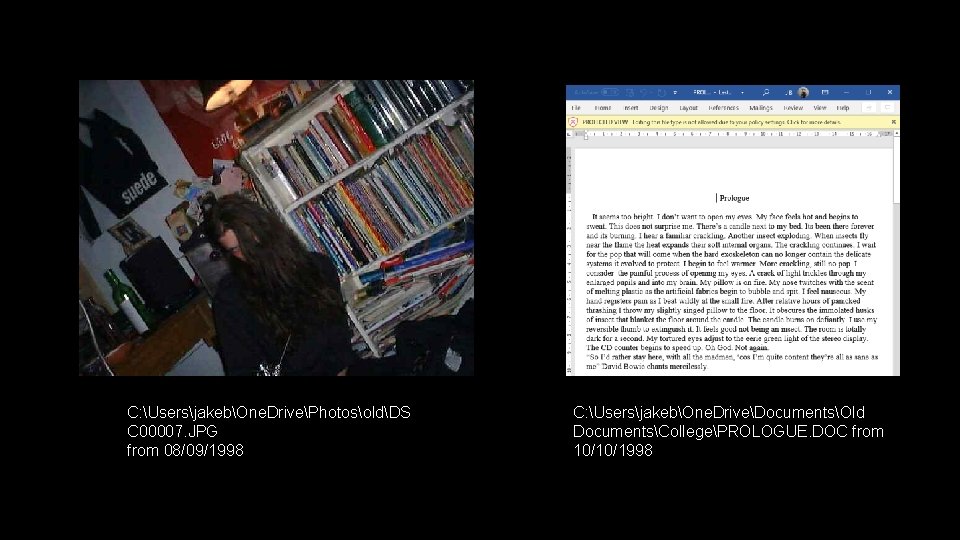
Document Archaeology • What is the oldest document you can find on your computer? • When was it from? Could you open it? • Think about your folder structure and file names. Did they help make things easier to find? • Do you have duplicates or different versions of the same file?
C: UsersjakebOne. DrivePhotosoldDS C 00007. JPG from 08/09/1998 C: UsersjakebOne. DriveDocumentsOld DocumentsCollegePROLOGUE. DOC from 10/10/1998
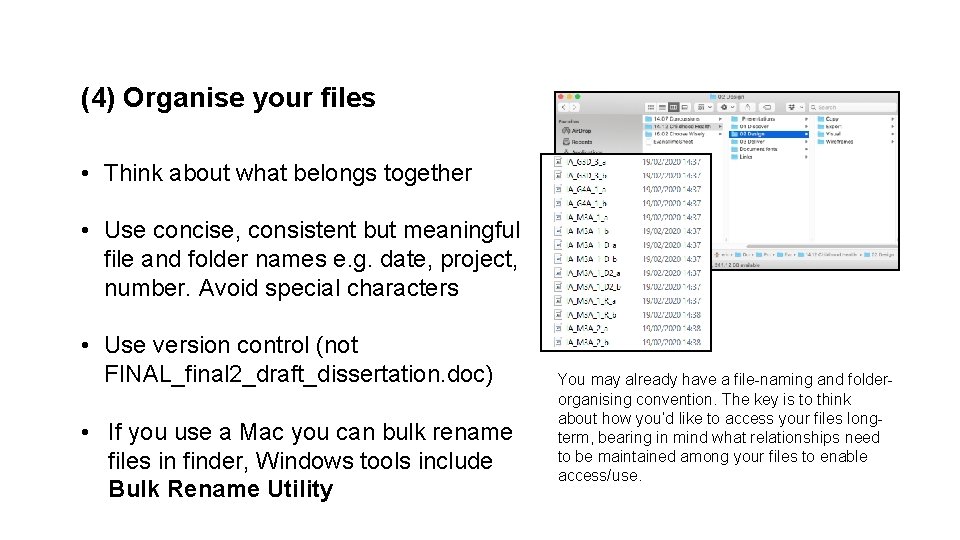
(4) Organise your files • Think about what belongs together • Use concise, consistent but meaningful file and folder names e. g. date, project, number. Avoid special characters • Use version control (not FINAL_final 2_draft_dissertation. doc) • If you use a Mac you can bulk rename files in finder, Windows tools include Bulk Rename Utility You may already have a file-naming and folderorganising convention. The key is to think about how you’d like to access your files longterm, bearing in mind what relationships need to be maintained among your files to enable access/use.
(5) Consider migrating file formats • Consider migrating file formats that are at risk of obsolescence or proprietary formats • Different formats may be appropriate for different stages of your workflow (e. g. PDFs for final documents) • Tools include: • Open/Libre Office for documents • Audacity with FFmpeg for audio • Image. Magick for images • Handbreak or FFmpeg for video You can find information about ‘at-risk’ formats via the DPC’s Bit. List: https: //www. dpconline. org/digipres/champion-digitalpreservation/bit-list Or via the Library of Congress: https: //www. loc. gov/preservation/digital/formats/
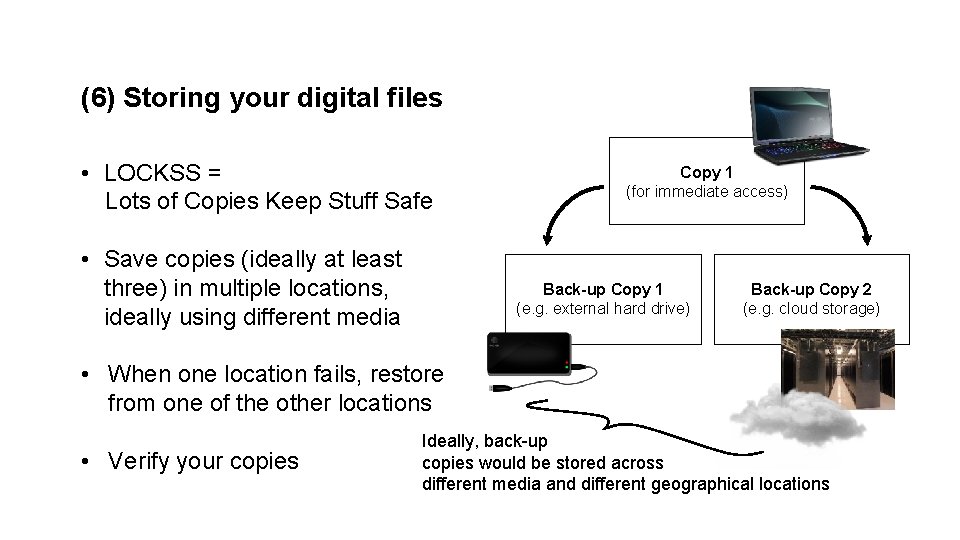
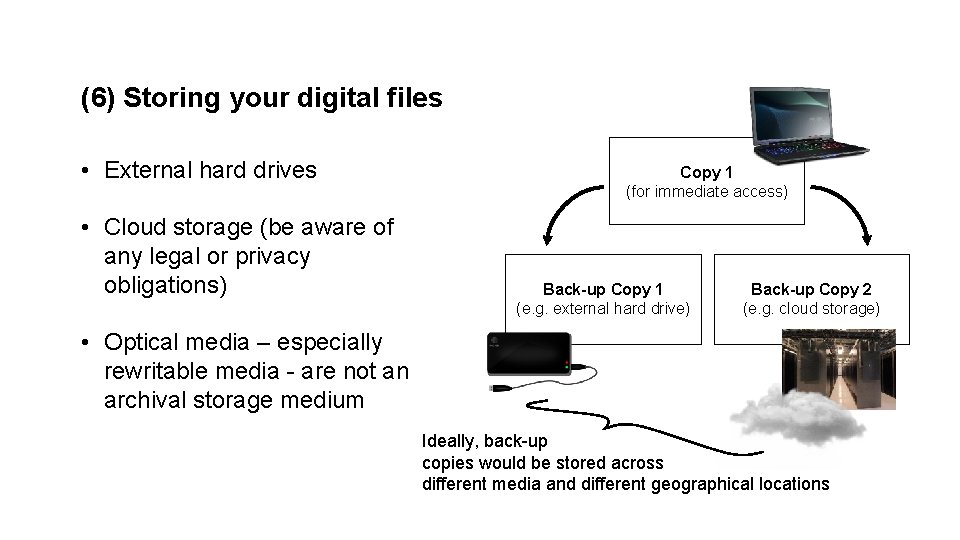
(6) Storing your digital files • LOCKSS = Lots of Copies Keep Stuff Safe • Save copies (ideally at least three) in multiple locations, ideally using different media Copy 1 (for immediate access) Back-up Copy 1 (e. g. external hard drive) Back-up Copy 2 (e. g. cloud storage) • When one location fails, restore from one of the other locations • Verify your copies Ideally, back-up copies would be stored across different media and different geographical locations
(6) Storing your digital files • External hard drives • Cloud storage (be aware of any legal or privacy obligations) Copy 1 (for immediate access) Back-up Copy 1 (e. g. external hard drive) Back-up Copy 2 (e. g. cloud storage) • Optical media – especially rewritable media - are not an archival storage medium Ideally, back-up copies would be stored across different media and different geographical locations
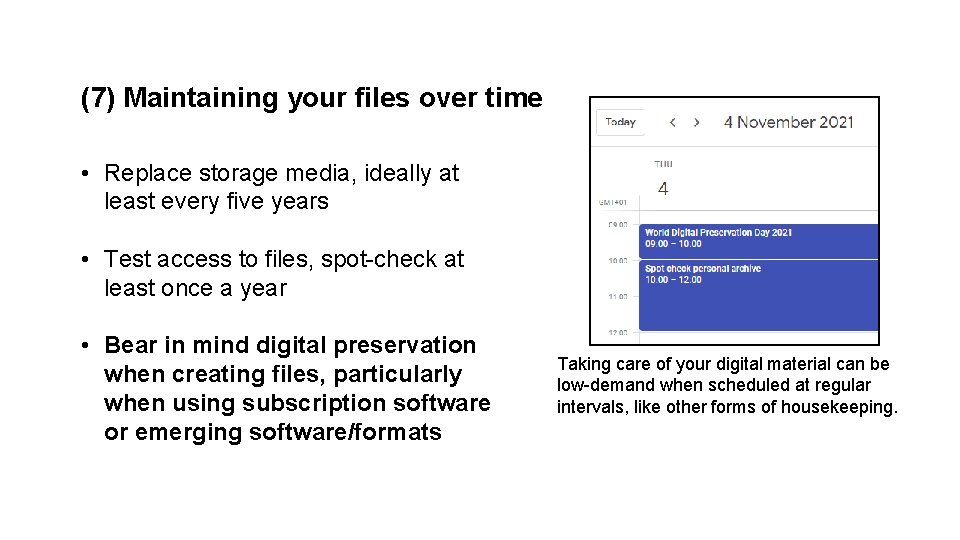
(7) Maintaining your files over time • Replace storage media, ideally at least every five years • Test access to files, spot-check at least once a year • Bear in mind digital preservation when creating files, particularly when using subscription software or emerging software/formats Taking care of your digital material can be low-demand when scheduled at regular intervals, like other forms of housekeeping.
Discussion • Think about your personal digital preservation strategy • Questions
Bonus content: email • • • Email is often used as an ‘informal archive’ – but it is frequently held by an unaccountable cloud-based service provider. Be careful: remember that you are working with material that contains your personal information and that involves others. First do some appraisal, try to delete unimportant things as you go along, move important things to a special folder. Make a local copy of your email via Google takeout or by using an email client like Thunderbird or Mac Mail. Export your email into an open format like mbox. Keep it safe, make backup copies.
Bonus content: email Getting your email: • • • Gmail – go to https: //takeout. google. com/ - you can specify which folders you want to get, they will be exported as mbox files. Google will email you when they are ready to download. If your email provider does not offer this option (e. g. Outlook), download a mail client such as Thunderbird https: //www. thunderbird. net/en-GB/ and set it up to work with your email account, this will create a local copy on your machine. To back it up, install the Import. Export Tool add-on and export as an mbox file. Alternatively save individual emails and add them to relevant project files in your archive.
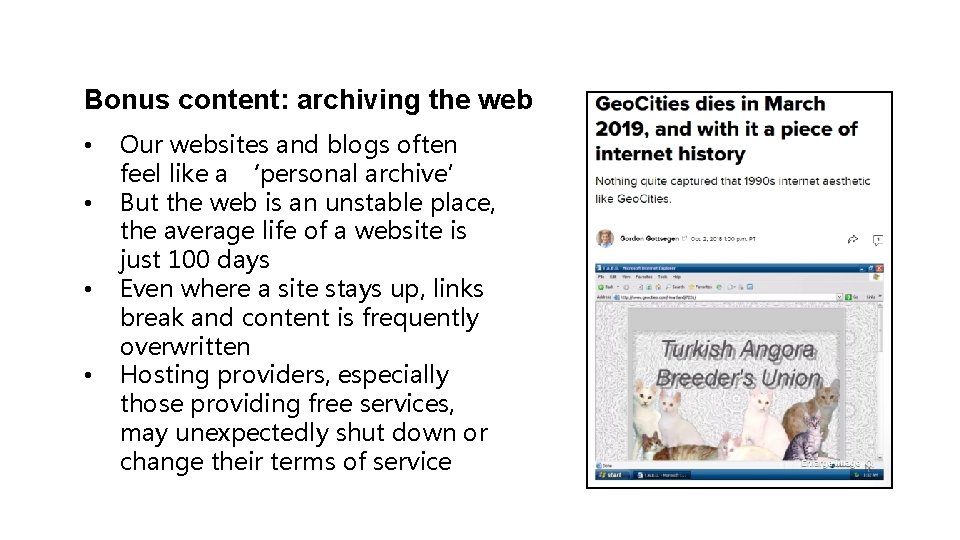
Bonus content: archiving the web • • Our websites and blogs often feel like a ‘personal archive’ But the web is an unstable place, the average life of a website is just 100 days Even where a site stays up, links break and content is frequently overwritten Hosting providers, especially those providing free services, may unexpectedly shut down or change their terms of service
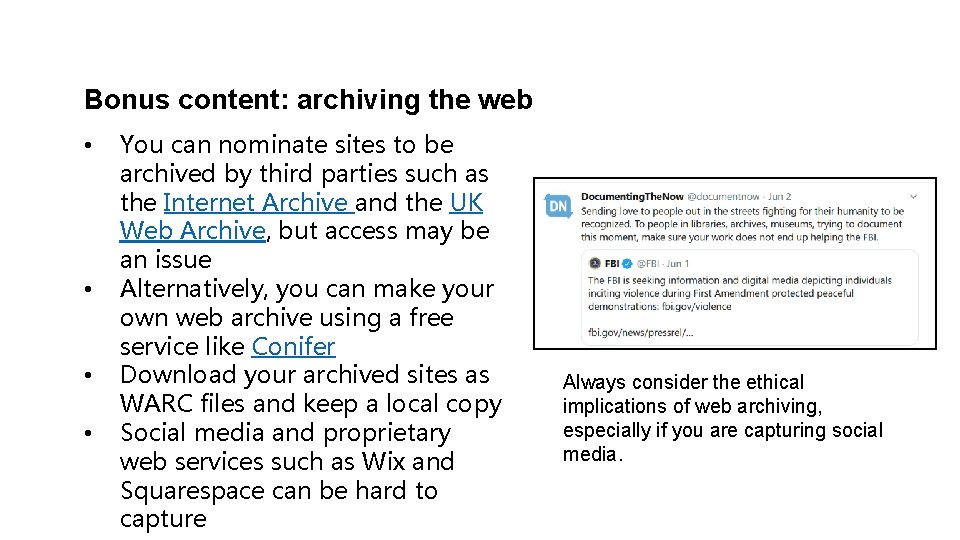
Bonus content: archiving the web • • You can nominate sites to be archived by third parties such as the Internet Archive and the UK Web Archive, but access may be an issue Alternatively, you can make your own web archive using a free service like Conifer Download your archived sites as WARC files and keep a local copy Social media and proprietary web services such as Wix and Squarespace can be hard to capture Always consider the ethical implications of web archiving, especially if you are capturing social media.
Further reading The Digital Preservation Coalition, see in particular the ‘Topical Note’ and ‘Technology Watch’ reports on personal digital archiving https: //www. dpconline. org/digipres/discover-good-practice/techwatch-reports The National Archives, digital preservation workflows https: //www. nationalarchives. gov. uk/archives-sector/projects-andprogrammes/plugged-in-powered-up/digital-preservationworkflows/ Social Control 2019 zine, from Documenting the Now: A guide to owning your social media content https: //www. docnow. io/workshops/social-control-2019/