
DISTRIBUTOR Homepage DESIGN EXPLORATION GUIDED NAMING BRAINSTORM DISTRIBUTOR
DISTRIBUTOR Homepage DESIGN EXPLORATION: GUIDED NAMING BRAINSTORM
DISTRIBUTOR Homepage – Index Slide 3 – Meeting Agenda Slide 4 – Part 1 Feature Brainstorm Slide 5 – Part 2 Naming Brainstorm Slide 6 – Part 3 notes Name Selection Slide 7 – Appendix
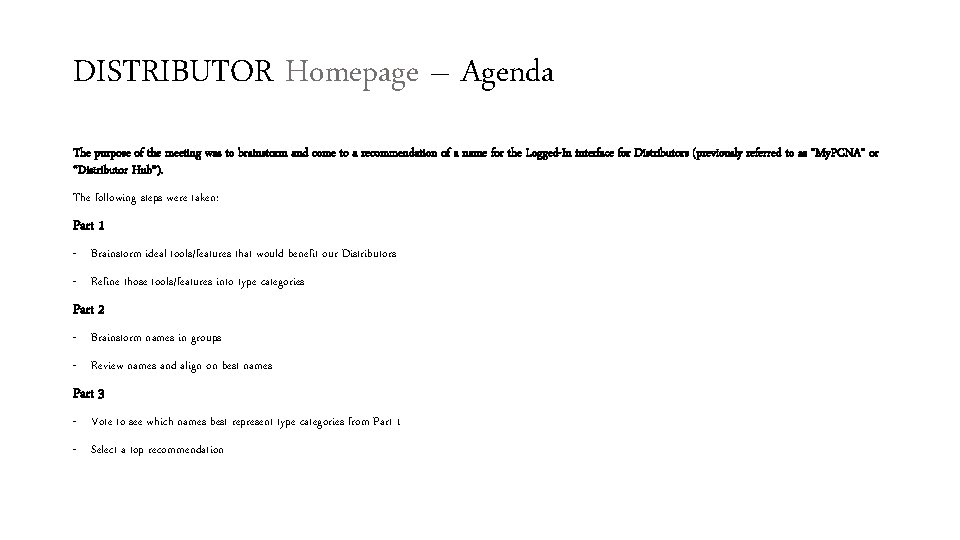
DISTRIBUTOR Homepage – Agenda The purpose of the meeting was to brainstorm and come to a recommendation of a name for the Logged-In interface for Distributors (previously referred to as “My. PCNA” or “Distributor Hub”). The following steps were taken: Part 1 - Brainstorm ideal tools/features that would benefit our Distributors - Refine those tools/features into type categories Part 2 - Brainstorm names in groups - Review names and align on best names Part 3 - Vote to see which names best represent type categories from Part 1 - Select a top recommendation
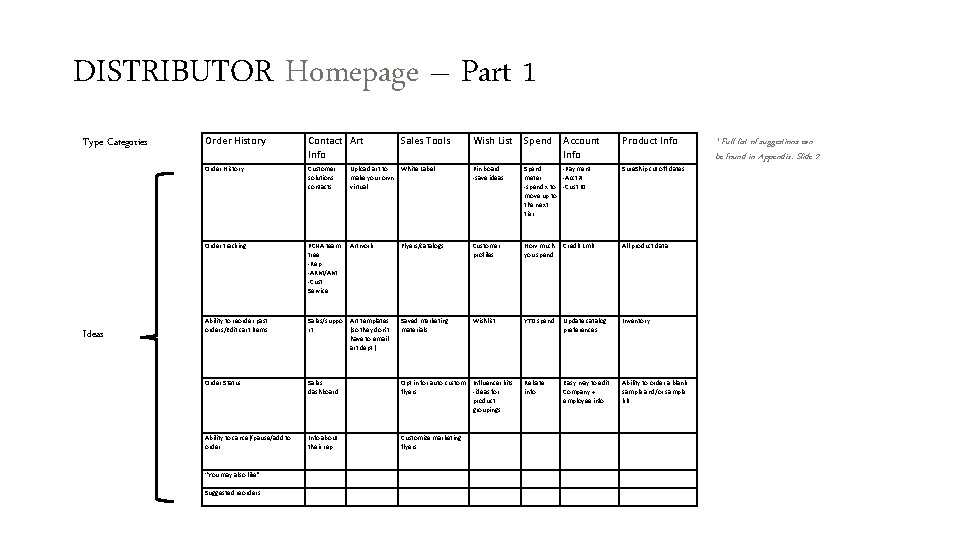
DISTRIBUTOR Homepage – Part 1 Type Categories Ideas Order History Contact Art Info Sales Tools Wish List Spend Order History Customer solutions contacts Upload art to make your own virtual White Label Pin board -save ideas Spend -Payment meter -Acct # -spend x to -Cust ID move up to the next tier Sure. Ship cut off dates Order tracking PCNA team tree -Rep -ARM/AM -Cust Service Artwork Flyers/catalogs Customer profiles How much you spend Credit Lmit All product data Ability to reorder past orders/Edit cart items Sales/suppo rt Art templates (so they don’t have to email art dept. ) Saved marketing materials Wishlist YTD spend Update catalog preferences Inventory Order Status Sales dashboard Opt in for auto custom Influencer kits flyers -ideas for product groupings Rebate info Easy way to edit Company + employee info Ability to order a blank sample and/or sample kit Ability to cancel/pause/add to order Info about their rep Customize marketing flyers “You may also like” Suggested reorders Account Info Product Info * Full list of suggestions can be found in Appendix. Slide 7
DISTRIBUTOR Homepage – Part 2 Top 3 names* : Which names best represent the feature type categories? • My HQ = Art, Spend, Order, Account Info, Contact Info, Wish List, Product Info • My Homebase = Art, Spend, Order, Account Info, Contact Info, Wish List, Product Info • PCNA Portal = Art, Spend, Order, Account Info, Contact Info, Wish List, Product Info, Sales Info * Full list of suggestions can be found in Appendix. Slide 7
DISTRIBUTOR Homepage – Part 3 Recommendation: PCNA Portal Attendees felt that it best represented the feature type categories: Art, Spend, Order, Account Info, Contact Info, Wish List, Product Info, Sales Info In addition, it was mentioned that it adds a branded element with “PCNA” distinguishing it from other “My”- centric dashboard tools/features.
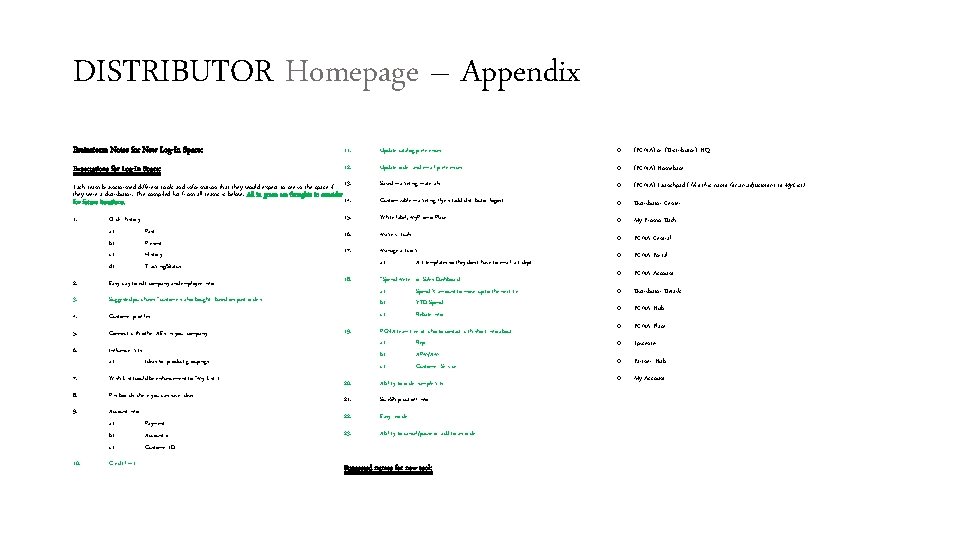
DISTRIBUTOR Homepage – Appendix Brainstorm Notes for New Log-In Space: 11. Update catalog preferences o (PCNA) or (Distributor) HQ Expectations for Log-In Space: 12. Update order and email preferences o (PCNA) Homebase Saved marketing materials o (PCNA) Launchpad ( like this name for an adjustment to My. List) Customizable marketing flyers (add distributor logos) o Distributor Center 15. White label, My. Promo Place o My Promo Dash 16. Make virtuals o PCNA Central 17. Manage artwork a) Art templates so they don’t have to email art dept o PCNA Portal 18. “Spend Meter” or Sales Dashboard a) Spend X amount to move up to the next tier b) YTD Spend c) Rebate info o PCNA Account o Distributor Details o PCNA Hub o PCNA Place o Epicenter o Partner Hub o My Account Each team brainstormed different tools and information that they would expect to see in the space if 13. they were a distributor. The compiled list from all teams is below. All in green are thoughts to consider 14. for future iterations. 1. Order history: a) b) c) d) Past Present History Tracking/Status 2. Easy way to edit company and employee info 3. Suggested purchases “customers also bought” based on past orders 4. Customer profiles 5. Connect with other AE’s in your company 6. Influencer kits a) Ideas for product groupings 7. Wish List (could be enhancement to “My List”) 8. Pin boards where you can save ideas 9. Account info a) b) c) 10. Credit limit 19. Payment Account # Customer ID PCNA team tree of who to contact with short info about a) Rep b) APM/AM c) Customer Service 20. Ability to order sample kits 21. Sure. Ship cut off info 22. Easy reorder 23. Ability to cancel/pause or add to an order Suggested names for new tool:
- Slides: 7