
Distance Learning With Microsoft Teams Schedule Visual All

- Slides: 7
Distance Learning With Microsoft Teams
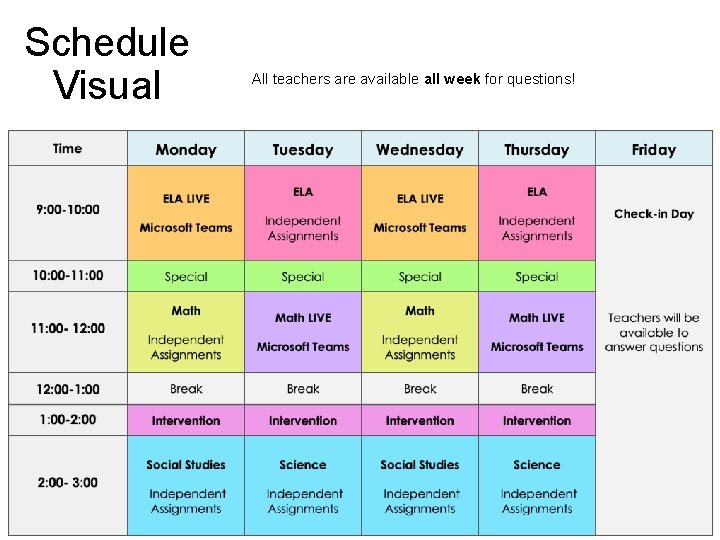
Schedule Visual All teachers are available all week for questions!
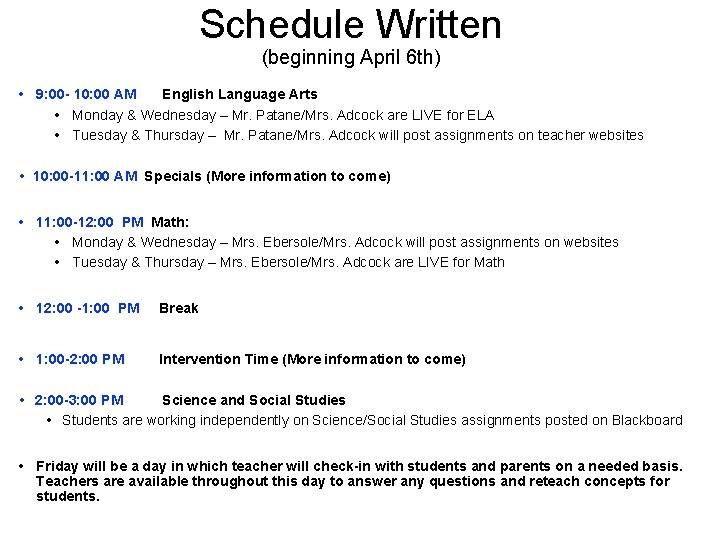
Schedule Written (beginning April 6 th) • 9: 00 - 10: 00 AM English Language Arts • Monday & Wednesday – Mr. Patane/Mrs. Adcock are LIVE for ELA • Tuesday & Thursday – Mr. Patane/Mrs. Adcock will post assignments on teacher websites • 10: 00 -11: 00 AM Specials (More information to come) • 11: 00 -12: 00 PM Math: • Monday & Wednesday – Mrs. Ebersole/Mrs. Adcock will post assignments on websites • Tuesday & Thursday – Mrs. Ebersole/Mrs. Adcock are LIVE for Math • 12: 00 -1: 00 PM Break • 1: 00 -2: 00 PM Intervention Time (More information to come) • 2: 00 -3: 00 PM Science and Social Studies • Students are working independently on Science/Social Studies assignments posted on Blackboard • Friday will be a day in which teacher will check-in with students and parents on a needed basis. Teachers are available throughout this day to answer any questions and reteach concepts for students.
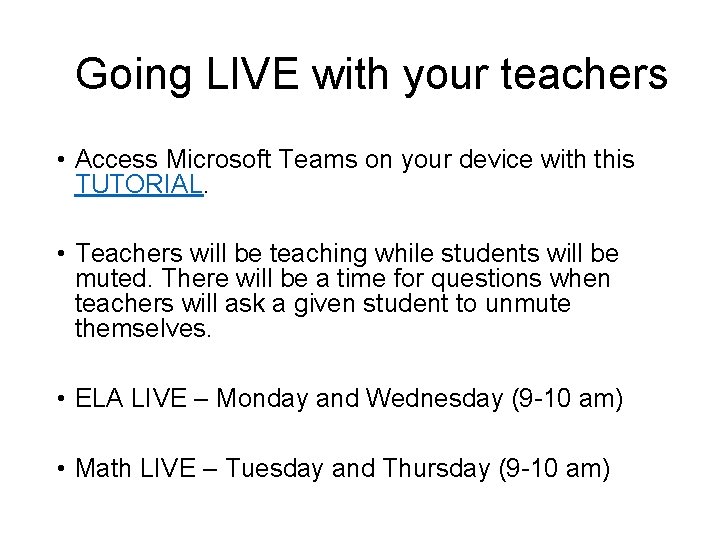
Going LIVE with your teachers • Access Microsoft Teams on your device with this TUTORIAL. • Teachers will be teaching while students will be muted. There will be a time for questions when teachers will ask a given student to unmute themselves. • ELA LIVE – Monday and Wednesday (9 -10 am) • Math LIVE – Tuesday and Thursday (9 -10 am)
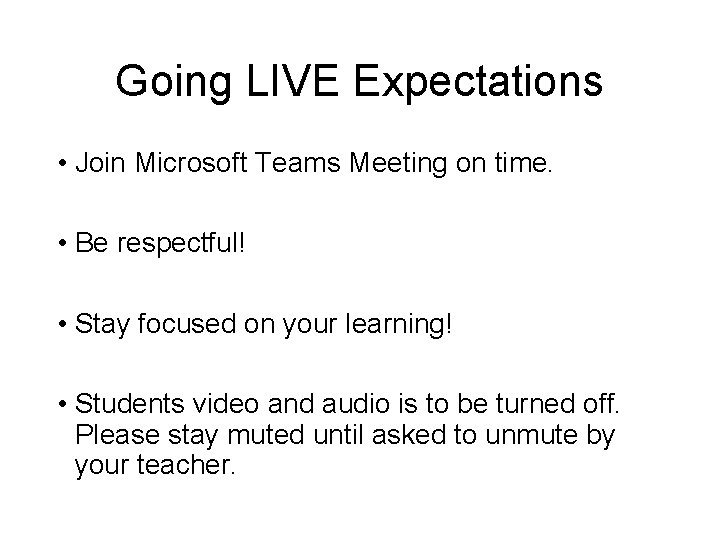
Going LIVE Expectations • Join Microsoft Teams Meeting on time. • Be respectful! • Stay focused on your learning! • Students video and audio is to be turned off. Please stay muted until asked to unmute by your teacher.
Digital Learning Expectations • Ask for help if you need it or don’t understand something. Take charge of your learning! • When doing work, try to avoid distractions. It might be a good idea to turn off devices. • Although this is a strange time, do your best! It’s okay if some days don’t go as planned.
Just remember. . . We are learning this with you. Thank you for your patience thus far and your continued patience as we work through this. We can’t wait to talk to you!